
Plan your week with hourly, daily and weekly schedule templates for work, school and home. Editable in Excel, color-coded and ready to print.
Choose a time grid or a team roster
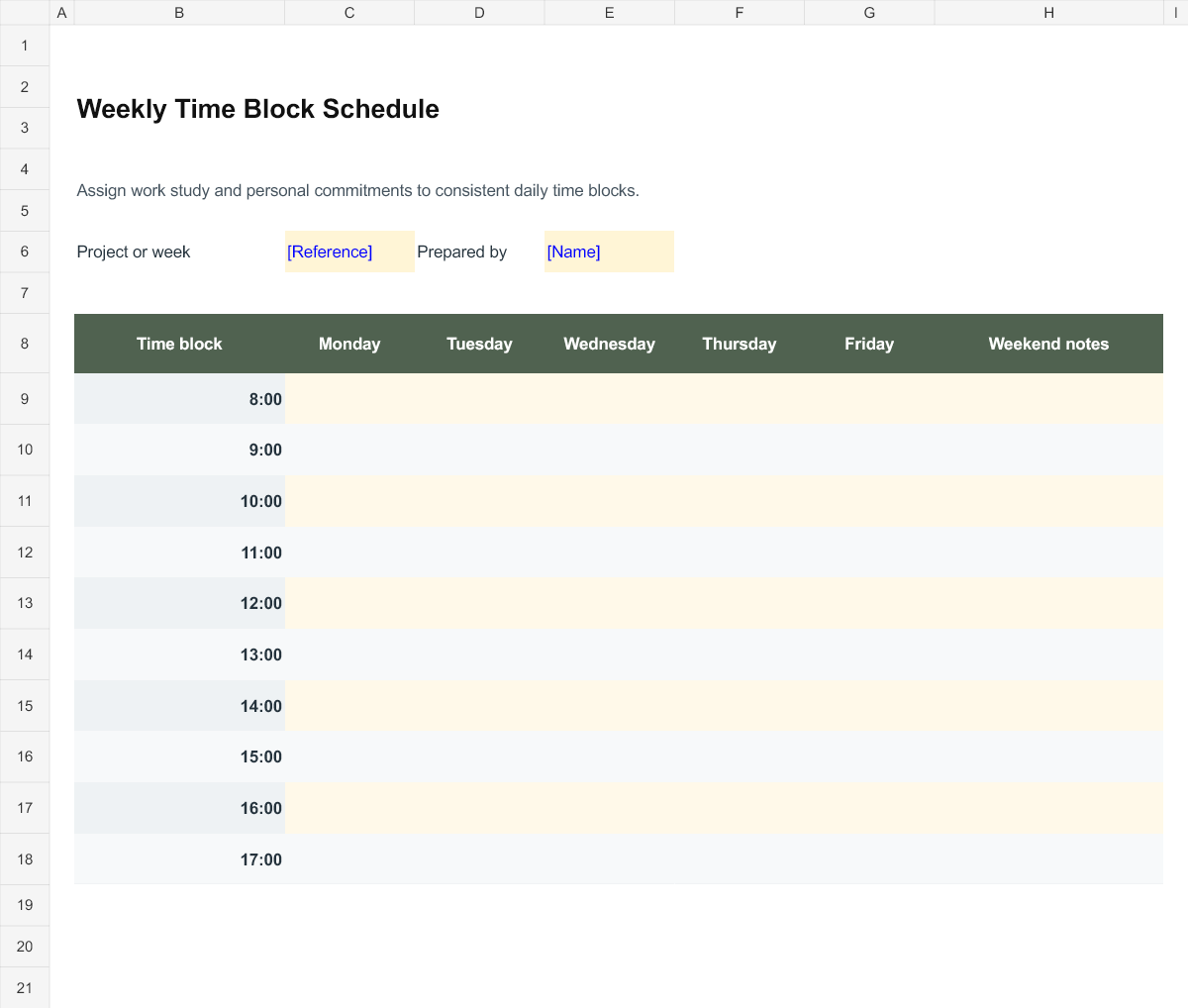
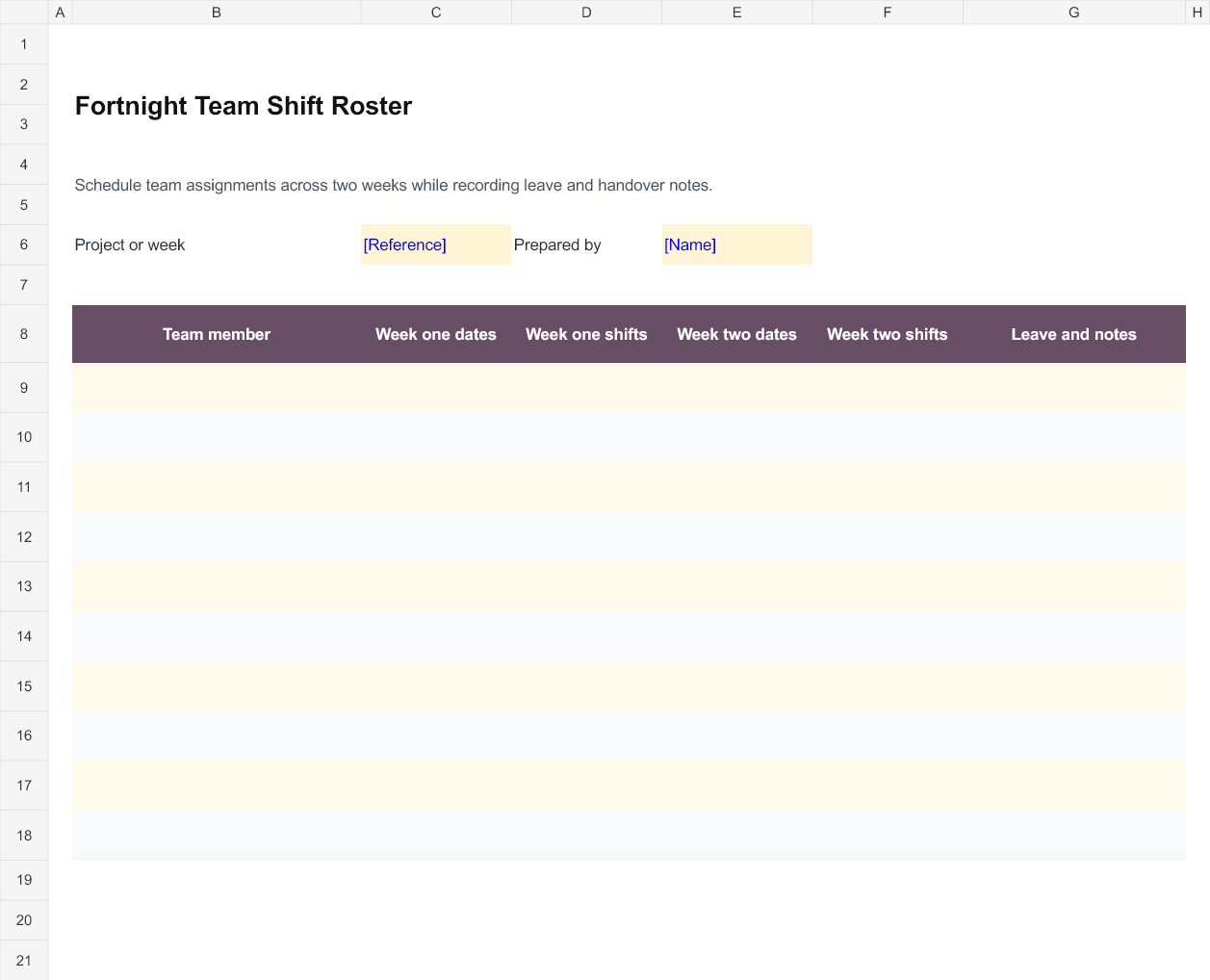
The time block schedule helps one person or a small group organise a week by time of day. It suits appointments, study sessions and work that needs a reserved block of time. The fortnight roster is organised around people and two sets of dates instead. Use it when the question is who is assigned to a shift or responsibility, rather than what one person is doing at a particular hour.
Plan fixed commitments before flexible work
Enter commitments with a fixed time first, then add preparation, travel, breaks and the work that can move. The example time rows in the weekly grid can be edited to match your day. Avoid treating every empty cell as available working time; a realistic schedule needs space for transitions and interruptions. If a task needs several sessions, give each session a clear next action so that the blocks are useful when the time arrives.
Make roster entries understandable to the team
State the dates for both weeks and use shift labels or hours that the team can interpret. Record leave, cover and handover arrangements in the notes rather than relying on a colour that has no key. Confirm who is responsible for updating the roster and communicating changes. The sheet does not calculate staffing compliance or decide how many people are needed; those requirements must come from the actual work and the organisation rules.
Check the printed and shared version
Before sharing, look for overlapping commitments, a person assigned during recorded leave and a handover without a receiving person. Test the print view if people will use a paper copy. A roster with more people or longer shift notes may need additional rows or a different print scale. Save each issued version with its week dates so that staff can identify the current schedule and distinguish it from an older copy.
Working with the editable files
Weekly Time Block Schedule is an Excel workbook with editable entry areas. Enter the period or project reference first, then complete the rows that apply to your work. Use consistent labels and dates throughout the worksheet. Where a calculated column is included, change the input cells rather than typing over the formula. Save a separate completed copy and check the print area if you add more rows.
Fortnight Team Shift Roster is an Excel workbook with editable entry areas. Enter the period or project reference first, then complete the rows that apply to your work. Use consistent labels and dates throughout the worksheet. Where a calculated column is included, change the input cells rather than typing over the formula. Save a separate completed copy and check the print area if you add more rows.
Editable Word and Excel Resources
Weekly Time Block Schedule
Assign work study and personal commitments to consistent daily time blocks. Download the editable Excel file below.
Fortnight Team Shift Roster
Schedule team assignments across two weeks while recording leave and handover notes. Download the editable Excel file below.

You must be logged in to post a comment.