
A customer asks, “How much will it cost?” The way you answer can win or lose the job. A clear, professional quotation template lets you reply within minutes with a document that lists every item, every price and every condition, so the customer knows exactly what they are agreeing to.
Below are 22 free quotation templates you can edit in Excel or Microsoft Word. The set covers simple company quotes, price quotes, service and sales quotations, export and travel quotes, and a mechanic’s quotation sheet.
Quote, Estimate or Invoice?
These three documents get mixed up all the time, but they do different jobs:
| Document | When it is sent | Is the price fixed? |
|---|---|---|
| Estimate | Early, when the scope is still rough | No, it is an approximate figure |
| Quotation | Before the sale, once the scope is clear | Usually yes, for the validity period |
| Invoice | After goods or services are delivered | Yes, it requests payment |
Once a customer accepts your quote, the next documents in the chain are usually an order confirmation and, after delivery, an invoice.
What Every Good Quotation Includes
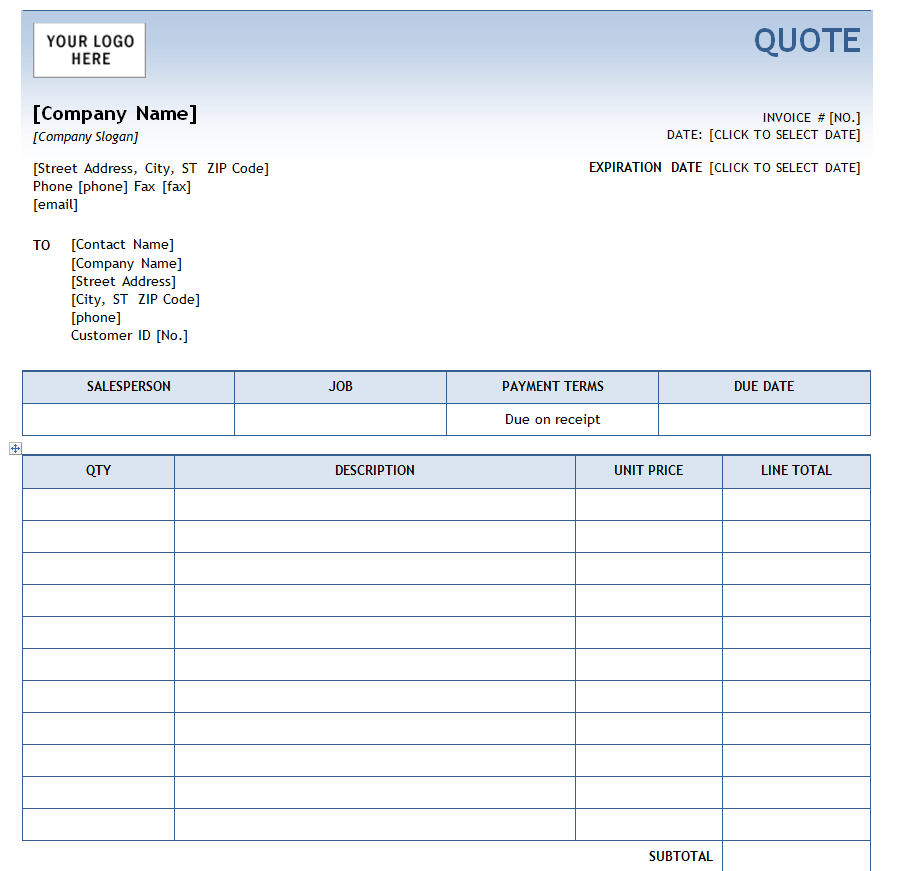
- Your business details: name, logo, address, phone, email and tax number if you have one.
- Customer details and the date of the quote.
- A unique quote number, so you can find it quickly when the customer calls back.
- Line items with a short description, quantity, unit price and line total.
- Subtotal, discounts, tax and grand total.
- Validity period, for example “This quote is valid for 30 days.”
- Payment and delivery terms, such as deposit required or expected delivery date.
- A space for acceptance, where the customer can sign to approve.
Excel or Word: Which Should You Use?
Pick Excel when your quote has many line items, because the formulas add up quantities, taxes and totals for you and cut the risk of a costly typing mistake. Pick Word when the quote is more about the service than the numbers, for example a training course, an event or a consulting job, and you want room for descriptions and terms.
Excel Quotation Templates (Free Download)
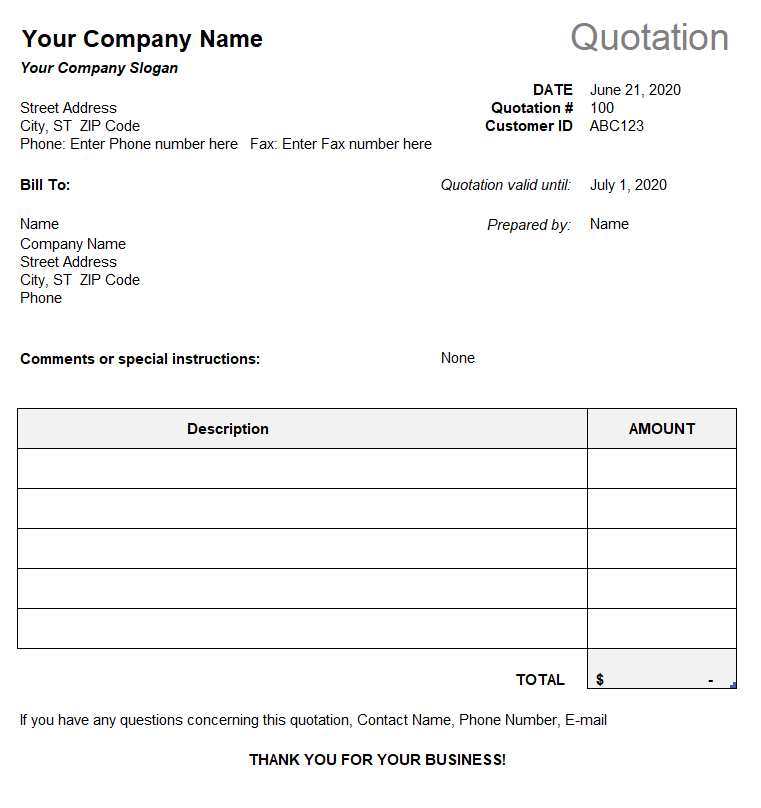
Simple Company Quotation Template
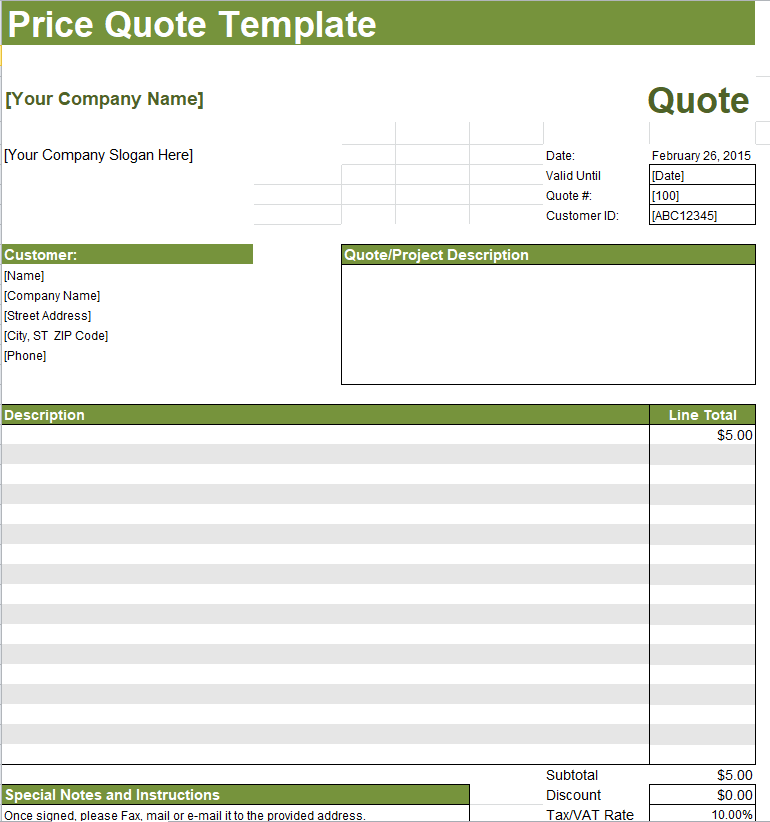
Sample Price Quote Excel Template
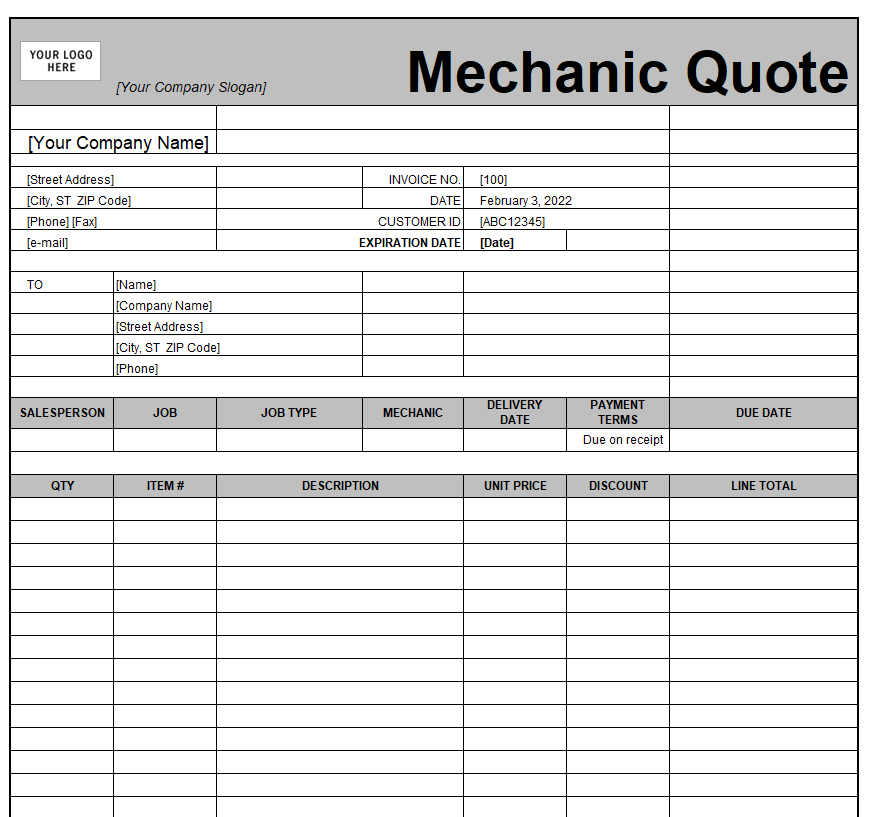
Mechanic Quotation Sheet Template
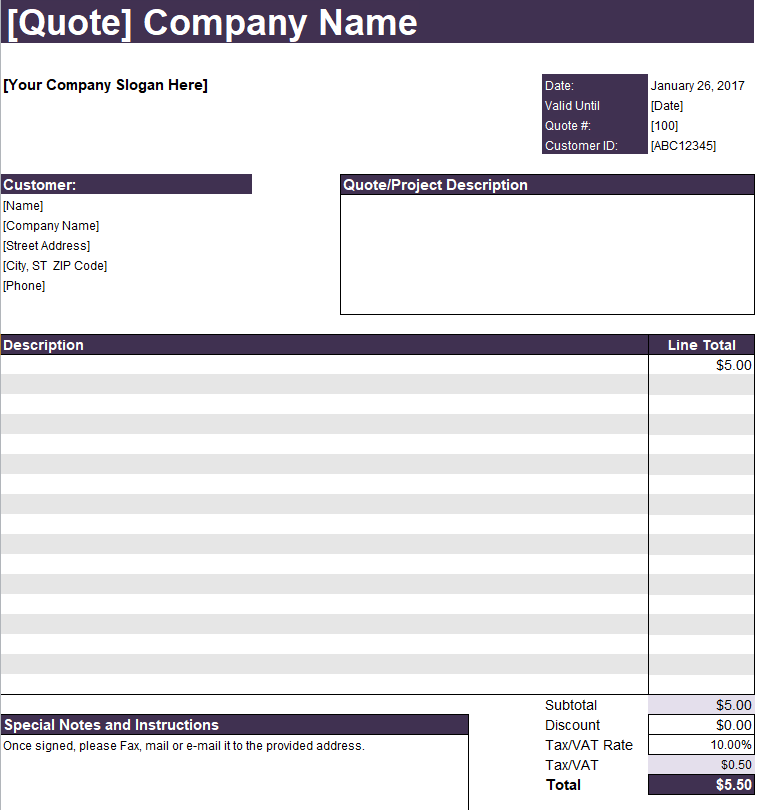
Standard Company Quotation Sample in XLSX Format
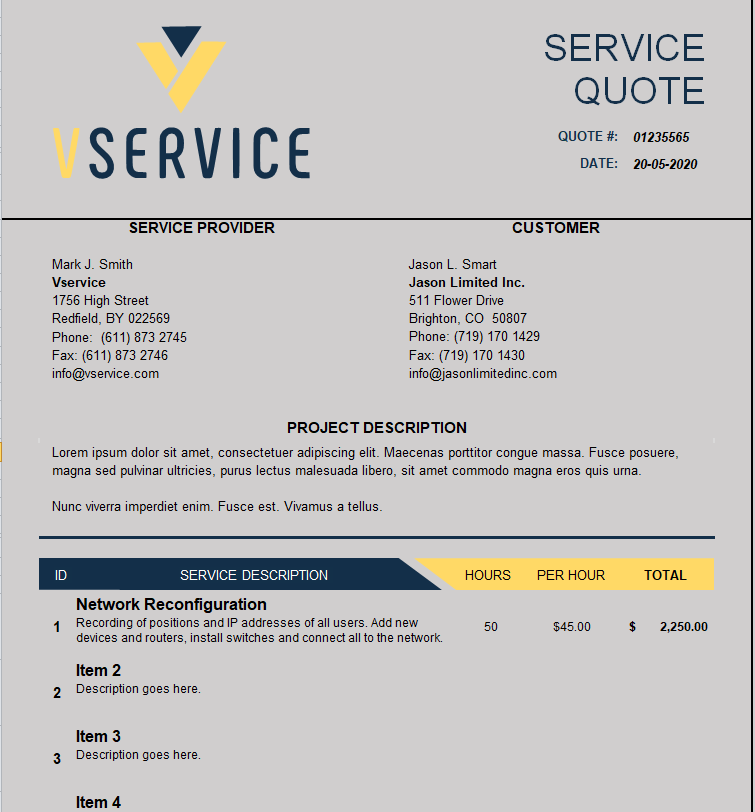
Editable Service Quotation Worksheet Template
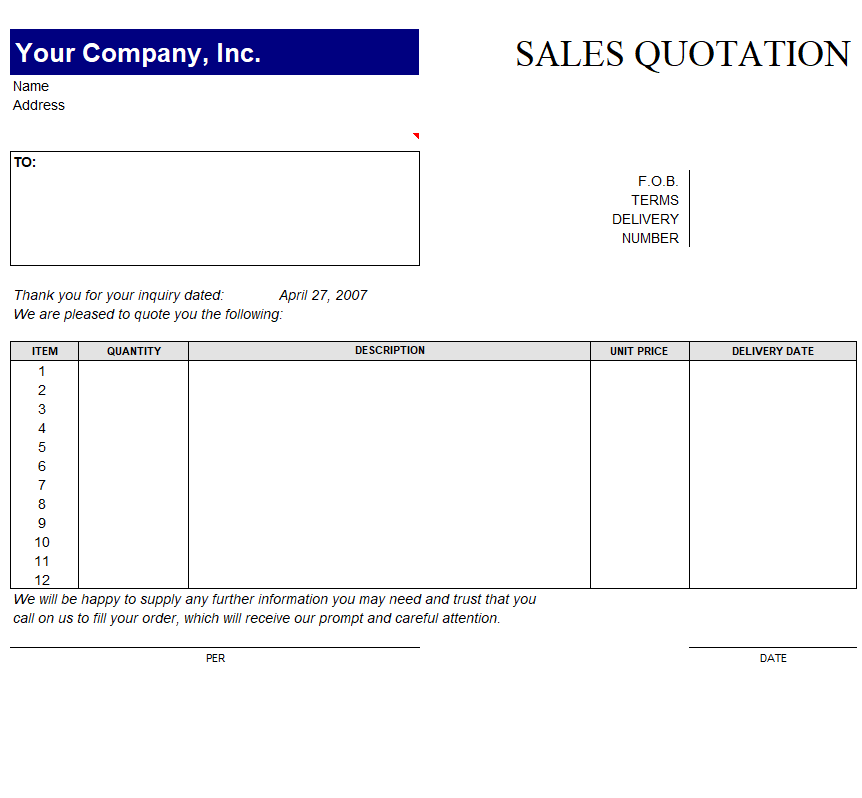
Fillable Sales Quotation Example
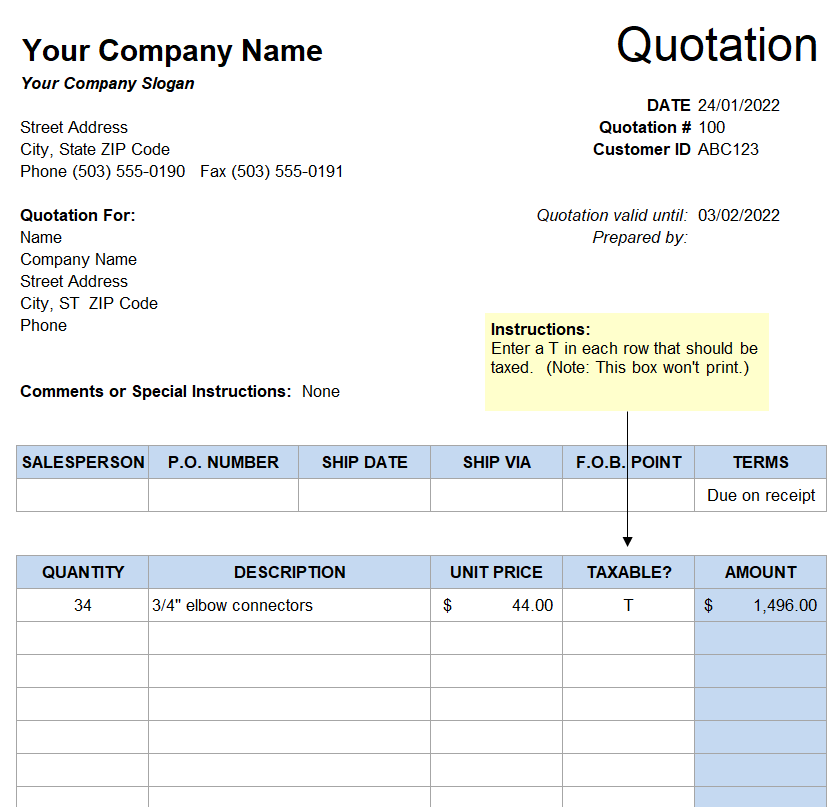
Free Editable Company Quotation Excel Template
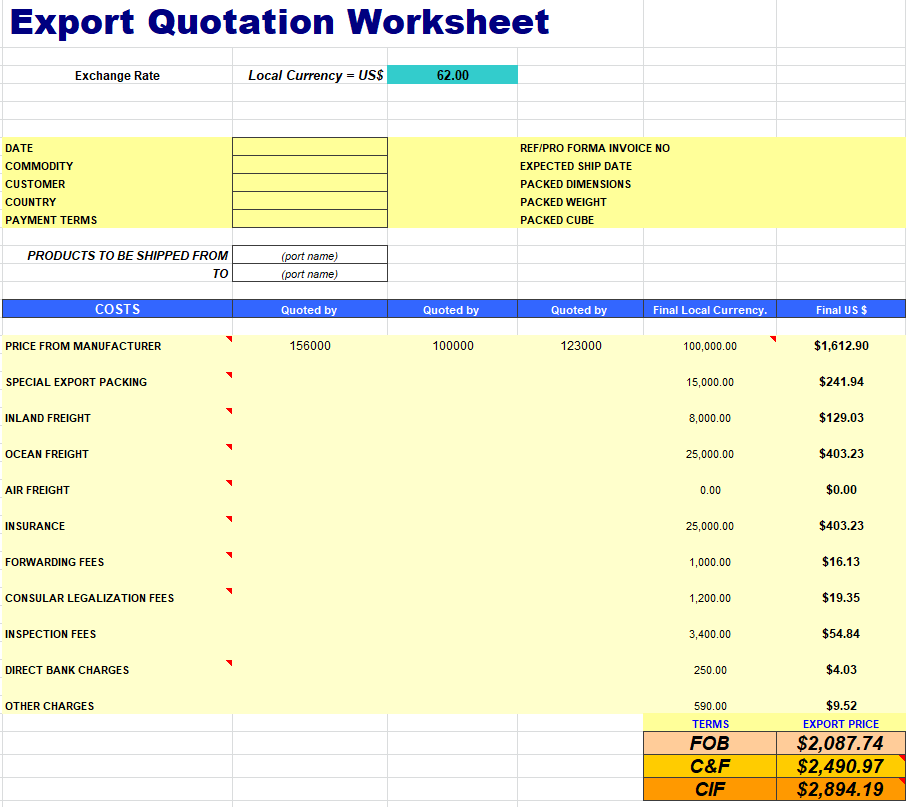
Export Quotation Worksheet Template MS EXCEL
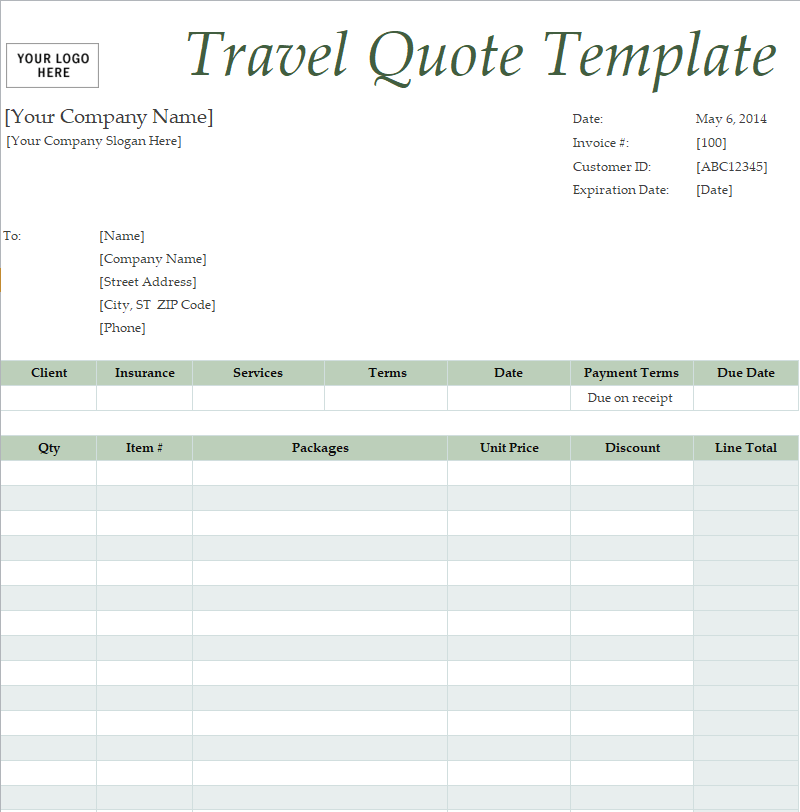
Official Travel Quote Format Template
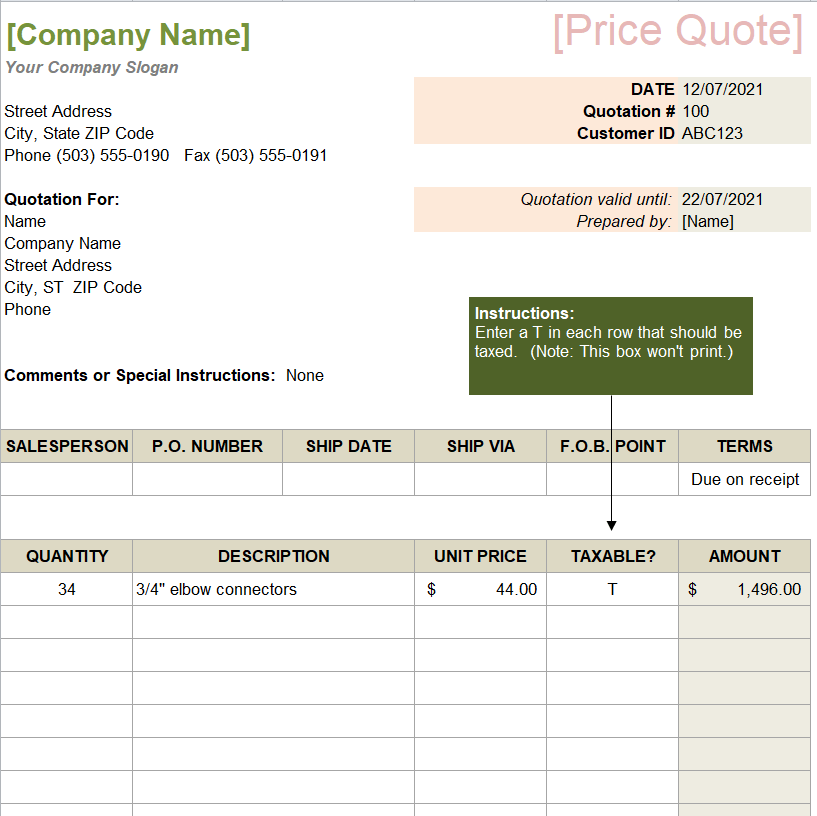
Company’s Price Quotation Template
Word Quotation Templates (Free Download)
Free Printable Company Quotation Template
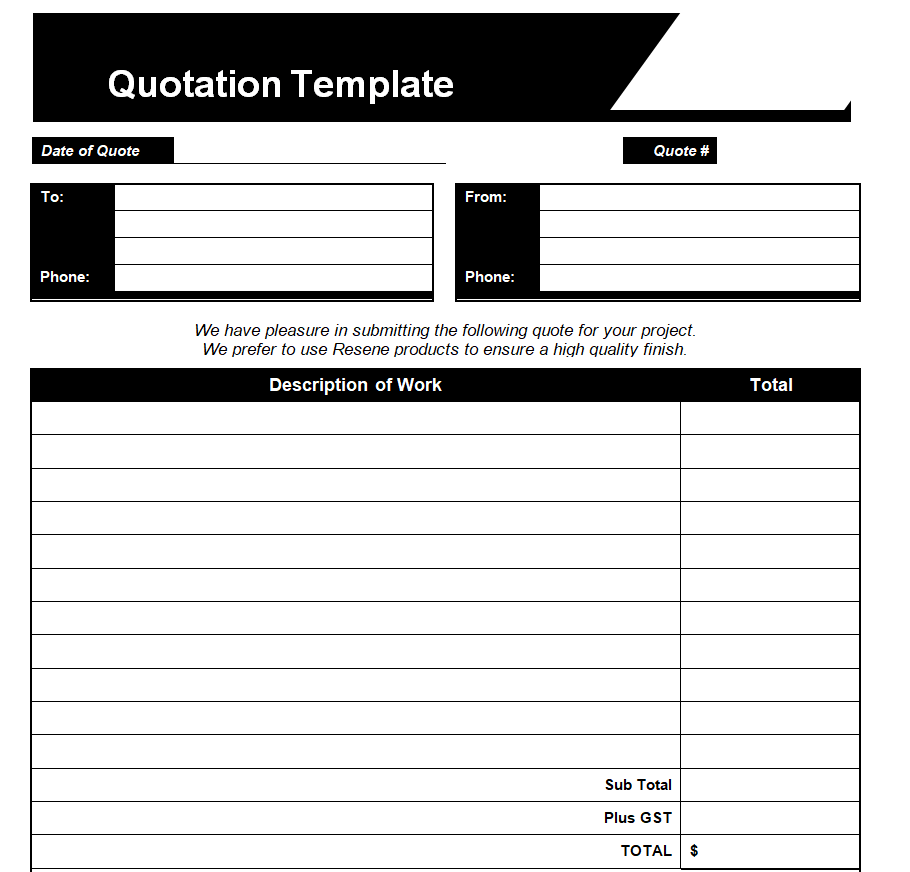
Sample Business Quotation Word Template
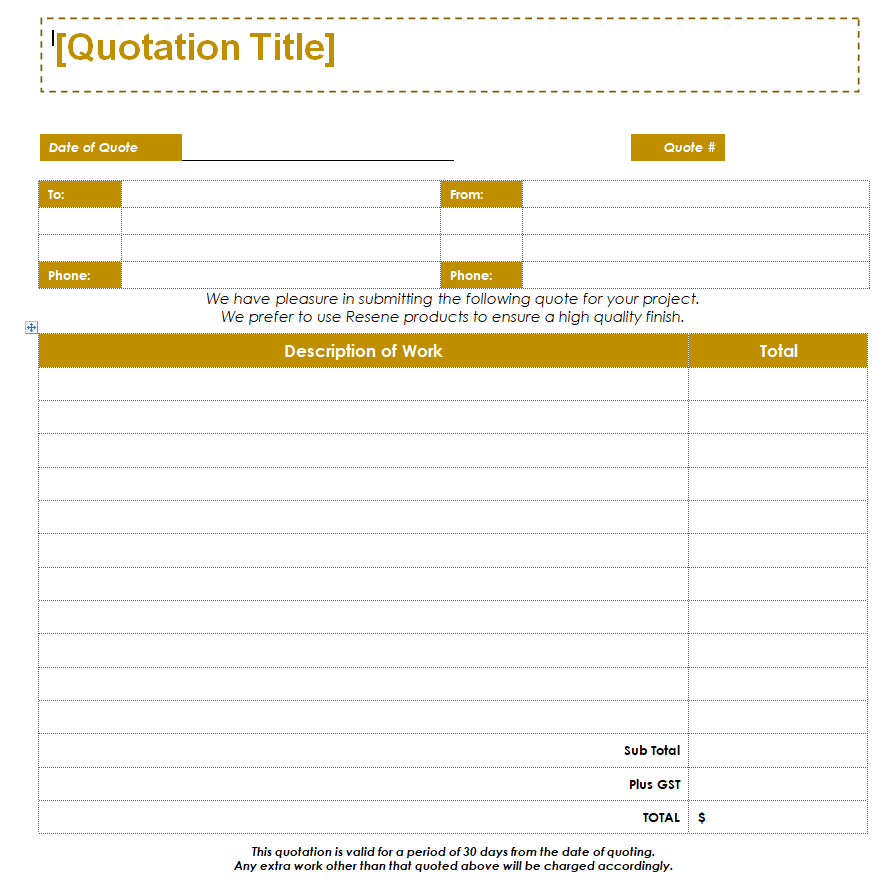
Basic Format of a Quotation in MS WORD
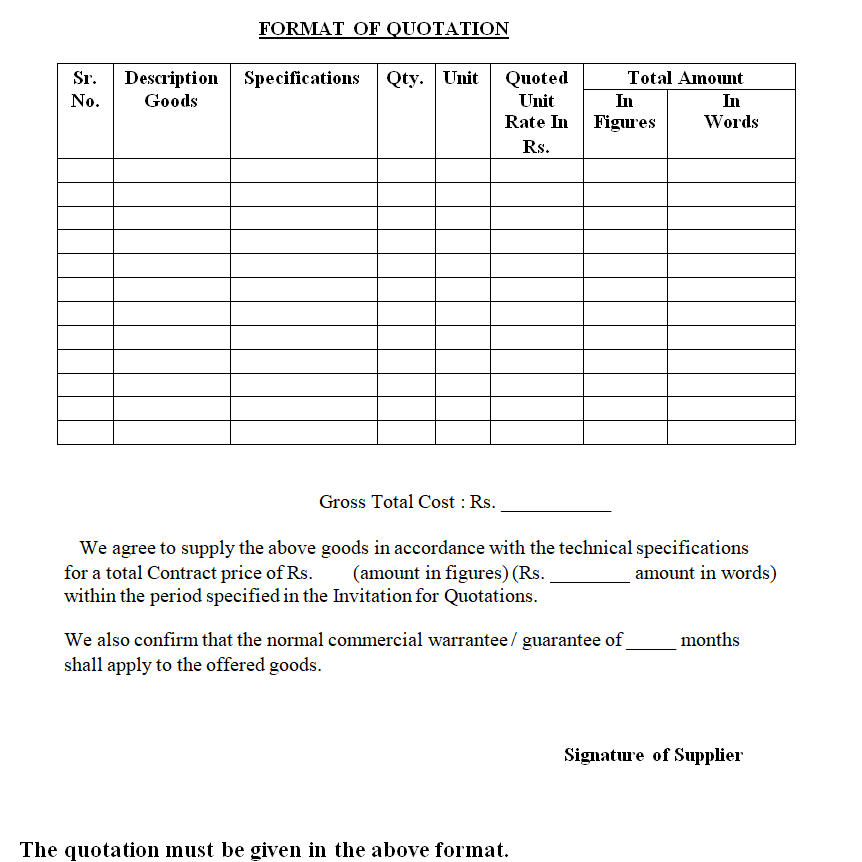
Computer Service Quote Sample Doc
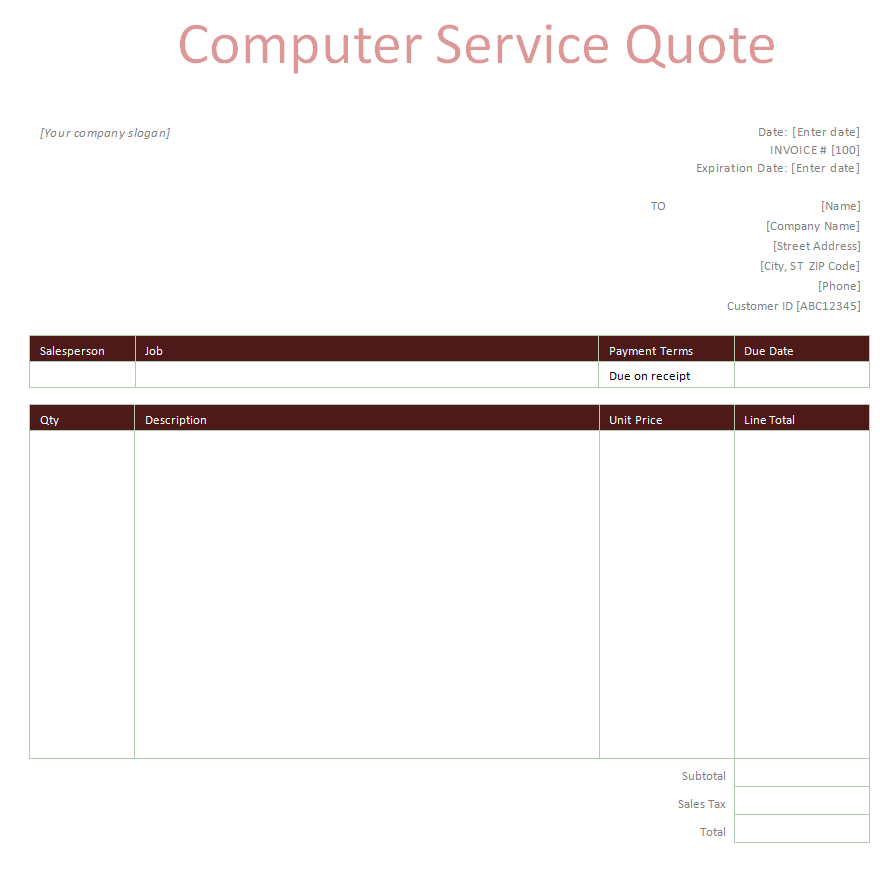
Business Sales Quotation Template
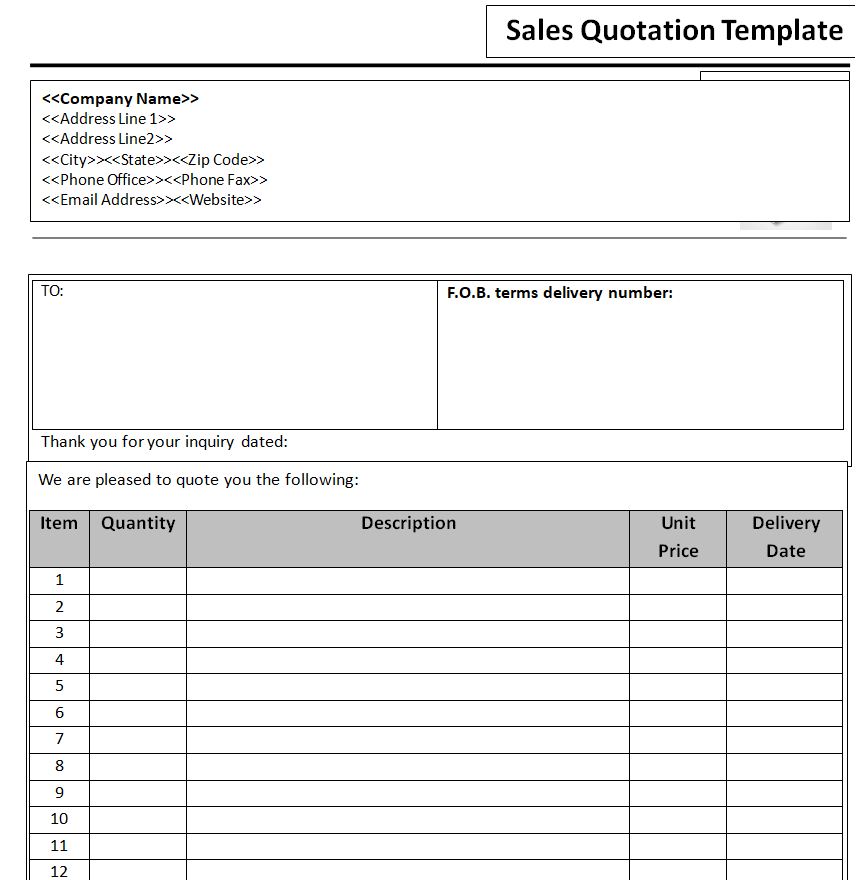
Simple Business Quotation Template Word
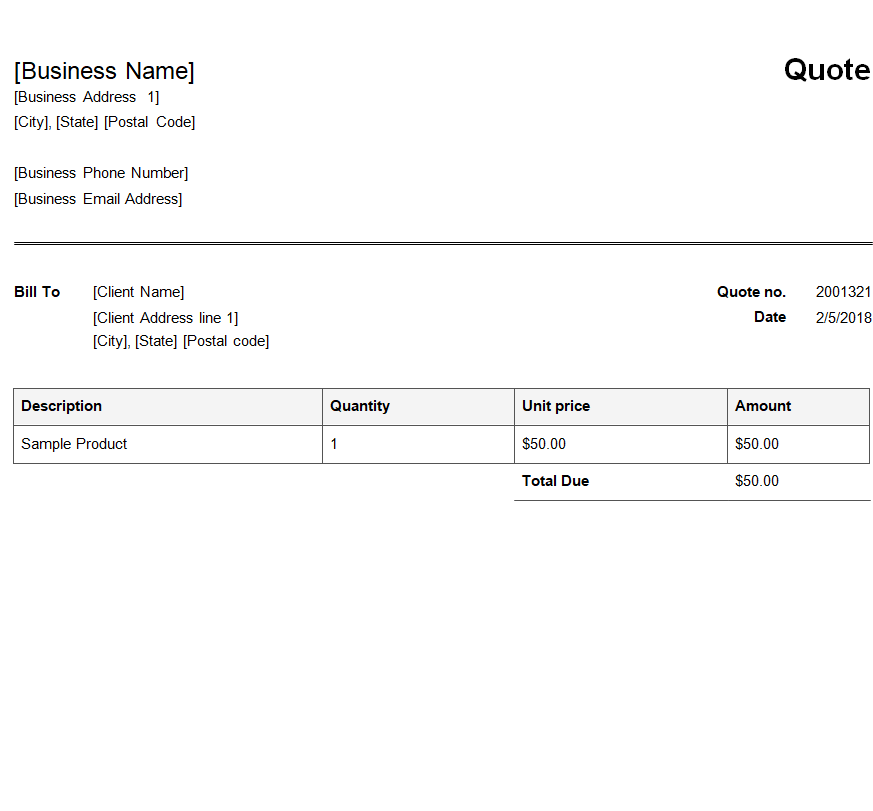
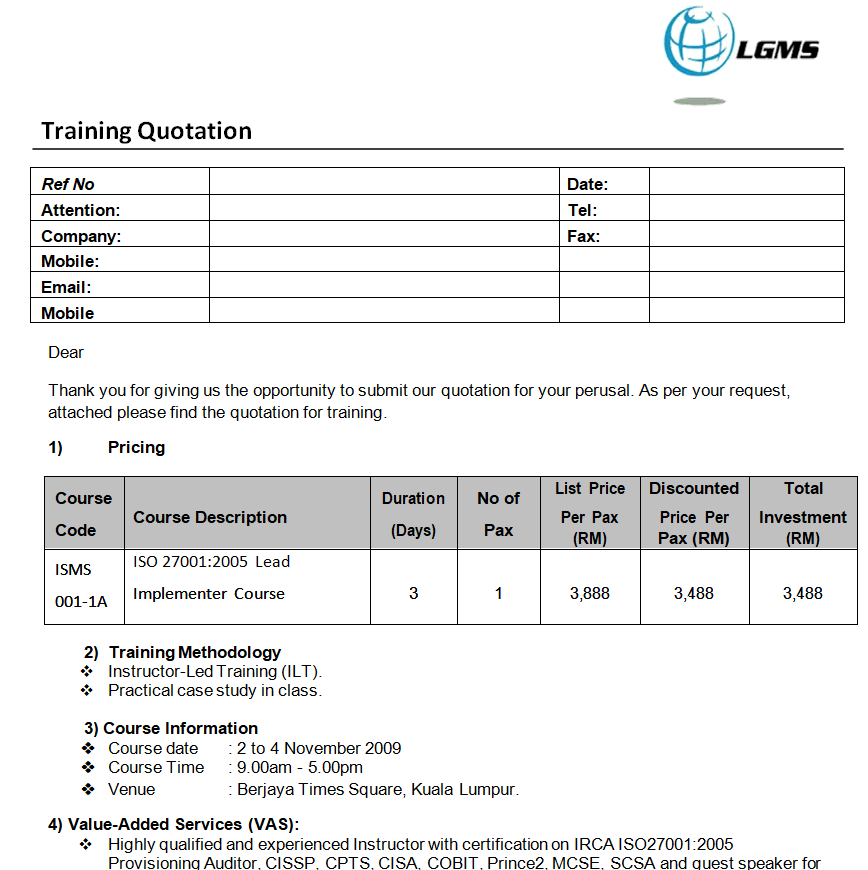
Exclusive Training Quotation Example
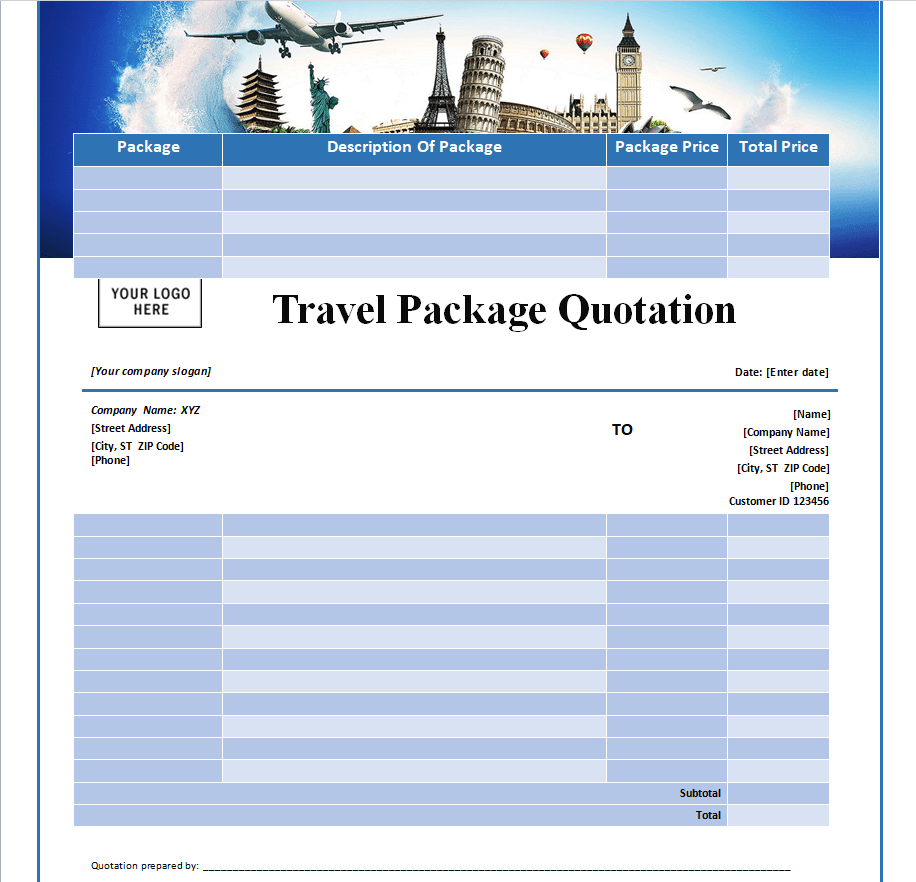
Complete Travel Package Quotation Word Template
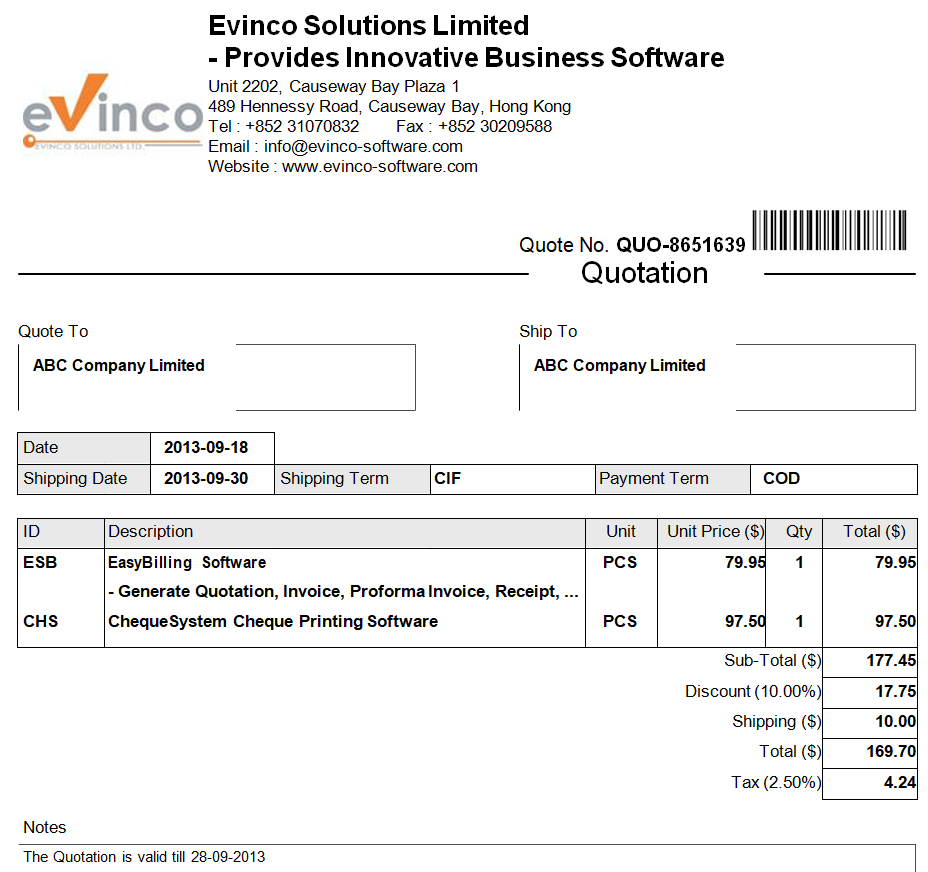
Tech Company’s Price Quotation Doc Format
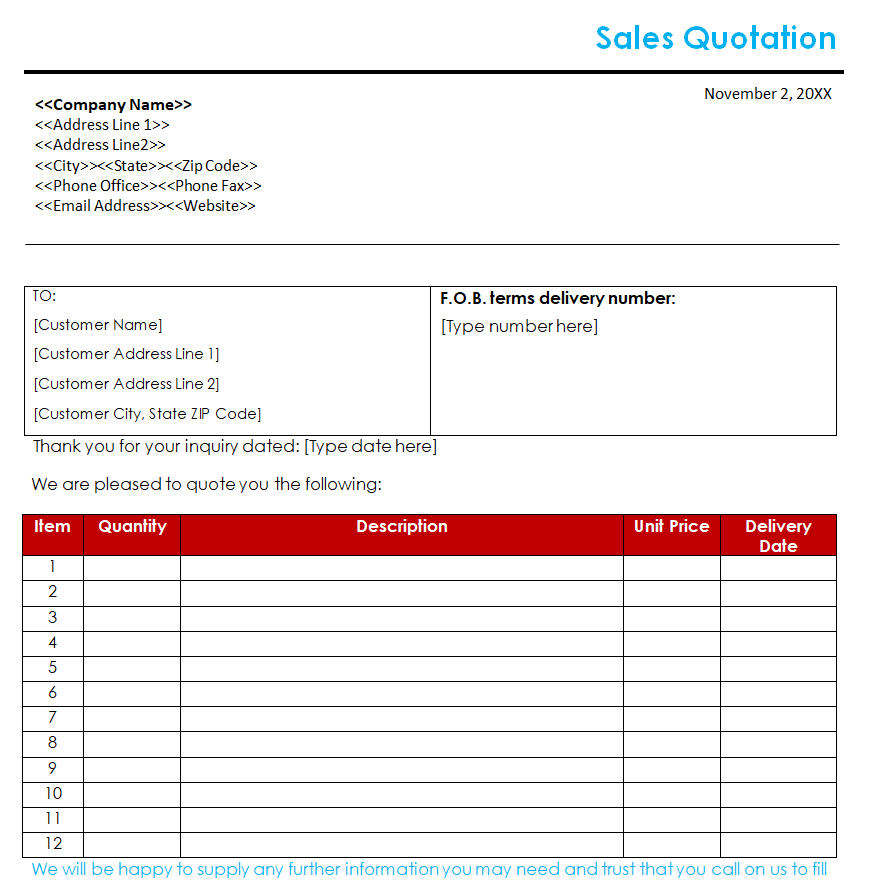
Trader’s Sales Quotation Template
Small Business Blank Quote Template in MS WORD
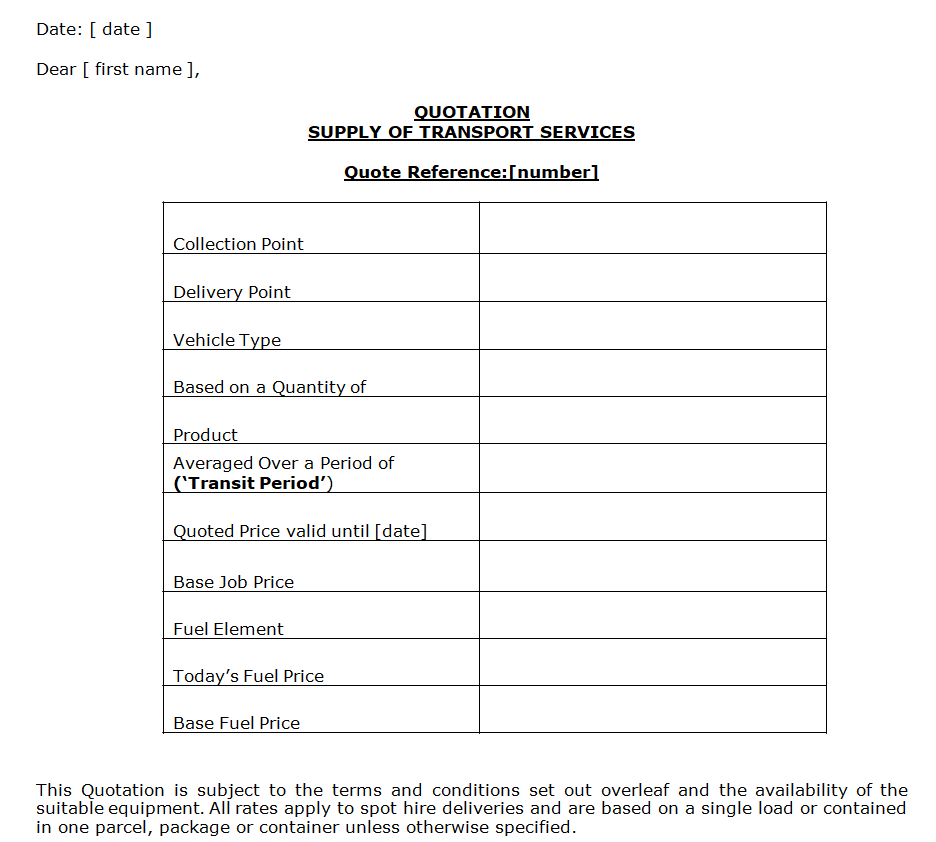
Transport Services Quotation Template
Small Mistakes That Cost You the Job
- Vague descriptions. “Website work – $1,500” invites questions. “5-page website with contact form – $1,500” does not.
- No expiry date. Without one, a customer may try to accept an old price months later.
- Hidden extras. If delivery or installation costs extra, say so on the quote, not on the invoice.
- Slow follow-up. A short, friendly email two or three days after sending often moves a quote forward.
For bigger projects, a quote alone may not be enough. Send it with a business proposal that explains your approach, or attach a product catalog so the customer can see what they are buying.
More Business Templates You May Need
- 9+ Order Confirmation Templates
- 10 Retail Invoice Templates
- 20+ Payment Receipt Formats
- 9+ Delivery Note Templates
Frequently Asked Questions
Is a quotation legally binding?
A quotation is an offer. In many places it can become binding once the customer accepts it within the validity period, so make sure the prices and terms are ones you can honor. If in doubt, check local rules or ask a legal advisor.
How long should a quotation be valid?
Fifteen to thirty days is common. Use a shorter period if your material costs change quickly.
Can I add my company logo to these templates?
Yes. Both the Excel and Word templates are fully editable, so you can insert your logo, change colors and adjust the columns.
What is the difference between a quotation and a proforma invoice?
A quotation offers a price before the customer commits. A proforma invoice is usually sent after the customer agrees, to request advance payment or for customs purposes.
Should I number my quotations?
Yes. A simple sequence such as Q-2026-001 makes it easy to track which quotes were accepted and to link them to the final invoice.

You must be logged in to post a comment.