
No manager enjoys writing someone up. Done well, though, an employee write-up form is not about punishment. It is a clear, fair record of what went wrong, what needs to change, and what happens next. It protects the business, and it gives the employee a real chance to put things right.
Here you will find 24 free employee write-up form templates in Word, including disciplinary action forms, forms with space for an employee statement, and versions with a built-in improvement plan.
When Is a Write-Up the Right Step?
Most companies follow progressive discipline: a quiet verbal conversation first, then a written warning, then a final warning, and only then more serious action. A write-up usually comes in at the second stage, for issues such as:
- Repeated lateness or unexplained absences
- Missed targets after coaching has already been given
- Breaking safety rules or company policy
- Rude or unprofessional behavior toward colleagues or customers
What to Put on the Form
| Section | What to write |
|---|---|
| Employee details | Name, job title, department, manager and date |
| Type of warning | Verbal (documented), written, or final |
| What happened | Facts only: dates, times, what was seen or reported |
| Policy affected | The rule or expectation that was not met |
| Improvement plan | Specific changes expected and a review date |
| Consequences | What happens if the issue continues |
| Employee statement | Space for the employee’s side of the story |
| Signatures | Manager, HR and employee acknowledgement |
Employee Write-Up Form Templates
Employee Write-Up Form Template with Employee Statement
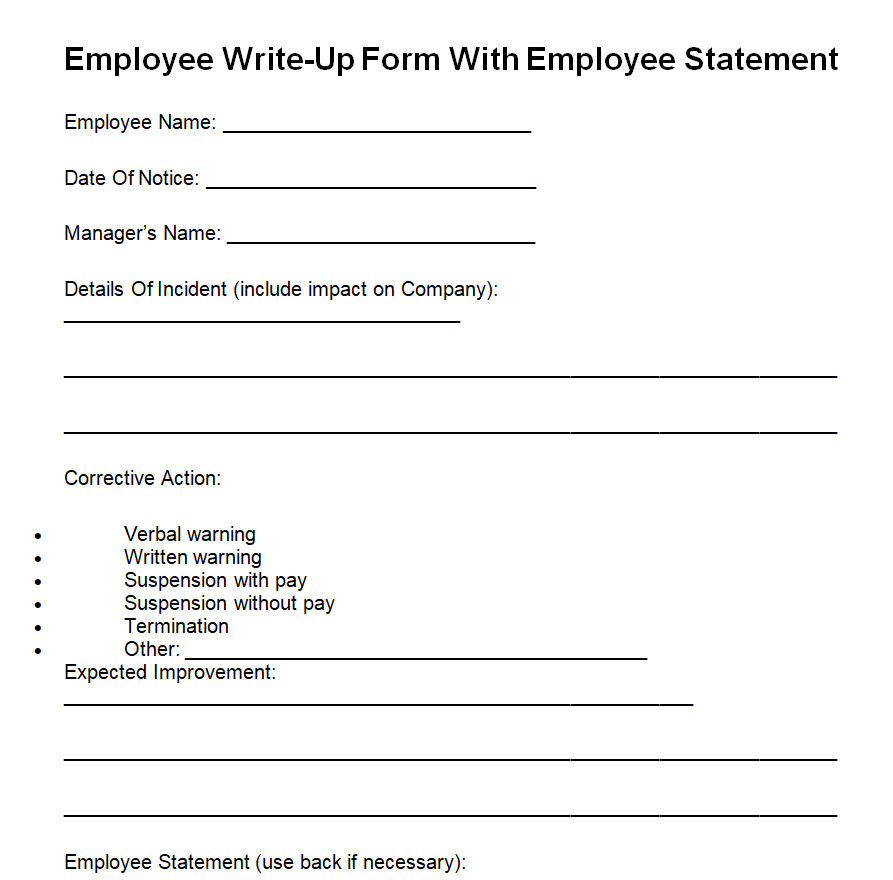
Official Disciplinary Action Form Template
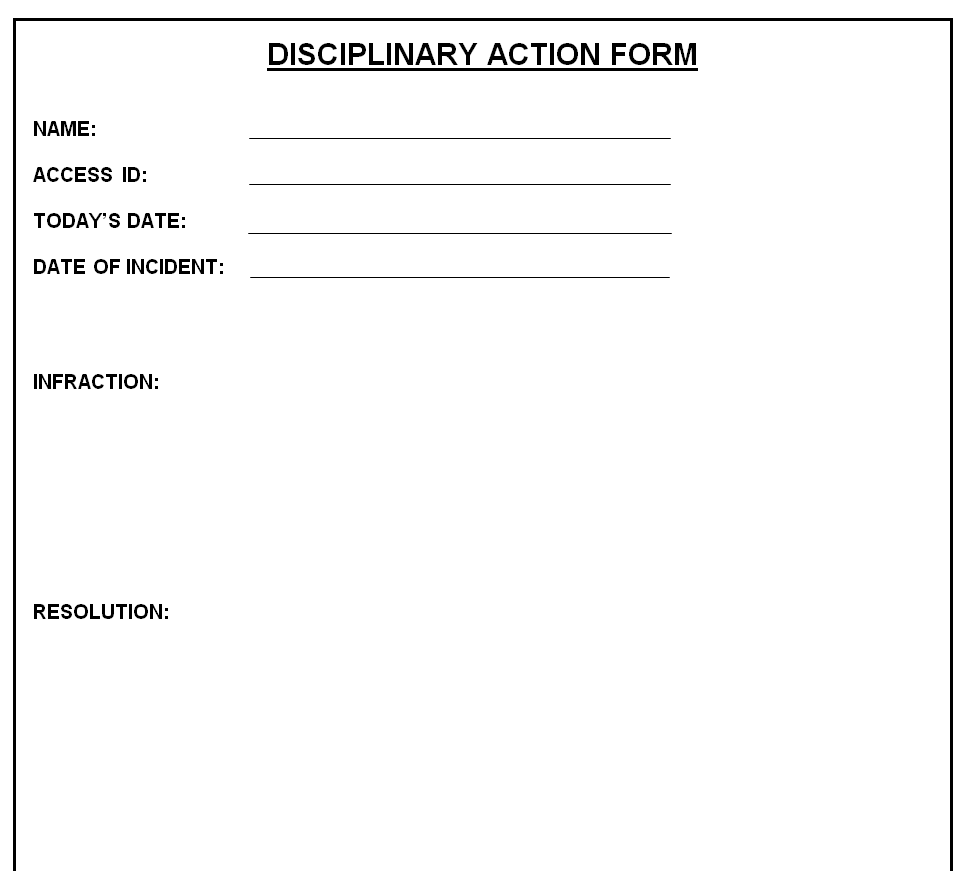
Employee Disciplinary Action Form Word Template
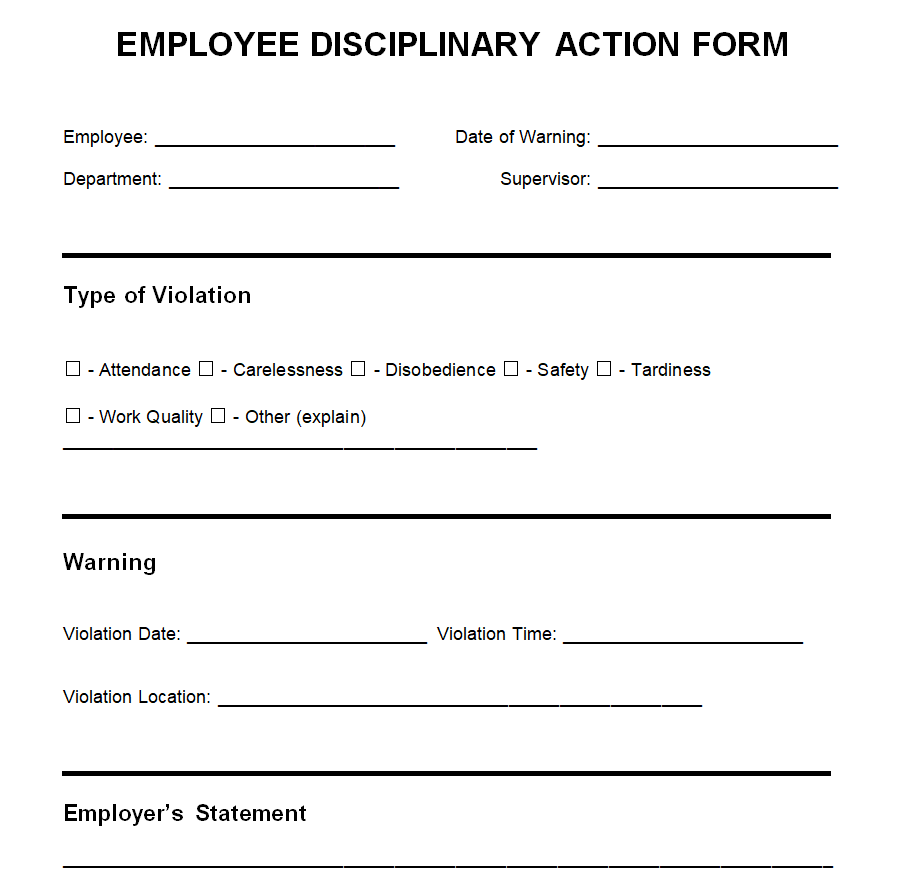
Formal Employee Write-Up Form Template

Detailed Employee Write-Up Form Sample Doc
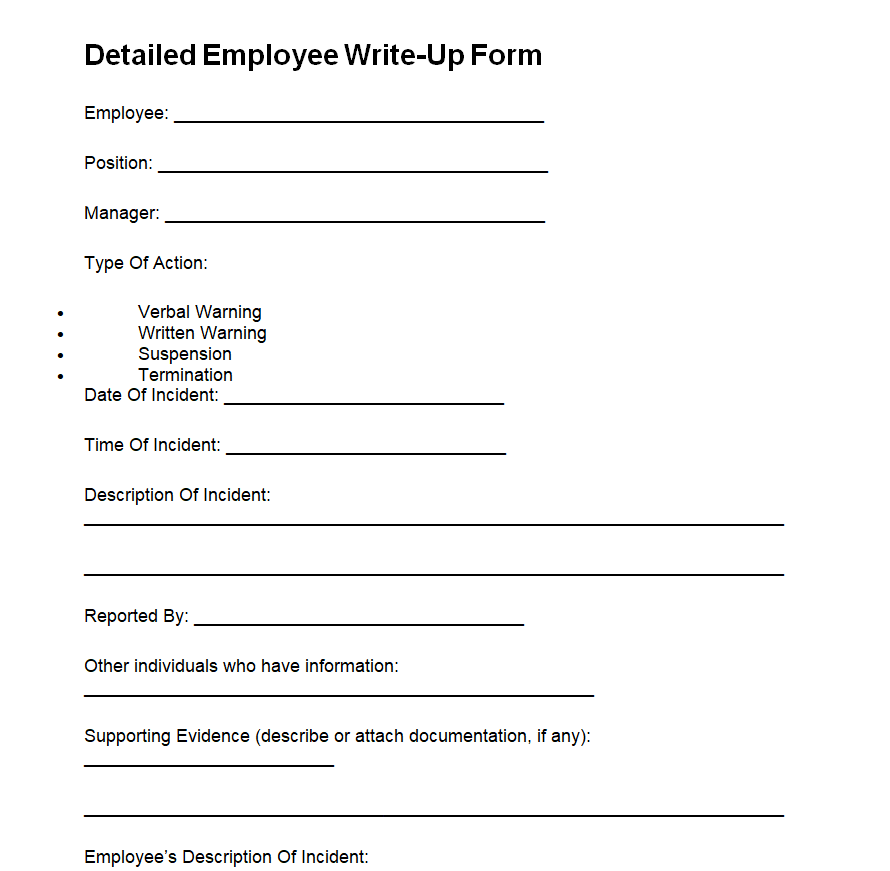
Blank Employee Disciplinary Action Form Template Word
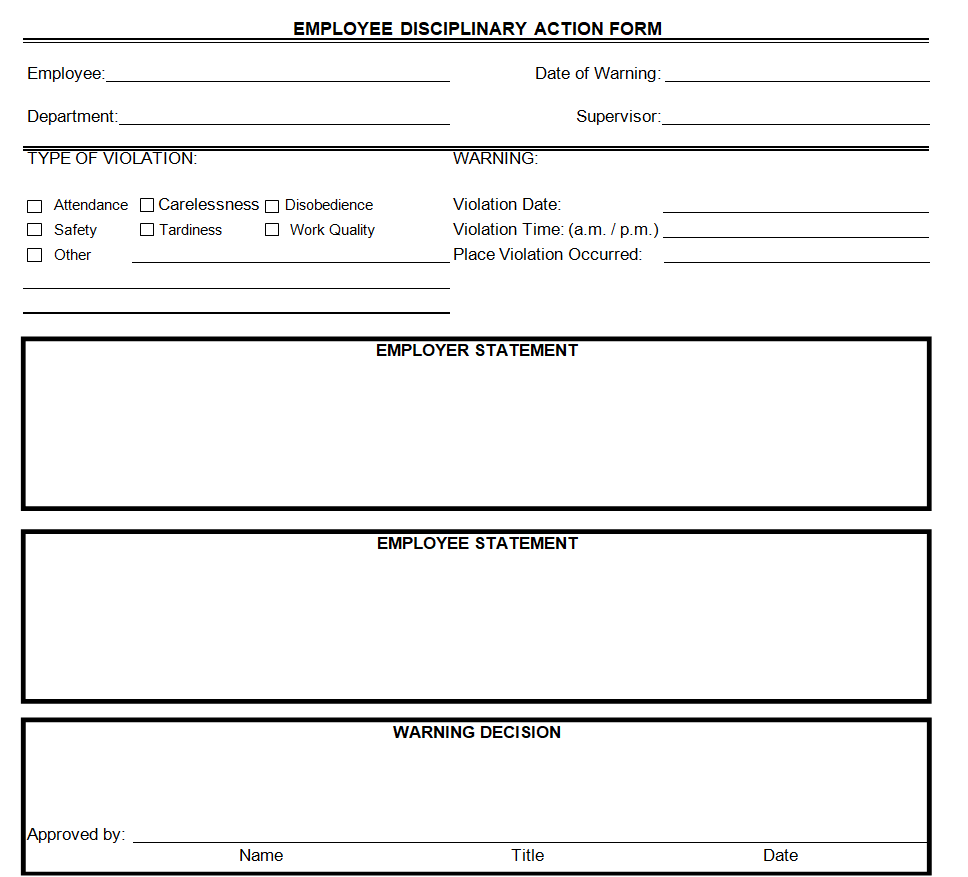
Printable Employee Write-Up Form Template

Employee Complaint Form Example
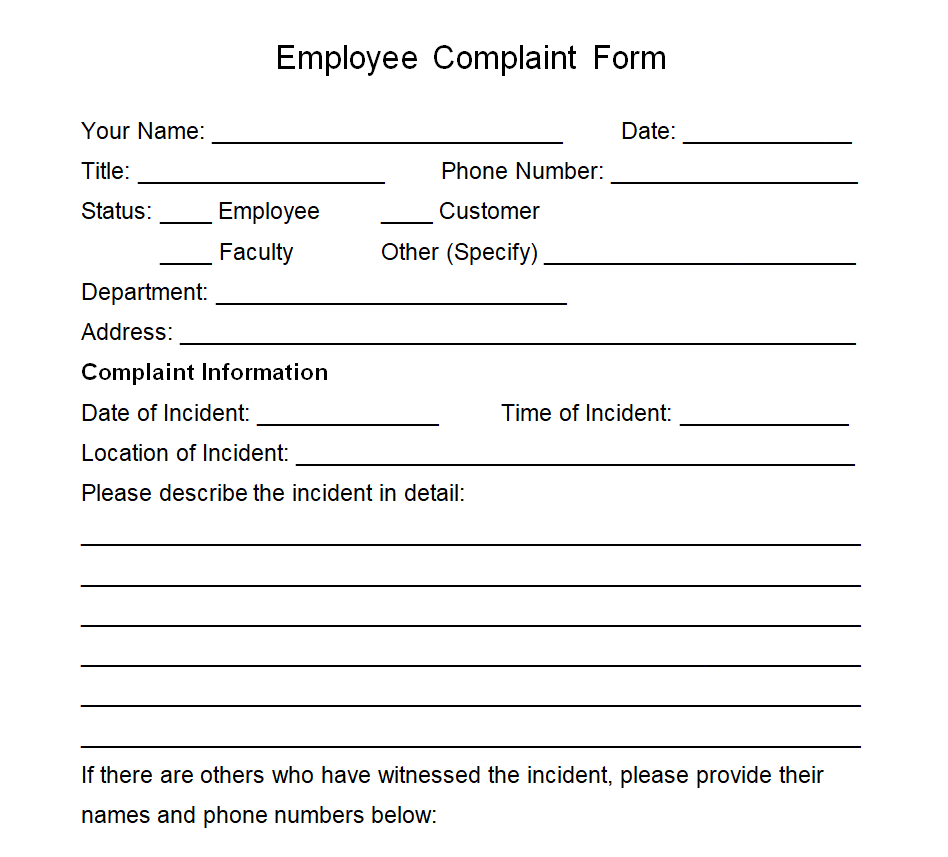
Editable Employee Write-Up Form Samples
Company’s Employee Write-Up Form Sample
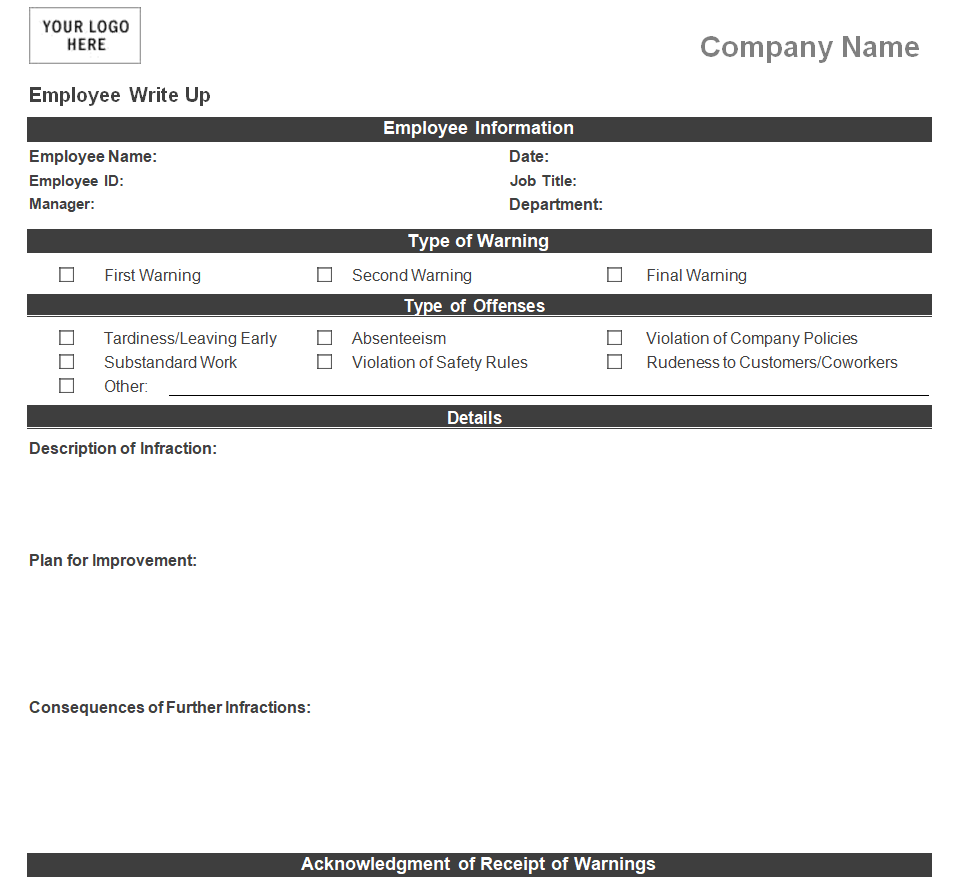
Employee Disciplinary Action Form Word Sample
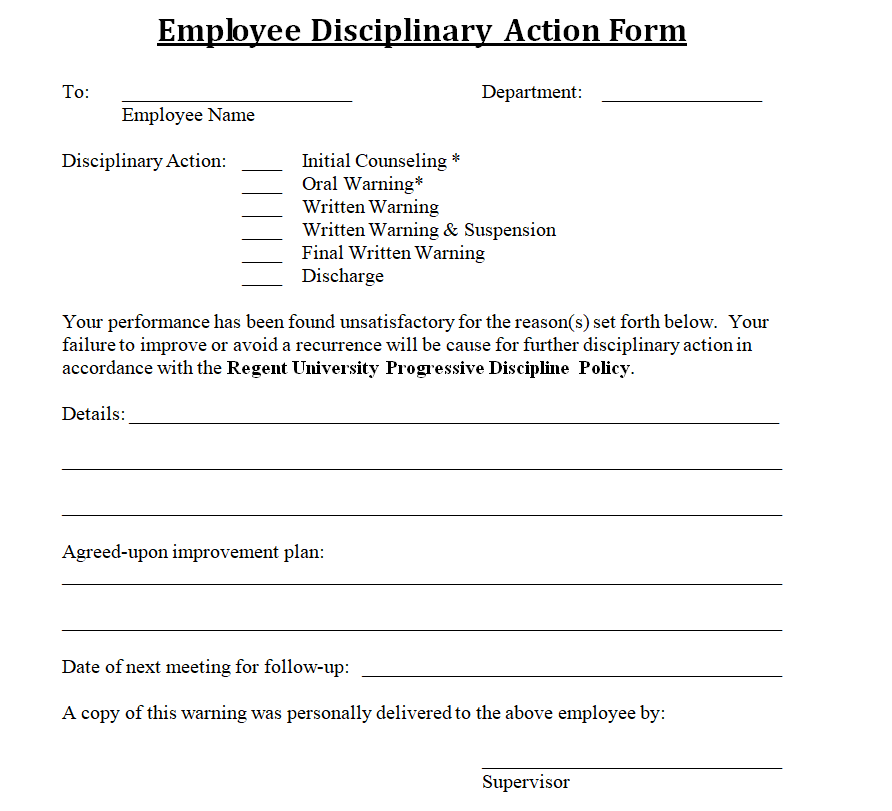
Disciplinary Action Documentation Form Template
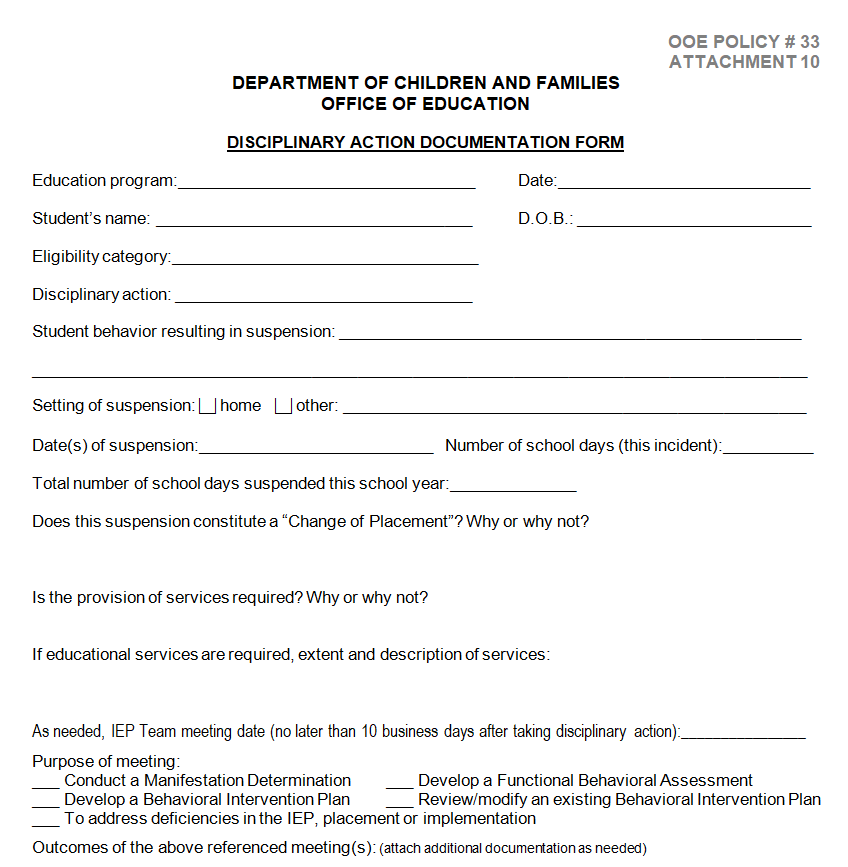
Entity’s Employee Write-Up Form Doc Sample
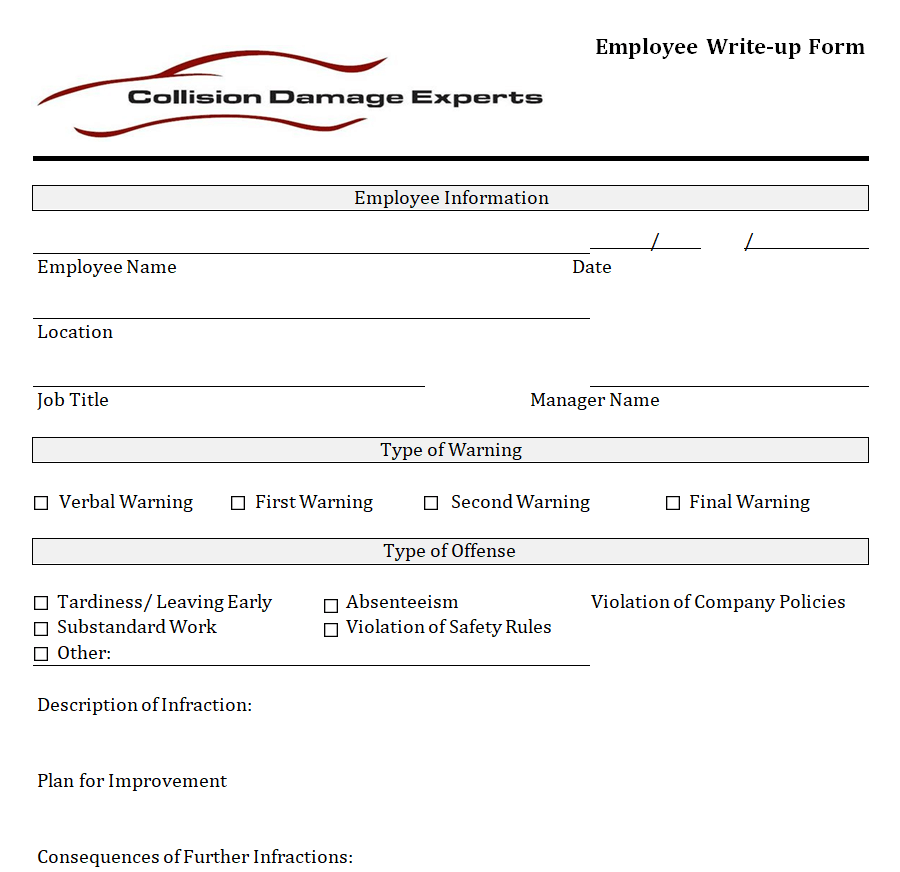
Sample Employee Write-Up Form in WORD Format
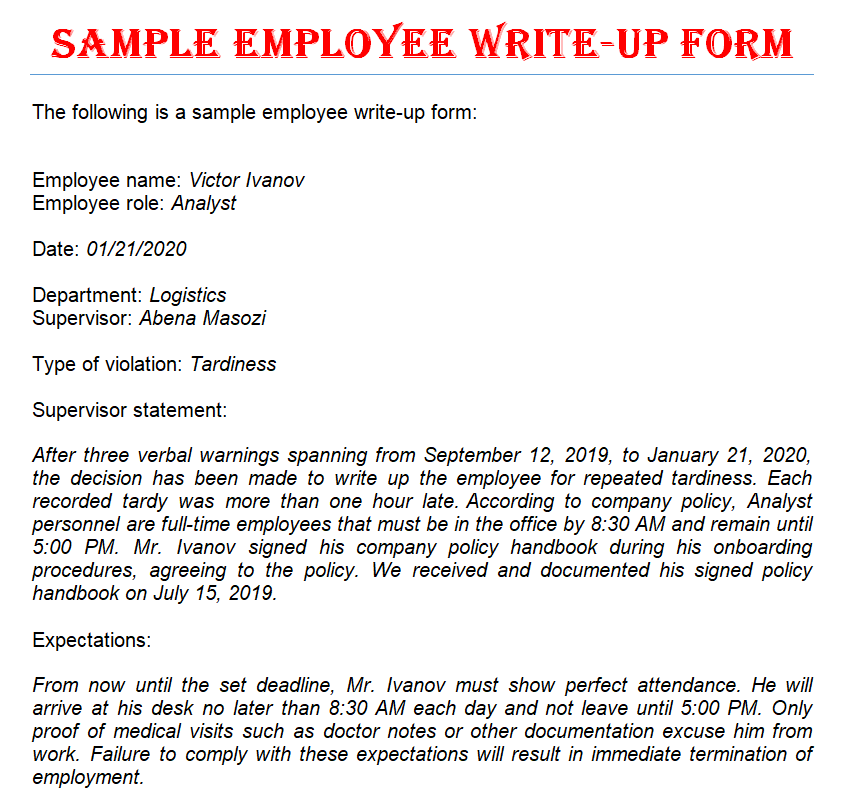
Fillable Employee Write-Up Form Word Sample
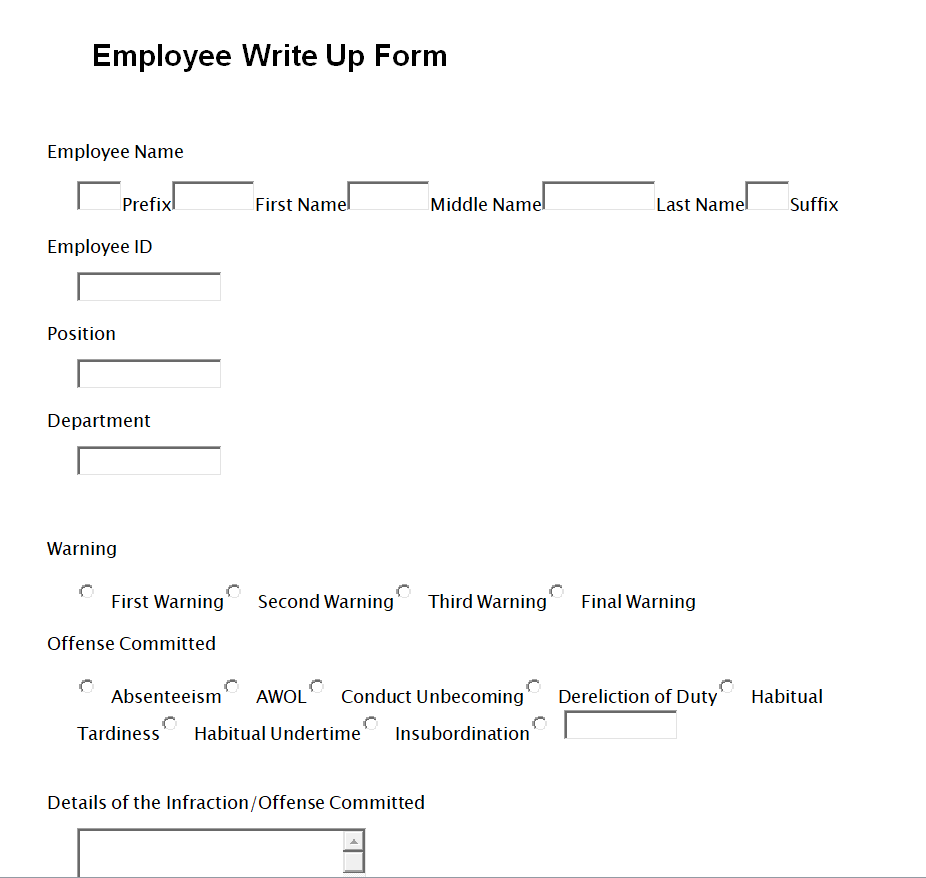
Employee Write-Up Form Template with Improvement Plan
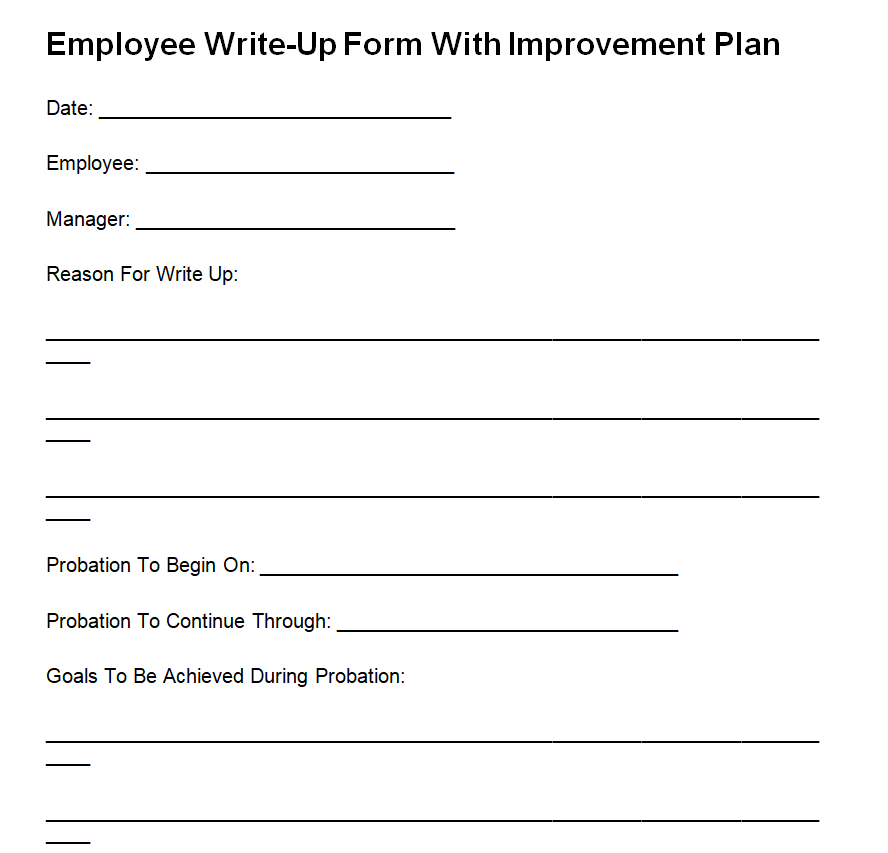
Exclusive Employee Disciplinary Report Form Sample
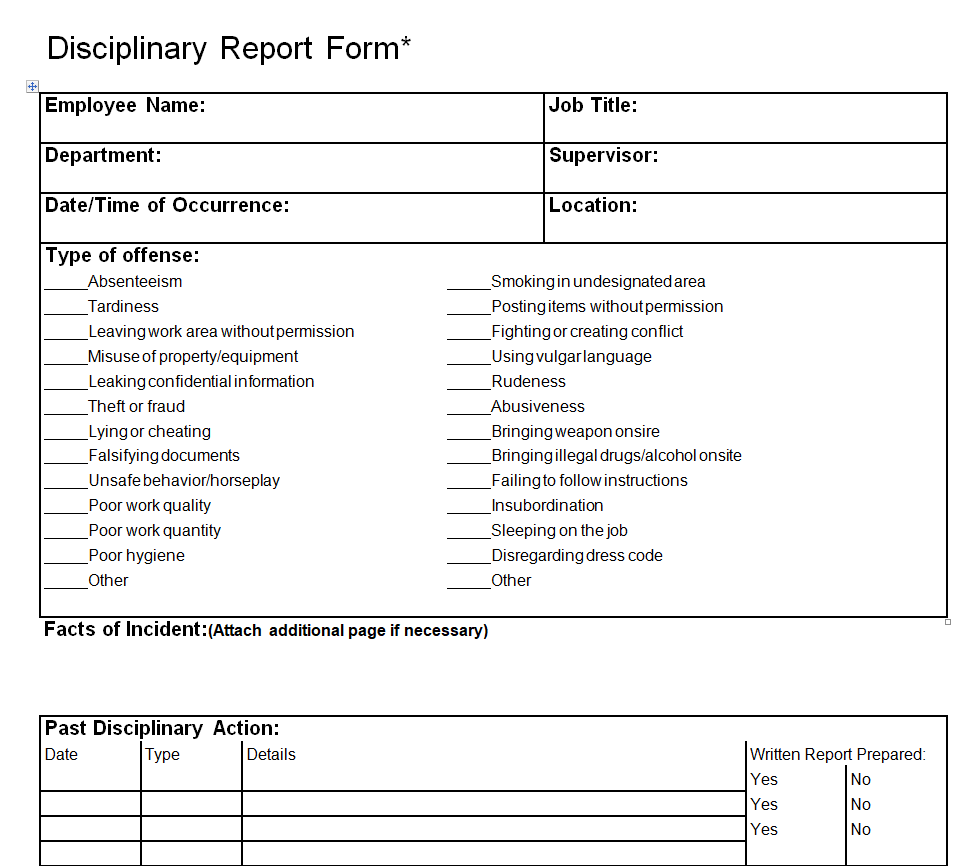
More Employee Write-Up Form Templates
Office Employee Write-Up Form Template
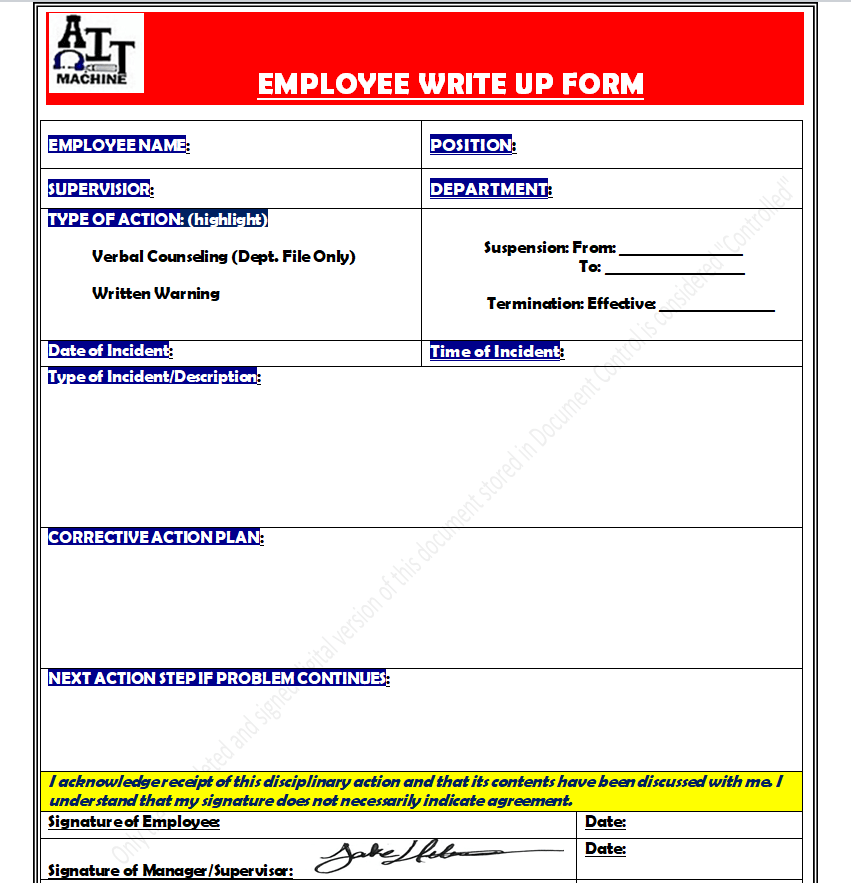
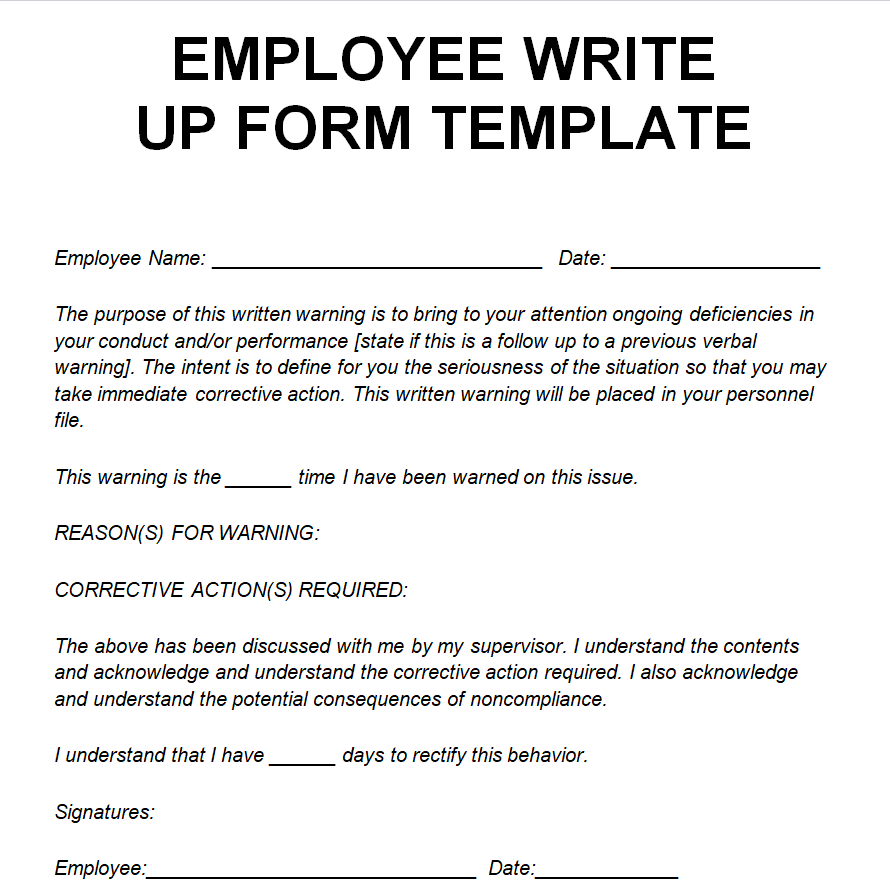
Printable Employee Write-Up Form Template MS WORD
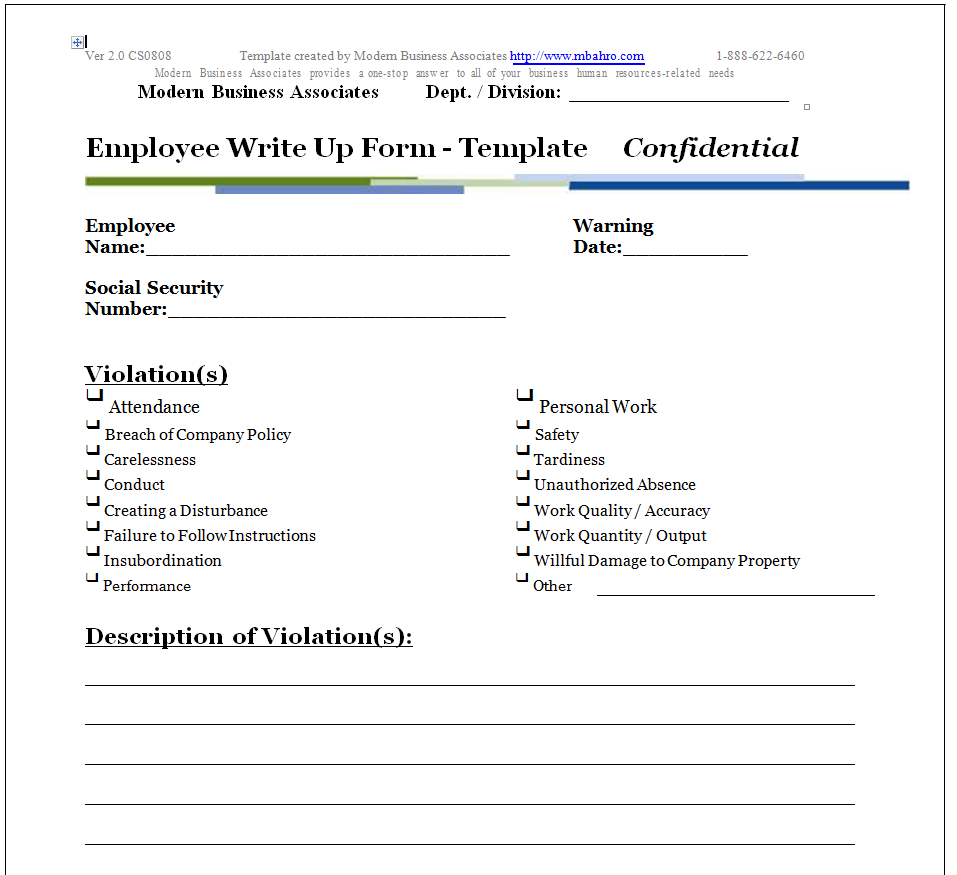
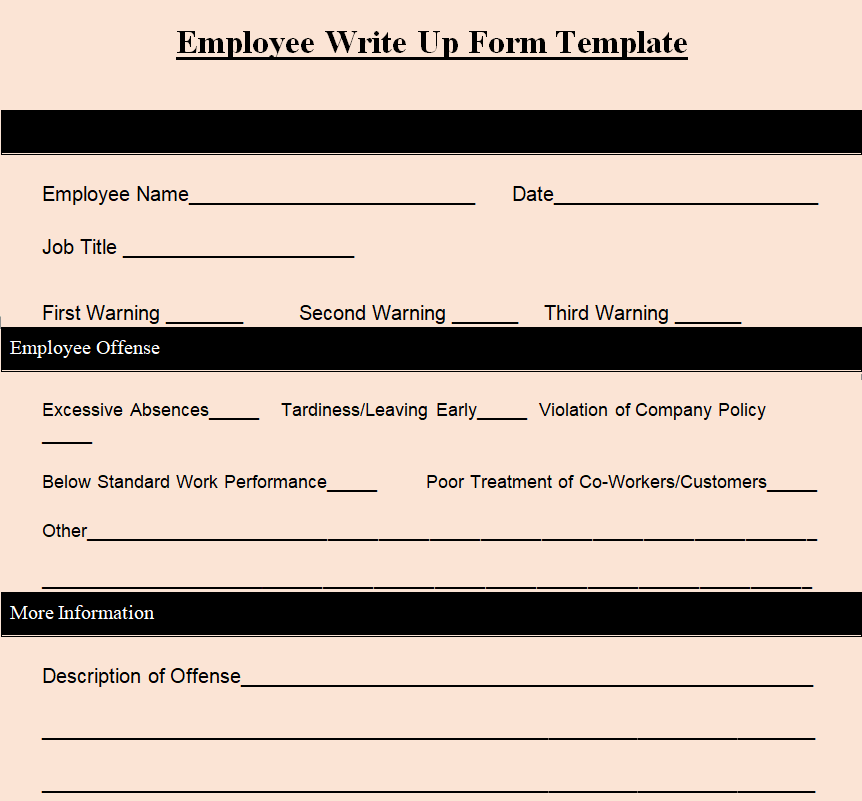
Basic Employee Write-Up Form Format
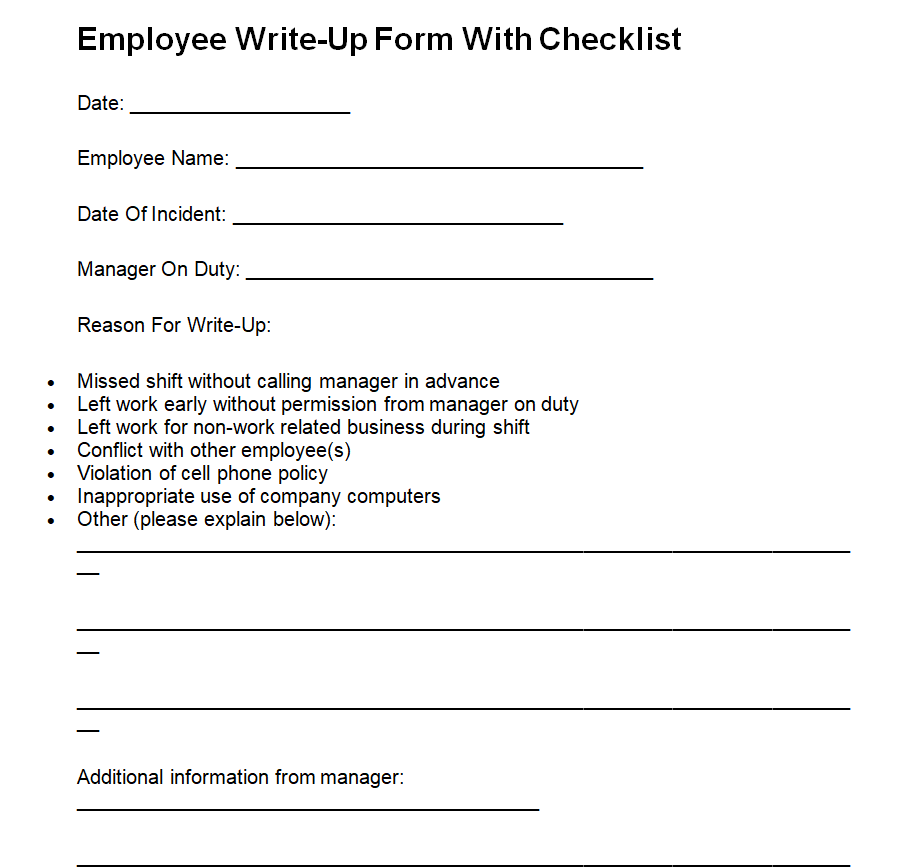
Employee Write-Up Form Template with Checklist
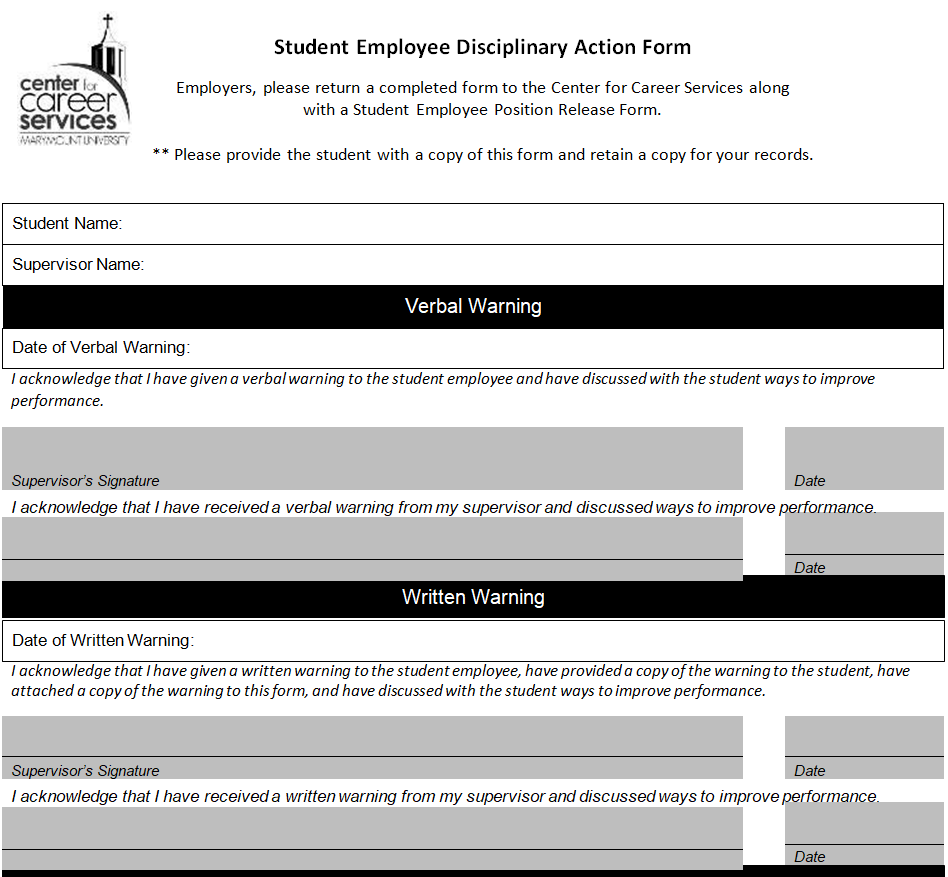
Student Employee Disciplinary Action Form Example Doc
Employee Write-Up Form Template for Attendance
Restaurant Employee Write-Up Form Template
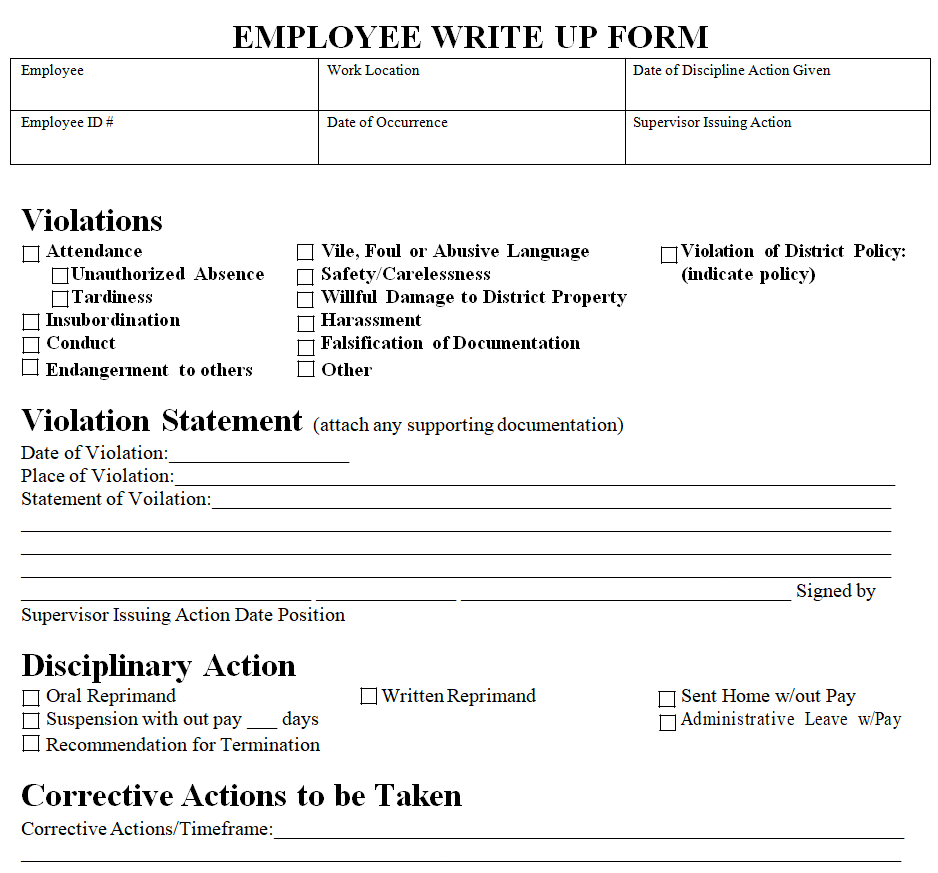
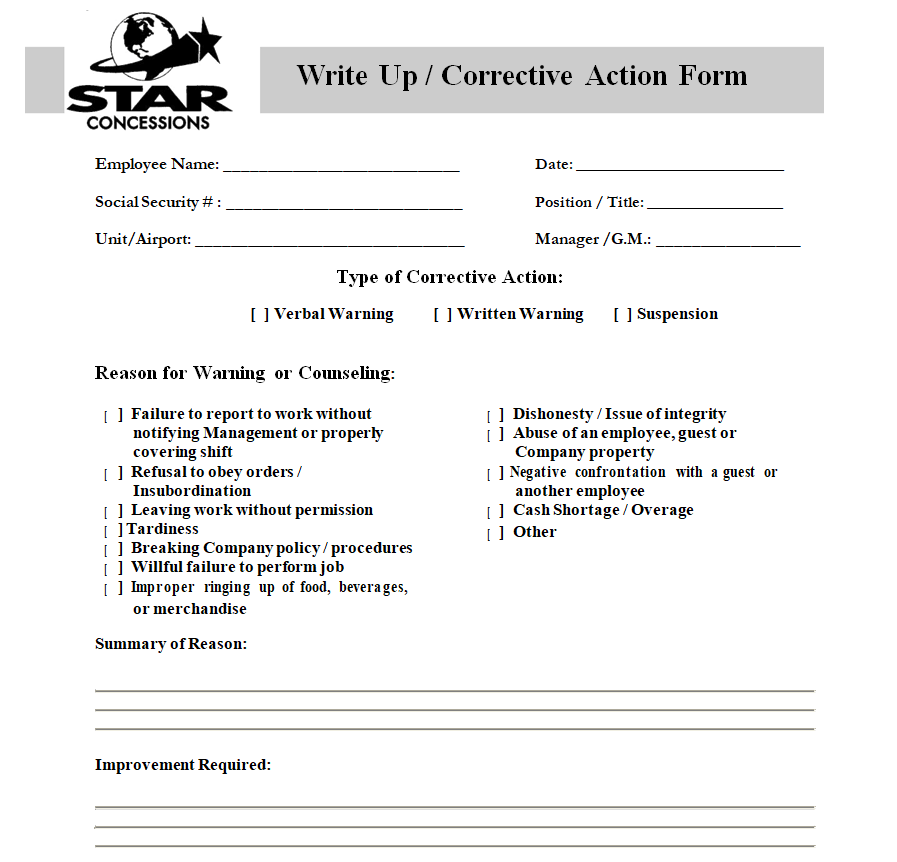
Customizable Employee Corrective Form Template
Keep It Fair and Factual
Write as if a stranger will read the form months from now, because one day they might. Stick to observable facts, avoid labels like “lazy” or “bad attitude”, and meet in private. Let the employee read the form and add comments before signing. If they refuse to sign, note that on the form with a witness.
For more serious cases, follow up with a formal letter from our HR warning letter templates. If the employee’s role, pay or hours change as a result, record it on an employee status change form. On a happier note, when someone turns things around, a promotion letter may follow sooner than you think.
Frequently Asked Questions
Is an employee write-up the same as a warning letter?
They are closely related. A write-up form is usually the internal record of the meeting, while a warning letter is the formal notice given to the employee. Many companies use both.
Does the employee have to sign the write-up?
Their signature only confirms they received it, not that they agree. If they refuse, note the refusal and have a witness sign.
How long does a write-up stay on file?
That depends on company policy and local law. Many employers keep active warnings for six to twelve months and store records for longer.
Can I edit these templates?
Yes. All the forms open in Microsoft Word, so you can add your logo and change fields to match your HR policy.

You must be logged in to post a comment.