
Few letters are read twice as eagerly as a promotion letter. It is the moment hard work is officially recognized, and many people keep theirs for years. An employee promotion letter should feel personal, but it also needs to be precise, because it confirms a new job title, new pay and new responsibilities.
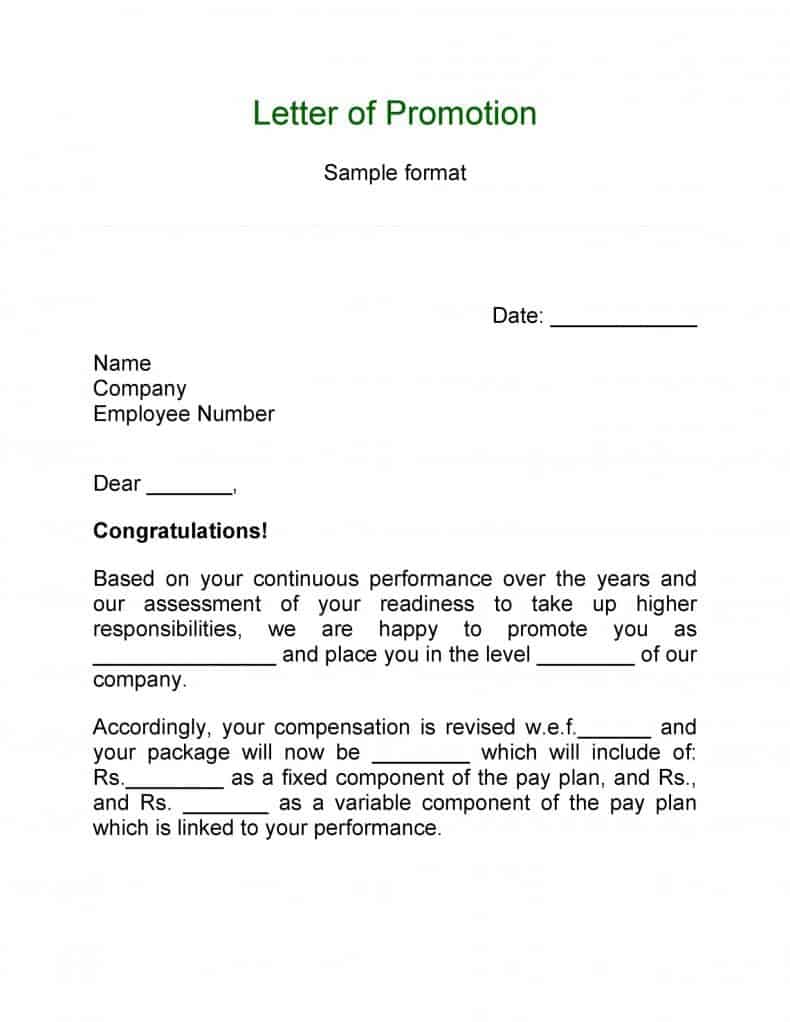
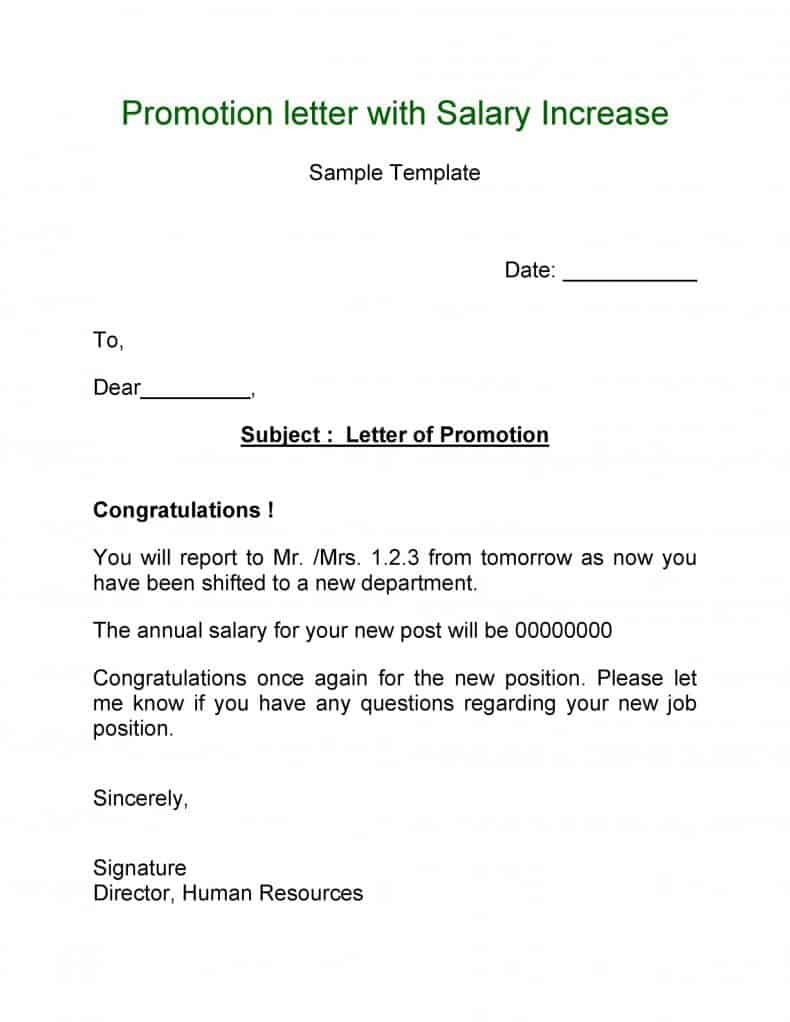
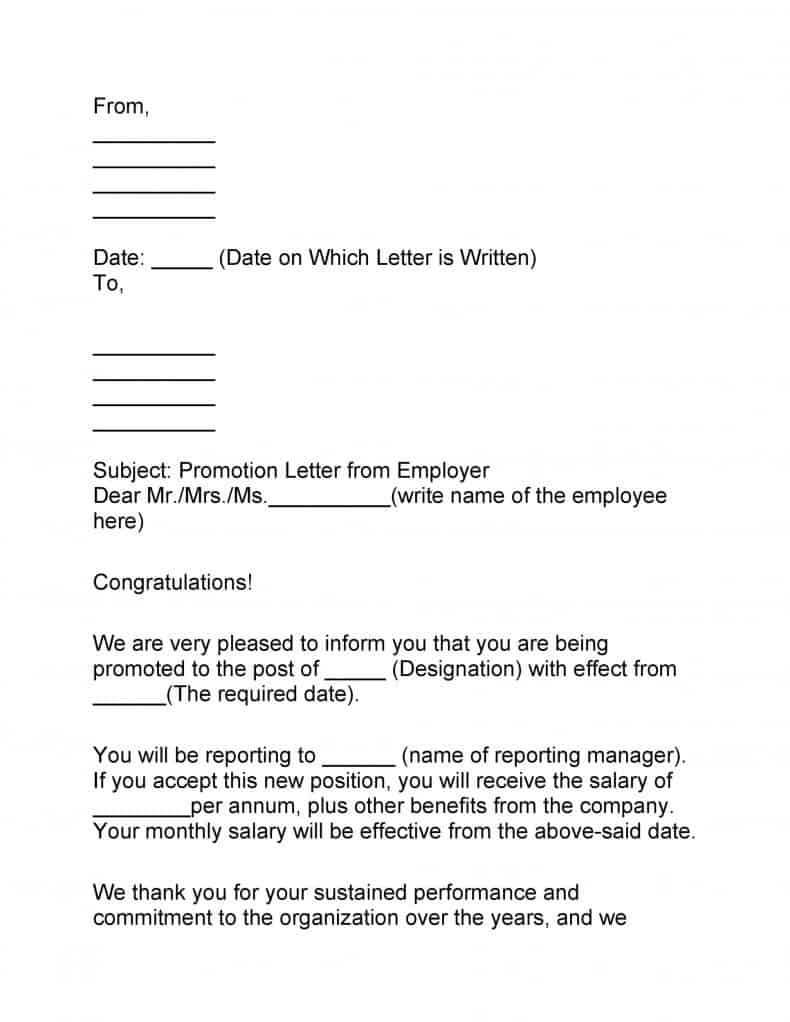
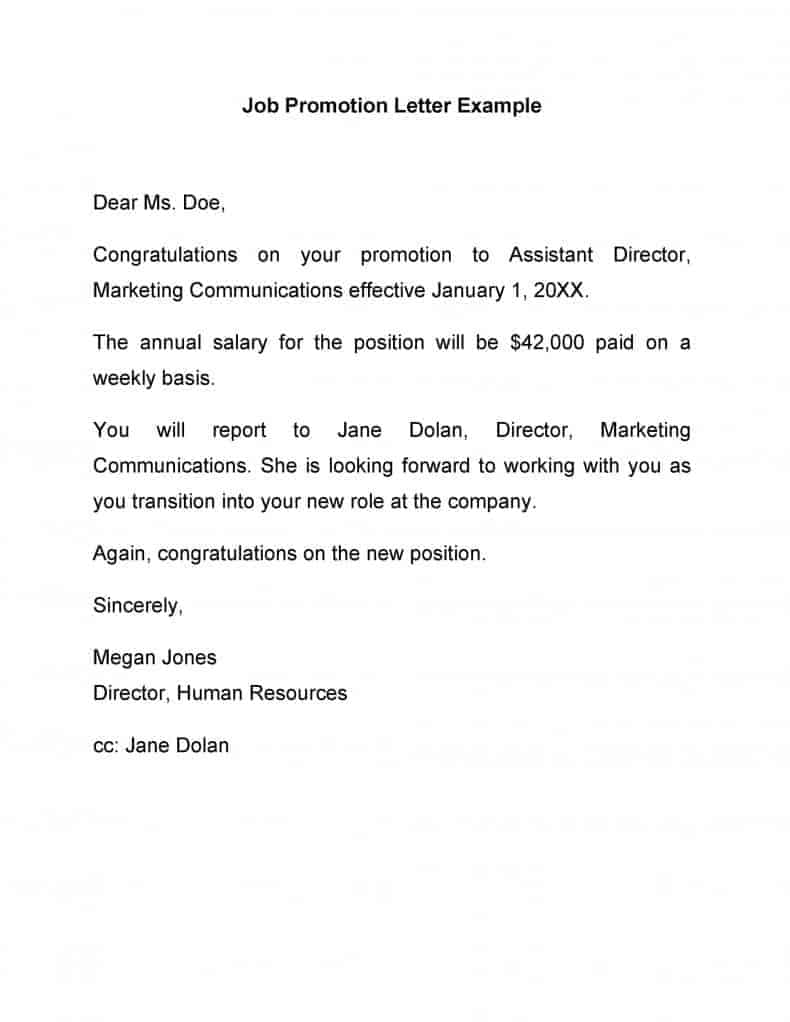
Below are 12+ free employee promotion letter templates in Word and PDF. They work for internal promotions, transfers with a promotion, and formal confirmations after a probation period in a new role.
The Shape of a Good Promotion Letter
- Open with congratulations. Say clearly, in the first sentence, that the employee has been promoted.
- Name the new role. Give the new job title, department and reporting manager.
- Confirm the money. State the new salary or pay grade and any changes to benefits.
- Set the date. Include the effective date of the promotion.
- Outline new responsibilities in a few lines, or attach the new job description.
- Close warmly, thank the employee and invite questions.
Tone: Proud, Not Over the Top
Mention one or two specific achievements that led to the promotion. It makes the letter feel genuine and tells the rest of the team what the company values. Keep it to one page, and send it before, or on the same day as, any public announcement.
Download Employee Promotion Letter Templates
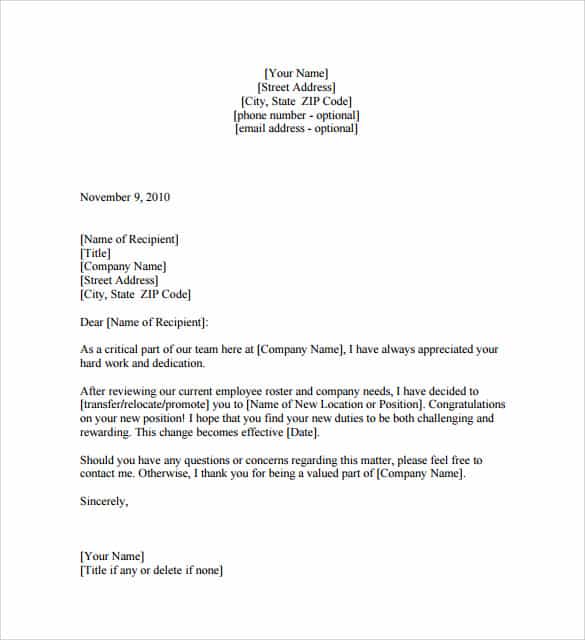

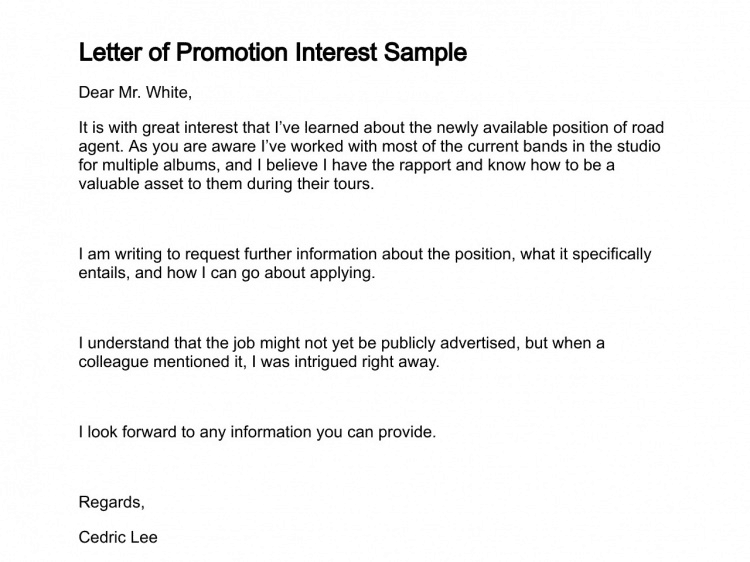
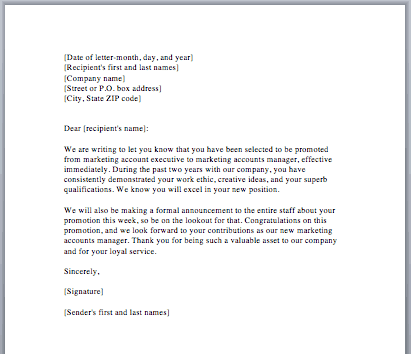
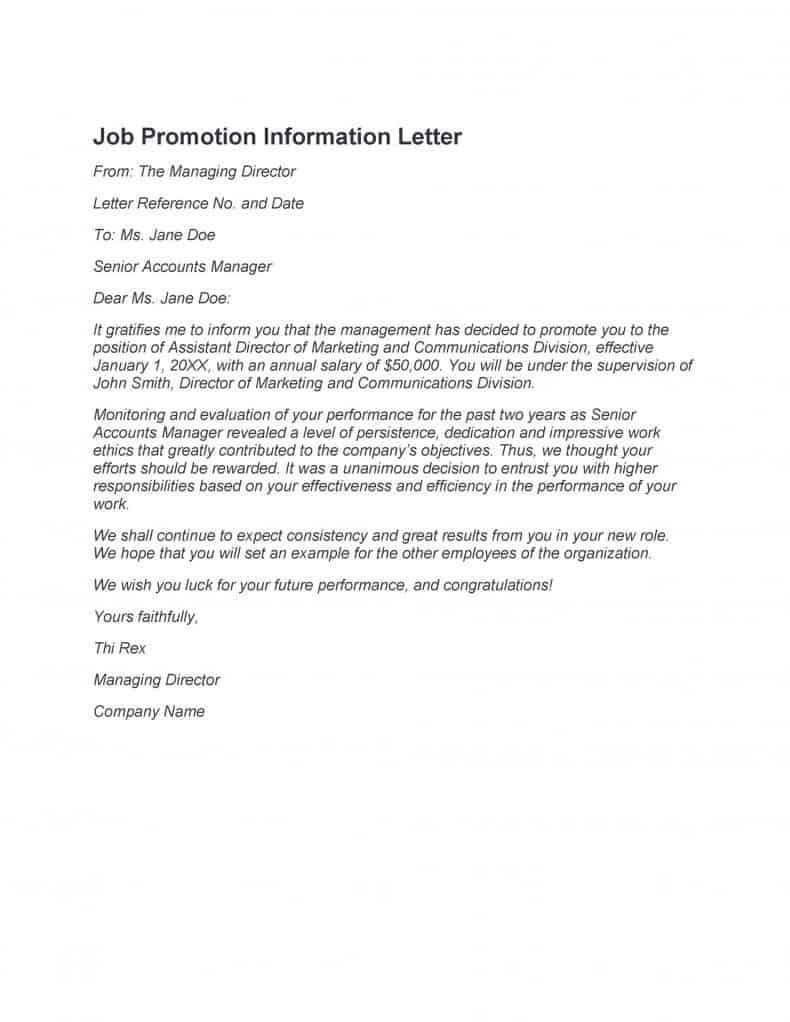
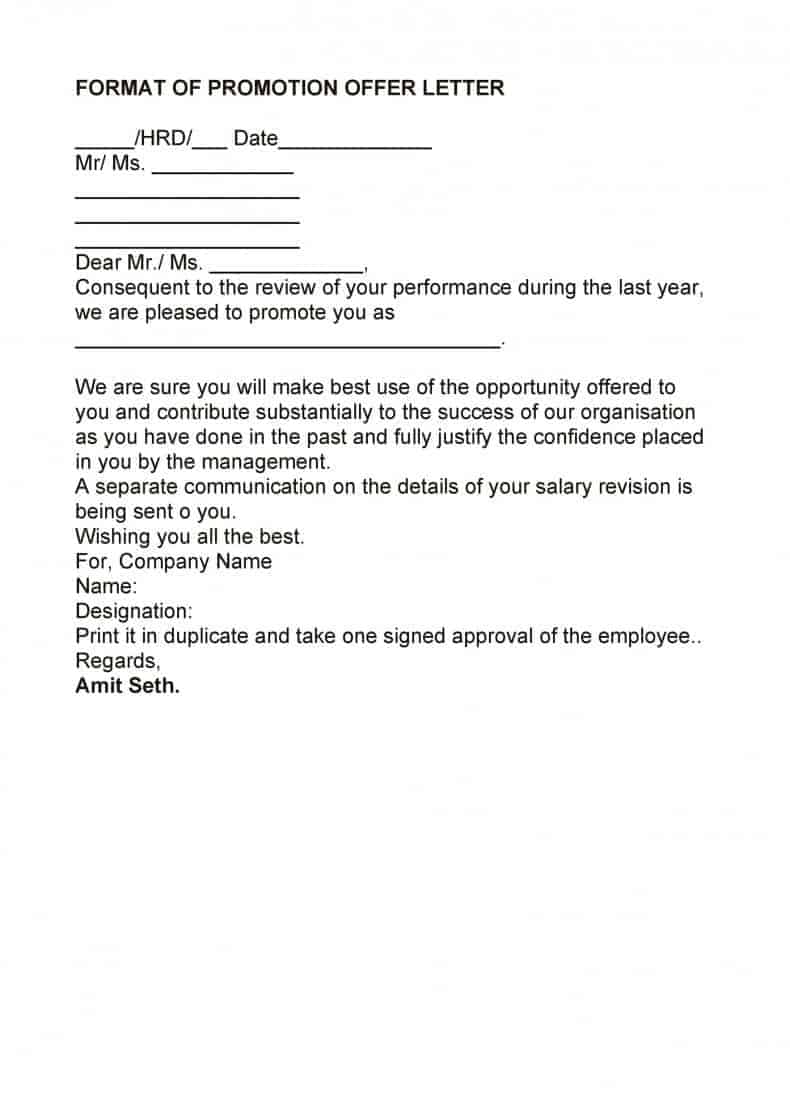
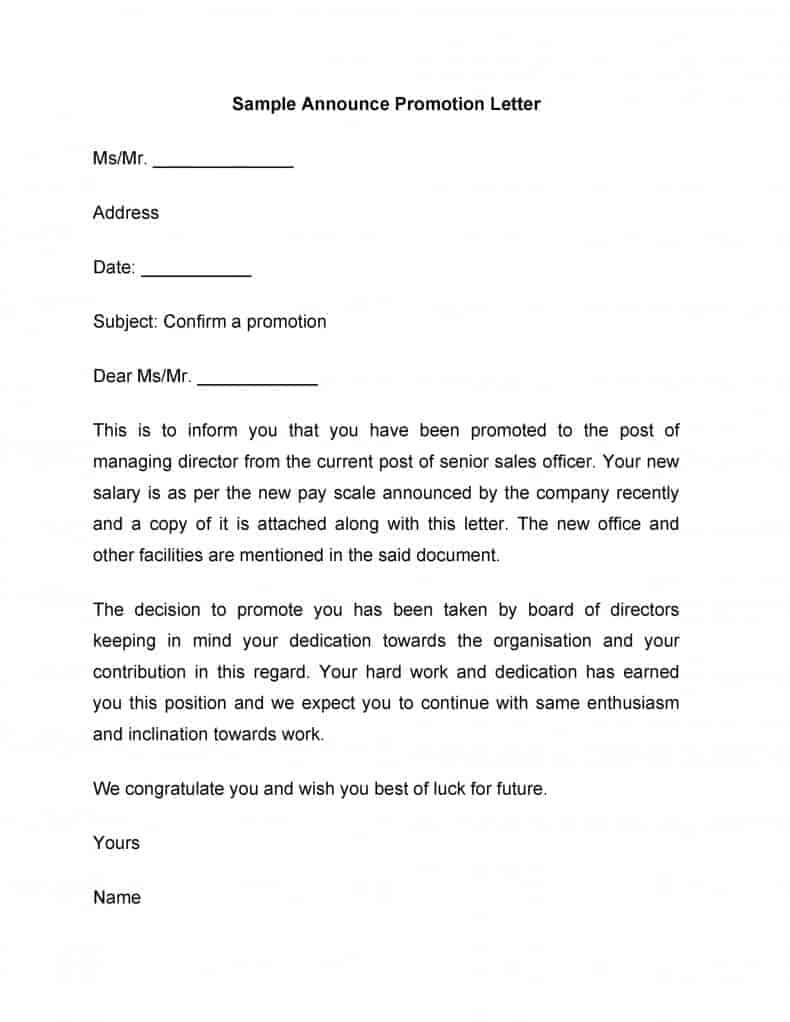
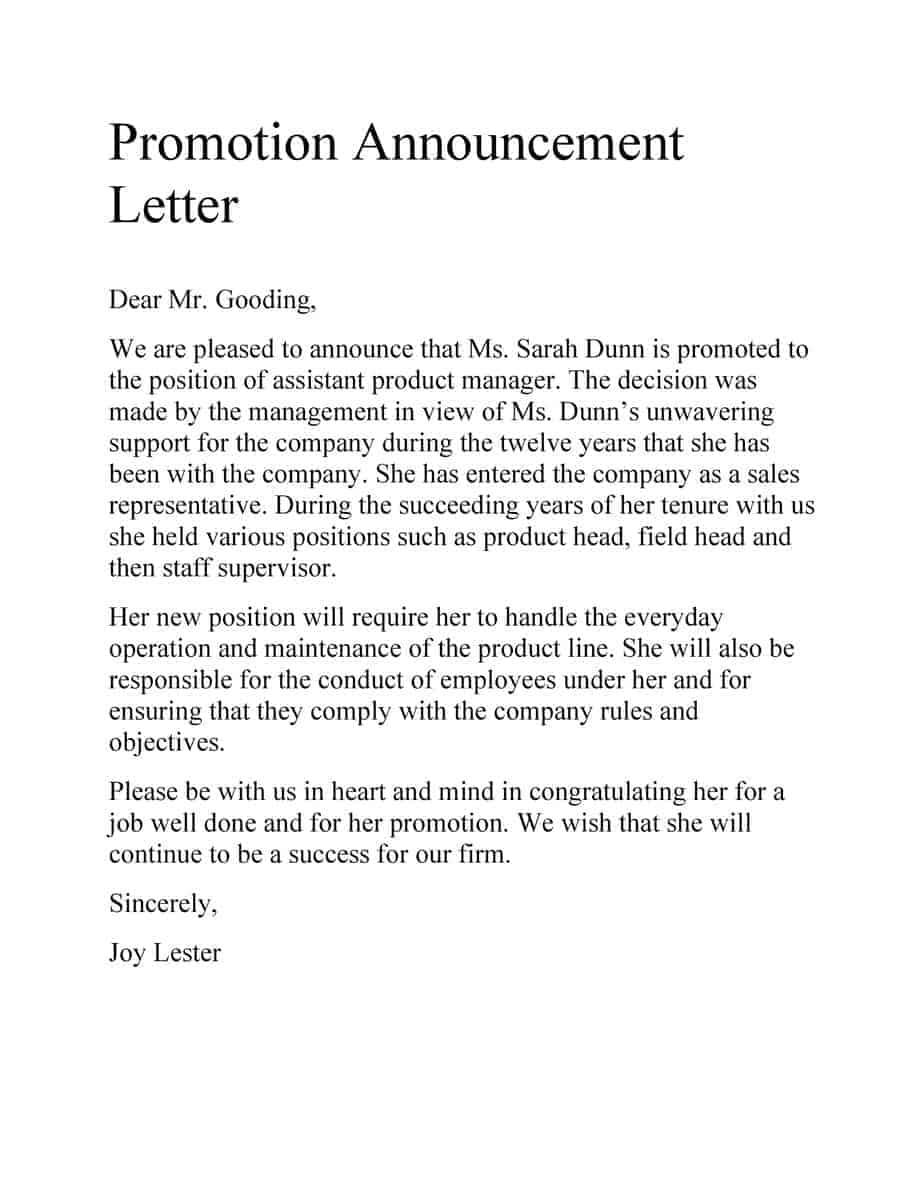
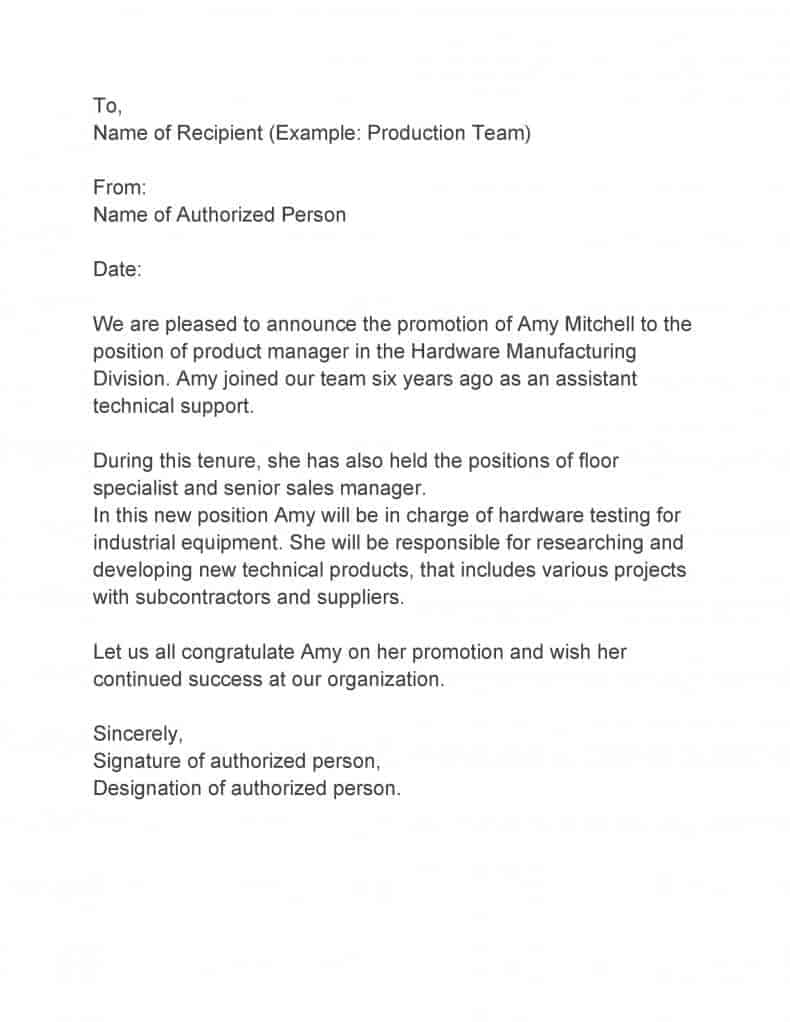
After the Letter Goes Out
Update the employee’s file with an employee status change form so payroll and HR records match the new role. If the promotion comes with a new contract, pair it with an updated appointment letter. For employees who need proof of their new salary, our salary certificate formats come in handy, and teams that celebrate wins may also like our certificate templates.
Frequently Asked Questions
What should a promotion letter include?
The new job title, effective date, salary or pay grade, reporting line, a short summary of new duties, and a word of congratulations.
Who signs an employee promotion letter?
Usually the employee’s manager, the HR manager, or both. In small businesses, the owner often signs it.
Is a promotion letter the same as a promotion announcement?
No. The letter is a private, formal document for the employee. An announcement is a short message shared with the team or company.
Should the employee sign the letter too?
Many companies ask the employee to sign and return a copy to confirm they accept the new role and terms.

You must be logged in to post a comment.