
Every smooth event you have ever attended had one thing behind the scenes: a schedule that somebody took seriously. Speakers knew when to arrive, caterers knew when to serve, and the sound check did not clash with the doors opening. An event schedule template gives you that backbone without starting from a blank page.
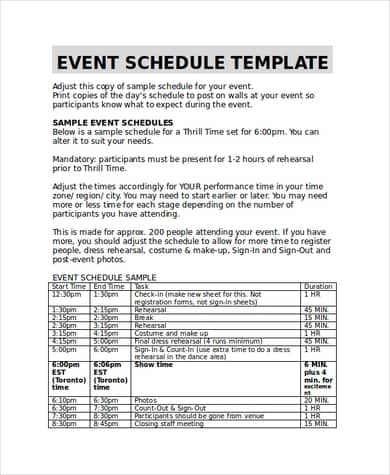
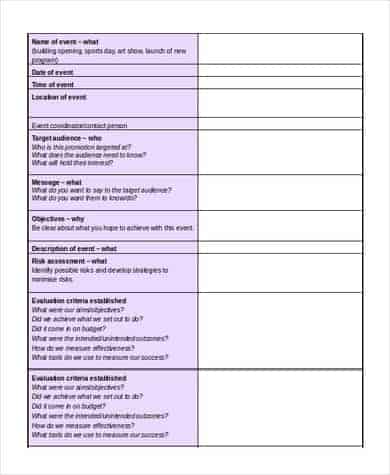
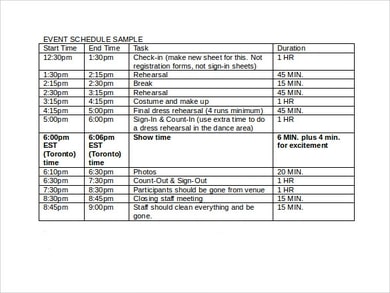
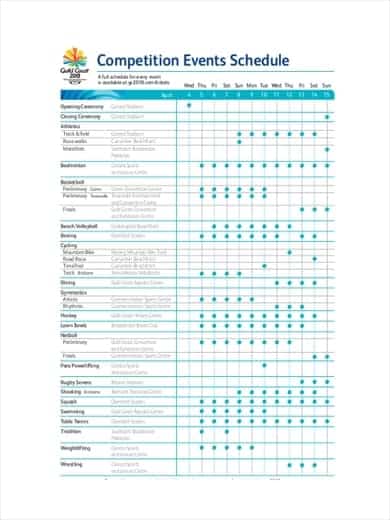
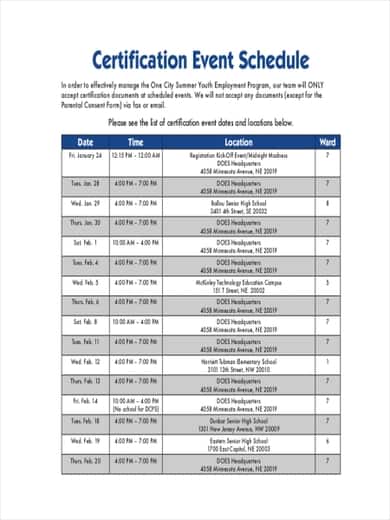
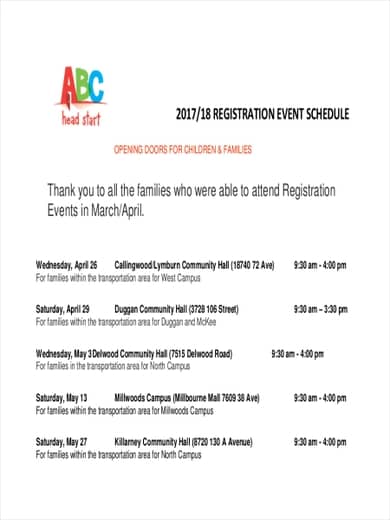
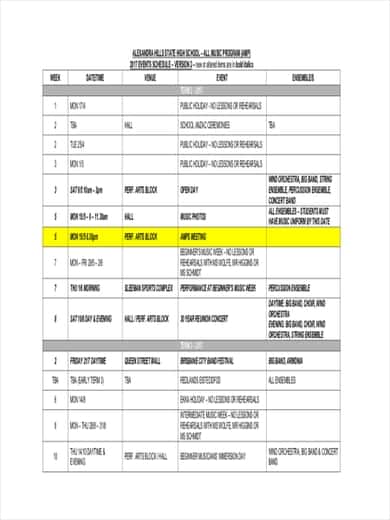
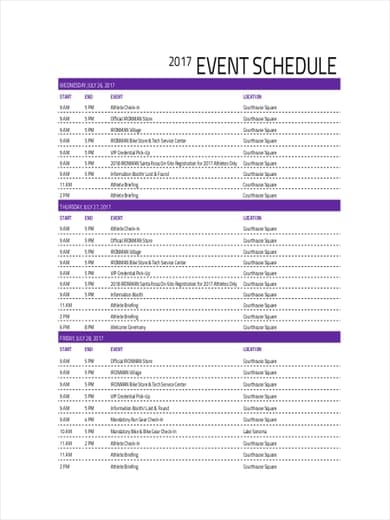
Below you will find more than ten free event schedule and itinerary templates, including a simple timetable, a five-day program, a music event schedule, a competition schedule and a registration-day plan.
Two Schedules, Not One
Experienced planners usually keep two versions:
- The public schedule shows guests what happens and when: sessions, breaks, meals and the closing.
- The run sheet is for your team. It is minute-by-minute and lists who is responsible for each task, from unlocking the venue to switching off the lights.
The templates here work for both. Keep the detailed version for staff and share a cleaner copy with attendees.
How to Build a Schedule That Holds Up
- Start with fixed points: venue access times, keynote slots, meal service.
- Work backwards to set setup, rehearsal and registration times.
- Add 10–15 minute buffers between sessions. Things always run over.
- Assign an owner to every line item.
- Share the final version at least a week ahead and print copies for the day.
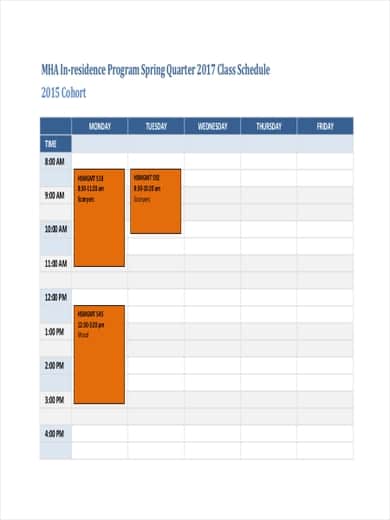
Download Event Schedule Templates

Pair Your Schedule With the Right Paperwork
A schedule works best alongside a few other documents. Use a party planning checklist to track tasks in the weeks before, a registration form to manage sign-ups, and a sign-in sheet at the door. If guests are traveling, our itinerary templates help them plan the trip around your event.
Frequently Asked Questions
What is the difference between an event schedule and an itinerary?
The terms are often used interchangeably. An event schedule usually covers one event, while an itinerary can also include travel, accommodation and activities across several days.
How detailed should an event schedule be?
For guests, list sessions in 15 to 30 minute blocks. For your team, go down to 5 minute steps on the day itself.
Can I edit these templates in Excel or Word?
Yes. Download the ZIP file, open the template, and change times, titles and colors to suit your event.
Should breaks be included in the schedule?
Always. Clear breaks keep attendees fresh and give your team time to reset rooms and fix problems.

You must be logged in to post a comment.