
A good ID badge does three jobs at once: it tells security who belongs, helps new colleagues put names to faces, and quietly shows off your brand. These free ID card templates let you design that badge yourself, with no special software or print shop required.
You’ll find press and media passes, corporate ID badges, vertical lanyard cards and a medical ID card, plus ten more design examples for inspiration.
What to Put on an ID Badge
- Organization name and logo
- A clear, recent photo
- Full name and job title or role
- Employee, student or member number
- Department or access level (color-coding helps)
- Issue and expiry dates
- A barcode or QR code, if you use electronic attendance
These templates are for organizations issuing badges to their own staff, students, members or event attendees. They are not for creating government-issued ID such as driver’s licenses or national ID cards.
Downloadable ID Card Templates
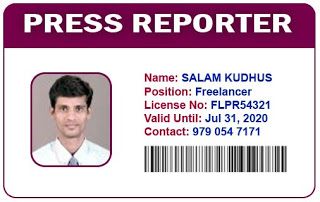
Media / Press Pass ID Card Templates:
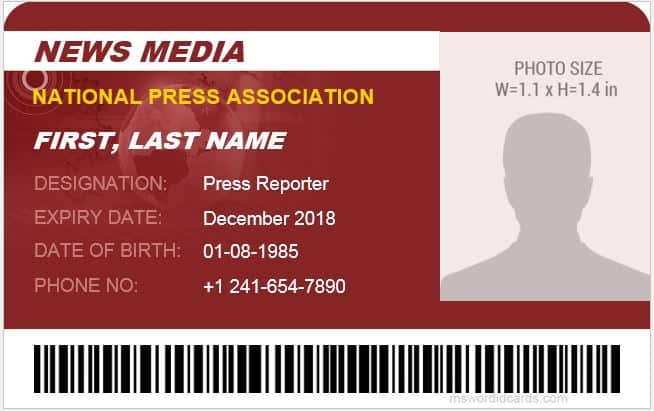

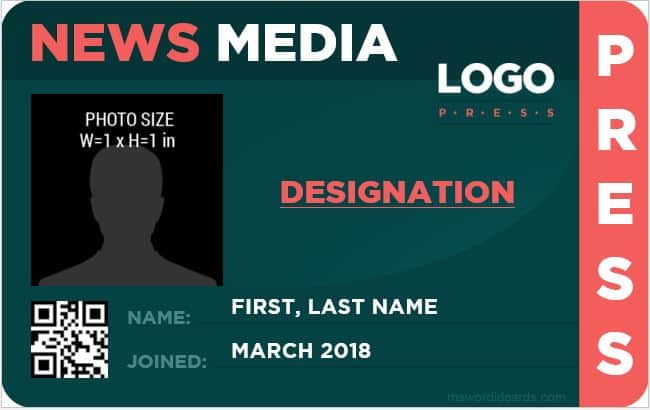
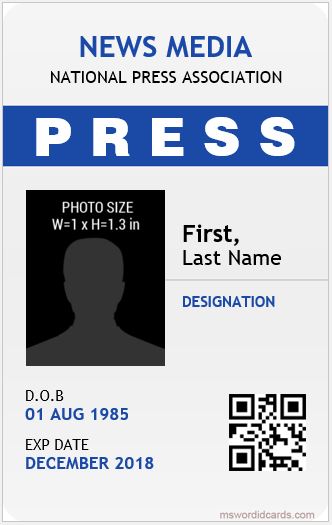
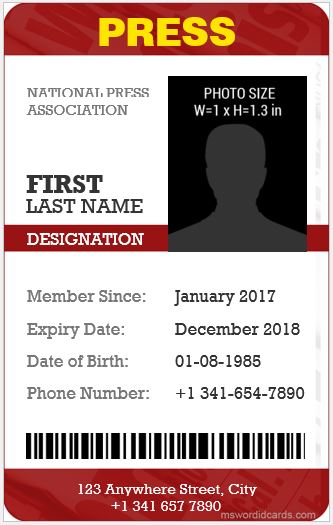
(Thanks to mswordidcards.com site)
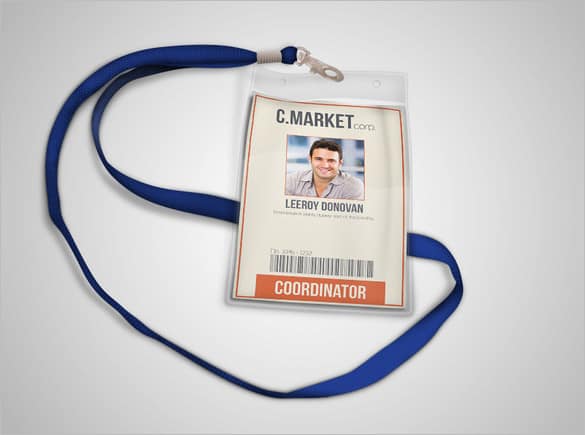
Corporate ID Badge Templates:
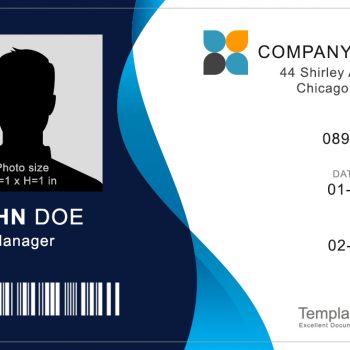
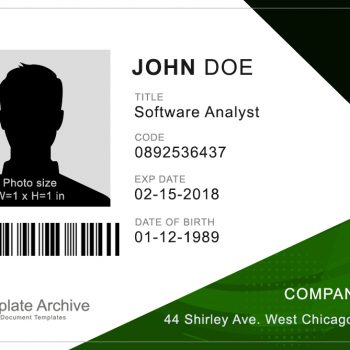
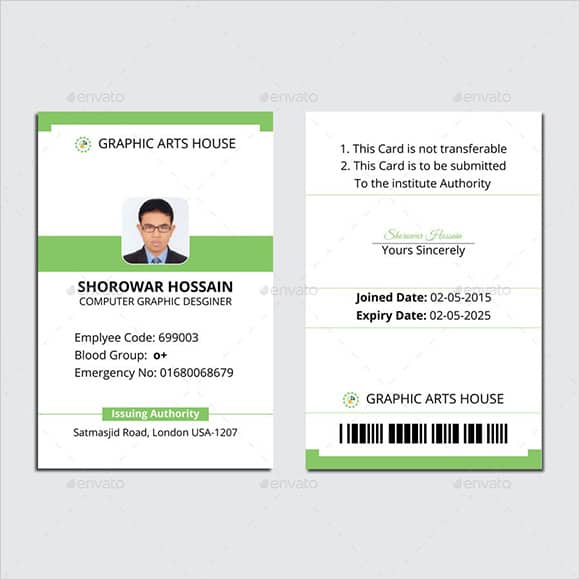
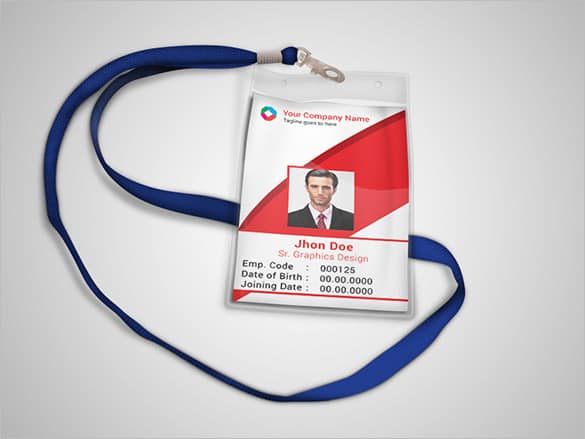
Vertical ID Card Templates:
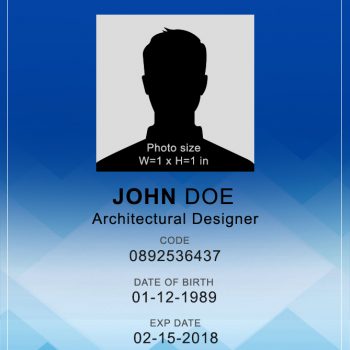
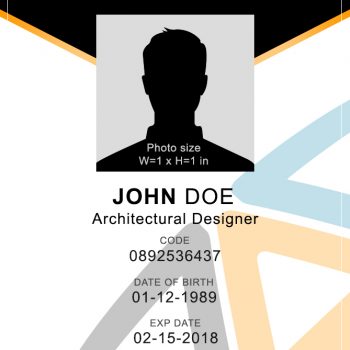
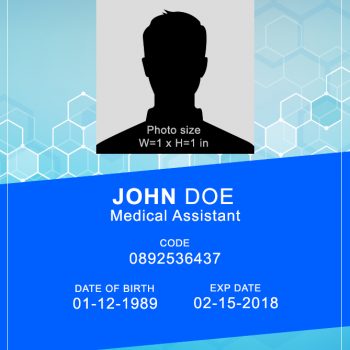
Every badge here can be opened in Word or Photoshop. Swap in your logo and colors, add a photo and name, then print on card stock or PVC card sheets. If you need to manage visitors as well as staff, keep a visitor sign-in sheet at reception alongside your badges.
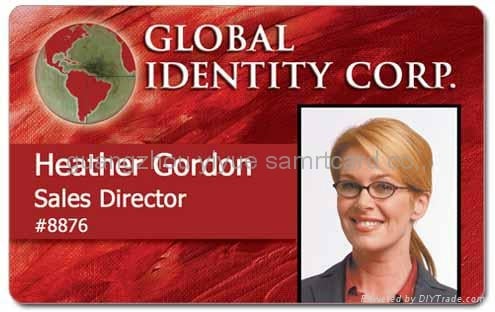
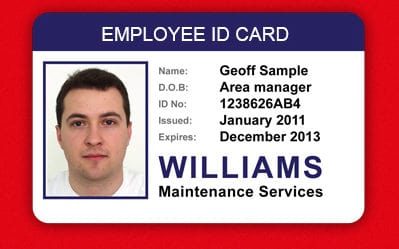
More ID Card Design Examples

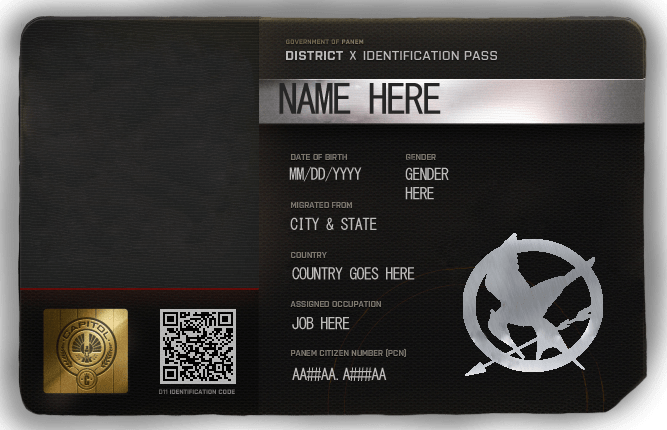
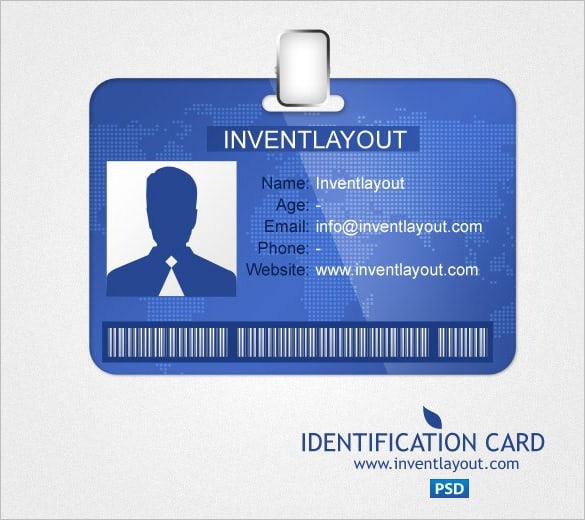

Printing Tips for Durable Badges
- Use the standard size. CR80 (3.375 x 2.125 in) fits most holders and lanyards.
- Print a test sheet first on plain paper and check alignment.
- Choose the right stock. Heavy card stock is fine for events; PVC sheets or a card printer last longer for staff.
- Laminate or use a sleeve to protect against wear.
- Keep a register of issued badges so lost ones can be canceled.
When a new hire starts, the badge is just one item; an onboarding checklist keeps the rest on track. For staff phone and email details, pair it with a contact list, and for pets rather than people, try our dog tag templates.
Frequently Asked Questions
What size is a standard ID card?
Most ID badges use the CR80 size, about 3.375 x 2.125 inches (85.6 x 54 mm), the same as a credit card.
Can I edit these ID card templates in Word?
Yes. Many of the downloads include both Word and Photoshop (PSD) files, so you can use whichever program you have.
Should ID badges be vertical or horizontal?
Vertical badges hang neatly on lanyards and show the photo prominently. Horizontal badges suit clips and wallets. Both work; pick what fits your holders.
How do I make press passes for an event?
Use one of the media pass templates, add the event name, date and the journalist’s outlet, and print a unique number on each pass so you can track who was admitted.

You must be logged in to post a comment.