
Retro design never really goes away. Chunky type, sun-bleached colours, halftone dots and starburst badges keep coming back because they catch the eye and carry a ready-made mood. A retro flyer can make a club night feel like a throwback party, give a diner or barber shop a sense of heritage, or turn an ordinary sale into an event people want to talk about.
The templates collected here cover several looks, from disco-era party posters and steampunk event flyers to neon retro-futuristic designs and classic restaurant menus. Most are layered PSD files, so you can change the text, colours and images without rebuilding the layout. Below the gallery you will find a guide to the main retro styles, tips for keeping the design readable, and advice on printing so the colours look as bold on paper as they do on screen.
Why a Retro Look Works on a Flyer
A flyer competes with dozens of other messages on a noticeboard, a shop counter or a lamppost. Retro styles stand out because they look different from the clean, minimal designs most brands use today. They also borrow feelings people already associate with a particular era: fun and freedom from the seventies, bold optimism from the fifties, or neon energy from the eighties. When the style matches the event, the flyer tells people what kind of experience to expect before they read a single word.
A Quick Guide to Retro Styles
Fifties diner and rockabilly
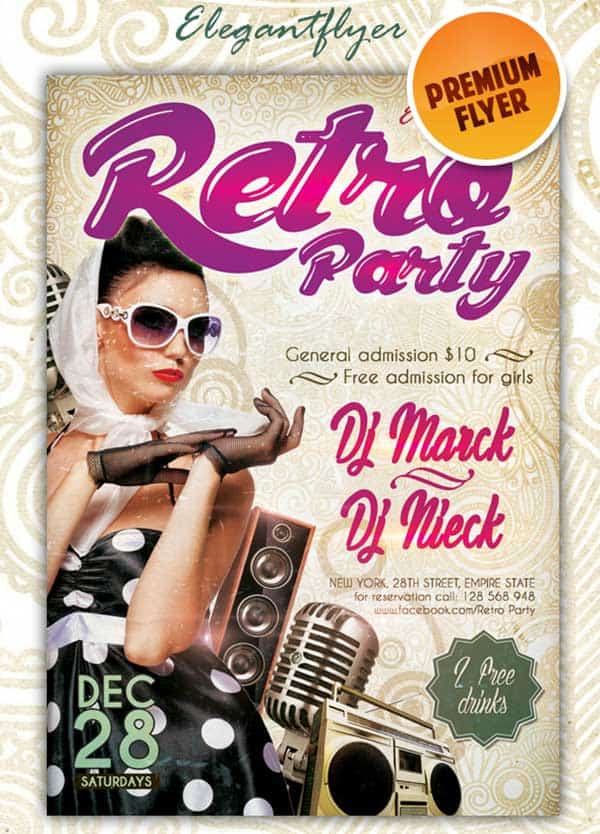
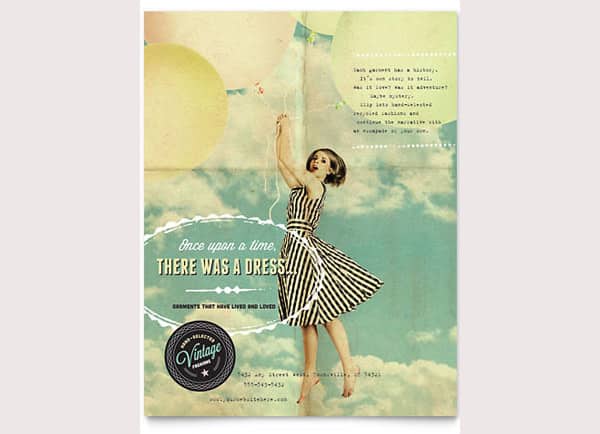
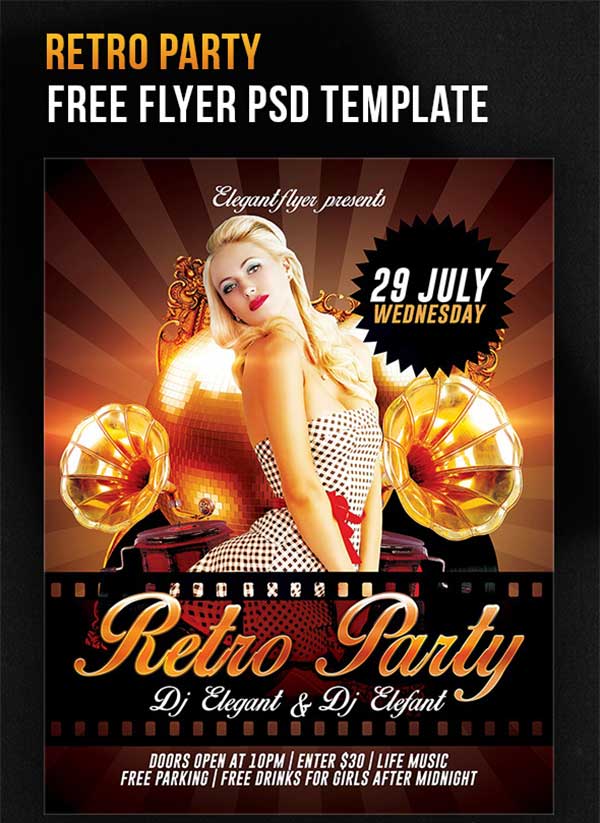
Think pastel mint and cherry red, script lettering, checkerboard patterns and atomic starbursts. This style suits diners, ice cream parlours, car shows and vintage clothing sales.
Seventies groove
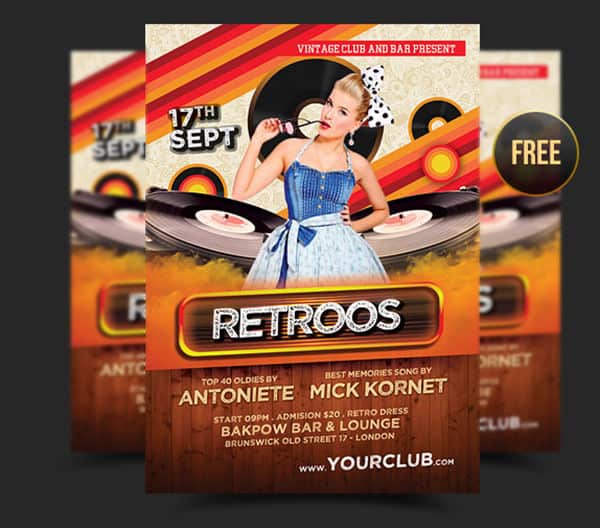
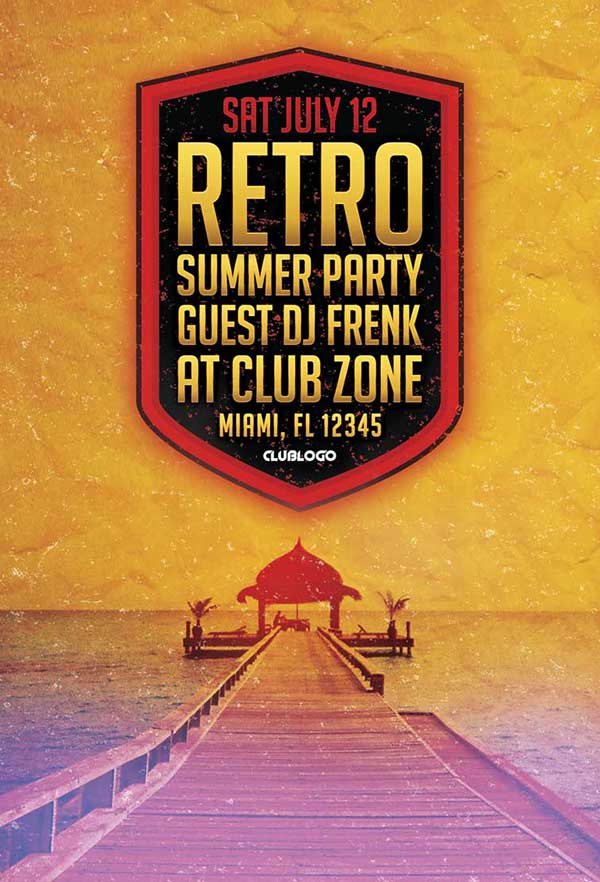
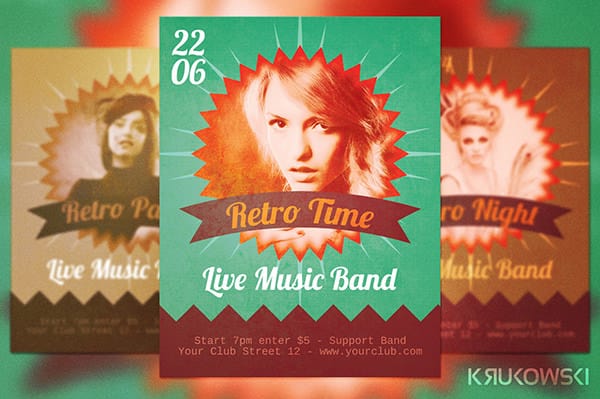
Warm oranges, browns and mustard yellows, rounded bubbly fonts and wavy stripes define this look. It works well for disco nights, roller skating events, record fairs and summer parties.
Eighties neon and retro-futurism
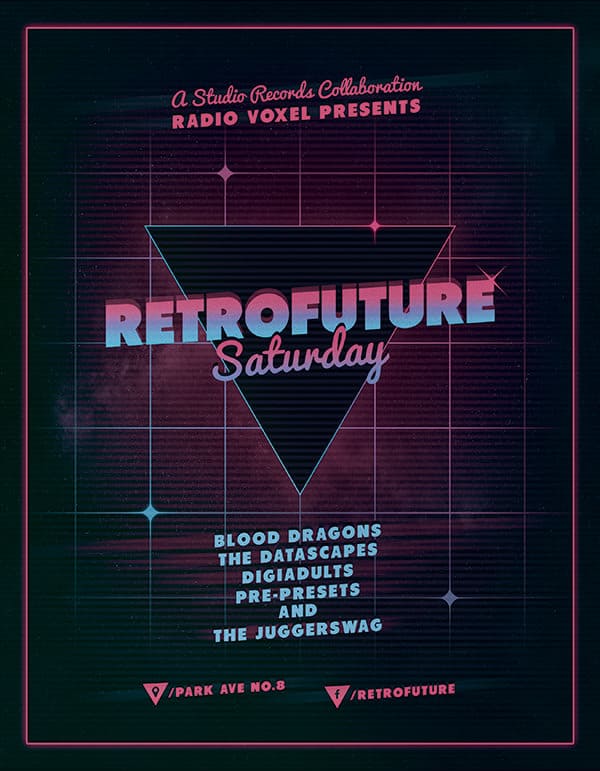
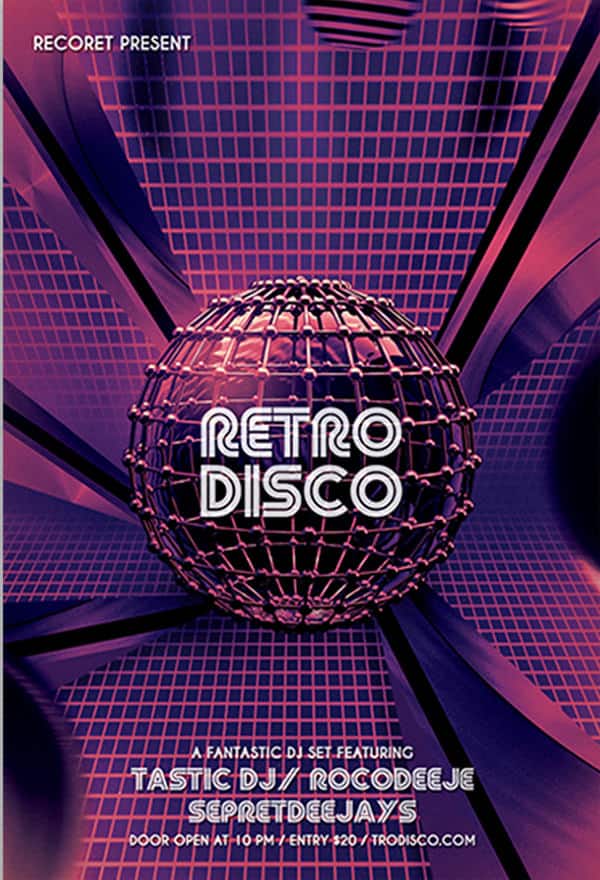
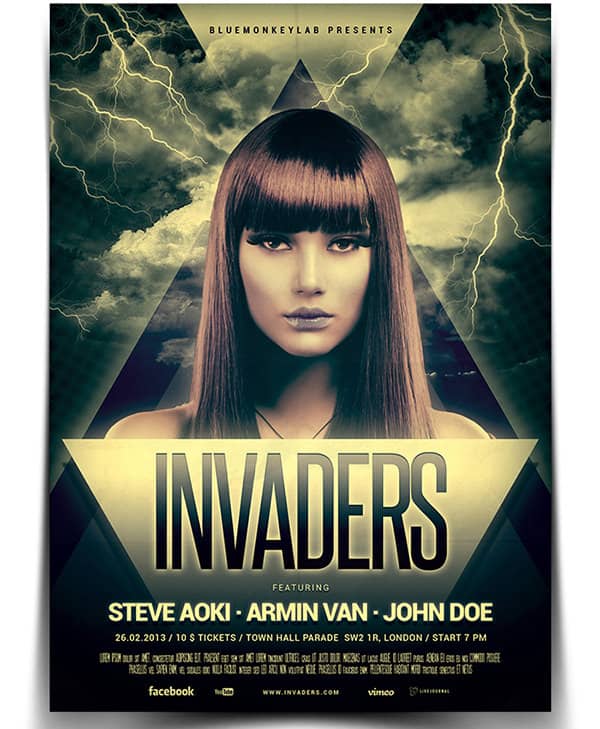
Dark backgrounds, glowing pink and cyan, chrome lettering, grid horizons and palm silhouettes create a synth-wave feel. Use it for club nights, gaming events and electronic music gigs.
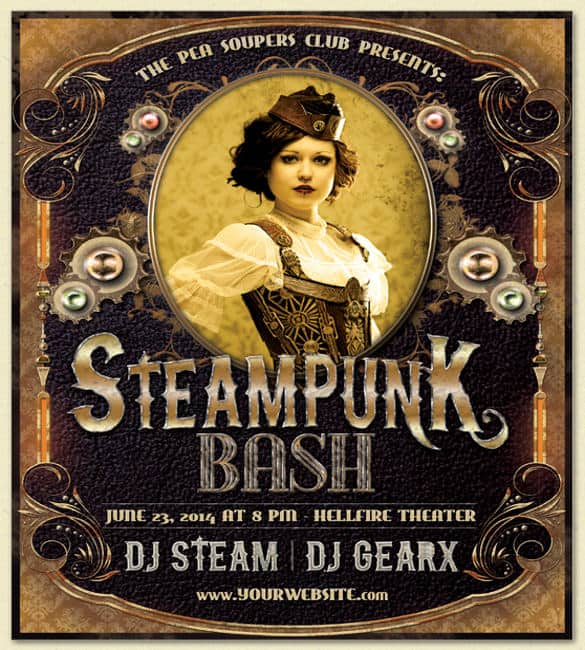
Steampunk and Victorian
Brass, gears, ornate frames and engraved-style illustrations give a theatrical, old-world feel. It suits themed parties, escape rooms, craft markets and costume events.
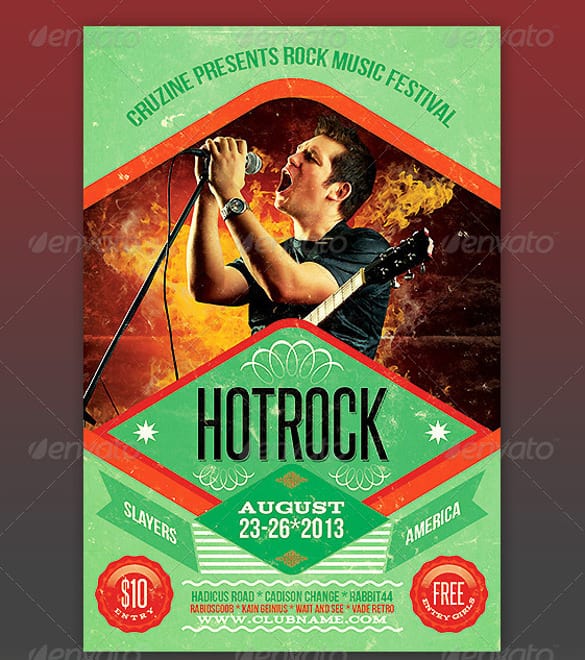
Pick the era that matches your audience and your event rather than the one you personally like best. A neon synth-wave flyer will feel out of place advertising a family-friendly bake sale, while a fifties diner design might confuse people expecting a late-night club event.
Before you download: These flyer designs come from independent designers and resource sites. Three of the original download pages are no longer online, so those links have been removed. Some remaining sources offer free files with conditions, such as crediting the designer, and others may lead to paid versions. Check the licence before printing for a commercial event. If you advertise a party or club night, follow local rules on age restrictions and licensing, and make sure any alcohol promotion is aimed only at adults.
Retro Flyer Designs to Download

Keeping a Retro Flyer Readable
Retro designs love decoration, and it is easy to let the style swallow the message. Before you print, step back from the screen and ask whether someone walking past could tell what the event is, when it happens and where it is in about three seconds. If not, simplify.
Use the decorative display font only for the headline, and set dates, times, prices and addresses in a clean, plain typeface. Give the key details their own band or box so they do not sit directly on top of a busy pattern or a photo. Check the contrast between text and background, especially with faded seventies palettes, where cream text on a pale orange background can look lovely on screen and almost vanish in print.
Textures such as halftone dots, paper grain and scratches add authenticity, but keep them away from small text. A light texture over the background and a cleaner area behind the information usually gives the best balance between style and clarity.
What to Include on Every Flyer
However strong the style, a flyer still has a practical job. Before you start decorating, make a short list of the information that must appear and check it off once the design is finished. For an event, that normally means:
- The event name or a clear headline describing what is happening
- Date, start time and, if relevant, finish time
- Venue name and address, or a short note on how to find it
- Ticket price or entry details, and where to buy tickets
- Any age limit, dress code or theme guests need to know about
- A website, social handle or QR code for more information
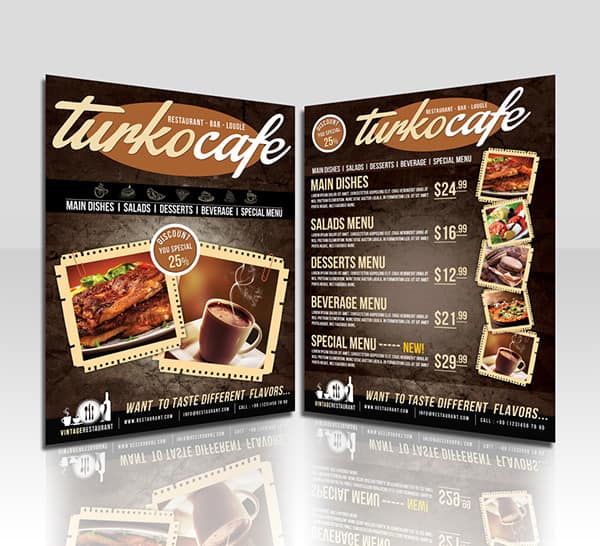
For a shop or restaurant, swap the event details for opening hours, the offer and its end date, and a reason to visit now. Anything not on the list is optional, and if space is tight it is usually the first thing to cut. A retro flyer can carry plenty of personality while still answering every question a reader is likely to have, and getting that balance right is what turns a nice-looking design into one that actually fills a room.
It also helps to read the finished flyer as if you knew nothing about the event. Organisers often leave out details that seem obvious to them, such as which entrance to use or whether food is available. A friend who was not involved in the planning is the best person to spot these gaps.
Customising the Templates
Start by replacing the headline and the event details, because their length can change the whole layout. A two-word headline fills space very differently from a six-word one. Once the text is settled, update the colours. Many retro templates use a small palette, so changing just two or three swatches can shift a design from seventies warmth to eighties neon without touching the layout.
If you swap in your own photos, apply a matching treatment so they blend into the style. A slightly faded, warm-toned image suits seventies and fifties designs, while high-contrast images with a colour overlay fit eighties and retro-futuristic flyers. Finish by adding your logo, social handles and, if useful, a QR code linking to tickets or a booking page.
Printing Bright Retro Colours
Neon pinks, electric blues and vivid oranges often look duller in print than on a backlit screen, because standard four-colour printing cannot reproduce every bright shade. Convert the file to the colour mode your printer recommends and view a soft proof if your software offers one. If a key colour shifts too much, adjust it until the printed version looks right rather than relying on how it looks on screen.
Paper choice can help the style. Uncoated or recycled paper suits fifties and seventies designs, giving a slightly soft, vintage finish. Gloss or silk paper makes eighties neon and chrome effects look sharper. Always include bleed if colour runs to the edge, and order a small test batch before committing to a large run.
Planning the Rest of Your Event Promotion
A flyer works best as part of a set. Reuse the same colours and fonts across posters, tickets and social posts so people recognise your event wherever they see it. If you are organising the whole night, a party planning checklist helps you keep track of venue, music, licences and timings while the promotion runs. For a launch or reopening with a nostalgic theme, our grand opening flyers offer more layouts to adapt.
Retro styling also pairs nicely with other printed pieces. Matching vintage postcards make good handouts or thank-you notes after the event, and bands or DJs promoting a gig can carry the same look onto their CD covers. Kids’ clubs and holiday schemes that want a lighter retro feel can find simpler designs among our summer camp flyers.
Frequently Asked Questions
What makes a flyer look retro?
A limited, era-specific colour palette, period-style fonts, and textures such as halftone dots or worn paper. Graphic elements like starbursts, stripes, grids or ornate frames reinforce the look.
Can I edit these flyers without design experience?
Yes, in most cases. The layered files keep text and images on separate layers, so changing words and colours is straightforward. You will need an editor that opens PSD files; some free tools can handle simpler layouts.
Are the fonts included?
Usually not. Most templates list the fonts they use, with links to download them separately. Check each font’s licence too, because a free template does not automatically mean free commercial use of its fonts.
Which size should I print?
A5 is a popular handout size, while A4 or A3 works better for posters in windows and on noticeboards. Choose a template designed for your final size to avoid awkward cropping.
Can I use the same design online?
Yes. Export a square or portrait version for social media, and keep the text larger than on the print version so it stays readable on a phone screen.
