
Farms, orchards, nurseries and agricultural suppliers increasingly win customers online, whether that’s a family selling weekend farm boxes, a dairy offering tours, or a supplier listing seed and equipment for local growers. These agriculture website templates give you earthy, image-rich layouts with sections for produce, services, team stories and contact details, so you can get a professional site online without starting from a blank page.
Below you’ll find nine designs for farms, organic producers, agricultural companies and landscaping businesses. Several are free responsive HTML templates, others are premium themes from marketplaces. Before the gallery, we’ll cover what an agriculture website should include; afterward, you’ll find setup steps, photo tips and ways to turn visitors into buyers.
Who Uses Agriculture Website Templates?
- Family farms selling produce, eggs, meat or dairy directly to customers.
- Organic and specialty growers who want to explain their methods and certifications.
- Agricultural suppliers listing seeds, feed, tools or machinery.
- Agritourism businesses offering pick-your-own days, farm stays, tours and events.
- Landscaping and garden services that share a similar natural, outdoor look.
- Co-ops and farmers’ markets that need a directory of vendors and a seasonal calendar.
What a Farm or Agriculture Website Should Include
| Section | What to put there |
|---|---|
| Home | A strong photo of your land or products, one sentence on what you offer, and a clear next step. |
| Products or services | What you sell or provide, with seasons, prices or “contact for pricing.” |
| Our story | Who runs the farm, how long you’ve been growing, and what makes you different. |
| How to buy | Farm stand hours, delivery areas, markets you attend or online ordering. |
| Seasonal calendar | What’s available when, from spring greens to autumn squash. |
| Visit or contact | Map, directions, phone, email and a simple form. |
HTML template or full website theme?
Free HTML templates are lightweight and easy to host but need some coding to update. Themes for content management systems make it simpler to add products, blog posts and seasonal updates yourself. If you plan to change your offerings every few weeks, a CMS theme usually saves time in the long run.
About the downloads: The buttons open each template’s original page on free template sites, design blogs and theme marketplaces. Free templates often ask for a footer credit, and premium themes are sold under the marketplace’s license. Check the current terms and the last update date before you build.
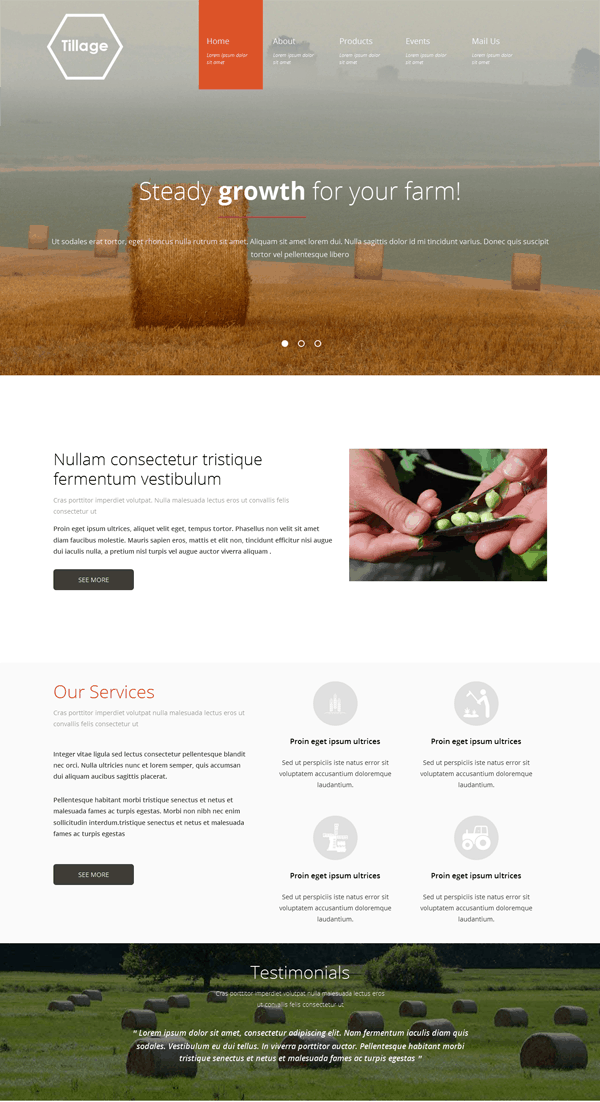
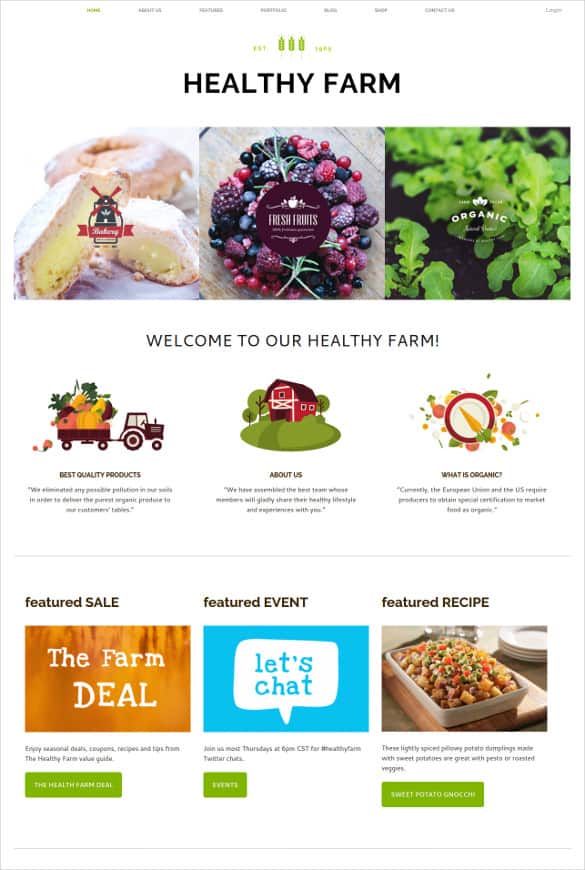
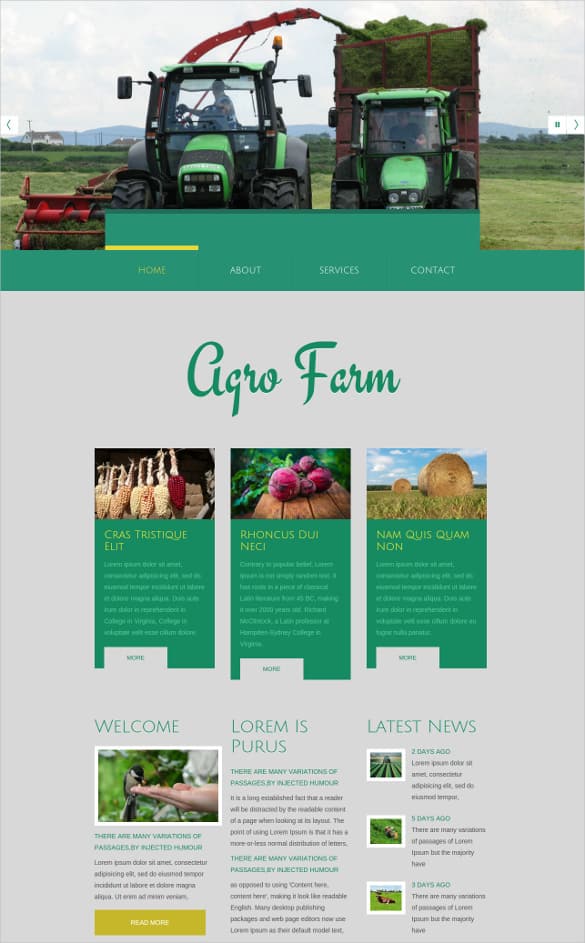
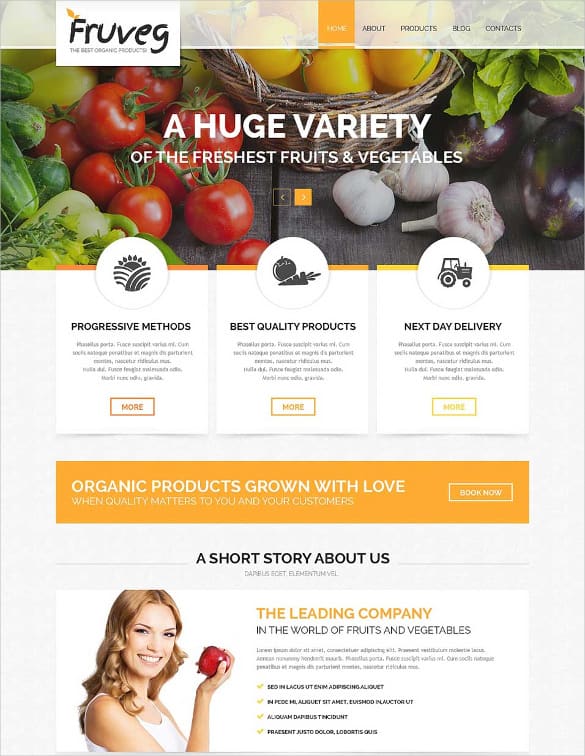
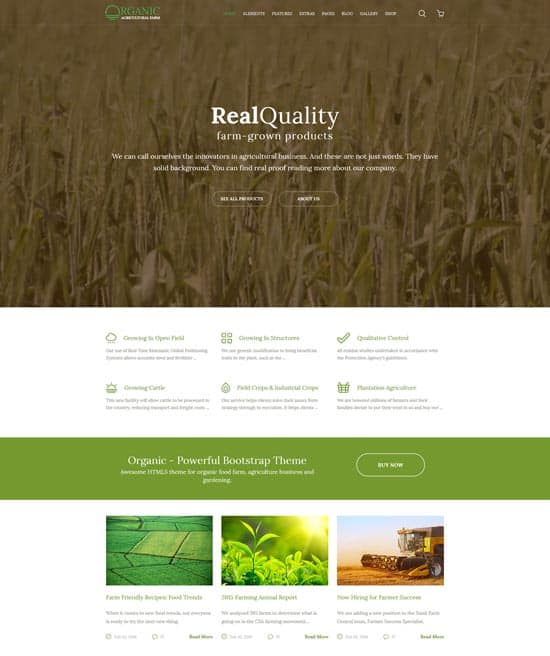
9 Agriculture Website Templates for Farms and Agri Businesses

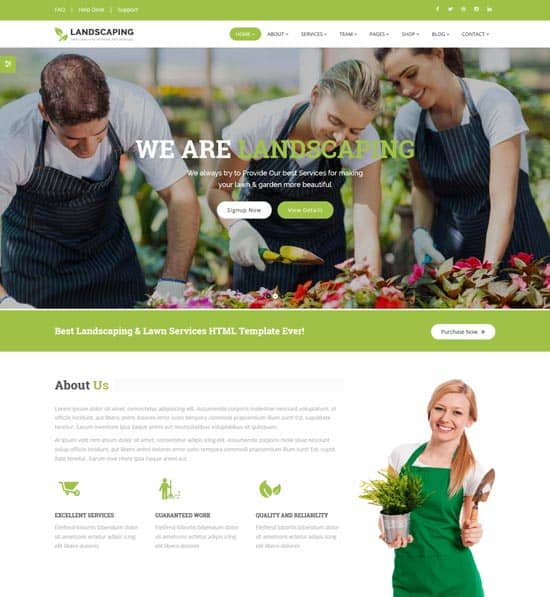
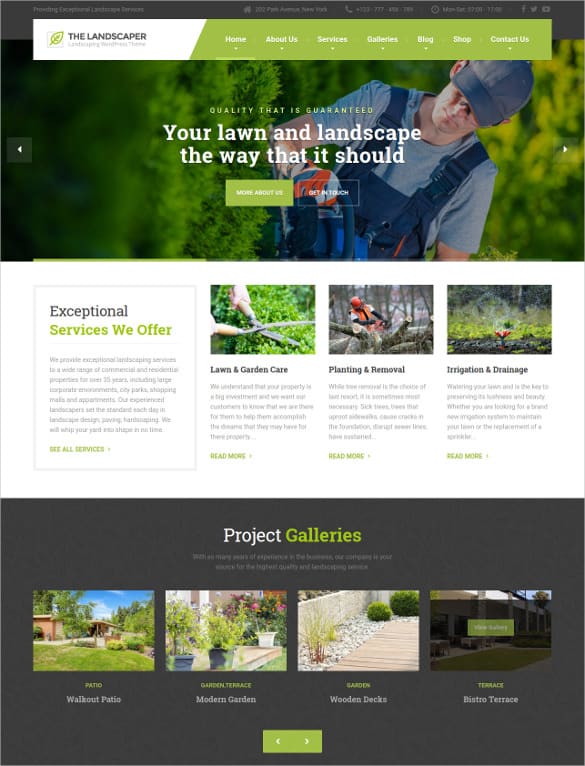
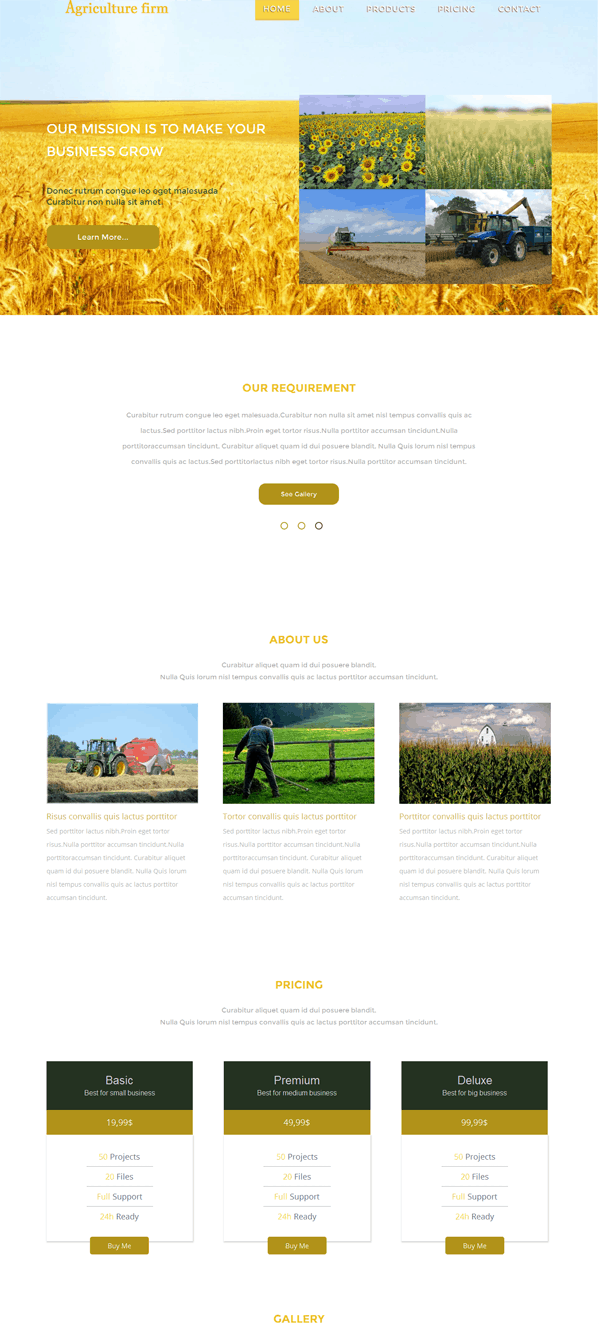
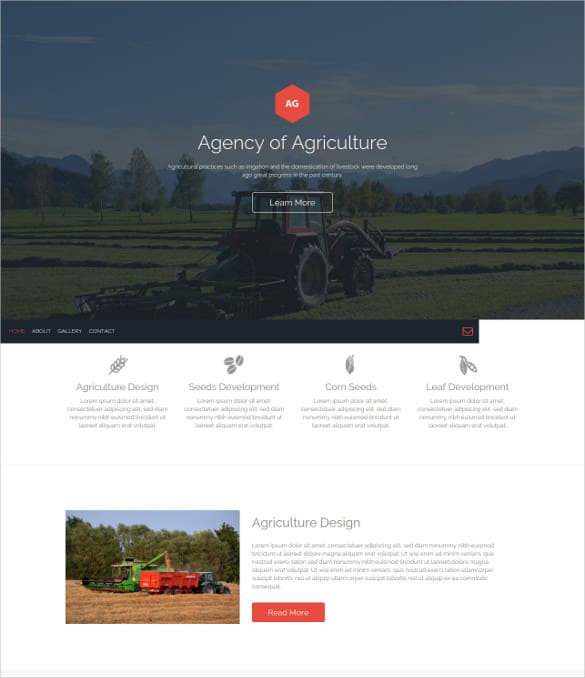
From Template to Live Farm Website: A Simple Plan
- Write your core message. One sentence that says what you grow or sell, where, and why people should choose you. Example: “Pasture-raised eggs and seasonal vegetables from our family farm, delivered weekly within 20 miles.”
- Gather your best photos. Fields at golden hour, close-ups of produce, animals, your team at work and your farm stand.
- Customize the template. Swap in your logo, colors and fonts. Earthy greens, warm browns and cream backgrounds suit most farm brands.
- Build the essential pages. Home, products, our story, how to buy and contact are enough to launch.
- Add practical details. Hours, seasonal availability, delivery zones, payment methods and pickup instructions.
- Test on a phone. Many customers will check hours or directions while driving to the farm or market.
- Launch and share. Put your web address on your farm stand sign, market banner, packaging and social profiles.
Photos That Sell Produce
- Shoot in soft light. Early morning or late afternoon light flatters fields and produce.
- Show scale and people. Hands holding fresh tomatoes or kids at a pumpkin patch tell a story that empty fields can’t.
- Keep it real. Customers value authenticity. A muddy boot or a slightly imperfect carrot is part of the charm.
- Update with the seasons. Refresh your homepage photo when the harvest changes so the site always feels current.
Example: A small berry farm switched from a one-page site to a template with a seasonal calendar and a “what’s picking this week” banner. They updated the banner every Monday, added directions and parking details, and shared the page link on their farm stand sign. Weekend visitors began arriving already knowing which berries were ripe and what time the field opened.
Adding Events and Agritourism Pages
Many farms earn a meaningful share of their income from visits rather than produce alone: pick-your-own days, pumpkin patches, farm dinners, school field trips, workshops and seasonal festivals. If that’s part of your business, give events their own clear section:
- An events calendar with dates, times, prices and whether booking is required.
- A visitor guide covering parking, restrooms, accessibility, pets, what to wear and what to bring.
- Group booking info for schools, clubs and companies, with a simple inquiry form.
- Weather and safety notes explaining what happens if an event is rained out and any rules around animals or equipment.
- Photo galleries from past events so newcomers know what to expect.
Agritourism activities can come with insurance, liability and permit requirements that vary by location, so speak with your insurer and local authorities before inviting the public onto your land. Clear signage and a short safety briefing for visitors are good practice whatever the rules require.
Turning Visitors Into Customers
A beautiful farm website is only useful if it leads to sales, visits or inquiries. Focus on a few clear actions:
- One main call to action per page. “Order a farm box,” “Plan your visit” or “Request a wholesale quote.”
- Simple ordering. Even a basic order form with pickup times works. For larger operations, an online shop plugin can handle payments and inventory.
- Clear policies. Explain substitutions, cancellations, delivery windows and what happens if weather affects a harvest.
- Email signup. A weekly or monthly note about what’s in season keeps customers coming back.
- Wholesale info. Restaurants and grocers want availability, minimum orders and contact details in one place.
Paperwork that pairs with your website
As orders grow, a little structure saves headaches. Keep stock levels in an inventory list template in Excel, confirm bulk orders with an order confirmation template, and send a delivery note with wholesale deliveries. A printable product catalog is handy for buyers who prefer paper, and a short company profile helps when you approach restaurants, schools or retailers.
Selling food directly to the public can involve licensing, labeling and food safety rules that vary by state and country. Check with your local agriculture or health department before you start taking online orders.
Common Mistakes on Farm Websites
- Out-of-date hours or products, especially after the season changes.
- Huge uncompressed photos that make pages slow on rural internet connections.
- No address or map, leaving visitors unsure how to find the farm.
- Hiding prices entirely when customers just want a rough idea.
- Using stock photos of someone else’s farm instead of your own land and products.
Frequently Asked Questions
Are these agriculture website templates free?
Several are free HTML templates, often with a footer credit requirement. Others are premium themes. Check the current terms on each source page.
Can I sell produce online with these templates?
Some themes include shop features or support e-commerce plugins. Static HTML templates need a separate ordering or shop solution.
Do I need a developer?
Not for a simple site. Many farmers set up a CMS theme themselves. Custom ordering systems or integrations may need help.
How often should I update my farm website?
At least every season, and weekly during busy harvest periods if you post availability.
What colors work best for agriculture websites?
Natural greens, warm earth tones and clean neutrals are popular, but your own logo and products should guide the palette.
