
Customers can’t buy what they can’t see. A clean, well-organized catalog puts your whole range in one place, with photos, short descriptions and prices that make ordering easy. These catalog templates give you a ready-made layout in Word, so you can focus on the products instead of the page design.
The collection includes 18 free catalog templates: product catalogs for decor, plants, hardware, luxury goods and scarves, plus service catalogs for IT, web and analytical services.
Product Catalog or Service Catalog?
Product catalogs
Built around pictures. Each item gets a photo, name, short description, SKU and price, often grouped by category.
Service catalogs
Built around descriptions. Each service lists what’s included, who it’s for, turnaround time and pricing or packages.
What Makes a Catalog Sell
- A cover that shows your best product or a clear brand image
- Consistent photo sizes and backgrounds
- Short, benefit-led descriptions (two or three lines)
- Prices, sizes and options in the same place on every page
- A simple “how to order” page with contact details
Catalog Templates in MS Word
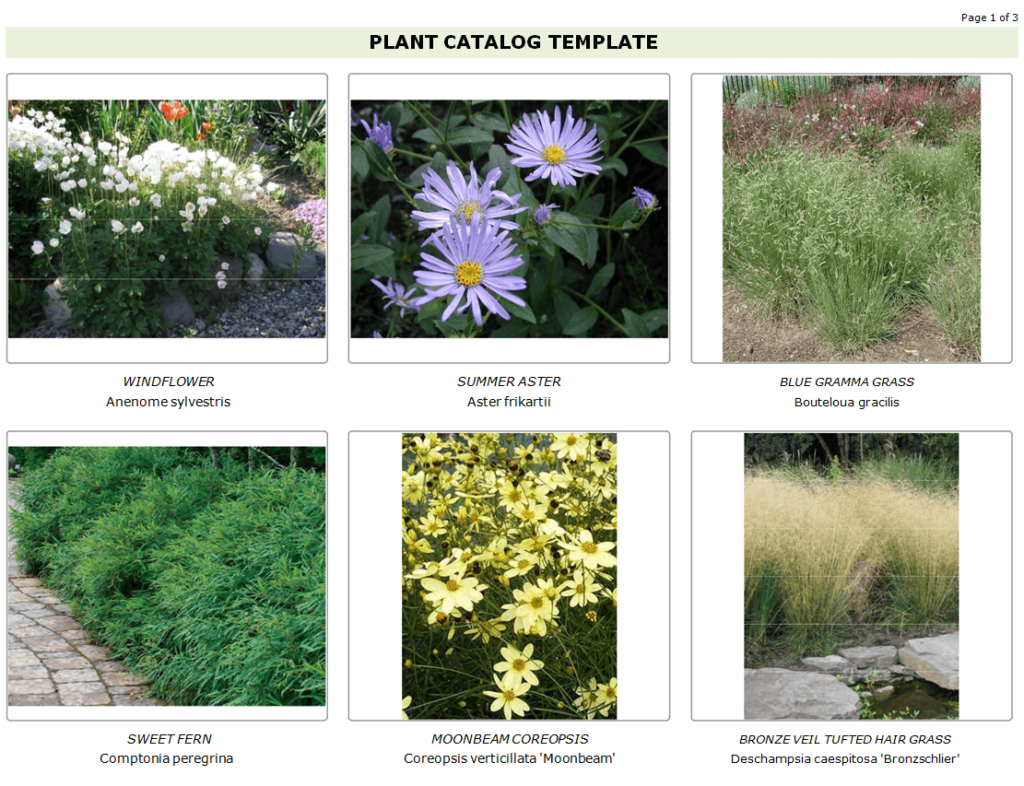
Plants Catalog Template
Decor Company’s Catalog Template

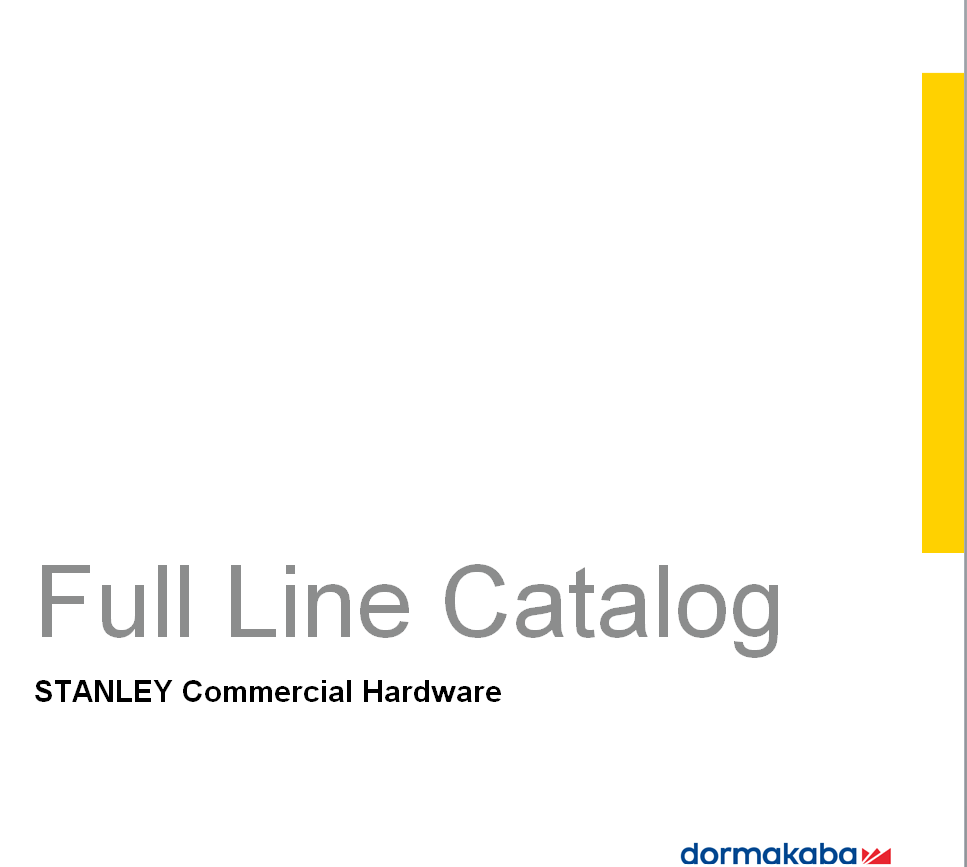
Product Catalog Template of a Commercial Hardware Company
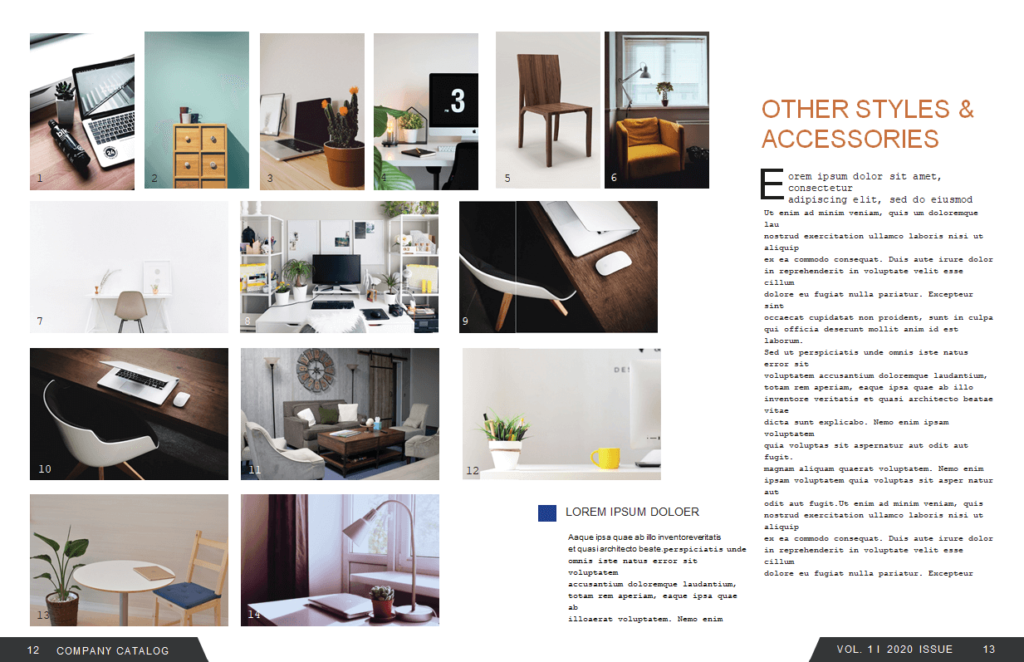
Interior Design Company’s Catalog Word Template
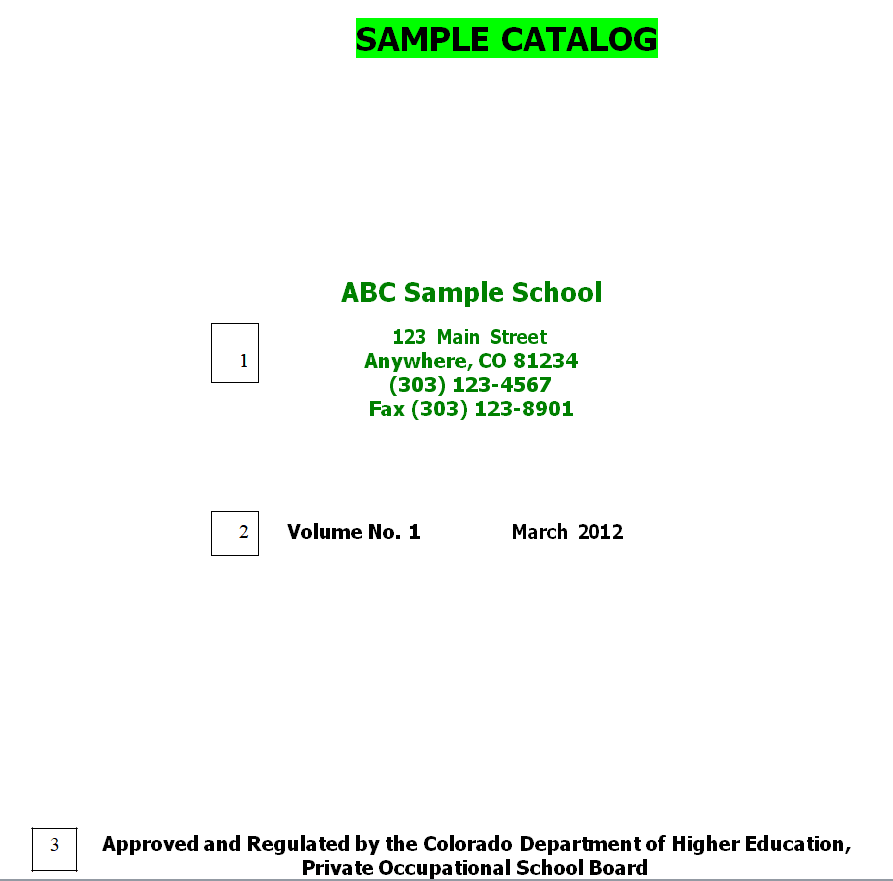
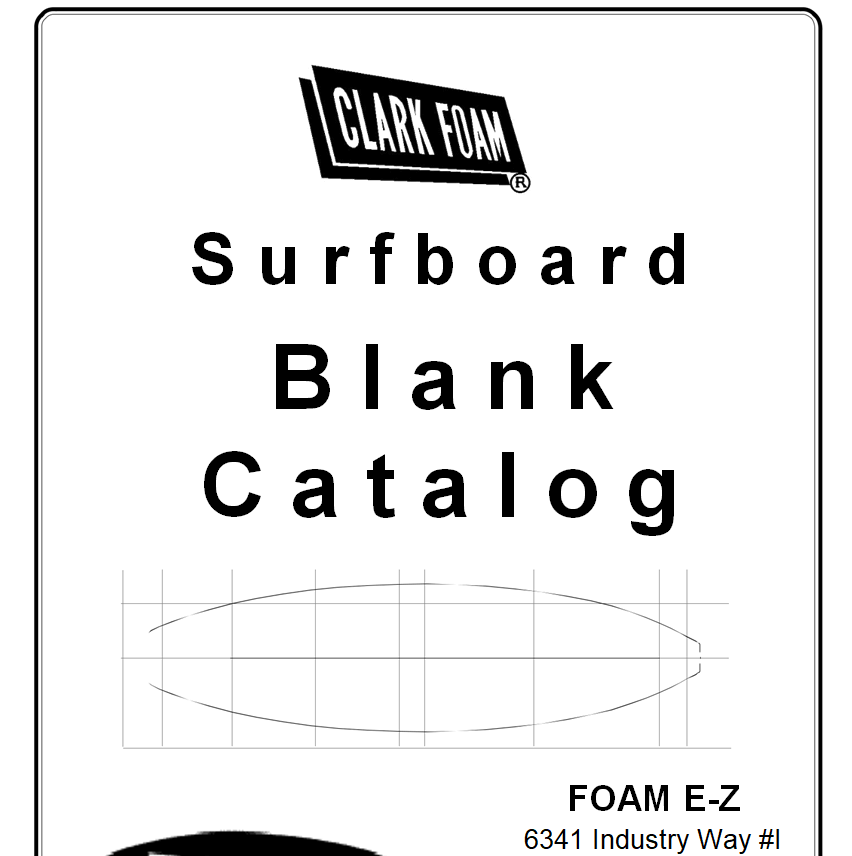
Sample Catalog Template in MS WORD Format
Free Printable Product Catalog Template
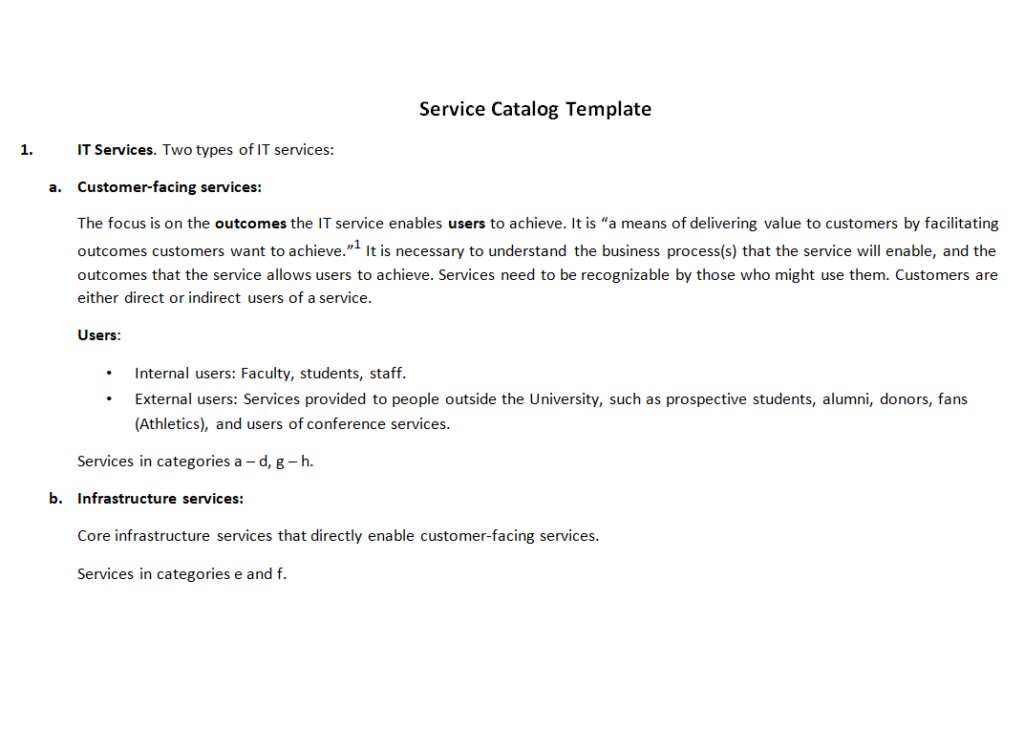
IT Services Catalog Template
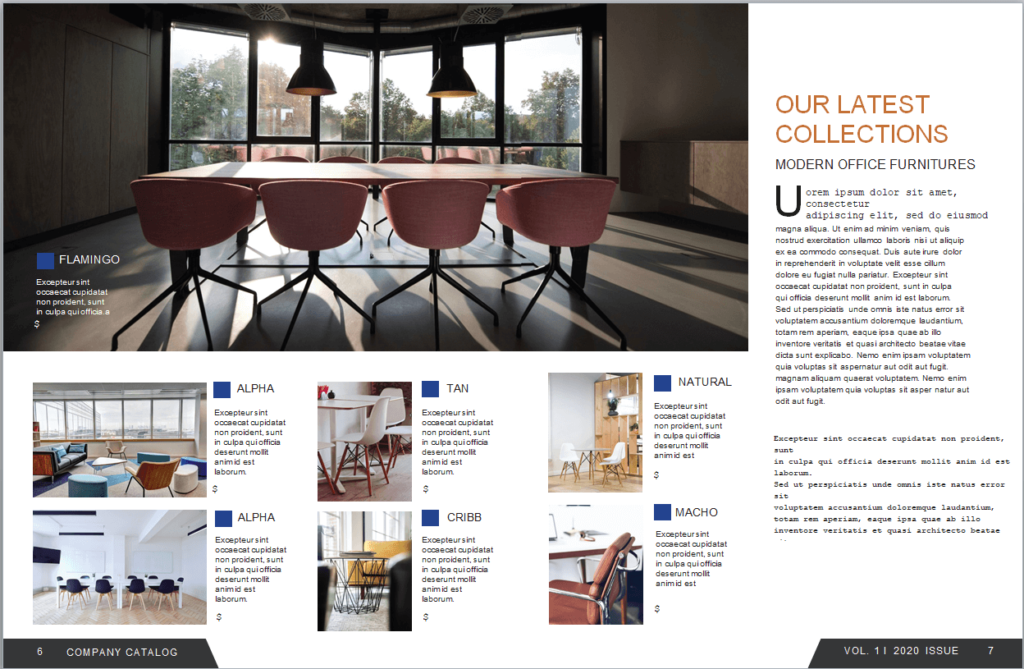
Office Decor Company Catalog Word Sample
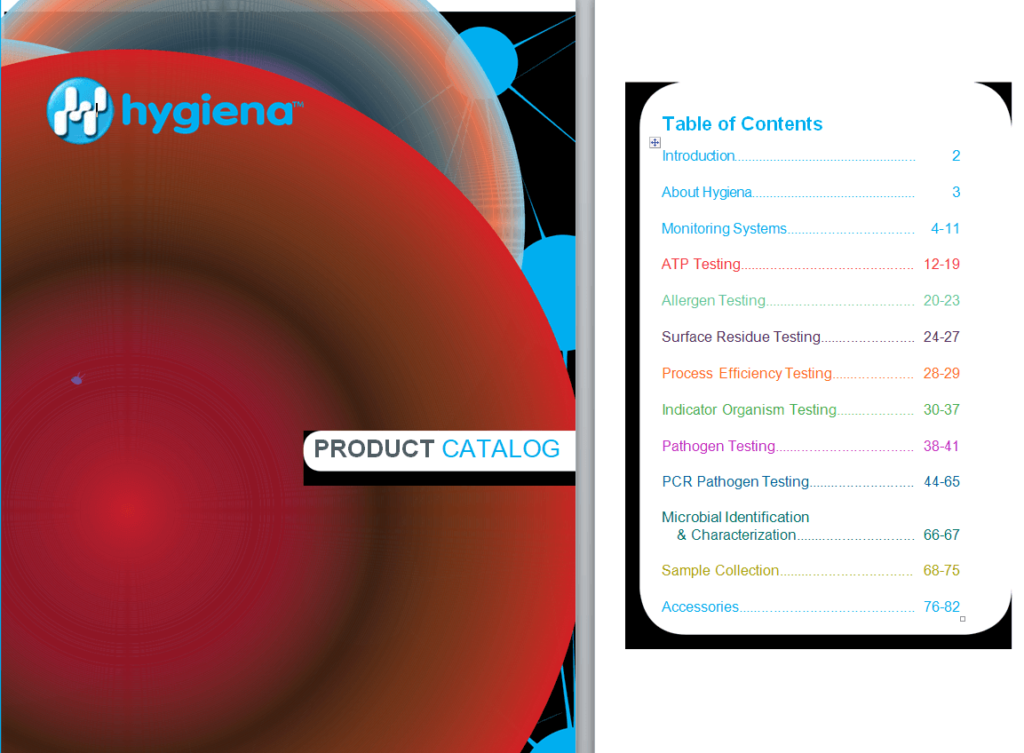
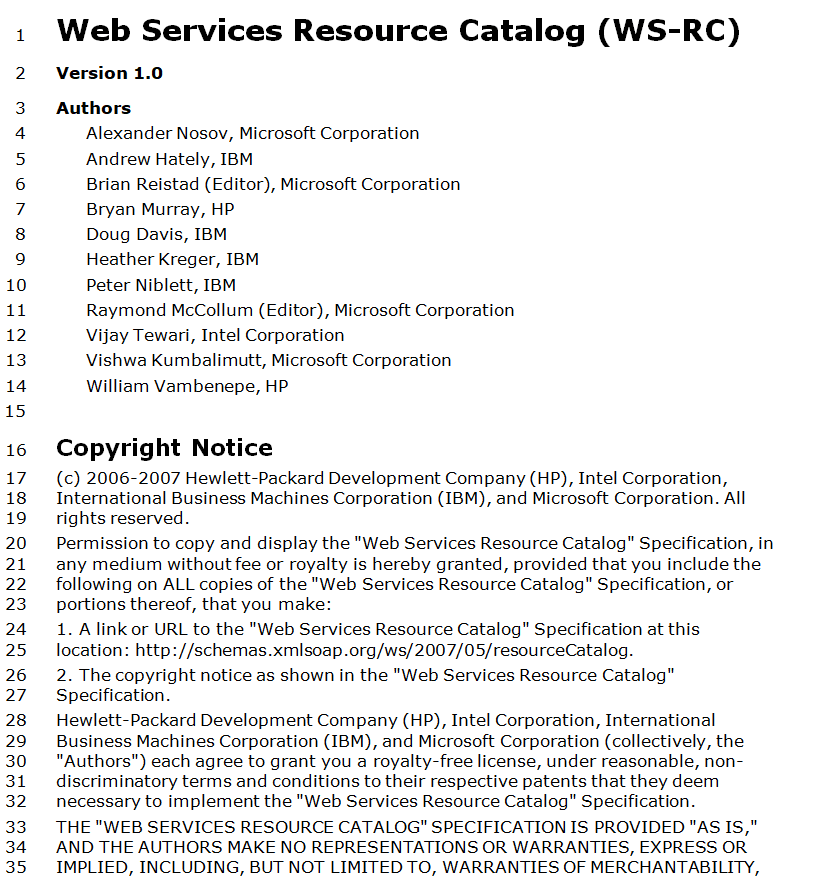
Web Services Resource Catalog Template
Generic Service Catalog Template in MS WORD
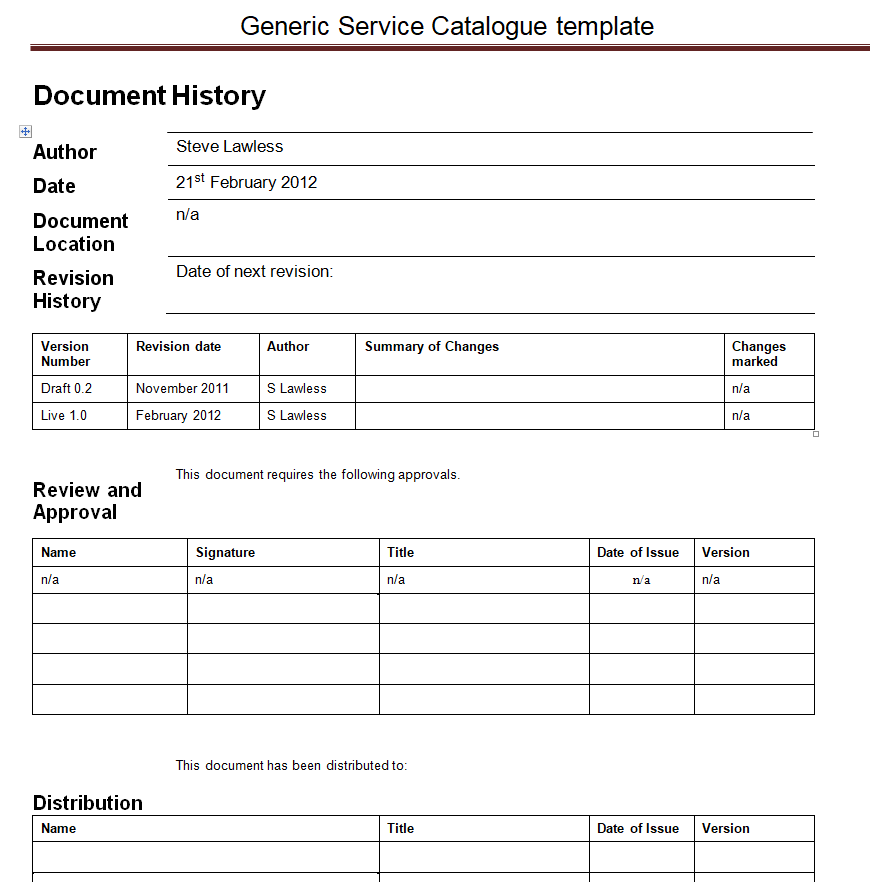
Example of a Service Catalog
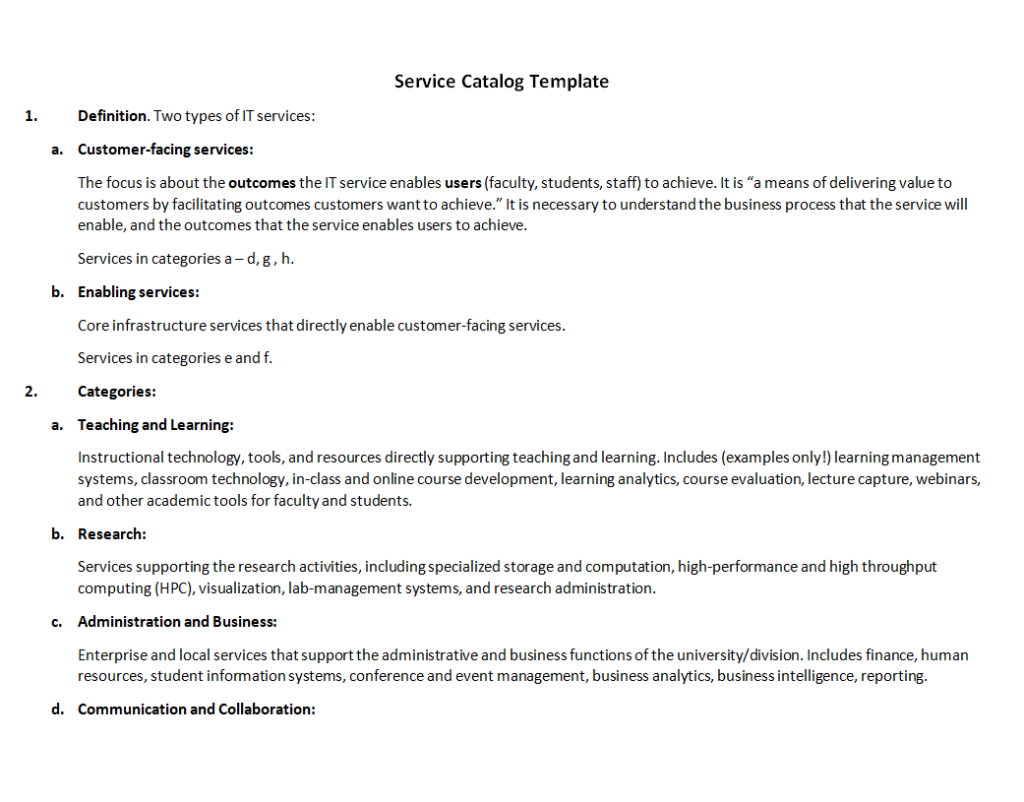
Blank Catalog Template in Doc Format
Company’s Catalog Template for Luxury Items
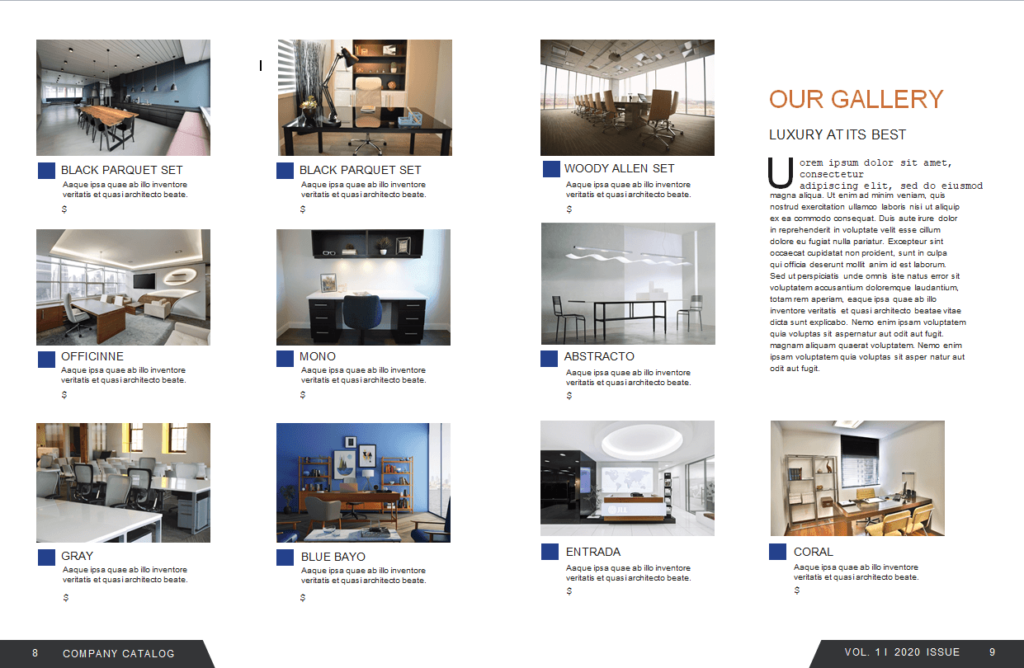
Professional Product Catalog Example Doc

Sample Analytical Services Catalog Template

Seashell Collector’s Catalog Template
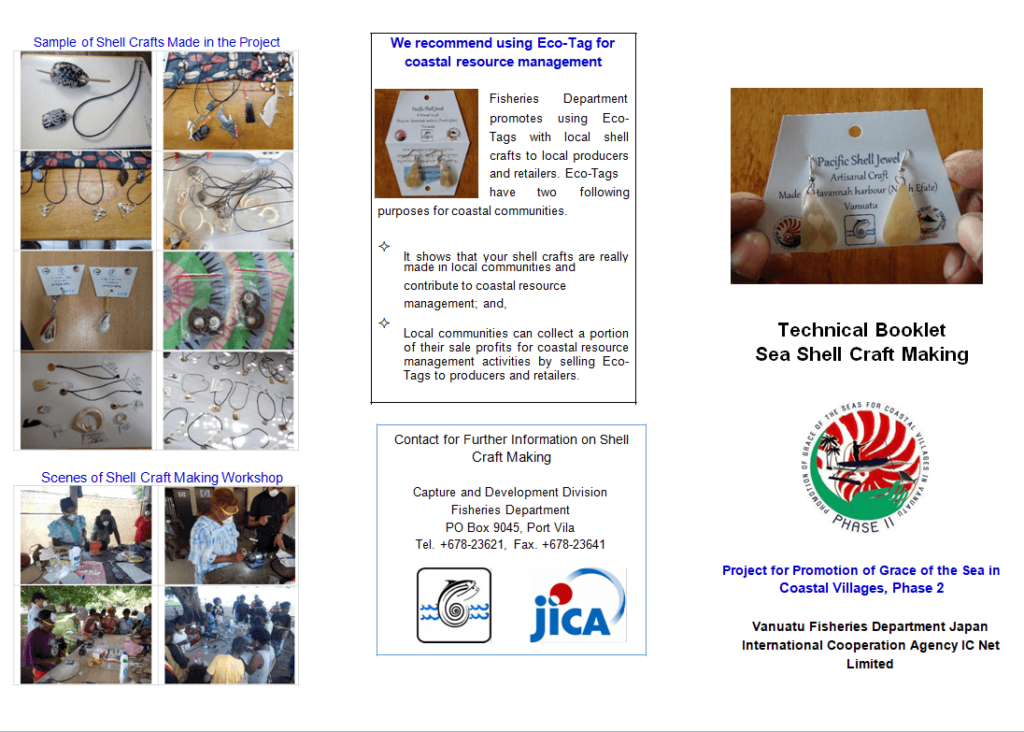
Scarves Brand Catalog Template Word

Simple Catalog Design Template
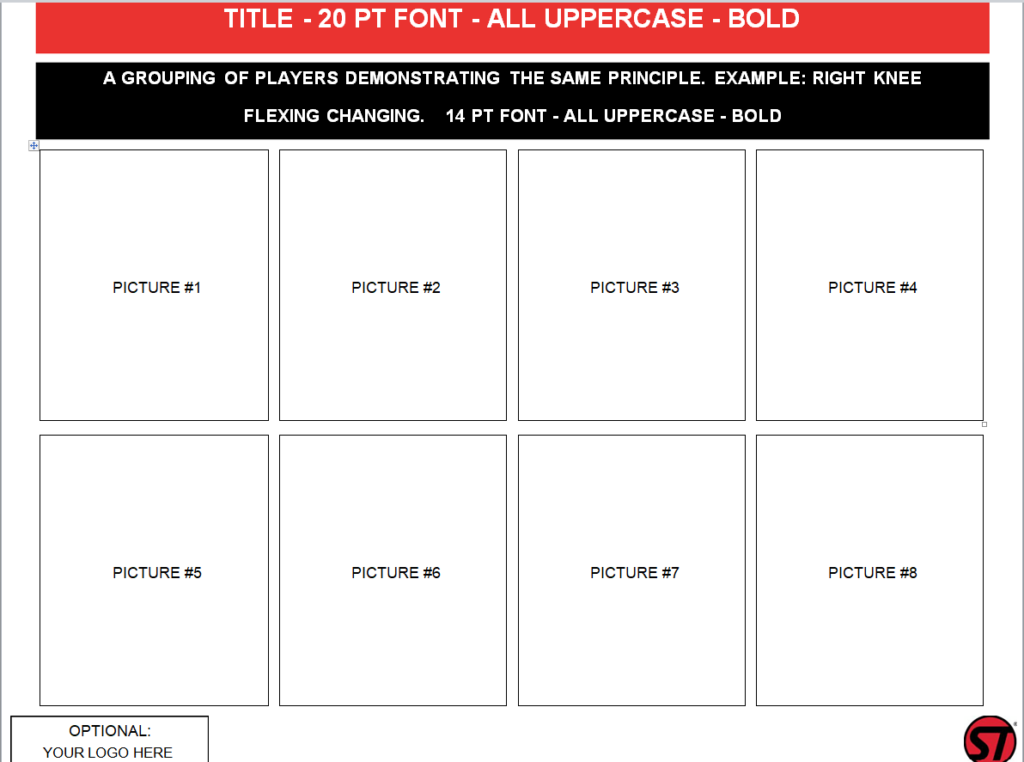
Photo Tips on a Small Budget
You don’t need a studio. Shoot near a window for soft daylight, use a plain white or neutral background, and keep the camera at the same height for every product. Consistency matters more than expensive gear; a catalog where every photo matches looks far more professional than one with a few great shots and many mismatched ones.
Print or PDF?
Most businesses do both: a PDF for email and the website, and a short printed run for trade shows and in-store. Include an order form or link on the last page, and confirm orders with an order confirmation. For B2B clients, send a quotation alongside the catalog, and keep your company profile handy for buyers who want to know more about you. A printable coupon on the back page is a simple way to encourage a first order.
Frequently Asked Questions
How many products should a catalog include?
As many as you actively sell, but group them clearly. For large ranges, consider separate catalogs by category or season.
Can I add my own photos to these templates?
Yes. In Word, right-click a placeholder image, choose Change Picture and select your own photo.
What’s the best size for a printed catalog?
Letter or A4 is easiest to print at home or the office. Half-letter (5.5 x 8.5 in) booklets feel more premium and are cheaper to mail.

You must be logged in to post a comment.