
Canasta is a lot of fun until somebody loses track of the score on the back of an envelope. A printable canasta score sheet keeps every hand organized, with columns for melds, canasta bonuses and running totals, so arguments are kept to the cards.
Below are 4 free canasta score sheets in PDF. Print a stack and keep them with your cards.
Canasta Scoring at a Glance
| Item | Points |
|---|---|
| Joker | 50 |
| Deuce (2) or Ace | 20 |
| King through 8 | 10 |
| 7 through 4, and black 3 | 5 |
| Natural canasta (no wild cards) | 500 bonus |
| Mixed canasta | 300 bonus |
| Going out | 100 bonus |
| Each red 3 | 100 bonus |
These are the classic rules. House rules vary, so agree on them before you start.
Canasta Score Sheets to Print




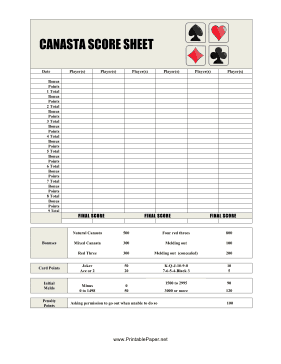
How to Keep Score
- Write the team or player names at the top.
- After each hand, add up card points for melds on the table, plus bonuses.
- Subtract the value of cards left in hand.
- Add the hand score to the running total. The first side to reach 5,000 wins.
Remember the minimum first meld rises as your score grows: typically 50 points below 1,500, 90 points up to 2,995, and 120 points from 3,000 on.
Hosting a regular card night? Use our party planning checklist for snacks and supplies, and invite friends with a contact list. Running a tournament? A sign-in sheet helps with registration, and an event itinerary keeps rounds on time.
Agree the scoring convention before play
Canasta groups may use different rules and scoring arrangements, so use the sheet as a record of the convention your group has agreed. Enter the teams or players, the date and any notes about the format before starting. The editable files do not impose a particular rule set. Keep the scoring explanation available if someone joins later or if the group needs to review how a round total was reached.
Record the agreed net score for each round
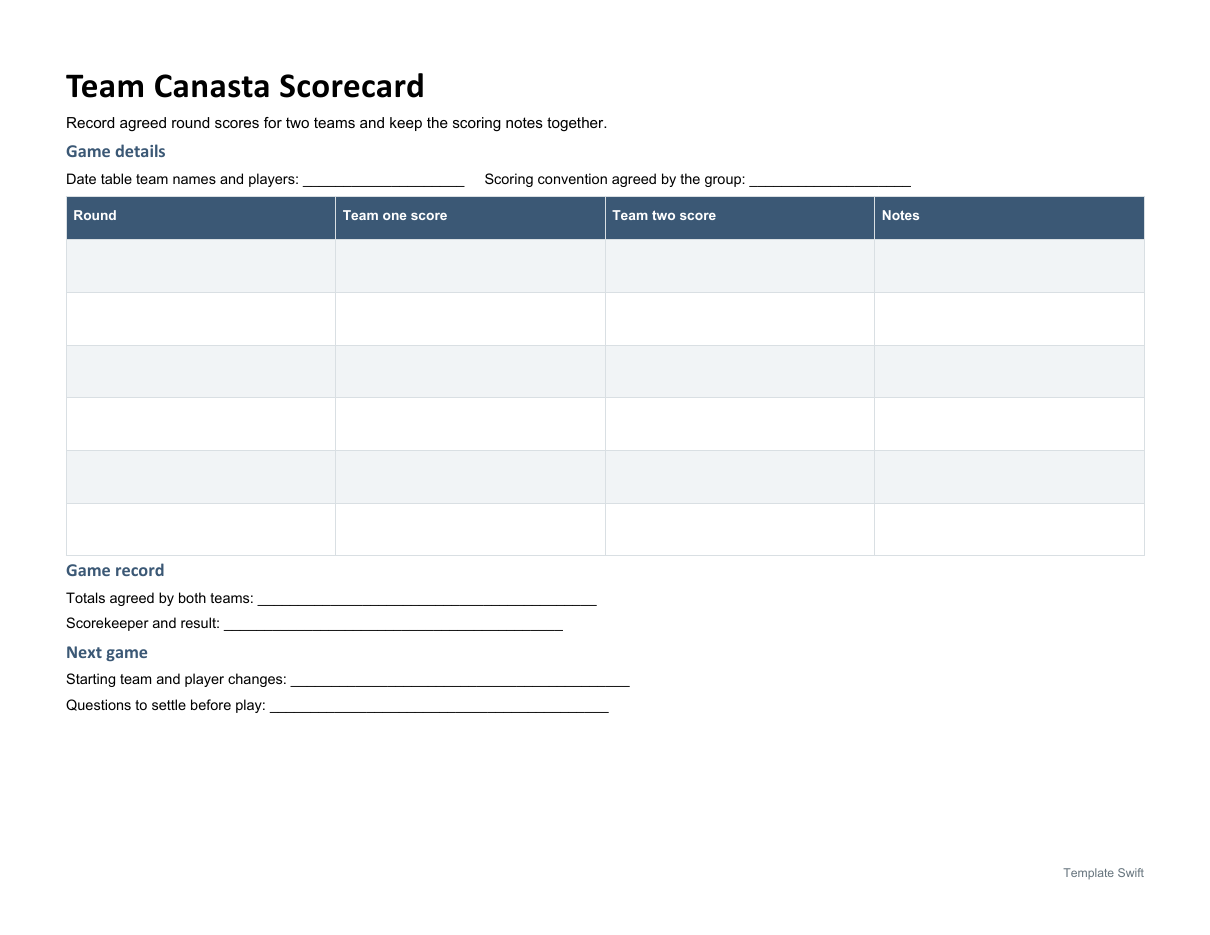
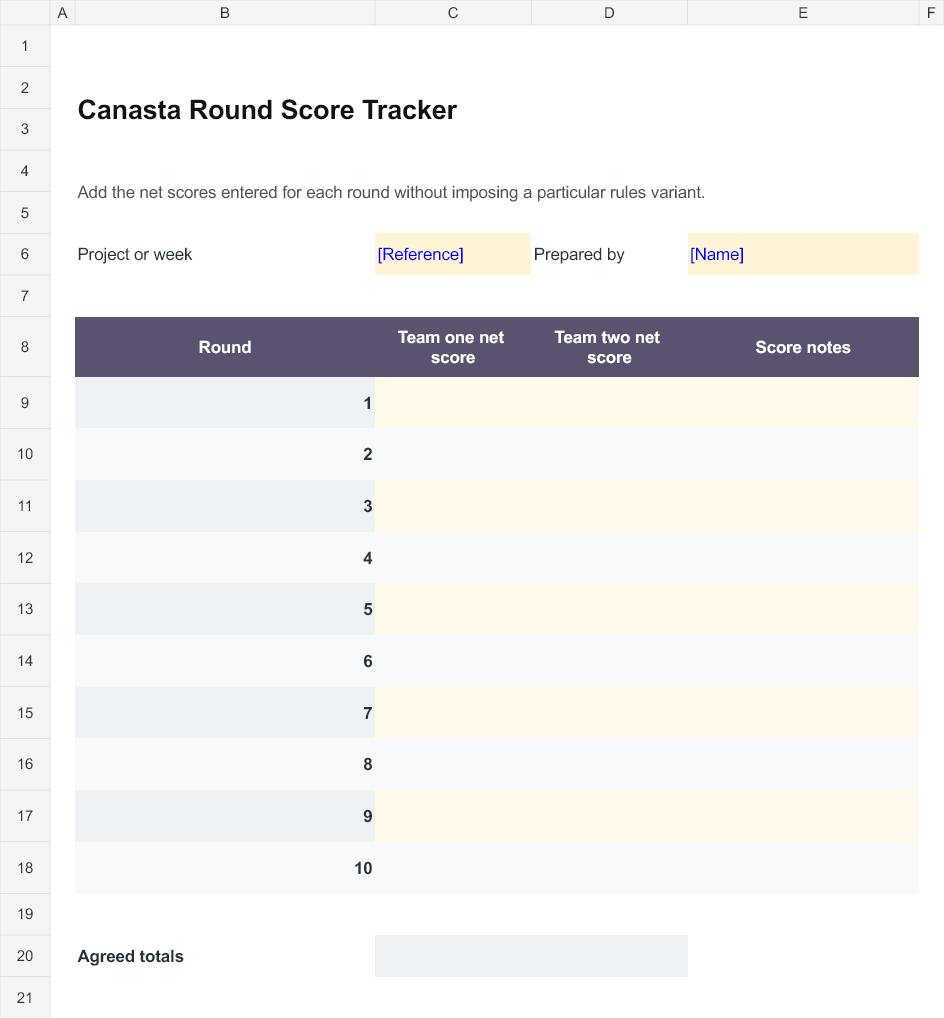
The Word scorecard provides room for round results and notes. The Excel tracker adds the net scores entered for each team, including a negative number where the agreed calculation produces one. Complete the round calculation through your chosen rules first, then enter the resulting figure. The tracker is not checking whether melds, bonuses or deductions have been calculated according to a particular rules variant. Use the notes column for a correction or a result that the players want to revisit.
Confirm a correction before replacing a score
Ask the relevant players to agree the changed round figure and keep a short note of the correction. Check that a new row belongs to the correct team and round rather than relying on the appearance of the running total. At the end, confirm the totals and record the result before starting a new game. Save a copy if the group wants a record of several sessions, or print a fresh blank scorecard for the next table.
Editable Word and Excel Resources
Team Canasta Scorecard
Record agreed round scores for two teams and keep the scoring notes together. Download the editable Word file below.
Canasta Round Score Tracker
Add the net scores entered for each round without imposing a particular rules variant. Download the editable Excel file below.
Frequently Asked Questions
How many points do you need to win canasta?
In classic canasta, the first player or partnership to reach 5,000 points wins.
Can I use these sheets for 2 players?
Yes. Use one column per player and leave the others blank.
What happens to black 3s at the end?
Black 3s left in your hand count against you, usually 5 points each.

You must be logged in to post a comment.