
A bookmark is a tiny thing, but it gets used every single day. Kids love picking a fun one, teachers hand them out as rewards, libraries use them as reminders, and small businesses slip them into orders as a thank-you that actually gets kept. These bookmark templates make it easy to design your own in Word.
There are 24 printable designs below, from colorful kids’ bookmarks and comic styles to floral, rainbow, galaxy and elegant layouts, plus a couple of step-by-step bookmark-making guides.
Ideas for Using Printable Bookmarks
- Classrooms: reading-challenge rewards, birthday gifts or end-of-term keepsakes.
- Libraries and book clubs: event dates, reading lists or library hours on the back.
- Small businesses: a branded bookmark in every package keeps your name in front of customers.
- Weddings and showers: personalized favors with the couple’s names and date.
- Memorial services: a photo and verse as a keepsake for guests.
Print Settings That Make a Difference
Use card stock (65 to 110 lb) so bookmarks don’t bend. Set your printer to “best” quality and actual size, not “fit to page.” For double-sided designs, print one test sheet to check the backs line up, then laminate or add a ribbon tassel for a finished look.
Bookmark Templates in Word
School Student’s Bookmark Template
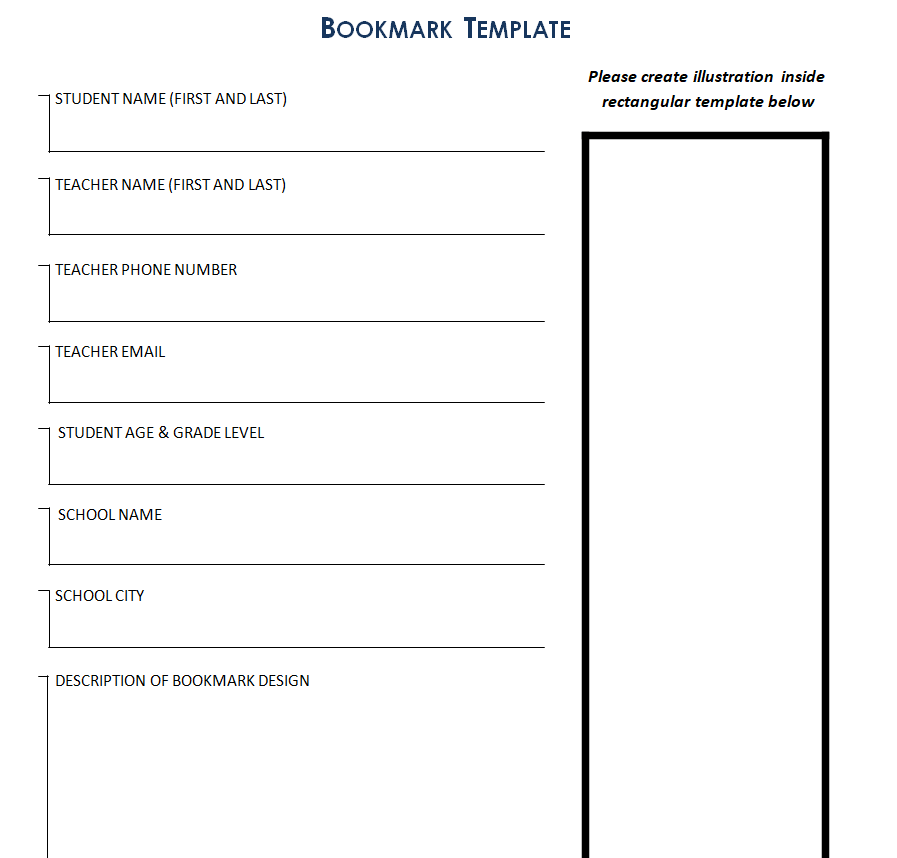
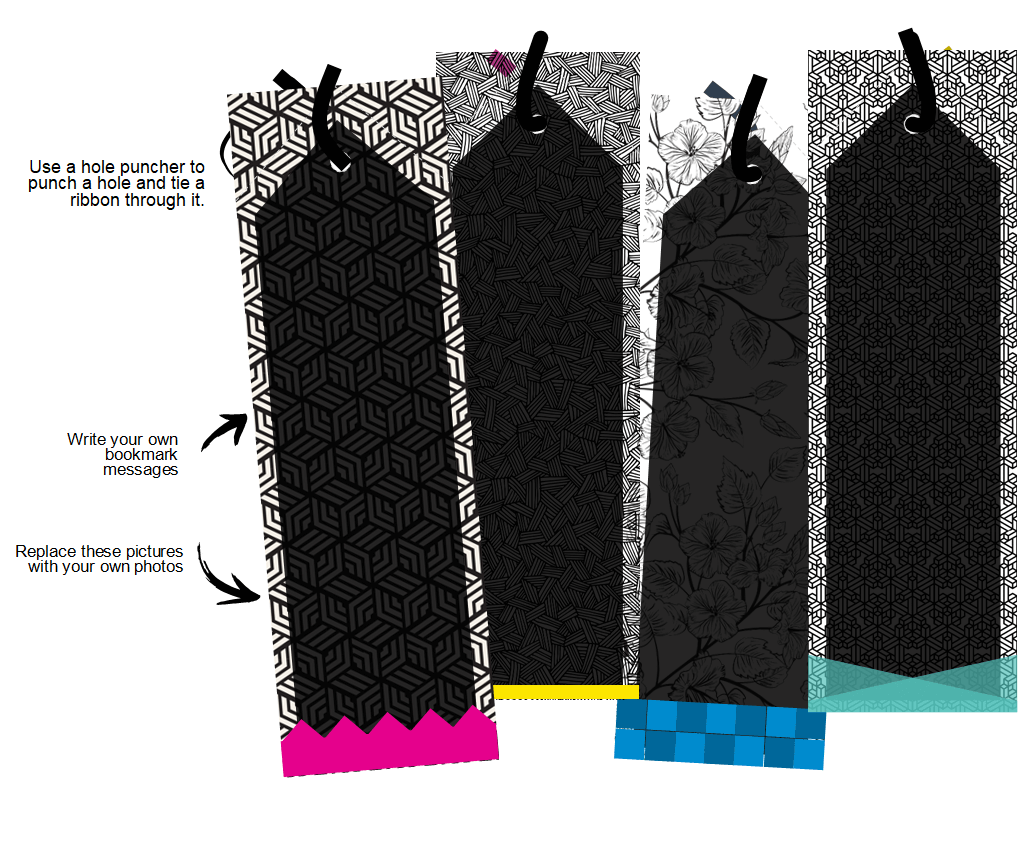
Simple Bookmark Making Guide Template
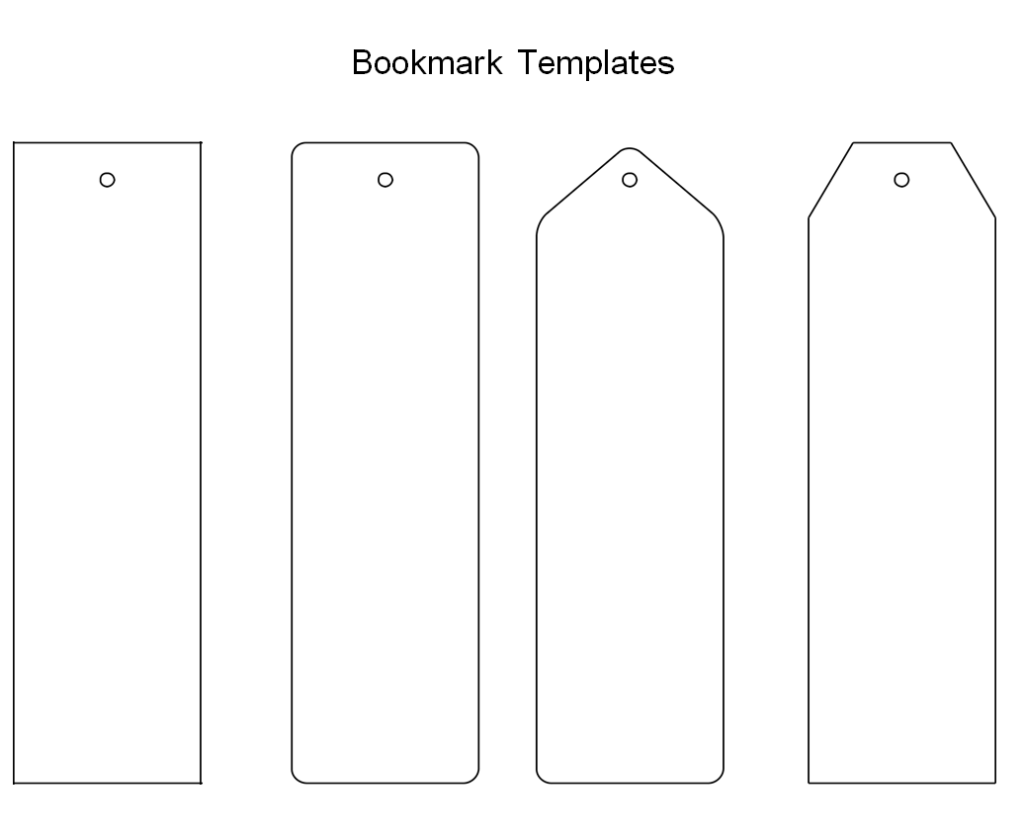
Colorful Bookmark for Kids Template in MS WORD
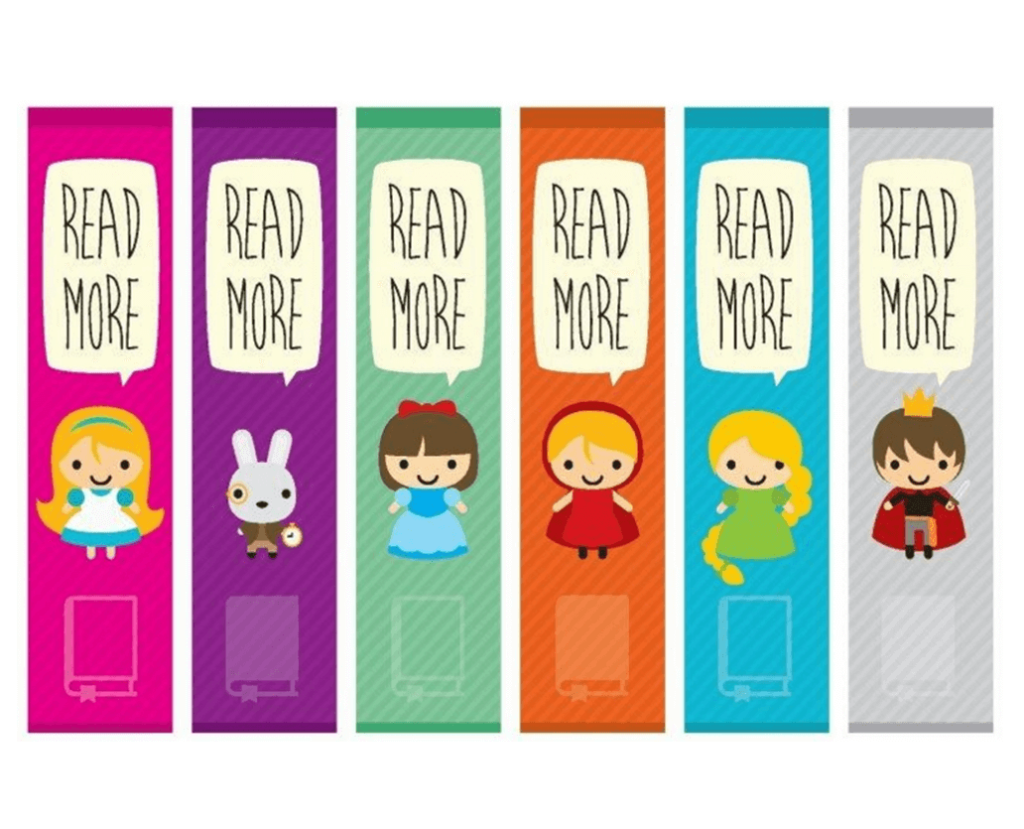
Sample Comic Bookmark Template for Kids
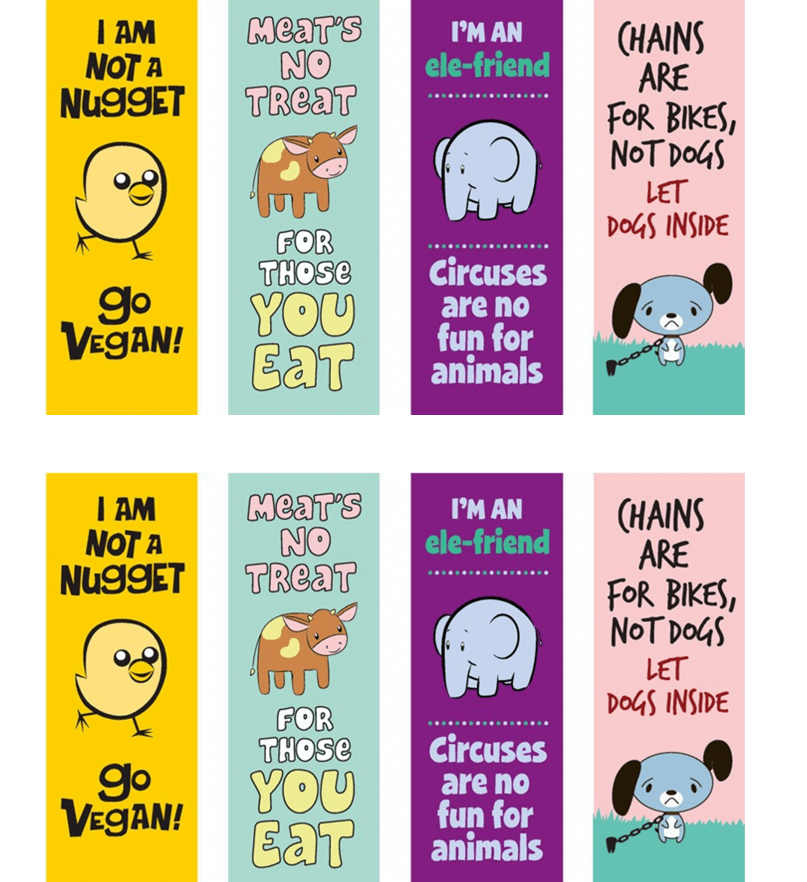
Floral Bookmark Template Word
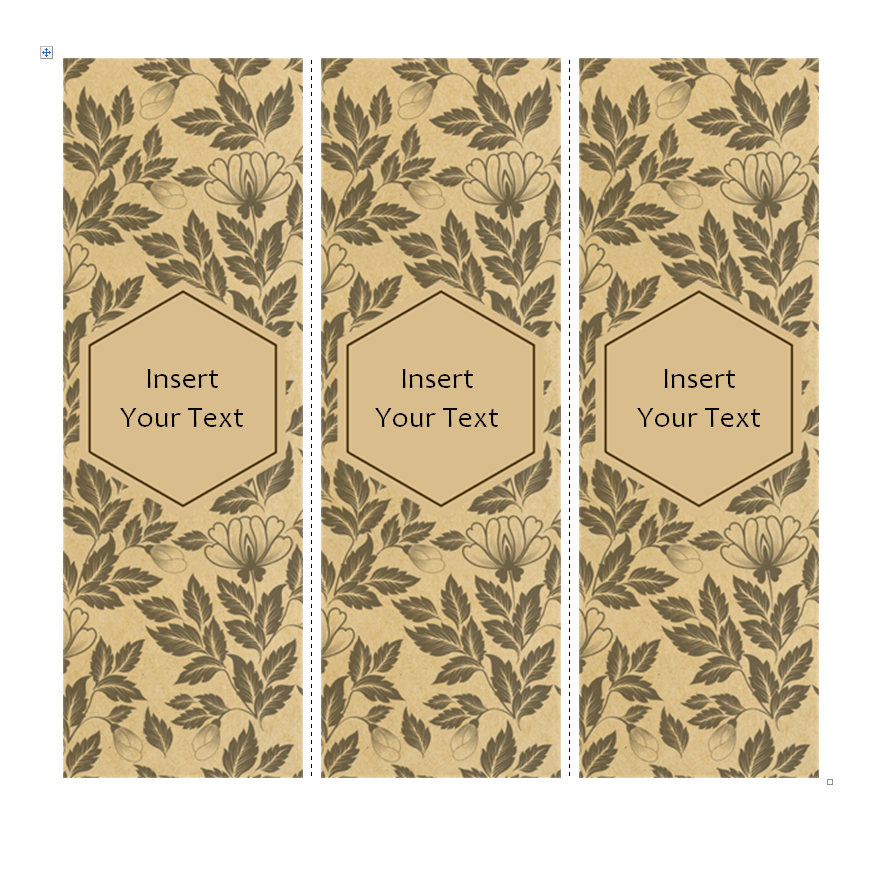
Thank You Bookmark Sample Doc
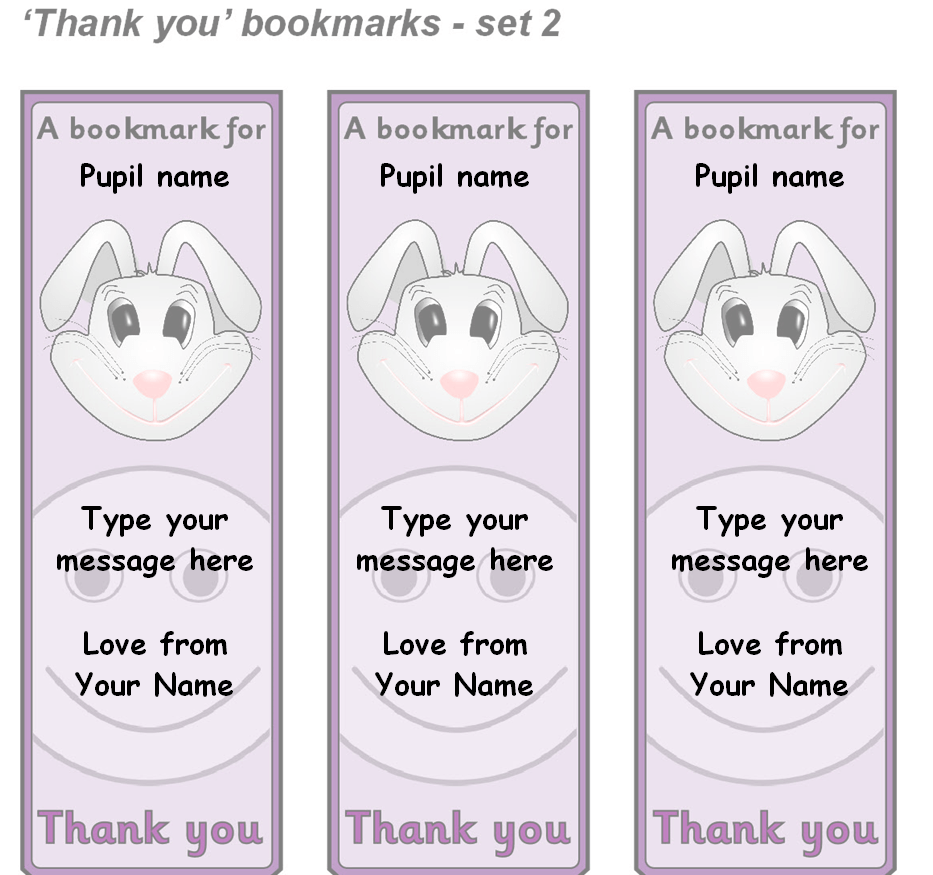
Pudsey Bookmark Template in MS WORD
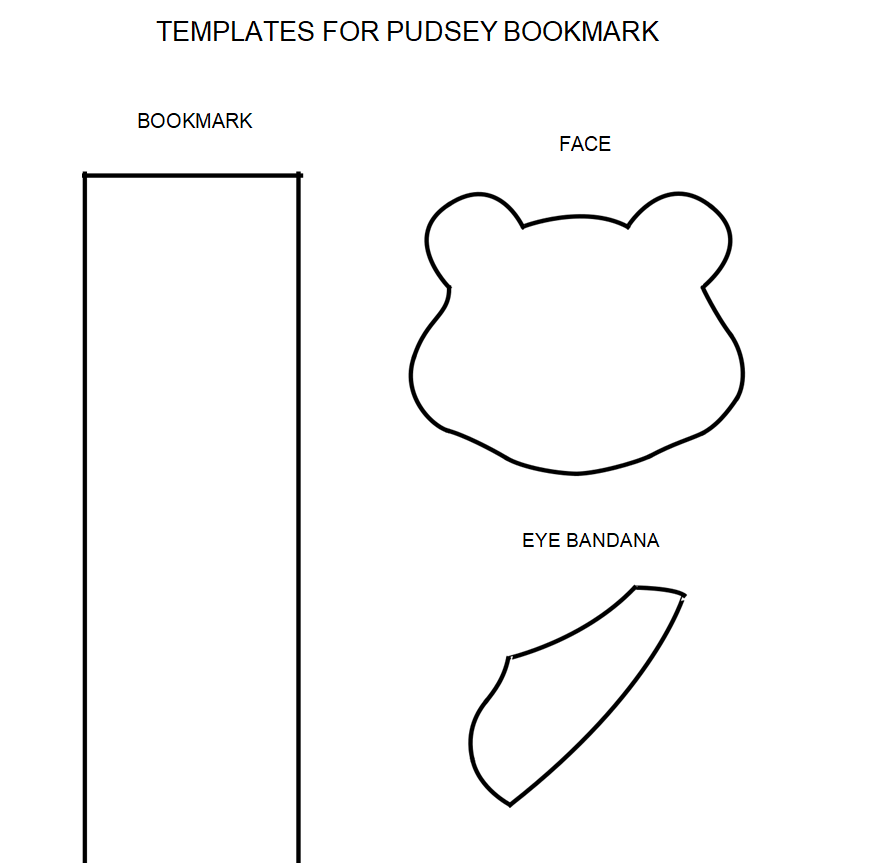
Detailed Bookmark Design Guide Template
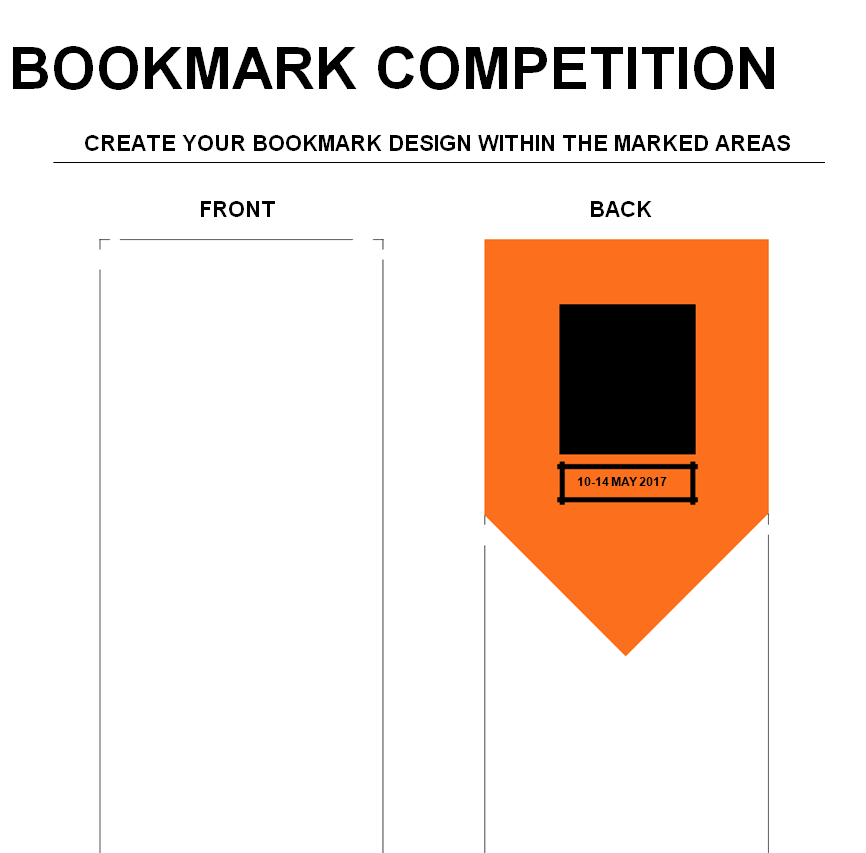
Stylish Bookmark Template for Book Readers
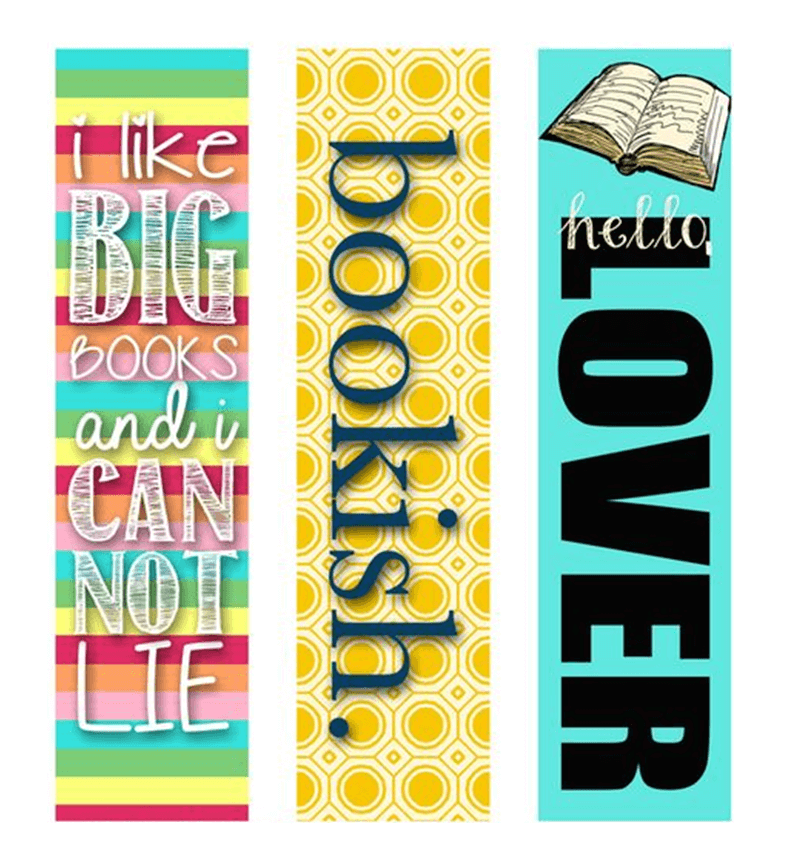
Elegant Bookmark Design Word Template
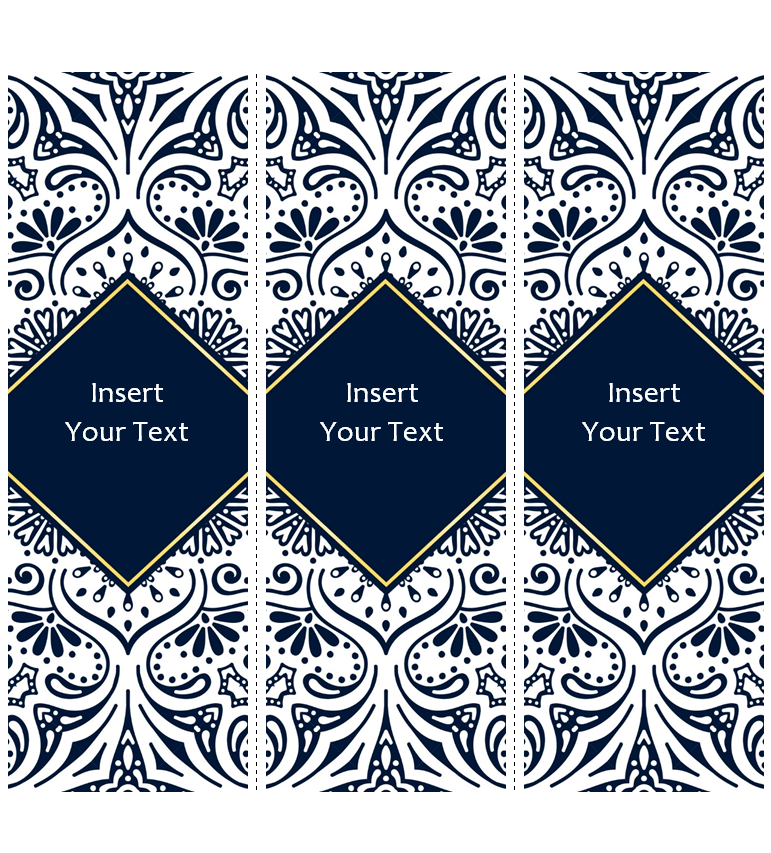
Free Printable Bookmark Template
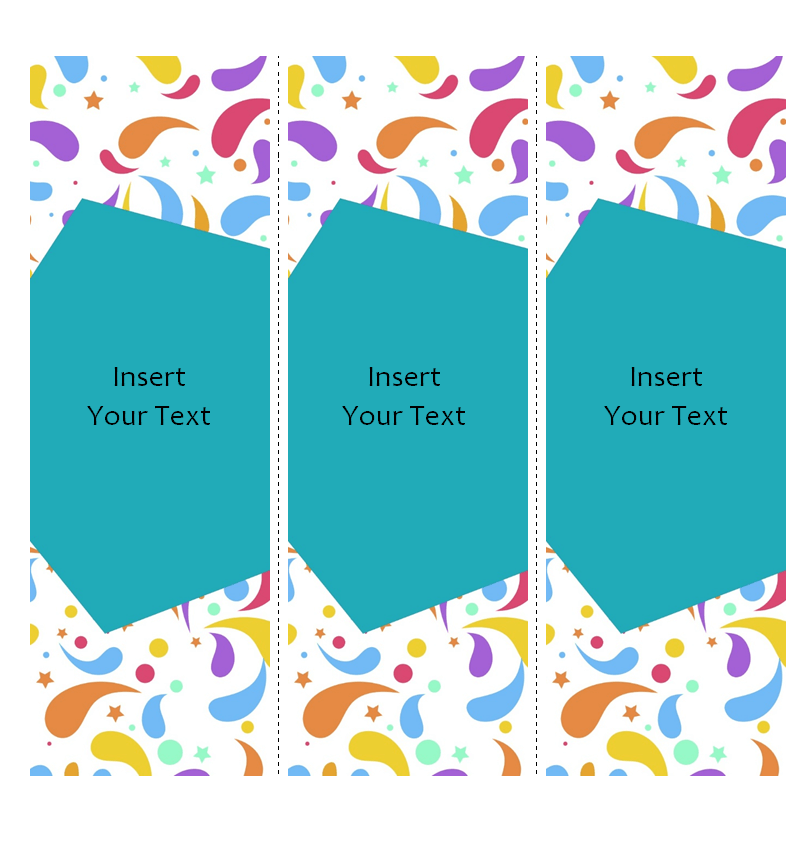
Basic Flower Design Bookmark Template
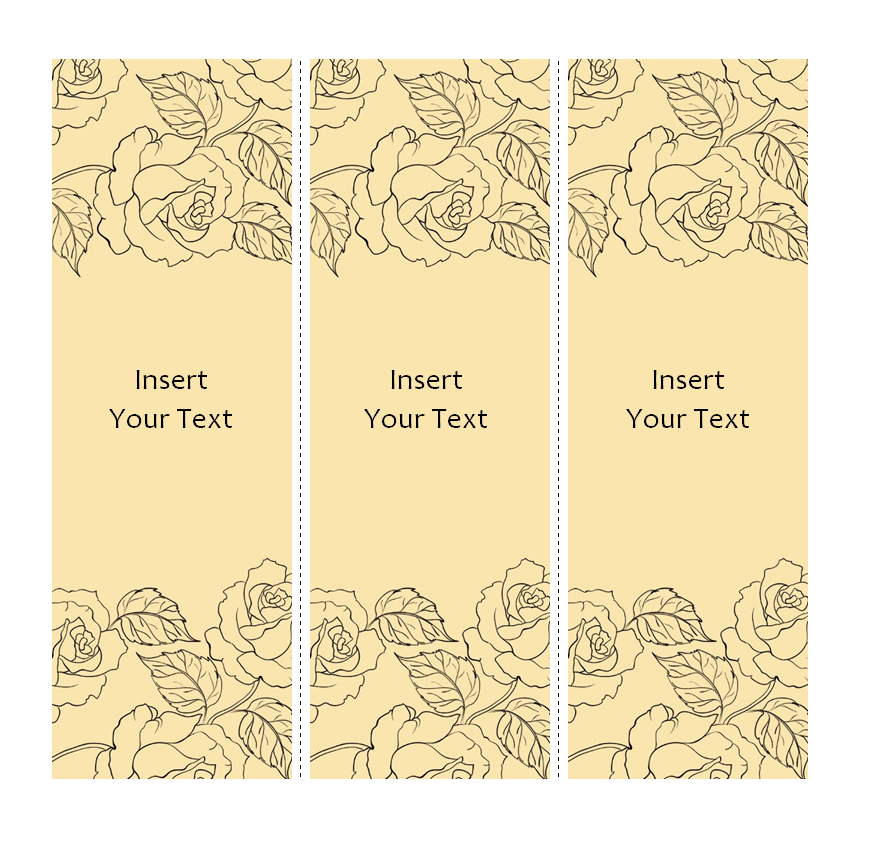
Professional Bookmark Format
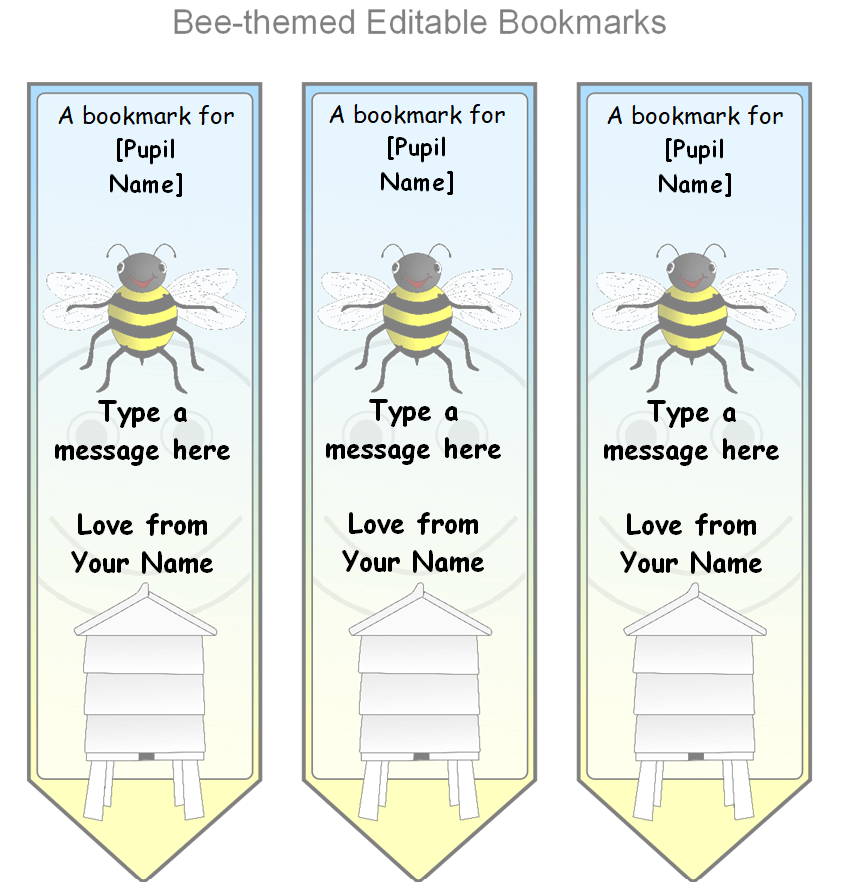
Bee Themed Editable Bookmark Template
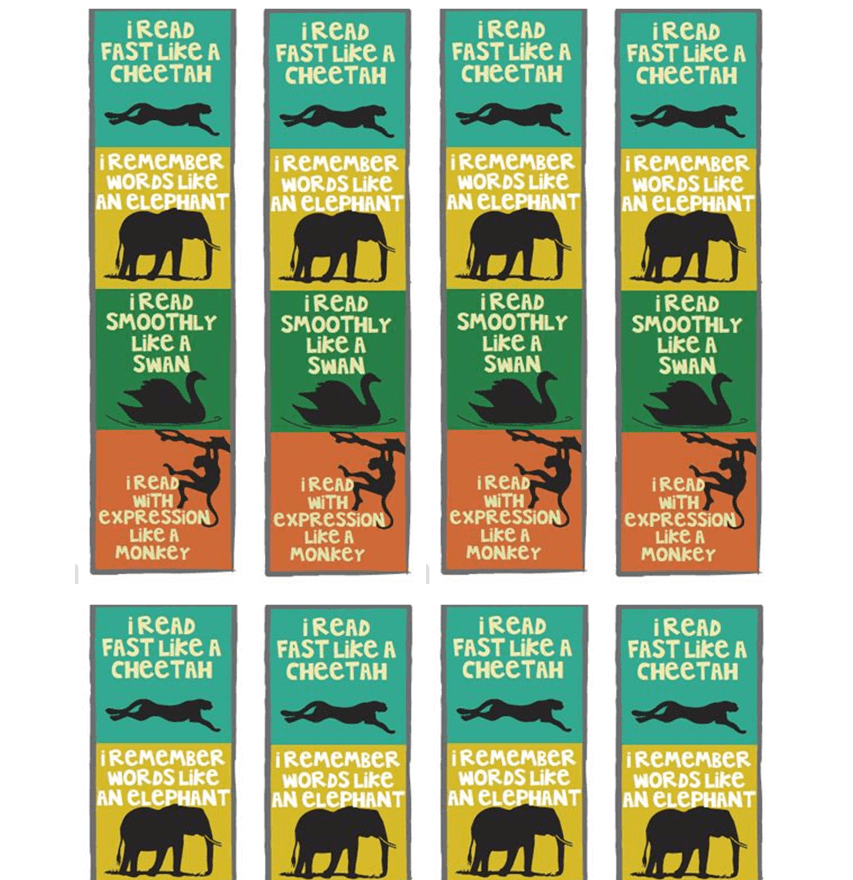
Kids Book Special Bookmark Design Template
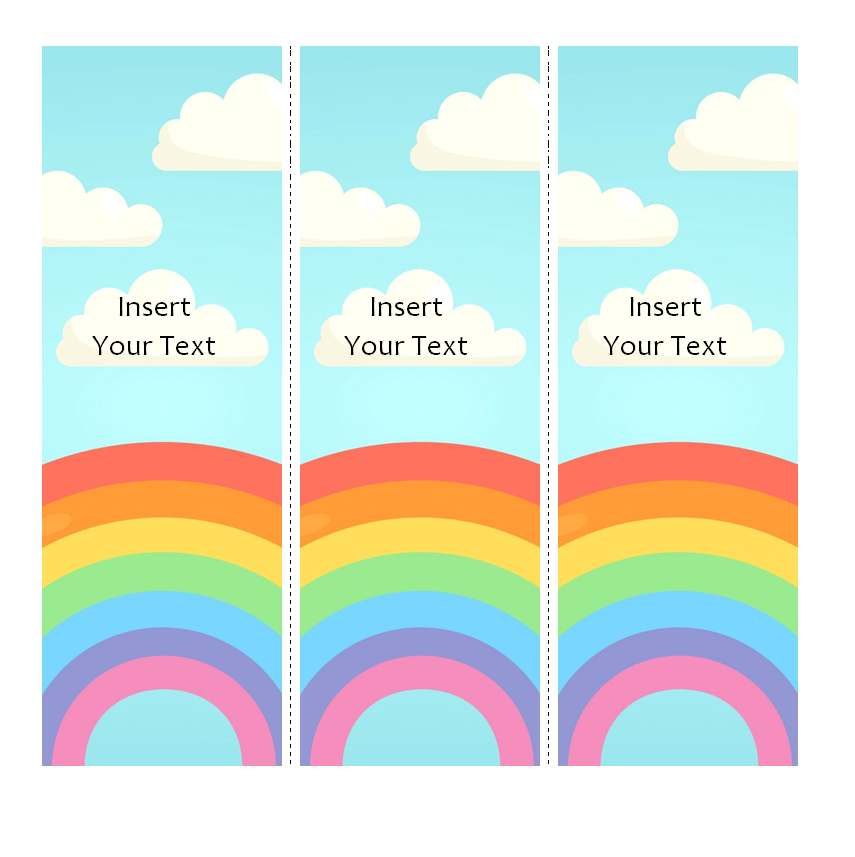
Rainbow Style Bookmark Word Template for Kids
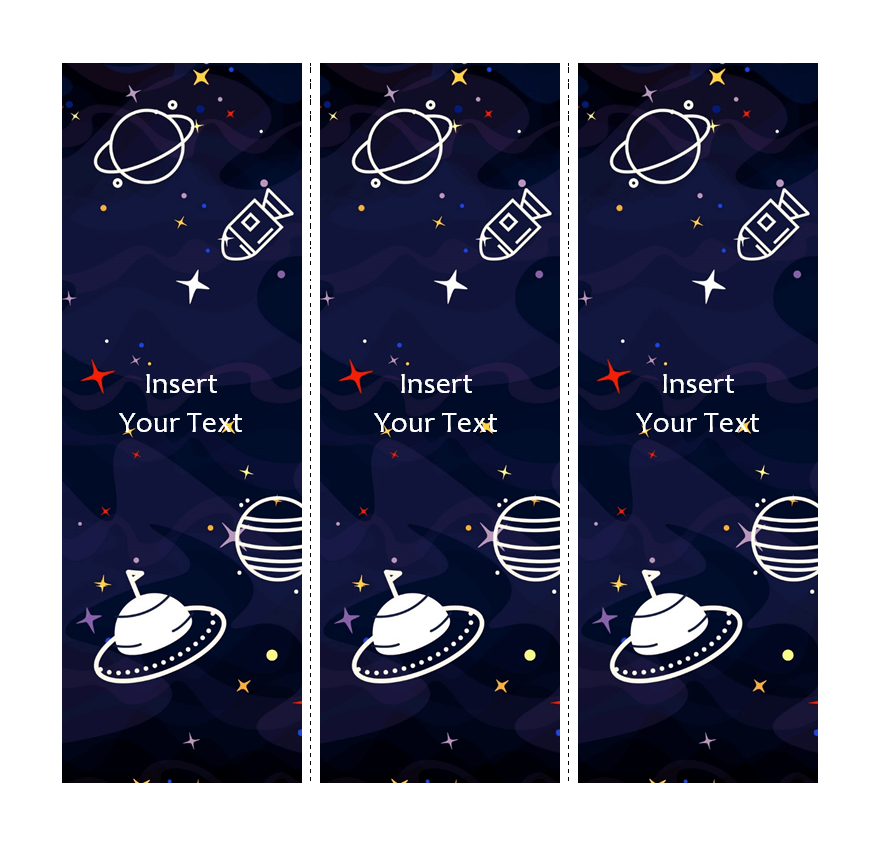
Galaxy-Themed Funky Style Bookmark Template for Elementary Students
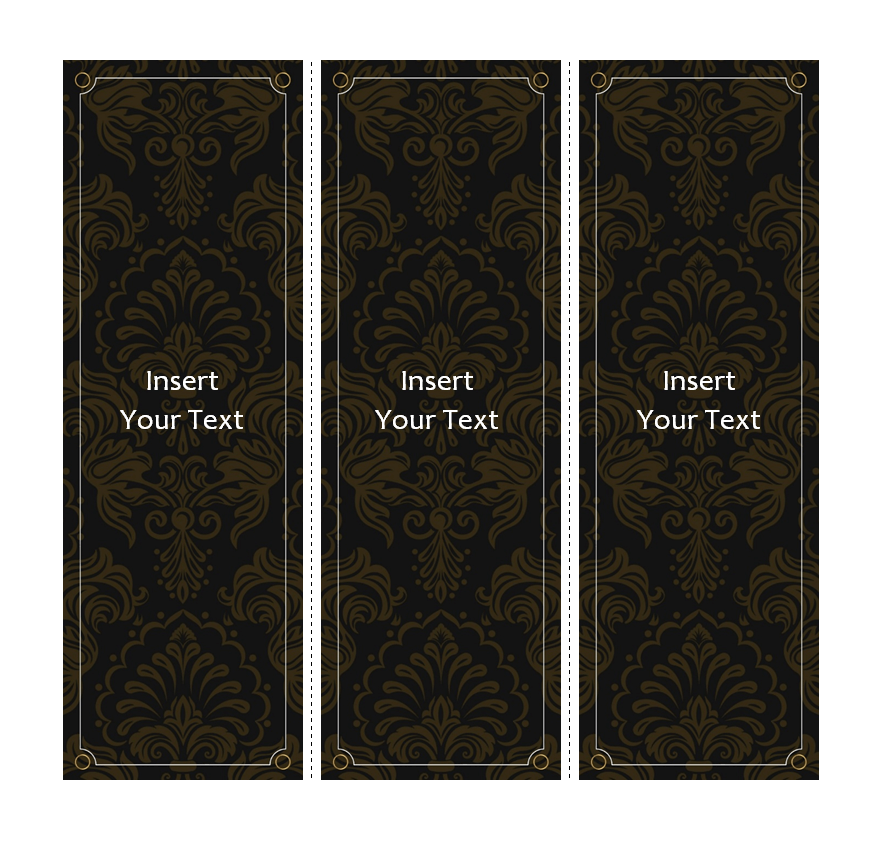
Customizable Elegant Bookmark Word Template
Basic Style Bookmark Sample Doc
Simple Blank Bookmark Template in MS WORD
Sample Floral Style Bookmark Template
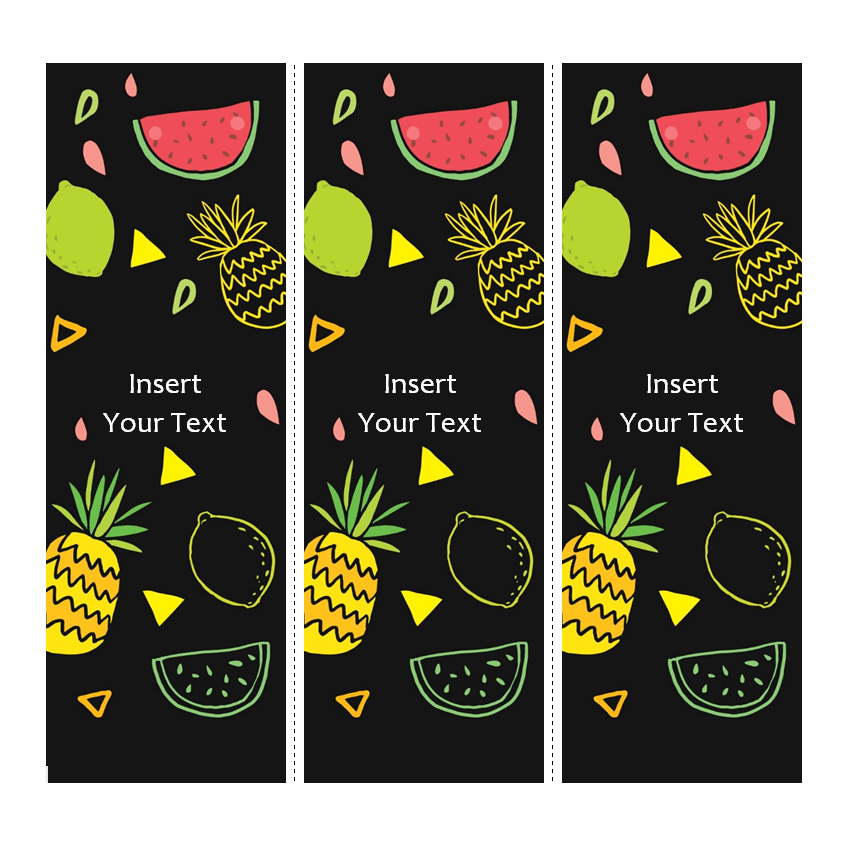
Fruit-Themed Bookmark Design for Kids
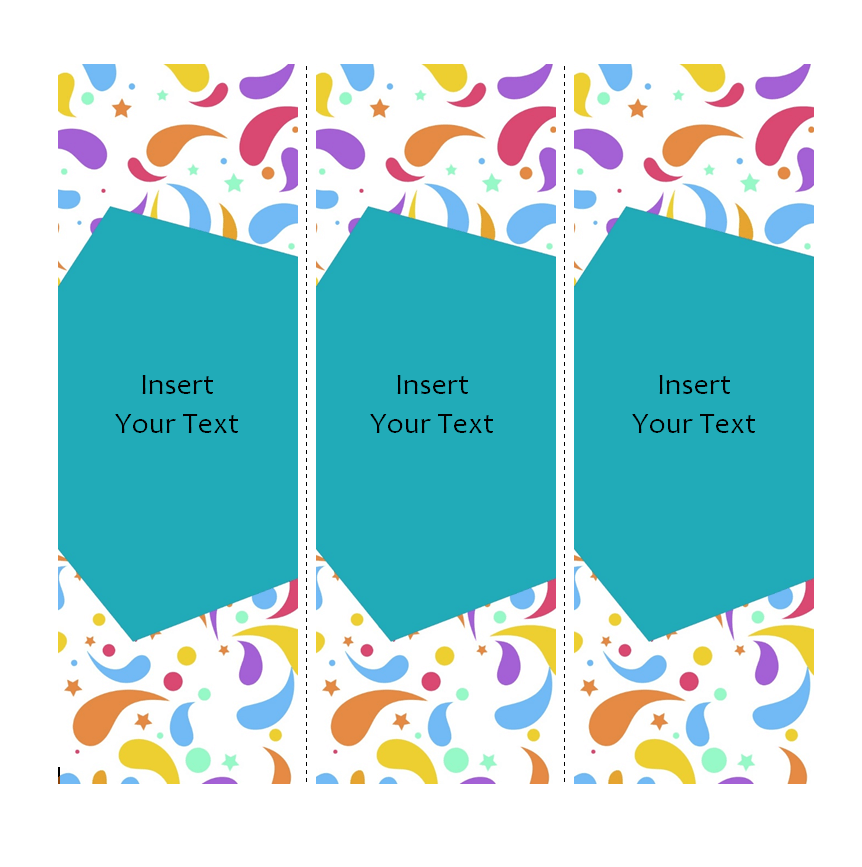
Colored Bookmark Word Template for Kids
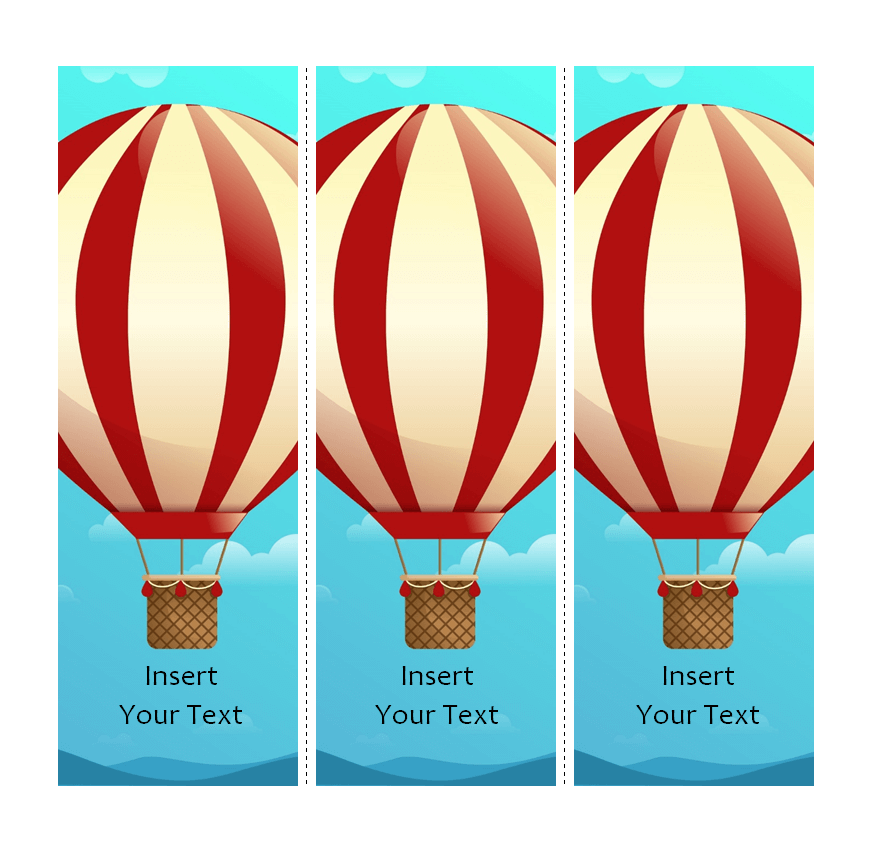
Air Balloon Picture Bookmark Template
Make Your Own in Four Steps
- Download a template and open it in Microsoft Word.
- Replace the sample text with a name, quote or message.
- Swap the colors or images to suit your theme.
- Print on card stock, cut along the guides and add a tassel if you like.
Teachers using bookmarks as rewards might also like our honor roll certificates and timeline templates for students. Shops can pair a branded bookmark with a printable coupon, and families planning a memorial may find our funeral program templates helpful.
Frequently Asked Questions
What is the standard bookmark size?
A common size is 2 x 6 inches, though anything from 1.5 x 5 to 2.5 x 7 inches works well.
Can kids customize these bookmarks?
Yes. Many of the designs leave space to color in or write a name, and the Word files are simple to edit with an adult’s help.
How do I print several bookmarks on one page?
Copy the bookmark and paste it side by side on the same page (a simple table helps keep them aligned), then print at actual size and cut along the edges.

You must be logged in to post a comment.