
Phones sync, inboxes overflow, and still the one number you need is never where you expect it. A printed or shared contact list template fixes that in a low-tech way: one page, one set of columns, everyone you need to reach.
Below are 16+ free contact list templates. The first nine are Word documents, handy for printing and pinning up; the rest are Excel sheets that you can sort, filter and share with a team.
Which Contact List Do You Actually Need?
| Situation | Best template | Why |
|---|---|---|
| Office or project team | Team / employee contact list | Roles, extensions and emails side by side |
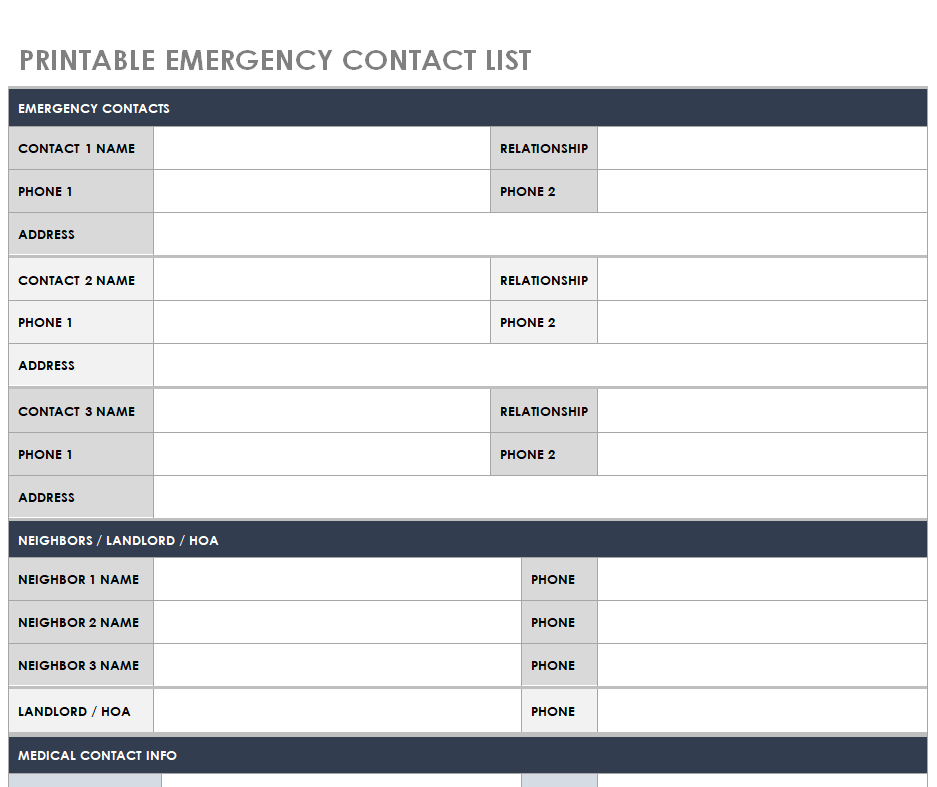
| Home, school or workplace safety | Emergency contact list | Short, printable, easy to post on a wall |
| Sales and customer service | Customer contact spreadsheet | Sortable by company, region or last contact date |
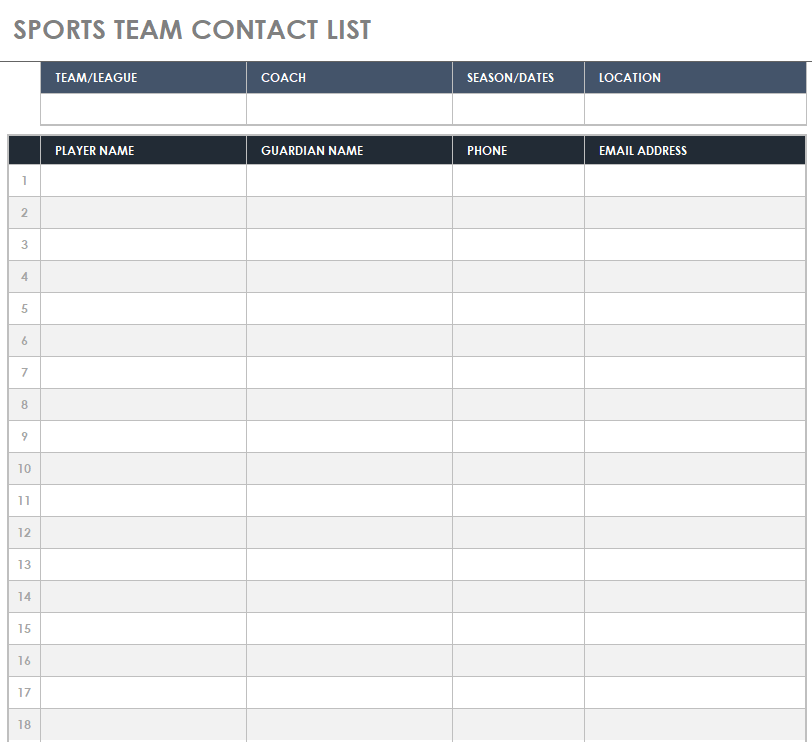
| Clubs and sports teams | Sports team contact list | Player, parent and coach details in one sheet |
If you also track who turns up to meetings or practices, a sign-in sheet works well alongside the list.
Set Up Your List in Five Minutes
- Pick Word if the list will mostly be printed, Excel if it will be searched or updated often.
- Delete columns you will never fill in. A shorter list is a list people actually use.
- Add a “Last updated” date at the top so readers know how fresh it is.
- Enter contacts in a consistent format, for example (555) 123-4567 for every phone number.
- Save a master copy and share a PDF or read-only version with everyone else.
Contact List Templates in MS Word
Team Contact List Template
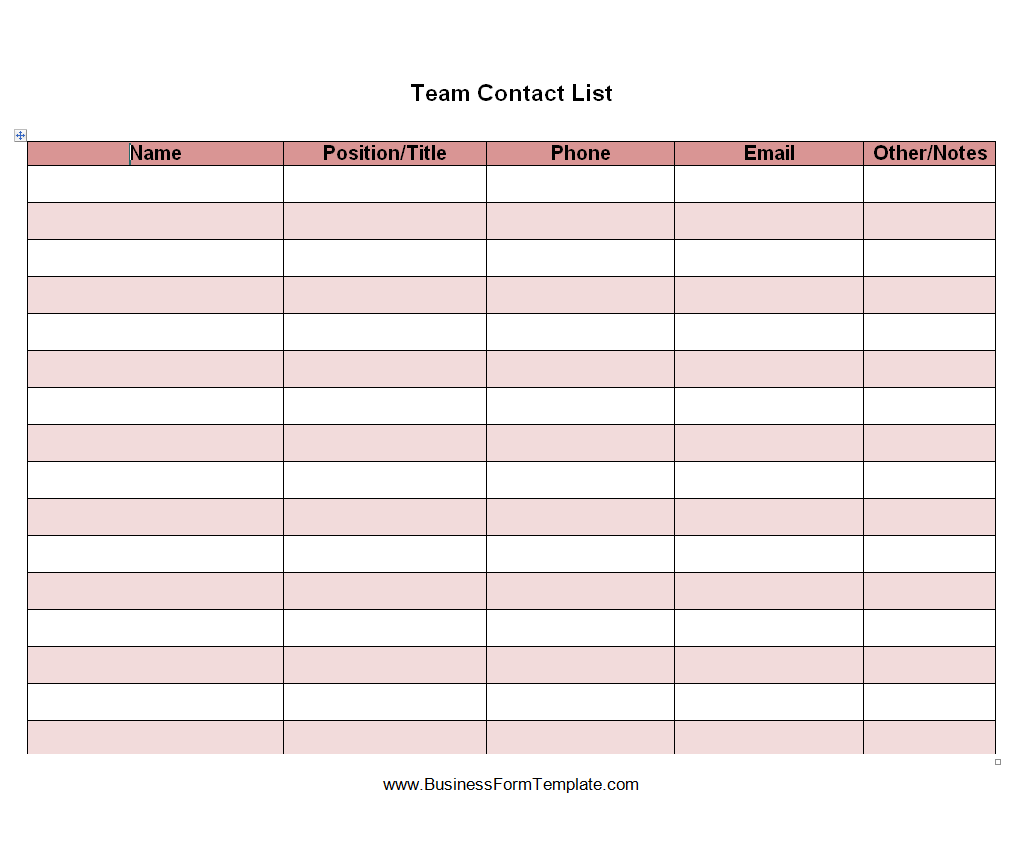
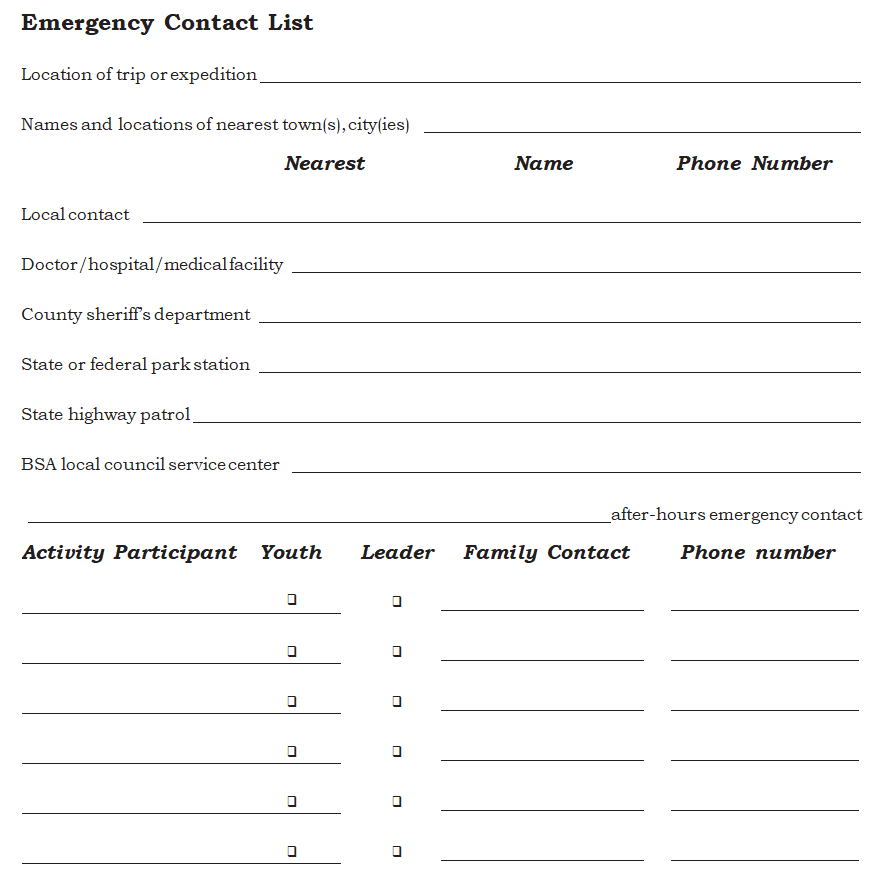
Emergency Contact List Template Printable
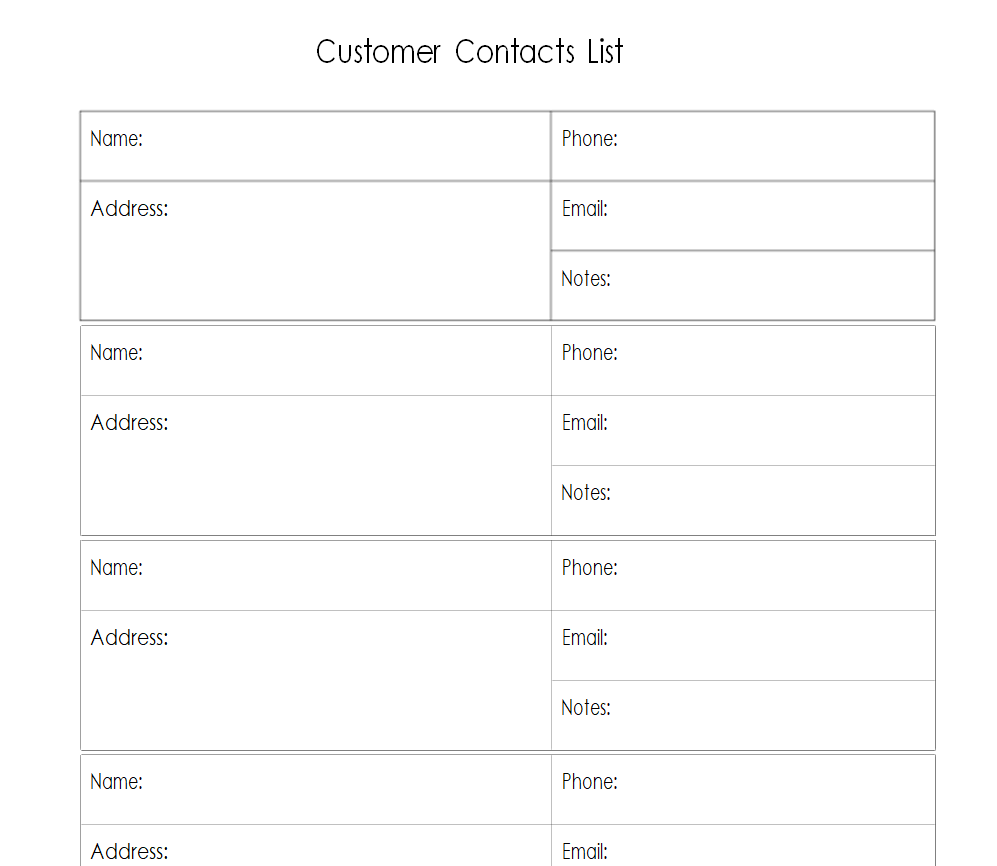
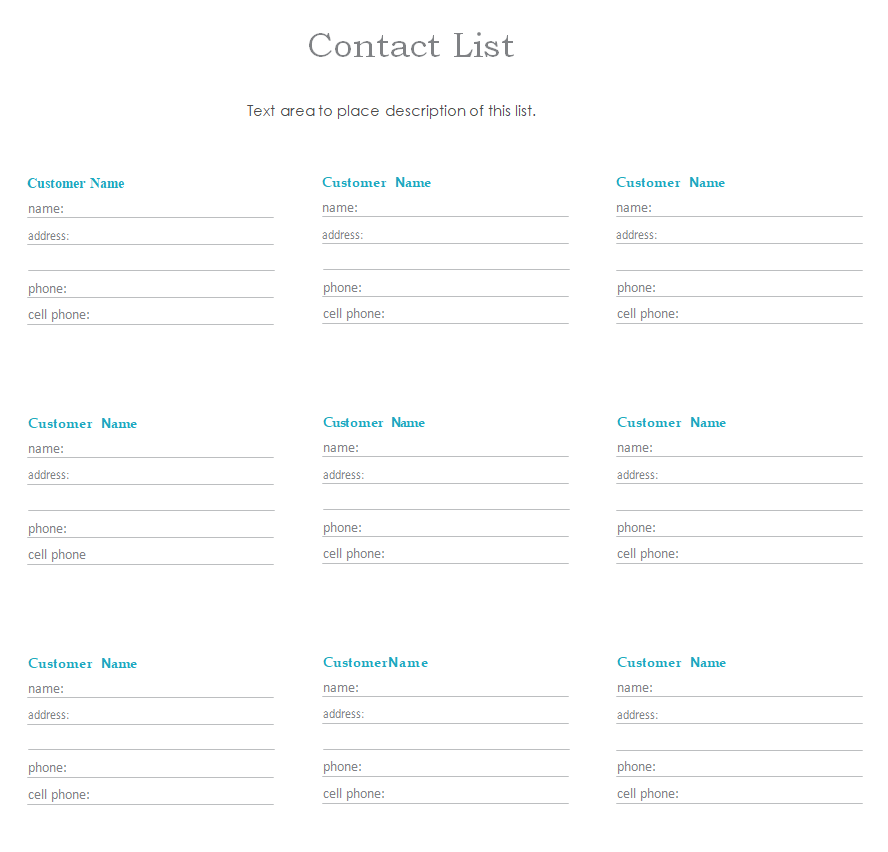
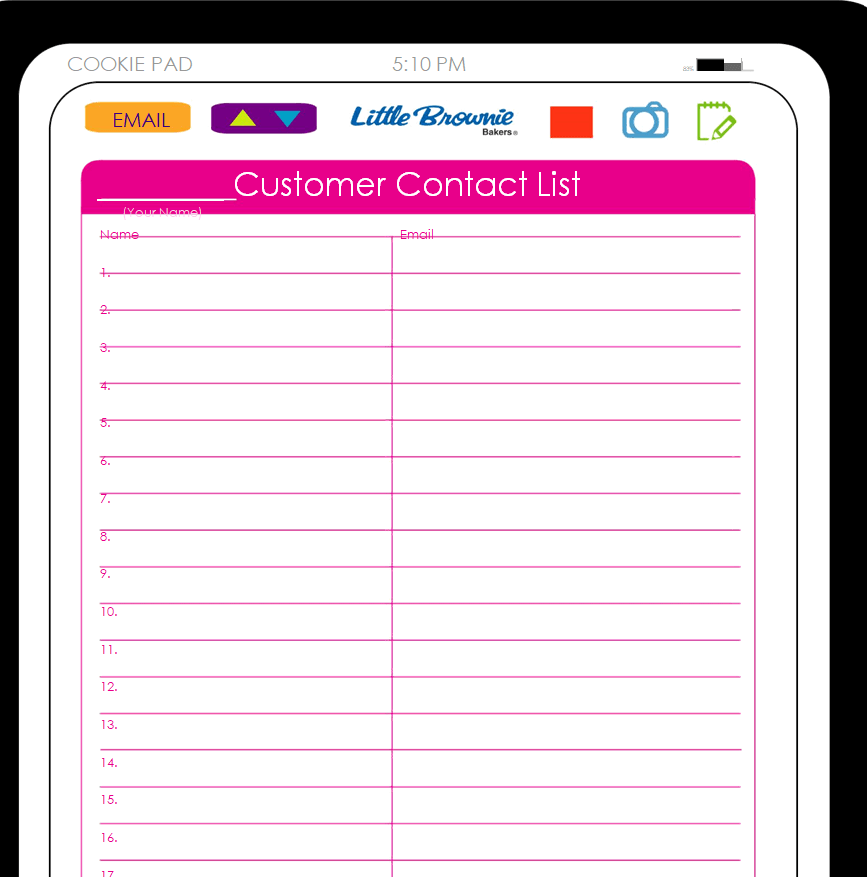
Customer Contact List Word Template
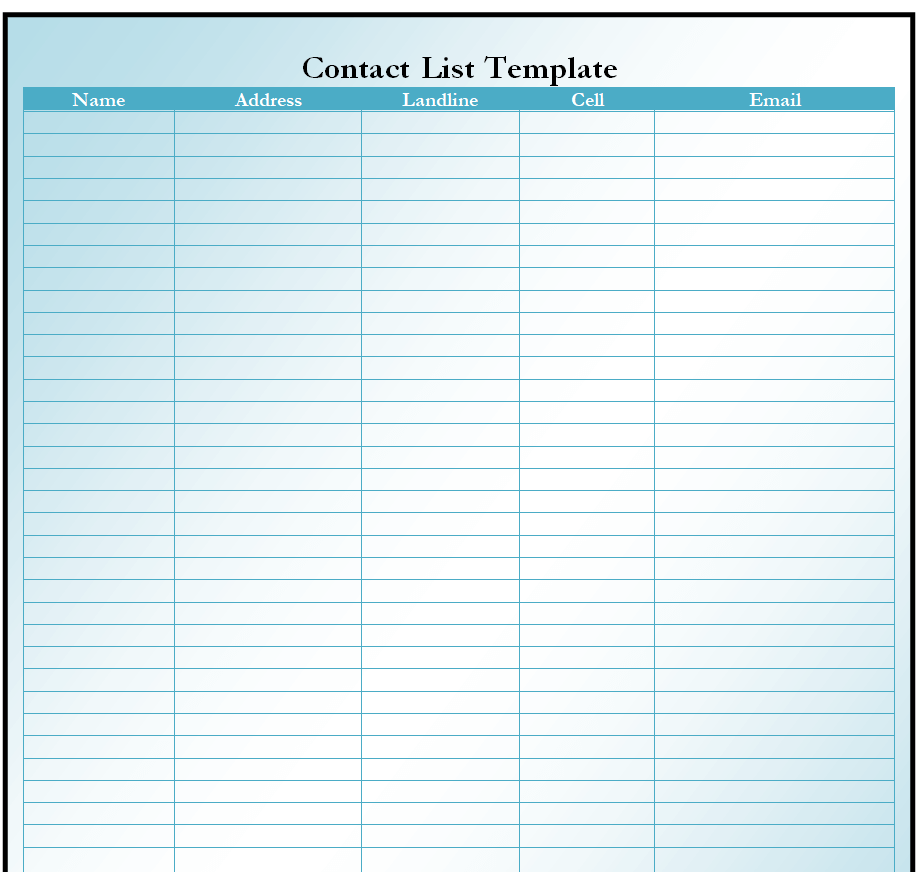
Official Contact List Template Doc
Professional Contact List Example
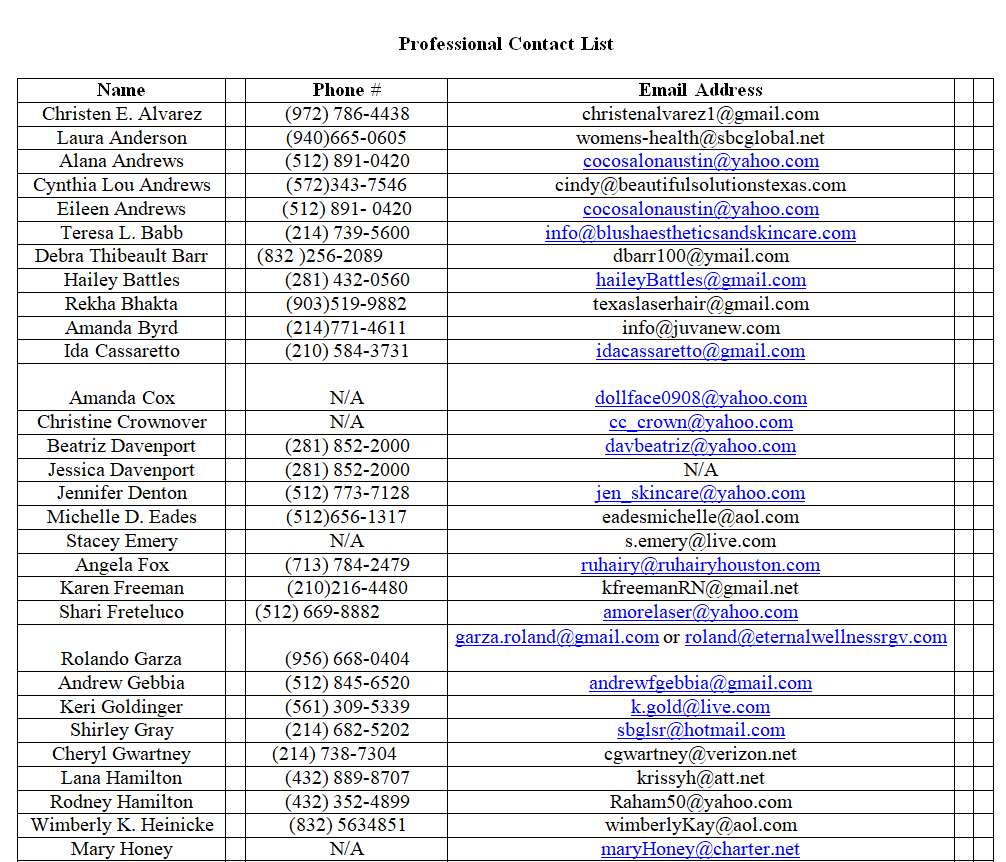
Standard Contact List Sample
Emergency Contact List Format Word
Special Customer Contact List Template
Official Emergency Contact List Template
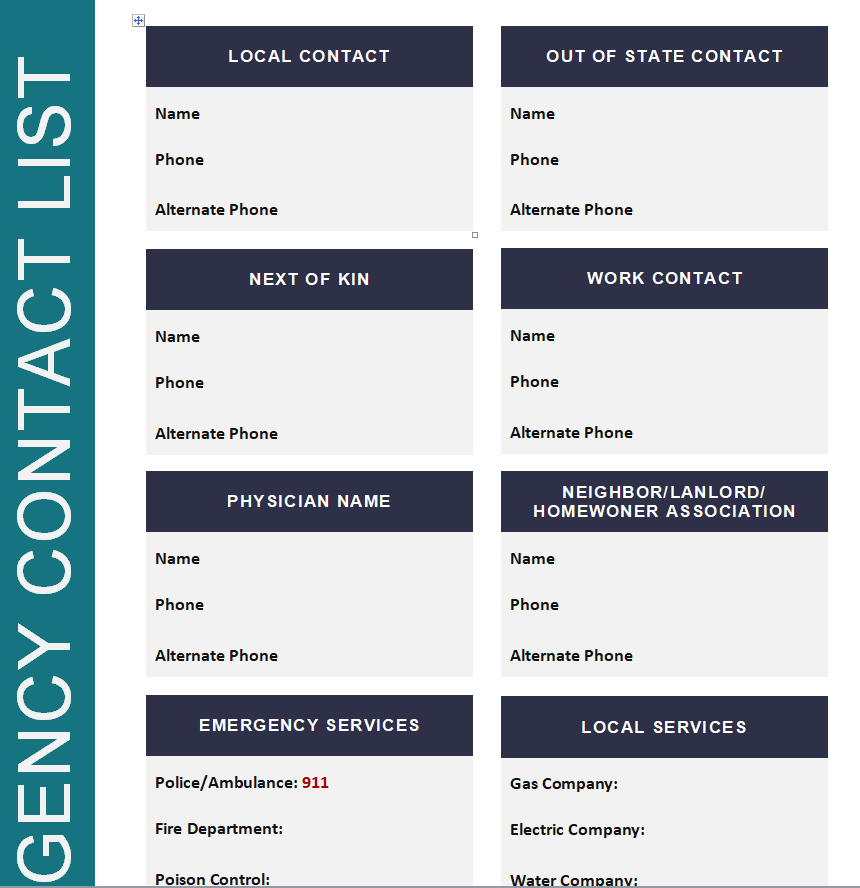
FREE Contact List Templates in MS EXCEL
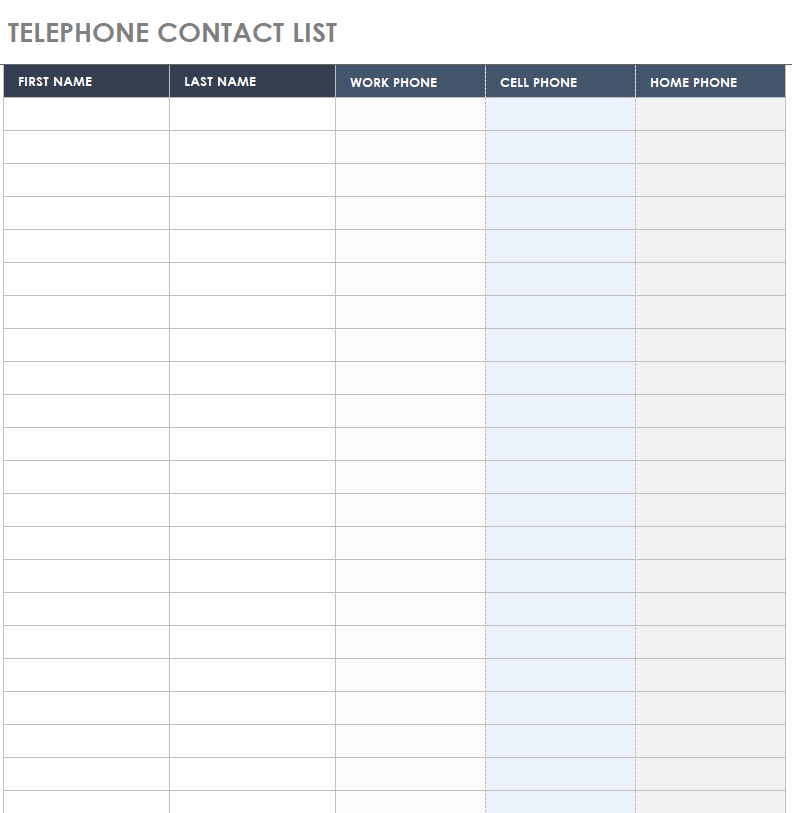
Telephone Contact List Template
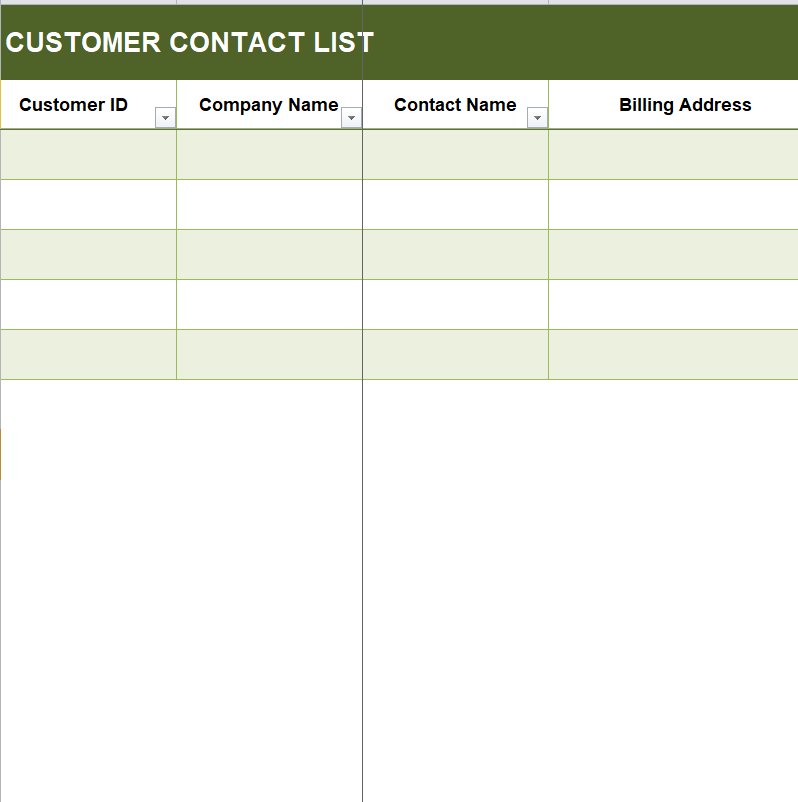
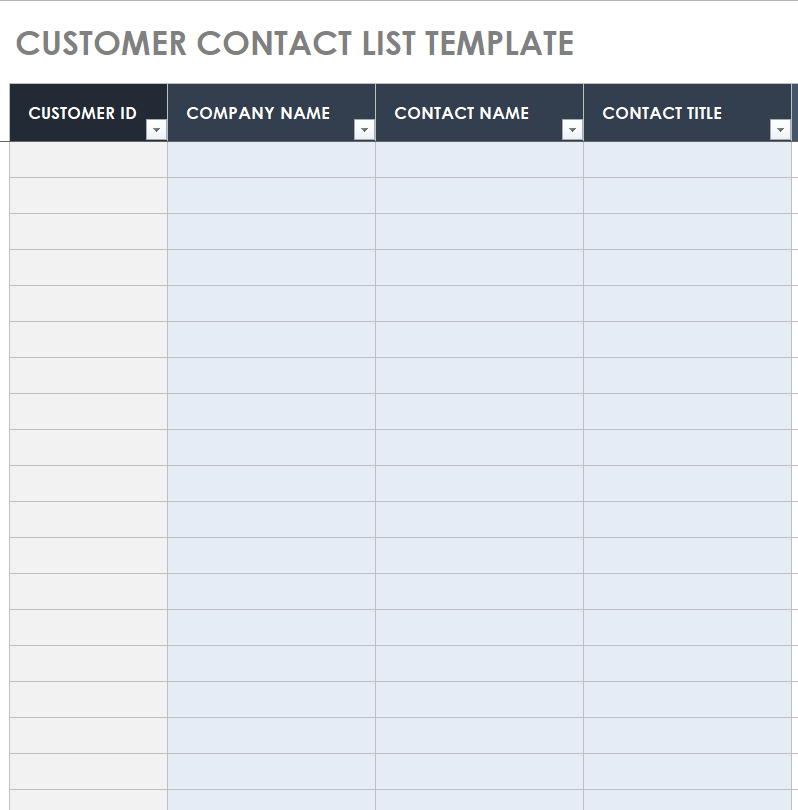
Free Customer Contact List Excel Template
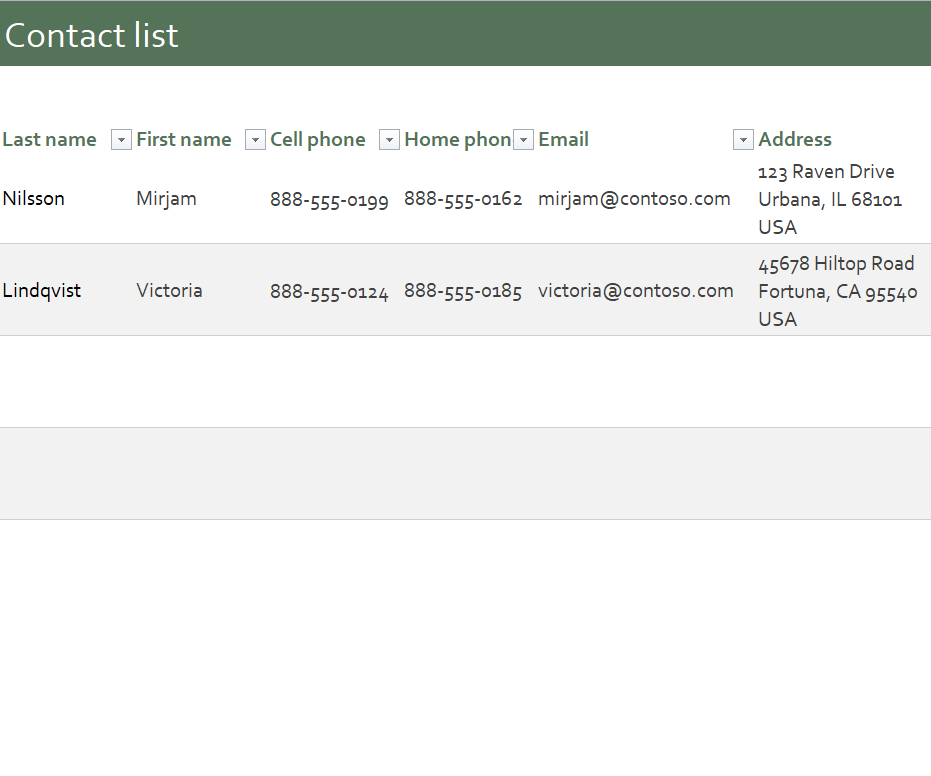
Formal Contact List Sheet in XLSX Format
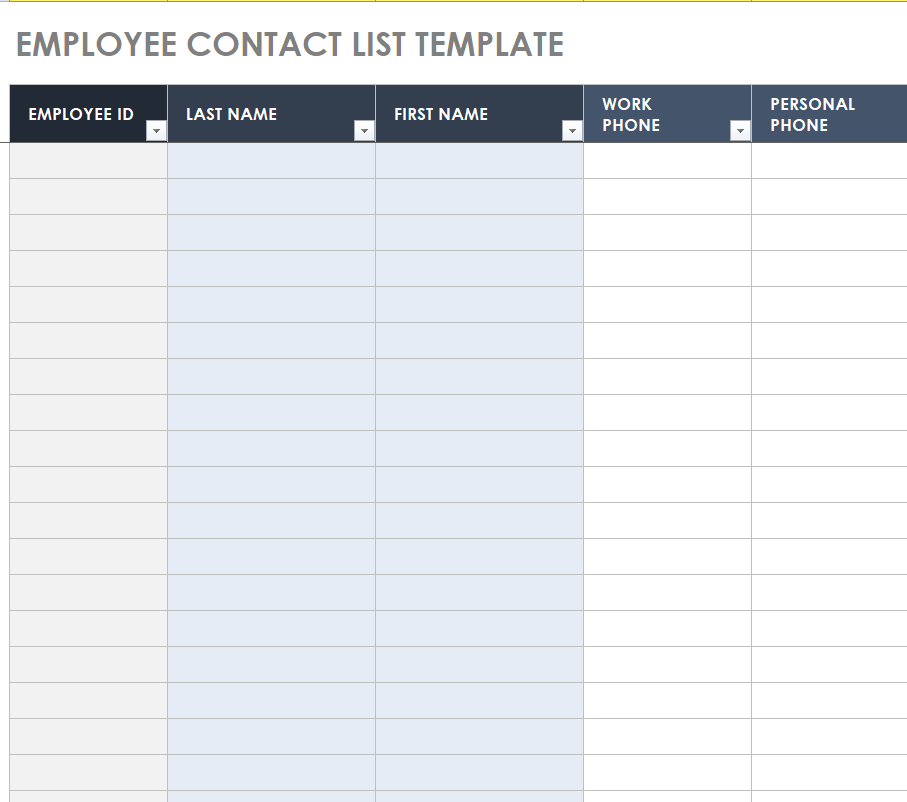
Employee Contact List Template MS EXCEL
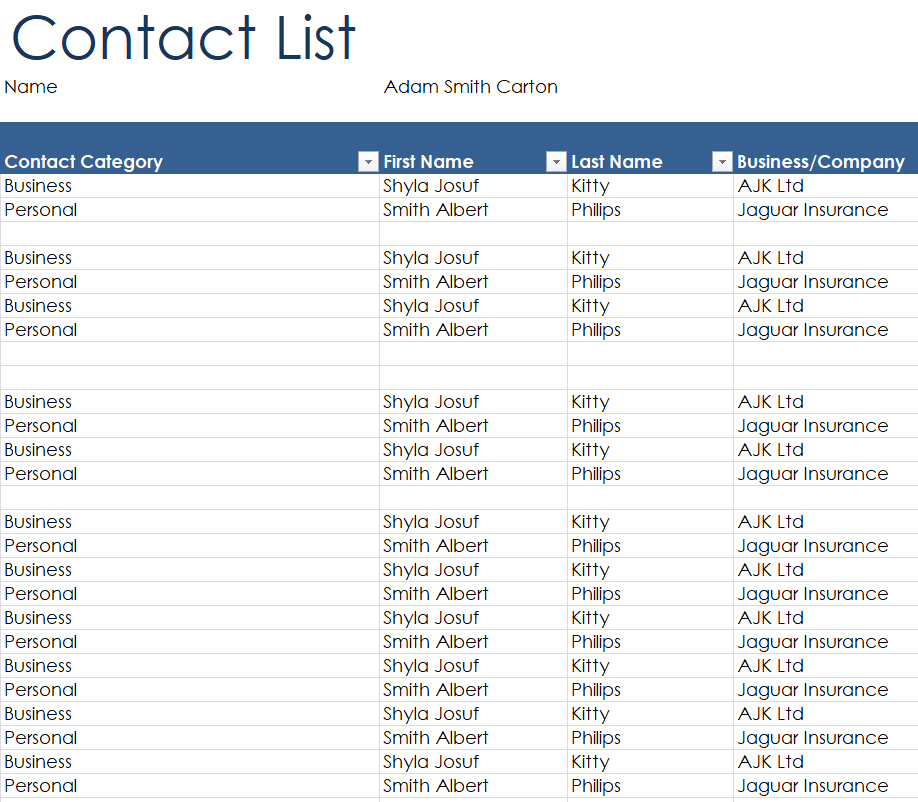
Business Contact List Sample
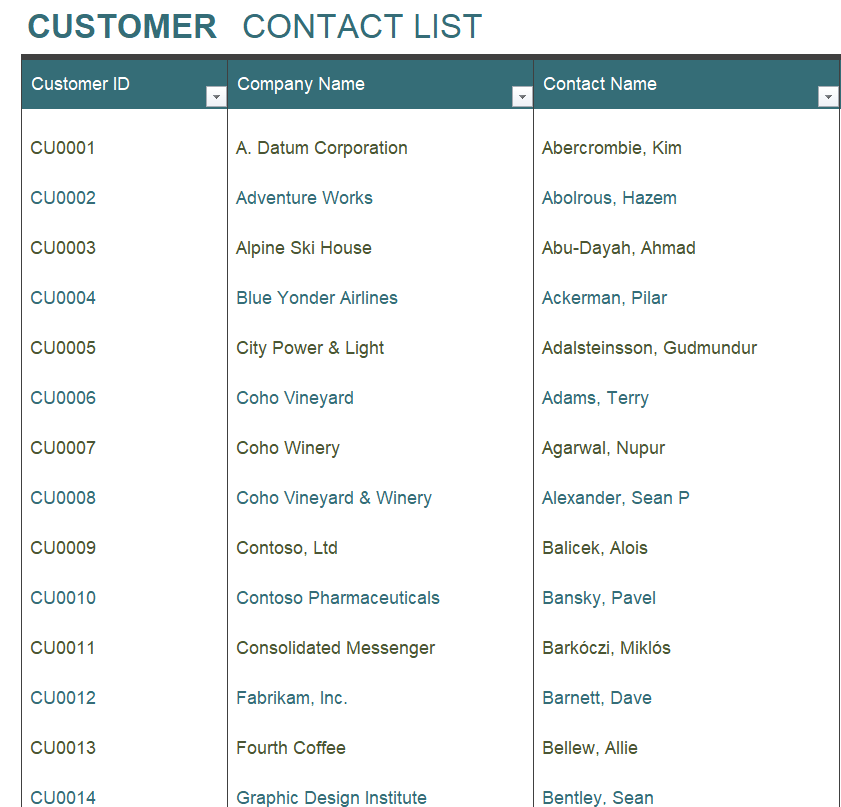
Customer Contact List Spreadsheet Template
Sample Customer Contact List Template in XLSX Format
Sports Team Contact List Excel Template
Keeping the List Useful After Day One
A contact list starts going stale the week you make it. People change jobs, move house and get new numbers. Set a reminder to review it every quarter, and ask new team members to check their own row when they join. HR teams often tie this to their employee status change forms, so a new phone or address is updated in the list at the same time as payroll.
For larger groups, an Excel version with a filter on the header row makes it easy to pull out everyone in one department or city. If you keep equipment or stock lists in the same workbook, the layouts in our inventory list Excel templates follow a similar column style.
A note on privacy: personal phone numbers and home addresses are sensitive. Share full lists only with people who need them, and store digital copies in a password-protected folder.
Need badges for the same group? Our ID card templates pair nicely with a staff contact list, and a simple onboarding checklist can remind you to add every new hire.
Frequently Asked Questions
What should a contact list include?
At minimum: full name, role or relationship, phone number and email. Many lists also add a company name, mailing address and notes such as the best time to call.
Is Word or Excel better for a contact list?
Word is better for short lists you print and post. Excel is better for long lists you need to sort, filter or import into an email or CRM tool.
How do I make an emergency contact list?
Use one of the emergency templates above, list the most important contacts first (family, doctor, neighbor, employer) and keep a printed copy somewhere easy to find, such as the fridge or a desk drawer.
Can I import an Excel contact list into my phone or email?
Yes. Save the sheet as a CSV file and most email programs and phone contact apps will let you import it.

You must be logged in to post a comment.