
Spinning intros, sliding menus, glowing buttons: for years, animated Flash templates were the go-to way to make a website feel exciting. Many of those designs still look striking, and the ideas behind them, such as bold motion, layered visuals and playful interactions, are as useful as ever. What has changed is the technology underneath.
This page keeps six classic animated template designs as a visual reference and explains, honestly, how to use them today. Adobe ended support for Flash Player at the end of 2020, and modern browsers no longer run Flash content, so a Flash file can’t simply be uploaded to a live website anymore. Instead, these templates work best as design inspiration that you rebuild with modern HTML5, CSS and JavaScript animation. We’ll show you how.
What Happened to Flash Websites?
Flash let designers build rich, animated sites long before browsers could do that natively. Over time, HTML5, CSS animations and JavaScript caught up, mobile devices never fully supported Flash, and security concerns grew. After Adobe ended support, major browsers removed Flash entirely. Sites that depended on it either broke or were rebuilt.
The good news is that almost every effect Flash was known for can now be created with web standards that load faster, work on phones and are easier for search engines to read.
Classic Flash Effects and Their Modern Equivalents
| Classic effect | Modern way to build it |
|---|---|
| Animated intro or splash page | A short CSS or JavaScript animation on the hero section (skip the separate splash page) |
| Sliding or rotating menus | CSS transitions on navigation, off-canvas mobile menus |
| Image galleries with motion | JavaScript sliders and lightboxes that work on touch screens |
| Animated logos and banners | SVG animation or lightweight animation libraries |
| Interactive product showcases | HTML5 canvas, WebGL or 3D viewers |
| Background music and sound | HTML5 audio, off by default with a clear play button |
Why rebuilding is worth it
- It works everywhere, including phones and tablets.
- It’s faster, because modern animations load only what’s needed.
- It’s searchable, since text lives in the page instead of inside a movie file.
- It’s more accessible, letting you respect users who prefer reduced motion.
Please note: The links below lead to the original template pages and articles from the Flash era. Some pages may now offer different products, some files may no longer download, and one original link has been removed. Flash files (.swf and .fla) won’t run in current browsers, so treat these designs as layout and animation inspiration rather than ready-to-use websites.
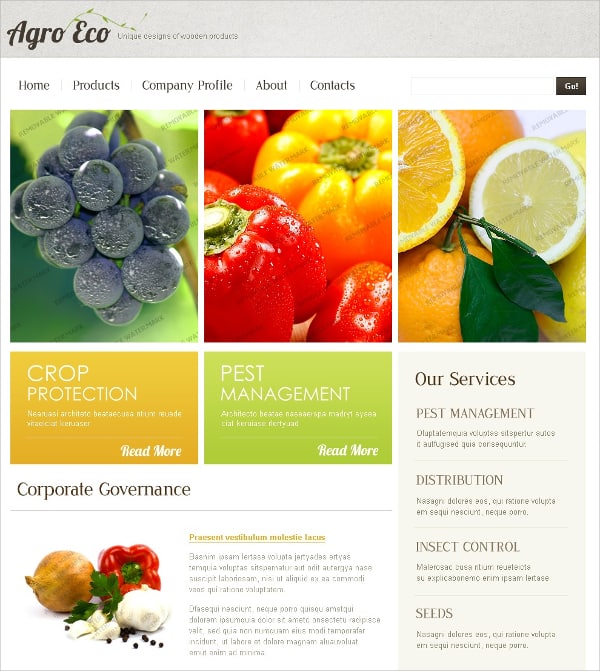
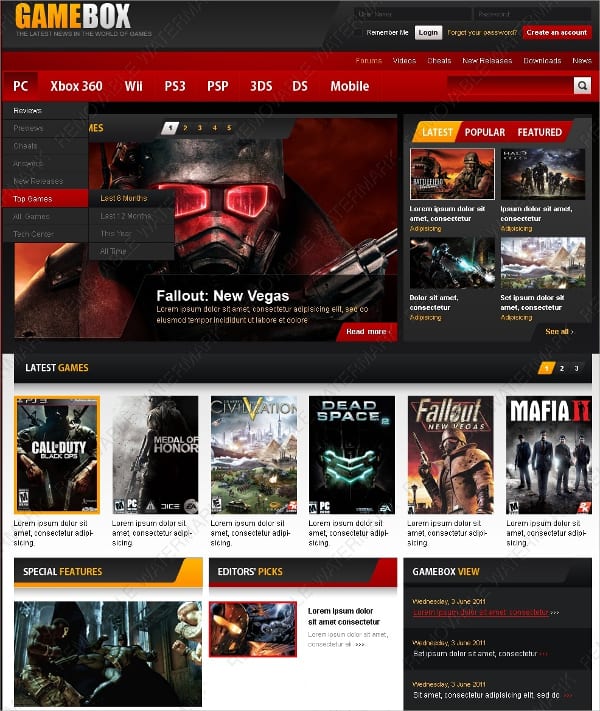
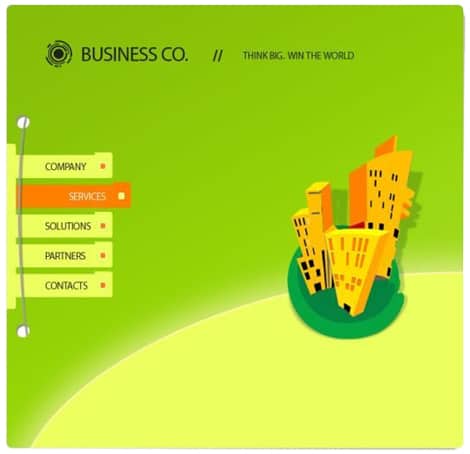
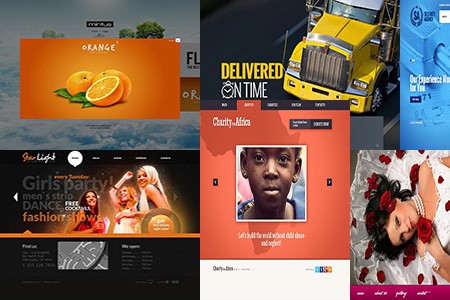
6 Classic Animated Website Templates for Inspiration

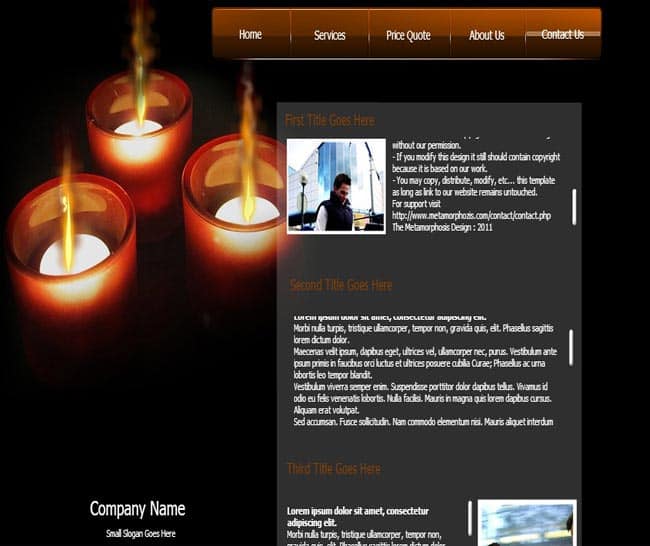
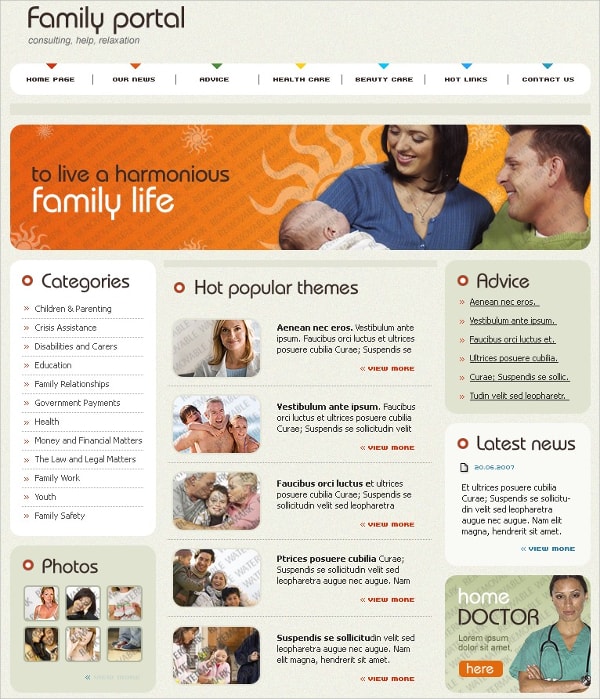
How to Turn a Classic Flash Design Into a Modern Animated Site
- Screenshot the parts you love. Capture the layout, colors, typography and the moments of motion that make the design special.
- Choose a modern base. Start from a responsive HTML5 template or a website theme with a similar layout, rather than trying to convert old files.
- Rebuild the structure first. Get the header, navigation, sections and footer working on desktop and mobile before adding motion.
- Add animation in layers. Begin with subtle transitions on hover and scroll, then add one or two signature moments, such as an animated hero or logo.
- Keep it fast. Compress images, avoid huge video backgrounds and load animation scripts only where needed.
- Respect motion preferences. Use the reduced-motion setting so visitors who are sensitive to movement see a calmer version.
- Test on real devices. Check performance on an average phone, not just a powerful desktop.
Example: a bakery’s playful homepage, rebuilt
A small bakery’s old site opened with a Flash animation of a cupcake being decorated, which stopped working once browsers dropped Flash. Instead of losing the charm, they rebuilt it as a short SVG animation on the homepage hero that plays once and then settles into a static image. The menu, hours and order button load instantly underneath, and the site now works perfectly on phones.
Where Animation Adds Real Value
Flash-era sites often animated everything simply because they could. Today, the best animated websites are more selective. Motion works hardest in a few specific places:
- First impressions. A short, well-crafted hero animation can communicate personality in a few seconds, especially for creative studios, entertainment brands and product launches.
- Explaining how something works. A step-by-step animated diagram can make a process, product or service easier to understand than paragraphs of text.
- Feedback on actions. Small animations on buttons, form fields and add-to-cart actions reassure users that something happened.
- Guiding the eye. Gentle motion as sections scroll into view helps visitors follow a story from top to bottom.
- Delight in small doses. A playful hover effect or an animated illustration in an empty state can make a brand memorable.
If an animation doesn’t help with one of these goals, consider leaving it out. A calm, fast page usually beats a busy one, and visitors are more likely to notice the one animation you chose carefully than ten competing effects.
Animation Do’s and Don’ts
| Do | Don’t |
|---|---|
| Use motion to guide attention to key actions | Animate everything on the page at once |
| Keep most transitions short and smooth | Make visitors wait through a long intro |
| Let users pause or skip video and audio | Autoplay sound when the page loads |
| Test on slower phones and connections | Assume everyone has a fast computer |
| Offer a reduced-motion experience | Use rapid flashing effects, which can affect people with photosensitivity |
Do You Still Have Old Flash Files?
If your business has an archive of old Flash banners, presentations or games, a few options can help:
- Export what you can. If you still have the original source files and compatible software, you may be able to export animations as video or image sequences.
- Record a video. For archival purposes, a screen recording of the animation preserves how it looked.
- Rebuild important pieces. Interactive content that customers still need should be recreated with modern web technologies.
- Remove dead embeds. Take Flash objects off live pages so visitors don’t see broken boxes or plugin warnings.
Avoid downloading unofficial “Flash players” from unknown websites. Unsupported players can carry security risks, and they won’t help ordinary visitors see your content anyway.
Related Templates for Modern, Lively Websites
Looking for templates that already use modern technology? Video-heavy sites can start with these video WordPress themes, entertainment businesses may like our cinema WordPress themes, and community sites can browse these content sharing WordPress themes. If you’re maintaining an older mobile site, our guide to jQuery mobile templates explains a similar legacy-technology situation. After relaunching, a monthly SEO report template helps you measure whether the new, faster site brings in more visitors.
Frequently Asked Questions
Can I still use Flash templates on my website?
Not as working Flash content. Modern browsers have removed Flash support, so visitors won’t be able to see it. Use the designs as inspiration and rebuild them with HTML5, CSS and JavaScript.
What replaced Flash for web animation?
Web standards like HTML5 canvas, CSS animations and transitions, SVG animation and JavaScript animation libraries.
Will animations hurt my search rankings?
Not if they’re lightweight and your content is real text in the page. Heavy animations that slow loading can hurt user experience, so keep them efficient.
Are these templates free?
They were originally offered as free or premium templates on various sites. Availability has changed, so check each source page.
