
Some websites are written by one person; others come alive because hundreds of people contribute. Recipe swaps, photo communities, link-sharing hubs, local news boards and hobby showcases all depend on visitors posting their own stuff. Content sharing WordPress themes are built for exactly that, with front-end submission forms, voting, user profiles and grid layouts that make a constant stream of new posts look organized rather than chaotic.
Below you’ll find eight themes and theme roundups for user-driven sites, viral-style magazines and community blogs. A few are free downloads, several are premium marketplace themes, some links lead to curated lists of more options, and two original pages are no longer online. Before the gallery, we’ll explain what makes a theme good for shared content; afterward, you’ll get setup steps, moderation advice and growth tips.
What Counts as a Content Sharing Site?
- User-submitted blogs and magazines where readers can pitch or publish articles.
- Photo and video galleries built around community uploads.
- Link-sharing and voting sites where the best posts rise to the top.
- Recipe, DIY and hobby showcases where members post projects.
- Local or niche news boards with contributions from residents or professionals.
- Viral-style content sites with lists, quizzes and shareable posts.
Is a content sharing site right for you?
User-generated sites can grow faster than a one-person blog, but they also need more care. Ask yourself a few honest questions before you choose a theme. Do you already have a group of people who want to contribute, such as a club, a professional network or an active social media following? Can you spend time each week reviewing submissions and answering messages? Do you have a clear topic that gives people a reason to post on your site rather than on a big social platform?
If the answers are yes, a content sharing theme can turn that energy into a lasting, searchable library you own. If not, consider starting with a regular blog and adding guest posts or a community section once readers start asking how they can get involved. Either way, choosing a flexible theme now makes it easier to grow later.
Features That Make Sharing Easy
| Feature | Why it matters |
|---|---|
| Front-end submission | Contributors can post without seeing the WordPress dashboard. |
| User profiles | Give contributors credit and a reason to keep posting. |
| Voting, likes or reactions | Help the best content surface naturally. |
| Flexible post formats | Support text, images, galleries, video embeds and links. |
| Grid or masonry layouts | Display lots of varied content cleanly. |
| Social sharing buttons | Let readers spread posts with one tap. |
| Moderation queue | Review submissions before they go live. |
Some of these features come from the theme itself; others come from plugins. A theme designed with community plugins in mind usually saves you hours of styling work.
Before you download: These themes and roundups were collected some time ago. Check each theme’s last update date and compatibility with the current WordPress version, since older themes may lack security fixes or modern block editor support. Premium themes are sold under the marketplace’s license, and two original pages are no longer available.
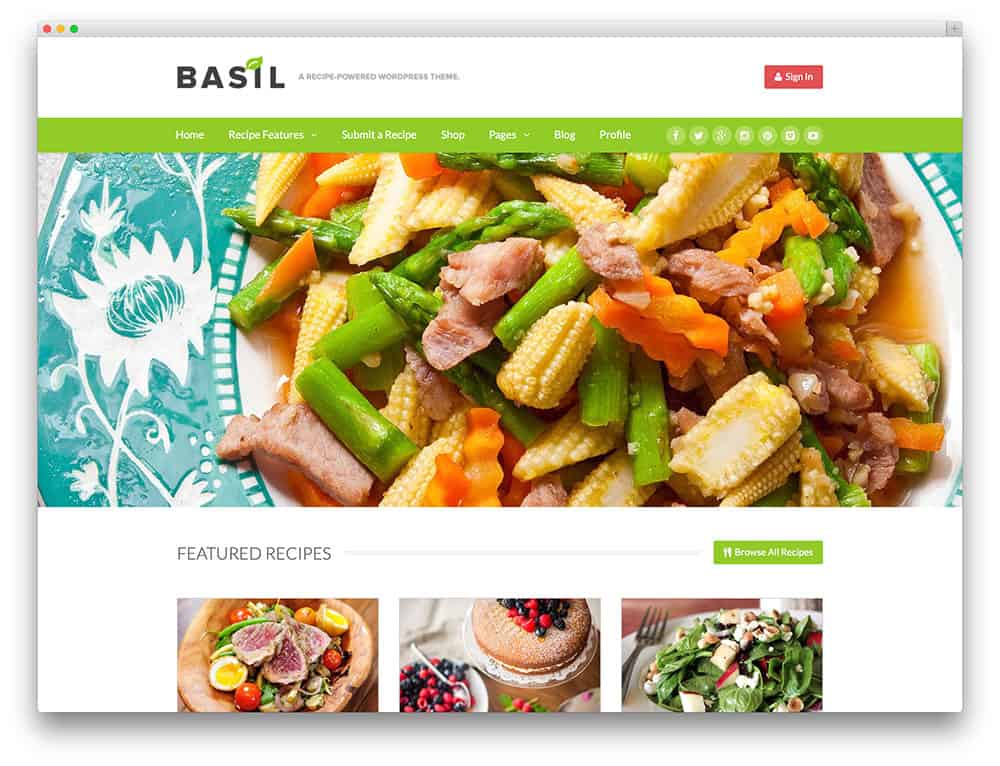
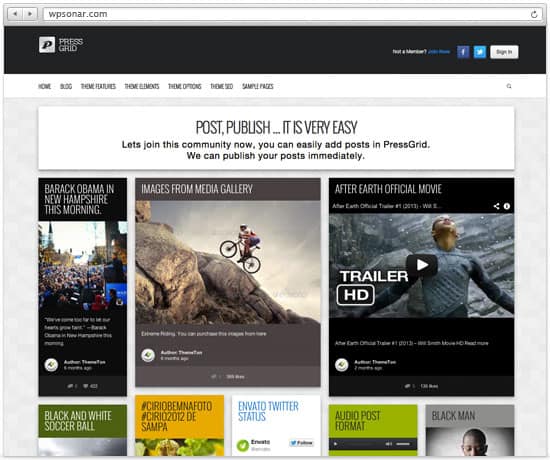
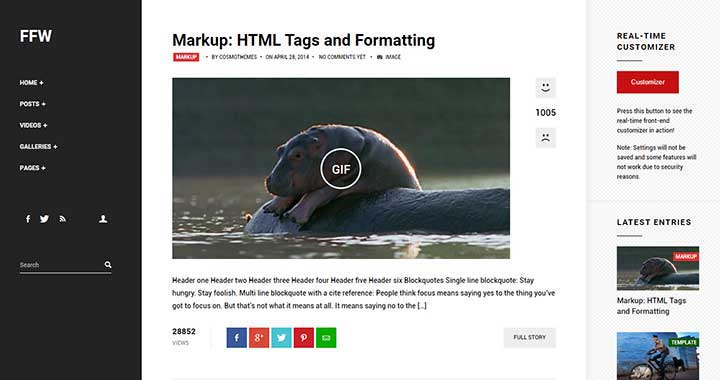
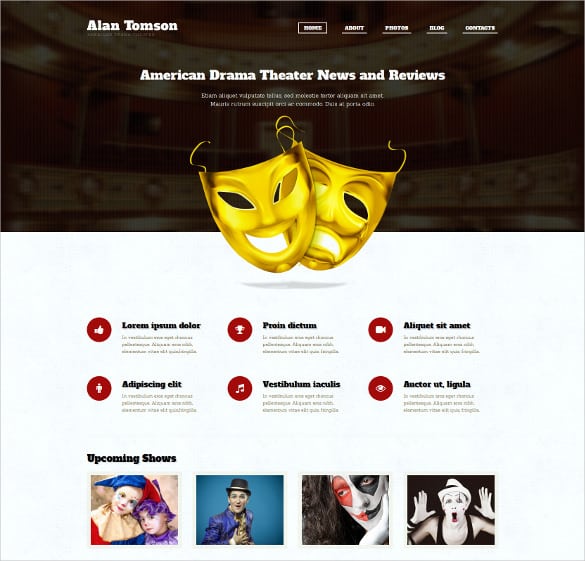
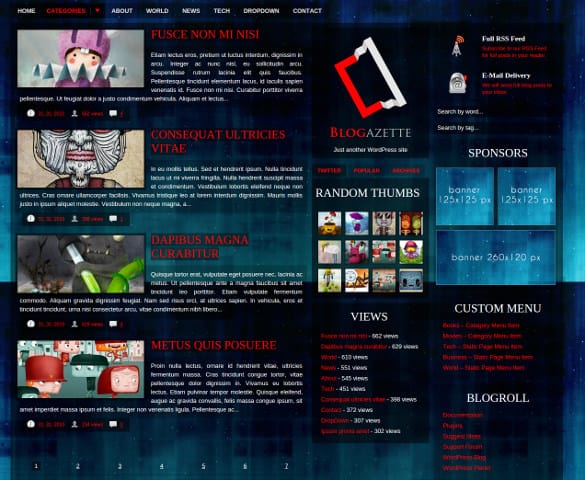
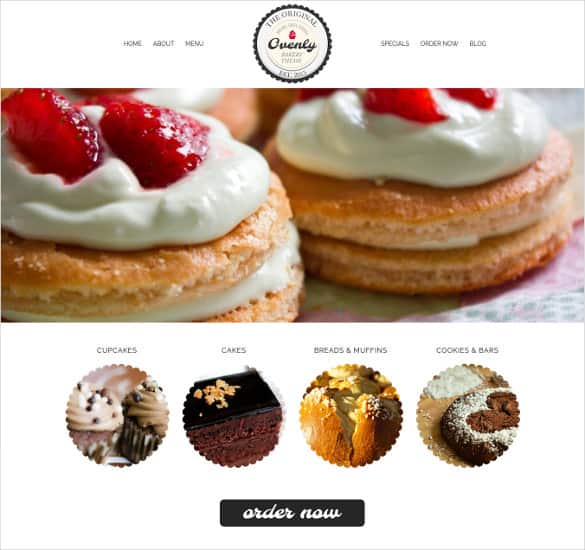
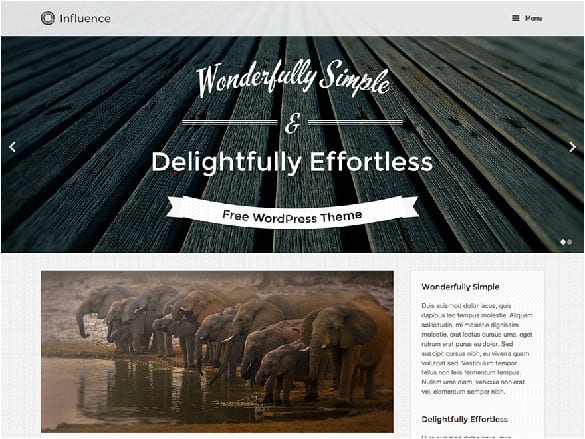
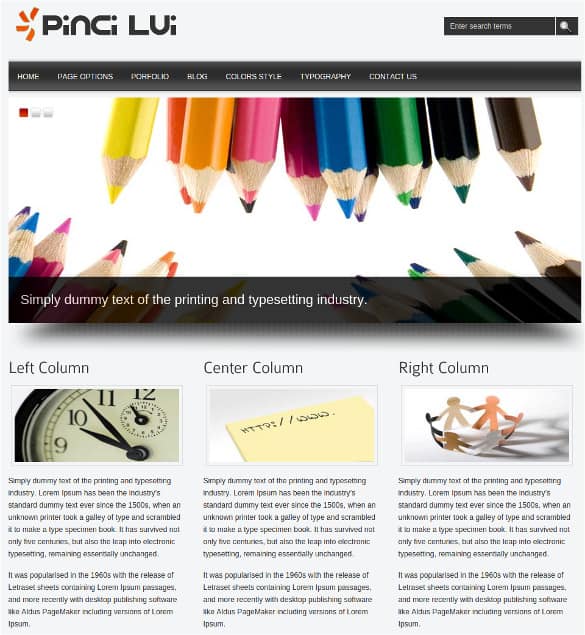
8 Content Sharing WordPress Themes and Roundups

Setting Up a Community-Driven Site
- Define your niche and rules. Decide exactly what people may share, what’s off-limits, and how posts will be reviewed.
- Install the theme on a staging site. Test layouts, submission forms and user registration before going live.
- Add submission and profile tools. Use the theme’s built-in features or well-maintained plugins for front-end posting and member profiles.
- Create starter content. Publish 20 to 30 strong posts yourself so the site looks active from day one.
- Set up moderation. Hold first-time submissions for review, filter spam and give trusted members faster approval.
- Write clear guidelines. Publish community rules, a privacy policy and a simple process for reporting problems or copyright concerns.
- Invite your first contributors. Personally reach out to people in your niche and feature their work prominently.
Mini case: a neighborhood photo blog
A resident started a site where neighbors could share photos of local events, gardens and street art. She chose a grid-based theme, added a simple upload form, and approved each post manually at first. A weekly “Photo of the Week” feature gave contributors recognition, and local cafes began sharing the posts. The site grew steadily because people loved seeing their own photos featured.
Moderation: The Part Nobody Talks About
Every content sharing site eventually faces spam, off-topic posts and occasional bad behavior. Planning for it early keeps the community pleasant:
- Use approval queues for new contributors, then relax the rules for trusted members.
- Turn on spam protection for forms, comments and registrations from the start.
- Set clear content rules, including what happens when they’re broken.
- Respect copyright. Ask contributors to share only content they created or have permission to use, and respond promptly to takedown requests.
- Protect privacy. Don’t publish personal details without consent, and explain how you handle user data in a privacy policy. Requirements vary by country and state, so get professional advice for anything complex.
- Recruit helpers. As the site grows, invite reliable members to help review posts.
Growing Your Audience and Contributors
A sharing site needs both readers and creators. Strategies that tend to work:
- Feature contributors. Highlight top posts, monthly favorites or member interviews.
- Send a regular digest. A weekly or monthly roundup brings people back; our newsletter templates make it easy to start.
- Make sharing effortless. Clean share buttons and good preview images encourage readers to spread posts.
- Plan campaigns. Themed weeks, challenges and contests give people reasons to contribute. Map them out with a marketing plan template.
- Watch your numbers. Track top posts, traffic sources and sign-ups in a monthly SEO report.
If you work with influencers or paid creators, put expectations in writing first; a social media contract template is a helpful starting point. Sites centered on video might prefer one of these video WordPress themes, while discussion-heavy communities may be better served by forum templates.
Performance and Security Checklist
User-generated sites can grow quickly, and a slow or vulnerable site loses contributors fast. Before and after launch, check these basics:
- Image optimization: automatically resize and compress uploads so a single giant photo doesn’t slow every page.
- Caching: use page caching for visitors who aren’t logged in.
- Updates: keep WordPress, the theme and all plugins current, and remove plugins you no longer use.
- Strong accounts: require good passwords and limit admin access to people who truly need it.
- Backups: schedule automatic backups and test restoring one at least once.
- Upload limits: restrict file types and sizes so contributors can’t upload anything risky.
Common Mistakes on Content Sharing Sites
- Launching empty and hoping users will fill it.
- Allowing instant publishing for everyone, which invites spam.
- Choosing an abandoned theme that breaks after a WordPress update.
- Ignoring mobile users, even though many contributors post from their phones.
- Never thanking or featuring contributors, so they drift away.
Frequently Asked Questions
Can visitors post content without accessing the WordPress dashboard?
Yes. Many content sharing themes and plugins provide front-end submission forms, so contributors never see the admin area.
Are these themes free?
A few are free; most are premium themes or links to roundups that include both. Check each source for the current price and license.
How do I stop spam submissions?
Combine moderation queues for new users, spam-filtering plugins and simple challenge questions on forms.
Who owns content that users submit?
That depends on your terms of use. Clearly state what rights contributors grant you, and get legal advice for anything beyond simple publishing rights.
