
Picture two shop owners with the same budget. One buys ads whenever a slow week shows up. The other sits down in January, writes out who she wants to reach, what she’ll say, and what she’ll spend each month. By summer, only one of them knows which ads paid off. A marketing plan template is the shortcut to being the second owner: it hands you the headings, the order and the prompts, so you spend your time thinking about customers instead of formatting a blank page.
The 15 Word templates on this page cover a wide range of needs, from a one-page plan you can finish over coffee to a full corporate plan with executive summary, competitor review and channel budgets. There are versions for events, social media, nonprofits and sales teams. Every file opens in Microsoft Word (and in most free alternatives that read .docx), so you can rename sections, delete what you don’t need and drop in your own logo.
Below you’ll find a quick breakdown of what belongs in a plan, a few questions worth answering before you start typing, the full template gallery, and then a section-by-section guide to filling one in, with a worked example and a list of common mistakes.
What a Good Marketing Plan Actually Covers
Marketing plans come in many shapes, but nearly all of the useful ones answer the same handful of questions. The table below lists the core sections you’ll see across these templates and what each one is really asking you.
| Section | The question it answers | Typical length |
|---|---|---|
| Executive summary | What are we trying to achieve, in plain words? | A short paragraph |
| Situation analysis | Where do we stand today, and what’s changing around us? | Half a page |
| Target audience | Who exactly are we talking to, and what do they care about? | One or two personas |
| Goals and KPIs | What does success look like in numbers? | Three to five goals |
| Positioning and message | Why should someone choose us over the alternatives? | A few sentences |
| Channels and tactics | Where will we show up, and what will we do there? | A list or table |
| Budget | How much will each activity cost? | A simple table |
| Timeline and owners | Who does what, and by when? | A calendar or chart |
| Measurement | How and when will we review results? | A short paragraph |
Small businesses can merge several of these into a single page. Larger teams usually split them out and add supporting detail. If you want the money side in a separate, more detailed file, our marketing budget templates in Excel pair well with any of the plans below.
Three Questions to Answer Before You Open a Template
A template gives you structure, not strategy. Spending ten minutes on these questions first will make the writing go much faster.
- What is the one result that matters most this period? More foot traffic, more online orders, more event sign-ups, more donors? Pick a lead goal so every other section has something to support.
- Who is the plan for? A plan you keep for yourself can be rough. A plan going to a board, a bank or a business partner needs a clean summary and clear numbers up front.
- How far ahead are you planning? A 90-day plan can list specific posts and promotions. A yearly plan works better with quarterly themes and a review point every few months.
Once you have these answers, choosing a layout from the gallery is easy: one-page and worksheet layouts suit quick, short-term plans, while the executive, corporate and strategic versions suit annual plans that other people need to approve.
15 Free Marketing Plan Templates in Word
Each template below shows a preview image with its own download button. Scroll through, pick the layout that matches your business and planning horizon, and edit it freely in Word.
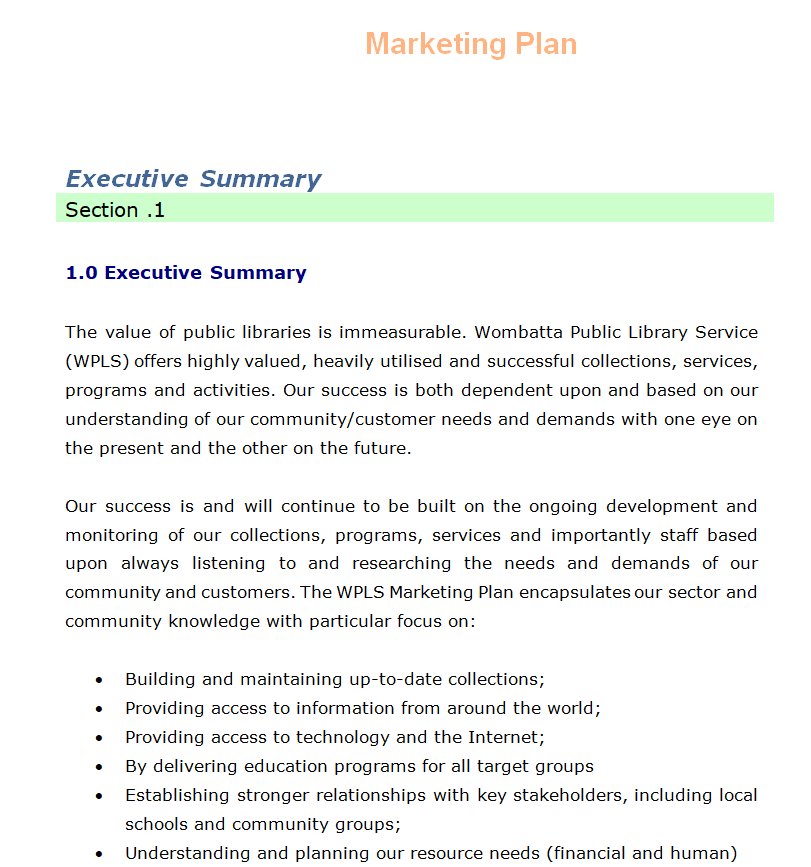
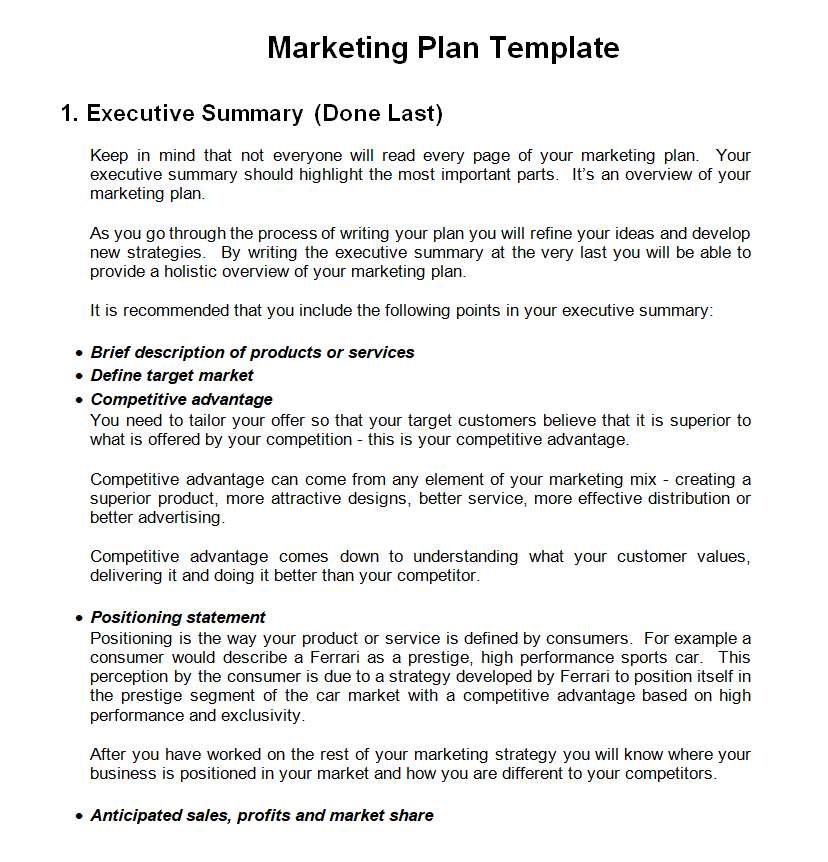
Executive Marketing Plan Template Word
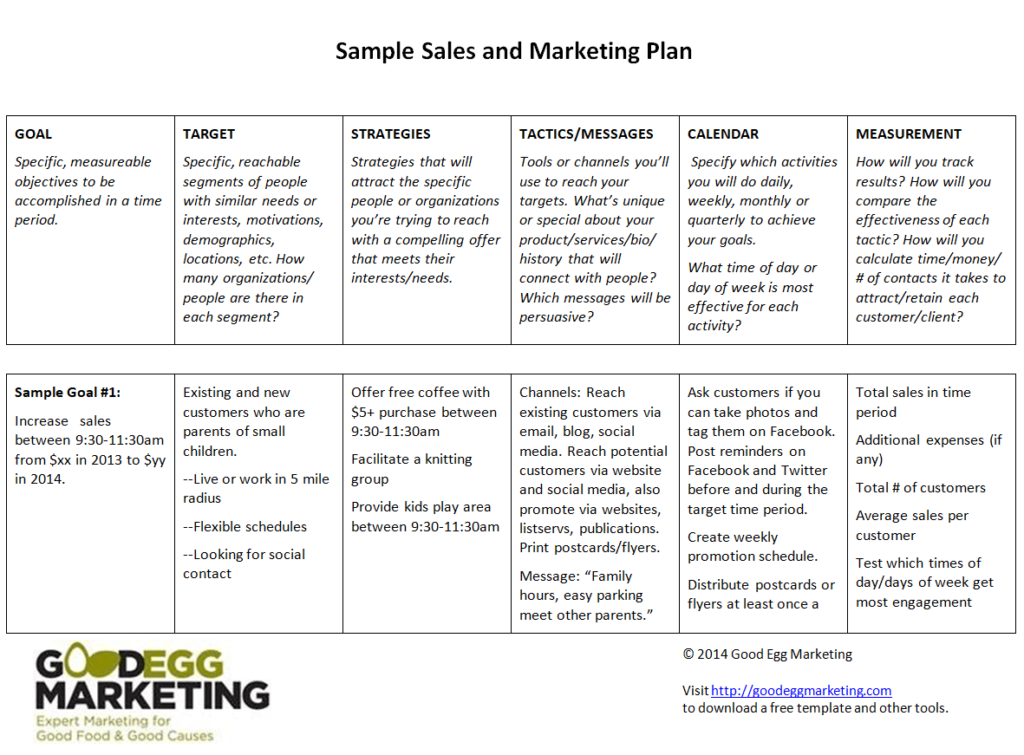
Sample Sales and Marketing Plan Template
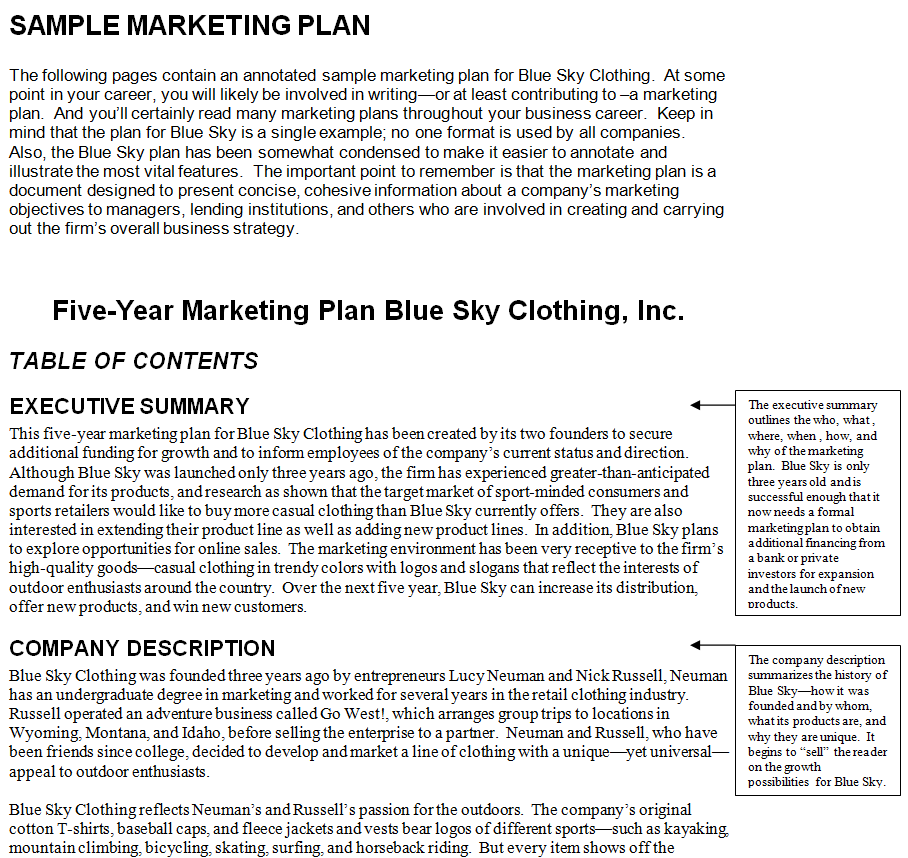
Company’s Marketing Plan Sample Doc
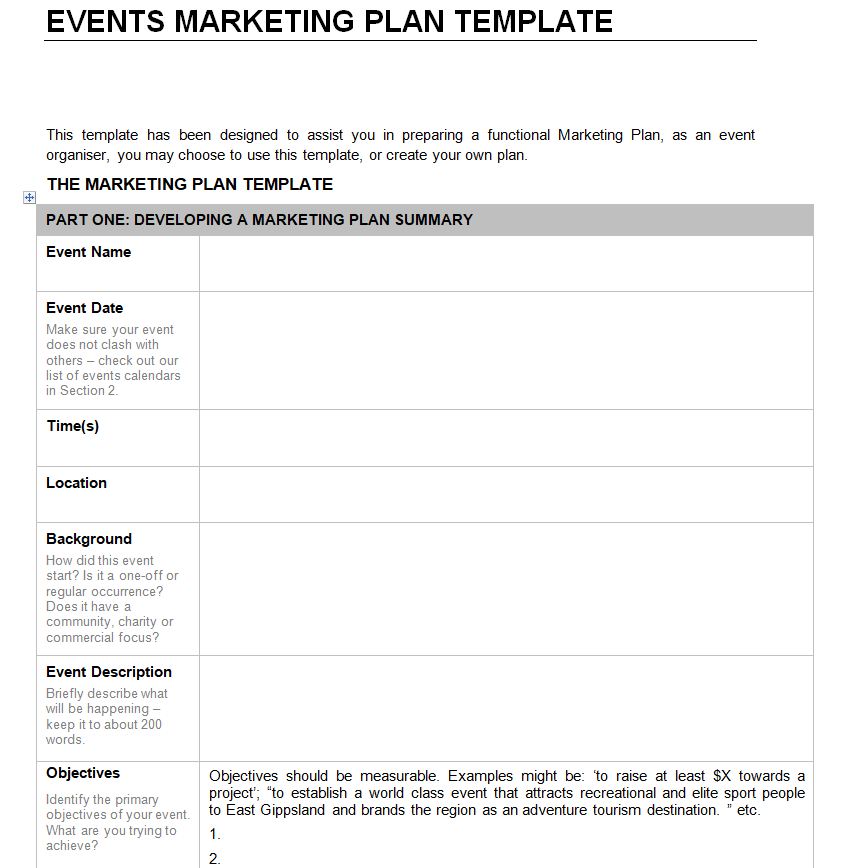
Events Marketing Plan Word Template
Professional Marketing Plan Template
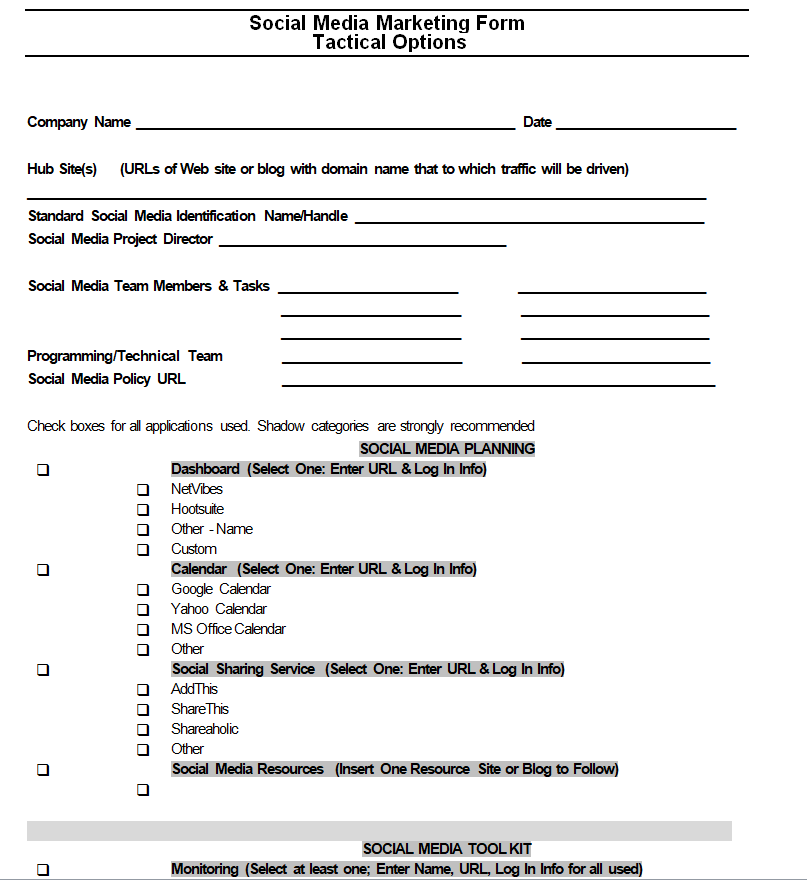
Social Media Marketing Plan Template
Free Printable Marketing Plan Sample
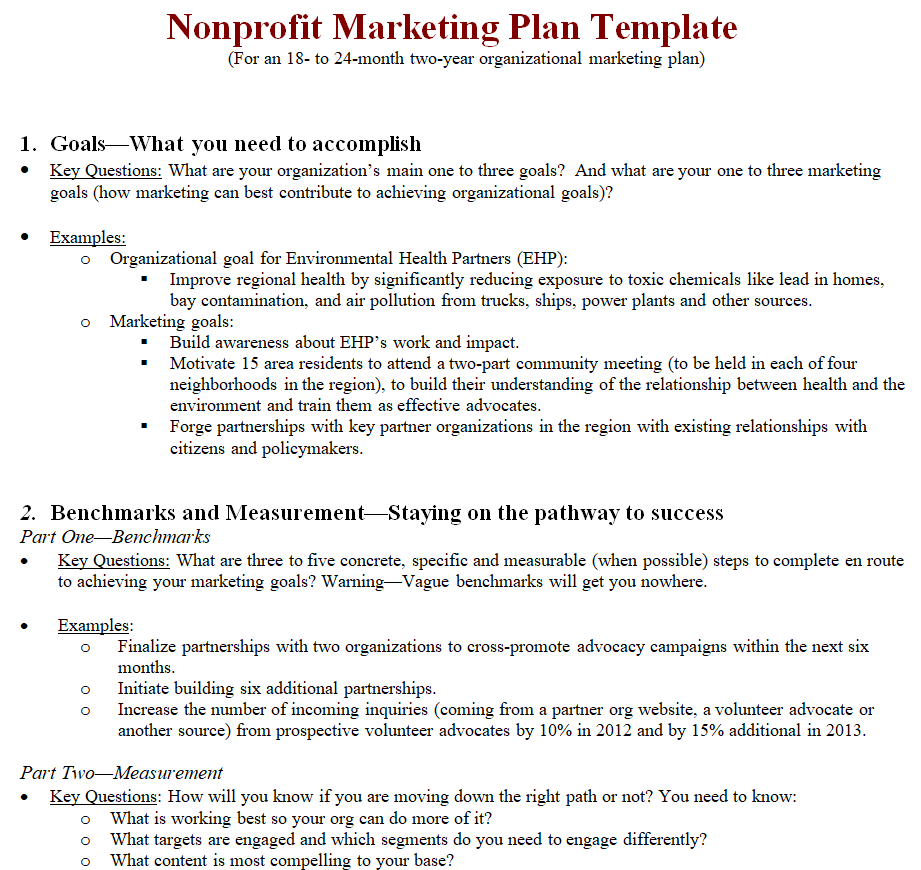
Nonprofit Marketing Plan Template in MS Word
Business Marketing Plan Template Doc
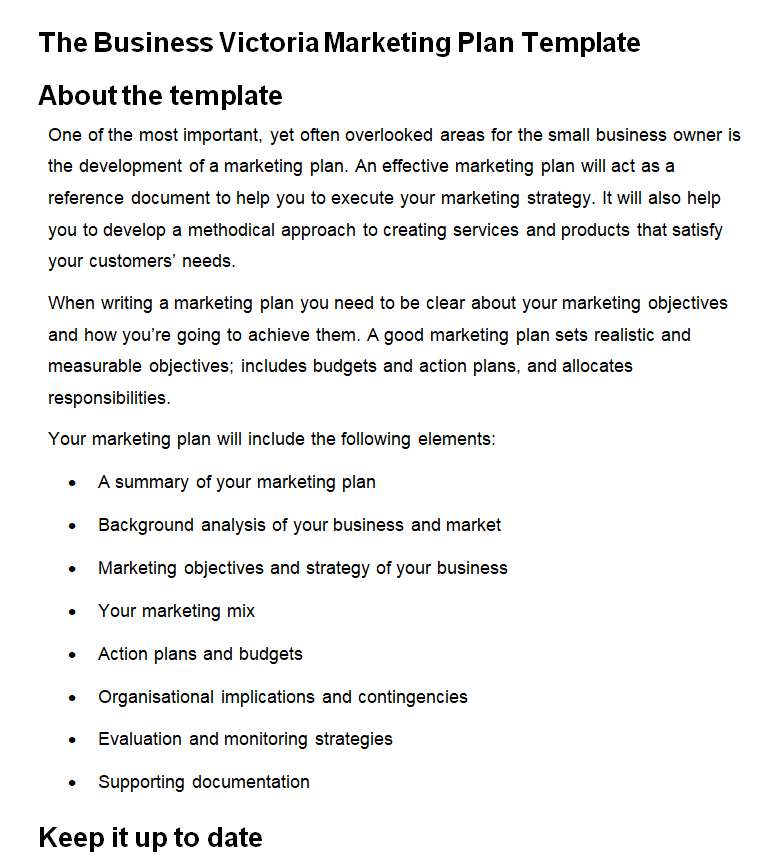
Fillable One-Page Marketing Plan Template
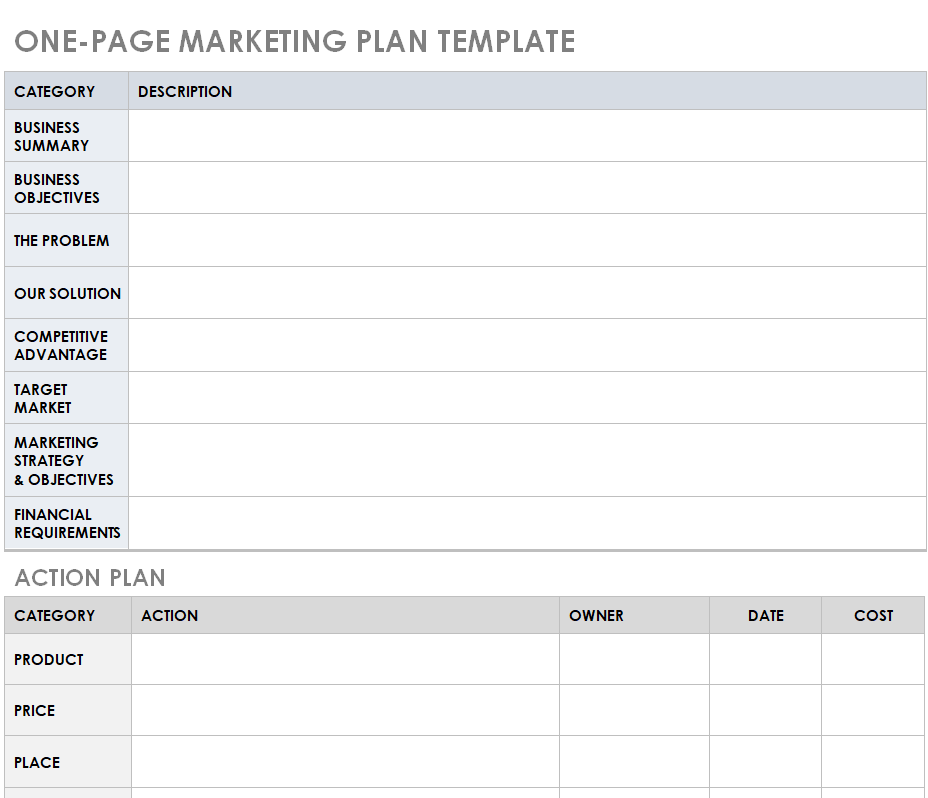
Editable Marketing Plan Format
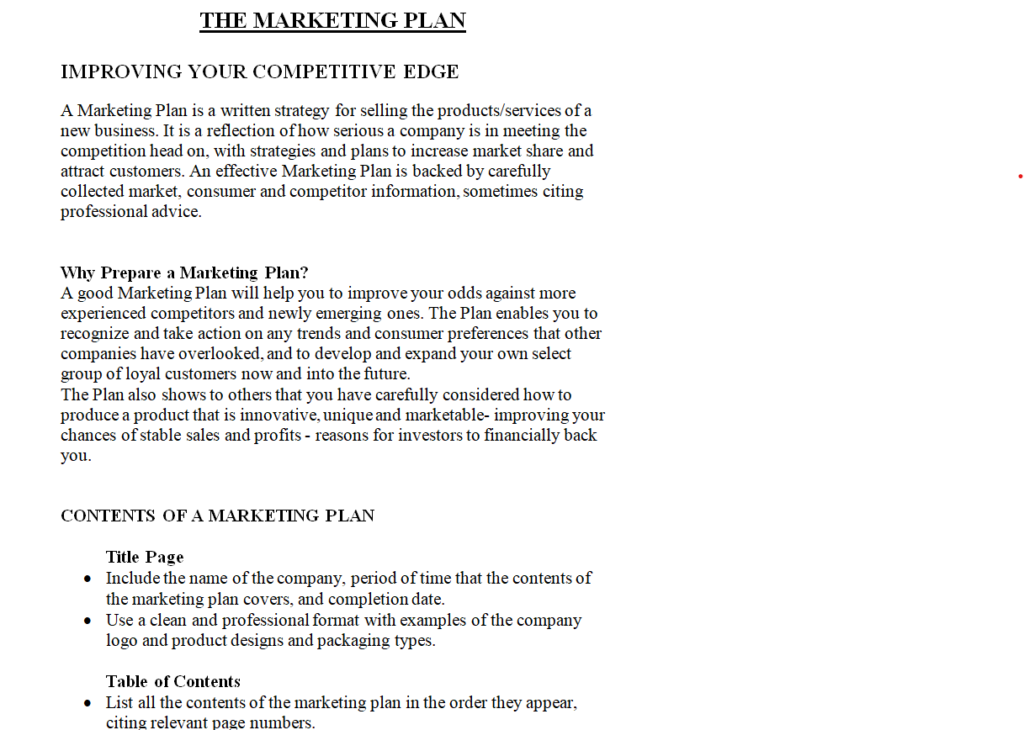
Marketing Plan Worksheet Template Word
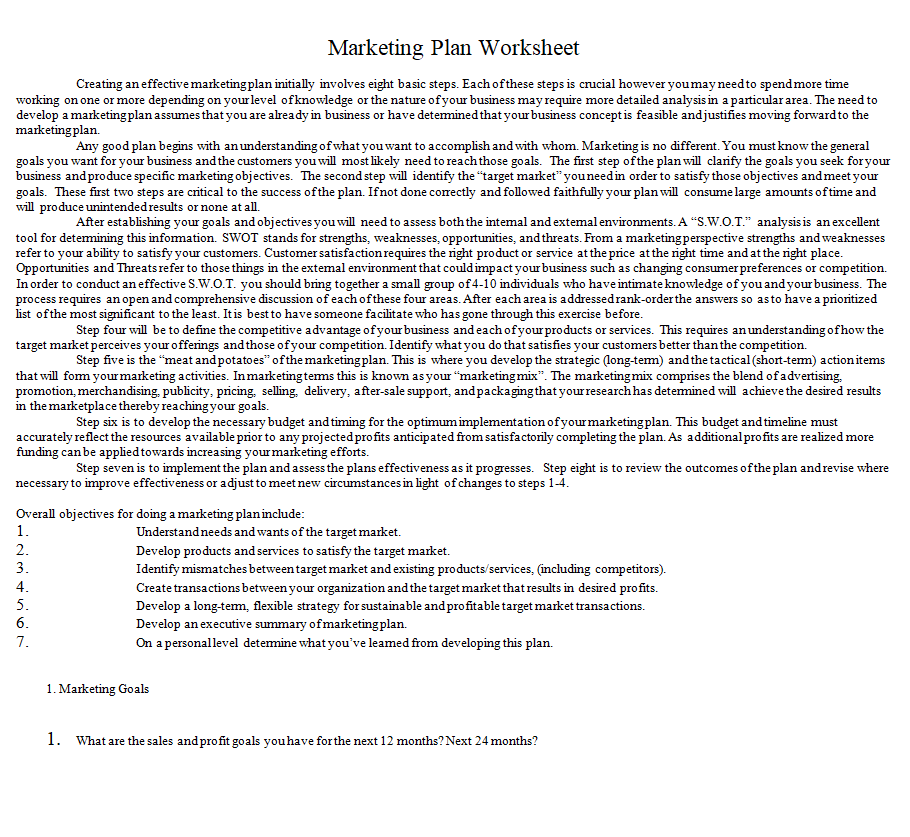
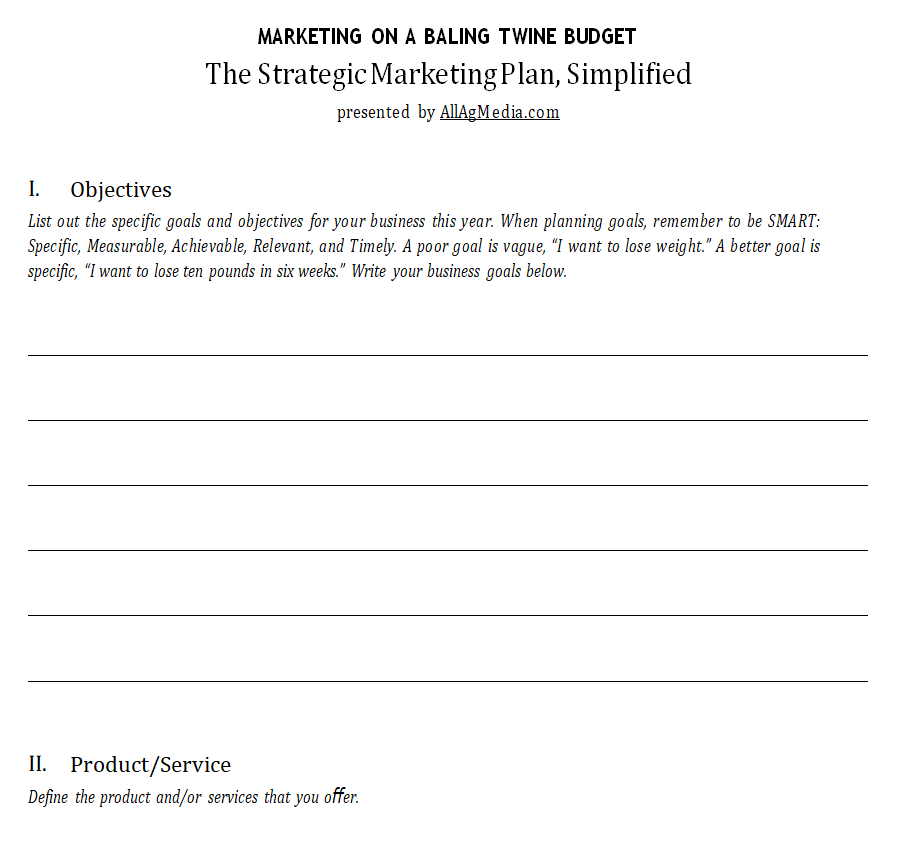
Simplified Strategic Marketing Plan Template
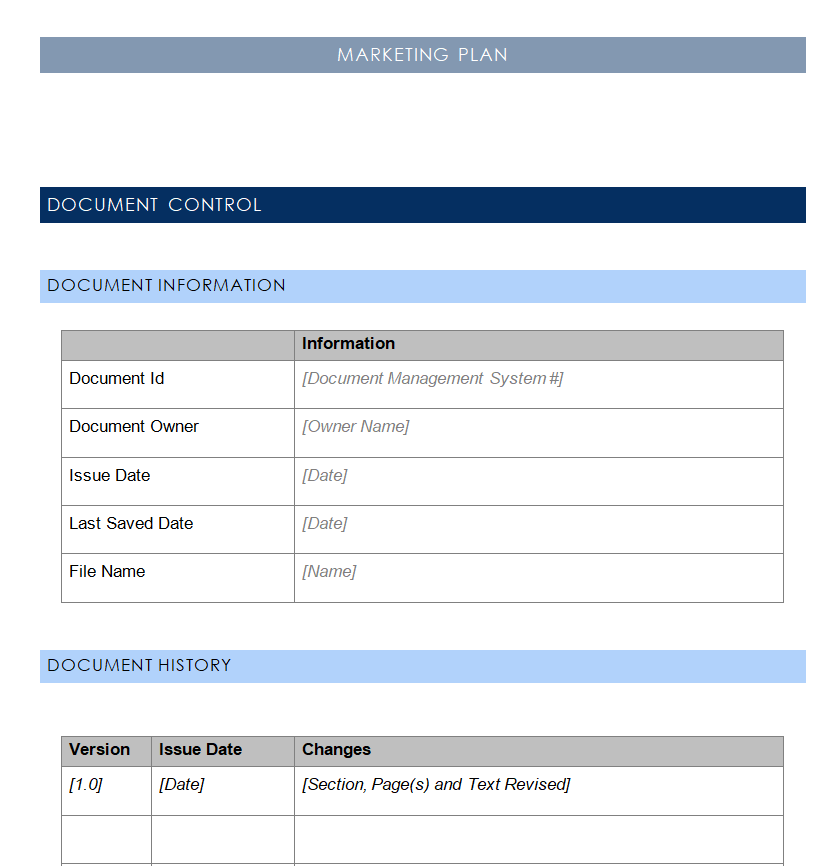
Official Marketing Plan Template
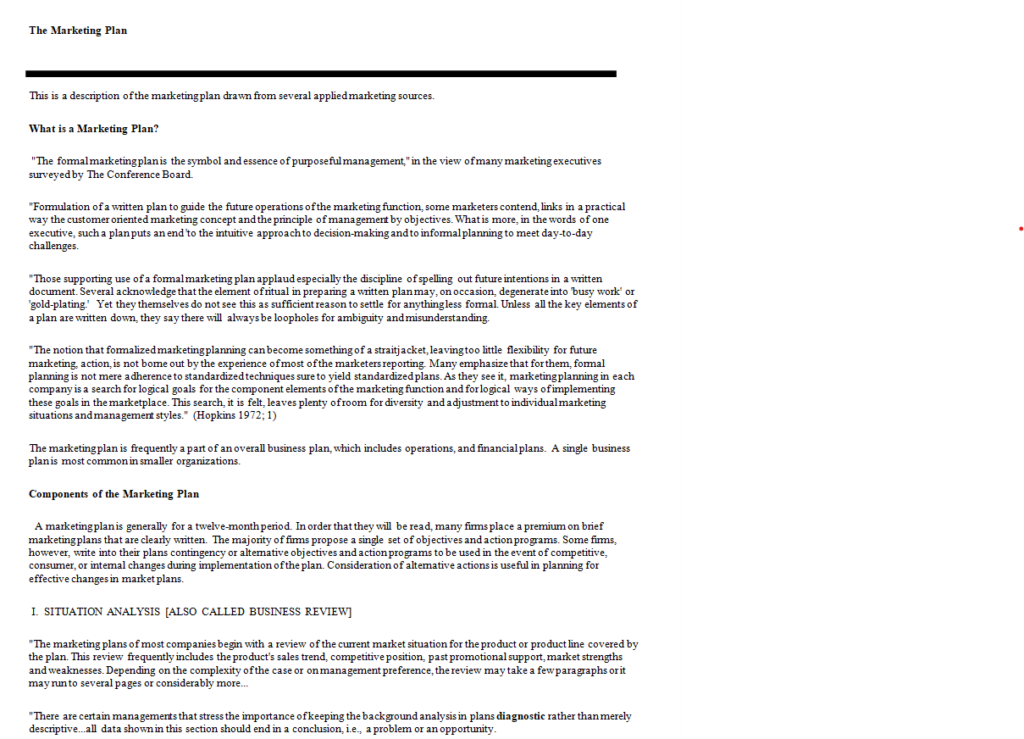
Corporate Marketing Plan Template in MS Word
Filling In Your Template, Section by Section
Downloading is the easy part. Here is a practical way to work through any of these files without getting stuck on the first page.
Start with goals, not the summary
It feels natural to write the executive summary first because it sits at the top, but it is much easier to write last. Begin with your goals and make each one measurable: “grow email subscribers from 400 to 1,000 by the end of June” is something you can track, while “build our audience” is not. Three to five goals are plenty for most small teams.
Describe real customers
Skip broad labels like “adults 25 to 54.” Instead, describe one or two people you actually serve: what they buy, where they hear about businesses like yours, and what makes them hesitate. If you have existing customers, a few short conversations will teach you more than any assumption.
Choose fewer channels and do them well
It’s tempting to list every platform. A plan with two channels you can keep up with beats one with seven channels you abandon by March. For each channel, note the tactic, how often you’ll do it and who owns it. If social media is a big part of your mix, the social media layout in the gallery breaks this out by platform.
Put numbers next to every activity
Even rough estimates help. Add a cost and an expected result beside each tactic, then total it up. If the total is higher than what you can spend, cut the weakest tactic rather than trimming everything a little. Teams that also run a sales function often keep the marketing plan alongside a sales plan template so that targets on both sides line up.
Turn the plan into a calendar
The timeline is where plans either come alive or stall. Break each goal into monthly or weekly actions with a named owner. If you prefer a dedicated action-tracking format, our business action plan templates, including a 90-day version, make a good companion file.
Decide how you’ll measure
Write down which numbers you’ll check and when. Website visits, enquiries, conversion rate, cost per lead and repeat purchases are common choices. Agencies and in-house teams who report on search traffic may find our SEO report templates handy for the monthly review.
A Worked Example: A Local Bakery’s Spring Plan
To show how the pieces connect, here is a short, made-up example built on the one-page layout.
Goal: Increase weekday morning sales by 15% between March and May.
Audience: Commuters and nearby office workers who want a quick, quality breakfast.
Message: “Fresh coffee and a warm pastry in under three minutes.”
Tactics: A loyalty card (tenth coffee free), a sandwich board at the corner, a weekly post showing the morning bake, and a flyer drop at three office buildings.
Budget: Printing, card stock and a small boosted-post budget, all listed with estimates.
Measurement: Compare weekday sales before 10 a.m. with the same weeks last year, and count loyalty cards returned.
Notice how short it is. Each line answers one question from the table earlier, and anyone on the team could read it in a minute and know what to do. Bigger plans simply add more detail under the same headings.
Mistakes That Quietly Sink Marketing Plans
- Writing it once and filing it away. A plan is a working document. Put a monthly review on the calendar and update the numbers.
- Goals with no deadline. Without a date, nobody knows whether the plan is on track.
- Copying a competitor’s tactics without their reasons. What works for a larger brand with a big budget may not fit your audience or resources.
- Ignoring what already works. Look at where your current customers came from before chasing new channels.
- No single owner. Shared responsibility often turns into no responsibility. Give each tactic a name.
- Forgetting the people who approve it. If a board or partner signs off, add a clear summary and a budget total they can find in seconds. A short meeting agenda for the review keeps that discussion focused.
One more tip: if your plan will be shared with lenders, investors or new partners, it helps to attach a short company profile so readers understand the business before they reach the strategy.
Frequently Asked Questions
What is a marketing plan template?
It’s a pre-formatted document with the standard sections of a marketing plan already laid out, such as goals, audience, channels, budget and timeline. You fill in your own details instead of designing the structure from scratch.
How long should a marketing plan be?
As long as it needs to be and no longer. A small business can work well with a single page, while a company presenting to a board may need ten pages or more with supporting data.
Can I edit these templates without Microsoft Word?
Yes. The files are in Word format, which opens in most word processors, including free office suites and online editors. Some formatting may shift slightly, so check the layout before printing.
How often should I update my marketing plan?
Review results monthly and make a fuller update each quarter. Change the plan whenever something big shifts, such as a new product, a new competitor or a change in budget.
Is a marketing plan the same as a business plan?
No. A business plan covers the whole company, including operations and finances. A marketing plan focuses on how you’ll attract and keep customers, and it is often included as one section of a larger business plan.
