
Photographers spend their days making other people look good, yet many of them struggle when it comes to promoting their own work. A photography flyer solves part of that problem. It puts your best images, your services and a clear way to book you onto a single page that people can pin to a noticeboard, slip into a bag or pass to a friend who is planning a wedding.
The templates on this page give you a head start. Each one already has a layout, a type hierarchy and spaces for photos, so your job is to swap in your own pictures and details rather than design from a blank canvas. Below you will find advice on what a good photography flyer should include, how to pick a layout that suits your niche, and how to print and hand out the finished piece without wasting money.
What a Photography Flyer Has to Do
A flyer has only a few seconds to make an impression. Most people glance at it, decide whether it is relevant, and either read on or move along. For a photographer, that means the image does most of the work. Pick one strong hero shot that represents the kind of job you want more of. If you want wedding bookings, lead with a wedding photo; if you want newborn sessions, show a newborn session. A flyer that tries to show every type of work you have ever done usually ends up looking like a cluttered contact sheet.
After the image, a reader needs three things: what you offer, why you are worth contacting, and how to reach you. Keep the headline short, list two to four services, and add a single line about what makes you different, such as quick turnaround, on-location shoots or a relaxed style with nervous clients. Finish with your phone number, website, social handle and, if you can, a QR code that links to your portfolio or booking page.
Matching the Layout to Your Kind of Photography
Not every photography business sells the same thing, and the flyer should reflect that. Wedding and engagement photographers tend to do well with soft colours, generous white space and elegant serif headings that feel calm and romantic. Portrait and family studios often suit warmer, friendlier layouts with a small grid of three or four faces, which shows range without overwhelming the page.
Event, sports and nightlife photographers can go bolder. Dark backgrounds, high-contrast type and a single dramatic action shot help the flyer stand out on a crowded wall. Product and commercial photographers usually benefit from a clean, almost catalogue-like look with sharp edges and a short list of industries served. If you also run seasonal mini-sessions, a simple layout with a date, price and booking deadline turns the flyer into a time-limited offer, which tends to get people to act sooner.
Whichever direction you choose, keep your brand consistent. Use the same logo, colours and fonts that appear on your website and your business letterhead, so that anyone who picks up the flyer recognises you again when they visit your site or receive your invoice.
You do not need expensive software to use these designs. Some are layered image files, while others work in common word processors or free online editors. If a file format is unfamiliar, open a copy first and check that the fonts and image placeholders behave as expected before you start replacing content.
Before you download: These designs were collected from third-party creators. Several of the original download pages are no longer available, and those links have been removed rather than left broken. Some of the remaining links lead to paid or premium products, so check the licence and price on the creator’s page before using a design commercially. Only use photographs you took yourself or have permission to use, and get a model release from anyone who is clearly recognisable in an image you use for advertising.
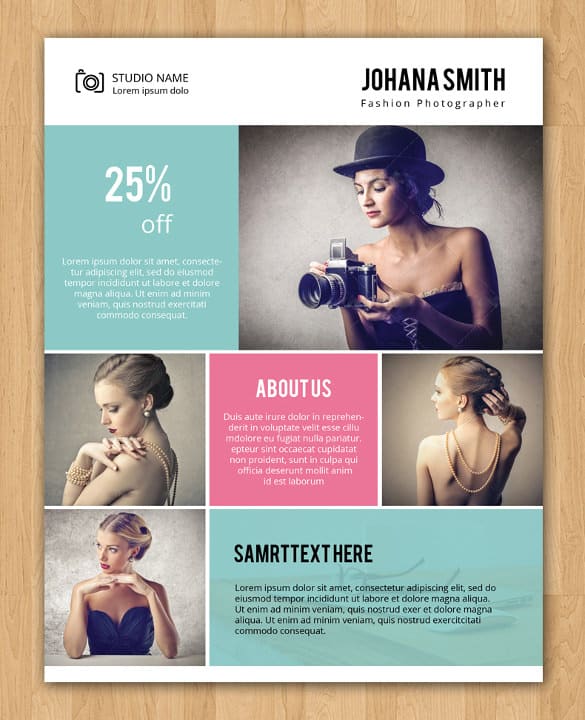
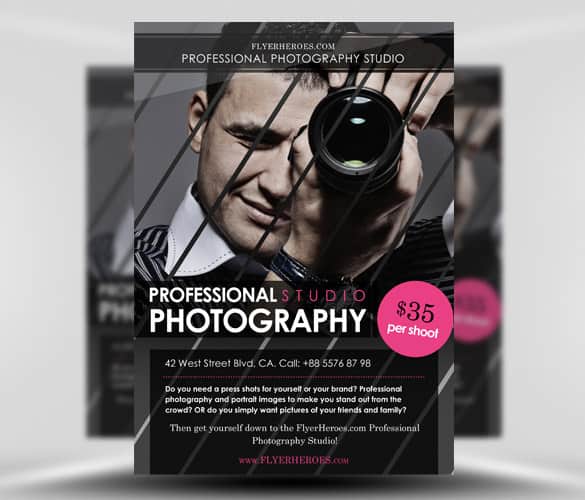
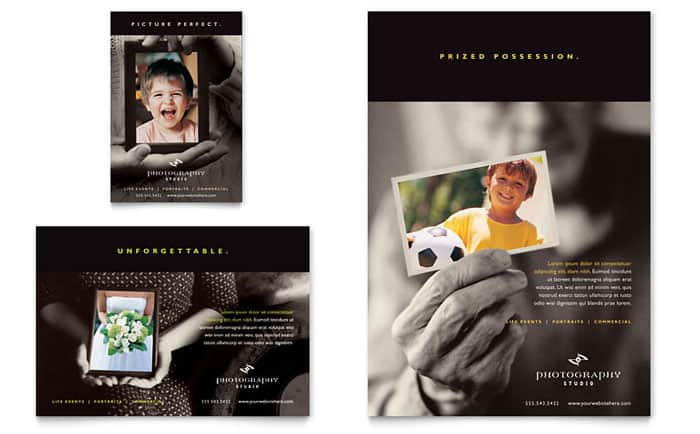
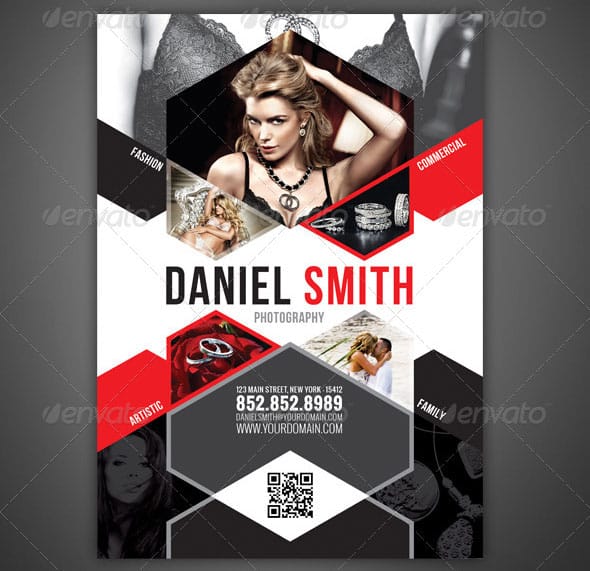
Photography Flyer Designs to Download

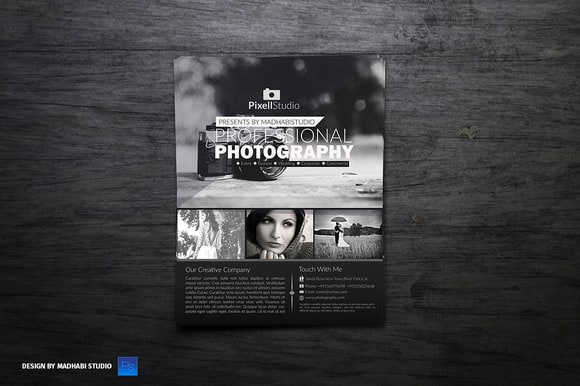
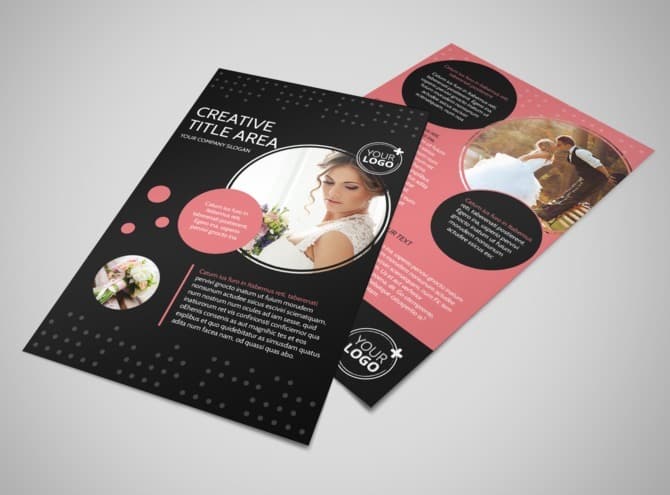
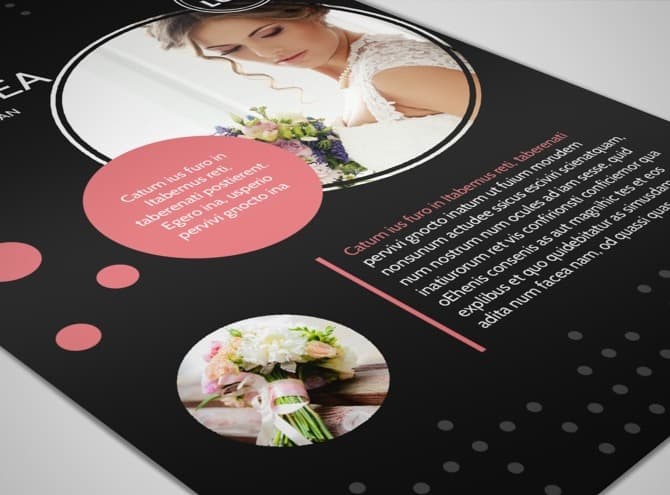
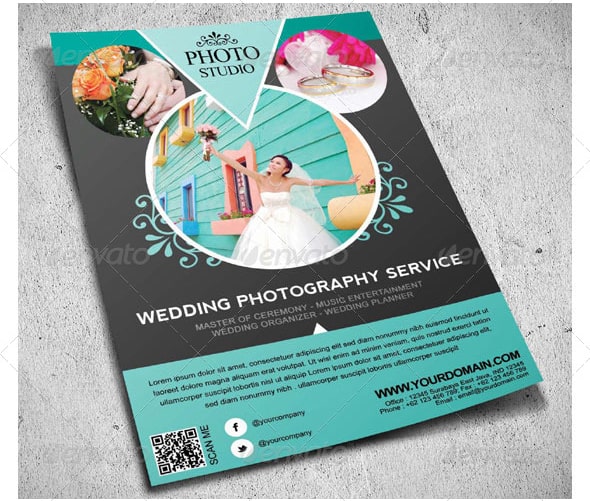
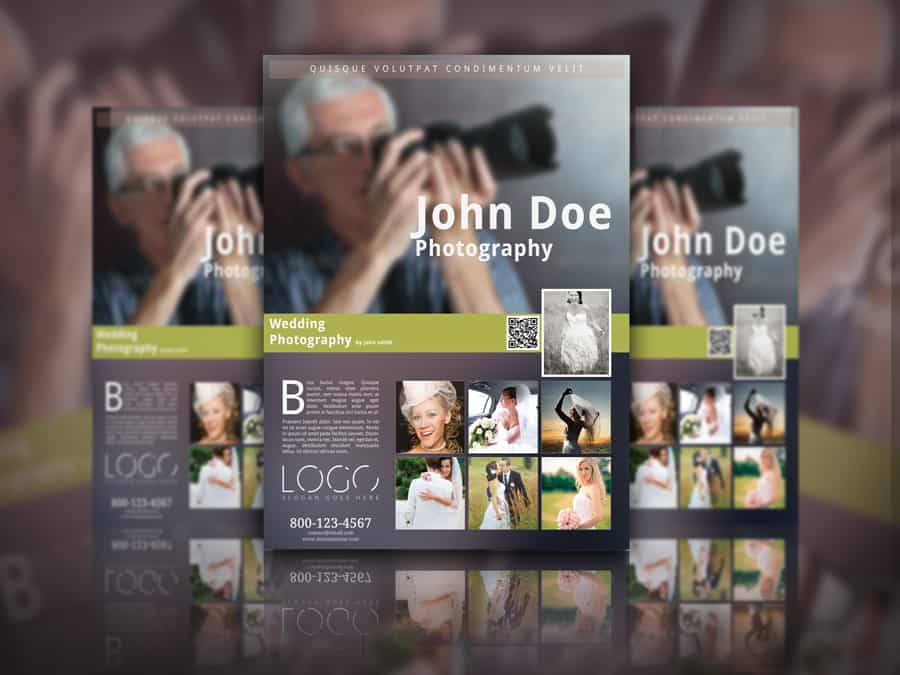
Customising a Template Step by Step
Start by saving a copy of the original file under a new name so you can always go back to the untouched version. Then work from the biggest elements to the smallest. Replace the main photo first, because its colours and mood will influence every other choice on the page. If the placeholder is a portrait and your best image is landscape, crop carefully or pick a different template rather than squashing the photo out of proportion.
Next, update the headline and the service list. Short phrases such as “Wedding and Engagement Photography” or “Family Portraits at Home” are clearer than slogans that make people guess. Then adjust the colours. Many templates use a single accent colour for buttons, prices and dividers, so changing that one swatch to match your brand often transforms the whole design in a minute or two.
Finally, add your contact details and proofread everything twice. A wrong digit in a phone number makes the entire print run useless. Ask someone else to read the flyer aloud from a printed draft, because mistakes are much easier to spot on paper than on screen.
Getting the Print Settings Right
Photographers are judged on image quality, so a blurry or muddy flyer does real damage. Export the final file at print resolution, usually 300 dots per inch at the actual printed size, and use the colour profile your printer recommends. If the design has photos or colour running to the edge of the page, include the bleed area the printer asks for, typically a few millimetres on each side, and keep important text well inside the trim line.
Paper choice matters more than many people expect. A heavier, coated stock makes colours look richer and gives the flyer a premium feel in the hand, which fits a service where quality is the selling point. Order a small proof run first and check skin tones in particular, since they are the first thing to look wrong when colours shift between screen and print.
Where to Hand Out Your Flyers
The best locations are places where your ideal clients already spend time. Wedding photographers can ask bridal shops, florists, cake makers and venues whether they would display a small stack. Family and newborn photographers often find a good fit in cafes, toy shops, nurseries and community centres. Event photographers can approach venues, clubs and organisers directly, ideally with a flyer that shows an example from a similar event.
Partnerships work well too. Offer to display a partner’s leaflets in your studio in exchange for space for yours, or create a joint offer with a makeup artist or venue. If you are opening a new studio, a launch event combined with a grand opening flyer can bring in local attention quickly. Adding a printed discount, or pairing the flyer with simple coupons, also gives you a rough way to see which locations actually bring in enquiries.
Treat flyers as one part of a wider plan rather than a one-off effort. Setting out your goals, budget and channels in a short marketing plan helps you decide how many to print, where they go and when to refresh the design for a new season.
Common Mistakes to Avoid
The most common problem is too much text. A flyer is not a brochure, so keep paragraphs to a line or two and let your images speak. Another frequent mistake is using too many photos at a small size, which makes each one hard to appreciate. Low-contrast text over a busy image is also hard to read; add a solid band or a subtle overlay behind the words if needed. Finally, avoid listing prices that are likely to change soon, or add a clear “valid until” date so you are not held to an old rate months later.
It also pays to think about how people will follow up. If your QR code points to a generic home page, visitors may leave before finding what the flyer promised. Link it instead to a page about the specific service on the flyer, such as your wedding packages or your autumn mini-session dates, and make sure that page loads quickly on a phone. Test the code with two or three different devices before printing, and keep the web address short enough to type by hand for people who prefer not to scan codes.
If you also promote other local services, the same principles apply. Our collections of real estate flyers and computer repair flyers show how other businesses balance images, offers and contact details on a single page.
Frequently Asked Questions
What size should a photography flyer be?
A5 and US letter half-sheets are popular because they are cheap to print and easy to carry. A4 or full letter size works better for noticeboards and shop windows where the flyer needs to be seen from a distance. Pick the size first, then choose a template designed for it so the layout does not need heavy reworking.
Can I use these templates for free?
Some are free and some lead to paid products. Always read the licence on the creator’s page, especially if you plan to print in large quantities or use the design for a client.
How many photos should I put on a flyer?
One strong main image plus up to three or four smaller supporting shots is usually enough. More than that tends to make each picture too small to have any impact.
Should I include prices?
Including a “packages from” price can filter out enquiries that will never fit your budget. If your pricing varies a lot, invite people to get in touch for a quote instead, and use the space for a stronger image.
Do I need permission to use photos of clients?
Yes. Even if you took the photo, using a recognisable person’s image in advertising generally requires their consent. Many photographers include a usage clause in their contract and ask for a separate signed release for marketing use. Rules vary by country, so check local guidance if you are unsure.
