
“That scratch was already there.” Whoever has said it knows why a vehicle condition report template matters. Recording a vehicle’s condition, with notes, a diagram and signatures, protects everyone when a car, van or truck changes hands.
Below are 5 free vehicle condition report templates and examples, including a maintenance and condition report, a driver’s daily inspection report and a vehicle damage report form.
When to Fill One Out
- Picking up or returning a rental or lease vehicle
- Daily pre-trip checks for fleet and commercial drivers
- Buying or selling a used car
- Sending a vehicle in for repairs or bodywork
- After an accident or when damage is discovered
Vehicle Condition Report Templates




A Quick Walk-Around Checklist
Outside: body panels, bumpers, glass, mirrors, lights, tires and tread, wheels.
Inside: seats, dashboard warning lights, odometer reading, fuel level, seat belts, horn, wipers.
Under the hood and documents: fluid levels, battery, spare tire, registration and insurance papers.
Mark any damage on the car diagram, take dated photos from all four sides, and have both parties sign the report.
Fleet managers can log daily activity with a daily work report and record when a vehicle is passed to a new driver with a handover report. Selling a car? You’ll need a car purchase agreement, and for repair jobs a service request form keeps the paperwork straight.
Record observations that can be compared
Identify the vehicle, the inspection date and time, the relevant hire or job reference and the inspector. Note the odometer units and the fuel or charge basis so a later reader can compare the readings correctly. Describe the condition of an area or component in practical terms and use a photograph reference where available. Avoid replacing a specific observation with a broad label such as good when an existing mark or defect needs to remain identifiable.
Use the same references at issue and return
For a rental or handover, compare the return record with the record made when the vehicle was issued. Keep keys, documents, accessories and visible condition separate from the mileage or fuel readings. If a difference is disputed, record the observation and the next action without writing an unsupported conclusion about responsibility. A general condition sheet does not replace a mechanical inspection or other assessment that requires an appropriately qualified person.
Close exceptions through the responsible owner
Record who will review a reported defect or discrepancy, the supporting evidence and the relevant date. Follow the organisation process for access, repair authorisation and customer acknowledgement. Keep the completed report with the hire, fleet or job record so the photographs and notes can be located later. Before reusing the template, remove previous customer details and confirm that the inspection headings fit the type of vehicle and the purpose of the check.
Editable Word and Excel Resources
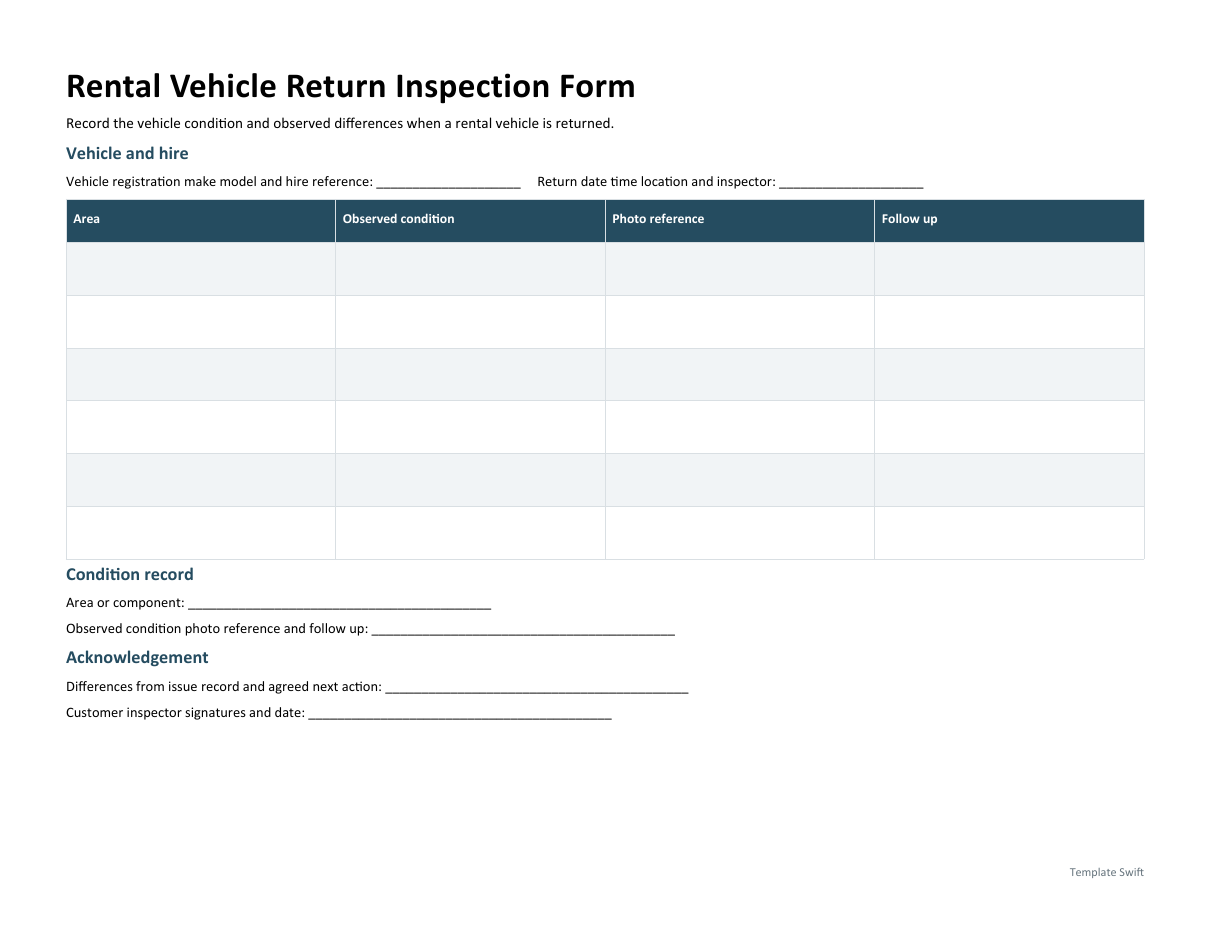
Rental Vehicle Return Inspection Form
Record the vehicle condition and observed differences when a rental vehicle is returned. Download the editable Word file below.
Frequently Asked Questions
Who should sign a vehicle condition report?
Both the person handing over the vehicle and the person receiving it, such as the rental agent and the customer.
Are photos enough without a report?
Photos help a lot, but a signed report with notes and a diagram is clearer and harder to dispute.
How often should fleet vehicles be inspected?
Many fleets require a quick pre-trip check every day plus a detailed inspection on a regular schedule. Rules for commercial vehicles vary by location.

You must be logged in to post a comment.