
Nonprofits run on trust. Donors, grant makers and board members all want to see that every dollar is planned and accounted for. A nonprofit budget worksheet gives you a clear structure for expected income and expenses, so you can make decisions with confidence and report back honestly.
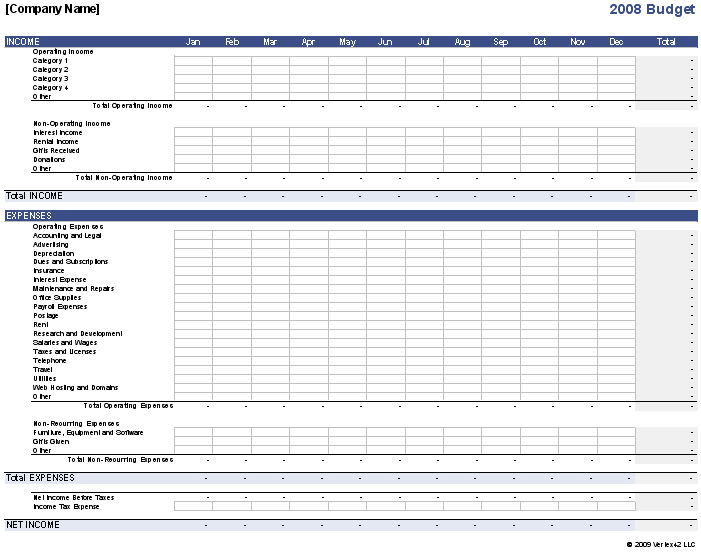
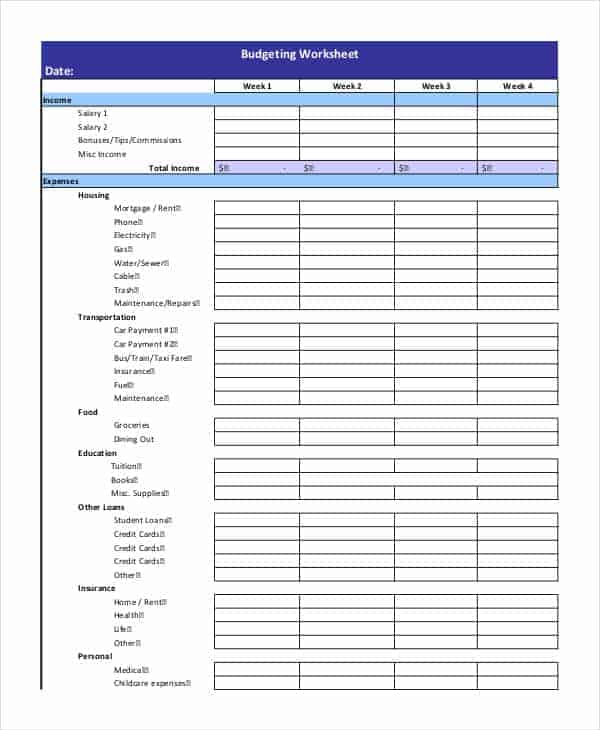
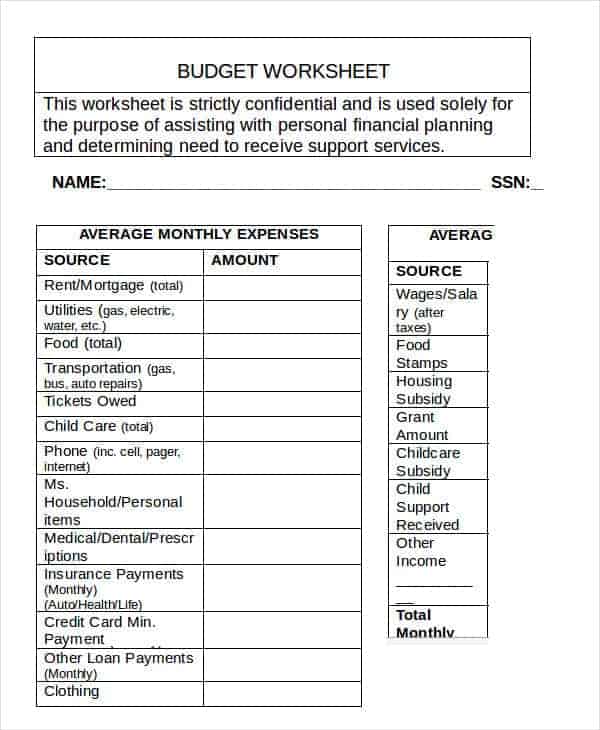
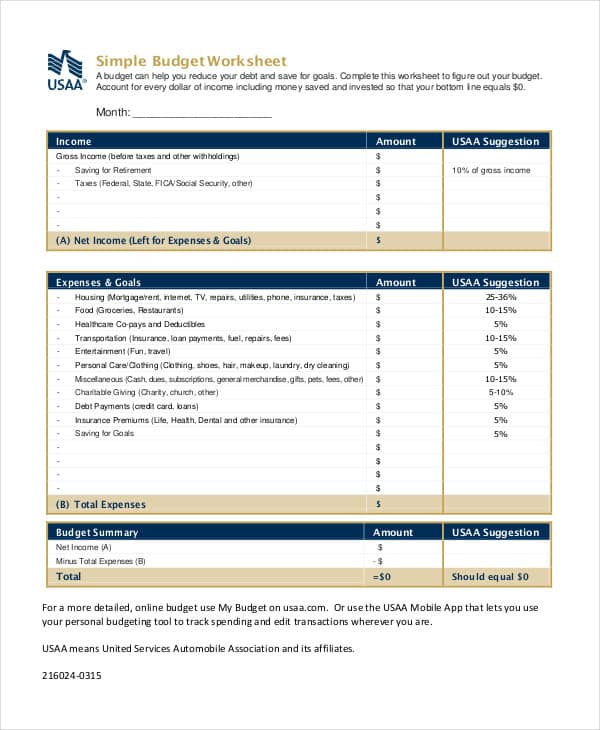
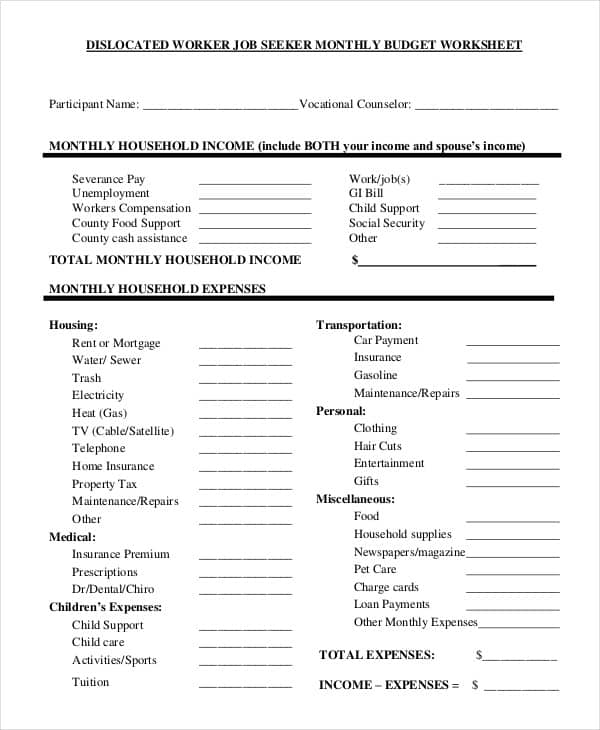
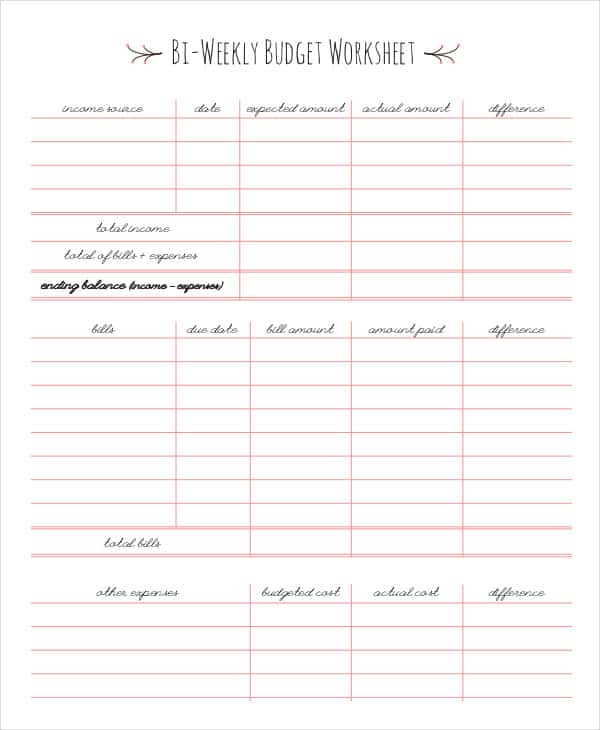
Here are 6 free budget worksheet templates. Some are built for nonprofit organizations; others are simpler blank, monthly and bi-weekly worksheets that work for small programs or individuals.
Typical Budget Categories
| Income | Expenses |
|---|---|
| Individual donations | Program costs (supplies, services, events) |
| Grants and foundations | Salaries and benefits |
| Corporate sponsorships | Rent and utilities |
| Fundraising events | Fundraising costs |
| Membership fees and earned income | Administration, insurance, accounting |
Budget Worksheet Templates

Building a Realistic Nonprofit Budget
- Start with last year’s actuals, not last year’s hopes.
- Be conservative with income. Count only grants that are confirmed or very likely.
- Split costs into program, administration and fundraising. Funders often ask for this breakdown.
- Keep a reserve for surprises.
- Compare budget to actual every month and explain big differences to your board.
Raising funds? A fundraiser order form helps track sales, and our volunteer application templates help recruit helpers. Share results in a monthly report, and record board decisions with meeting minutes.
Separate funding restrictions from the spending plan
A nonprofit budget should identify the programme or activity, the period and the funding sources supporting it. Keep restricted funding distinguishable from funds that can be used more broadly, using the organisation actual records and agreements. A cash receipt does not automatically make every type of spending permissible. Record the responsible budget owner and the person who can answer questions about a funding condition before combining amounts from different programmes.
Build costs from the work to be delivered
Estimate the resources required for each activity and explain the important quantities, rates and timing assumptions. Distinguish committed costs from estimates and identify shared costs using the organisation allocation method. Do not add volunteer time or donated goods to a cash total without identifying the different basis. Keep the budget and the cash timing schedule consistent while recognising that an expense and the date its supplier is paid may not be the same event.
Review actuals with the programme owner
Compare actual income and spending with the matching budget categories for the same period. Explain unusual amounts, delayed activity and changes to the planned delivery. A smaller expense may represent a saving, a postponed activity or an incomplete programme; the number alone does not decide which. Record approved revisions and keep the original budget available for comparison. Circulate the report through the organisation normal finance and programme review process.
Frequently Asked Questions
What percentage of a nonprofit budget should go to programs?
There’s no single rule, but many donors look for most spending to go to programs. Focus on being transparent about how money is used.
Who approves a nonprofit’s budget?
Usually the board of directors, after the executive director or treasurer prepares a draft.
Can I use these worksheets for a personal budget?
Yes. The blank, monthly and bi-weekly worksheets work just as well for households.

You must be logged in to post a comment.