
There is something about an old postcard that a text message cannot match. Faded paper, decorative borders, a postmark in the corner and a few handwritten lines on the back all carry a sense of time and place. Vintage postcard templates let you recreate that feeling for your own greetings, invitations or small-business mailings without hunting through antique shops for blank cards.
This collection brings together retro postcard layouts in several styles, from grungy, sepia-toned backs to bright mid-century travel fronts. Below the gallery you will also find practical notes on writing the back of a card, choosing paper and getting a convincing aged look when you print at home.
Why Vintage Postcards Still Work
Postcards are short by design. There is no envelope to open and only a small space to write, so the message is read almost instantly. That makes them a good fit for quick greetings, save-the-date notes, thank-you messages and reminders. A vintage design adds personality on top of that convenience. It feels thoughtful and slightly unexpected, which is exactly why people tend to keep postcards on the fridge or tucked into a book long after other mail has gone into the recycling.
Ways to Use a Vintage Postcard Template
These layouts are flexible enough for personal and business use. Some of the most popular ideas include:
- Holiday greetings: a retro winter scene or festive border feels warmer than a generic card and costs less to post.
- Wedding save-the-dates: a travel-style postcard works especially well for destination weddings.
- Party and reunion invitations: themed decades parties, anniversaries and family reunions all suit a nostalgic look.
- Small-business mailings: cafes, vintage clothing shops, bookshops and craft sellers can send seasonal offers or thank-you notes to regular customers.
- Scrapbooks and journals: printed postcards make attractive page decorations, and the blank backs leave room for notes.
If you plan to send cards to customers, slip a discount code onto the back or pair the postcard with one of our printable coupon templates. A small offer gives people a reason to come back in, and it lets you see roughly how many cards were actually used.
Ready-made vintage cards from a stationery shop are fine, but a template lets you add your own photo, names, dates and message while keeping the aged styling. Most of the designs below come as layered image or vector files, so you can hide elements you do not need, change the wording and move the stamp or postmark to suit your layout.
A note on these downloads: The templates were made by independent designers and stock sites, not by us. One original download page is no longer available and its link has been removed. Several of the remaining links go to stock image or premium marketplaces, where some files are paid or require attribution. Please check each creator’s licence before printing cards for sale or using them in business marketing.
Vintage Postcard Designs to Download
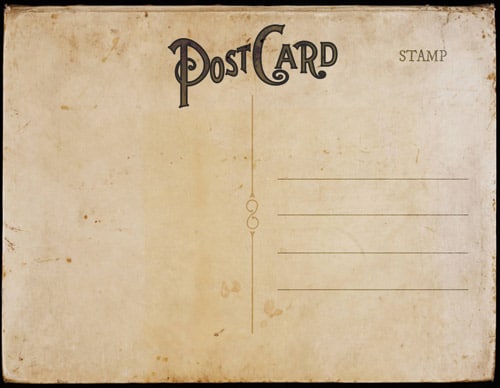

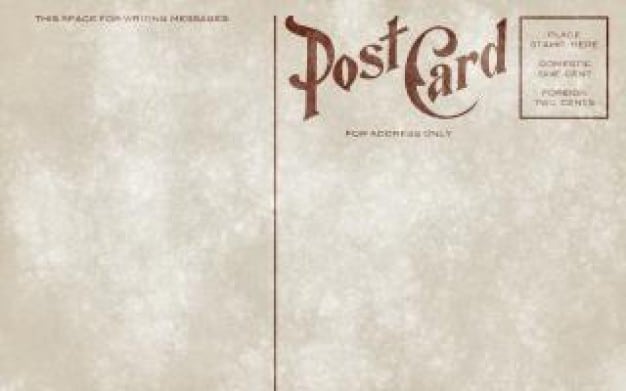
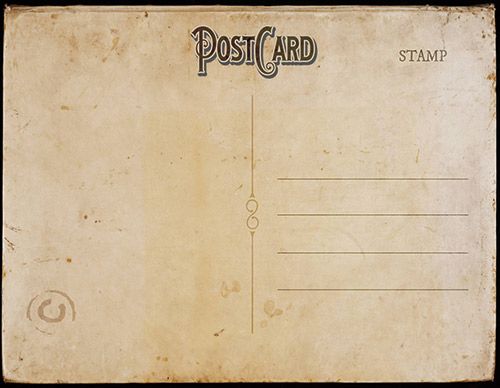
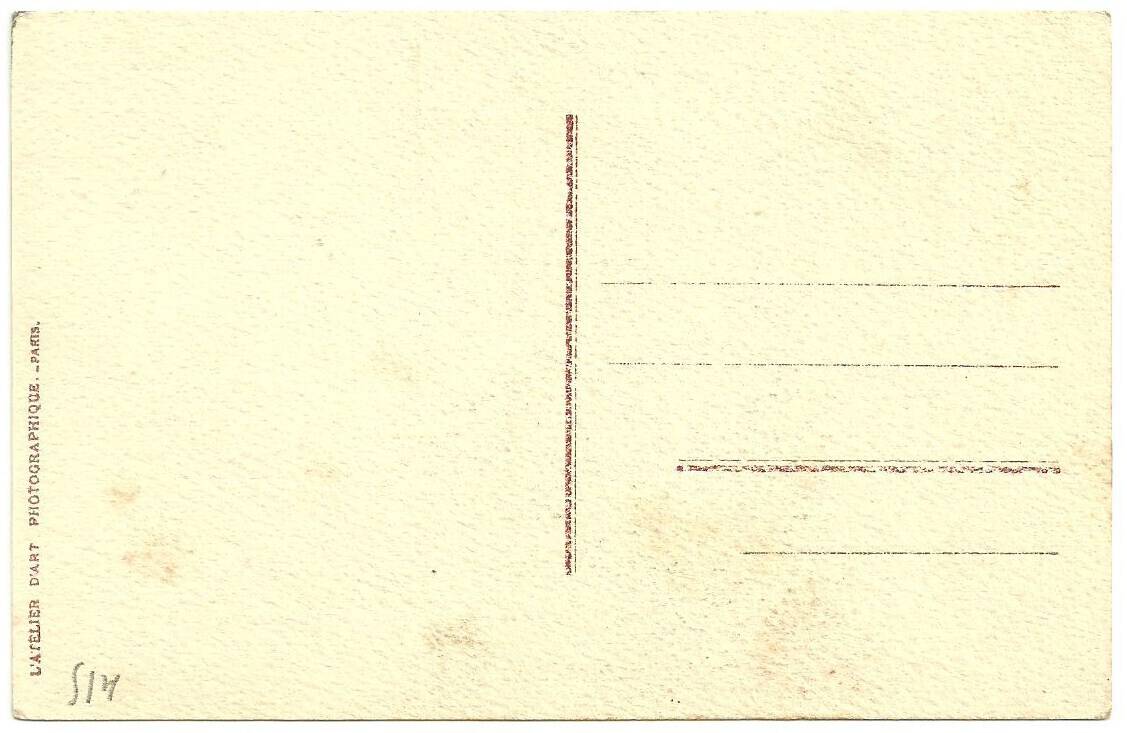
What Makes a Postcard Look Genuinely Old
A convincing vintage look comes from a handful of details working together. The first is colour. Real old cards have lost some of their brightness, so whites drift towards cream and blacks soften into brown or charcoal. Limiting your palette to two or three muted tones, such as mustard, faded teal and brick red, gets you most of the way there.
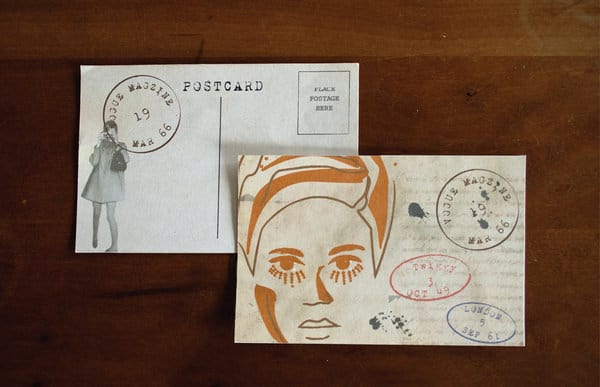
The second is texture. Subtle paper grain, light foxing spots and slightly worn corners all suggest age. Most of the templates above already include a texture layer, so you only need to adjust its opacity. Keep it gentle; if the texture is too heavy, the text becomes hard to read and the card looks more damaged than charming.
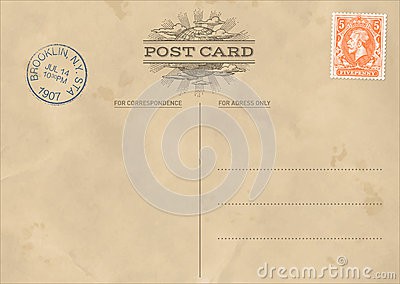
The third is typography. Slab serifs, condensed sans-serif capitals and simple script fonts were common on printed cards for much of the twentieth century. Pair one decorative display font for the headline with a plain, readable font for everything else. Small touches such as a dividing line down the middle of the back, a dotted stamp box and a faint circular postmark complete the effect.
Picking a Style From the Collection
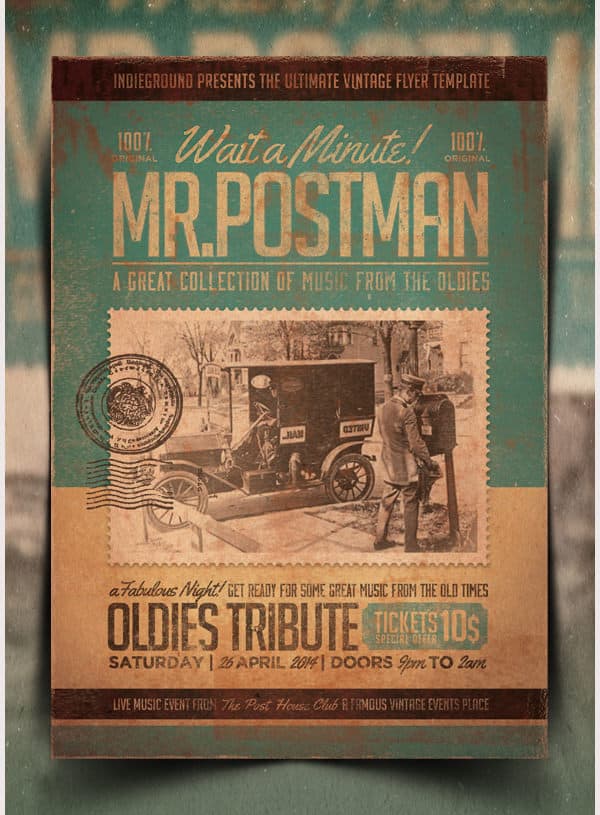
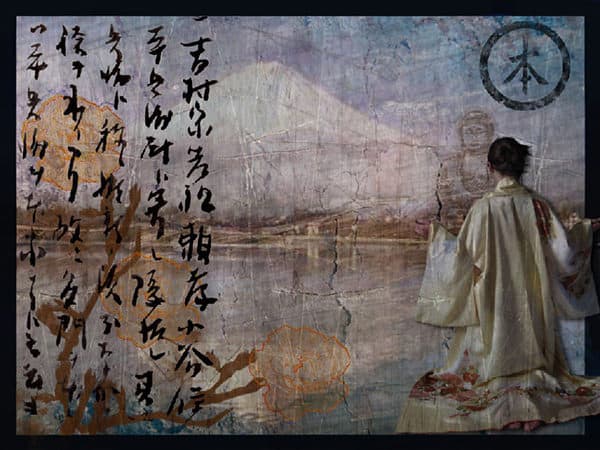
The designs above fall into a few broad groups, and it helps to know which one you need before you start editing. Plain postcard backs, with stamp boxes, address lines and postmarks, are the most versatile. You can print them on the reverse of any photo or illustration, or use them on their own as notecards. Grunge and distressed cards lean heavily into wear and tear, which suits rustic weddings, antique shops and themed parties where a well-travelled look is part of the appeal.
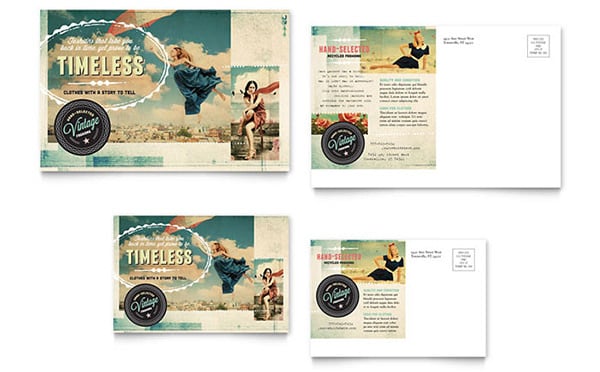
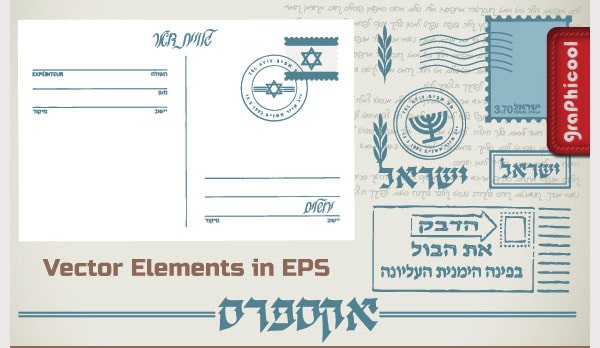
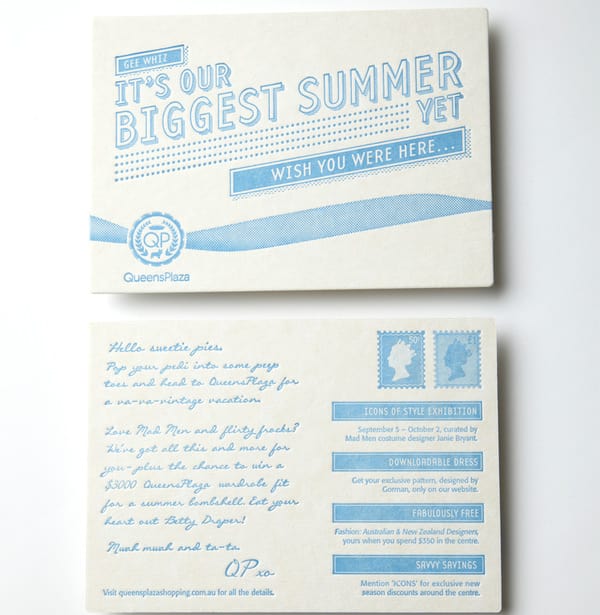
Illustrated travel cards and mid-century city designs are better for fronts. They usually feature bold lettering, a scenic picture and a limited colour palette, and they work well when you want the card to be displayed rather than read once. Layered vector files are the most flexible of all, because each element sits on its own layer and scales cleanly to any size, from a small favour tag to a large poster.
If you cannot decide, pick one back design and one front design and print a few combinations. Seeing them side by side on real card makes the choice much easier than comparing them on a screen.
Writing the Back of the Card
The traditional postcard back is split in two: the message on the left and the address on the right. Even if you are handing cards out rather than posting them, keeping that layout adds to the nostalgic feel. Leave enough blank space for a short handwritten note, because the personal message is often the part people value most.
For business use, keep printed text brief. A single line of thanks, the offer or event details, and your contact information are usually plenty. If you have more to say, a longer printed piece such as a customer newsletter may be a better home for it, with the postcard acting as a friendly reminder.
Printing and Posting Tips
Choose a heavy card stock so the postcard survives the post and feels substantial in the hand. Uncoated or matte paper suits a vintage design better than glossy stock, which can make an aged texture look like a printed photograph of paper rather than paper itself. Cream or natural-white card adds warmth before you even print a single colour.
If you plan to mail the cards, check your postal service’s rules on size, thickness and where the address and stamp must go. Cards outside the standard dimensions may cost more to send or need an envelope. Print a single test card, write on it with the pen you intend to use, and make sure the ink does not smudge on the finish you have chosen.
For home printing, set the printer to its highest quality mode and the correct paper type, and allow a few minutes for the ink to dry before stacking. When you need a larger quantity, a local print shop can trim cards cleanly to size and usually offers better colour consistency across the run.
Pairing Postcards With Other Printables
A vintage theme looks best when it carries across everything you hand out. Matching printable bookmarks make a lovely partner for postcards in a bookshop or gift bag, while a family newsletter in a similar style is a nice way to share fuller updates with relatives who appreciate a printed letter. Shops celebrating a launch or anniversary can match their postcards to a grand opening flyer so the whole campaign feels connected.
Frequently Asked Questions
What size is a standard postcard?
Common sizes are around 4 x 6 inches in North America and A6 (105 x 148 mm) in much of Europe and elsewhere. Postal rules vary, so check your local service’s limits before printing a large batch for mailing.
Can I edit these templates without design software?
Some files need a layered image or vector editor, but many can be opened in free online editors. Blank postcard backs can also be printed and then filled in by hand, which suits the vintage style anyway.
Are the templates free for commercial use?
Not always. Some creators allow personal use only, some require a credit, and some designs are sold through paid marketplaces. Read the licence on each source page before using a design for business mailings or products.
How do I make a new photo look vintage?
Lower the saturation, warm the colour balance slightly, lift the shadows so they look faded rather than black, and add a light grain. Placing the photo inside a thin white or cream border also mimics the look of older printed cards.
Do postcards need an envelope?
Standard-sized postcards can usually be posted without one, as long as the address side follows postal guidelines. Oversized or unusually shaped cards may need an envelope or extra postage.
