
Moviegoers make quick decisions. They check what’s playing, glance at a trailer, pick a showtime and buy a ticket, often within a couple of minutes on their phone. The right cinema WordPress themes make that path smooth, whether you run a single-screen neighborhood theater, a film festival, a drive-in, a movie review blog or a small production company.
This page collects eight film and cinema designs, from dark, poster-heavy layouts for theaters to magazine-style themes for reviewers and fan sites. A couple are free, several are premium marketplace themes, one is actually a movie template for a different blogging platform, and one original listing is no longer available. Below the gallery you’ll find what pages a cinema site needs, setup tips and ways to keep showtimes up to date without headaches.
Who Needs a Cinema Theme?
- Independent and community theaters that want to list showtimes, sell memberships and promote special screenings.
- Film festivals and film clubs that publish programs, schedules, guest bios and venue information.
- Movie reviewers and bloggers who need ratings, cast details and trailer embeds on every post.
- Production companies and filmmakers showcasing trailers, posters and press kits for their projects.
- Drive-ins and pop-up outdoor cinemas that change their lineup weekly and rely on mobile visitors.
Features That Matter on a Movie Website
Not every flashy demo makes a good cinema site. Focus on the features your visitors actually use:
| Feature | Why visitors care |
|---|---|
| “Now Showing” and “Coming Soon” sections | The first thing most visitors look for, ideally right on the home page. |
| Clear showtime listings | Easy-to-scan times by day, with sold-out or special screening labels. |
| Trailer embeds | Help people decide what to watch without leaving the page. |
| Movie detail pages | Runtime, rating, genre, cast and a short synopsis. |
| Ticketing link or integration | A direct button to your box office or ticketing provider. |
| Location and parking info | Map, directions, accessibility details and concessions. |
| Mobile-first layout | Many visitors check times on their phone on the way out the door. |
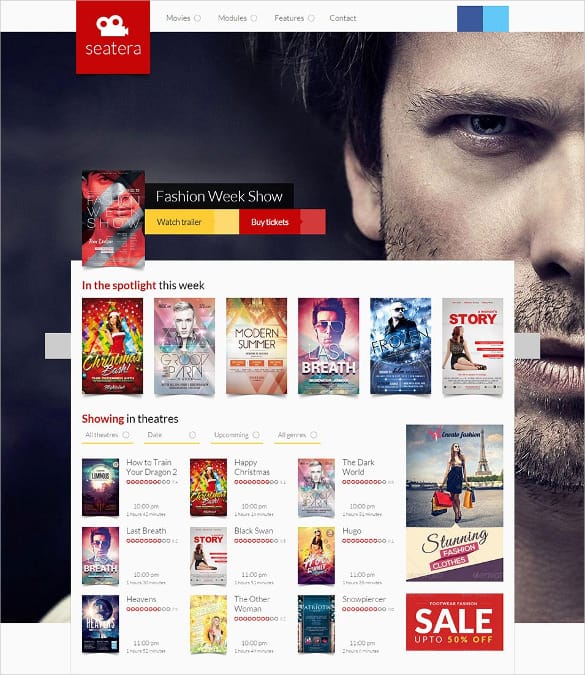
Dark backgrounds with large poster images are popular because they mimic the feel of a theater, but make sure text still has strong contrast. Light gray text on charcoal can be very hard to read on a phone screen in daylight.
Free vs. premium themes
Free themes are a good way to start a review blog or a small club site. Premium themes often add custom post types for movies, built-in showtime tables, demo content and support from the developer, which can save a theater many hours. Whichever you choose, check that the theme has been updated recently and works with the current version of WordPress before you commit.
Before you click download: The buttons below lead to the theme makers’ and marketplaces’ own pages, and some use referral links. Prices and features may have changed since these themes were first listed, and one listing is no longer online. Review the current details and license on the source page.
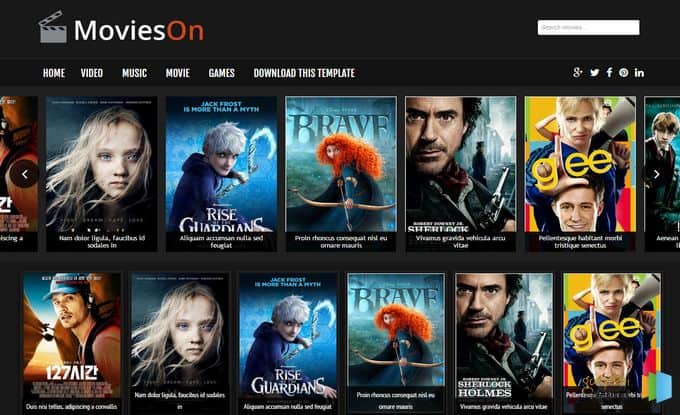
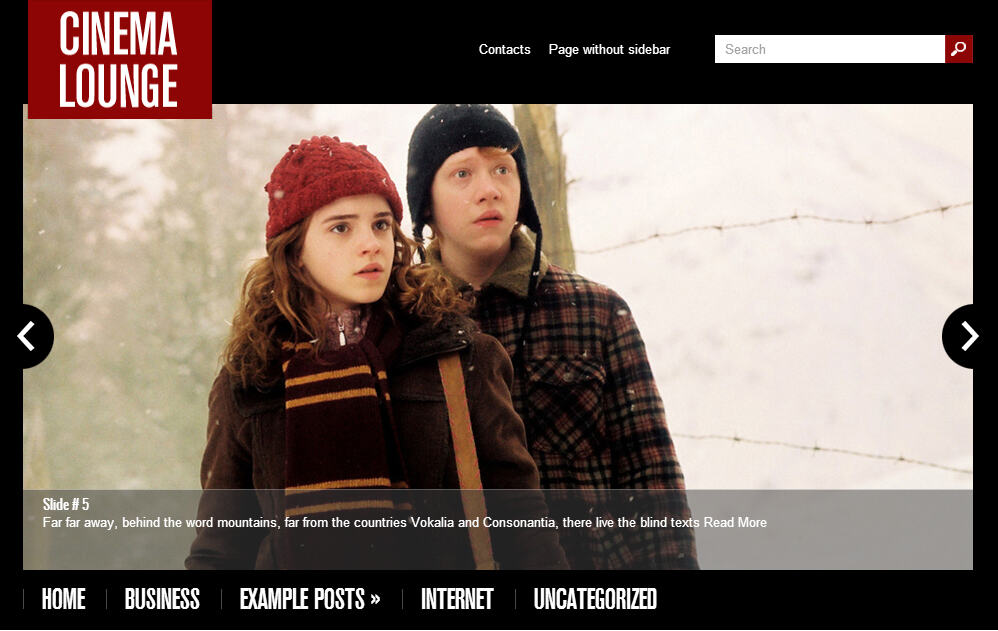
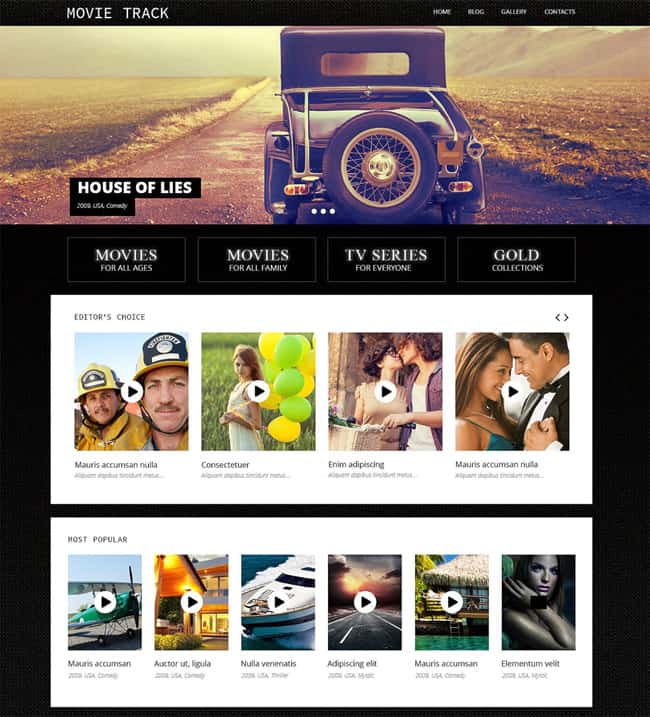
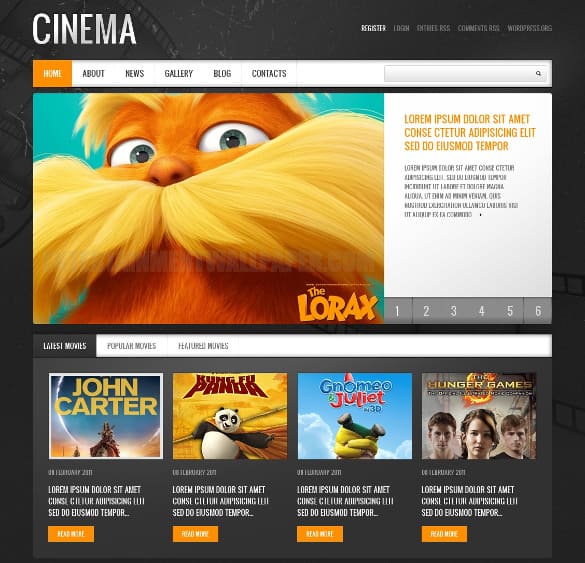
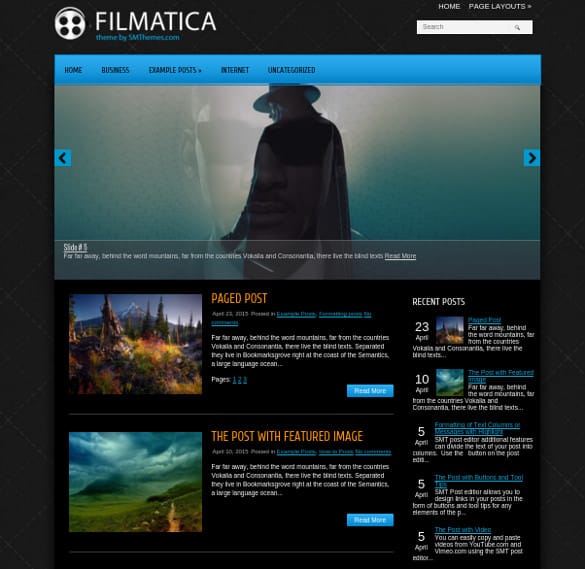
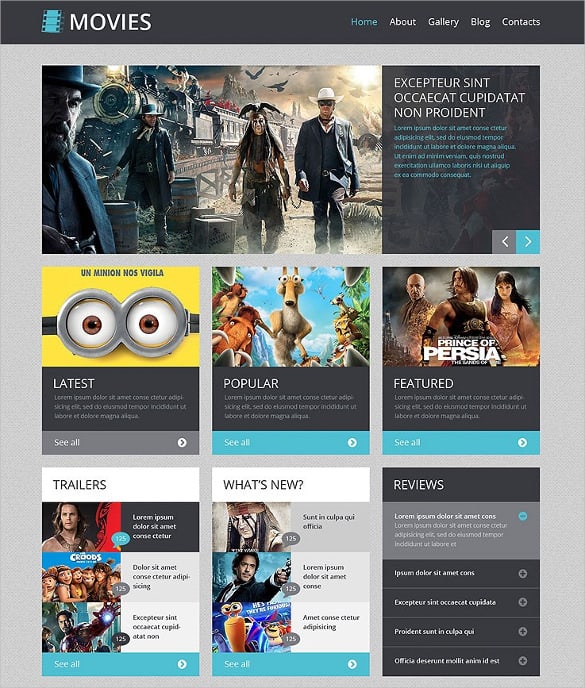
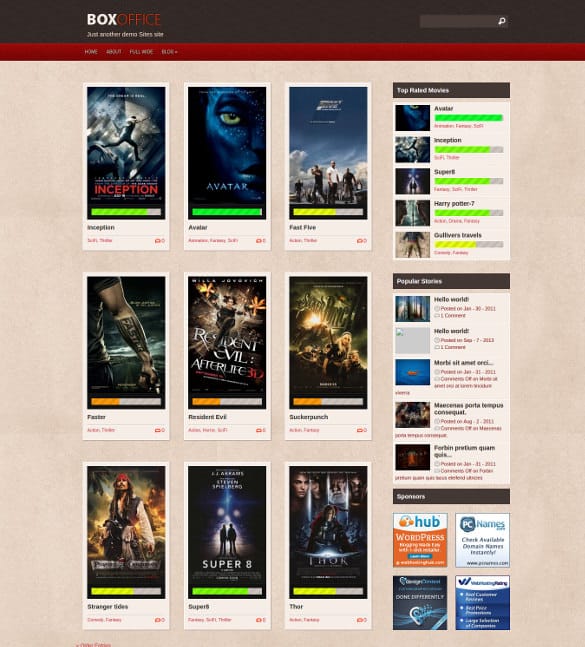
8 Cinema and Movie Website Themes

The Pages Every Cinema Website Needs
Once your theme is installed, build out a simple, predictable structure. Visitors should never have to hunt for showtimes.
- Home: today’s films, a featured trailer, and a short banner for special events.
- Now Showing: every current film with poster, rating, runtime and showtimes.
- Coming Soon: upcoming releases with trailers and opening dates.
- Events: premieres, festivals, classic film nights, private screenings and kids’ matinees.
- Visit: address, map, parking, accessibility, ticket prices and concessions.
- Memberships or Gift Cards: if you offer loyalty programs or gift cards, give them their own page.
- Contact: phone, email, and a form for group bookings or venue hire.
Keeping showtimes up to date
Out-of-date showtimes frustrate visitors more than almost anything else. Choose a workflow that fits your team: a showtime plugin or ticketing integration that updates automatically, or a simple weekly routine where one person updates listings every Thursday before the new week starts. Whatever you choose, show a clear “last updated” note, and make the box office phone number easy to tap on mobile for last-minute questions.
Example: A small two-screen community theater rebuilt its site with a dark, poster-led theme. Instead of a single long schedule page, every film got its own page with a trailer and a “Buy Tickets” button linking to the theater’s ticketing provider. The home page showed only today’s times. Staff now spend a few minutes each week updating films, and the phone line gets fewer “what’s playing tonight?” calls.
Matching the Design to Your Venue’s Personality
A theme is only a starting point. The details you choose afterward decide whether the site feels like your cinema or like a generic demo.
Colors
Pull colors from your real space: the seat fabric, the marquee lights, the lobby carpet, or your existing logo. An art-deco single screen might suit deep red and brass tones, while a modern multiplex might prefer clean charcoal with one bright accent color for buttons. Use the accent color consistently for “Buy Tickets” so visitors learn where to click.
Typography
Display fonts with a vintage marquee feel can look great in headings, but keep body text and showtimes in a simple, highly readable sans-serif. Times and dates must be legible at a glance, especially on small screens.
Photography
Official posters and stills sell the films, but photos of your own venue sell the experience. Add a few real images of your auditorium, lobby, concession stand and outdoor signage. For independent and community cinemas, that local character is often the main reason people choose you over a large chain.
Accessibility
List accessibility features clearly: wheelchair seating, assistive listening devices, captioned or audio-described screenings, and sensory-friendly showings. Make sure buttons have readable labels and that the site works with a keyboard. These details help more people enjoy your screenings and show that everyone is welcome.
Promoting Screenings Beyond the Website
Your website is the hub, but people discover films in many places. Tie everything back to your site:
- Email: a weekly “This Week at the Movies” message is one of the most reliable ways to bring regulars back. Our newsletter templates are an easy starting point.
- Special offers: matinee discounts, student nights and popcorn combos can be promoted with printable coupon templates that link to your ticket page.
- Event schedules: festivals and marathon nights benefit from a clear printed program. An event schedule template helps you lay out times, films and breaks.
- Grand reopenings: new seats, a new screen or a renovated lobby deserve a launch. Borrow ideas from these grand opening flyer templates.
- Season planning: map out holiday releases, retro series and community nights with one of our marketing plan templates.
If you run a review blog or channel rather than a theater, you might also like our roundup of video WordPress themes, which focus on playlists and embedded clips.
Common Pitfalls
- Autoplaying trailers with sound, which annoys visitors and can slow page loads.
- Using movie posters and stills without checking the distributor’s usage terms. Studios and distributors usually supply official promotional materials for exhibitors; use those.
- Hiding prices and accessibility information deep in the footer.
- Letting old films linger in “Now Showing” after their run ends.
- Ignoring site speed. Large poster images should be compressed and lazy-loaded.
Frequently Asked Questions
Can WordPress handle online ticket sales for a cinema?
Yes, usually through a ticketing plugin or by linking to an external ticketing service. Many small theaters prefer a dedicated provider that handles seat maps and payments.
Are these cinema themes free?
Some are free, but most are premium themes sold through marketplaces. Check the current price and license on each source page.
Can I use a cinema theme for a movie review blog?
Absolutely. Magazine-style cinema themes work well for reviews, with space for ratings, trailers and cast details on each post.
Do I need a developer to set one up?
Not for basic setup. Most themes include demo content and documentation. Ticketing integrations or custom showtime systems may need developer help.
Why is one download button not working?
The original listing for that theme was removed. Its preview stays here for design inspiration.
