
Pilots use them before every takeoff. Surgical teams use them before every operation. And if a checklist is good enough for those jobs, it’s more than good enough for packing a suitcase, onboarding a new hire or closing up the shop at night. A checklist template takes the remembering out of routine work, so you can focus on doing it well.
Below are 29 free checklist templates in MS Word for business tasks, weddings and parties, projects, students, moving and everyday planning. Print them as they are or edit them to match your own steps.
Why Checklists Work
Our memory is unreliable when we’re busy, tired or interrupted. A checklist doesn’t make a task harder, it just makes sure the boring-but-critical steps don’t get skipped. It also makes work easier to hand over: anyone can pick up the list and see what’s done and what isn’t.
Checklists People Use Most
| Use | Typical items |
|---|---|
| Office opening and closing | Alarm, lights, cash count, doors locked |
| New employee onboarding | Paperwork, equipment, accounts, training |
| Events and parties | Venue, invites, catering, decorations |
| Moving house | Utilities, address change, packing, cleaning |
| Audits and stock counts | Records, inventory, compliance checks |
| Projects | Milestones, approvals, deliverables, sign-off |
Checklist Templates in MS Word
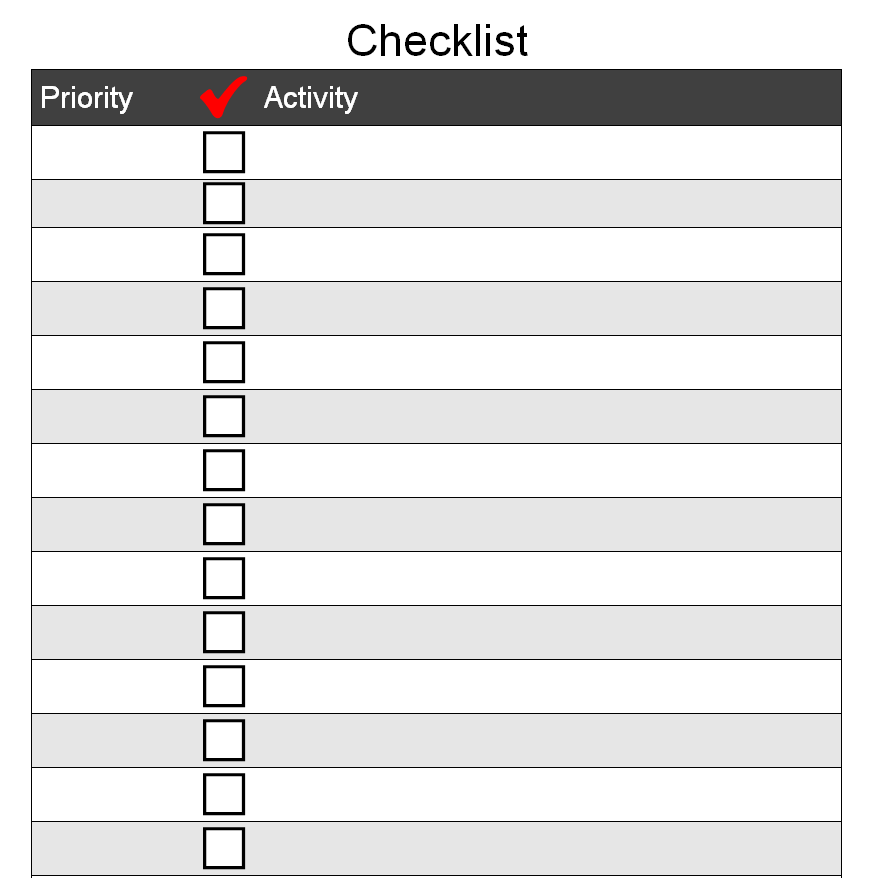
Blank Checklist Template Doc
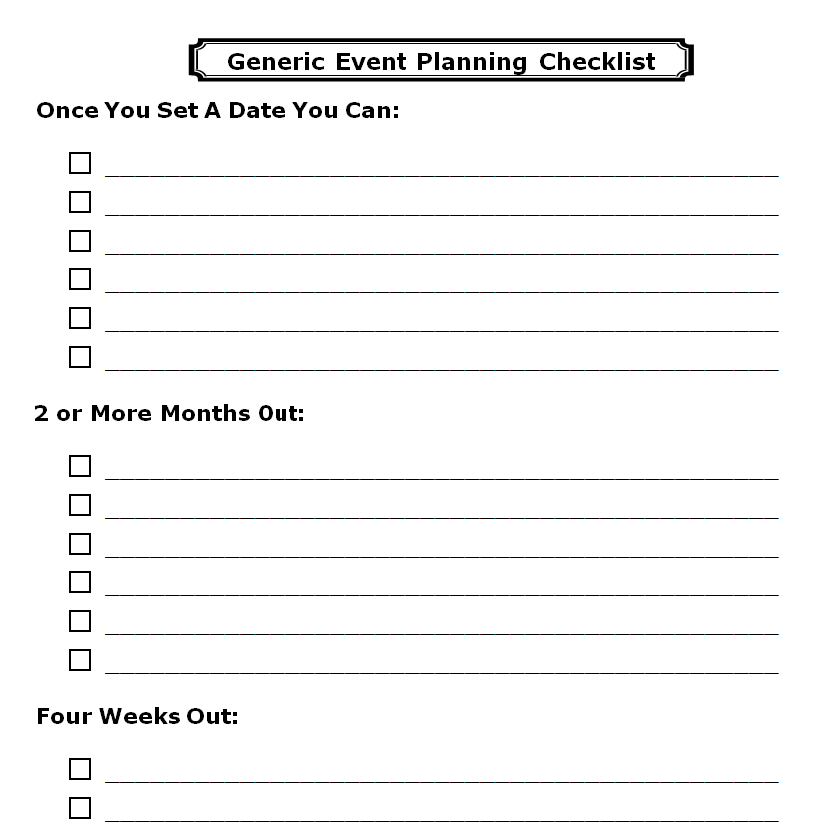
Generic Event Planning Checklist Template
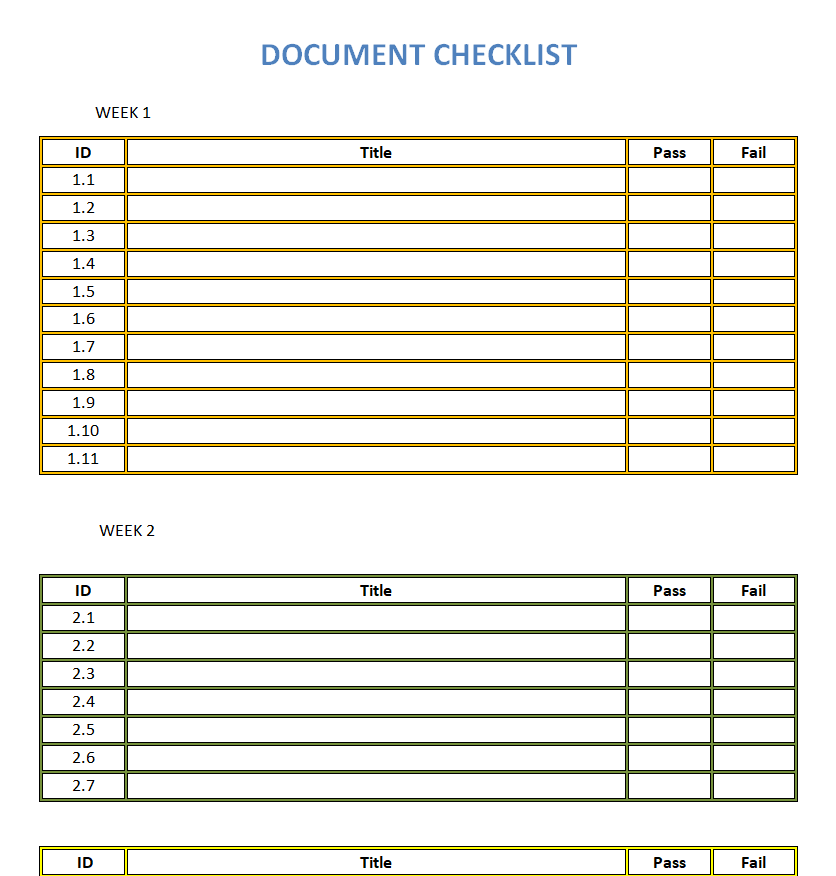
Sample Document Checklist Template
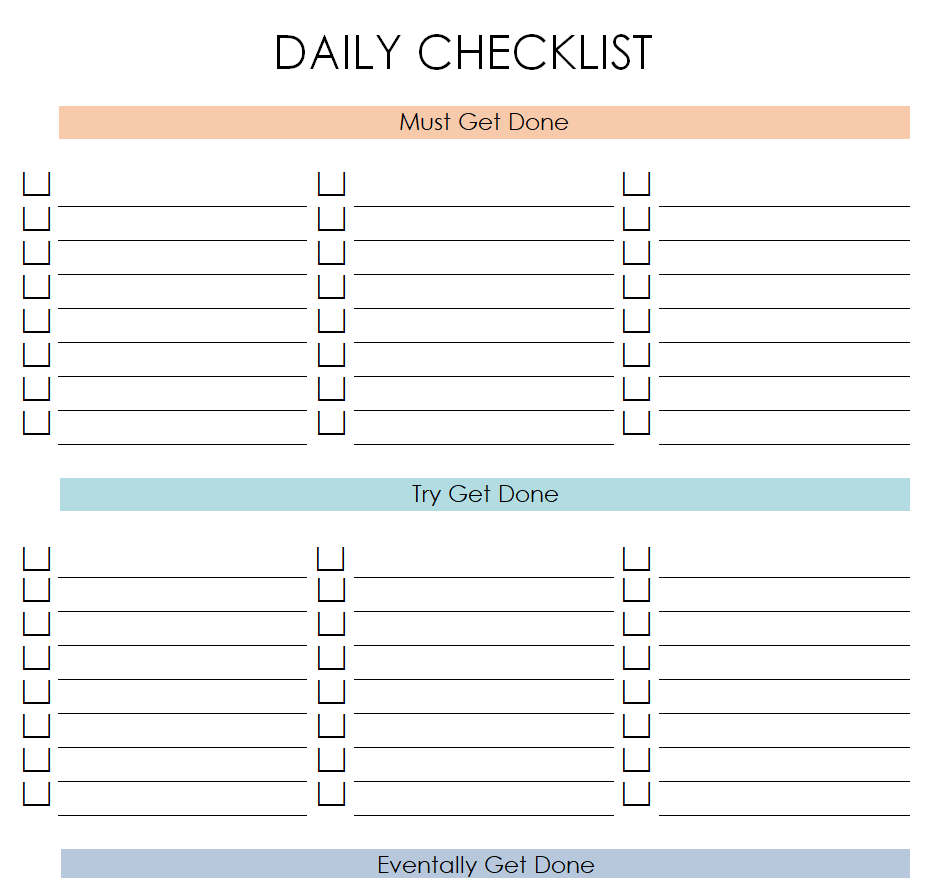
Free Printable Daily Checklist Sample
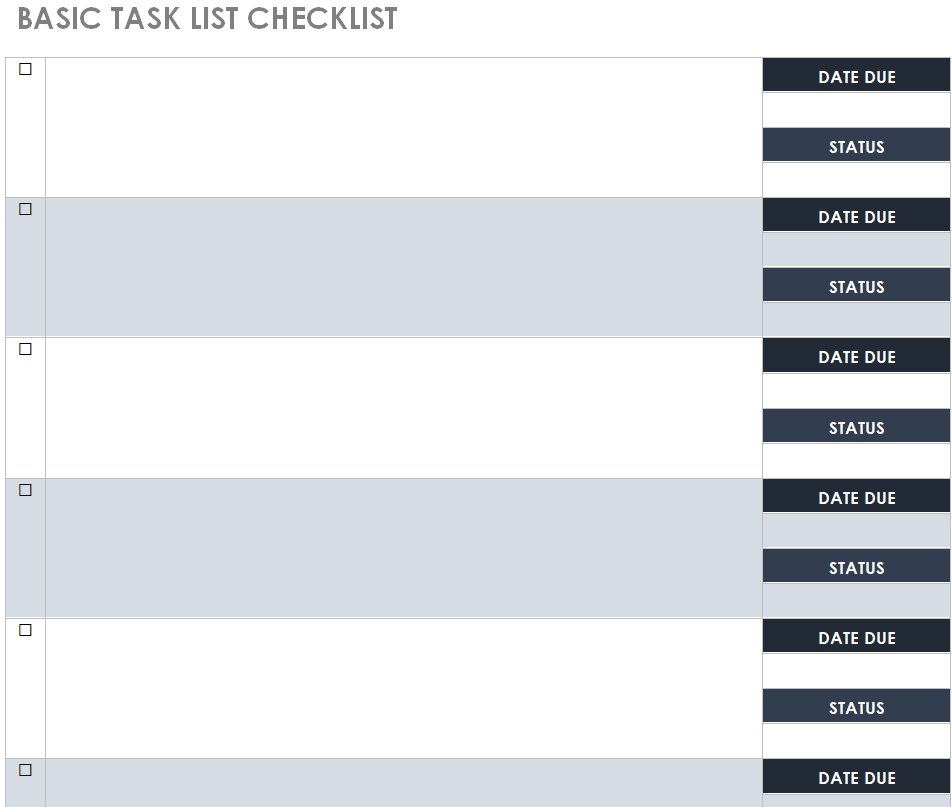
Basic Task List Checklist Example Word
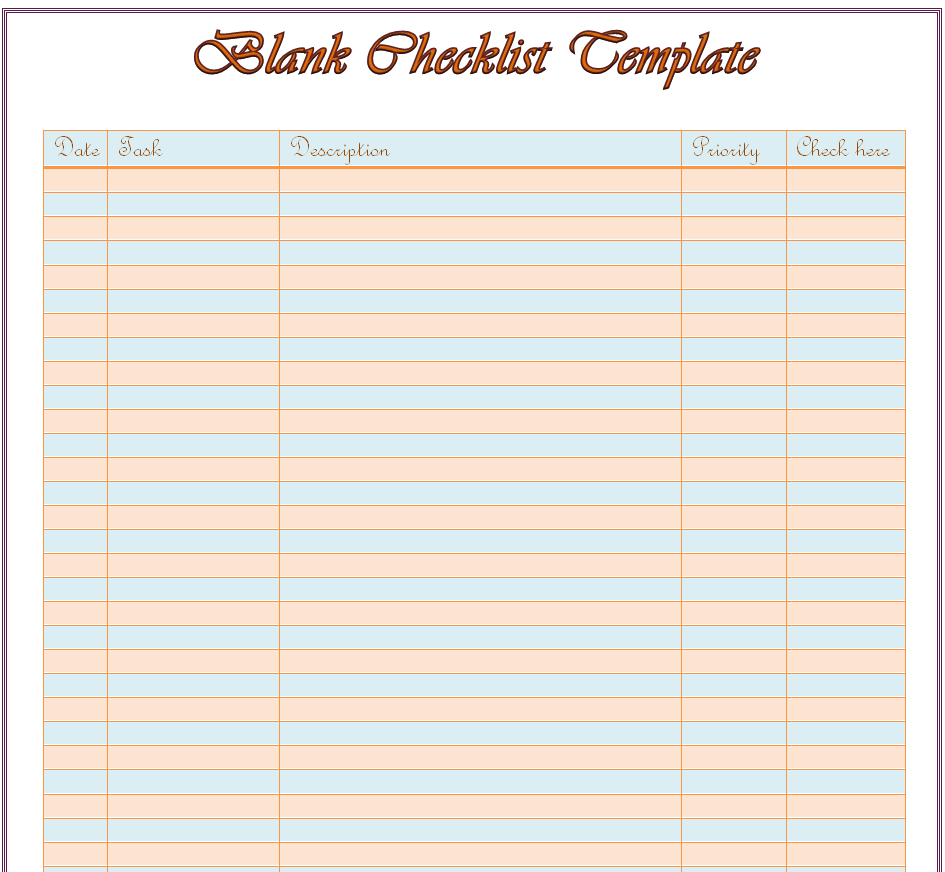
Special Blank Checklist Template
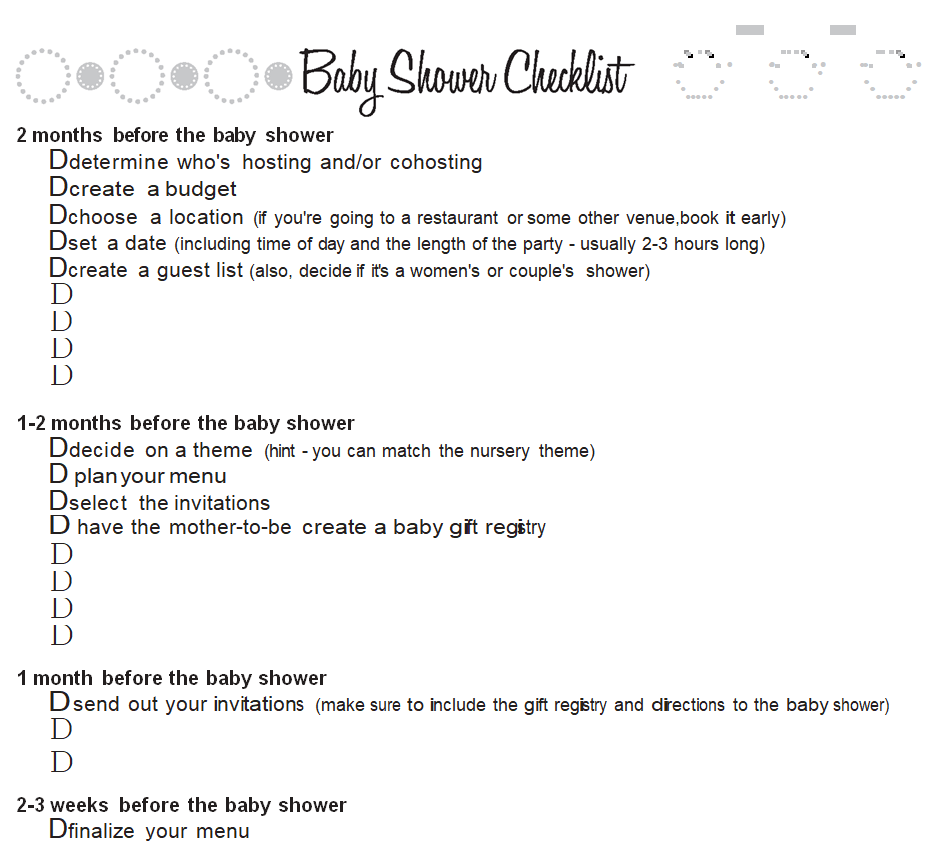
Baby Shower Checklist Word Template
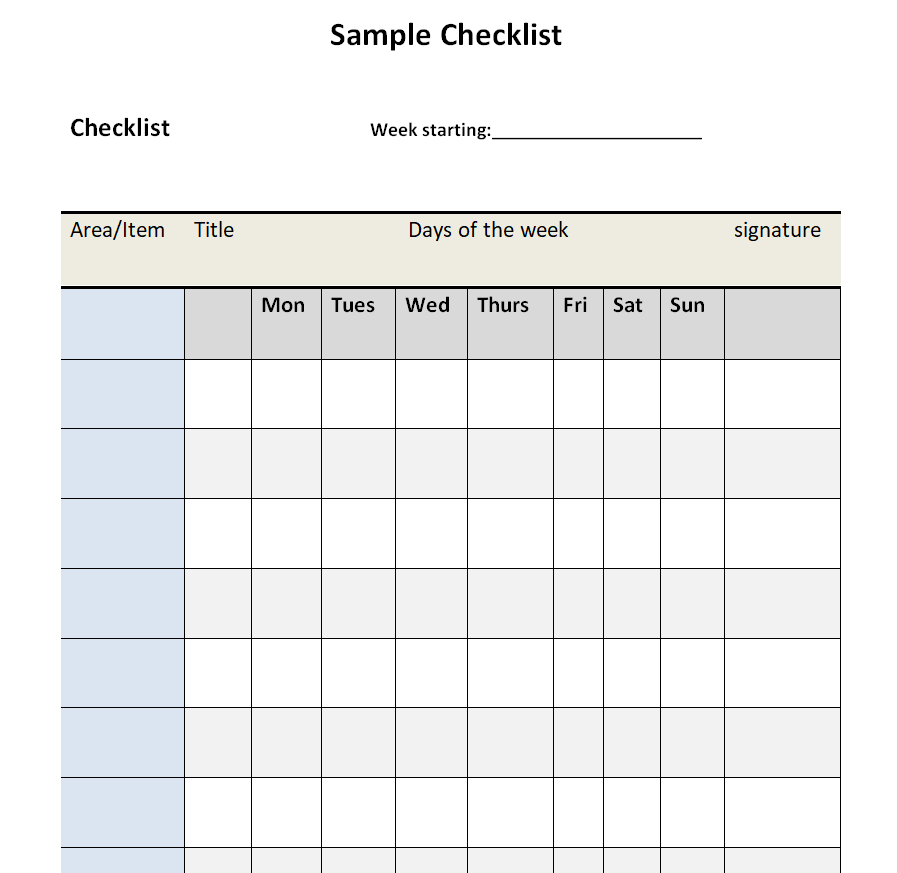
Fillable Checklist Sample in MS WORD
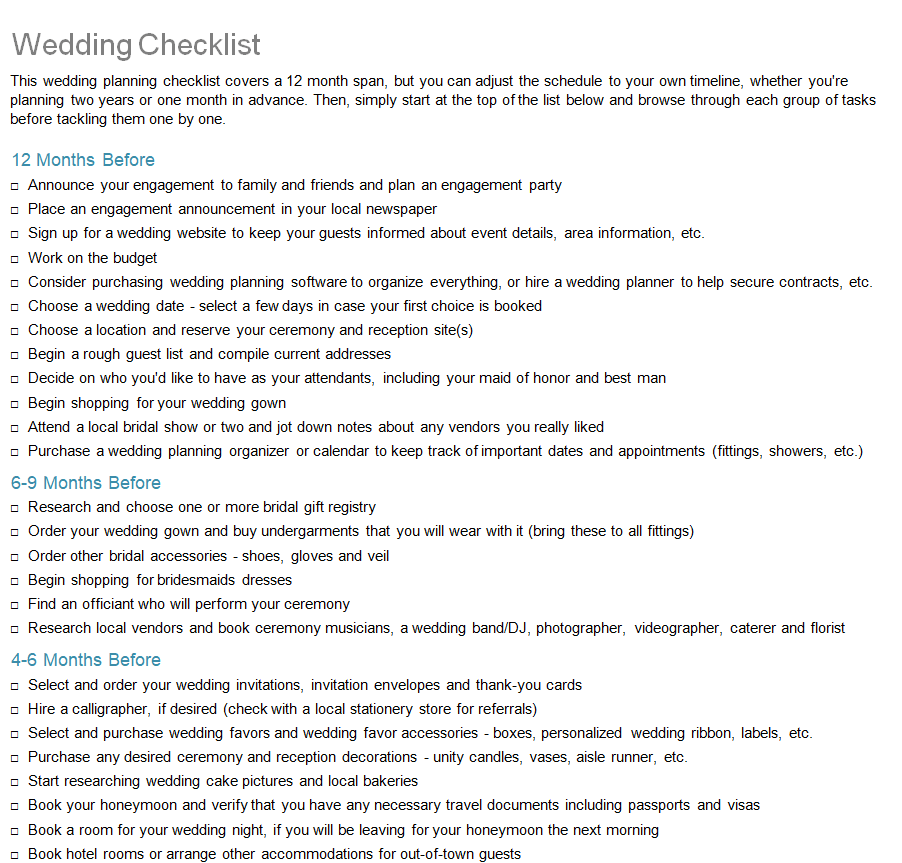
Editable Wedding Checklist Template
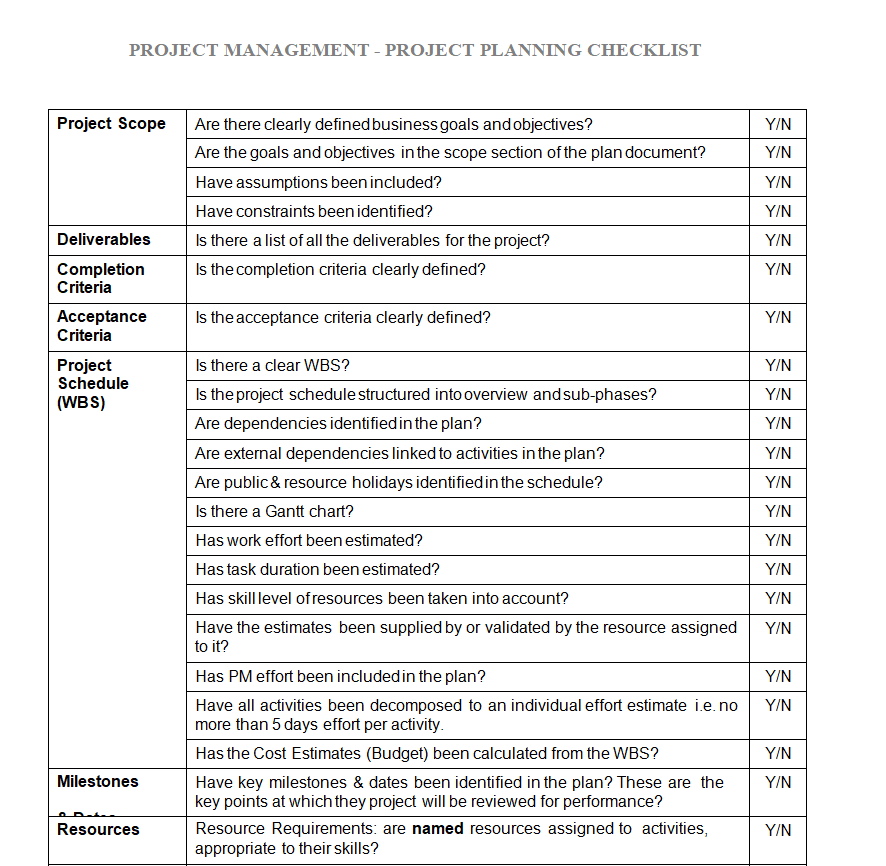
Checklist Template for Project Management and Project Planning
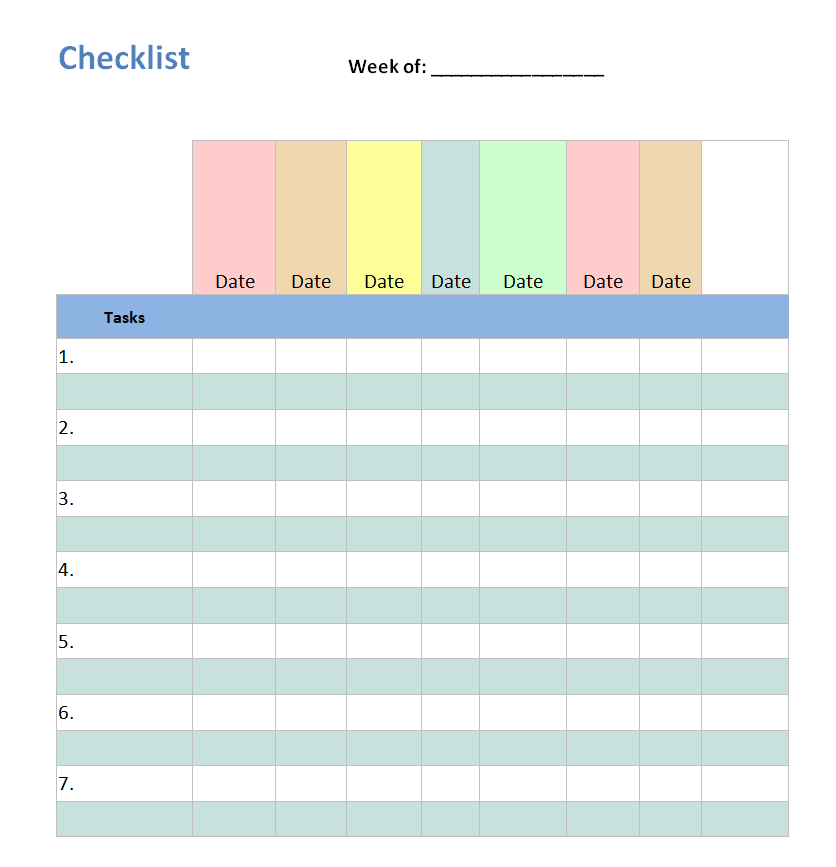
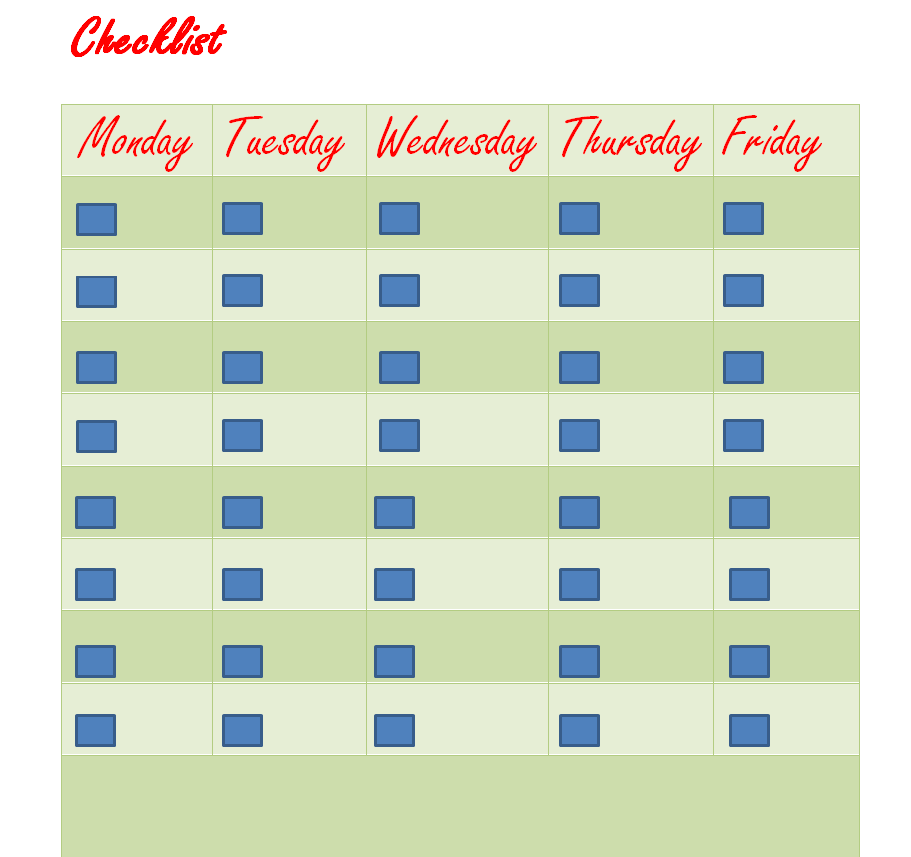
Special Weekly Checklist Word Template
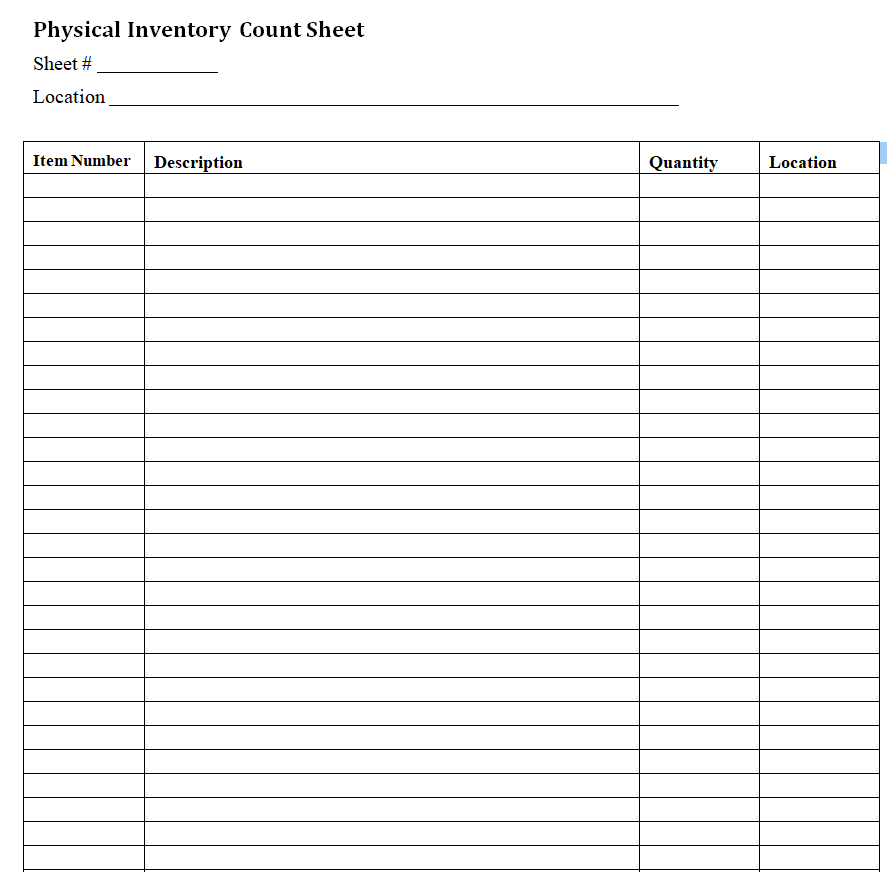
Physical Inventory Checklist Doc Template
Free Printable Blank Checklist Template
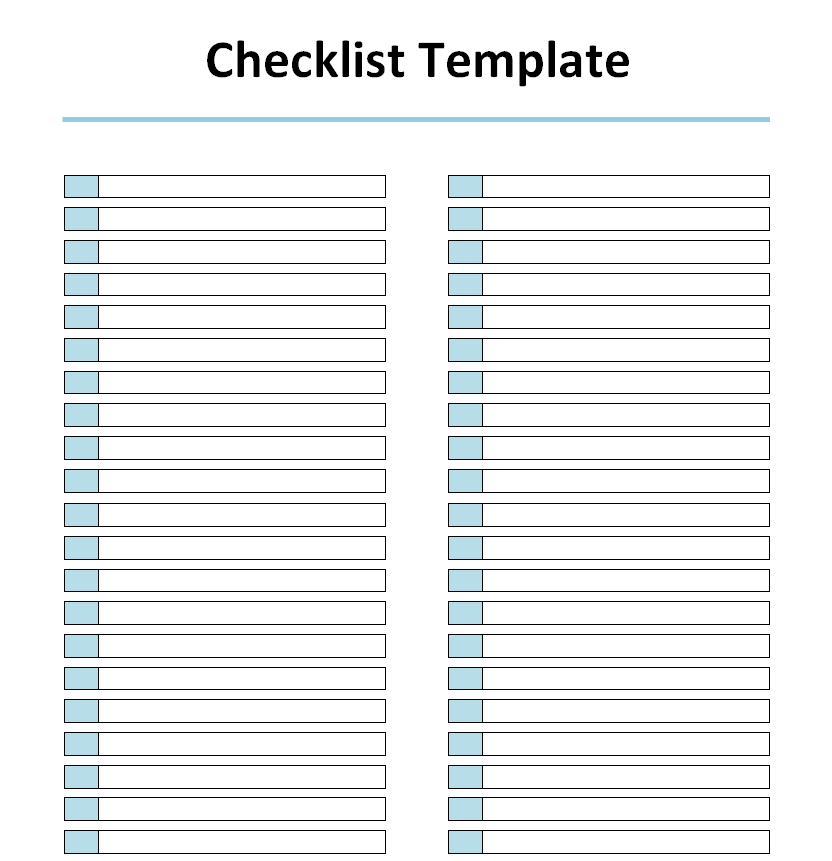
Example Checklist for Party Planning
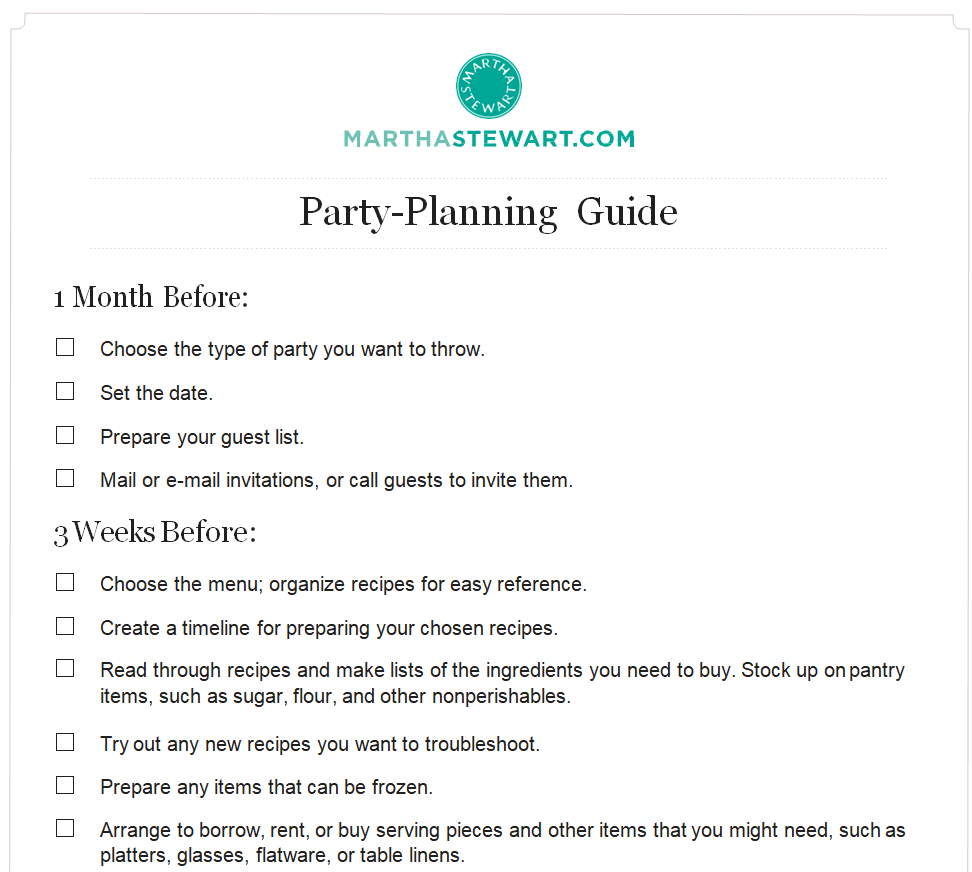
Simple To Do List Template
Official Checklist Sample in MS WORD
Daily Checklist Template for Students
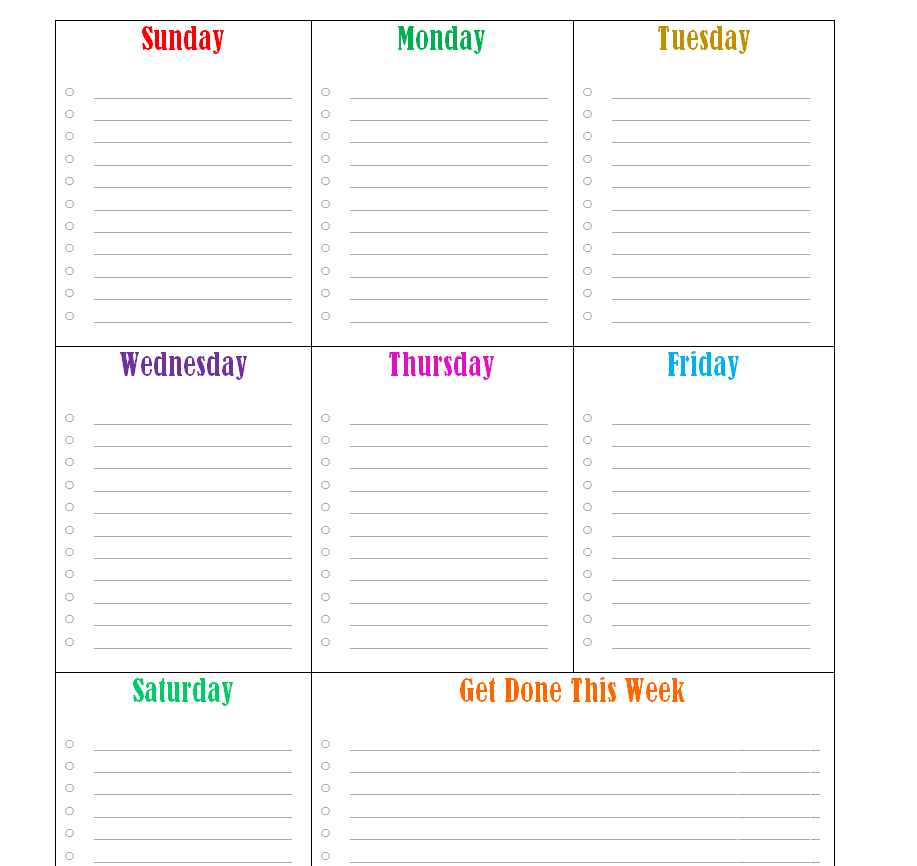
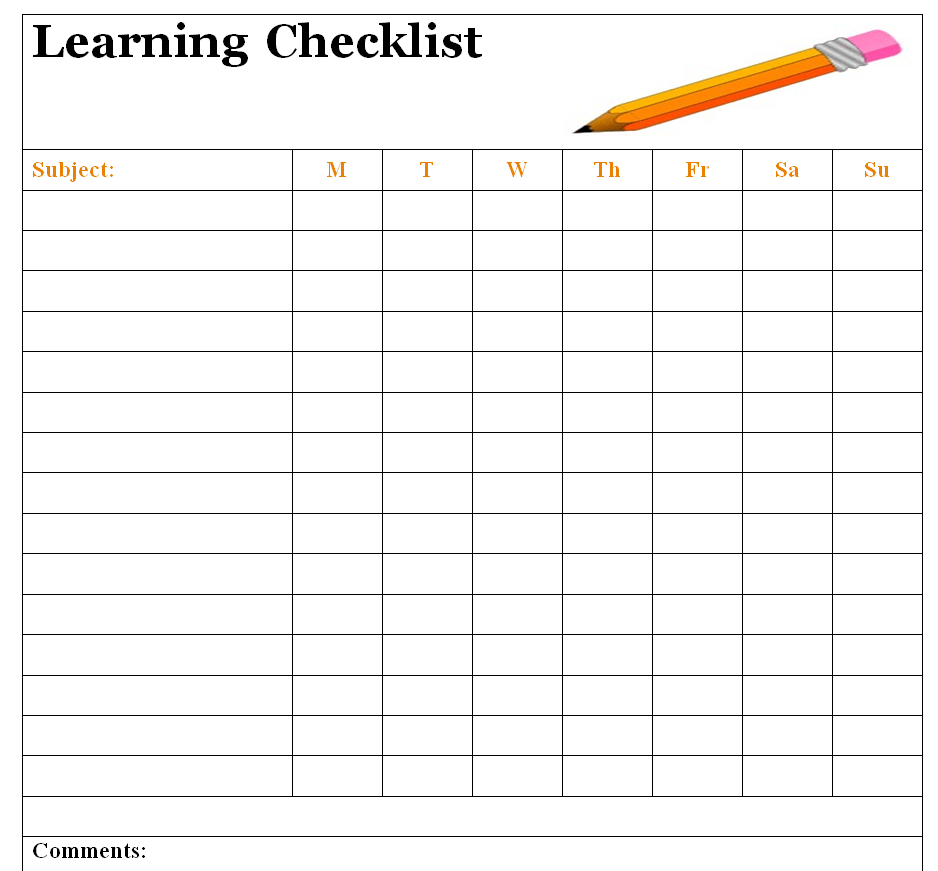
Kids Learning Checklist Template
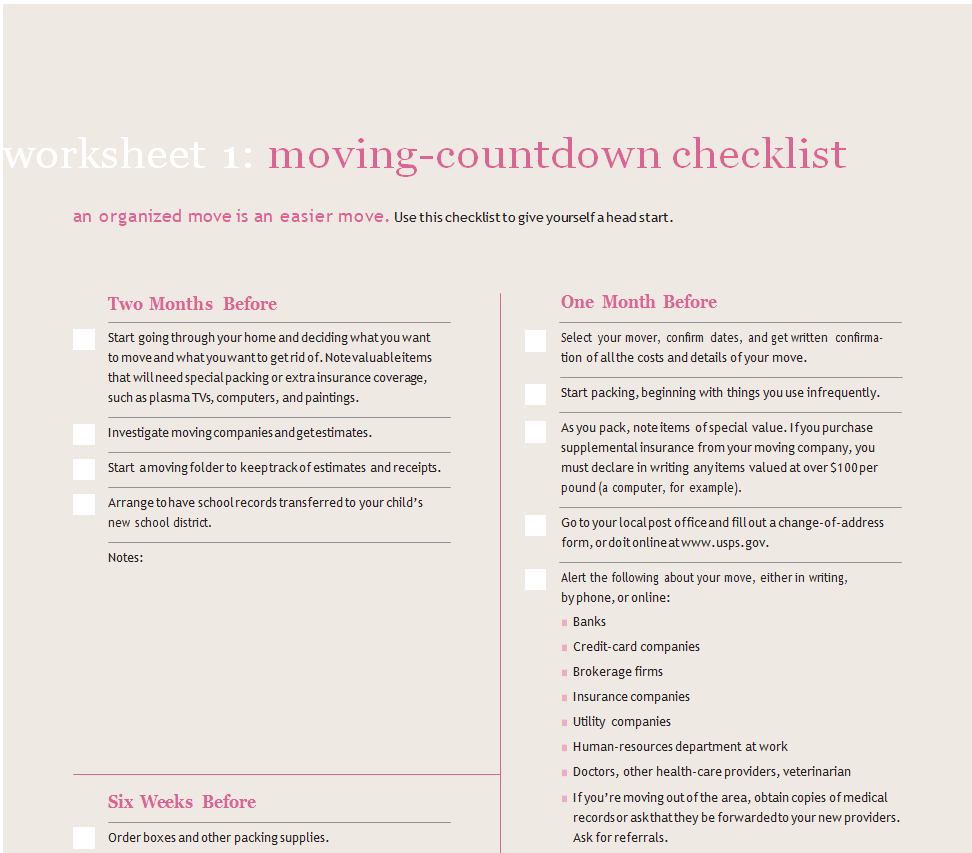
Relocation Checklist Word Template
Basic Checklist Format Template
Monthly Elemental Checklist Template
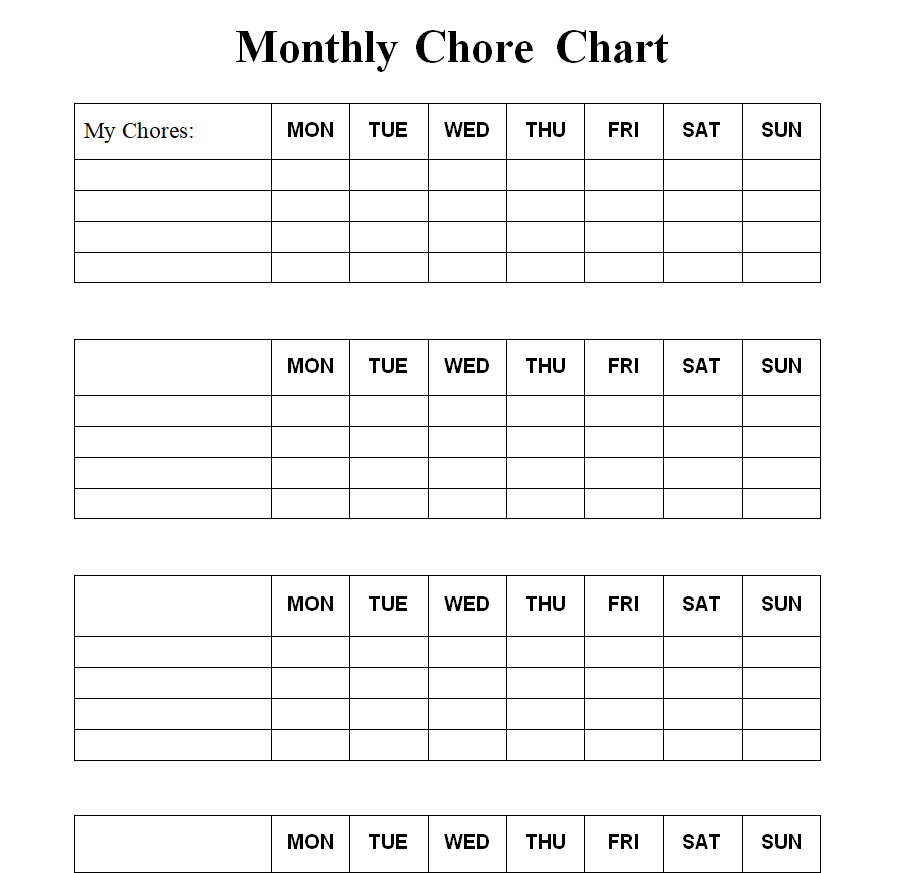
Professional Checklist Sample in MS WORD
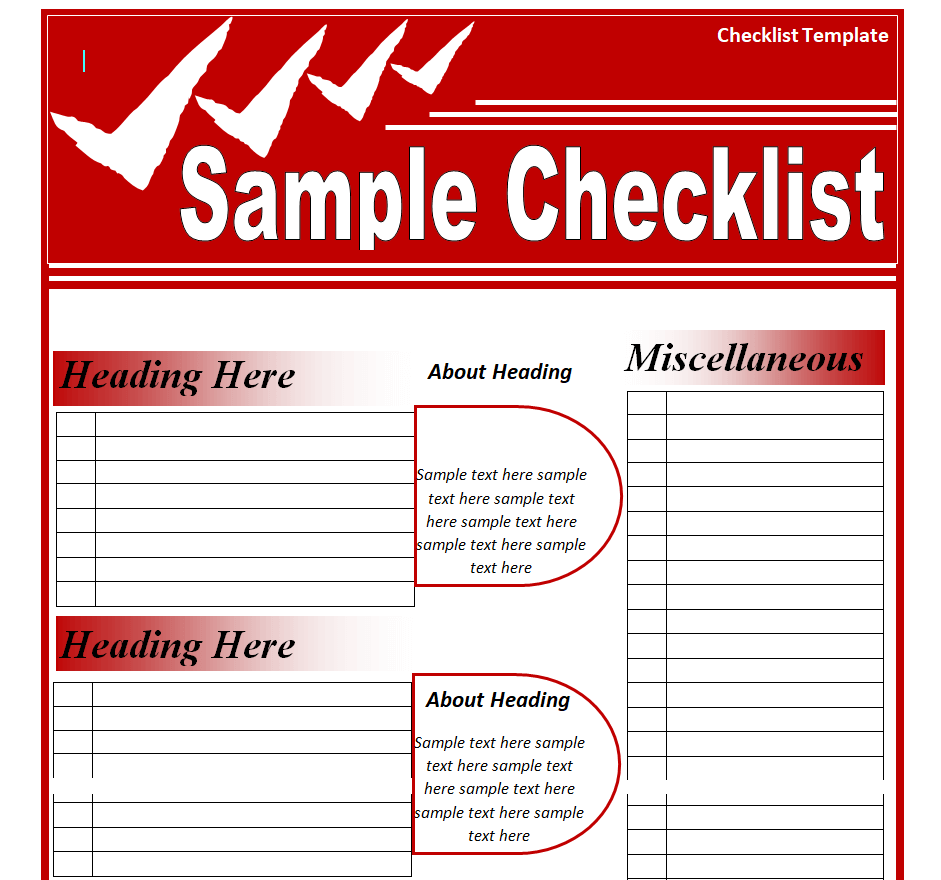
Editable Checklist Form Template
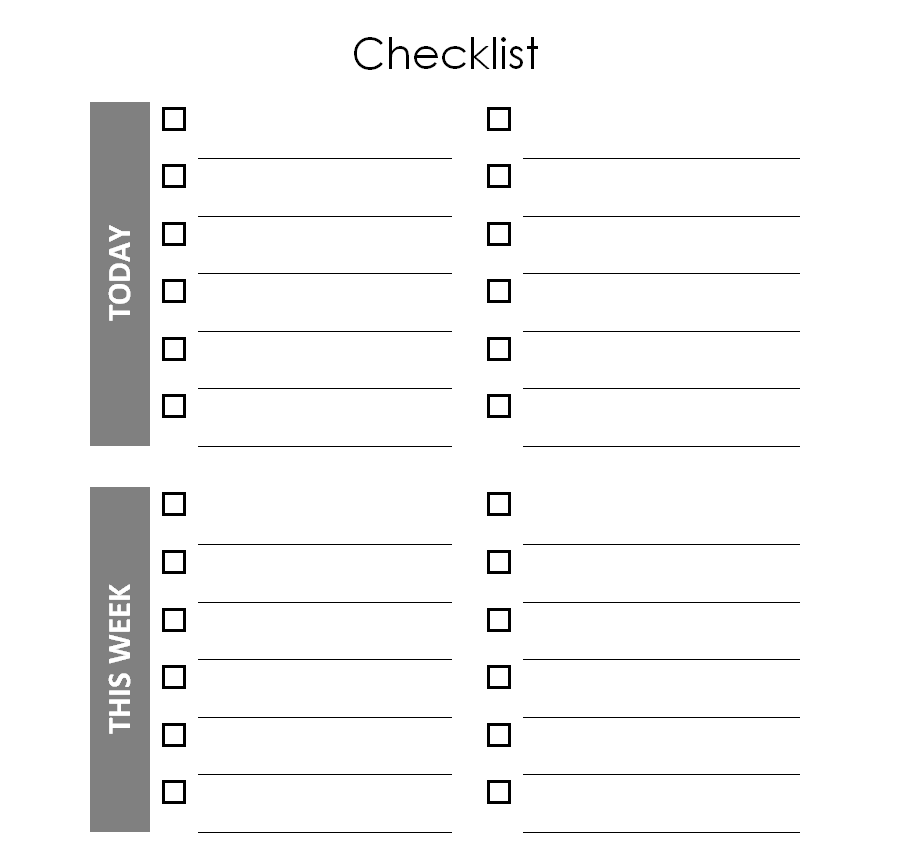
Sample Planning Checklist Template
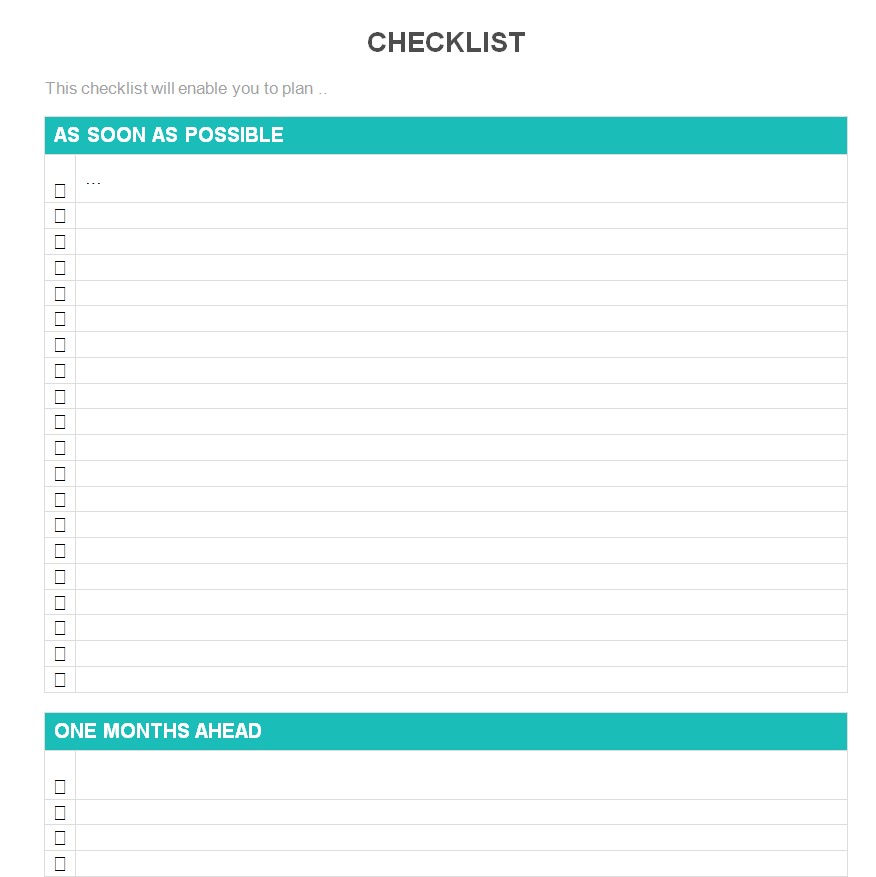
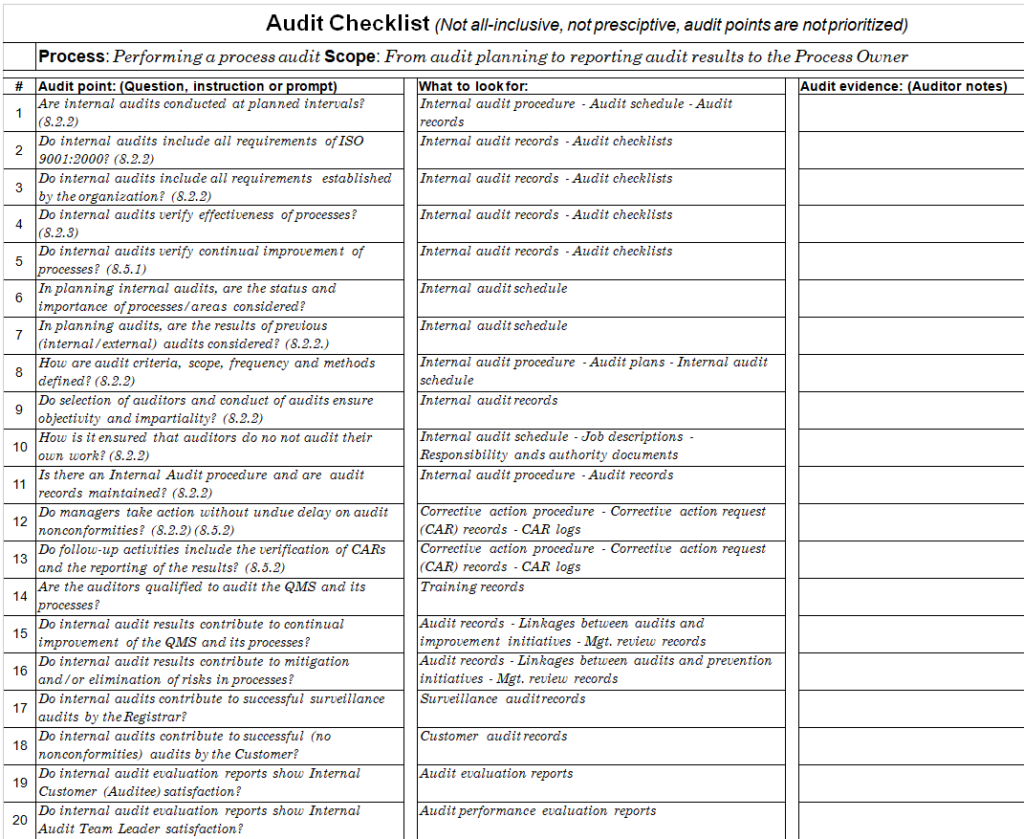
Inclusive Audit Checklist Template
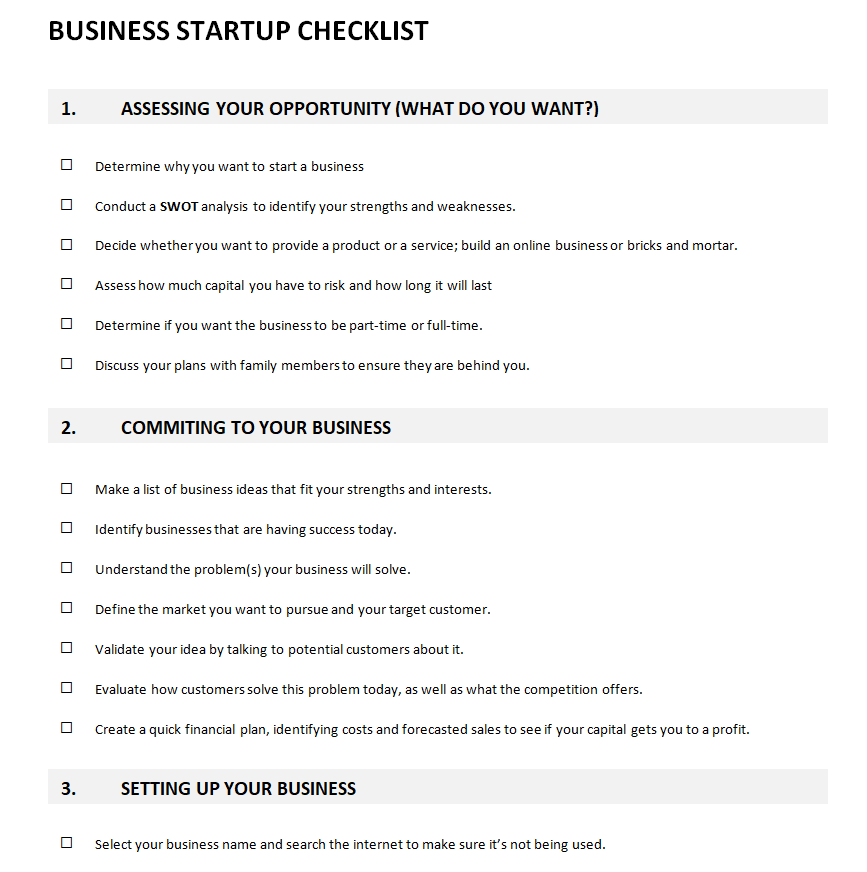
Sample Checklist Template for a Business Startup
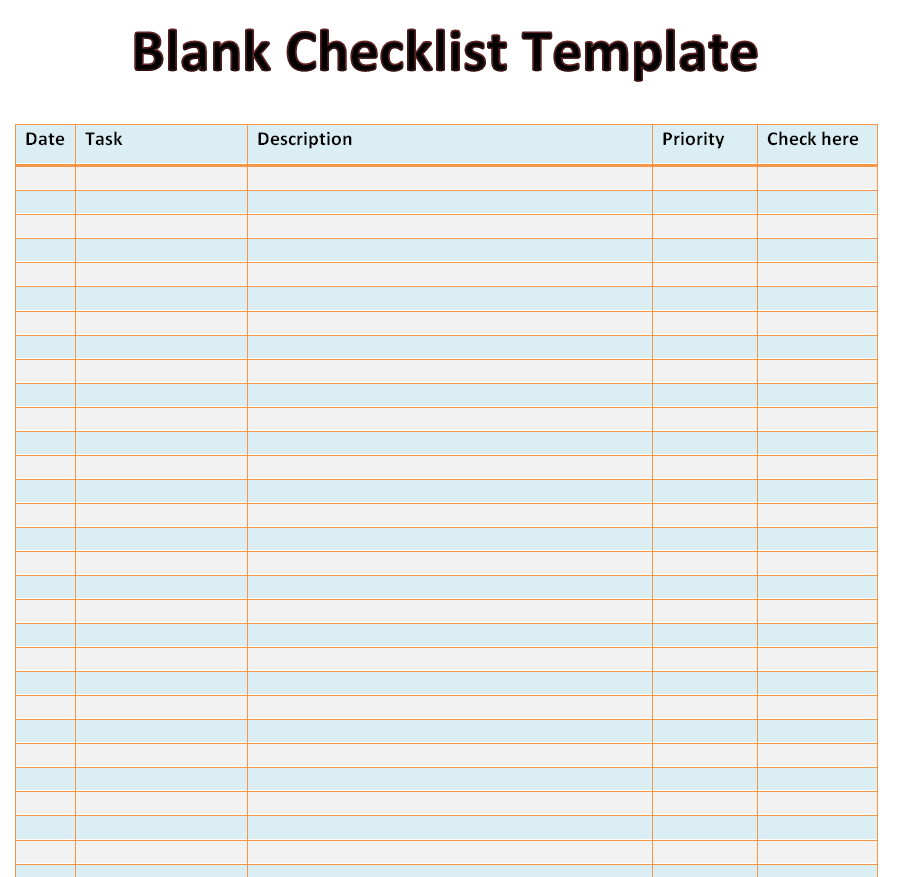
Formal Blank Checklist Template Doc
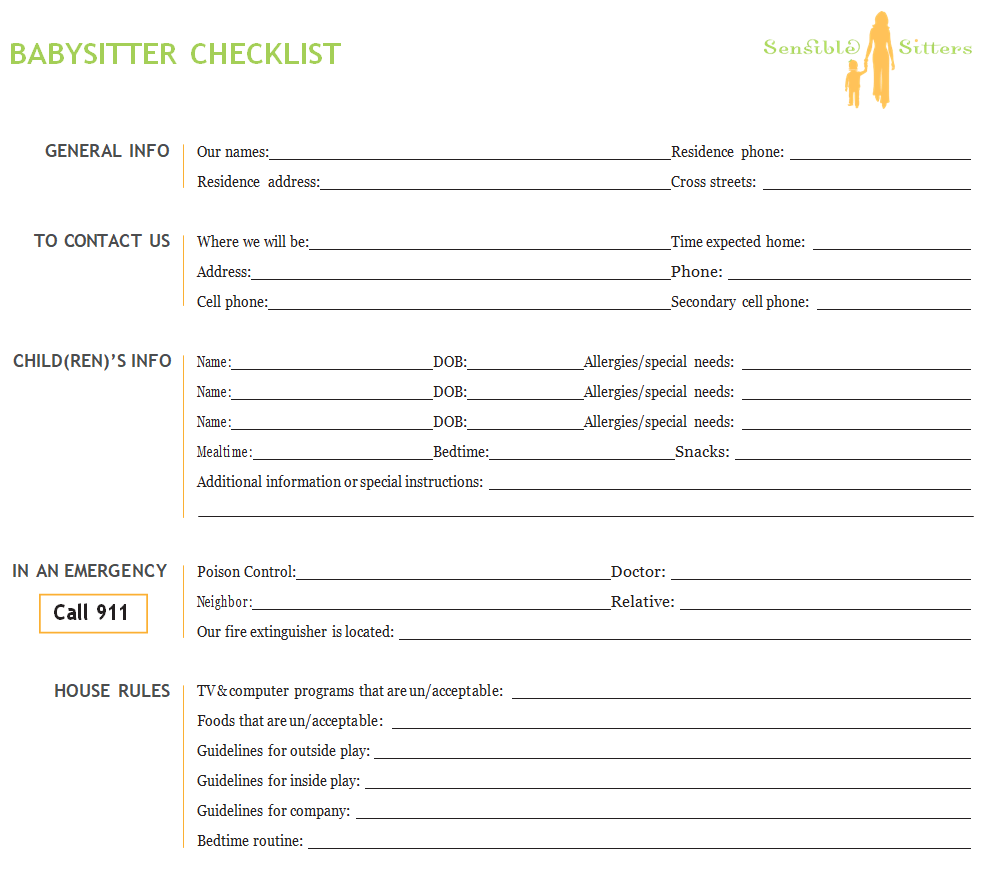
Babysitter Checklist Example Word
Onboarding Checklist Format in MS WORD
How to Write a Checklist People Actually Use
- Keep items short. Start each with a verb: “Lock back door,” not “The back door should be locked.”
- Put steps in the order they happen. People follow the list top to bottom.
- Only include what matters. A 60-item list gets ignored; 10 to 20 items get done.
- Add a name and date line so you know who completed it and when.
- Test it once with someone new and fix anything they found confusing.
Some checklists grow into more detailed records. For vehicle inspections, see our vehicle condition reports; for shift changes, a handover report; and for event planning, the dedicated party planning checklists. Teams that track tasks daily may prefer a daily work report.
Frequently Asked Questions
How do I make a checklist in Word?
Open one of the templates above and replace the items with your own. To add new tick boxes, use Word’s Developer tab to insert check box content controls, or simply type a box symbol (☐).
Can I use these checklists on my phone?
Yes. Open the Word file in the Word mobile app or Google Docs, or save it as a PDF to view and print.
What is the difference between a checklist and a to-do list?
A to-do list changes every day. A checklist is a fixed set of steps you repeat each time you do the same task.

You must be logged in to post a comment.