
A prescription is one of the shortest documents in medicine and one of the most important. A pharmacist has to read it correctly the first time, and the patient has to understand how to take what was prescribed. A clean, well-organized doctor prescription template helps with both.
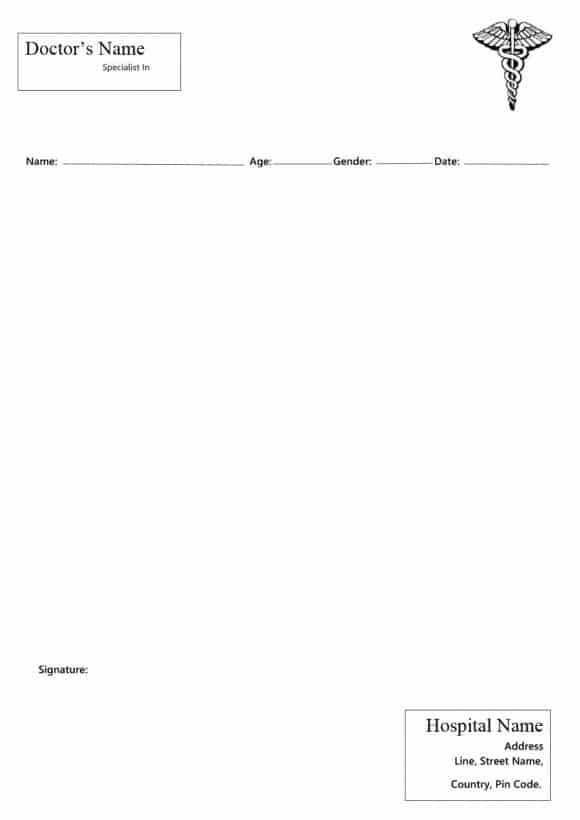
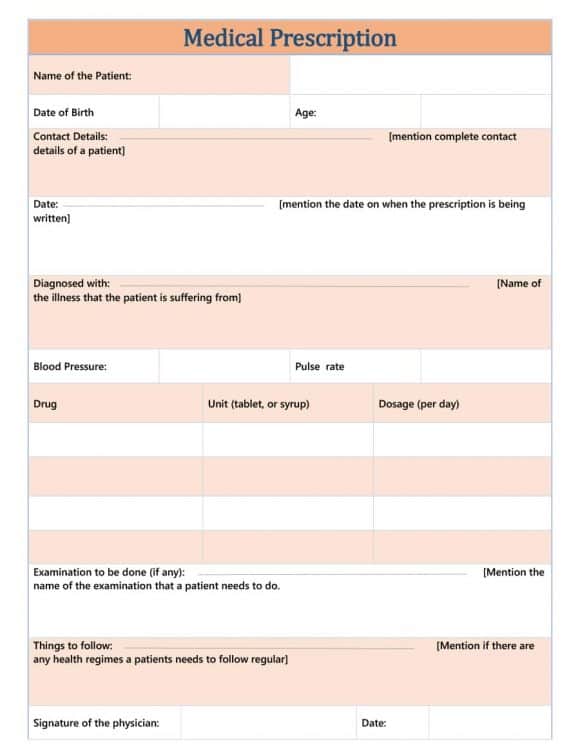
On this page you will find 7+ editable prescription pad templates in Microsoft Word. Add your clinic name, logo and registration details once, then print a stack of pads or fill them in on screen.
Parts of a Standard Prescription
| Section | What it contains |
|---|---|
| Header | Doctor’s name, qualifications, registration number, clinic address and phone |
| Patient details | Name, age or date of birth, gender, and date of the visit |
| Rx symbol | The traditional symbol that marks the start of the prescription |
| Medication | Drug name, strength, dosage form, dose, frequency and duration |
| Instructions | For example “after meals” or “avoid alcohol” |
| Refills | Number of refills allowed, if any |
| Signature | Prescriber’s signature and stamp |
Who Uses These Templates?
General practitioners, dentists, specialists, veterinary clinics and small hospitals all use printed prescription pads. Medical schools also use sample prescriptions for training. Whatever the setting, prescriptions must follow the rules of your country or state, so check local requirements before you print.
Download Doctor Prescription Templates





Tips for Clear, Safe Prescriptions
- Write or type drug names in full rather than using abbreviations.
- Avoid trailing zeros (write 5 mg, not 5.0 mg) to prevent ten-fold dosing errors.
- Use a font of at least 10 points so pharmacists can read every line.
- Keep a copy or record of each prescription in the patient’s file.
Running a clinic involves plenty of other paperwork. Our patient registration forms help with first visits, appointment letter templates suit new staff, and a professional letterhead template keeps your clinic correspondence consistent.
Treat the layout as an administrative starting point
An editable prescription pad can help an authorised clinical service organise its contact and patient fields, but the layout itself does not authorise prescribing. The responsible clinician and service must determine the required form, identifiers, security features and workflow for their setting. Do not copy a sample medicine, dose or direction into a real prescription. This collection is for arranging the document; it is not a source of clinical prescribing decisions.
Keep the record identifiable and readable
Separate the patient details, prescribing information, issue date and authorised prescriber details so the intended reader can locate them. Check the final print or approved electronic output at the size used in practice. Leave sufficient space for the information the clinician is required to supply and avoid decorative elements that obscure it. Where a service uses a regulated electronic prescribing system or official stationery, follow that system rather than replacing it with an ordinary Word document.
Manage access and corrections through the service process
Restrict the master template and completed records to the people authorised to use them. Keep blank sample copies separate from live patient documents. Review any change to contact information, identifiers or the layout before distributing a new master. For an example of how a health service handles prescription information and prescriber details, see the NHS Electronic Prescription Service transparency notice; requirements for a different country or service must be checked locally.
Reference: NHS Electronic Prescription Service transparency notice.
Frequently Asked Questions
Can I edit these prescription templates?
Yes. The Word files can be changed to show your name, qualifications, clinic logo and contact details.
Are printed prescription pads still used?
Yes. Many clinics use electronic prescribing, but printed pads are still common in private practice, smaller clinics and many countries.
Who is allowed to write a prescription?
Only licensed prescribers, such as doctors, dentists and in some places nurse practitioners or pharmacists, under local law.

You must be logged in to post a comment.