
Ask three relatives who your great-grandparents were and you’ll probably get three different answers. A family tree template is the easiest way to get it all down on one page, settle a few debates and keep the story for the next generation.
We’ve gathered 12 free family tree templates in MS Word. There are simple blank charts, colorful versions for kids and school assignments, trees with spaces for photos, and more detailed layouts if you’re going back several generations.
How to Start Your Family Tree
Begin with yourself
Put your name at the bottom (or center), then add parents, grandparents and great-grandparents. Work outward one generation at a time.
Talk to the oldest relatives first
Grandparents and great-aunts remember names, maiden names and places that aren’t written down anywhere. Ask for old photos and letters too.
Check the records
Birth and marriage certificates, family Bibles and census records help confirm dates. Mark anything you aren’t sure of with a question mark.
Family Tree Templates for Word
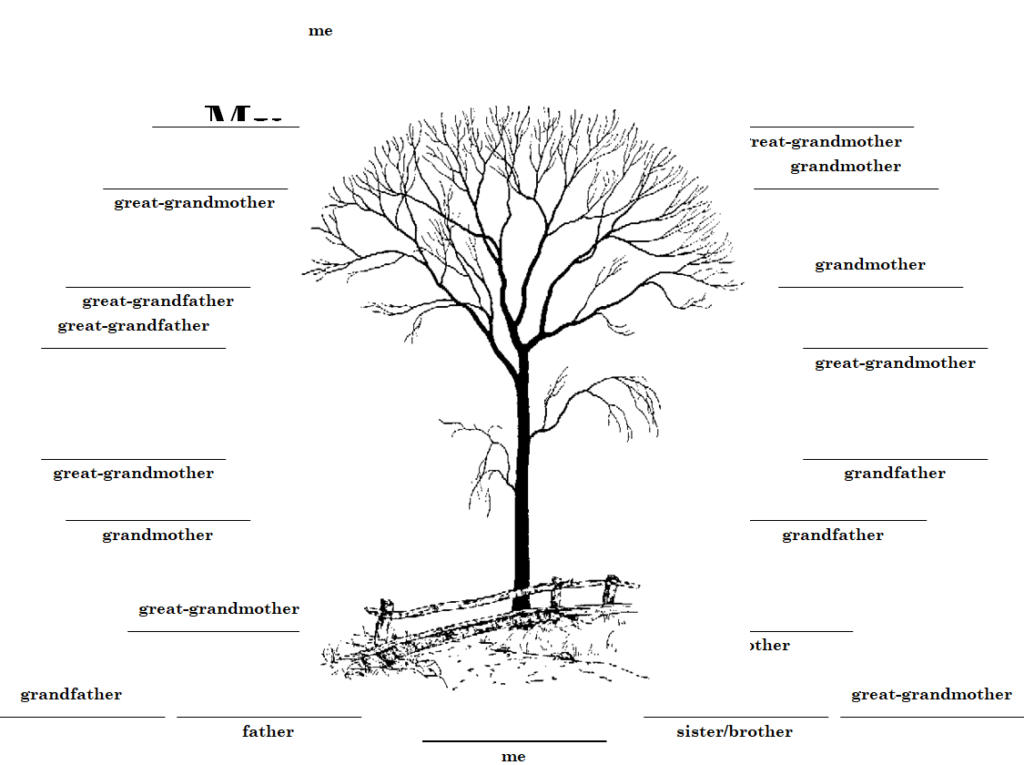
Simple Family Tree Template
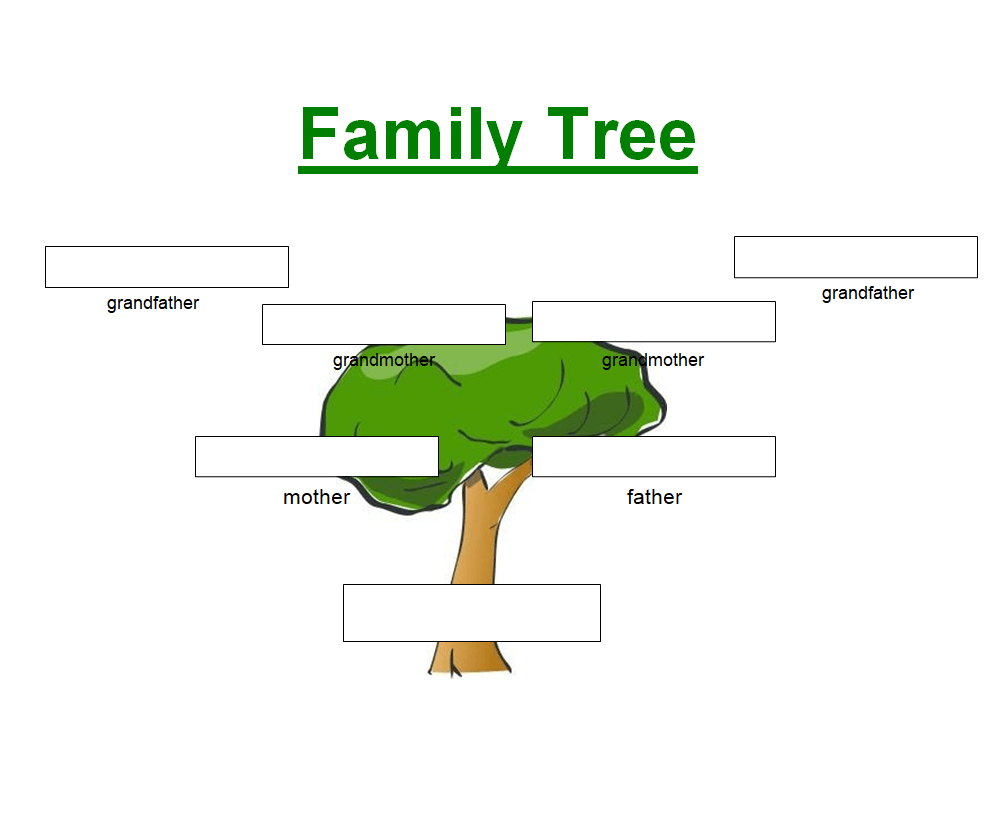
Family Tree Template for Kids
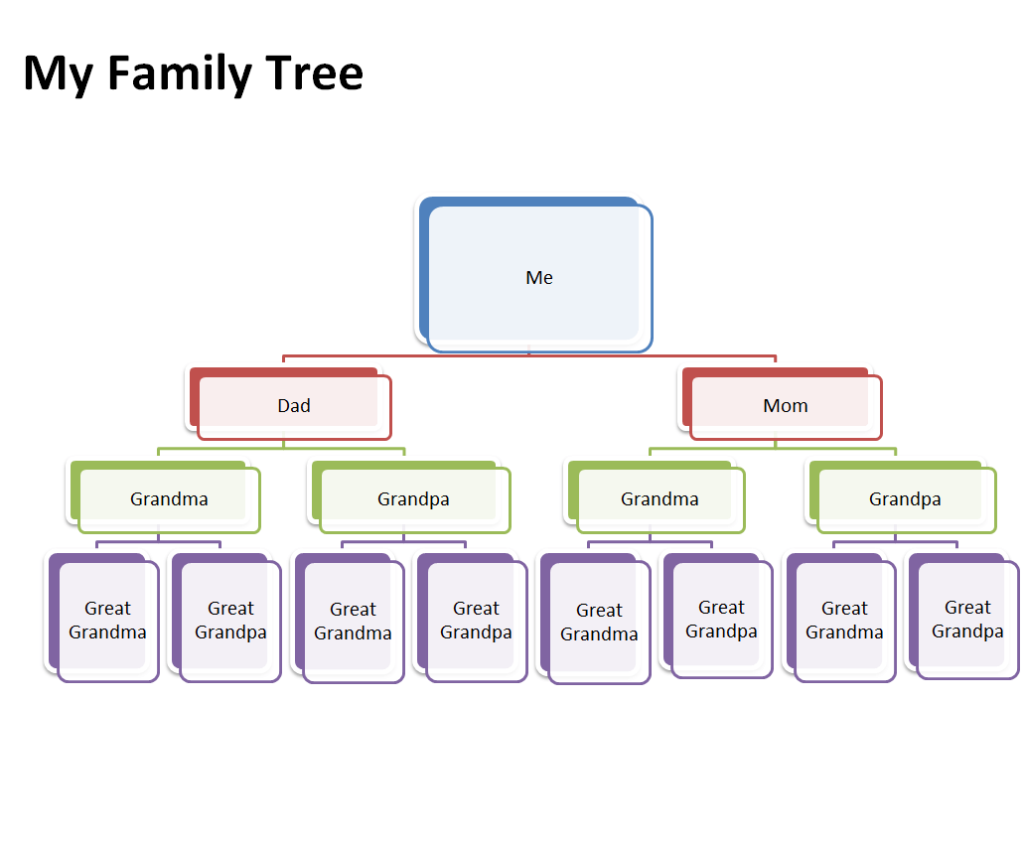
Personal Family Tree Template Word
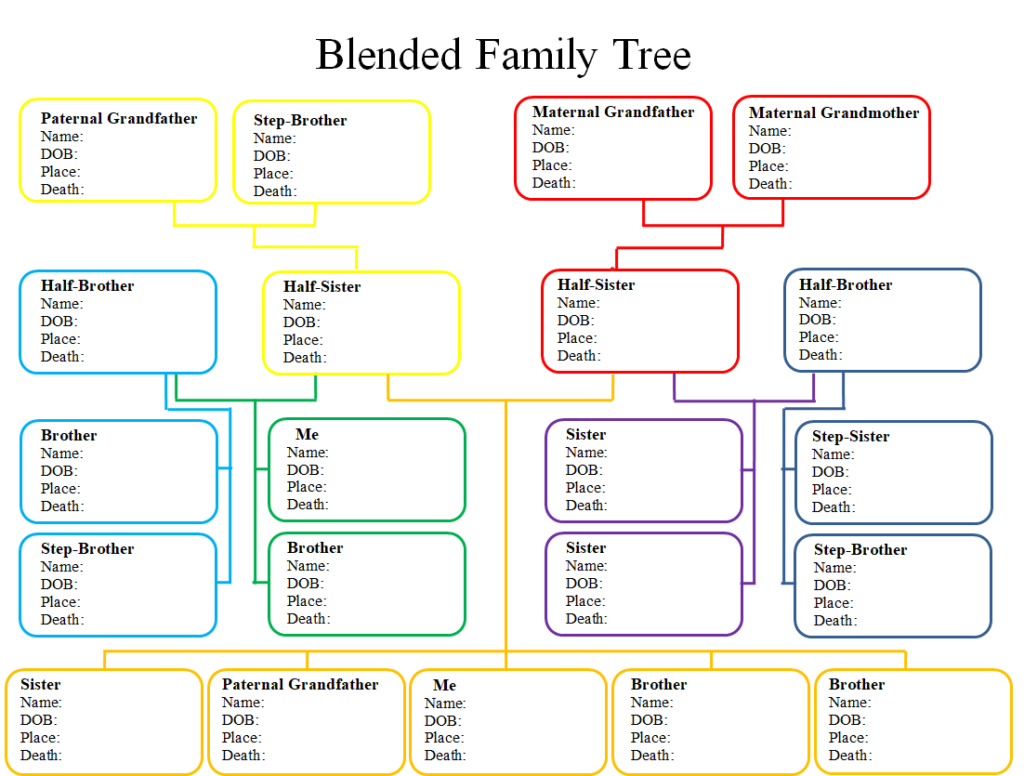
Detailed Family Tree Template in MS WORD
Family Tree Template with Pictures
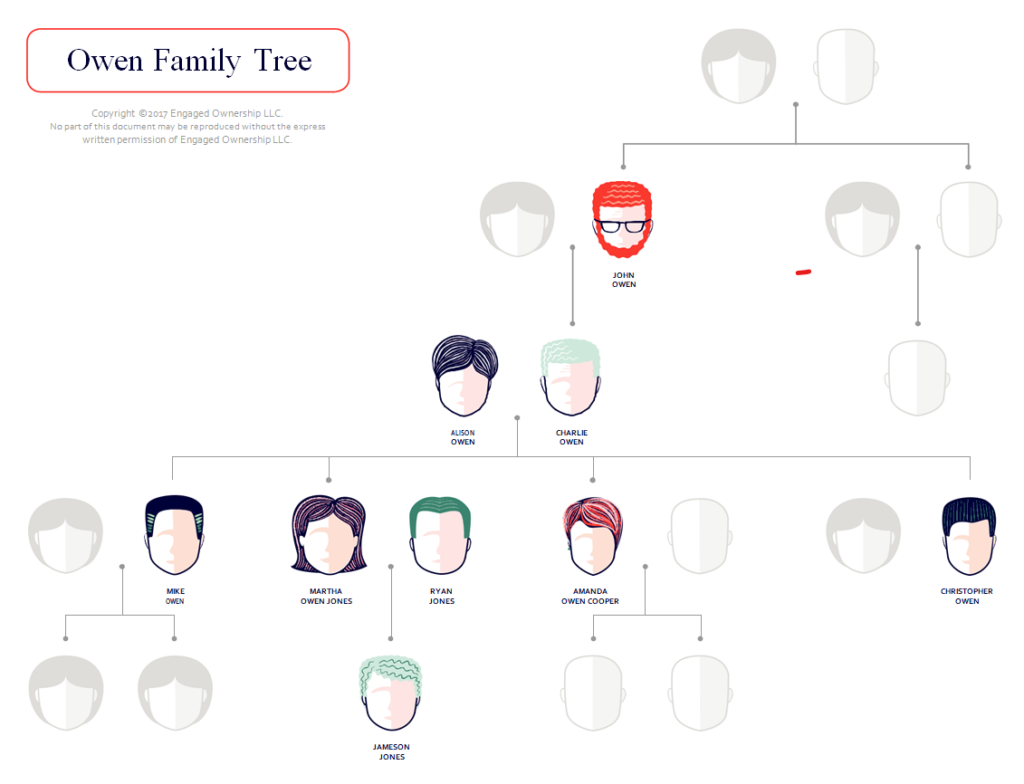
Executive Family Tree Sample
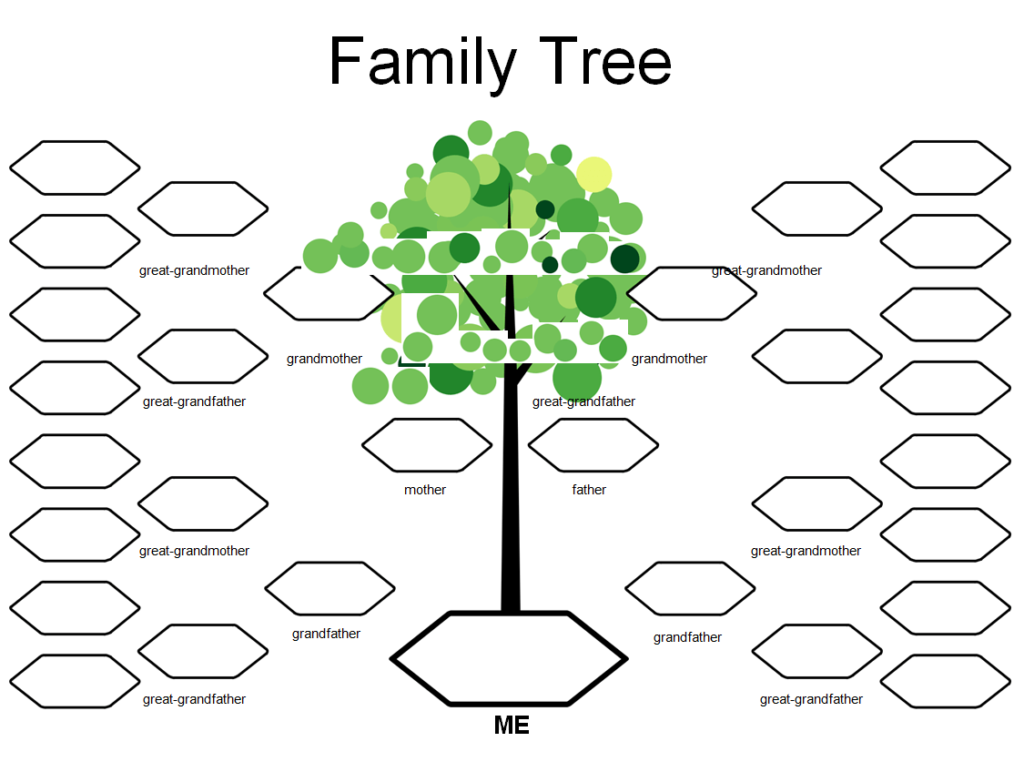
My Family Tree Template Printable

Blank Family Tree Template
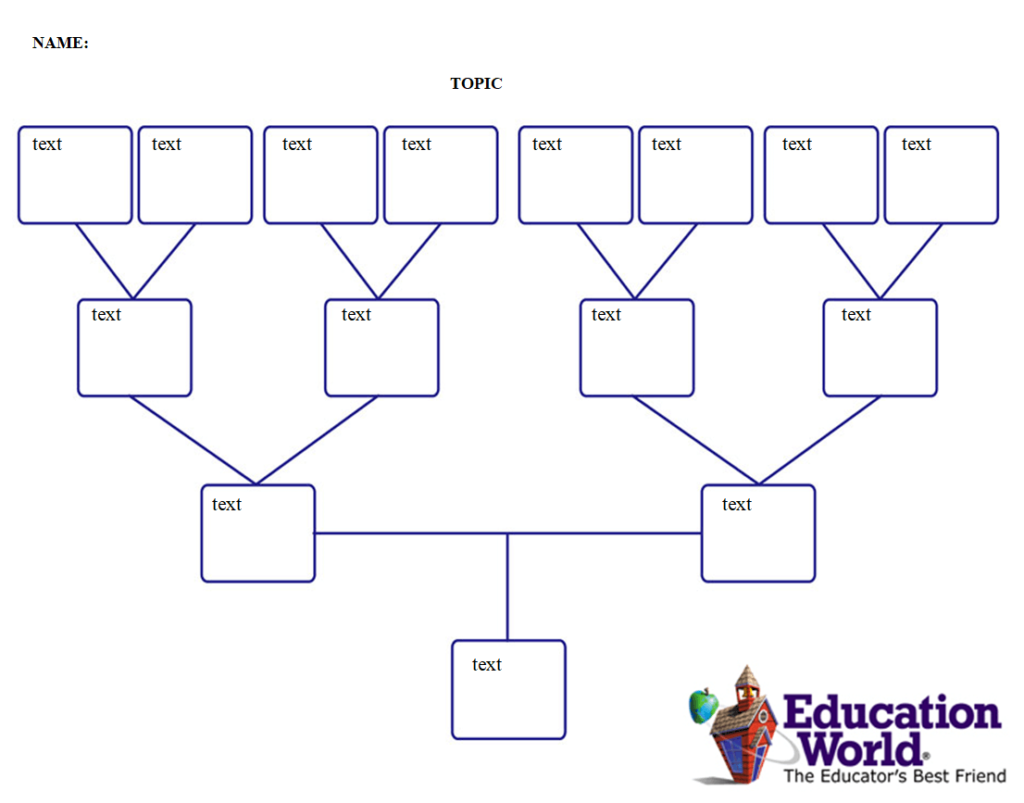
School Family Tree Template Doc
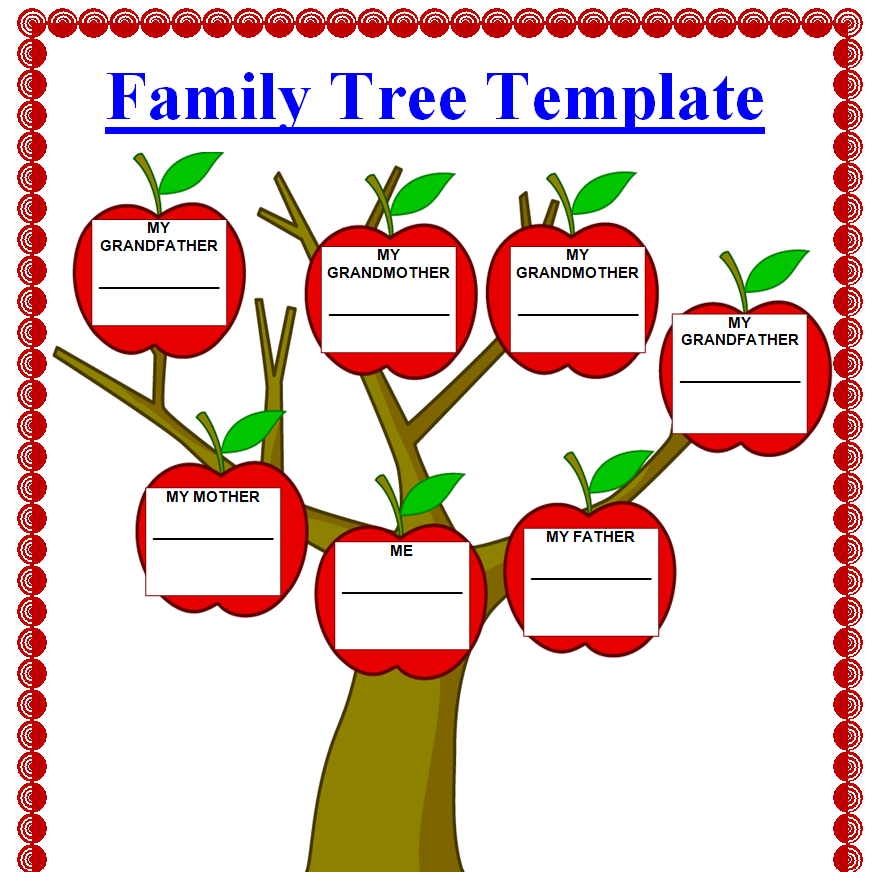
Editable Family Tree Template
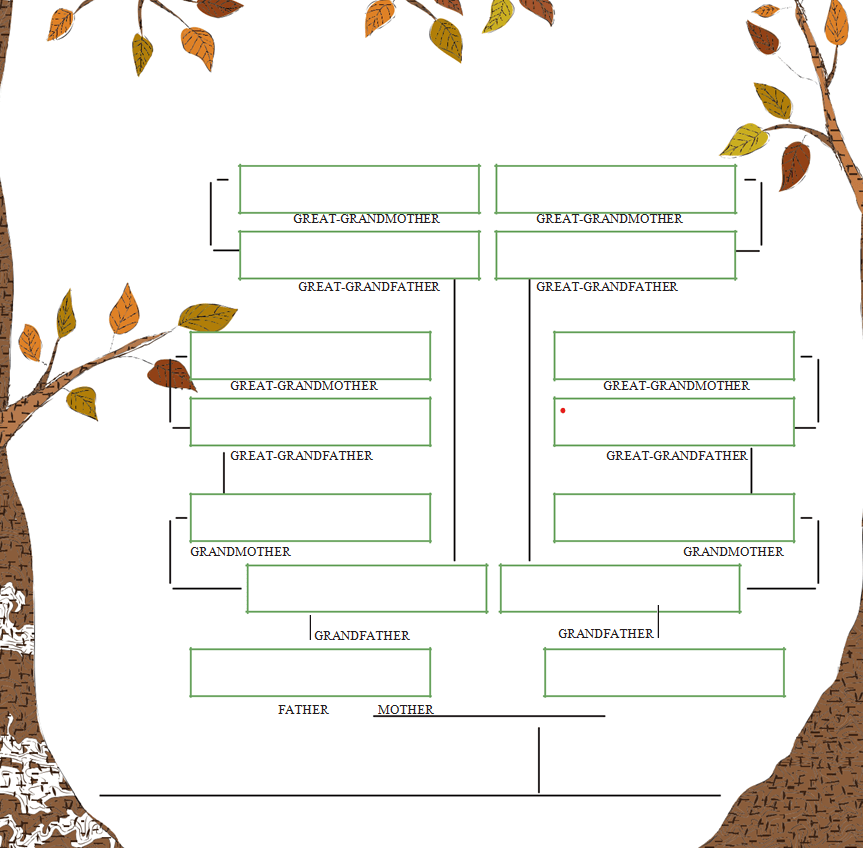
Family Tree Template Classic Design
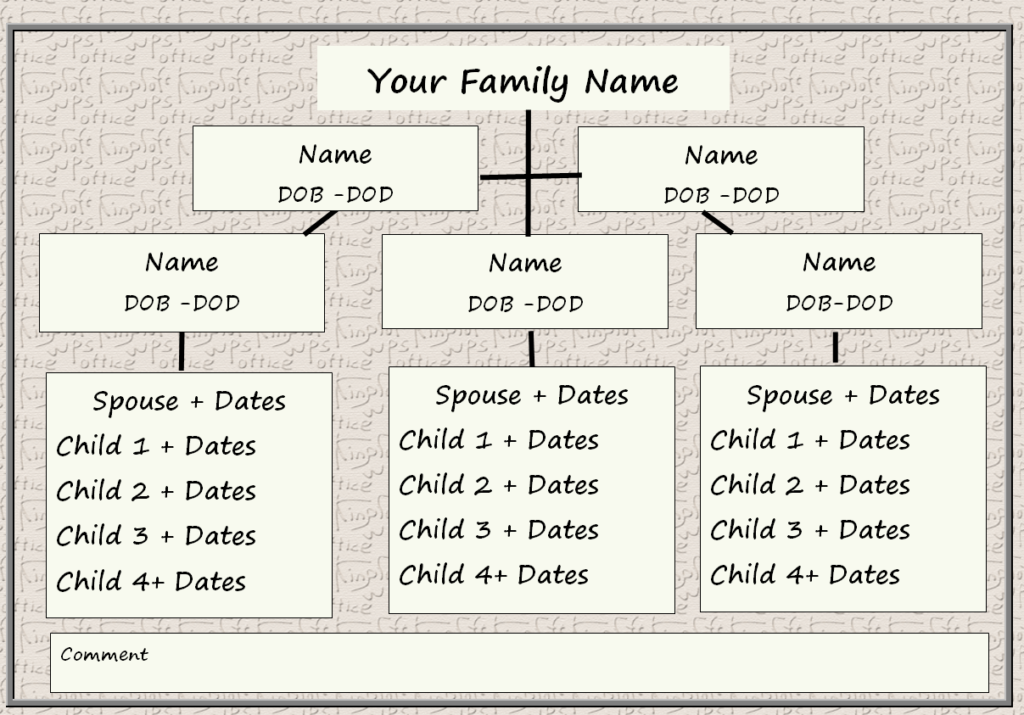
Free Family Tree Template in MS WORD

Ideas for Using Your Finished Tree
- Frame it as a gift for grandparents or an anniversary
- Bring copies to a family reunion and ask relatives to fill in the gaps
- Use it for a school heritage project
- Add it to a family history book or family newsletter
Writing the stories behind the names? Our autobiography templates help you capture memories, and a personal timeline shows key events in order. Teachers can pair the tree with a kids timeline for a complete family history lesson.
Frequently Asked Questions
How many generations should a family tree include?
Three or four generations (back to your great-grandparents) fits nicely on one page. Go further on a larger poster or with multiple linked pages.
How do I show step-families or adoptions?
Use a dashed line or a different color for step and adoptive relationships, and add a small key so everyone understands it.
Can kids use these templates for school?
Yes. The kids’ and school versions have big boxes and simple layouts that are easy to fill in by hand.

You must be logged in to post a comment.