
The end of the month comes around fast. A ready-made monthly report template means you spend that time looking at what the numbers say instead of building yet another spreadsheet from scratch.
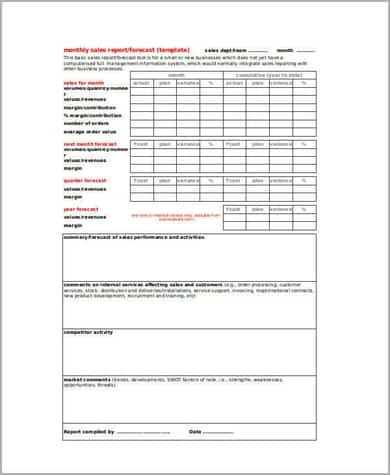
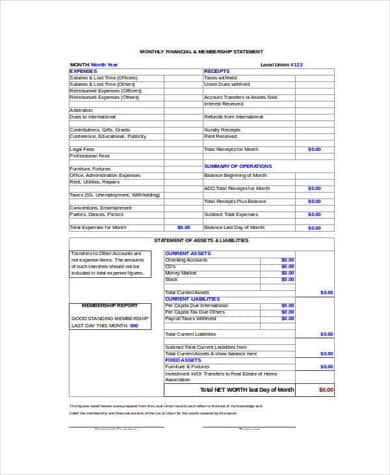
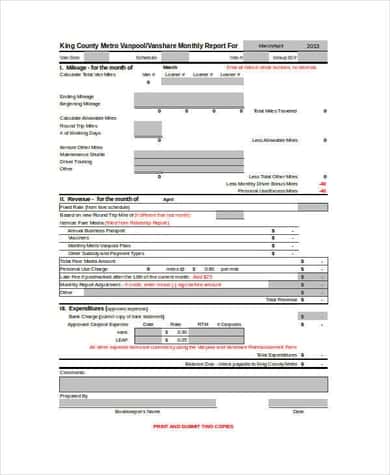
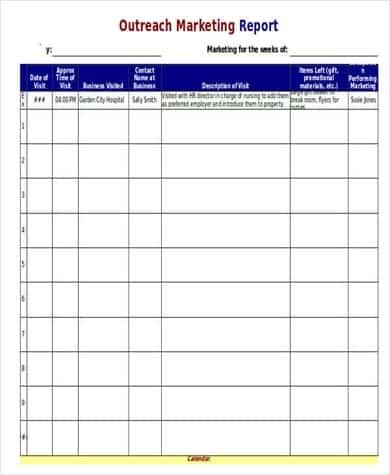
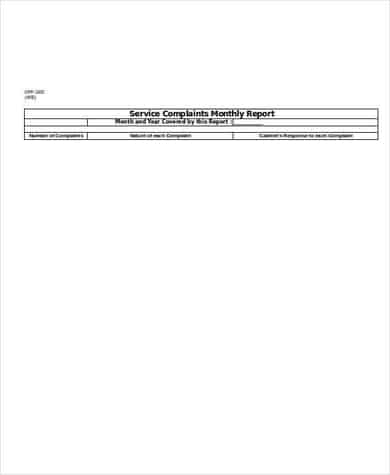
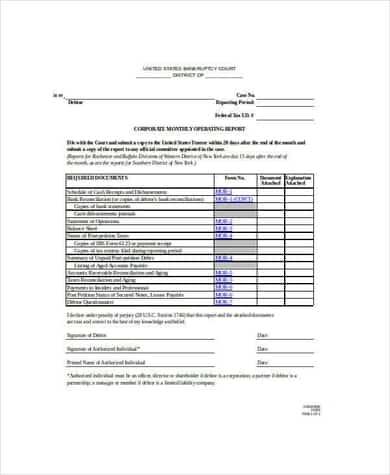
Here are 6 free monthly report templates in Excel: a sales report, a financial report, a general monthly report example, an outreach marketing report, a service report and a business operating report.
What a Monthly Report Should Answer
- What did we plan to achieve this month?
- What actually happened? (the key numbers)
- How does that compare with last month and the same month last year?
- What went well, and what didn’t?
- What are we doing next month?
Monthly Report Templates for Excel

Tips for a Report People Read
Put a short summary at the very top: three or four bullet points with the headline numbers. Busy managers may read nothing else. Use the same layout every month so trends are easy to compare, and add a simple chart for anything that changes over time.
Keep raw data on a separate sheet and link the summary to it. That way, next month you just paste in fresh numbers.
Add visuals with our Excel chart templates, and collect the day-to-day details with a daily work report. Marketing teams can pair this with an SEO report template, and nonprofits may want a budget worksheet alongside their monthly figures.
Set a consistent reporting scope
State the department, reporting period, preparation date and the sources used for the figures. Use measures that relate to the work being reviewed and label their units. A count of completed requests, a response time and a spending amount are different kinds of measure; they should not be added together into a single total. Keep definitions consistent with the previous report so that a change in the number does not merely reflect a changed definition.
Explain the difference rather than only showing it
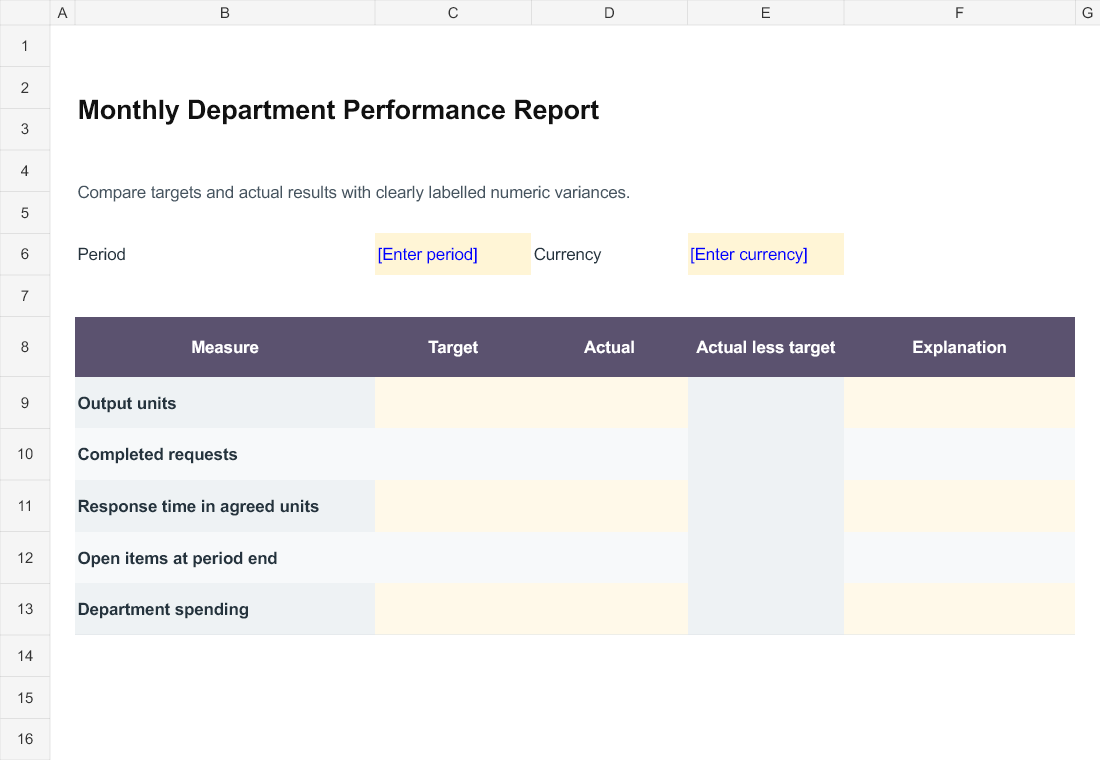
The workbook calculates actual less target for completed numeric pairs. It does not decide whether a difference is favourable. A larger output count and a longer response time may need opposite interpretations. Use the explanation column to identify the reason, the evidence available and whether the issue needs a decision or follow up. Distinguish a data problem from an operational result so readers do not act on a figure that is still being corrected.
End with specific responsibilities
Record the work completed during the month and the actions needed in the next period. Assign a person and a due date to a follow up that needs attention. Keep unresolved questions visible and identify the data owner who can answer them. Before circulating the report, compare totals that should reconcile with the source record and check that notes refer to the same period as the figures. Retain the issued version with its source references.
Editable Word and Excel Resources
Monthly Department Performance Report
Compare targets and actual results with clearly labelled numeric variances. Download the editable Excel file below.
Frequently Asked Questions
What is included in a monthly sales report?
Total sales, sales by product or region, comparison with targets and the previous month, new customers and top performers.
Can I use these templates in Google Sheets?
Yes. Unzip the download, upload the Excel file to Google Drive and open it with Sheets.
How long should a monthly report be?
One to three pages is plenty for most teams. Put extra detail in an appendix or a linked sheet.

You must be logged in to post a comment.