

The end of the month comes around fast. A ready-made monthly report template means you spend that time looking at what the numbers say instead of building yet another spreadsheet from scratch.
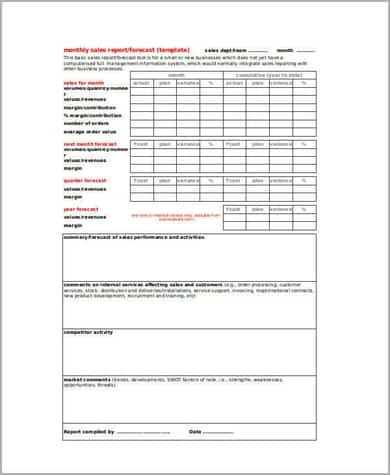
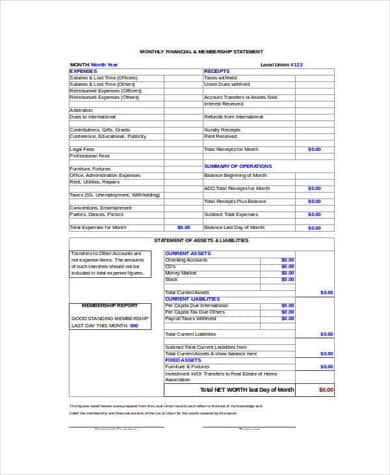
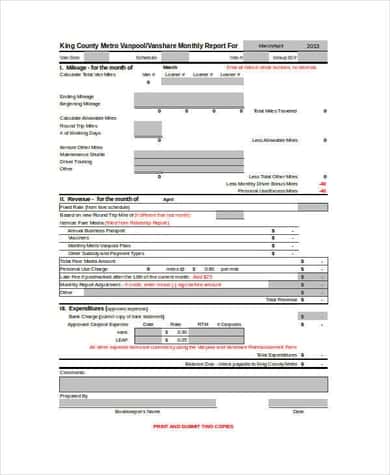
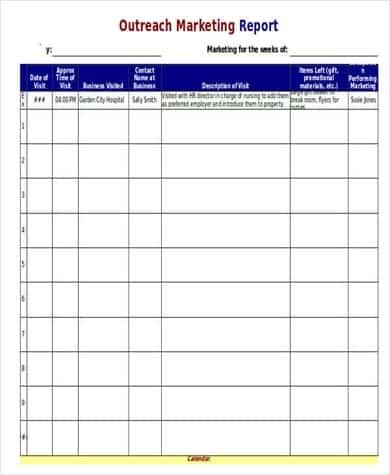
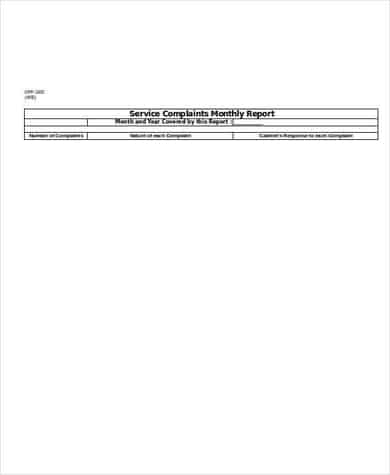
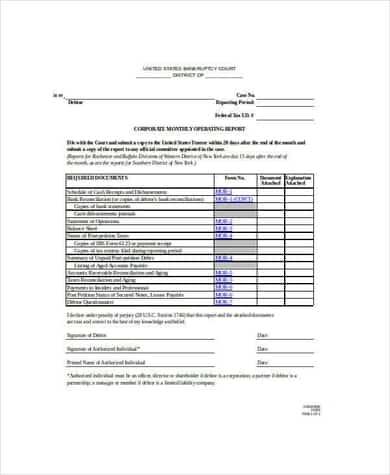
Here are 6 free monthly report templates in Excel: a sales report, a financial report, a general monthly report example, an outreach marketing report, a service report and a business operating report.
What a Monthly Report Should Answer
- What did we plan to achieve this month?
- What actually happened? (the key numbers)
- How does that compare with last month and the same month last year?
- What went well, and what didn’t?
- What are we doing next month?
Monthly Report Templates for Excel


Tips for a Report People Read
Put a short summary at the very top: three or four bullet points with the headline numbers. Busy managers may read nothing else. Use the same layout every month so trends are easy to compare, and add a simple chart for anything that changes over time.
Keep raw data on a separate sheet and link the summary to it. That way, next month you just paste in fresh numbers.
Add visuals with our Excel chart templates, and collect the day-to-day details with a daily work report. Marketing teams can pair this with an SEO report template, and nonprofits may want a budget worksheet alongside their monthly figures.
Frequently Asked Questions
What is included in a monthly sales report?
Total sales, sales by product or region, comparison with targets and the previous month, new customers and top performers.
Can I use these templates in Google Sheets?
Yes. Unzip the download, upload the Excel file to Google Drive and open it with Sheets.
How long should a monthly report be?
One to three pages is plenty for most teams. Put extra detail in an appendix or a linked sheet.

