


If you own or manage more than one rental, you already know how quickly the details pile up. Who renewed last month? Which unit is still vacant? Is the tenant in 2B two weeks late or two months late? A rent roll template answers all of those questions on a single page, so you can see the health of your properties at a glance instead of digging through emails, bank statements and sticky notes.
A rent roll is simply a list of every unit in a property along with its tenant, lease terms, rent amount and payment status. It sounds basic, but it is one of the most important documents in real estate. Landlords use it to manage cash flow, property managers use it to report to owners, lenders ask for it before approving a loan, and buyers review it carefully before purchasing a building.
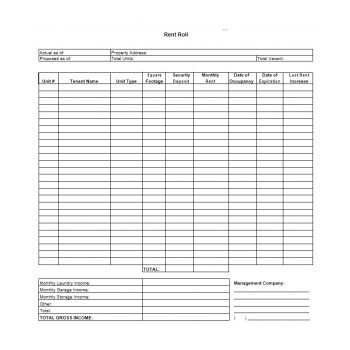
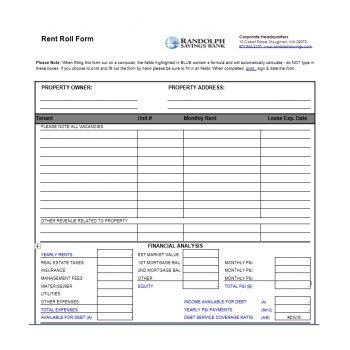
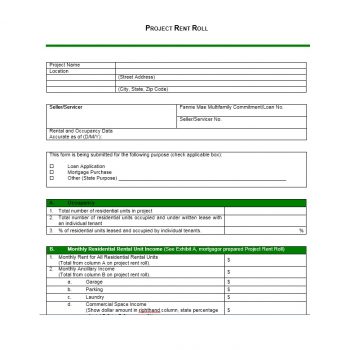
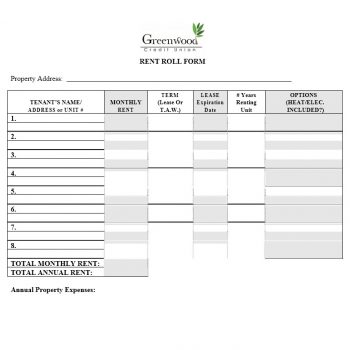
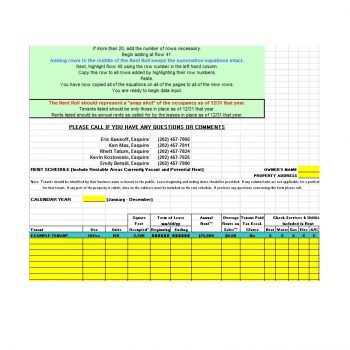
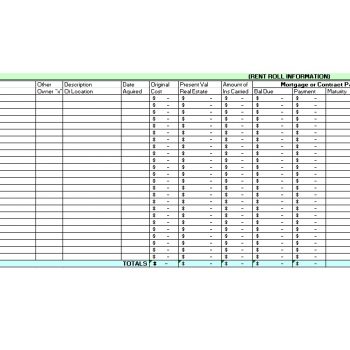
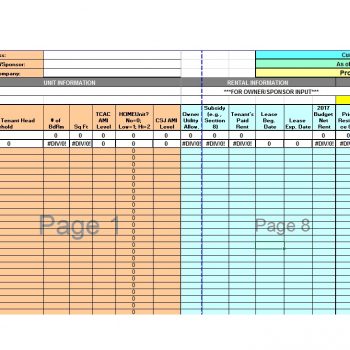
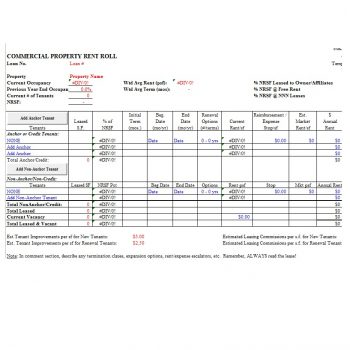
Below you’ll find 16 free rent roll templates: 12 in MS Word for simple, printable records and 4 in Excel for landlords who want automatic totals. After the templates there’s a practical guide to filling in a rent roll, keeping it accurate, and using it when you refinance or sell.
What Is a Rent Roll Used For?
Day-to-day management. A current rent roll shows which tenants have paid, which are late and which leases are about to expire, so you can follow up early and plan renewals.
Owner and investor reporting. Property managers typically send owners a monthly rent roll with occupancy, rent collected and outstanding balances.
Financing. Banks and mortgage lenders usually request a certified rent roll to verify a property’s income before lending against it.
Buying and selling. During due diligence, buyers compare the rent roll against leases and bank deposits to confirm the income the seller claims.
Taxes and bookkeeping. A tidy rent roll makes it much easier for you or your accountant to reconcile rental income at year end.
Columns to Include in Your Rent Roll
| Column | Example | Why it matters |
|---|---|---|
| Unit number | 2B | Identifies every space, including vacant ones |
| Tenant name | J. Rivera | Shows who is responsible for rent |
| Unit type / size | 2 bed, 900 sq ft | Helps compare rents across similar units |
| Lease start and end | 03/01/2026 – 02/28/2027 | Flags upcoming renewals and turnovers |
| Monthly rent | $1,450 | The core income figure |
| Security deposit | $1,450 | Tracks money you hold on the tenant’s behalf |
| Amount paid / balance due | $1,450 / $0 | Shows delinquencies immediately |
| Status / notes | Month-to-month, renewal sent | Context for anyone reading the report |
Commercial properties often add columns for lease type (gross or net), common area maintenance charges, rent escalations and options to renew.
Free Rent Roll Templates
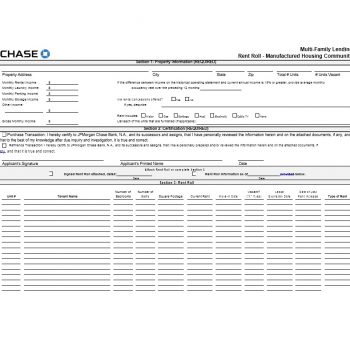
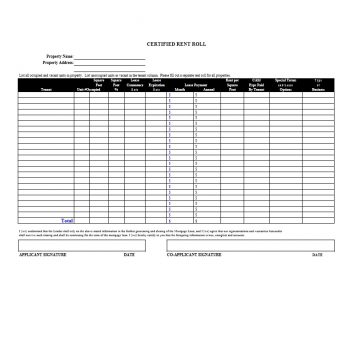
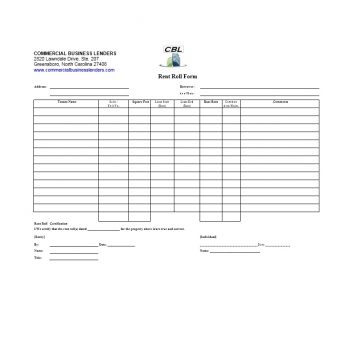
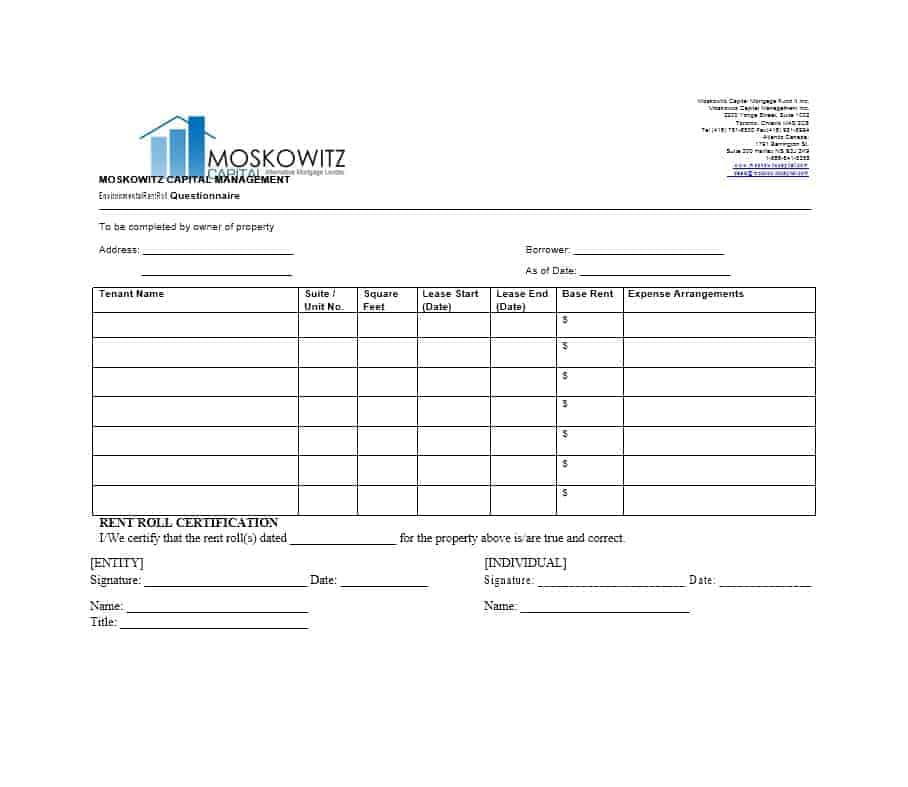
Rent Roll Templates in Word







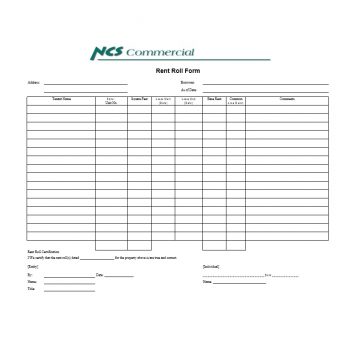
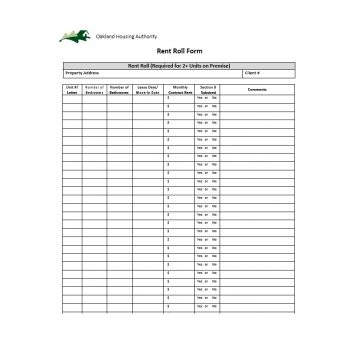
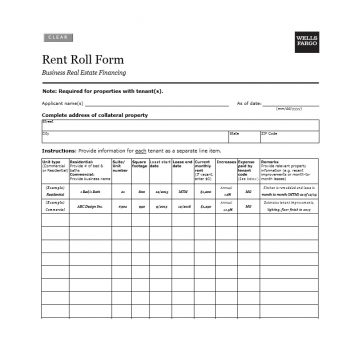
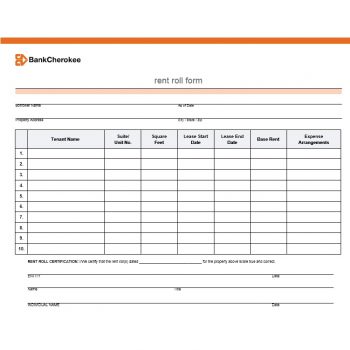
Rent Roll Templates in Excel
How to Fill Out a Rent Roll
- List every unit, occupied or not. Vacant units should appear with “Vacant” in the tenant column so occupancy is accurate.
- Copy lease details directly from signed leases, not from memory. Dates and rent amounts must match the paperwork exactly.
- Record payments as they arrive. Update the paid and balance columns each time rent is received rather than once at month end.
- Add totals at the bottom: total units, occupied units, occupancy rate, scheduled rent, rent collected and total outstanding.
- Date the report and save a copy each month. A history of rent rolls shows trends in vacancy and late payments over time.
Word or Excel: Which Should You Use?
Choose Word if you manage a handful of units, prefer a clean printed page, or need a simple report to hand to an owner. Choose Excel if you have more than a few units, want totals and occupancy rates calculated automatically, or plan to sort and filter by lease end date or balance due. Many landlords keep the working version in Excel and export a tidy PDF for reports.
Residential vs. Commercial Rent Rolls
A residential rent roll is usually straightforward: unit, tenant, lease dates, monthly rent, deposit and balance. Most apartment buildings, duplexes and single-family portfolios need nothing more, and the Word templates on this page handle them well.
A commercial rent roll carries more detail because commercial leases are more complex. Expect columns for square footage, rent per square foot, lease type (gross, modified gross or triple net), reimbursements for taxes, insurance and maintenance, scheduled rent increases, renewal options and tenant improvement allowances. Retail and office landlords often track the remaining lease term for each tenant, because lenders and buyers pay close attention to how much income is secured and for how long. If you manage commercial space, start with one of the Excel templates and add the columns you need.
A Sample Month-End Summary
Whatever template you choose, add a short summary at the top or bottom. It turns a long list into numbers you can act on:
| Measure | Example |
|---|---|
| Total units | 24 |
| Occupied units | 22 (91.7% occupancy) |
| Scheduled monthly rent | $33,600 |
| Rent collected | $31,250 |
| Outstanding balances | $2,350 across 3 tenants |
| Leases expiring in 90 days | 4 |
In a few seconds an owner can see that occupancy is healthy, collections need attention, and four renewals are coming up. Tracking the same summary month after month also reveals seasonal patterns, such as more move-outs in summer or slower payments after the holidays, which helps you plan marketing, maintenance and cash reserves well in advance.
Common Rent Roll Mistakes to Avoid
Leaving out vacant units. It makes occupancy look better than it is, and anyone who checks will notice.
Mixing up scheduled and collected rent. Scheduled rent is what tenants owe under their leases; collected rent is what actually reached your account. Show both.
Forgetting deposits. Security deposits are money you hold for tenants, not income, and they should be tracked separately and accurately.
Updating only once a year. A stale rent roll hides late payments until they become serious. A few minutes each week keeps it reliable.
Inconsistent formatting. Use the same date format, unit naming and column order every month so reports are easy to compare.
Using Your Rent Roll When Refinancing or Selling
When you apply for a loan or put a building on the market, your rent roll moves from an internal tool to a document other people rely on. Lenders use it to estimate net operating income and decide how much they will lend. Buyers use it to judge whether the asking price makes sense. Before you share it:
- Make sure every figure matches the signed leases and recent bank deposits.
- Show concessions, delinquencies and vacancies honestly rather than leaving them out.
- Include lease expiration dates, since short remaining terms affect value.
- Be ready to provide copies of leases, deposit records and a few months of bank statements so the numbers can be verified.
Buyers reviewing someone else’s rent roll should do the reverse: pick several units at random, compare the rent roll to the actual leases and payment history, and ask about any tenant with a large balance or an unusually low rent.
Tips for Keeping Your Rent Roll Accurate
- Reconcile the rent roll with your bank deposits every month. If the numbers don’t match, find out why right away.
- Highlight leases expiring in the next 60–90 days so renewals don’t sneak up on you.
- Note concessions such as a free first month or a discounted rate, so the reported rent reflects reality.
- Keep tenant contact details in a separate file and limit who can see personal information.
- Never inflate figures. Lenders and buyers verify rent rolls against leases and bank records, and an inaccurate one can derail a deal or create legal problems.
Rent rolls work hand in hand with other landlord paperwork. Give tenants a written rent payment receipt each month, agree on a payment plan when a tenant falls behind, and record maintenance jobs with a service request form. When a unit changes hands, a property handover report documents its condition, and an inventory list keeps track of appliances and furnishings in each unit.
Landlord-tenant rules, deposit limits and reporting requirements differ by state and country. Use these templates for record keeping and check local regulations or a professional advisor for legal and tax questions.
Frequently Asked Questions
What is a certified rent roll?
It’s a rent roll signed by the owner or property manager confirming that the information is true and complete. Lenders and buyers often require one during financing or a sale.
How often should a rent roll be updated?
At least monthly, and ideally whenever a payment arrives, a lease is signed or a tenant moves out.
Does a rent roll include vacant units?
Yes. Including vacancies gives an honest picture of occupancy and potential income.
What’s the difference between a rent roll and a rent ledger?
A rent roll summarizes all units in a property at one point in time. A rent ledger tracks the full payment history of a single tenant.
Can I use a rent roll for a single rental property?
Absolutely. Even with one unit, a simple rent roll keeps lease dates, deposit amounts and payment history organized, and it gives you a clean record at tax time.


