

Report cards tell students how they did. An honor roll certificate tells them you noticed. A printable honor roll certificate template makes it quick to recognize every student who earned a place on the list, whether that’s a handful of kids in one class or a whole grade at an awards assembly.
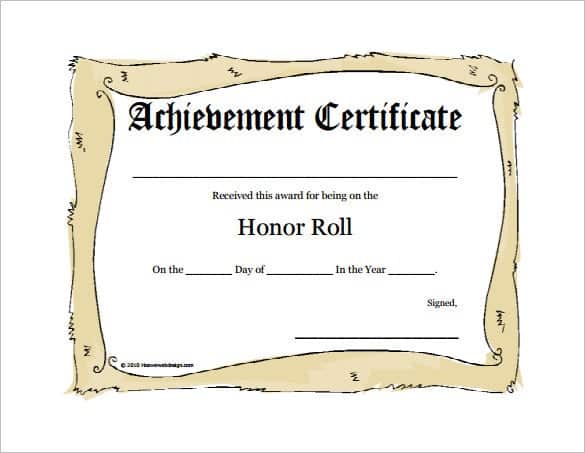
Below are 5 free honor roll certificates in Word format. Type in the names, print on cardstock and they’re ready to hand out.
Honor Roll Levels Many Schools Use
| Award | Typical requirement |
|---|---|
| Principal’s List / High Honors | All A’s, or a GPA around 3.75–4.0 |
| Honor Roll | A’s and B’s, or a GPA around 3.0–3.74 |
| Merit or Effort Award | Big improvement or outstanding effort |
Criteria vary from school to school, so adjust the wording to match your own policy.
Honor Roll Certificate Templates
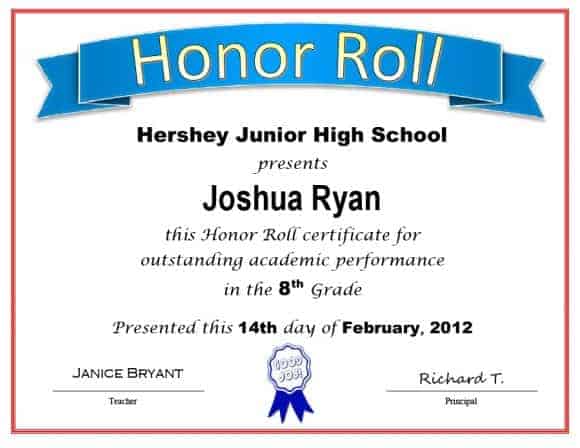


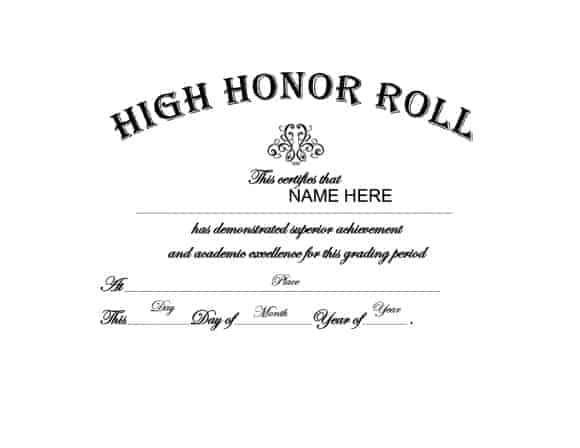
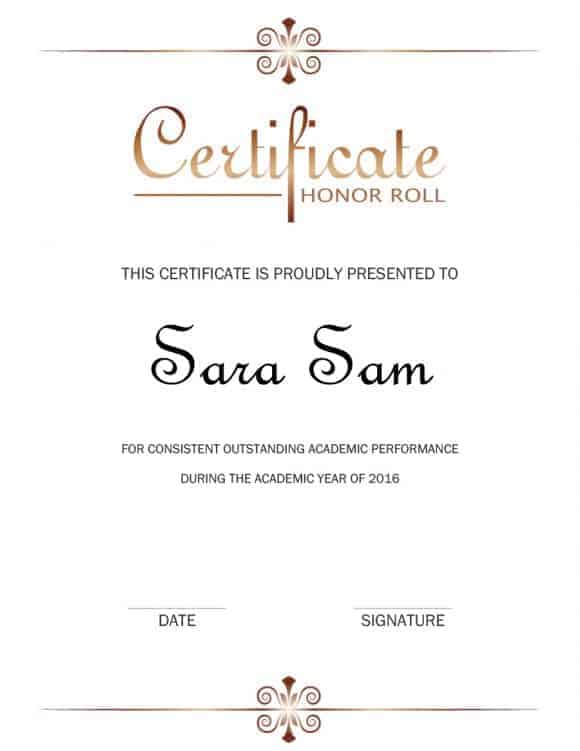
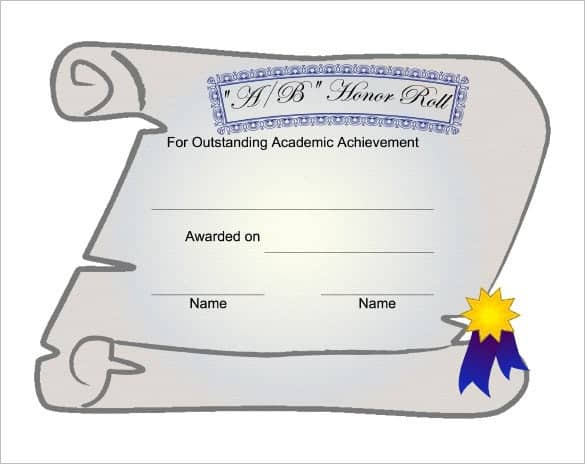
Wording Ideas
- “This certificate is proudly presented to [Name] for earning a place on the Honor Roll, Second Quarter 2026.”
- “In recognition of outstanding academic achievement, [Name] has been named to the Principal’s List.”
- “Awarded to [Name] for hard work, dedication and excellent grades this semester.”
Sign each certificate by hand if you can. Students notice, and parents often keep them for years.
Want to reward more than grades? Try our perfect attendance certificates or character certificates. Teachers can also share good news with families through a class newsletter and track progress over the year with timeline templates for kids.
Frequently Asked Questions
What does it mean to make the honor roll?
It means a student met their school’s grade requirements for a term, usually a minimum GPA or mostly A’s and B’s.
Can I add the school logo?
Yes. Open the Word file, insert your logo as a picture and position it at the top of the certificate.
What paper should I print on?
White or cream cardstock (65–110 lb) looks much more special than regular printer paper.

