
Banks, landlords and embassies often want proof of income before they say yes. The usual answer is a salary certificate: a short letter from the employer confirming an employee’s pay. A ready salary certificate format lets HR teams and small business owners issue one in minutes, with nothing important left out.
Below are 12 free salary certificate templates in Word, including monthly and annual salary certificates, a combined employment and salary certificate, and simple formats for small companies.
Note: a salary certificate is issued by the employer, on company letterhead and signed by an authorized person. Employees request it; they don’t create it themselves.
What’s on a Salary Certificate?
- Company name, logo, address and contact details
- Date and a reference number
- Employee’s name, ID or employee code, job title and joining date
- Salary details: basic pay, allowances and gross or net monthly (or annual) salary
- Purpose, e.g. “issued at the employee’s request for a bank loan application”
- Name, title, signature and company stamp of the authorized signatory
Salary Certificate Templates




Good Practice for HR
Double-check every figure against payroll before signing, and keep a copy in the employee’s file. Only share salary details with the person or institution named in the request. If the employee only needs proof that they work for you, a certificate of employment without pay details may be enough.
Print certificates on your official company letterhead. Related HR documents include the appointment letter, the promotion letter and the employee status change form for pay or role updates.
State the period and the pay basis
A salary certificate should make clear whose employment information is being confirmed and the date at which it was checked. For every amount, state the currency and whether it relates to a month, year or another pay period. Distinguish basic pay, allowances, deductions, gross pay and net pay. A reader should not have to infer whether an amount includes a bonus or whether a quoted annual amount was calculated from an unusual month.
Use an authorised personnel or payroll record
Prepare the figures from the record approved by the employer and confirm the information that can be released for the stated purpose. If the request asks for a projected figure or an average, make the basis explicit and obtain the appropriate approval. Do not quietly replace a historical payment with an expected future one. Keep the person receiving the letter and the authorised verification contact identifiable without adding unnecessary confidential information.
Review the issued letter
Check names, employee references, dates and the arithmetic in any pay breakdown before the signatory approves the document. Keep a copy of the final letter with the request and the supporting permission or authorisation record required by the employer. A change in employment or pay after the issue date does not make an old letter a current record. Prepare a newly dated confirmation through the normal process when updated information is requested.
Editable Word and Excel Resources
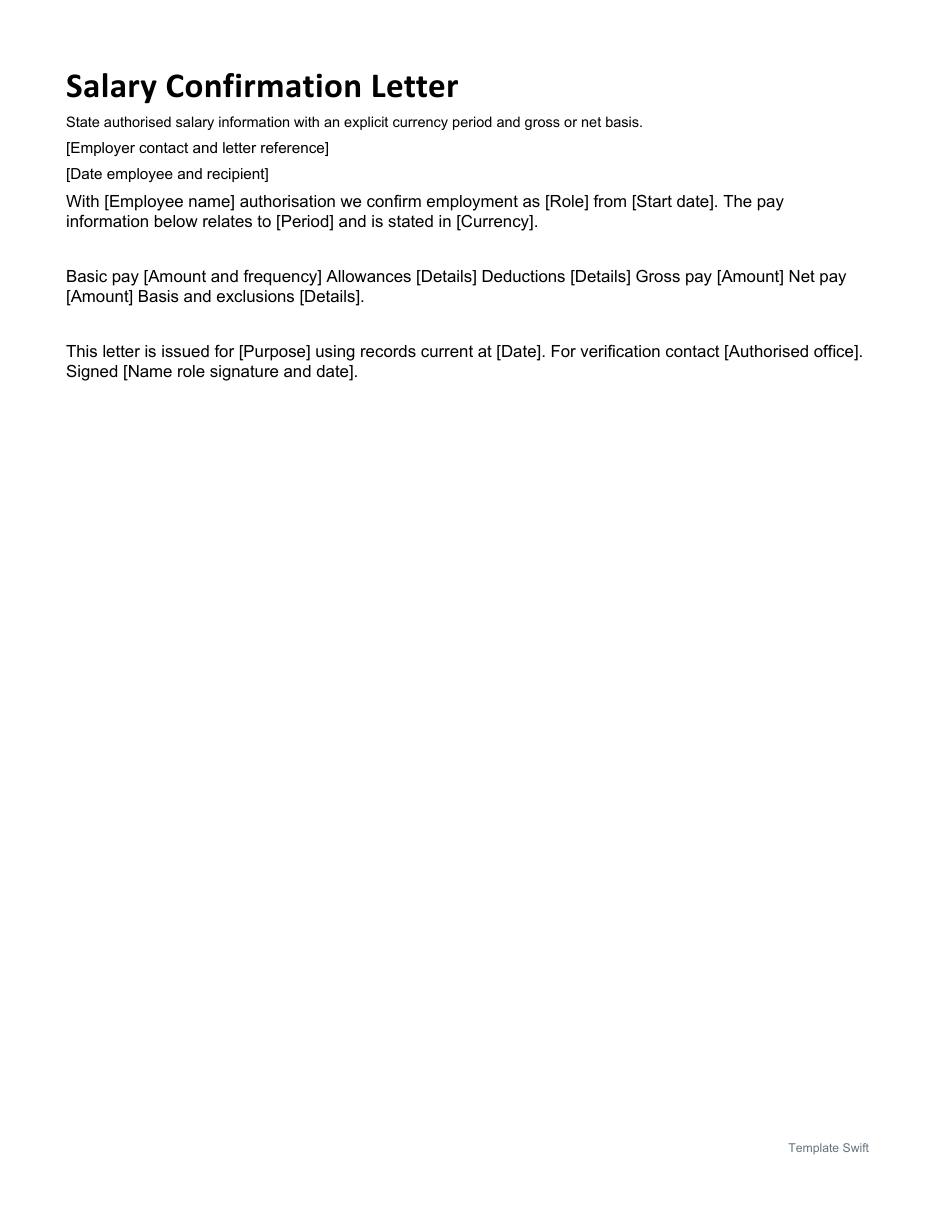
Salary Confirmation Letter
State authorised salary information with an explicit currency period and gross or net basis. Download the editable Word file below.
Frequently Asked Questions
Who issues a salary certificate?
The employer, usually the HR or finance department, signed by a manager or authorized officer.
What’s the difference between a salary certificate and a payslip?
A payslip shows one pay period in detail. A salary certificate is a formal letter summarizing current pay, often requested by banks or embassies.
Does a salary certificate need a company stamp?
It depends on the country and the requesting institution. Many banks and embassies expect a stamp along with the signature.

You must be logged in to post a comment.