
Whether you run a youth club, organise a five-a-side league or host a screening of a big match at your bar, getting people through the gate starts with a clear message. A soccer flyer does that cheaply and quickly. It can sit on a school noticeboard, a sports shop counter or a community centre wall, and it reaches parents, players and fans who may never see your social media posts.
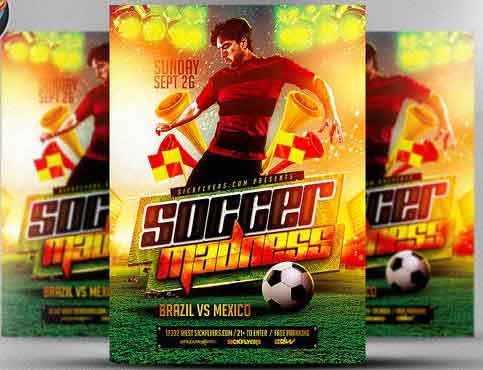
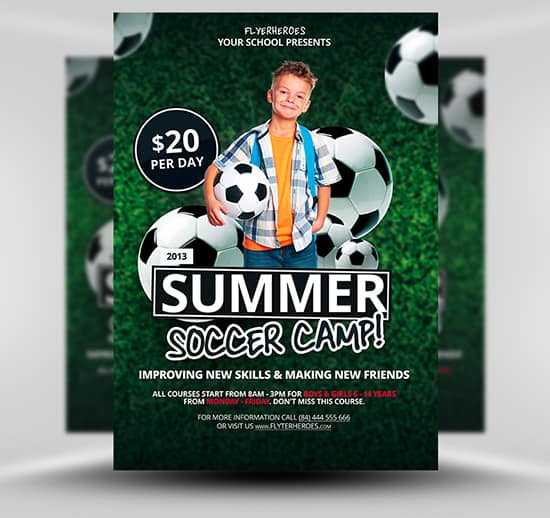
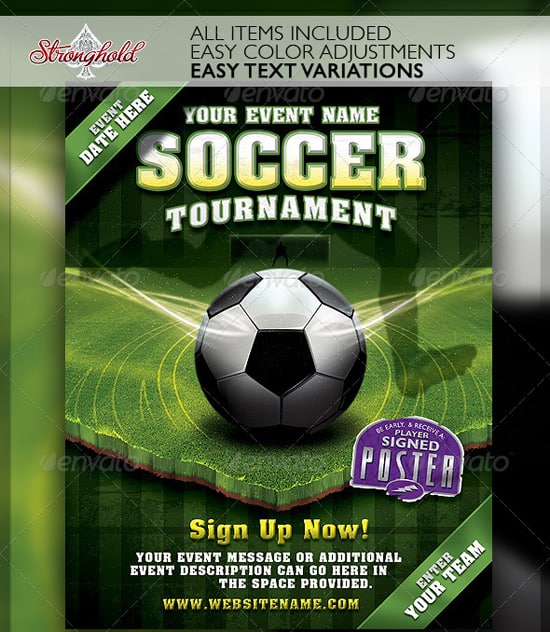
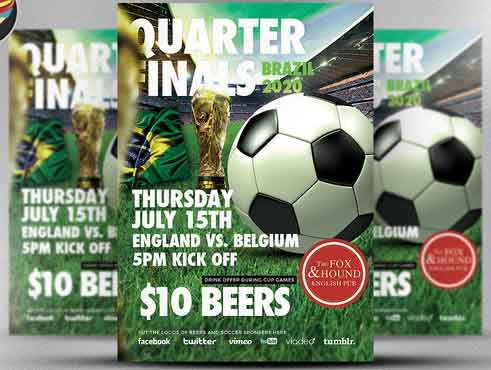
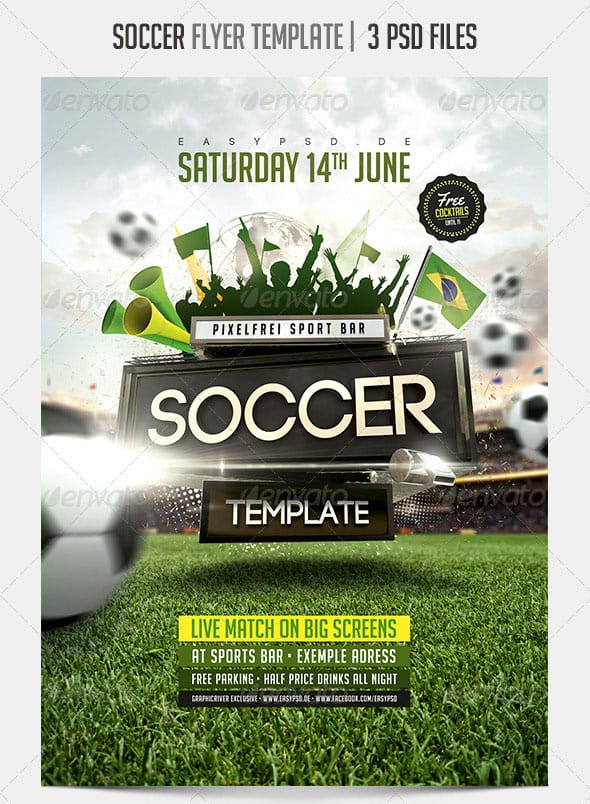
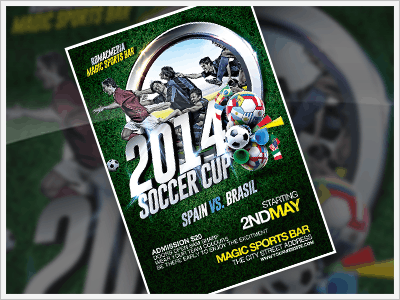
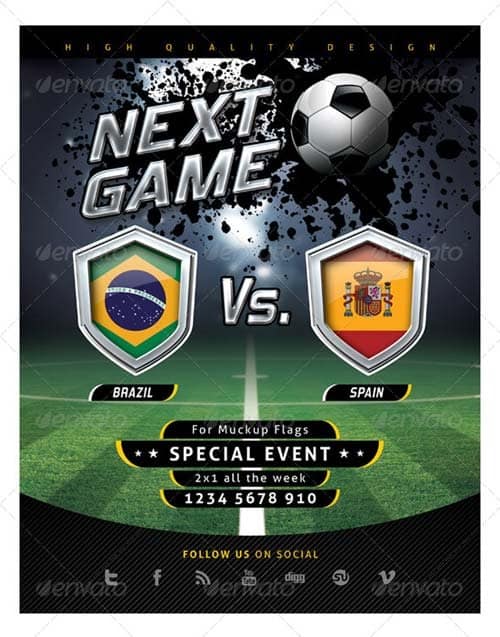
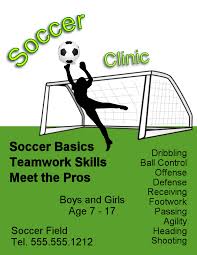
The soccer flyer templates on this page cover tournaments, training camps, match nights and themed parties. Each comes with a ready-made layout featuring dynamic action shots, bold sports typography and space for dates and contact details. Below you will also find advice on what to include for different kinds of events, how to make the design feel energetic without becoming cluttered, and how to spread the word once the flyers are printed.
Who Uses Soccer Flyers?
The audience shapes the design, so it is worth thinking about who you are trying to reach before you choose a template.
Youth clubs and academies are really speaking to parents. Their flyers need clear age groups, session times, costs, safety information and a simple way to sign up. A friendly, colourful layout with photos of children enjoying the game usually works better than an aggressive, high-contrast sports poster.
Adult leagues and tournaments want teams to enter. Entry fees, team sizes, format, deadlines and prizes take priority, and a bold, energetic style suits the competitive tone.
Bars, restaurants and fan zones showing matches are selling an atmosphere. Big screens, food and drink deals and the fixture list matter most, and a dark, stadium-lit design with floodlight effects fits the mood.
Schools, charities and community groups running fun days or fundraising matches need to explain the cause as well as the event, so leave room for a short line about where the money goes.
Please note: These designs were made by independent creators and are hosted on their own sites. Two of the original download links no longer work and have been removed. Some remaining links lead to roundup pages or paid marketplaces rather than a direct free file. Check the licence before using a design commercially. Avoid using official league or tournament names, club crests or player images unless you have permission, as these are usually protected trademarks or image rights. If you promote activities for children, include safeguarding contact details and follow your club or association’s guidance.
Soccer Flyer Designs to Download

What to Put on a Soccer Flyer
The details you include depend on the event, but most soccer flyers need the same core information. Use this as a checklist before printing:
- A clear headline. “Under-10s Summer Soccer Camp” or “Six-a-Side Charity Tournament” tells people instantly whether the event is for them.
- Date, time and venue. Include the full address and, for outdoor pitches, a note about parking or which entrance to use.
- Who can take part. Age groups, skill levels, team sizes or whether spectators are welcome.
- Cost and what it includes. Entry fees, kit, refreshments or prizes.
- How to sign up. A website, phone number, email address or QR code, plus any registration deadline.
- Organiser details. The club, school or venue running the event, so people know who to trust and contact.
For youth events, collecting entries through a proper registration form makes it easier to gather emergency contacts, medical notes and photo consent in one place. On the day itself, a printed sign-in sheet helps coaches check who has arrived and who has been collected.
Designing for Energy and Movement
Sport is about motion, and the best soccer flyers capture it. Diagonal lines, angled text and action photos with the ball in mid-flight all give a sense of speed. Placing the main image so the player appears to be moving into the page, rather than out of it, draws the reader’s eye towards the headline and details.
Colour helps too. Pitch greens with a single bright accent, such as yellow or orange, feel fresh and sporty. If the event belongs to a particular club, use the club colours for the main shapes and keep the text in white or black for contrast. Avoid putting small text over grass textures or crowd photos, which are full of detail and make words hard to read. A solid strip at the bottom of the flyer is a simple way to give the essential details a clean background.
Customising a Template Quickly
Start with a copy of the file so you always have the original to fall back on. Replace the headline first, because a longer or shorter event name can change the balance of the whole layout. Then update the date, venue and price block, and only after that move on to the photos and colours.
When swapping images, choose photos with plenty of space around the action so they can be cropped to fit the template’s shape. A close-up of a single player works well as a hero image, while wide pitch shots are better as a faded background behind text. If you have no suitable photos, simple graphic elements such as a ball, goal net pattern or pitch markings can be just as effective and avoid permission issues entirely.
Before printing, check the flyer on a phone as well, since many people will see a photo of it shared in a group chat. If the date and venue are still readable at that size, the printed version will almost certainly work too. Finally, ask someone else to proofread the details. A wrong date or a missing digit in a phone number is the most common and most costly flyer mistake, and it is very easy to miss when you have looked at the same design for an hour.
If you are producing several flyers for a season, such as one for trials, one for the summer camp and one for an end-of-season tournament, save your finished design as your own master template. Keeping the same layout and colours across all of them builds recognition, so parents and players start to spot your club’s flyers at a glance.
Getting the Flyers Seen
Think about where your audience already goes. For youth programmes, that means schools, libraries, leisure centres, after-school clubs and children’s sports shops. Many schools will share a digital copy in their newsletter if you ask politely and the event is local and affordable. For adult leagues, try gyms, workplaces, universities, pubs that show matches and community noticeboards.
Timing matters. Summer camps and new seasons tend to fill up when parents are planning ahead, so put flyers out several weeks before the start date and again closer to the deadline. For match nights, a week or two in advance is usually enough, with a reminder post on the day.
Do not forget the people who will help you run the event. A separate flyer or a line on the main one asking for coaches, referees and helpers can be paired with a simple volunteer application form. For holiday programmes that cover more than football, our summer camp flyers offer broader designs, and a clear event itinerary helps teams know when and where each match is played.
After the Final Whistle
Promotion does not have to stop when the event ends. Share photos (with the right permissions), thank sponsors and volunteers, and announce the next event while enthusiasm is high. Young players often love a small keepsake, and a printed certificate of attendance is an inexpensive way to recognise everyone who took part. Keeping a list of who came and how they heard about the event will also tell you which flyer locations worked best next time.
Frequently Asked Questions
Can I use these templates for a youth club or school?
Yes, most of these designs adapt easily to youth events. Swap in age-appropriate photos you have permission to use, and add safeguarding and contact information.
Can I use official tournament logos on my flyer?
Generally not without permission. League, tournament and club logos are usually protected trademarks. Describe your event in your own words, for example “international match screening”, and use generic football imagery instead.
What software do I need to edit them?
Many of the designs are layered PSD files, which need an editor that supports that format. Some sources also offer versions for other programs. Check the file type on the download page before you start.
How many flyers should I print?
It depends on how many locations you plan to cover. Start with a modest run, see which places generate interest, and reprint for the best ones rather than ordering a large batch up front.
Should I include photos of real players?
Only if you have permission. For children, get written consent from a parent or guardian, and avoid including full names alongside photos.
