
Making a magazine used to mean expensive design software and a print shop on speed dial. Today a decent magazine template for Word gets you most of the way there. Drop in your photos, paste in your articles, adjust the colors, and you have a publication that looks far more polished than the time it took.
This page gathers 12+ magazine templates and layout ideas, from bold covers to clean editorial spreads. Some are Word files; a few link to the original designer’s page, where you can check the format and license before downloading.
Where People Use Magazine Templates
- Schools and colleges for yearly magazines and student projects
- Companies for internal staff magazines and customer publications
- Clubs and communities for event round-ups and member stories
- Small businesses for lookbooks, menus and seasonal catalogs
- Bloggers and creators who want a printable edition of their best posts
The Building Blocks of a Good Layout
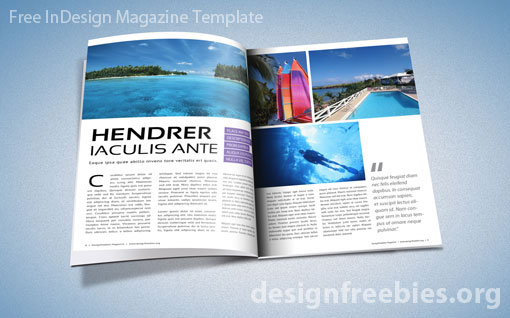
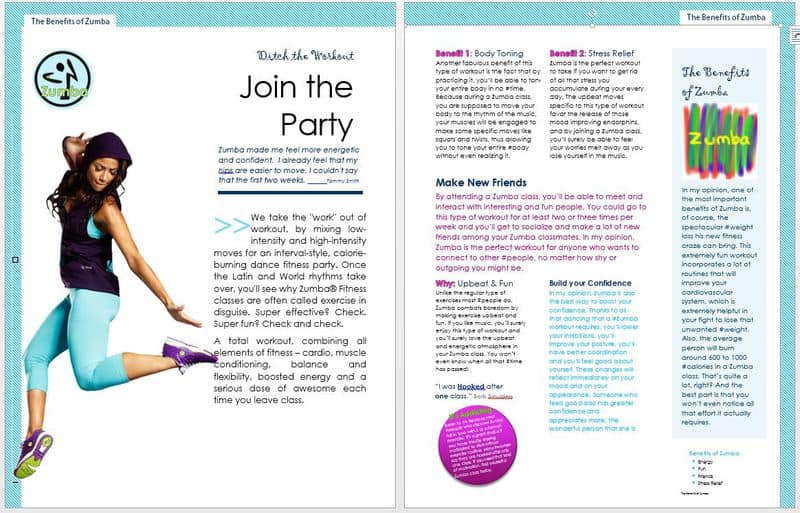
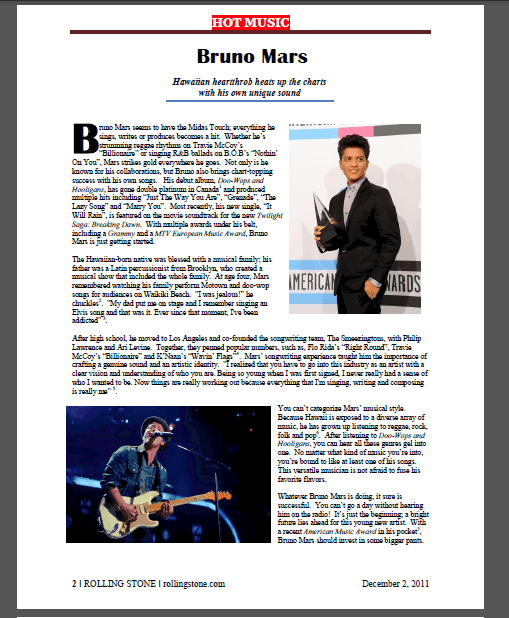
Readers decide in seconds whether to keep turning pages. Strong magazines share a few habits: a cover with one big image and a short, clear headline; a contents page; a consistent grid of two or three columns; generous white space; and pull quotes that break up long articles. Pick two fonts at most, one for headings and one for body text.
Magazine Templates for Word
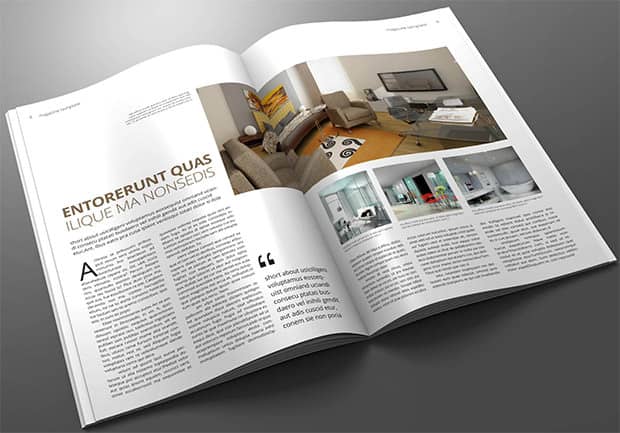

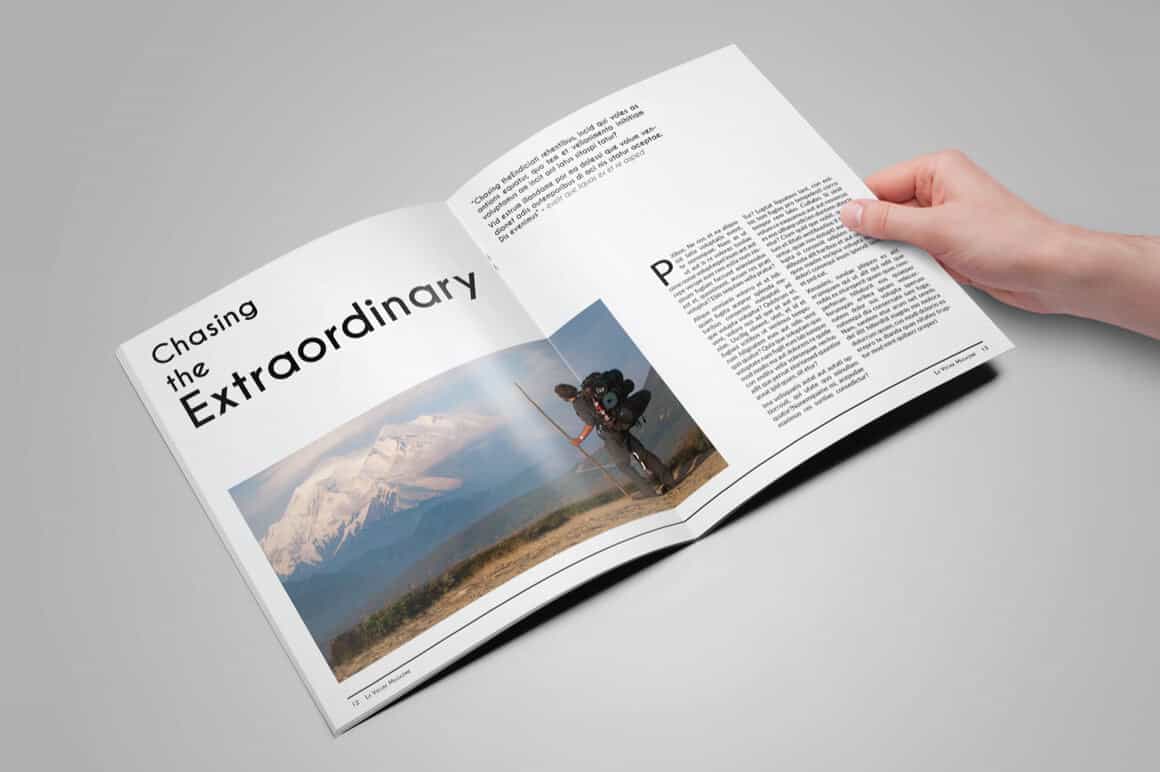
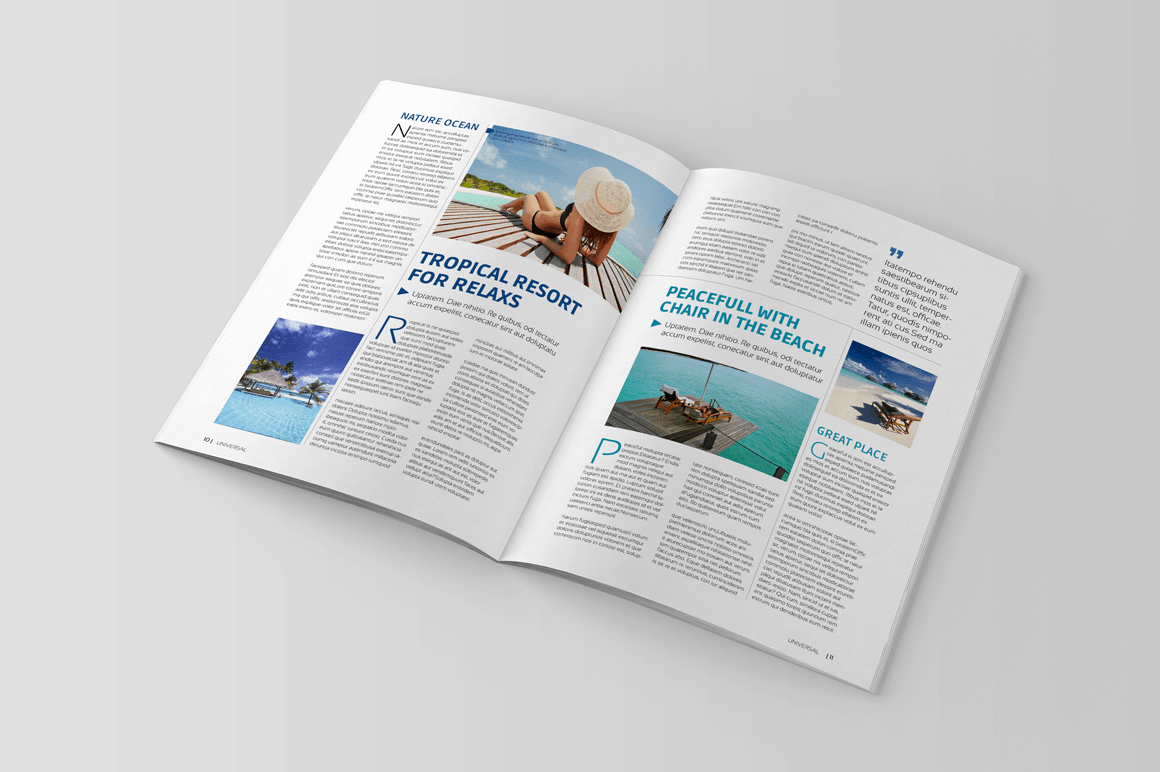
From Template to Finished Magazine
- Plan the page count and the order of articles before you touch the design.
- Collect high-resolution photos (at least 300 dpi for print).
- Apply the template’s styles to headings and body text rather than formatting by hand.
- Proofread on paper. Mistakes are much easier to spot in print.
- Export to PDF for printing or for sharing online.
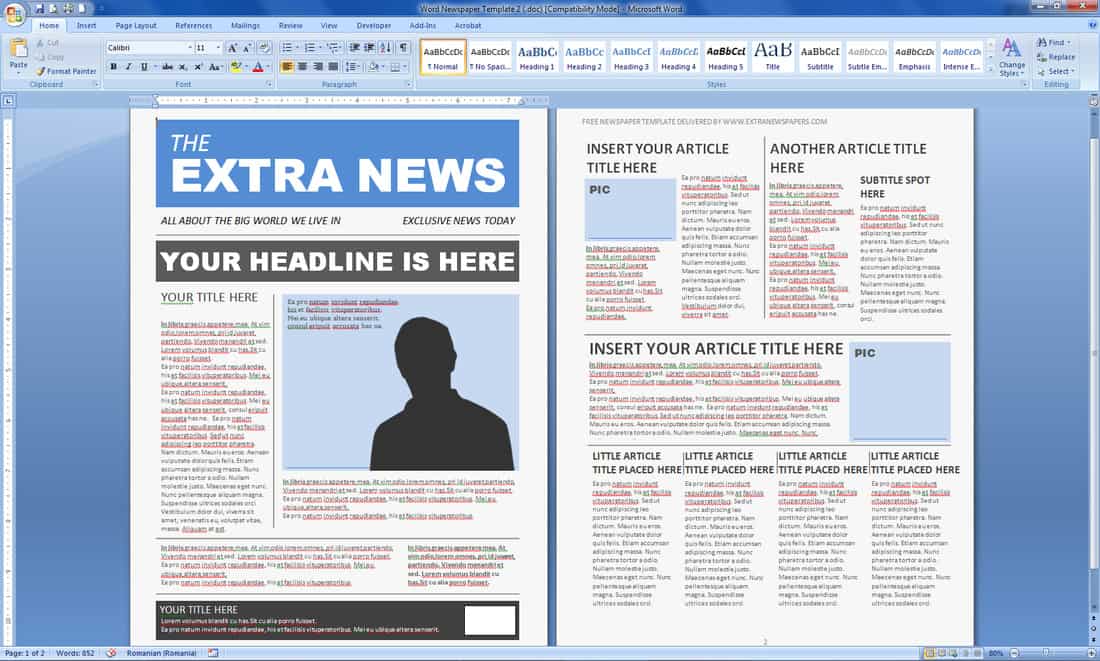
Prefer something shorter? Our newsletter templates and newspaper templates in Word are quicker to fill, and the family newsletter templates are perfect for a personal yearly round-up. For product-heavy layouts, see our business catalog templates.
Frequently Asked Questions
Can I really make a magazine in Microsoft Word?
Yes. Word handles columns, text boxes, images and styles well enough for school, club and company magazines. Professional publishers usually use dedicated layout software.
Are all of these magazine templates free?
Many are free, but a few download buttons point to the designer’s own website where the template may be paid or have its own license. Always check before you use one commercially.
What size should a magazine be?
Letter (8.5 x 11 inches) and A4 are the most practical sizes for home and office printing.

You must be logged in to post a comment.