
Running out of printer ink right before a deadline, or discovering three boxes of the same item in the stockroom, usually means one thing: no inventory list. An inventory list template in Excel gives you a simple, sortable record of what you have, where it is and when to reorder.
This page has 18 free inventory list templates. Some are for businesses (restaurants, salons, clothing stores, chemical and equipment stock), some for organizations like classrooms and sports clubs, and a few for home use, including a household inventory and a moving checklist.
Columns Worth Including
| Column | Why it helps |
|---|---|
| Item / SKU | Identifies each product without confusion |
| Description and location | Tells you what it is and where to find it |
| Quantity on hand | The number you actually counted |
| Unit cost and total value | Shows how much money is tied up in stock |
| Reorder level | Flags when it’s time to buy more |
| Supplier | Speeds up reordering |
Inventory List Templates for Excel
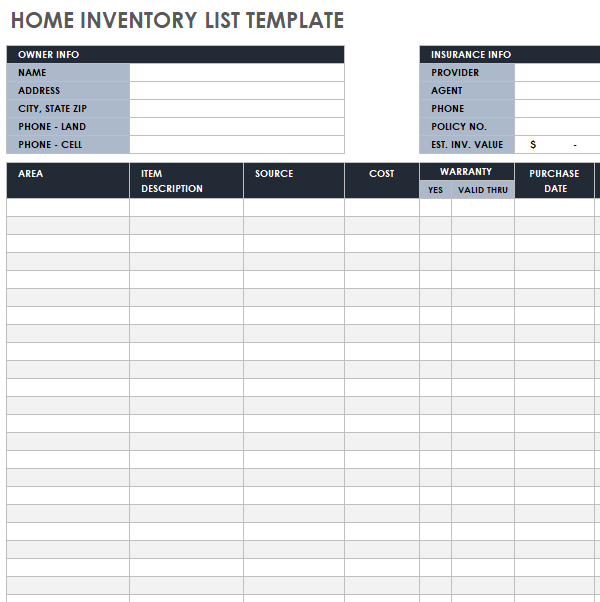
Home Inventory List Template
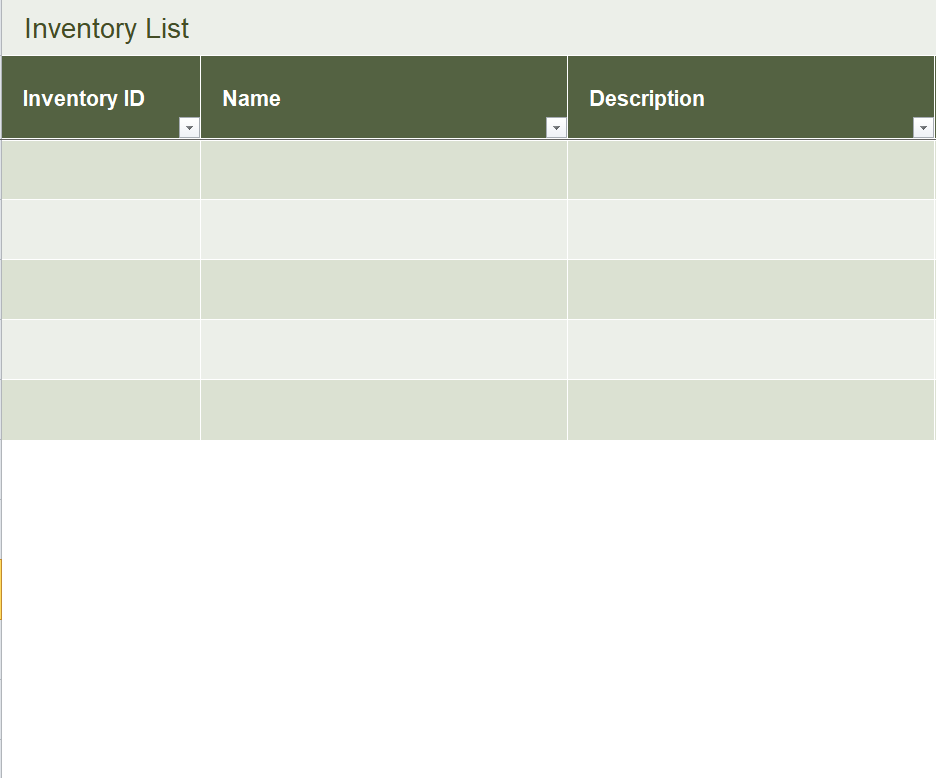
Blank Inventory List Excel Template
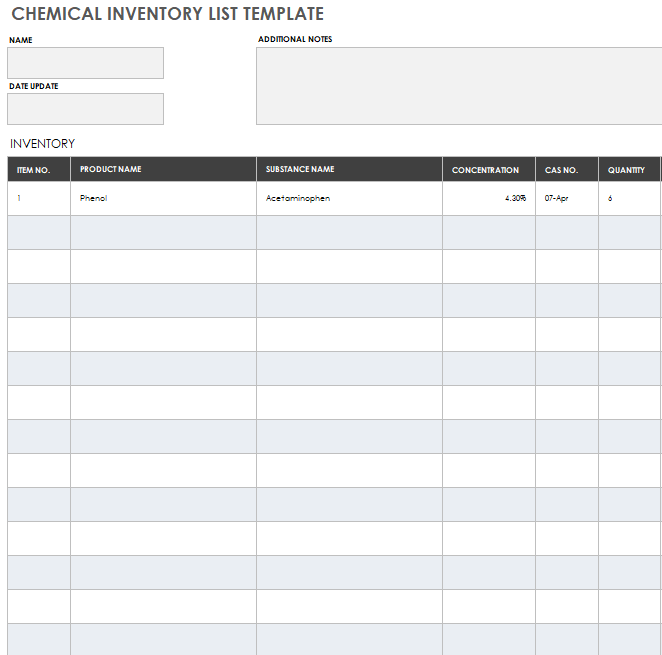
Inventory List Template for Chemical Industry
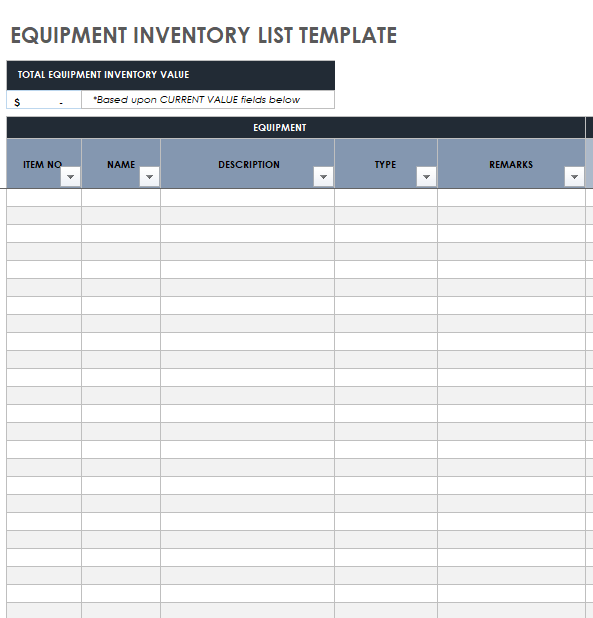
Sample Inventory List for Equipment
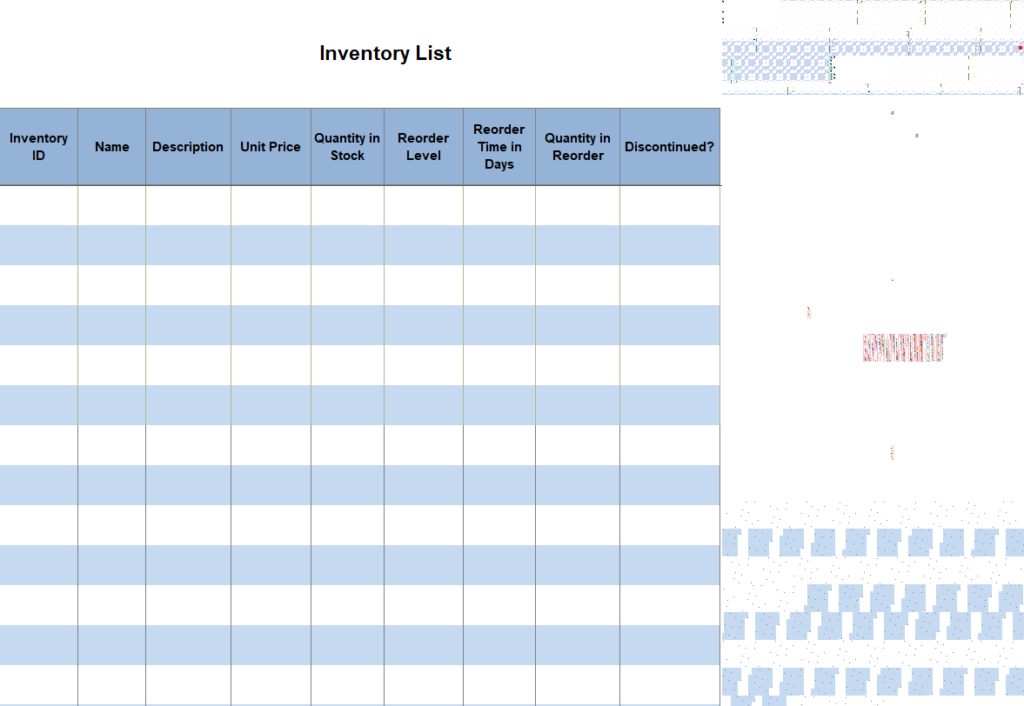
Free Printable Inventory List Template Excel

Classroom Inventory List Template

Inventory List Template Document for Office Supplies

Fillable Inventory List XLSX Template
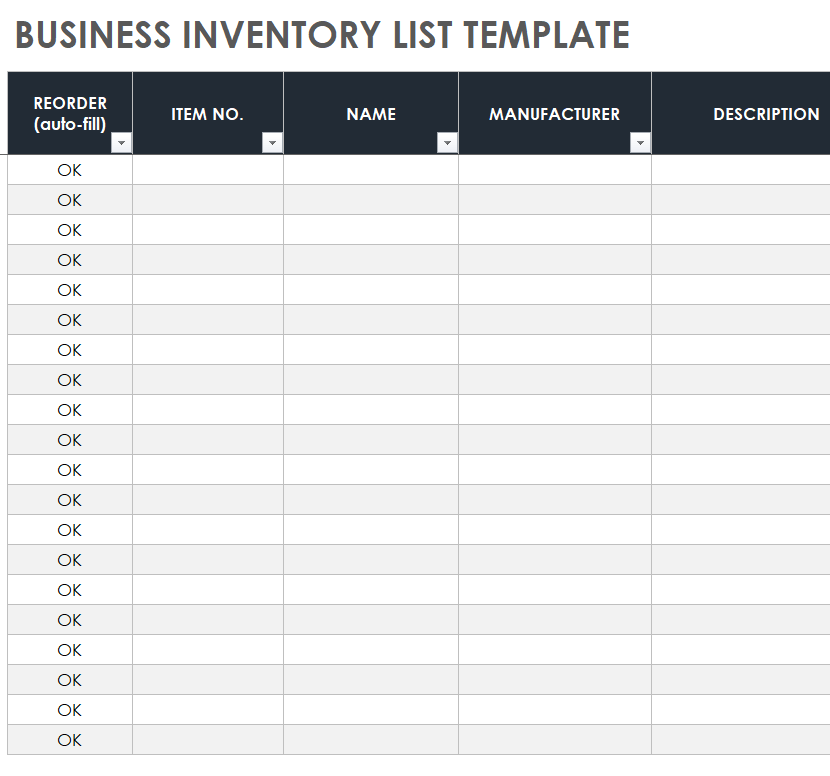
Example Business Inventory List Template
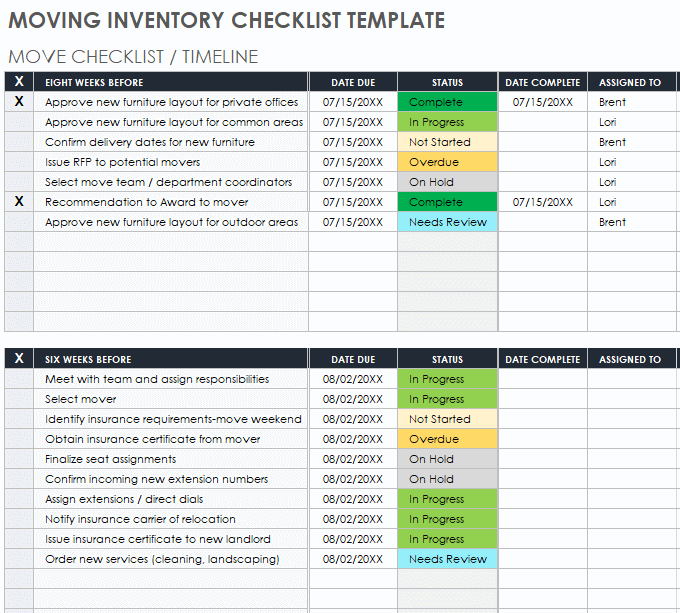
Moving Inventory Checklist Template
Simple Inventory List Layout Template
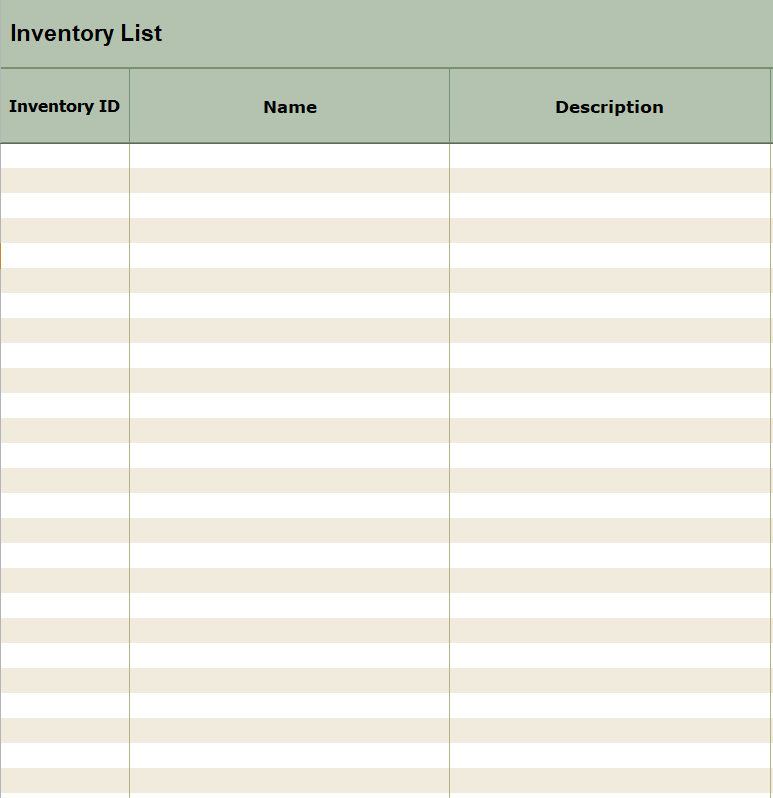
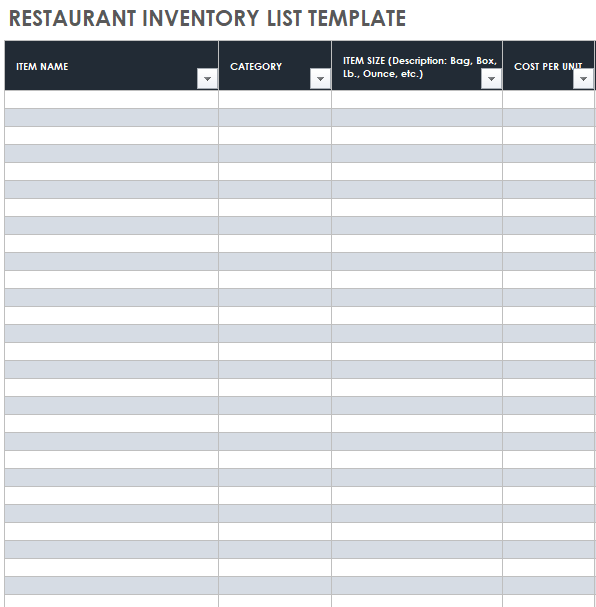
Restaurant Inventory List Template in XLSX Format
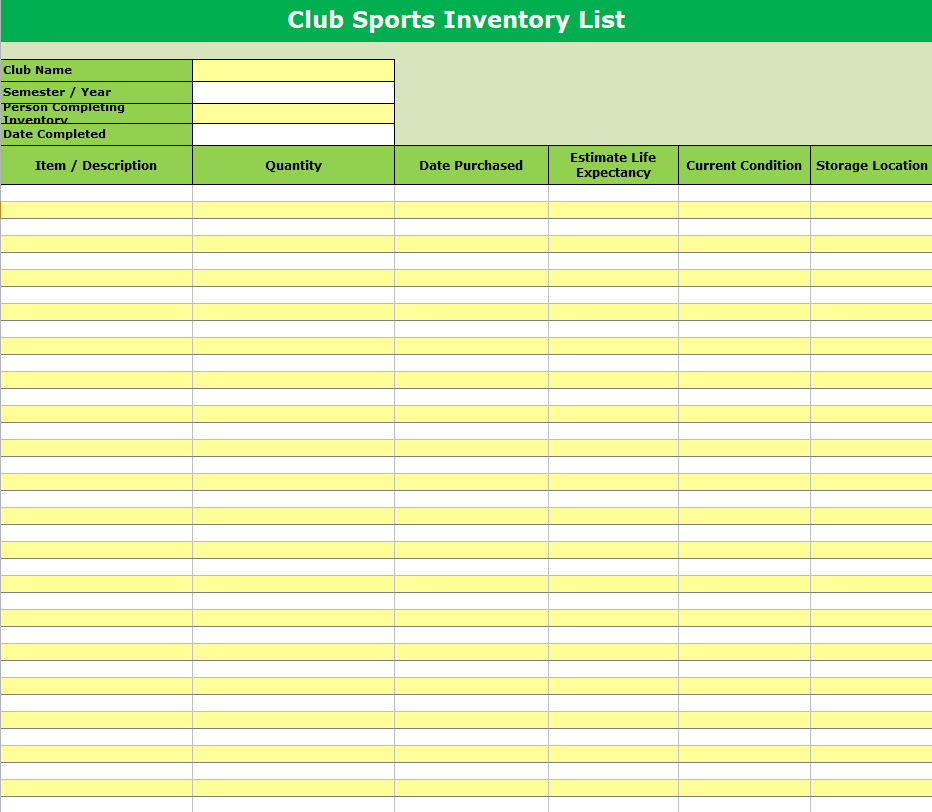
Inventory List Template for a Sports Club
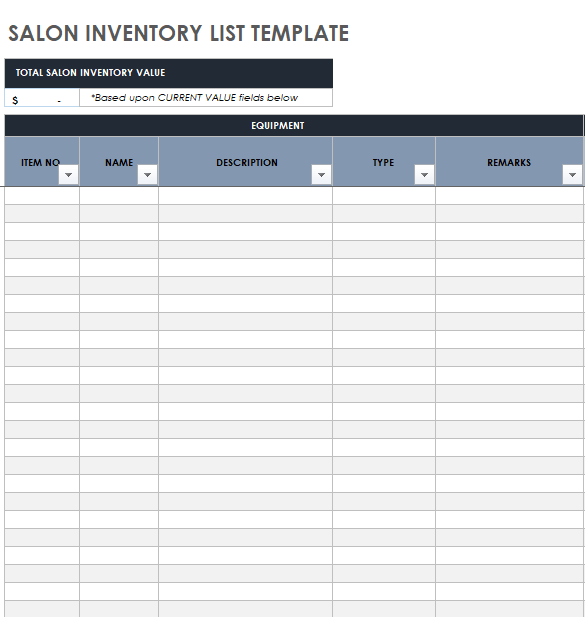
Salon Inventory List Sample Template
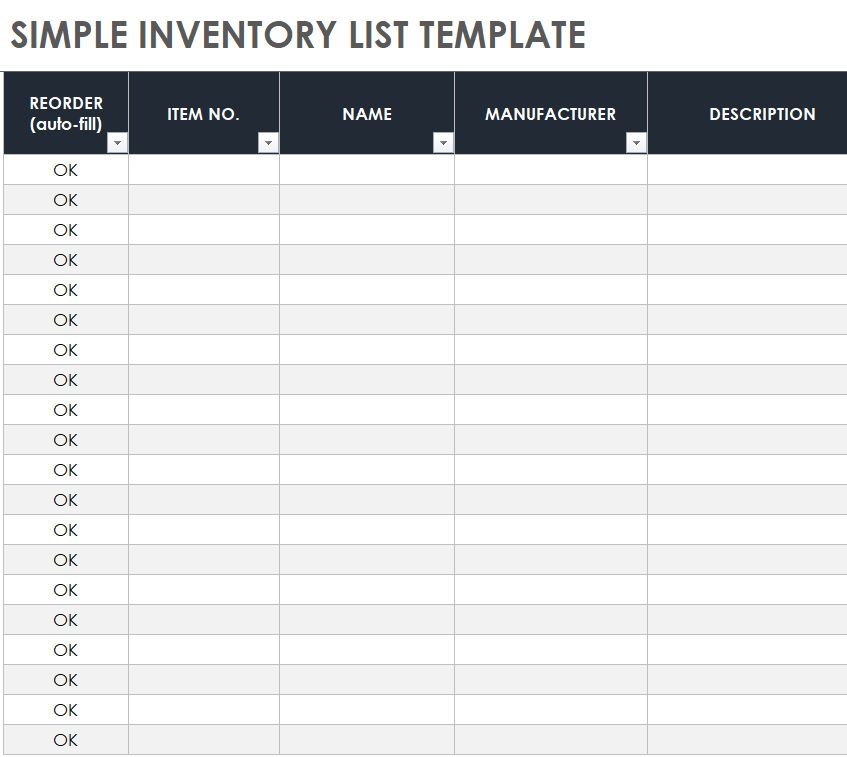
Simple Inventory List Format
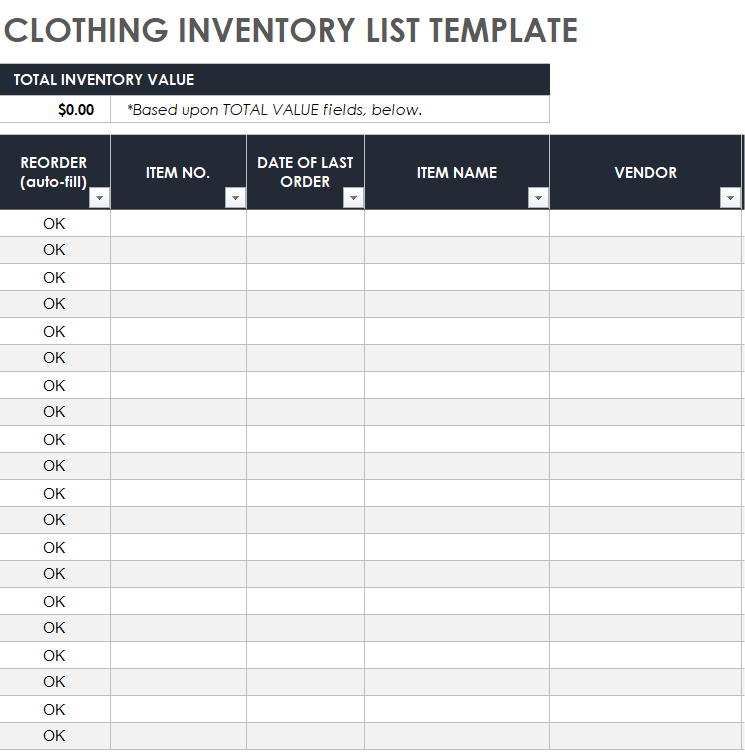
Inventory List Template for Clothing Business
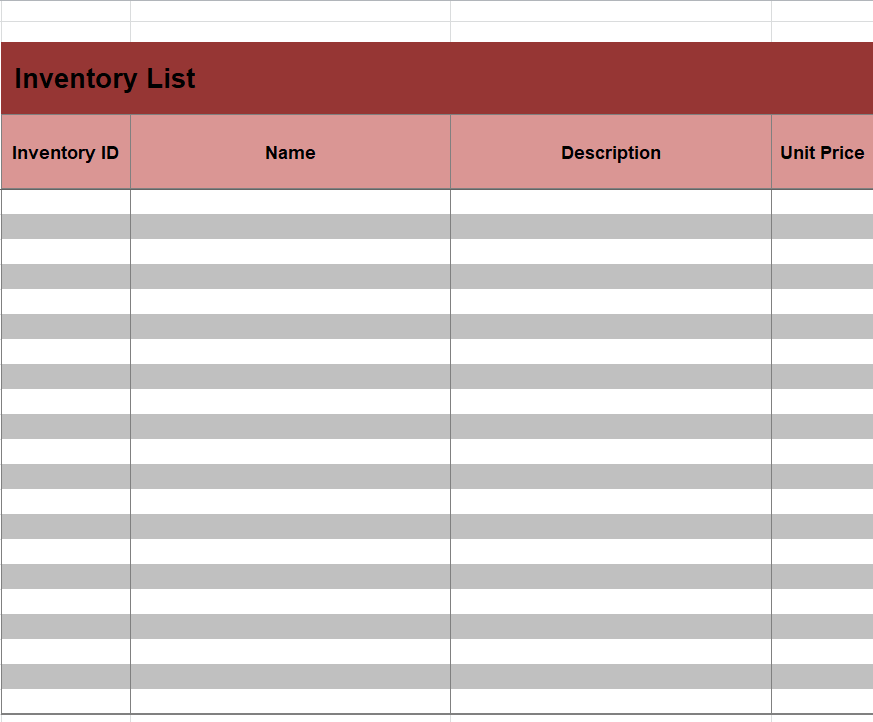
Customizable Inventory List Excel Template
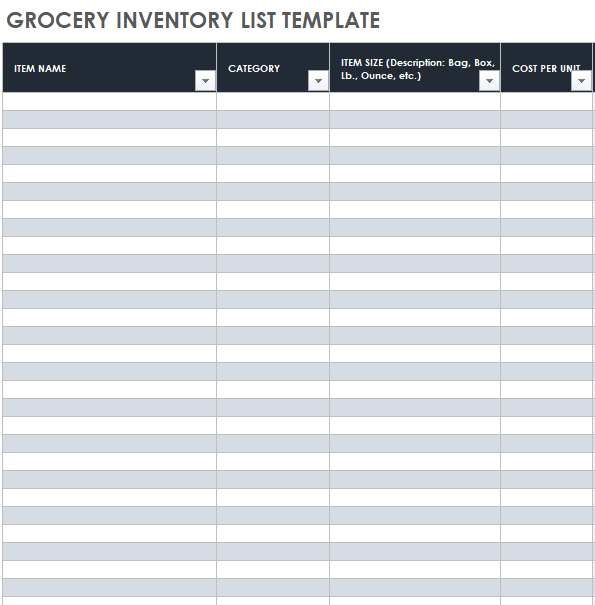
Home Grocery Inventory List Template
Keeping Your Inventory Accurate
A list is only useful if it matches what’s on the shelf. Count high-value or fast-moving items weekly and everything else monthly or quarterly. Update the sheet every time stock comes in or goes out, and use Excel’s conditional formatting to turn a cell red when quantity drops below the reorder level.
For home inventories, add photos and serial numbers of valuable items. It can make insurance claims much smoother after a theft, fire or flood.
Turn your numbers into visuals with our Excel chart templates. When stock arrives, check it against the delivery note or delivery order. Use a checklist template for regular stock counts, and roll the results into a monthly report.
Frequently Asked Questions
What’s the difference between an inventory list and a stock list?
They’re often used interchangeably. An inventory list usually includes more detail, such as value, location and supplier.
How often should I update my inventory?
Ideally every time stock moves. At minimum, do a full physical count once a month or once a quarter.
Can I use these templates in Google Sheets?
Yes. Upload the Excel file to Google Drive and open it with Sheets. Formulas and formatting usually carry over well.

You must be logged in to post a comment.