
When someone buys an original painting, a signed print or a handmade piece, they want to know it is the real thing. A certificate of authenticity (COA) is the document that says so. It records what the work is, who made it and when, and carries the creator’s signature as a personal guarantee.
Below are 12+ free certificate of authenticity templates in Word and PDF. Fill one in, print it on quality paper and slip it in with the piece.
What Should a Certificate of Authenticity Include?
| Field | Example |
|---|---|
| Title of the work | “Harbor at Dawn” |
| Artist or maker | Jane Ortiz |
| Medium and size | Oil on canvas, 24 x 36 in |
| Year created | 2026 |
| Edition number (for prints) | 14 / 50 |
| Unique certificate ID | JO-2026-014 |
| Statement of authenticity | “I certify that this is an original work created by me.” |
| Signature and date | Hand-signed in ink |
Who Uses These Certificates?
Artists and photographers include a COA with originals and limited-edition prints. Galleries and dealers issue them when a piece changes hands. Craft makers and small brands use them for handmade jewelry, furniture or collectibles. Some businesses also adapt the layout to confirm genuine products or signed memorabilia.
Download Certificate of Authenticity Templates
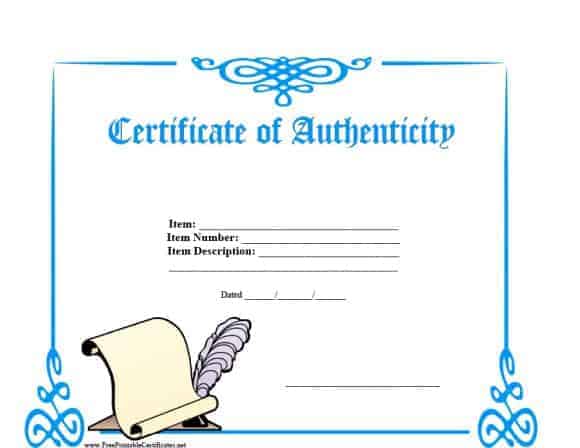

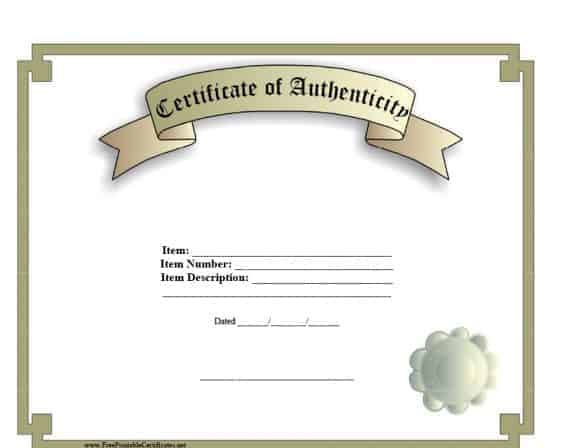
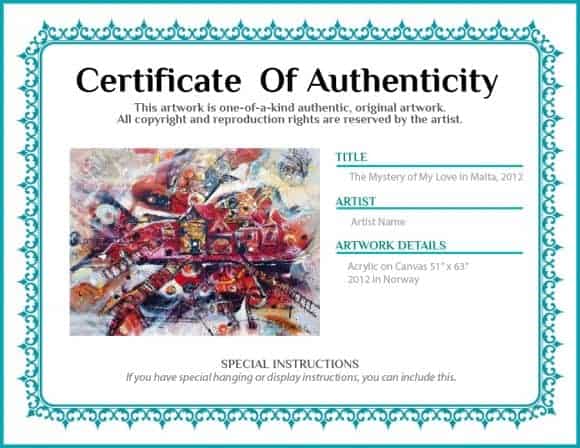
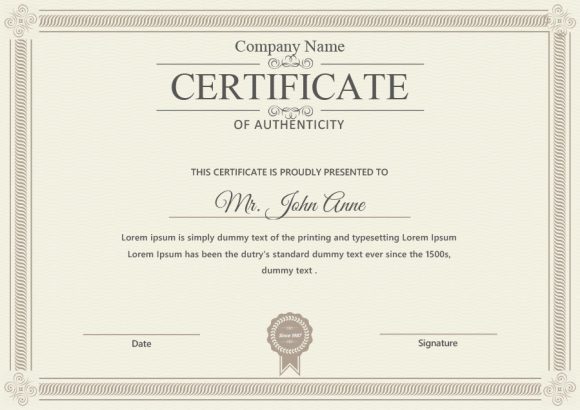
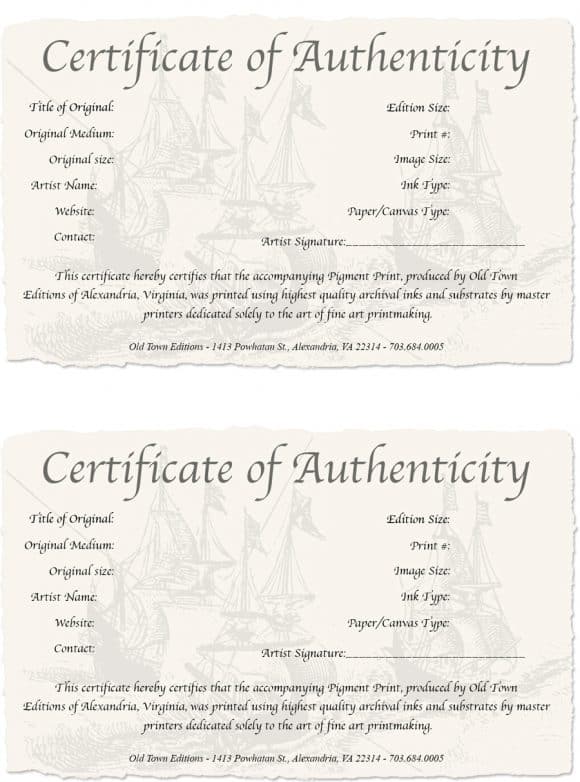
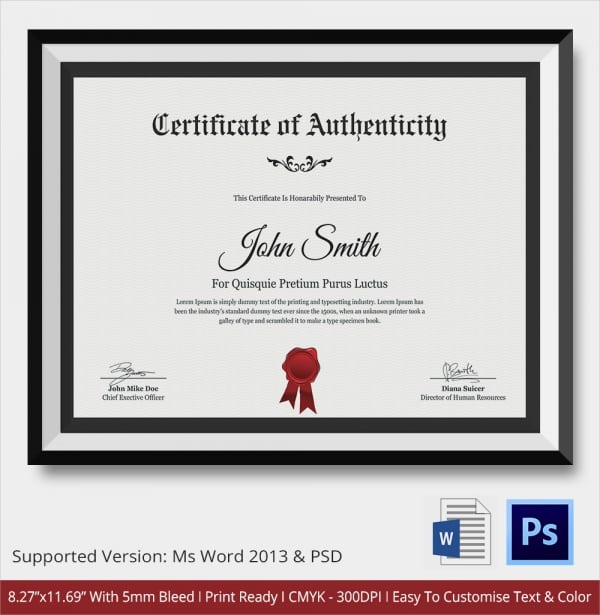
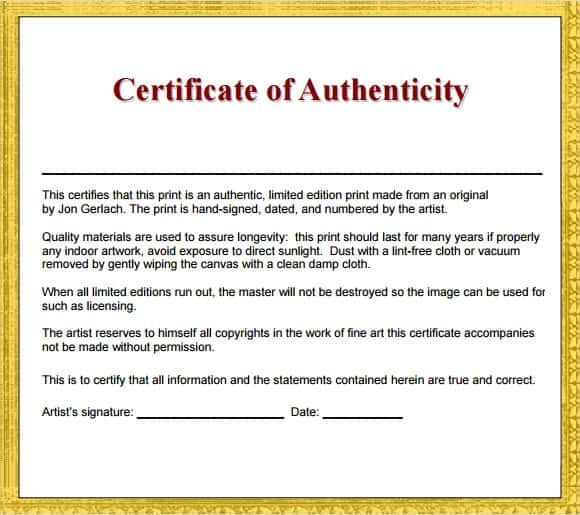
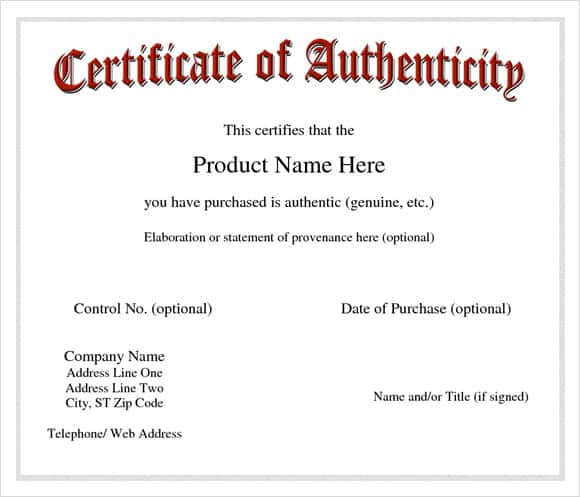
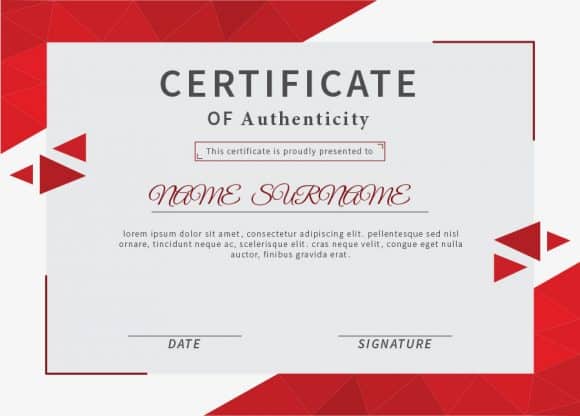
Image Examples of Authenticity Certificate Templates:
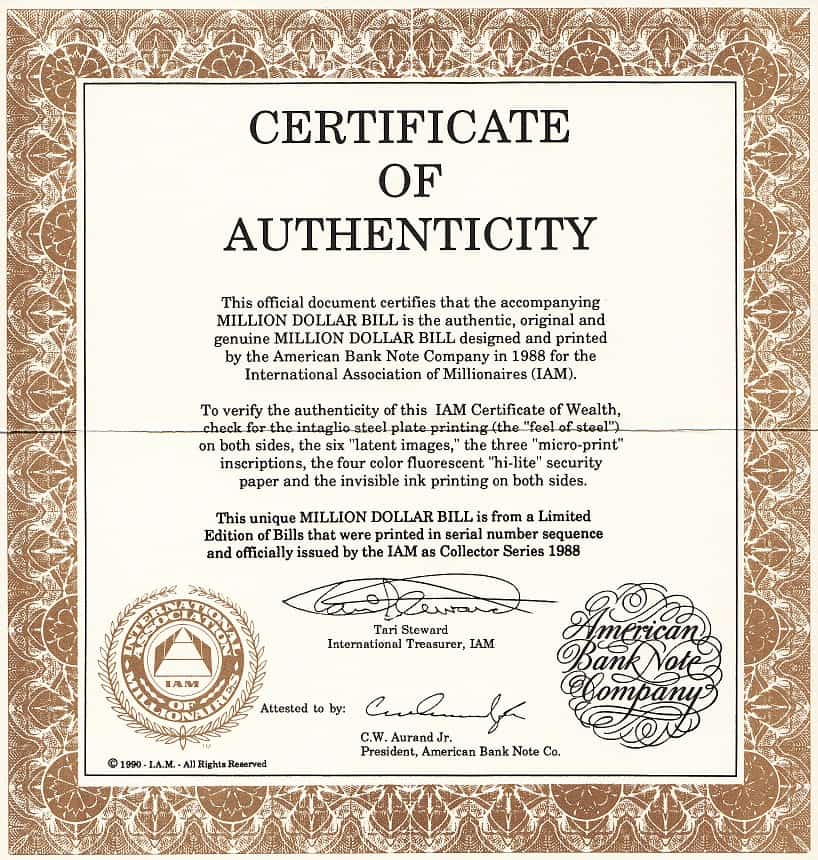
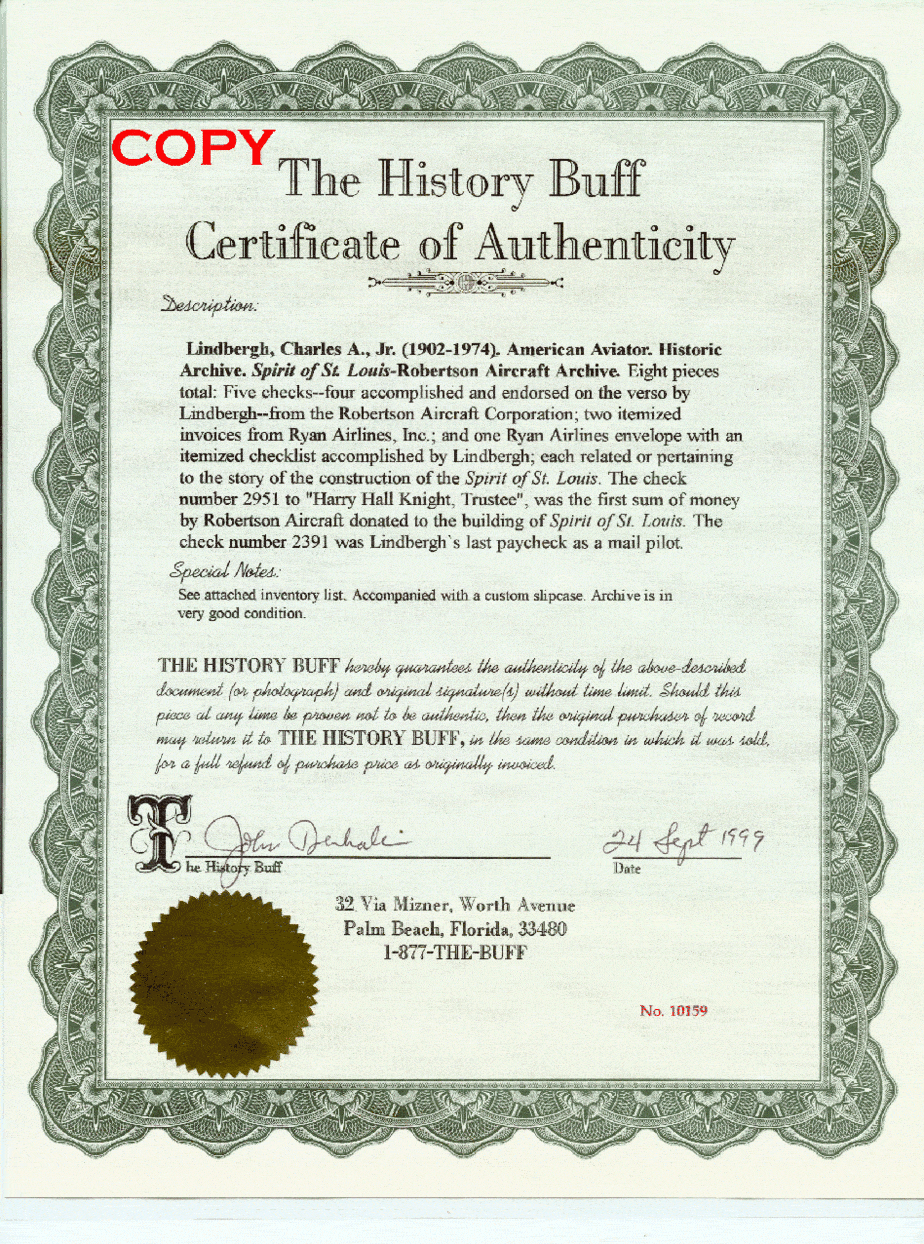
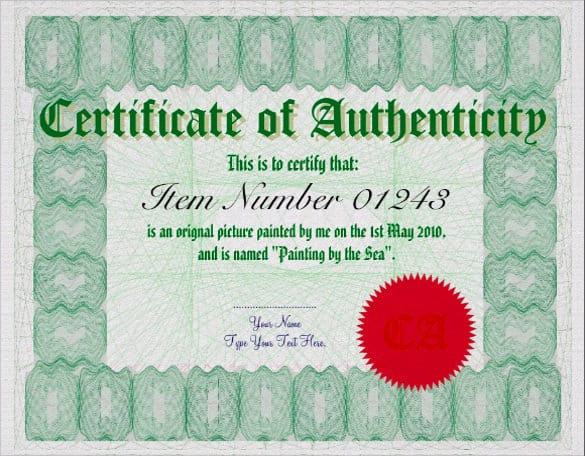
Making Your Certificate Harder to Copy
- Number every certificate and keep a matching log of buyers and works.
- Sign in ink, never with a printed signature.
- Add a small photo of the artwork so the certificate can’t be reused for a different piece.
- Use an embossed seal or hologram sticker for higher-value works.
- Print on heavy, acid-free paper so the certificate lasts as long as the art.
If you sell through exhibitions, a matching catalog template keeps titles and edition numbers consistent with your certificates. And always give the buyer a written payment receipt alongside the COA; the two together make a clear record of provenance.
Looking for other certificate designs? See our membership certificates and work completion certificates.
Frequently Asked Questions
Can I make my own certificate of authenticity?
Yes. If you created the work, you are the right person to issue the certificate. Use a template, fill in the details accurately and sign it yourself.
Does a certificate of authenticity increase value?
It can. Buyers and collectors are more confident with documented provenance, and a COA makes resale easier.
What is the difference between a COA and an appraisal?
A COA confirms who made a piece. An appraisal, done by a qualified appraiser, estimates what it is worth.
Should limited-edition prints each get a certificate?
Yes. Each print should have its own certificate showing its edition number, such as 14/50.

You must be logged in to post a comment.