

If you want to update your website without editing code every time, publish new products from a dashboard, or let visitors search, book or log in, you need a dynamic site. Dynamic website templates give you a ready-made design that connects to a database and a content management system, so pages are generated on the fly from content you manage in one place.
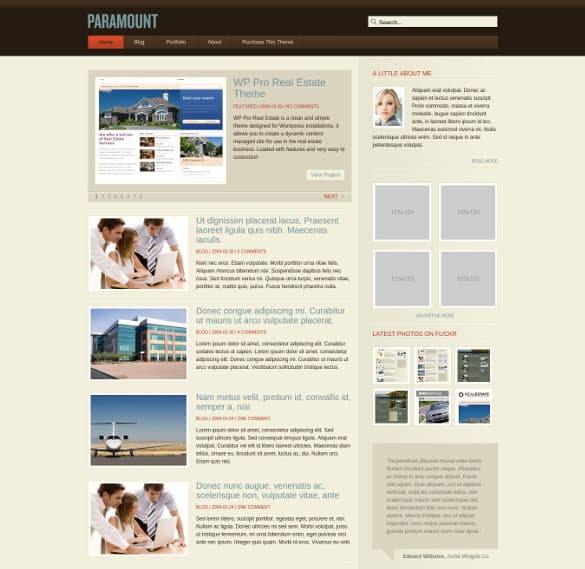
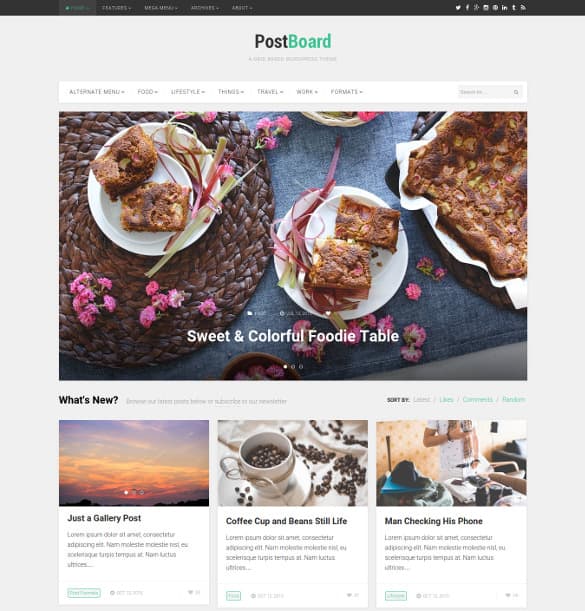
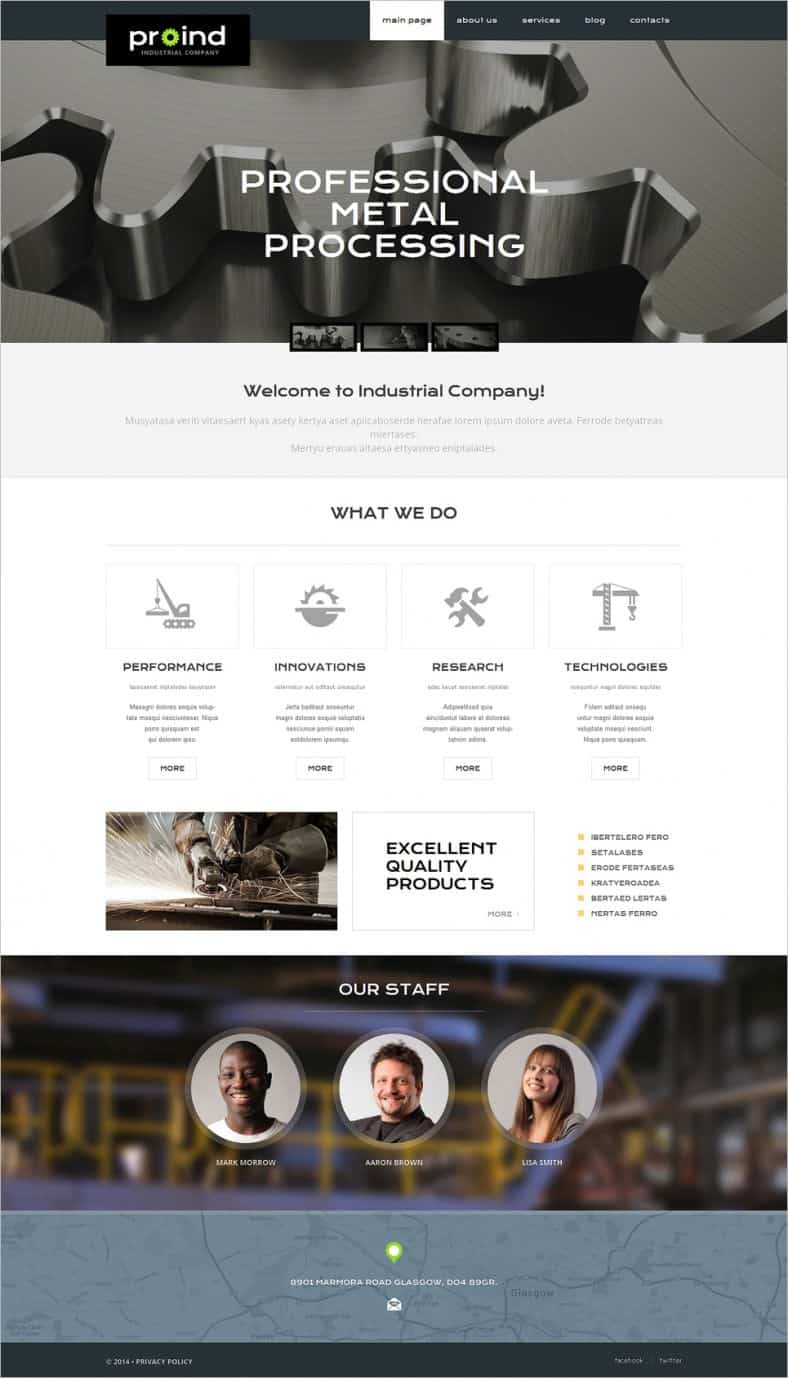
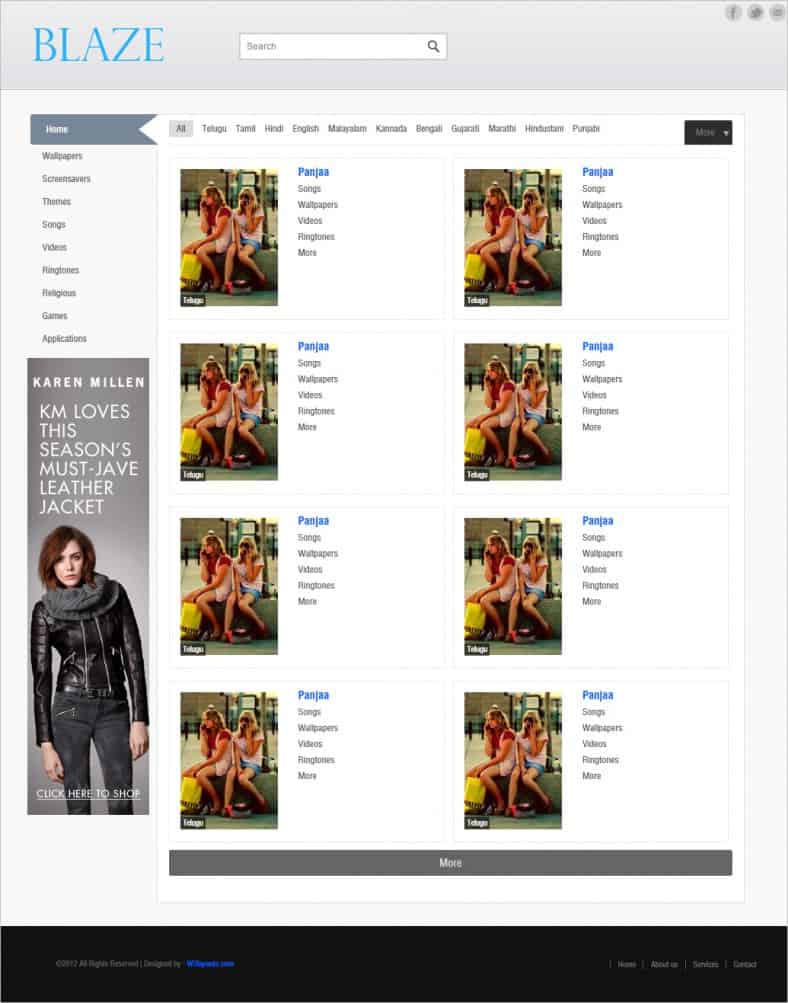
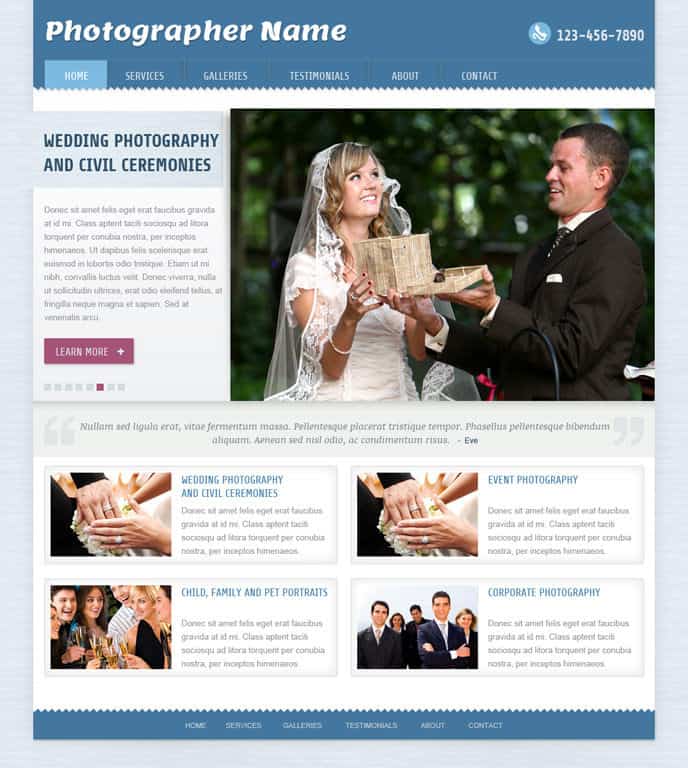
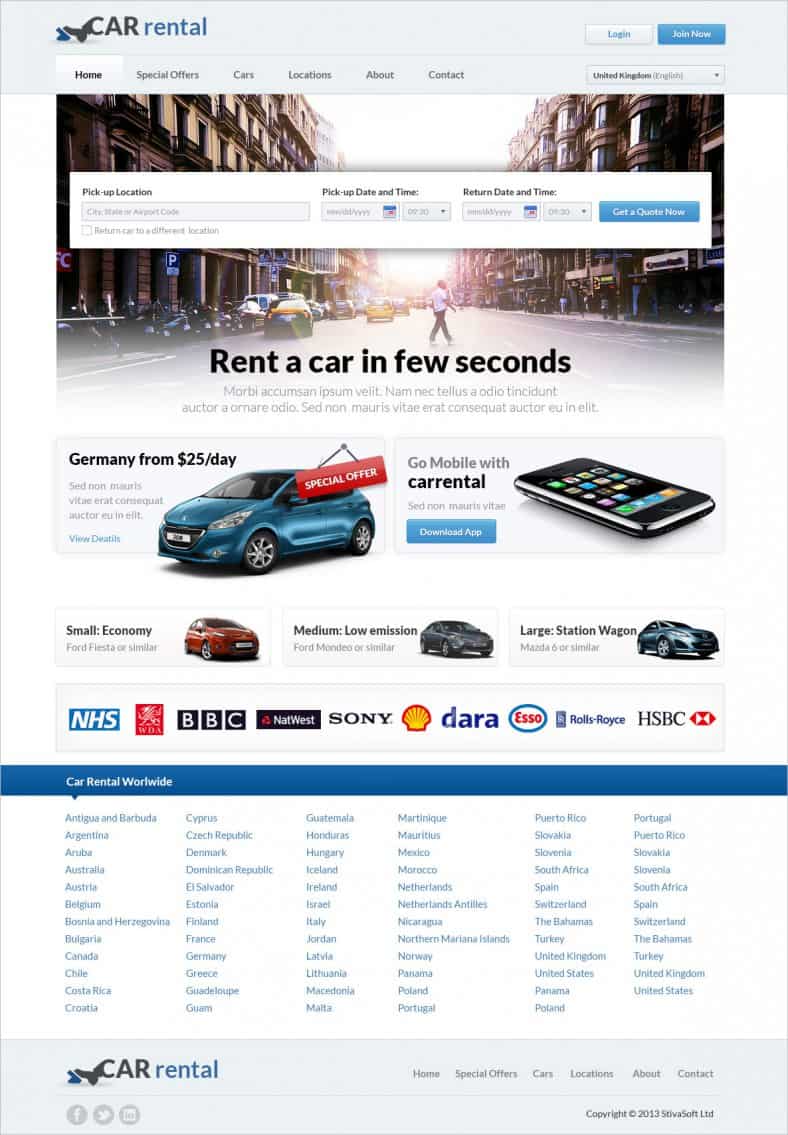
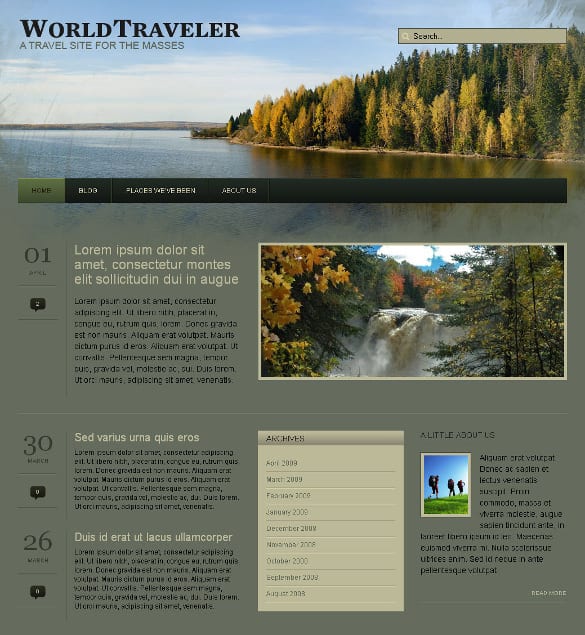
Below you’ll find seven dynamic templates and themes, including portfolio, grid-based blog, photography, car rental and travel designs built with PHP or popular content management systems. Some are free, several are premium, and one original listing is no longer available. First, let’s clear up what “dynamic” really means and when you need it.
Static vs. Dynamic Websites in Plain English
A static website is a set of fixed HTML files. Every visitor sees the same page, and changing anything means editing the files directly. A dynamic website builds pages when someone visits, pulling content from a database through server-side code such as PHP. That makes it easy to add posts, products or listings through an admin panel, show personalized content, and include features like search, user accounts and forms that save data.
| Static site | Dynamic site | |
|---|---|---|
| How content is stored | In HTML files | In a database |
| Updating content | Edit files and re-upload | Use an admin dashboard |
| Interactive features | Limited without extra services | Search, logins, bookings, shops |
| Hosting needs | Very simple, often cheap | Server-side language and database |
| Maintenance | Minimal | Regular updates and backups |
| Best for | Small brochure sites that rarely change | Blogs, stores, directories, portfolios with frequent updates |
When a dynamic site makes sense
- You’ll publish new content regularly, such as news, blog posts, products or portfolio projects.
- Several people need to edit the site without touching code.
- You need bookings, contact forms that save submissions, member areas or online payments.
- You want filtering and search across many items, like cars, properties or tours.
About these templates: The buttons link to theme marketplaces and template providers, where current prices and licenses apply. Some were released years ago, so check that they’re still maintained and compatible with current versions of PHP and your chosen platform before building on them. The first download button below belongs to an older listing that is no longer available.
7 Dynamic Website Templates and Themes









Choosing the Right Dynamic Template
Before falling for a beautiful demo, check the practical details:
- Platform. Is it a theme for a specific content management system, a standalone PHP script, or an HTML design that still needs a back end? Pick one that matches your skills or your developer’s.
- Features you actually need. Bookings, galleries, product listings, multilingual support, member logins. Don’t pay for complexity you won’t use.
- Update history. A template that hasn’t been updated in years may not work with current server software or may have security issues.
- Performance. Look for clean demos that load quickly on mobile. Heavy sliders and dozens of bundled plugins slow everything down.
- Documentation and support. Good instructions save hours, especially for first-time site owners.
- License. Check whether you can use it for one site or many, and whether client projects need a different license.
Matching templates to business types
| Business | Dynamic features to look for |
|---|---|
| Photographer or designer | Portfolio categories, galleries, client proofing or contact forms |
| Car or equipment rental | Availability calendar, booking requests, vehicle listings with filters |
| Travel agency or tour operator | Tour pages, itineraries, inquiry forms, reviews |
| News or blog | Categories, tags, search, newsletter signup |
| Local listings | Searchable directory, maps, submissions |
Launching a Dynamic Site Step by Step
- Choose hosting that fits. Make sure your host supports the server language and database the template needs, offers automatic backups and includes an SSL certificate.
- Install on a staging site. Set everything up privately before replacing an existing site.
- Import demo content, then replace it. Demo data shows you how the template is meant to look; swap in your own text, photos and listings.
- Set user roles. Give editors and contributors only the permissions they need.
- Configure forms and email. Test every form, booking request and notification so messages actually reach you.
- Check speed and mobile layout. Optimize images and enable caching.
- Go live and monitor. Watch for broken links, form errors and slow pages in the first weeks.
Example: A family-run car rental company replaced its static price list with a dynamic template that let staff add vehicles, update rates and mark cars as unavailable from a simple dashboard. Customers could filter by vehicle size and send booking requests online. Phone calls asking “Do you have a minivan this weekend?” dropped noticeably, and staff no longer waited on a web developer to change prices.
Keeping a Dynamic Site Healthy
Dynamic sites need a little ongoing care that static sites don’t:
- Update regularly. Keep the core software, theme and plugins current to patch security issues.
- Back up automatically. Store backups of both files and database somewhere separate from your host.
- Use strong logins. Unique passwords and two-factor authentication for admin accounts.
- Remove what you don’t use. Inactive plugins and old user accounts are common security weak points.
- Protect customer data. If you collect personal information or payments, follow the privacy and security rules that apply where you operate, and get professional advice when in doubt.
Common Mistakes With Dynamic Websites
- Choosing a template for its demo slider. Flashy demos can hide slow code. Judge templates by speed, structure and how easy they are to edit.
- Installing too many plugins. Each add-on adds maintenance and potential conflicts. Use only what you need.
- Never updating after launch. Outdated software is one of the most common reasons small business sites get hacked.
- Leaving demo content online. Sample text, placeholder images and fake testimonials undermine trust. Replace or delete them all before launch.
- No content plan. A dynamic site shines when it’s updated. Decide who will add new content and how often before you build.
- Skipping mobile testing. Booking forms and filters that work on desktop can be frustrating on a small screen.
Avoiding these pitfalls doesn’t require technical expertise, just a bit of planning. Write down your must-have features, who will maintain the site and how you’ll measure success, then choose the simplest template that meets those needs.
Related Templates and Planning Tools
Many dynamic sites are built for a specific niche. If your project is a listings site, see these directory website templates; for farms and food producers, try our agriculture website templates; and for community-driven publishing, browse these content sharing WordPress themes. If you’re hiring a developer, agree on features and deliverables up front with a clear scope of work, and after launch track progress with an SEO report template.
Frequently Asked Questions
Is a dynamic website harder to manage than a static one?
Day to day, it’s usually easier because you edit content in a dashboard. It does need regular updates and backups behind the scenes.
Do I need to know PHP to use these templates?
Not for CMS themes, which you manage through an admin panel. Standalone PHP scripts and custom features may need some coding or a developer.
Are these dynamic templates free?
Some are free and some are premium. Check the current price, license and update history on each source page.
Can a dynamic site be fast?
Yes. Good hosting, caching, optimized images and a lightweight theme keep dynamic sites quick.

