


Most project disputes don’t start with bad work. They start with two people who remembered the agreement differently. One thought the website price included copywriting; the other assumed it didn’t. One expected the contractor to haul away debris; the contractor never planned to. A clear scope of work template stops those misunderstandings before they cost anyone money, time or a good working relationship.
A scope of work (often shortened to SOW) is the part of a contract or project plan that spells out exactly what will be done, what will be delivered, when, by whom and under what conditions. It is the reference point everyone returns to when questions come up halfway through a project. Freelancers, agencies, contractors, consultants, IT teams and procurement departments all rely on it.
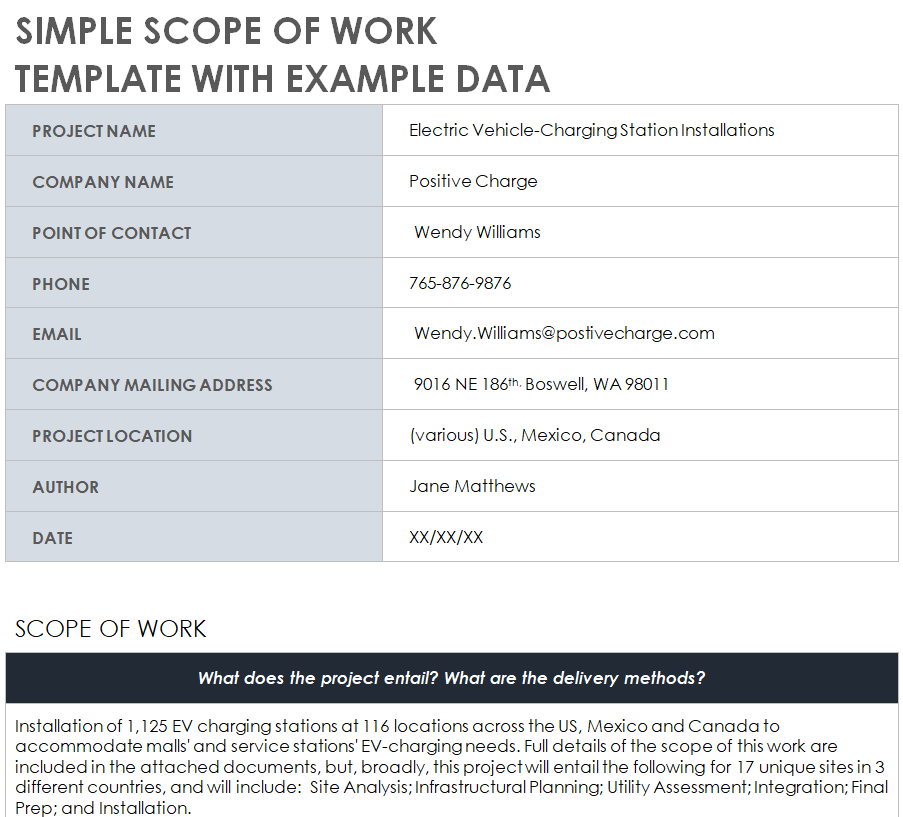
On this page you’ll find 19 free scope of work templates in MS Word. There are general project SOWs, consulting and professional services formats, a web design scope, a software scope, contractor and commercial construction versions, a repair list format, fillable forms and a simple template with example data that shows you what a finished SOW looks like. Below the templates you’ll also find a step-by-step writing guide, a list of common mistakes and answers to the questions people ask most.
Scope of Work vs. Statement of Work vs. Contract
These terms get mixed up constantly, so it helps to separate them before you start writing:
| Document | What it covers | Typical length |
|---|---|---|
| Scope of work | The specific tasks, deliverables, boundaries and timeline of the work itself | 1–5 pages |
| Statement of work | A broader document that includes the scope plus pricing, payment terms, acceptance criteria and governance | 3–20 pages |
| Contract or service agreement | The legal terms: liability, confidentiality, termination, dispute resolution; usually references the SOW | Varies |
In practice, many small businesses use a single document that combines the scope and statement of work, then attach it to a short service agreement. The templates below work either way: use only the sections you need.
What Every Scope of Work Should Include
1. Project overview and objectives
Two or three sentences describing the project and why it exists. “Redesign the company website to improve mobile usability and increase quote requests” is far more useful than “New website.”
2. Deliverables
The tangible results the client will receive: a 10-page website, a written audit report, a repaired roof, a working software feature. Be specific about quantity, format and quality standards.
3. Tasks and activities
The work needed to produce each deliverable, broken into phases if the project is large. This is where you describe the “how.”
4. Timeline and milestones
Start date, end date and key checkpoints in between. Link milestones to deliverables so progress is easy to measure.
5. Exclusions
What is not included. This short section prevents more arguments than any other part of the document.
6. Assumptions and responsibilities
What you need from the client (content, site access, approvals, materials) and by when. If the client is late, the timeline should shift accordingly.
7. Acceptance criteria and sign-off
How the client will confirm each deliverable is complete, who signs off, and how many rounds of revisions are included.
8. Pricing and payment terms
Fixed fee, hourly rate or milestone payments, plus due dates. Some teams keep pricing in a separate quote; others include it here.
Free Scope of Work Templates in Word
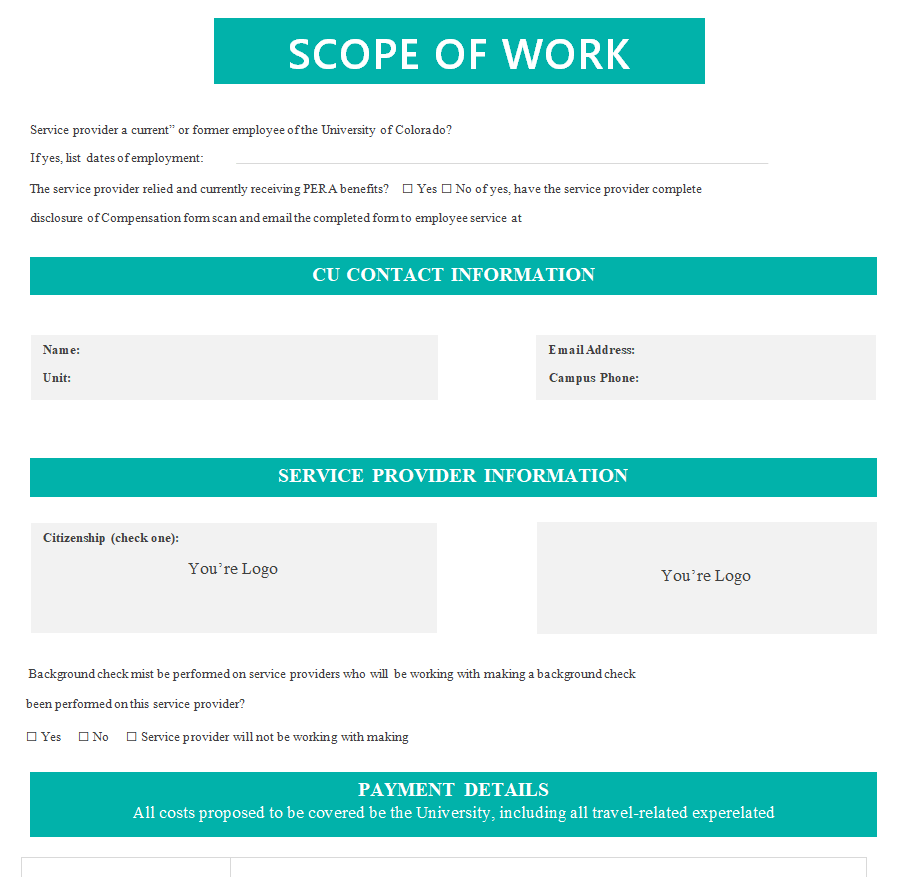
Standard Scope of Work Template


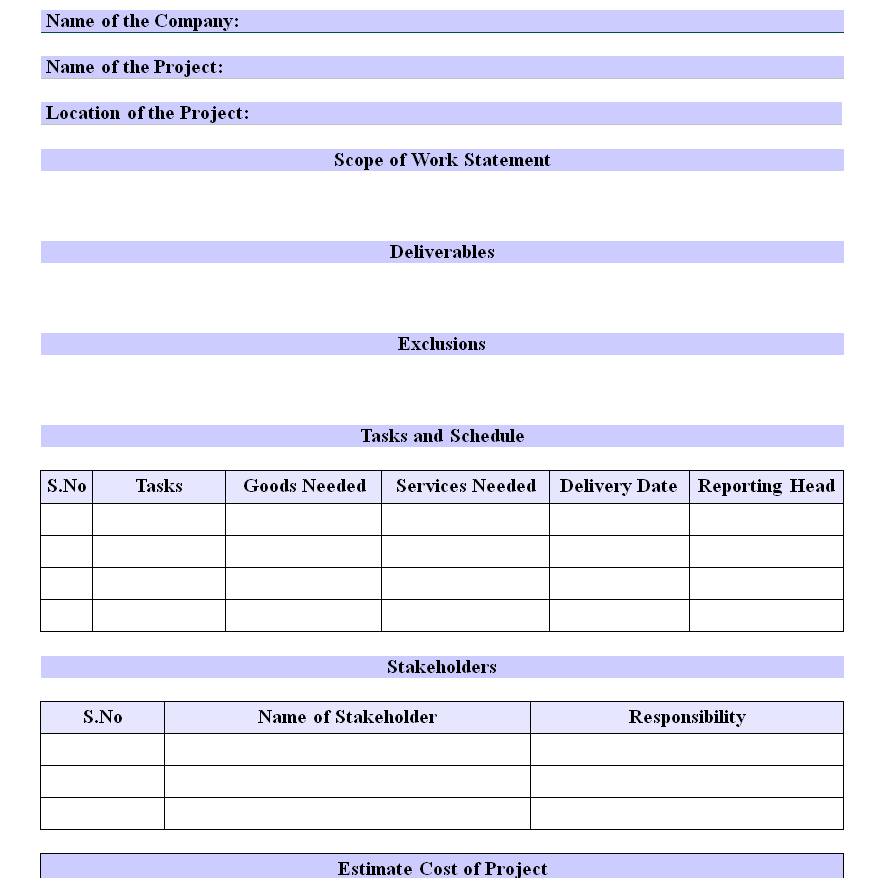
Editable Scope of Work Statement Template


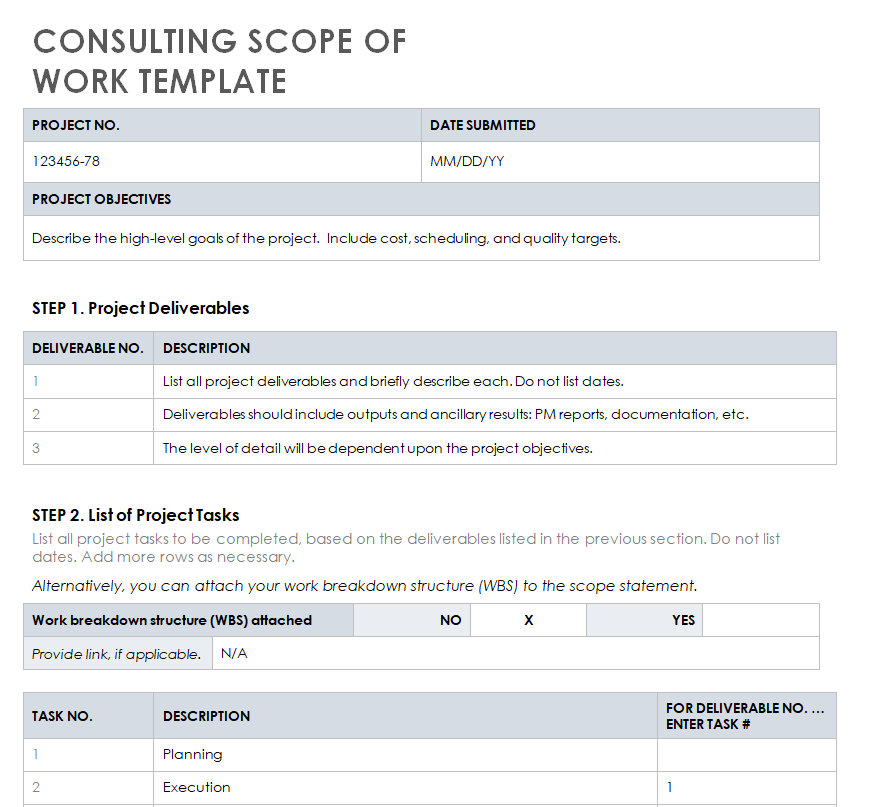
Consulting Scope of Work Doc Template


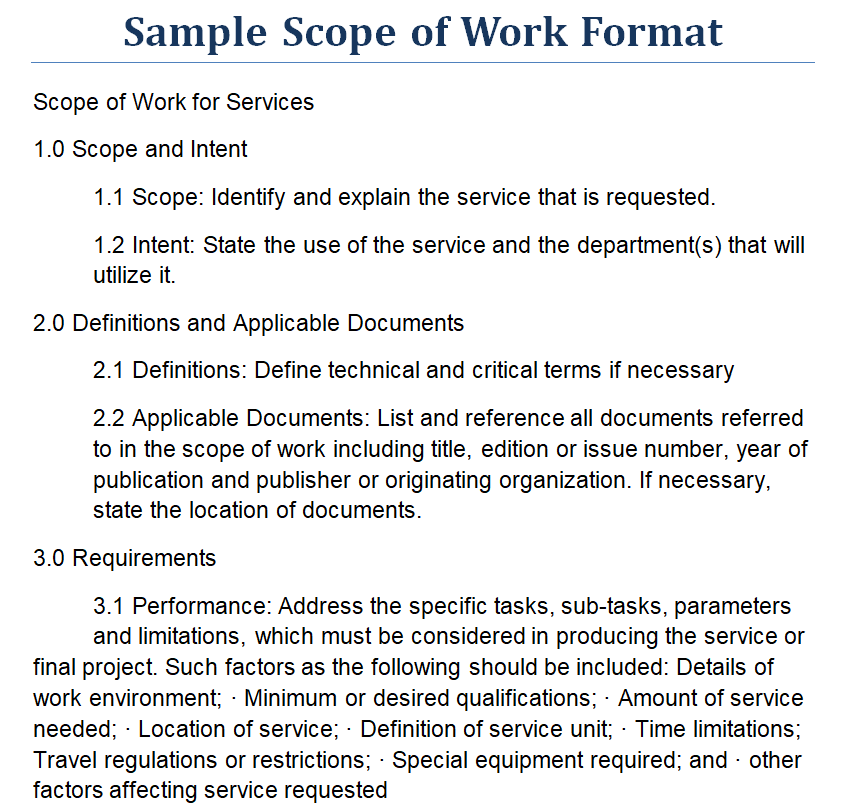
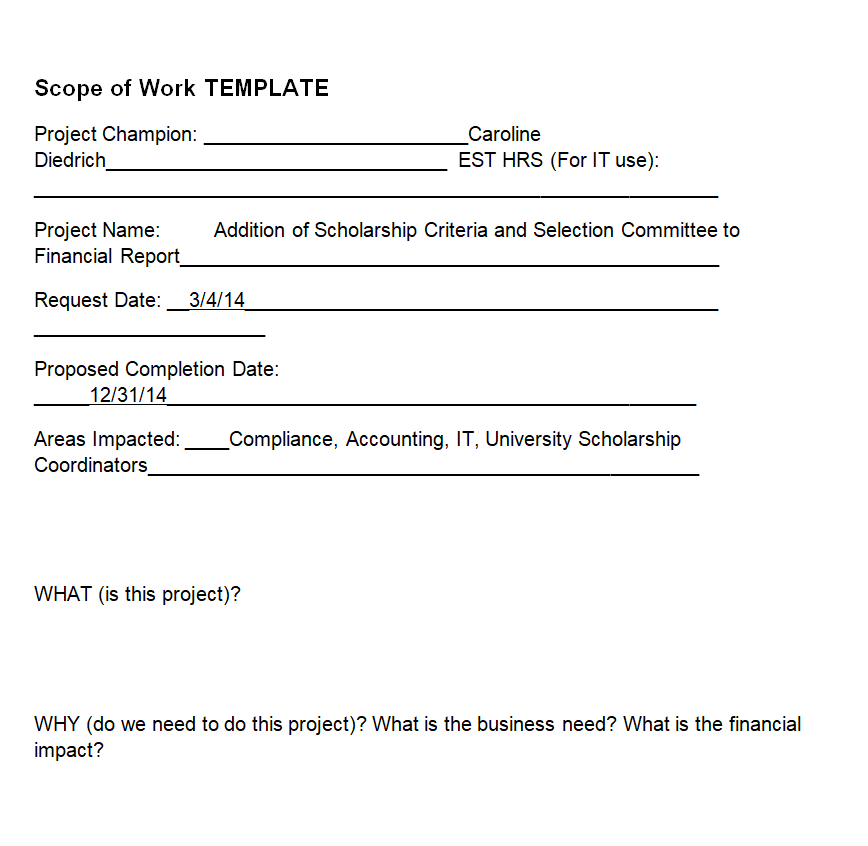
Sample Scope of Work Format


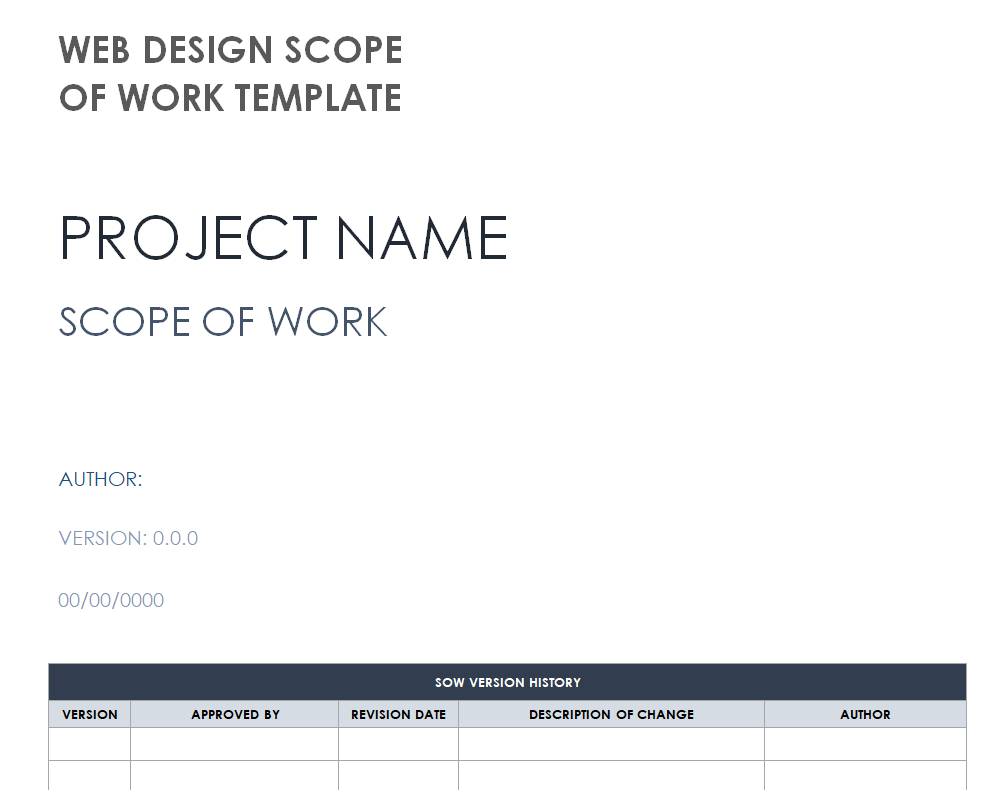
Web Design Project Scope of Work Template


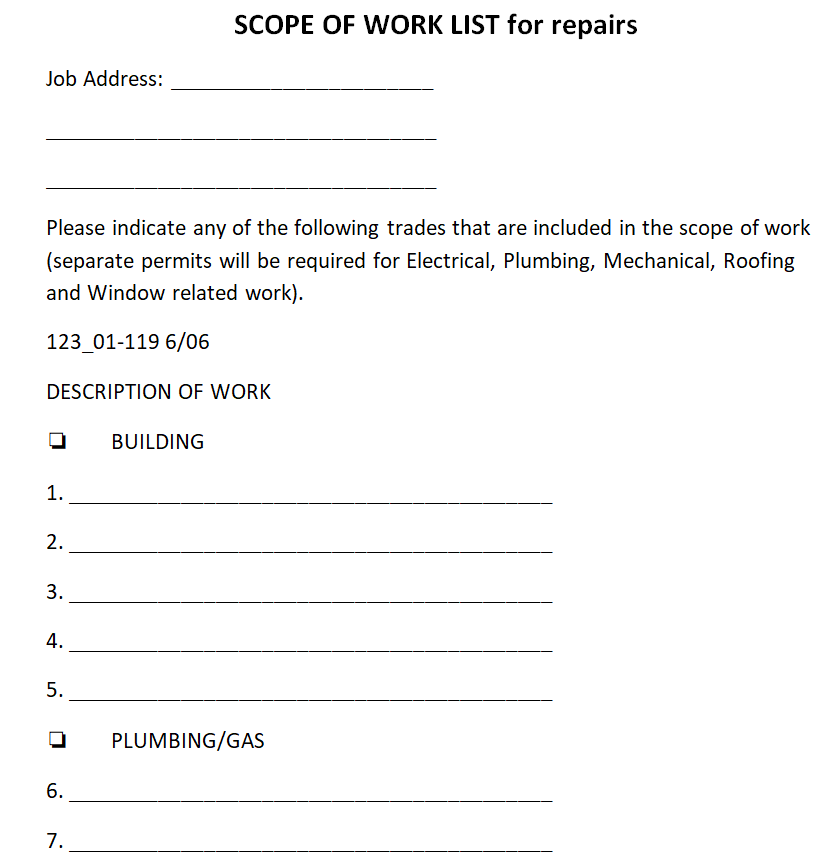
Scope of Work Template for Repairs List


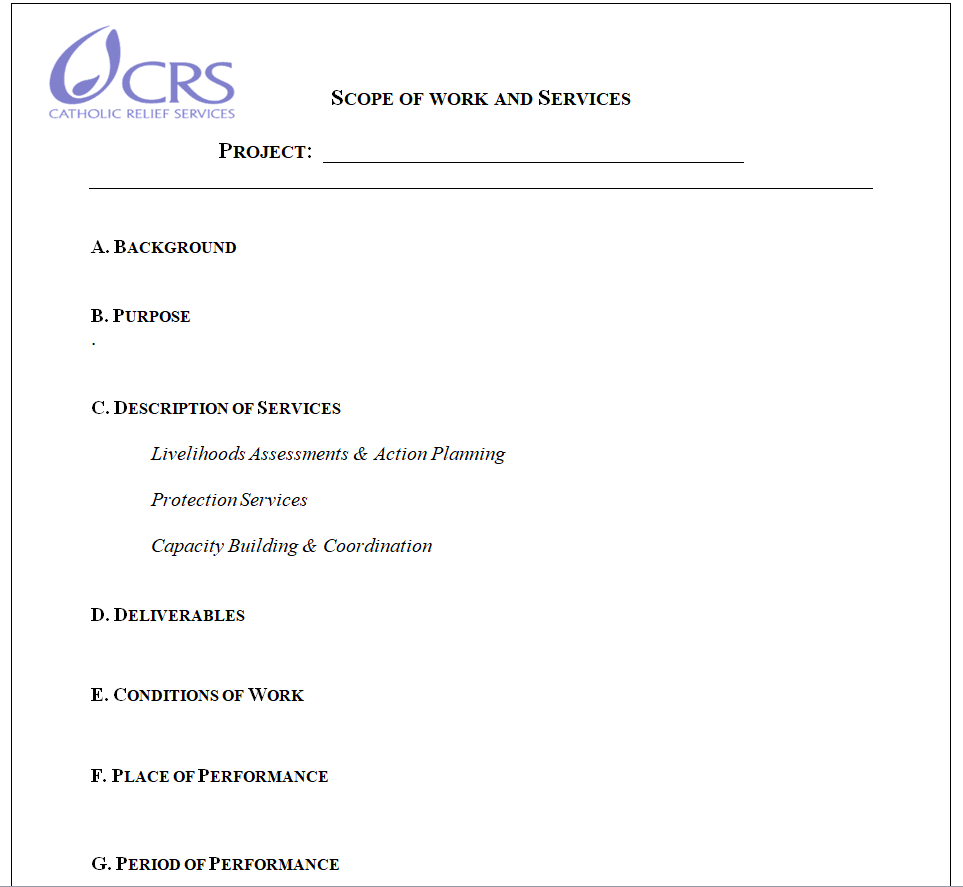
Project Scope of Work and Services Sample Doc


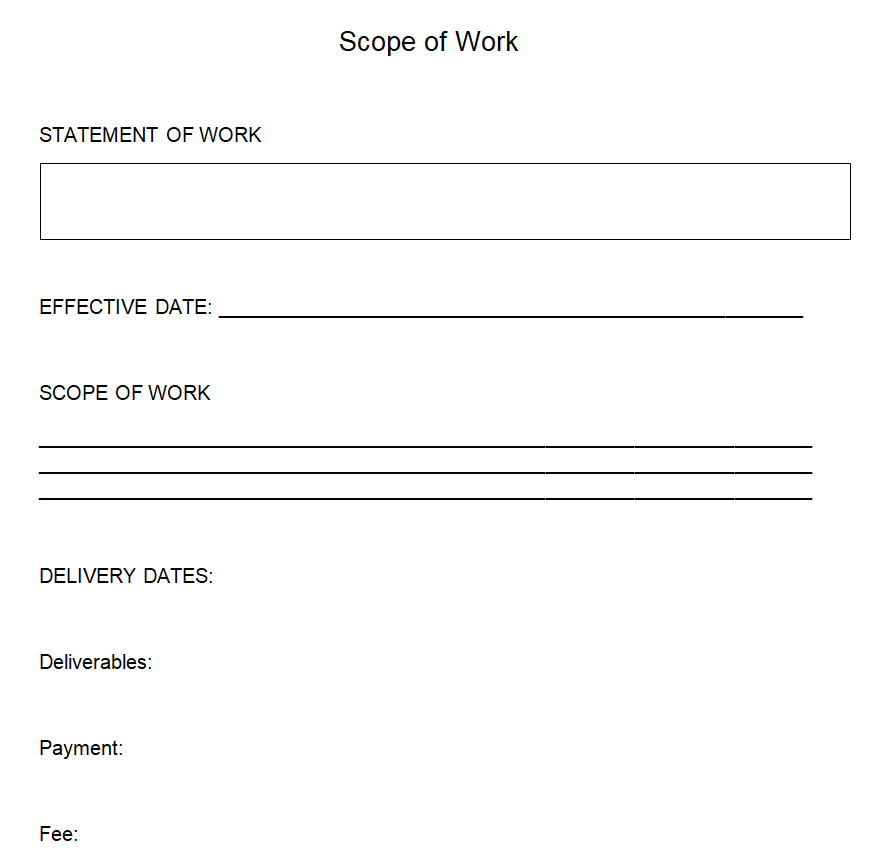
Simple Scope of Work Word Template


Contractor’s Scope of Work Template in MS WORD


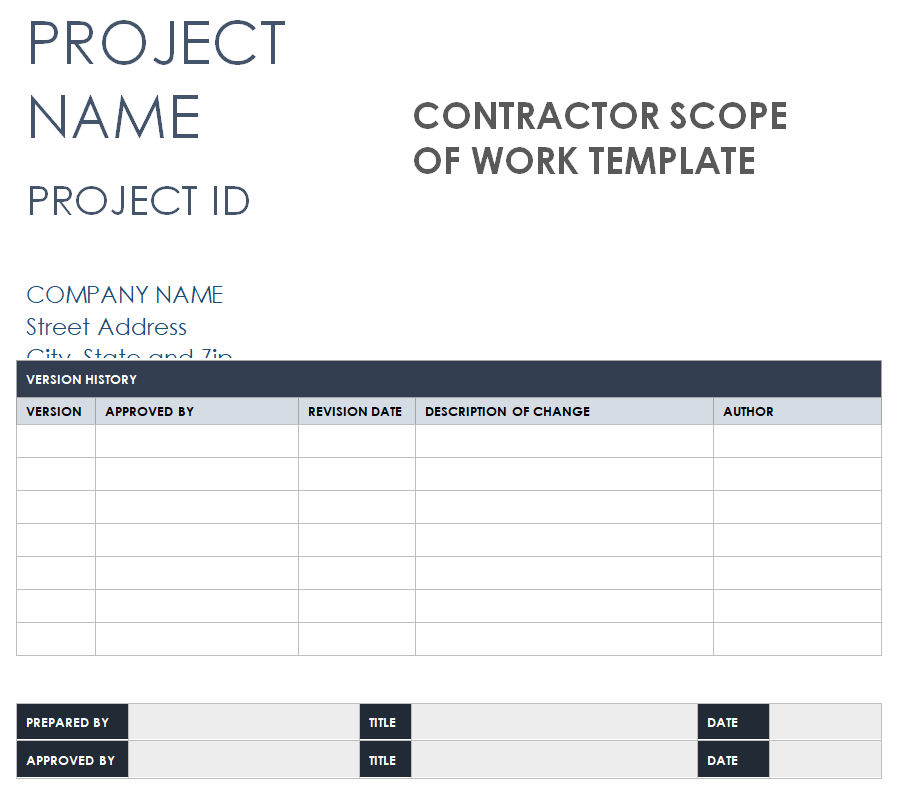
Official Scope of Work Template


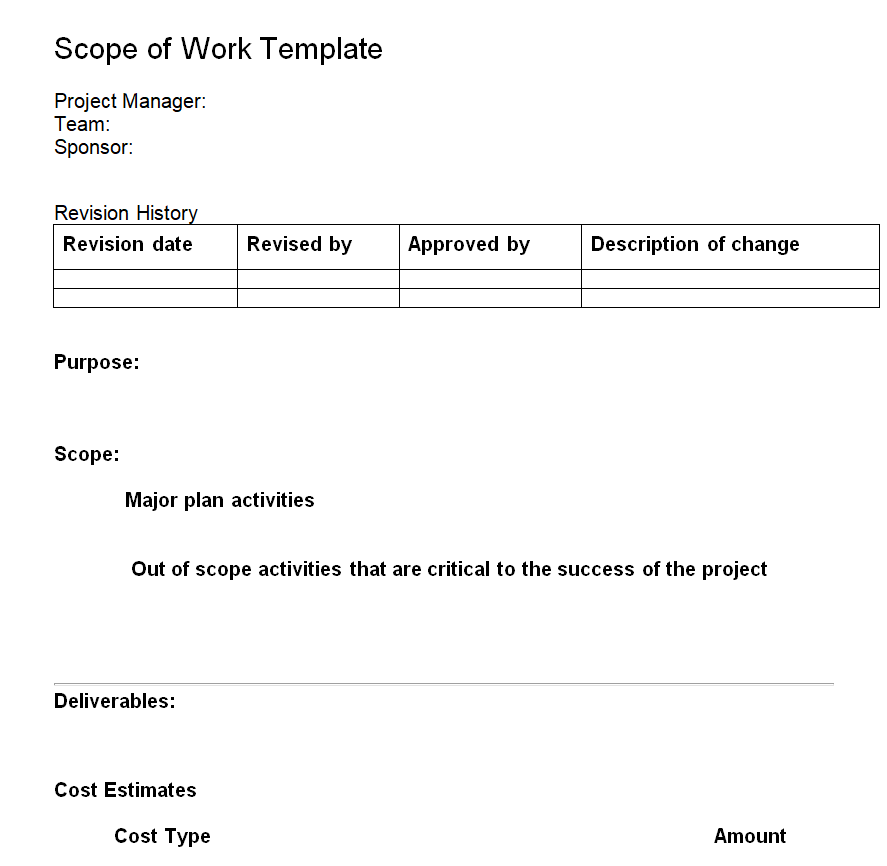
Professional Scope of Work Template Word


Simple Scope of Work Template with Example Data


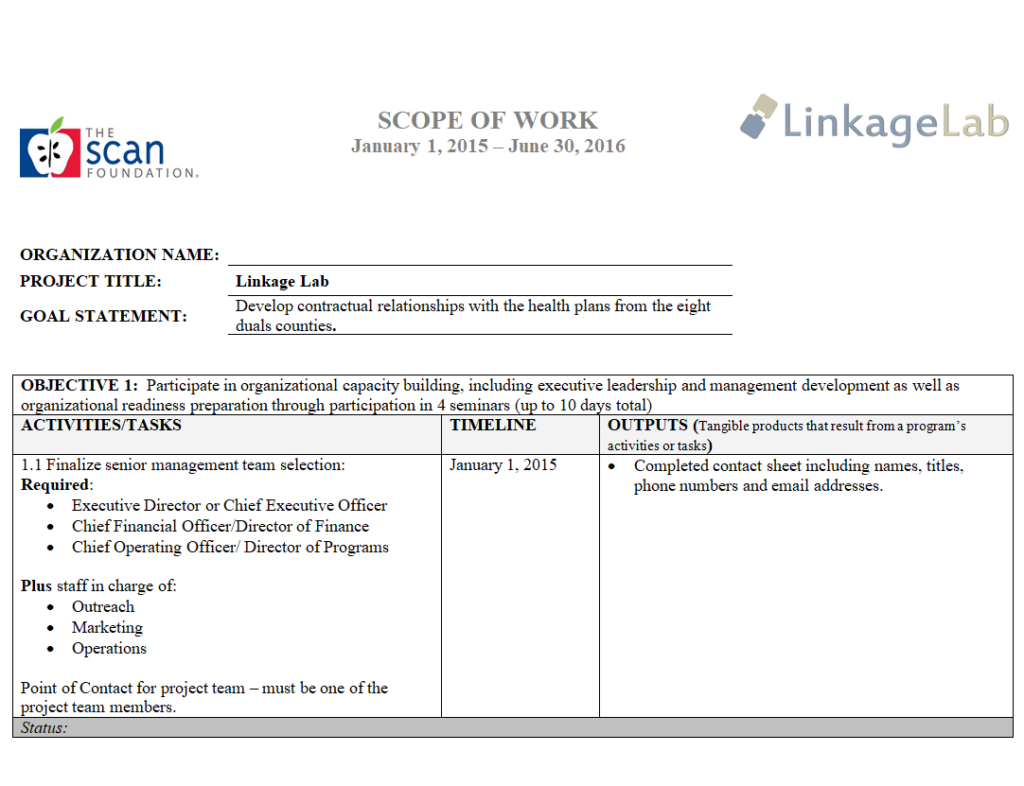
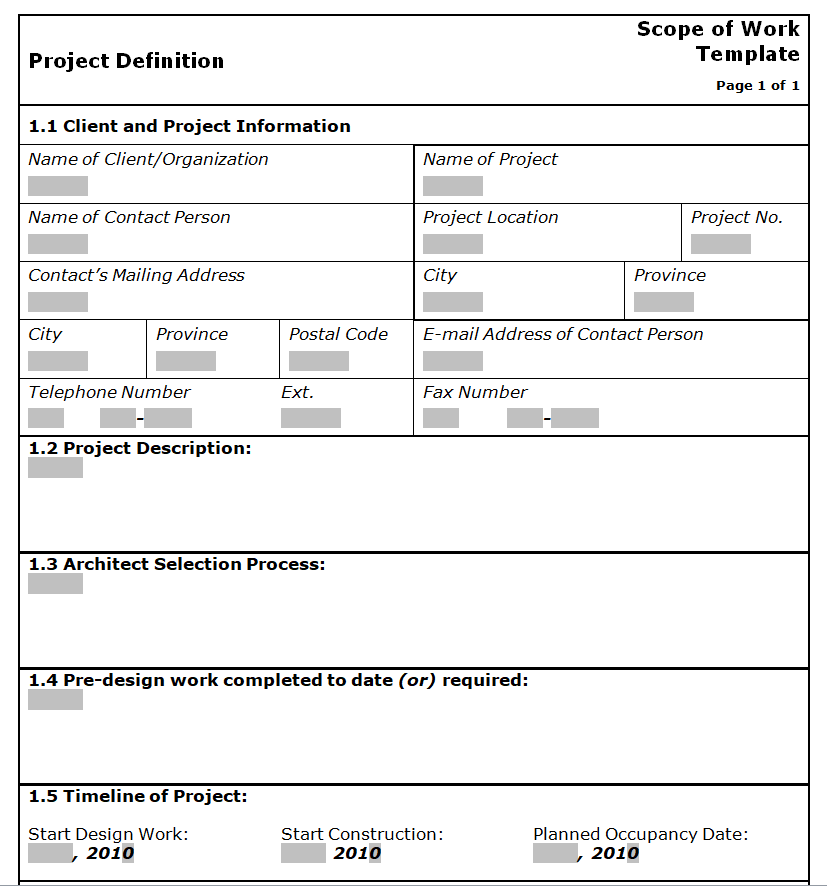
Basic Scope of Work Form Template


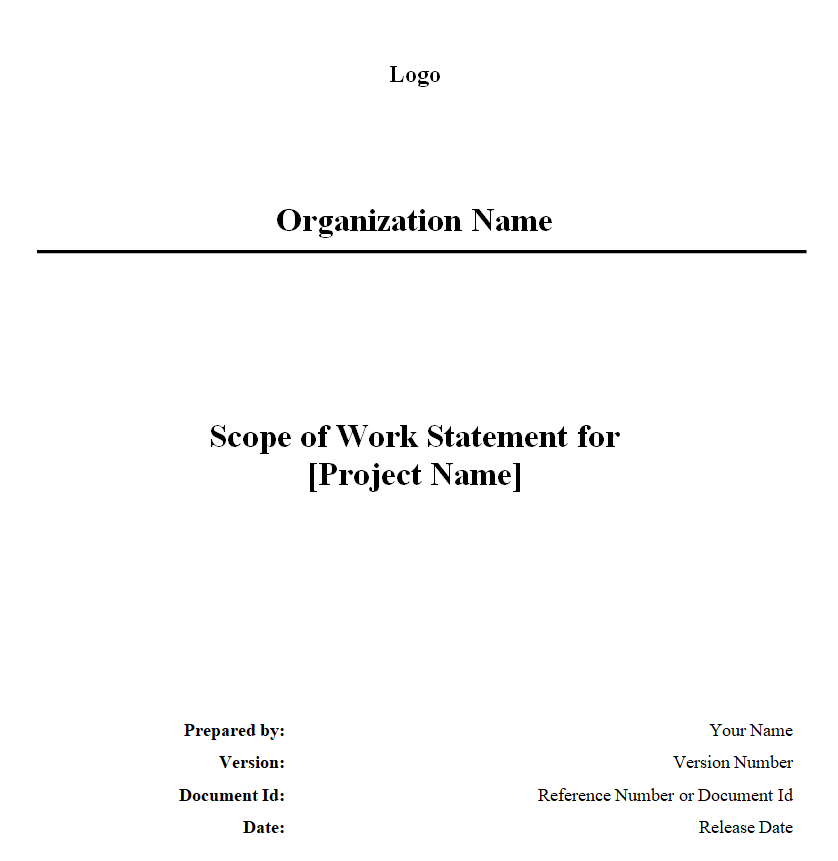
Organization’s Scope of Work Statement Word Template


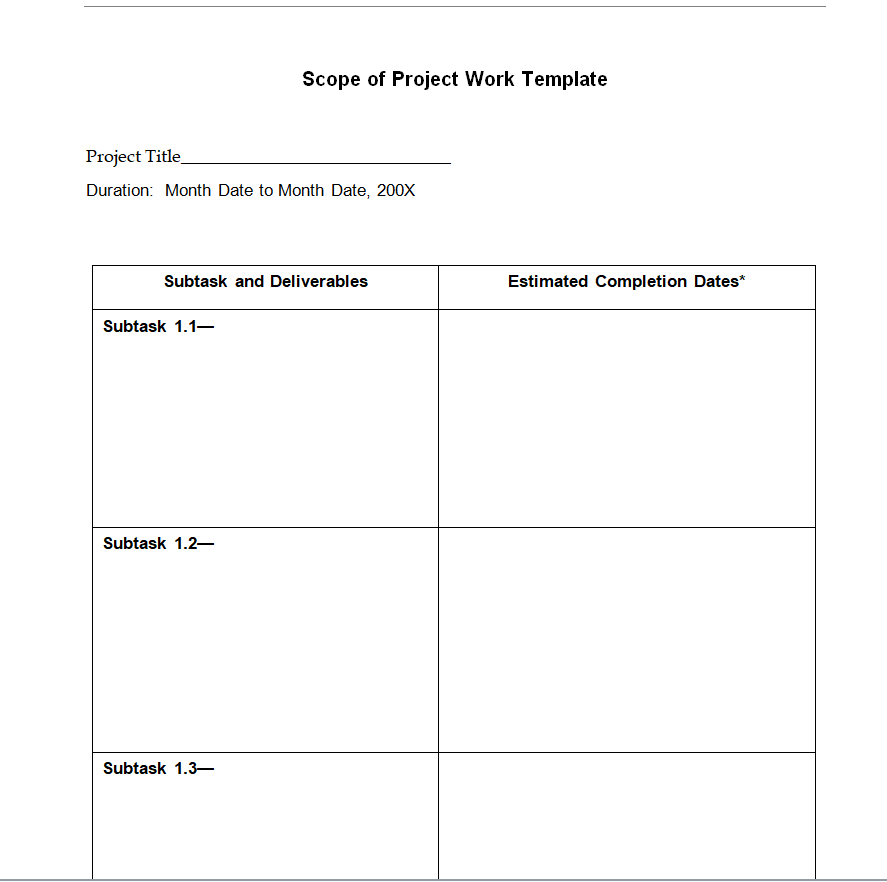
Fillable Scope of Project Work Template Doc


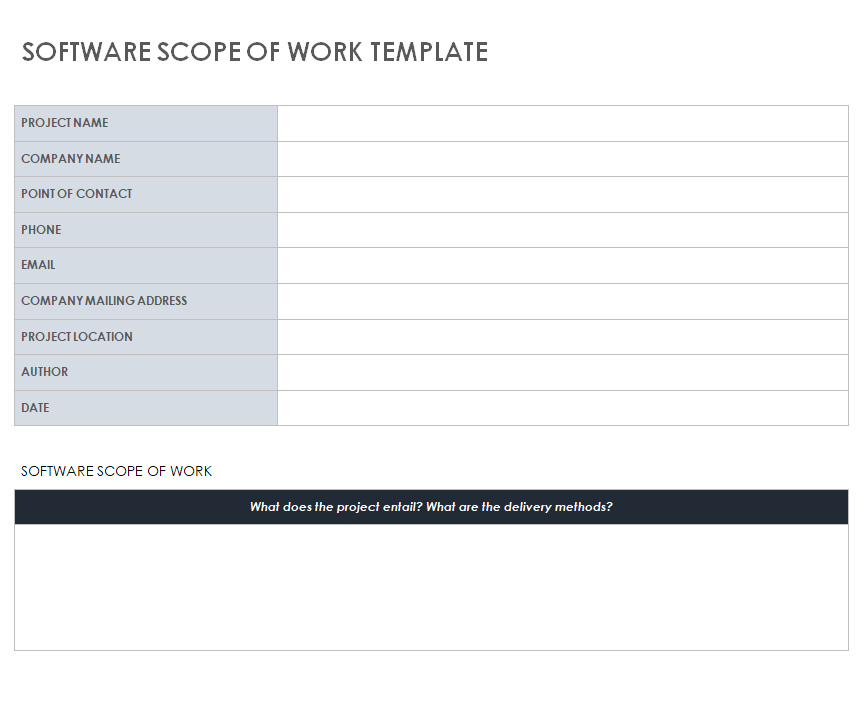
Scope of Work Template for Software


Professional Scope of Work Template


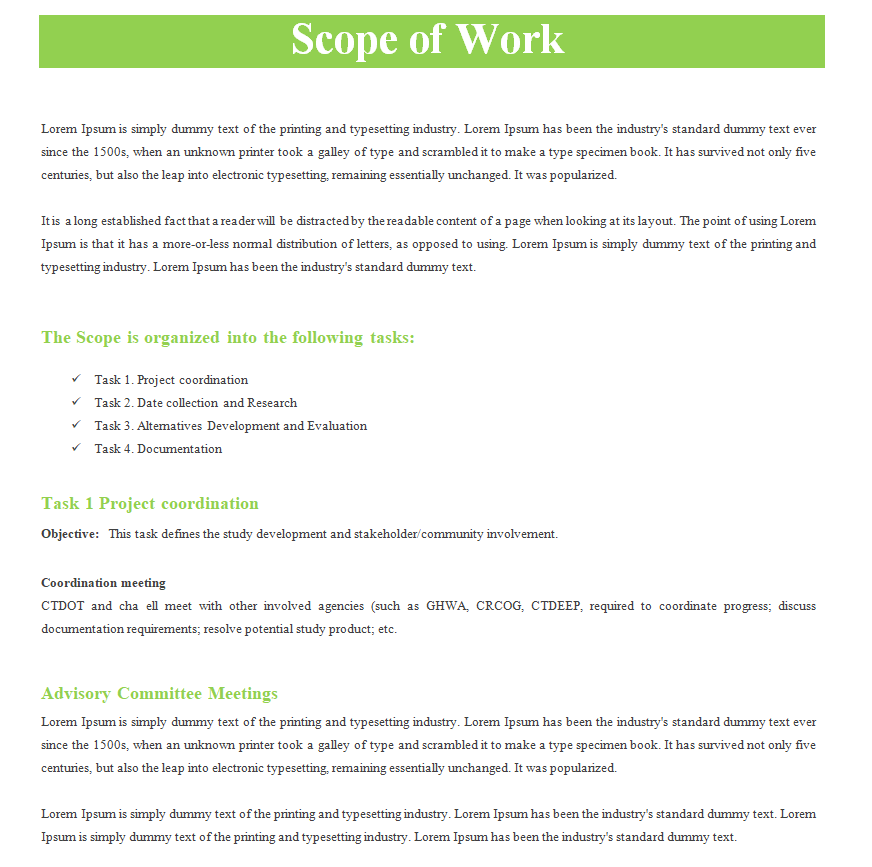
Elemental Scope of Work Template in MS WORD


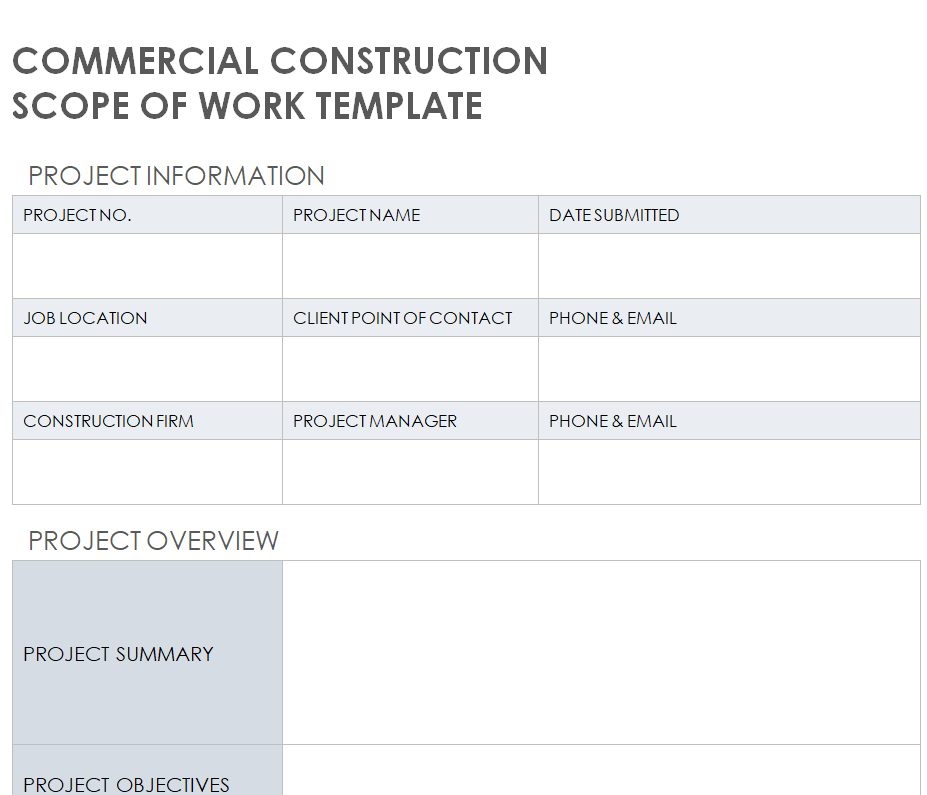
Commercial Construction Scope of Work Template


How to Write a Scope of Work Step by Step
- Talk before you type. Hold a kickoff call and ask the client what success looks like, what worries them and what they have already tried. Take notes in their words.
- Choose a template that matches the job. A software project needs room for features and testing; a construction job needs materials, site conditions and permits. Pick the closest format above and delete sections you don’t need.
- List deliverables first, then tasks. Starting from the end result keeps the document focused on outcomes rather than activity.
- Put numbers on everything. Pages, hours, rounds of revisions, square footage, response times. Numbers are hard to misinterpret.
- Write the exclusions list. Think about what the client might reasonably assume is included and isn’t, then write it down politely and plainly.
- Add a change request process. Explain that new requests will be quoted separately and approved in writing before work begins.
- Review it together. Walk through the SOW on a call rather than just emailing it. Questions that come up now are cheap; the same questions in week six are expensive.
- Sign and store it. Both parties sign and date, and each keeps a copy. Save it where your whole team can find it.
Which Template Fits Your Industry?
Construction and trades. Use the contractor or commercial construction template. Include site address, drawings or specifications by reference, materials (and who supplies them), permits, inspections, working hours, cleanup and safety requirements. A repairs list format works well for punch lists and smaller maintenance jobs.
Consulting and professional services. Focus on outcomes and deliverables such as reports, workshops or recommendations, and be clear about the number of meetings, interviews or site visits included. Hourly caps are useful when the work is exploratory.
Web design and marketing. Count pages, templates, revisions and integrations. State who writes the copy, who supplies images and who pays for hosting, plugins or stock photos. These details are the usual source of scope creep.
Software and IT. Describe features as user stories or functional requirements, list supported devices and browsers, and define testing, launch support and the warranty period for bug fixes. The software template has space for all of these.
Nonprofits and internal teams. Even without a paying client, a scope keeps volunteers, departments and grant reports aligned. The organization’s statement format is a good fit here.
A Short Example
Project: Office repainting, 2nd floor. Deliverables: Two coats of client-selected paint on walls of 6 offices and 1 hallway (approx. 2,400 sq ft); trim touch-ups. Timeline: June 3–7, after business hours. Client provides: Paint color codes by May 24; furniture moved away from walls. Excluded: Ceilings, doors, wall repairs larger than nail holes. Acceptance: Walkthrough with office manager on June 8.
Notice how little room that leaves for confusion. Anyone reading it knows what will happen, when, and what won’t.
Common Scope of Work Mistakes
- Vague verbs. “Support,” “assist” and “optimize” mean different things to different people. Replace them with concrete actions.
- Unlimited revisions. Always state how many rounds are included.
- No owner for client tasks. If the client must supply content or approvals, name the person and the deadline.
- Missing exclusions. Silence is often read as “included.”
- Treating the SOW as a formality. Refer back to it during the project, especially when new requests appear.
Pricing a job before the SOW is final? Start with a quotation template, then wrap everything into a business proposal for larger clients. Once work is underway, track milestones with a business action plan and log questions on site with a construction RFI template. When the job is done, confirm it with a work completion certificate.
A scope of work is a planning document, not legal advice. For high-value or complex contracts, have the final agreement reviewed by a qualified professional, since requirements vary by state and country.
Frequently Asked Questions
Who writes the scope of work, the client or the provider?
Either can, but it is usually drafted by the service provider, who understands the work best, and then reviewed and approved by the client.
How detailed should a scope of work be?
Detailed enough that someone new to the project could read it and understand exactly what will be delivered. For small jobs that may be one page; for software or construction it may be several.
What happens if the scope changes mid-project?
Use a written change request that describes the new work, its cost and its effect on the timeline. Both parties should approve it before the extra work begins.
Can I use these templates for government or RFP projects?
Yes, as a starting point. Public-sector projects often have required formats, so check the solicitation and adapt the template to match.
Should a scope of work include the price?
It can. Small projects often put the price, payment schedule and deposit right in the SOW so everything sits in one signed document. Larger projects usually keep pricing in a separate quote or statement of work and reference it, which makes it easier to update costs without rewriting the scope.


