

When a box leaves your warehouse, how do you prove it arrived complete? A delivery note template travels with the shipment, lists exactly what’s inside, and comes back signed by the person who received it. It’s simple paperwork that prevents a lot of disputes.
Below are 9 free delivery note templates in Word and Excel, including a missed delivery report for times when nobody is there to sign.
Delivery Note, Invoice or Packing Slip?
A delivery note confirms what was delivered and usually shows no prices. An invoice asks for payment. A packing slip lists what’s packed in a specific box. Many businesses use all three for the same order.
Delivery Note Templates
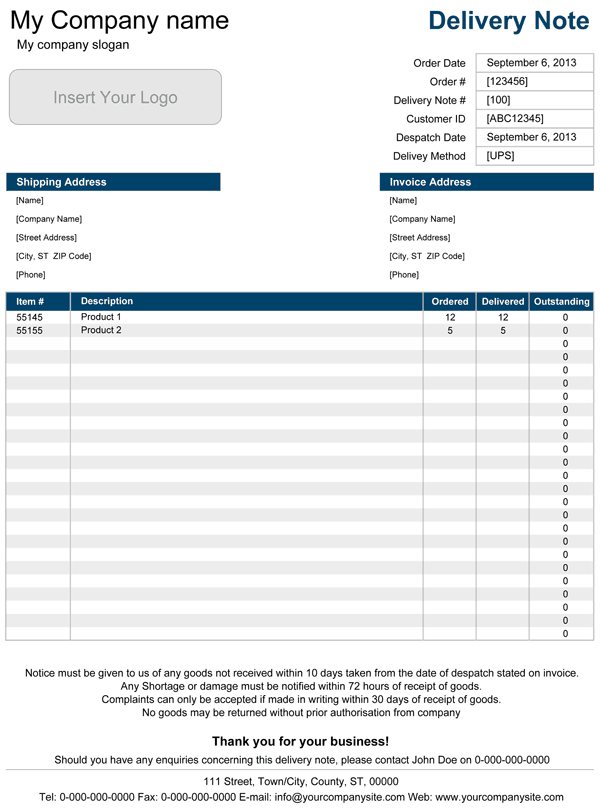



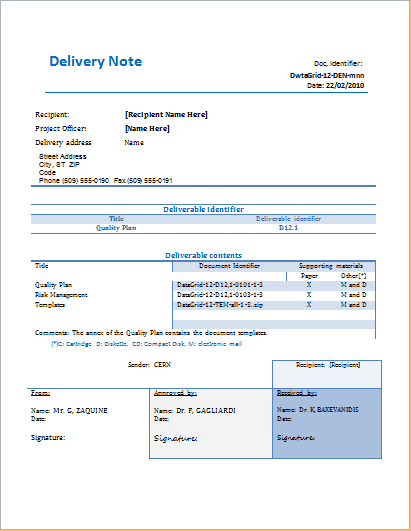

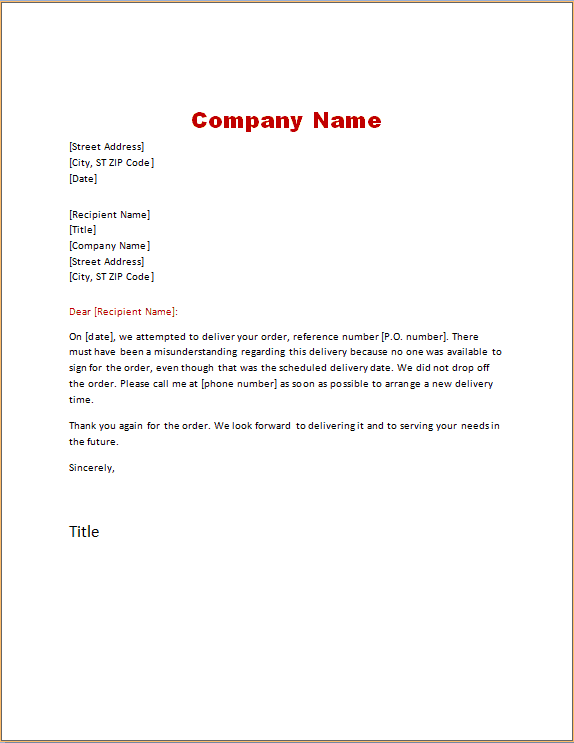

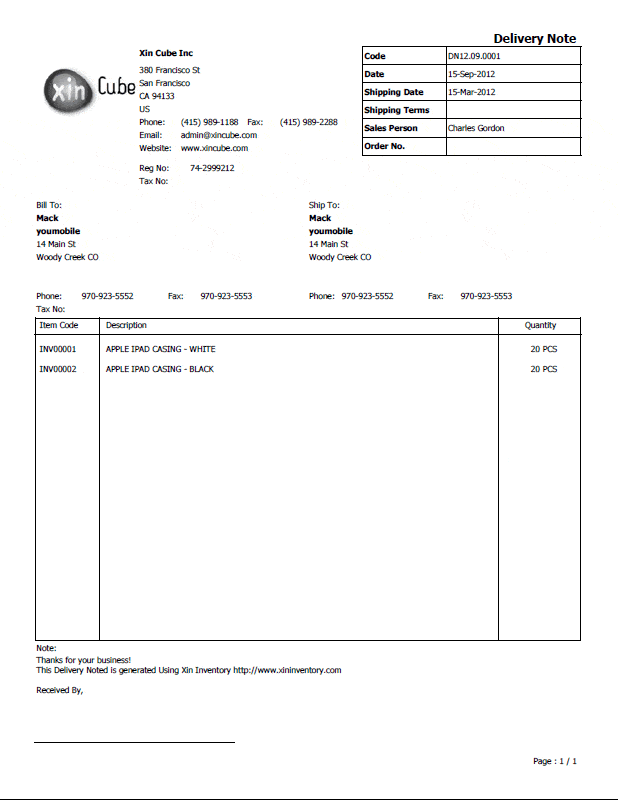

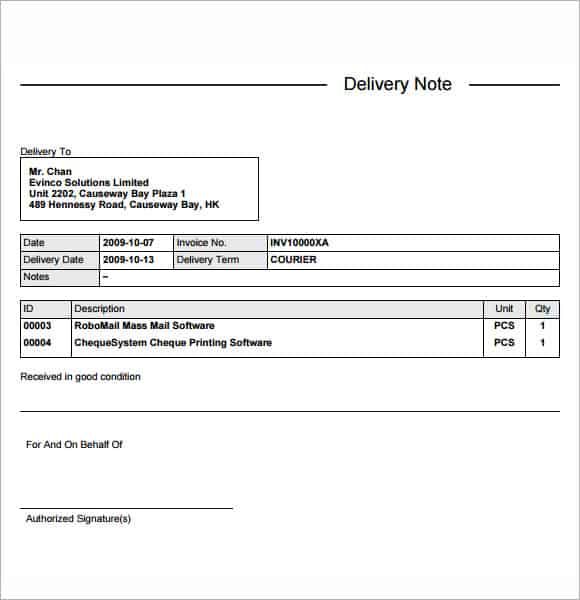

More Delivery Note Examples
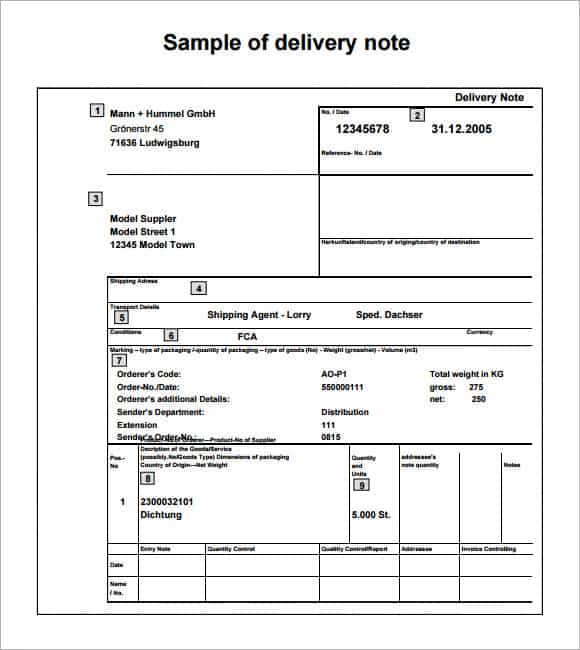

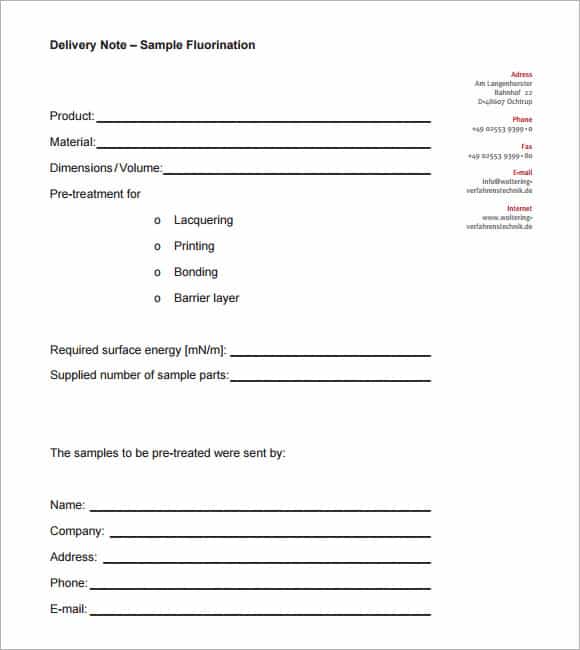
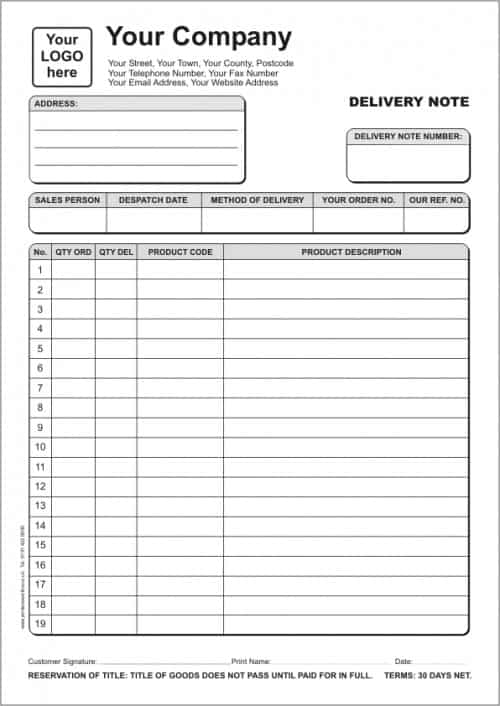

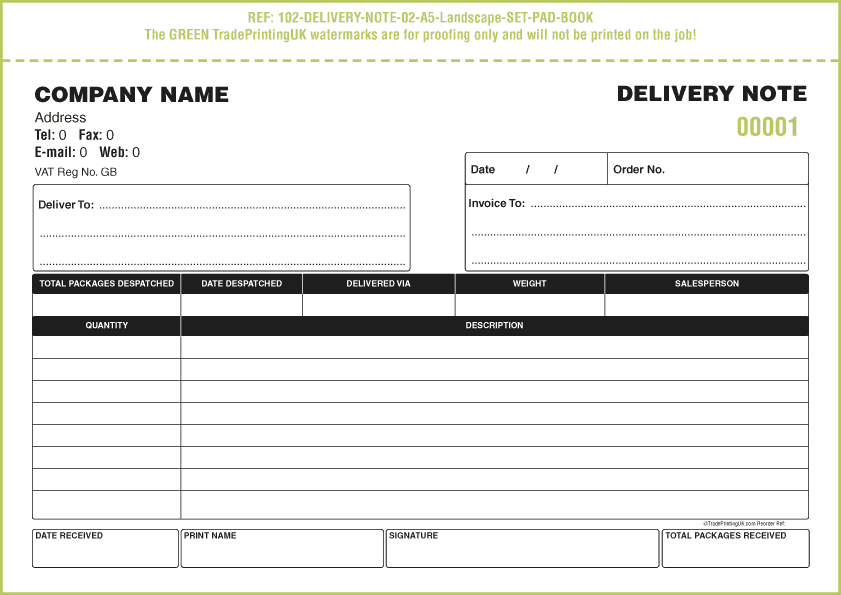

How to Fill Out a Delivery Note
- Add your company name, the delivery note number and the date.
- Enter the customer’s name and delivery address, plus any order or PO number.
- List each item with a description and quantity.
- Print two copies: one stays with the customer, one comes back to you.
- Ask the receiver to check the goods, note any damage or shortages, then sign and print their name.
File the signed copies by date or order number. If a customer later says something never arrived, you’ll have proof in seconds.
Delivery notes are one part of the order paperwork. Start with an order confirmation, schedule larger drops with a delivery order, bill the customer with an invoice format, and update stock in your inventory list.
Frequently Asked Questions
Does a delivery note show prices?
Usually not. It focuses on what was delivered. Prices go on the invoice.
What if the customer refuses to sign?
Write “refused to sign” with the date and time, and add the driver’s signature. A photo of the delivered goods helps too.
What is a missed delivery report?
A card or form left when no one is available to receive the goods, explaining how to rearrange delivery or collect the package.

