

Where’s the nearest vegan bakery? Which plumbers serve my neighborhood on weekends? Which coworking spaces have day passes? People ask questions like these every day, and a well-organized directory answers them in seconds. If you’re building a local business guide, a niche listings site or a members directory, directory website templates give you search bars, category pages, map views and listing layouts ready to customize.
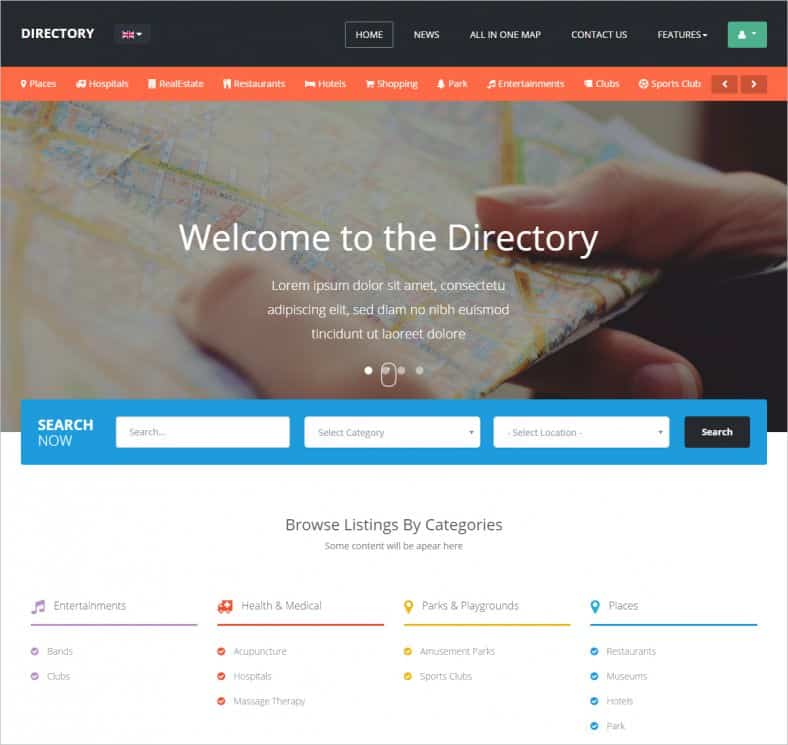
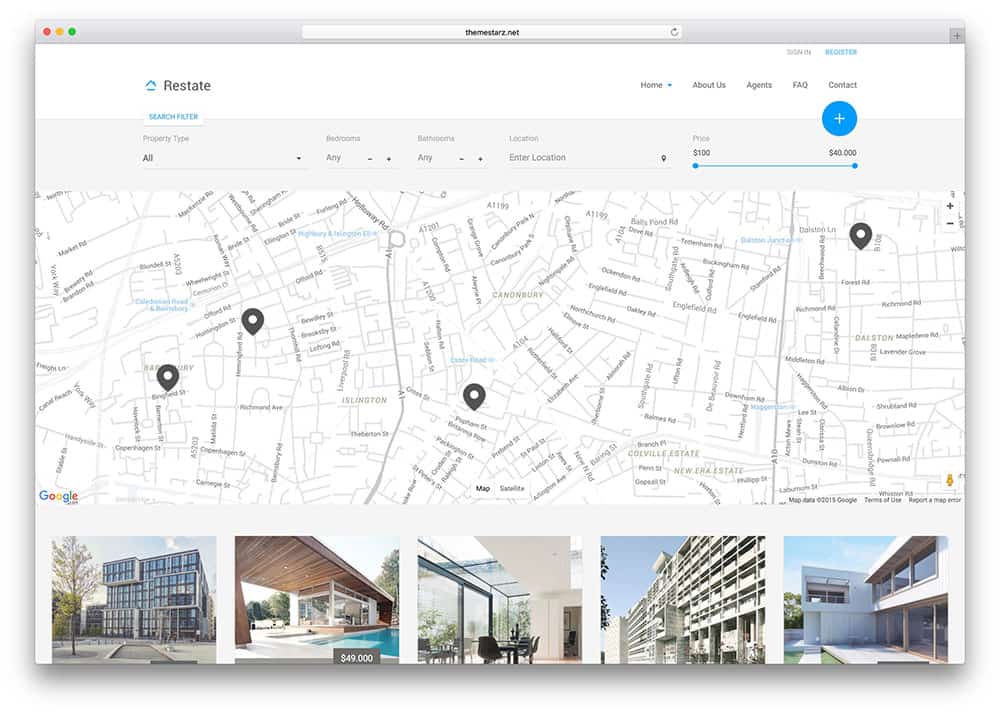
This page showcases seven directory and listings designs, including city guides, business directories, classifieds portals and a real estate layout. Some are free HTML templates, others are premium themes for content management systems, and two original listings are no longer available. Below, we’ll walk through planning a directory, the features that matter, and how to attract both listings and visitors.
Popular Types of Directory Websites
- Local business directories for a town, city or region.
- Niche directories focused on one industry, such as wedding vendors, pet services or tutors.
- Classifieds portals where people post items, jobs or services.
- Real estate and rental listings with filters for price, size and location.
- Member and association directories for chambers of commerce, alumni groups or professional bodies.
- Event and venue guides that help people find places to celebrate, meet or perform.
Features Every Directory Needs
| Feature | Why it matters |
|---|---|
| Prominent search with filters | Visitors arrive with a specific need; search by keyword, category and location gets them there. |
| Category pages | Help people browse and help search engines understand your site. |
| Listing detail pages | Name, description, photos, hours, contact details, map and reviews in a consistent layout. |
| Map view | Essential for local directories where distance matters. |
| Submission form | Lets businesses add or claim their listing. |
| Featured or paid listings | A common way to fund the directory. |
| Mobile-friendly design | Many local searches happen on phones, often on the go. |
Static template or full platform?
An HTML template gives you the look of a directory, but searching, submissions and user accounts need a back end. Many people pair a design with a content management system and a directory plugin or extension; others use themes built specifically for directory sites. Several items below are themes for a particular CMS, so check which platform each one requires before downloading.
About the downloads: Buttons link to the theme makers’ and marketplaces’ pages, where current prices, versions and licenses apply. Two original listings have been removed, so their buttons are inactive; we keep the previews as layout inspiration. Always confirm that a theme is still maintained and compatible with your platform’s current version.
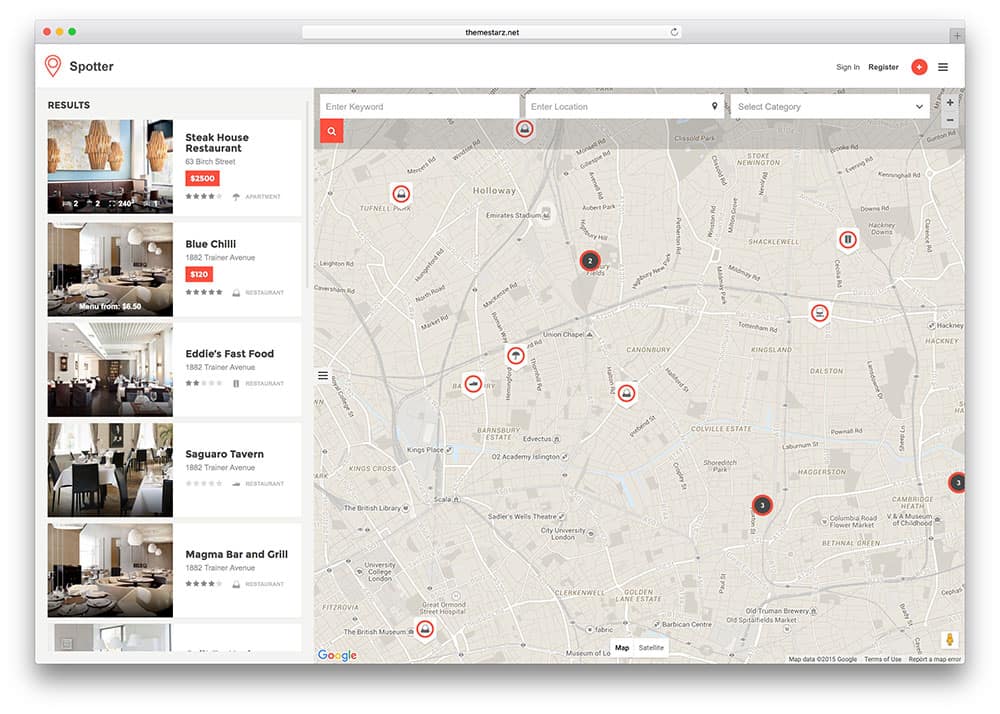
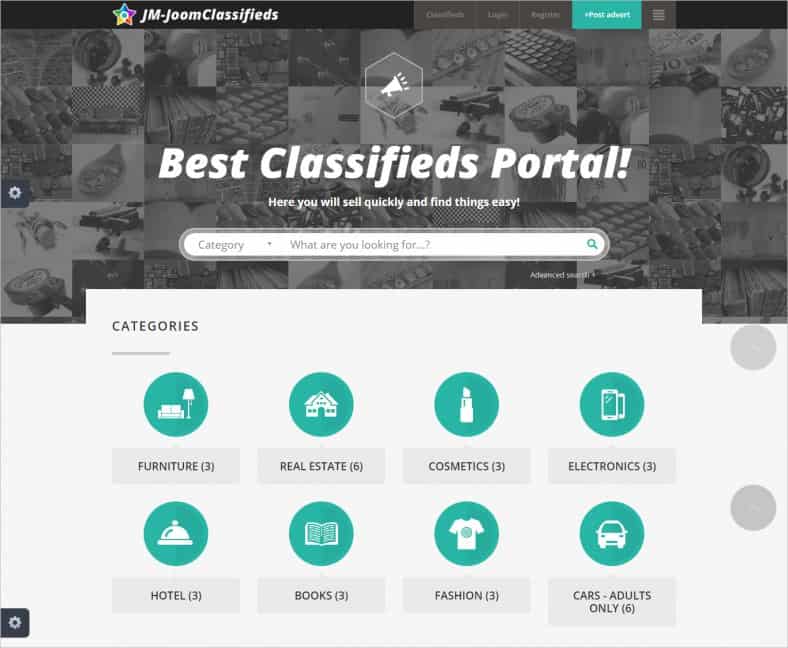
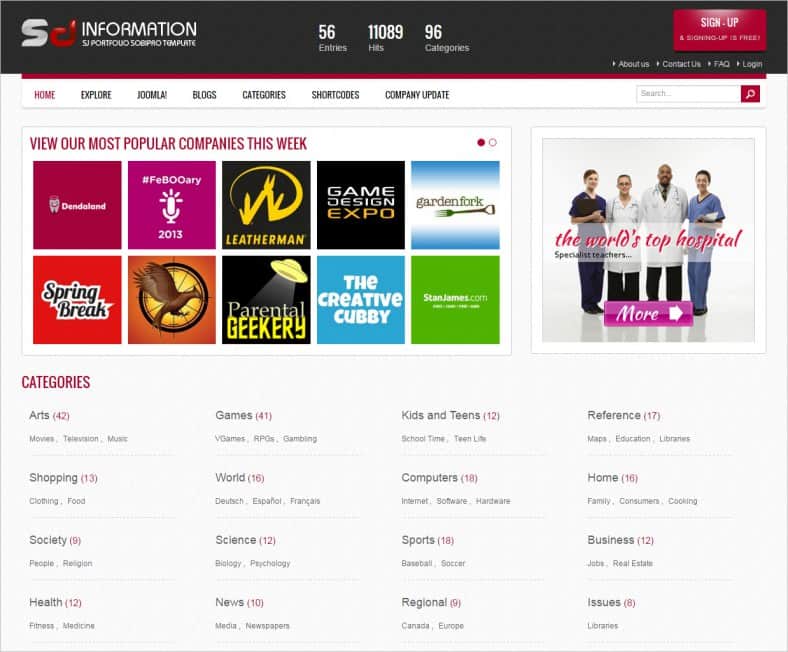
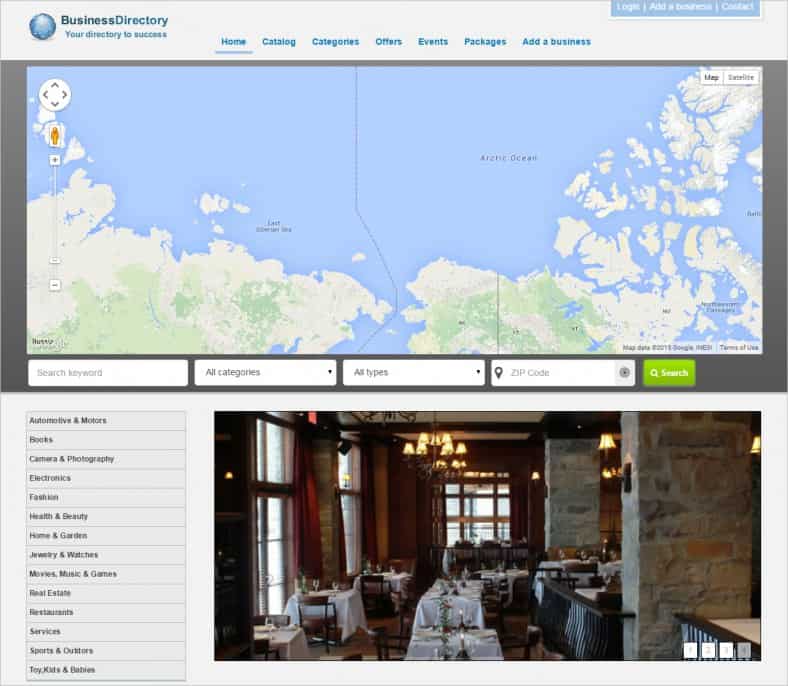
7 Directory Website Templates and Themes









Planning Your Directory Before You Build
The template is the easy part. A directory succeeds or fails on its content and structure, so answer these questions first:
- Who is it for? “Everyone in the city” is hard to win. “Families looking for kid-friendly activities in our county” is focused and memorable.
- What will each listing contain? Decide your fields up front: name, category, address, phone, website, hours, price range, photos, tags.
- How will you organize categories? Keep top-level categories few and clear, with subcategories underneath.
- Where will the first listings come from? Plan to add a solid starter set yourself so the site isn’t empty on launch day.
- How will it pay for itself? Featured listings, ads, memberships or sponsorships are common options.
Example: a small-town directory
A local volunteer group wanted a guide to independent shops and services in their town. They started with a clean directory template, five categories (Food, Shops, Services, Health and Activities) and about 60 listings they collected by walking the main street. A simple submission form let owners update their details, and a monthly email highlighted new listings. Within a year, local businesses were asking to be featured.
Getting Listings and Keeping Them Accurate
- Seed it yourself. Add the most important businesses manually, with permission and accurate public information.
- Make claiming easy. Let owners verify and update their own listing through a short form. A registration form layout can help you decide which details to collect.
- Keep a master list. A spreadsheet or contact list template makes it easy to track who you contacted and when.
- Schedule regular checks. Closed businesses and outdated hours frustrate users. Review listings a few times a year.
- Moderate reviews. Publish clear review guidelines and remove spam or abusive content promptly.
Helping People Find Your Directory
Directories live and die by search traffic and word of mouth. A few practical habits help:
- Write real category descriptions. A short, helpful paragraph at the top of each category page, such as “Family-friendly restaurants in Riverside with kids’ menus,” is more useful than an empty list.
- Create location pages. If you cover several neighborhoods or towns, give each its own page.
- Publish roundups. Articles like “10 Cozy Cafes for Remote Work” link to listings and attract readers.
- Partner with listed businesses. A “Find us on…” badge or window sticker sends their customers to your site.
- Track what works. A monthly SEO report template keeps traffic, top pages and search terms in view.
For promotions, printable coupon templates can turn your directory into a deals guide, and a written marketing plan helps you pace launches, partnerships and newsletters through the year. If your audience wants to talk with each other, not just browse listings, consider adding a community section using ideas from these forum templates.
Designing Listing Pages People Trust
The individual listing page is where visitors decide whether to call, visit or move on. A few design choices make a big difference:
- Put the essentials above the fold: name, category, rating (if you use reviews), address, hours and a prominent call or directions button.
- Use real photos. A storefront, menu or work sample builds far more confidence than a stock image.
- Show when information was last updated. A simple “Updated March 2027” line reassures users that details are current.
- Keep layouts consistent. Every listing should follow the same structure so people can scan quickly.
- Offer related listings. “Nearby cafes” or “Other plumbers in this area” keeps visitors exploring.
- Label paid placements clearly. A small “Featured” tag keeps your directory honest and users trusting the results.
Accessible design matters here too: readable fonts, good color contrast, descriptive link text and alt text on listing photos help everyone, including people using screen readers.
Legal and Privacy Basics
Directories handle business details, user accounts and sometimes reviews, so a few precautions matter. Publish a privacy policy and terms of use, only list information that is public or provided with permission, and give owners a way to correct or remove their listing. Review rules and data-protection requirements vary by country and state, so check with a qualified professional before launching paid listings or collecting personal data.
Common Mistakes With Directory Sites
- Launching with hundreds of empty categories and just a handful of listings.
- Copying listing details from other directories, which creates duplicate content and accuracy problems.
- Hiding the search bar below a large slider.
- Forgetting mobile users, who often need directions and a tap-to-call button.
- Letting paid listings crowd out the most relevant results, which erodes trust.
Frequently Asked Questions
Do I need coding skills to build a directory website?
Not necessarily. Directory themes and plugins for popular content management systems let non-developers set up listings, search and submissions. Custom features still benefit from a developer.
Are these directory templates free?
Some are free HTML templates; others are premium themes. Check each source page for the current price and license.
How do directory websites make money?
Common models include featured listings, monthly memberships for businesses, display advertising, sponsorships and affiliate links.
How many listings should I have at launch?
Enough that every main category feels useful. Quality and accuracy matter more than a big number.
Can I build a directory for members only?
Yes. Many association and alumni directories restrict listings to logged-in members to protect privacy.

