


Streaming may rule the charts, but CDs never really went away. Bands still sell them at the merch table, couples hand out wedding playlists as favors, and plenty of people burn a mix for a friend’s road trip or a parent’s birthday. In every case, the case is the first thing people see, and a CD cover template is the quickest way to make it look finished instead of homemade. The layout, bleed and fold lines are already set up, so you can focus on the artwork and the track list.
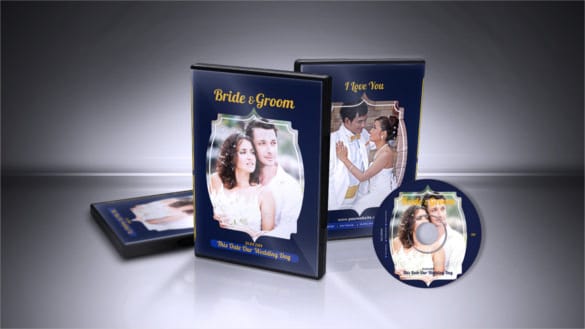
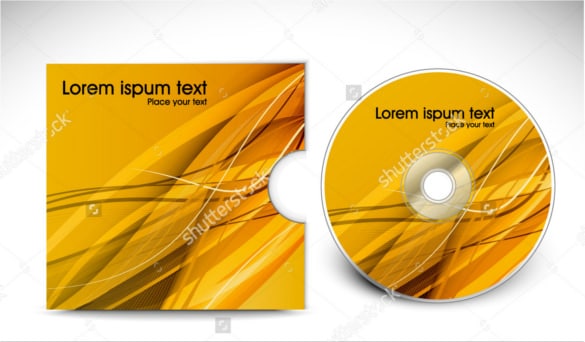
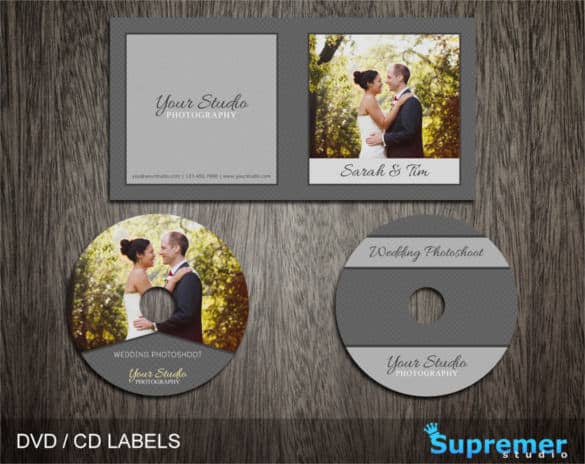
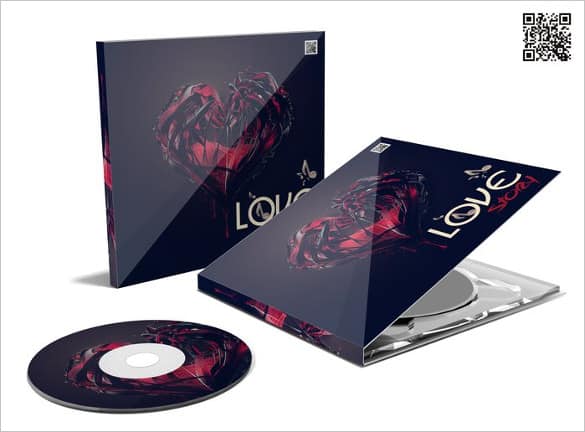
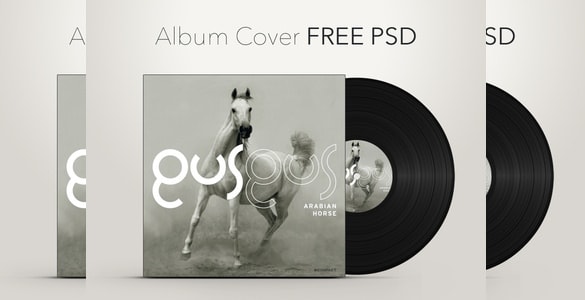
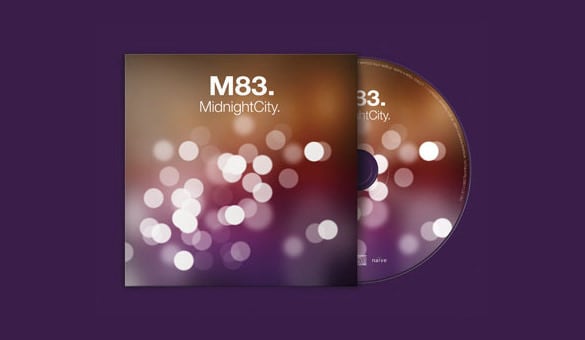
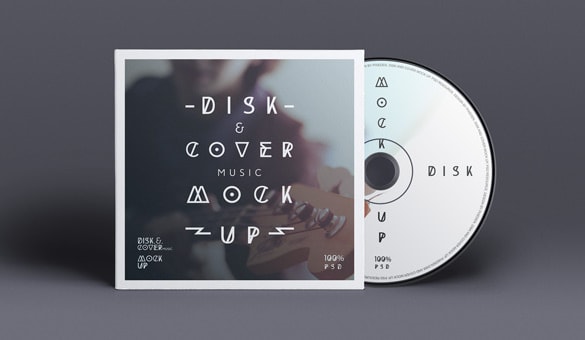
This collection brings together 9 CD cover designs, mostly in layered PSD format, covering album covers, a mixtape layout, a single CD sleeve, a wedding CD label and a disc mock-up for presenting your design. Most are made for Photoshop, and many can be opened in free image editors as well. Read on for a quick guide to CD packaging parts, the gallery itself, then step-by-step editing tips and ideas for different occasions.
Why a Good Cover Still Matters
A cover does more than protect a disc. It tells people what’s inside before they press play, and it’s often the only piece of a physical release someone keeps on a shelf. For musicians, a strong cover helps a CD sell at gigs and look credible when it’s sent to venues, radio hosts or reviewers. For gifts and events, it turns a blank disc into a keepsake.
Good covers usually share a few traits:
- A single, strong image or graphic that still reads at a small size
- A clear title and artist or event name
- A readable track list on the back, with running times if you like
- Credits, contact details or a website for anyone who wants more
- Consistent colors and fonts across the front, back, spine and disc
It’s also worth thinking about where the CD will live. A disc sold at a show might be handled by dozens of people before someone buys it, so bold front artwork matters most. A gift CD is usually opened once and kept, so a personal note on the inside or back can mean more than a fancy design.
CD Packaging Parts at a Glance
Before choosing a template, it helps to know which pieces you’ll actually be printing. The sizes below are the common approximate dimensions for a standard jewel case; your printer or label paper may use slightly different measurements, so always check their guide before you finalize.
| Part | What it is | Approximate size |
|---|---|---|
| Front insert or booklet | The square cover visible through the front of the case | 120 x 120 mm (about 4.75 x 4.75 in) |
| Back tray card | The rear panel behind the disc tray, usually with the track list | About 150 x 118 mm, including the two spines |
| Spines | Narrow strips on either side of the tray card showing title and artist | About 6 mm wide each |
| Disc label or on-disc print | The round artwork printed on the disc itself | Matches the disc, with a center hole cut-out |
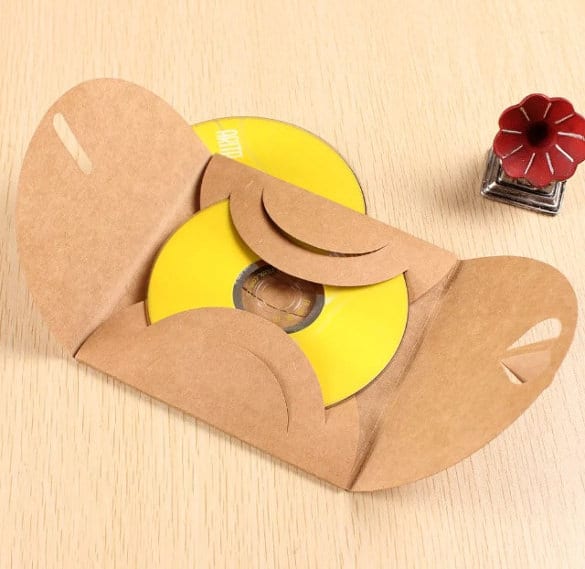
| Paper or card sleeve | A simple wallet that replaces the plastic case | Varies by sleeve style |
If you only need a quick gift, a front insert and a disc label are usually enough. A full release benefits from all the pieces, and some people add a folded booklet with lyrics, photos or thank-you notes. If you enjoy multi-page print layouts, our magazine templates are a good source of ideas for booklet pages.
9 CD Cover Templates to Download
Most previews below are followed by a button that takes you to the original design’s page. Some designs are free while others may be paid or require an account, so check the license on each page before using a design commercially.


















How to Customize Your CD Cover
Whether you’re using Photoshop or a free editor, the process is much the same. Here’s a simple workflow that keeps things tidy.
- Gather your content first. Write down the title, artist or event name, track list, credits and any contact details. Having it all in one place saves you from re-opening the file again and again.
- Open the template and save a working copy. Keep the original as a backup.
- Check the guides. Most templates show trim lines, fold lines and a bleed area. Keep important text at least a few millimeters inside the trim line so it isn’t cut off.
- Replace the main image. Use a high-resolution photo or illustration, ideally 300 dpi at print size. Low-resolution images look fine on screen but blurry on paper.
- Update the text layers. Change the title, names and track list. Pick no more than two fonts, one for headings and one for small text.
- Match the disc and spine. Carry the same colors and fonts onto the disc label and spines so the whole package feels like a set.
- Print a test copy on plain paper. Cut it out and slip it into a case to check fit, alignment and readability before printing on good stock.
Tip: Small text on a busy photo is hard to read. Add a subtle dark or light band behind the track list, or lower the photo’s brightness in that area, to keep everything legible.
Design Ideas by Occasion
Band or solo album
Let one striking image carry the front, keep the band name and title simple, and save the details for the back. If you’re also selling merch at shows, matching artwork across your CD, posters and a printed bookmark or business card makes the merch table look polished.
Wedding or anniversary playlist
Soft colors, the couple’s names, the date and a short thank-you message work beautifully. Package the discs in a decorated paper gift bag as part of the favor table.
Mixtape for a friend
This is the place to have fun: handwritten-style fonts, inside jokes, a photo from a shared trip. The mixtape layout in the gallery is a nice starting point.
Family memories
Compile recordings of a grandparent telling stories, a child’s first school concert or a family reunion slideshow, and give each disc a cover with photos and dates. It’s a lovely addition to a holiday family newsletter mailing.
Business or promotional disc
Shops, studios and trainers sometimes hand out sample tracks, tutorials or product presentations on disc. Keep the cover clean, add your logo and website, and tie it in with your other print materials, such as a grand opening flyer if you’re launching something new.
Common CD Cover Mistakes to Avoid
- Text too close to the edge. Anything near the trim line risks being cut off or hidden by the case’s tabs.
- Forgetting the bleed. Background images should extend past the trim line, or you may end up with thin white edges.
- Screen colors versus print colors. Bright on-screen colors can print darker. Print a test before ordering a big run.
- Tiny track lists. Track names under about 7 points get hard to read, especially on darker backgrounds.
- Mismatched spine text. Make sure the spine reads in the same direction as other CDs on a shelf so it’s easy to find.
- Typos in names. Have someone else proofread band members, guests and song titles. It’s the mistake people notice most.
Example: A Wedding CD in an Afternoon
Say a couple wants 80 playlist CDs as favors. They pick the wedding CD label layout from the gallery, replace the sample photo with an engagement picture, and type their names and the date across the front. The back lists 15 songs that matter to them, each with a one-line note (“the song from our first road trip”). They print a single test, check the fit in a slim case, then print the full batch on matte card. The discs get matching round labels, and each one goes into a small kraft envelope with a thank-you tag. Total design time: an afternoon, most of it spent choosing the songs.
A Quick Note on Artwork and Music Rights
Use photos, illustrations and fonts you own or have permission to use, and read the license that comes with each template. Many free designs allow personal use only. Likewise, if you plan to sell or publicly distribute CDs, make sure you have the rights to the music on them; personal gift discs and commercial releases are treated very differently. Copyright rules vary by country, so check the rules where you live if you’re unsure.
Frequently Asked Questions
What size is a standard CD cover?
A standard jewel case front insert is about 120 x 120 mm (roughly 4.75 inches square). The back tray card is wider because it includes the spines. Always confirm sizes with your printer’s template.
Can I edit a PSD CD cover template without Photoshop?
Yes, several free desktop and browser-based editors can open PSD files. Some layer effects or fonts might need adjusting after opening.
What paper should I print CD covers on?
A smooth, medium-weight photo or matte paper works well for inserts. Heavier card is better for paper sleeves. For disc labels, use adhesive label sheets made for CDs or a printer that supports printable discs.
Are these CD cover templates free?
Some are free and some may be premium. Each button leads to the designer’s own page, where you can check the price and license before downloading.


