


It’s Thursday afternoon, the open house is Saturday, and the listing photos just came back. You need something buyers can pick up at the door, something you can pin at the coffee shop down the street, and a digital version for your email list. A real estate flyer template turns that scramble into an hour of focused work: the layout, photo frames and text areas are already in place, so you only swap in the property details, the photos and your contact information.
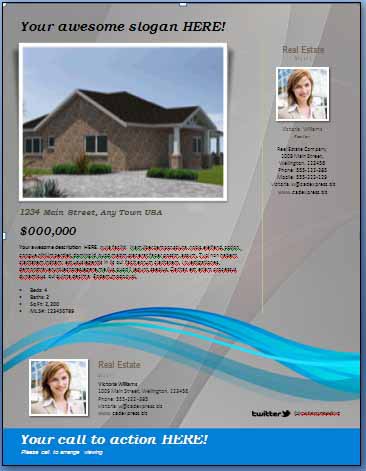
Below you’ll find 10 editable real estate flyer designs, most supplied as layered PSD files for Photoshop and similar editors. They suit listing agents, brokers, property managers and private sellers alike, with styles ranging from clean and modern to bold, photo-heavy layouts. Before the gallery, we’ll go over the main flyer types and what every flyer should include; afterward, you’ll find editing steps, copywriting tips and a short FAQ.
Types of Real Estate Flyers and When to Use Each
Just listed
The workhorse flyer. One large hero photo, a handful of smaller interior shots, the price, the key features and a clear way to book a viewing. Hand it out at showings and leave copies with neighbors, who often know someone looking to move into the area.
Open house
This one is all about the date, time and address. Make those three details big enough to read from across the street, then add two or three reasons to come by. A short version also works well as a social media graphic.
Just sold
A sold flyer tells the neighborhood you get results. Keep it simple: a photo of the home, the word “Sold,” and an invitation for nearby owners to ask about their home’s value.
Agent or brokerage introduction
For new agents or teams moving into a market, an introduction flyer explains who you are, the areas you serve and what makes your service different. It pairs nicely with a one-page company profile for more formal meetings.
Rental and leasing
Landlords and property managers can adapt any of these layouts for available units, highlighting monthly rent, move-in date, pet policy and what’s included. If you manage several units, our rent roll templates help you keep tenant and payment details organized behind the scenes.
Neighborhood or farming flyer
Many agents pick a neighborhood and mail or deliver something useful to it every month or two, such as local market updates, seasonal home maintenance tips or community event dates. Over time, residents start to recognize the agent’s name and face, which can lead to listing calls down the road.
What Every Listing Flyer Should Include
Use this checklist before you send anything to print:
- Street address and neighborhood name
- Asking price or rent, shown clearly
- Bedrooms, bathrooms and approximate square footage
- Three to five standout features (renovated kitchen, large yard, garage, walkable location)
- One strong exterior photo plus a few interior shots
- Your name, photo, phone number, email and brokerage details
- A call to action: “Book a private tour,” “Visit Saturday 1 to 4 p.m.,” or a QR code to the online listing
- Any license numbers or disclosures required where you work
If you want to share more detail than a flyer can hold, a separate property fact sheet is a great place for room dimensions, utility costs, school information and recent upgrades.
10 Real Estate Flyer Templates to Customize
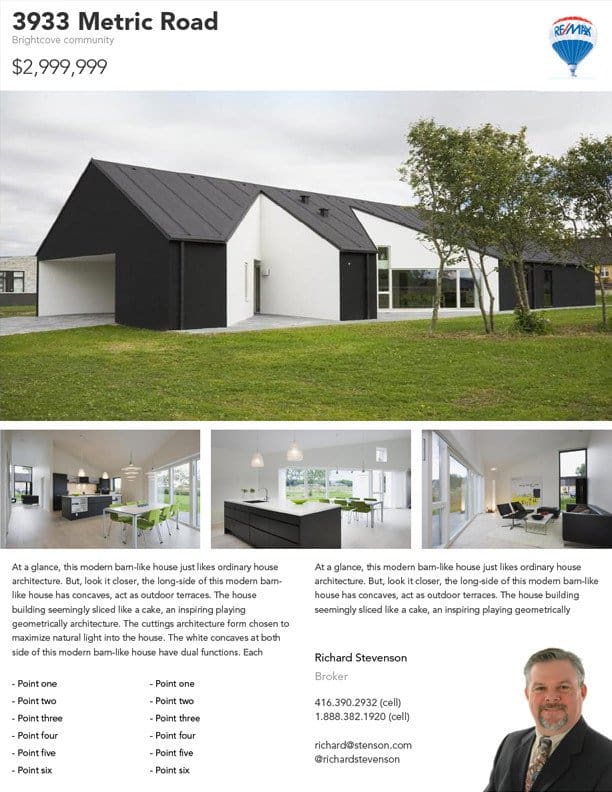
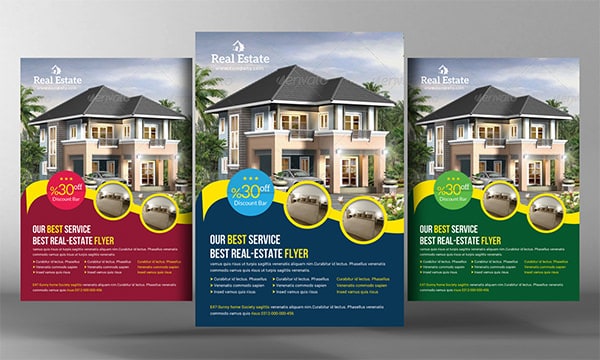
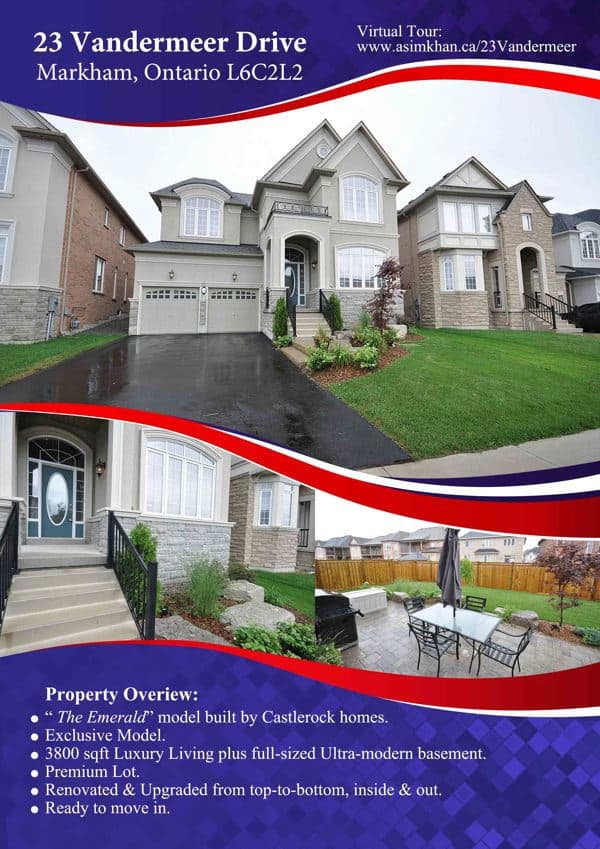
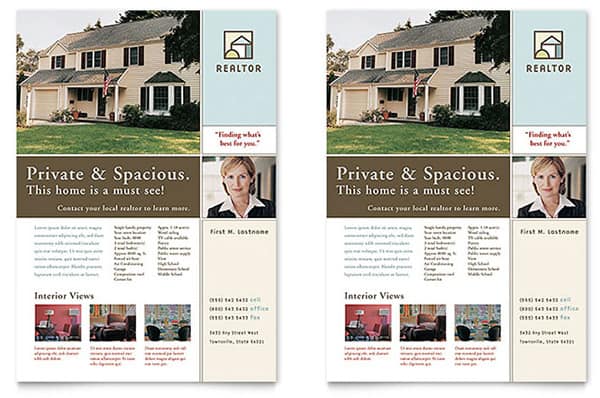
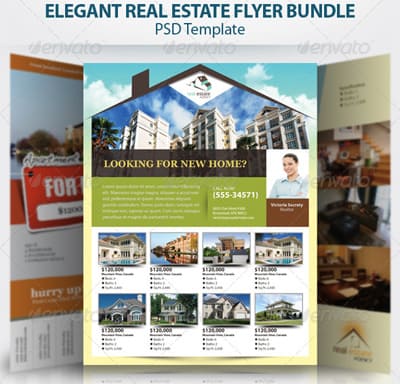
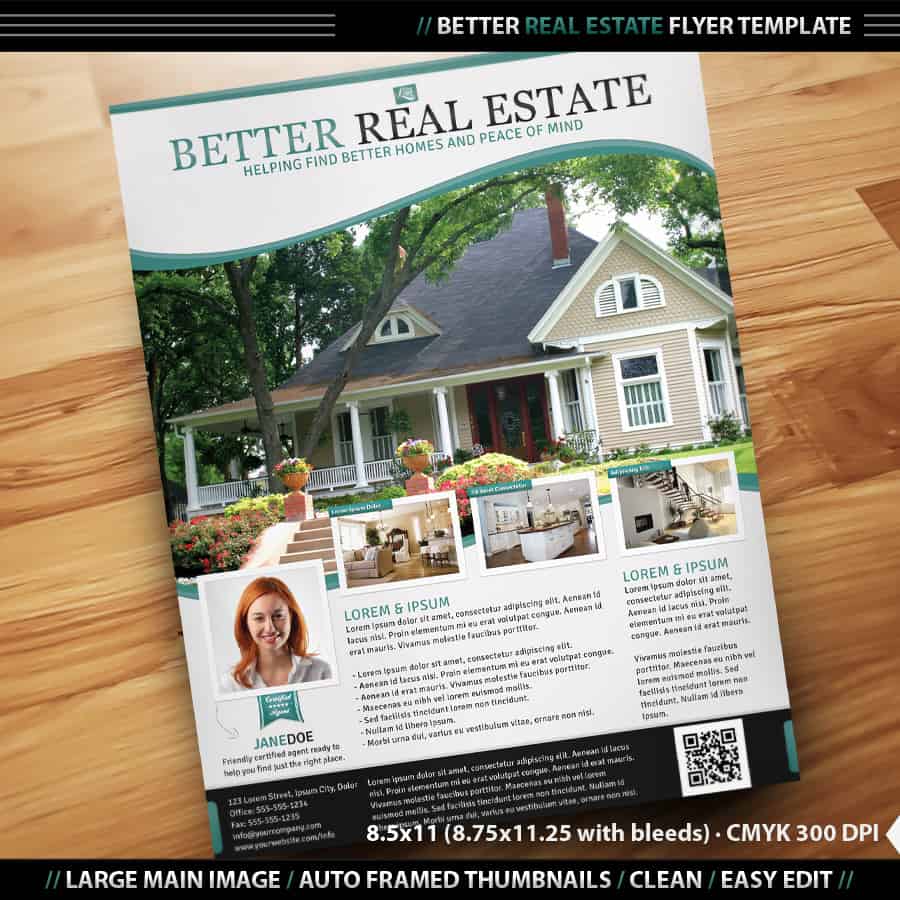
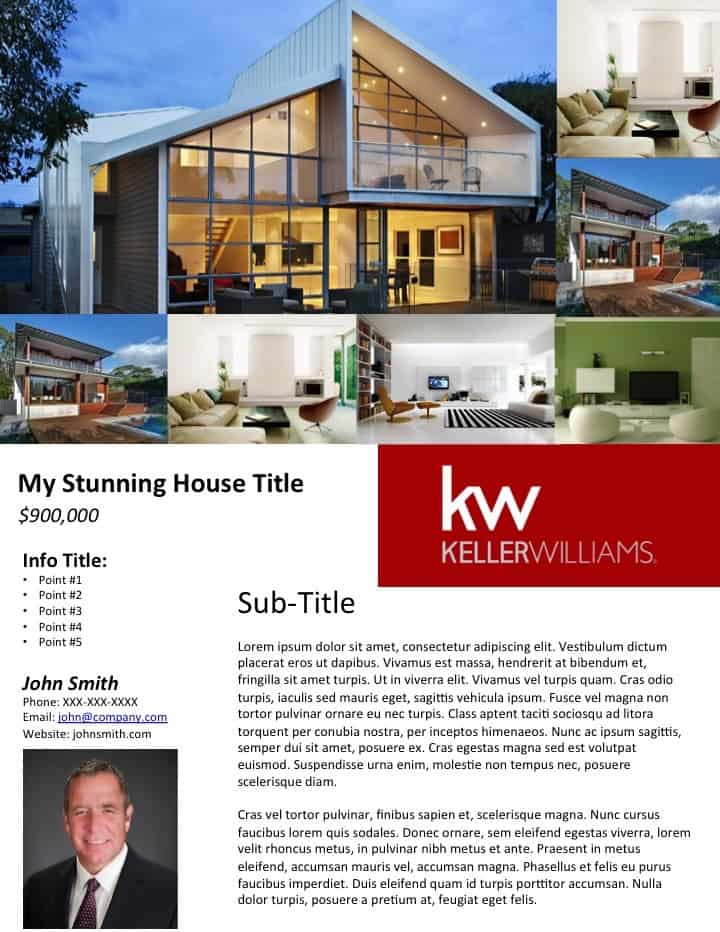
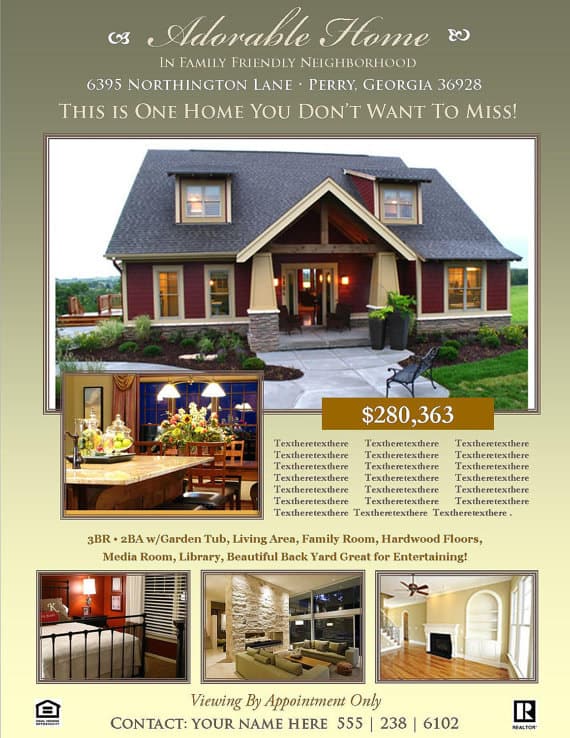
Each preview below links to the original design’s page through the button underneath it. Some files are free and others may be premium or require an account, so check each designer’s license and usage terms before you print or publish.























Editing a PSD Flyer When You’re Not a Designer
Layered PSD files can look intimidating, but you only need a few basic moves to make one your own.
- Open the file and save a copy right away. Keep the original untouched so you can start over if something goes wrong.
- Find the layers panel. Designers usually name and group layers (“Photo 1,” “Price,” “Agent info”). Click a group to see what it controls.
- Replace photos with smart objects. Many templates use smart object placeholders. Double-click the layer, paste your photo into the window that opens, save and close, and the image drops into the frame.
- Edit text with the type tool. Click into each text layer and type over it. If a font is missing, the editor will warn you; either install the font named in the template’s notes or swap in a similar one.
- Adjust colors to match your brand. Look for shape or color-fill layers and change them to your brokerage colors.
- Export for print and screen. Save a high-resolution PDF for printing and a smaller JPG or PNG for email and social media.
No Photoshop? Several free and browser-based editors can open PSD files, though complex effects may not carry over perfectly. Check the preview carefully after opening.
Copy and Photo Tips That Make a Flyer Work
| Instead of this | Try this |
|---|---|
| “Beautiful home in great location” | “Three-bedroom home, five minutes’ walk to the park and train station” |
| A dark, cluttered living room photo | A bright, wide shot taken in daylight with lights on and surfaces cleared |
| Ten small photos crammed together | One large hero image and three or four supporting shots |
| A long paragraph of features | A short bulleted list of the five that matter most |
| “Call for details” | “Open Saturday 1 to 4 p.m.” or “Scan to book a private viewing” |
Accuracy matters as much as style. Double-check measurements, room counts and prices against the listing agreement, and avoid descriptions that could be misleading. Advertising rules for real estate, including fair housing requirements, license disclosures and how prices must be shown, vary by state and country, so check with your brokerage or local regulator if you’re not sure what’s required.
A Sample Listing Flyer, Line by Line
Here’s how the text on a simple just-listed flyer might read once it’s filled in. The property is invented, but the structure works for almost any home.
Headline: Just Listed: Sunny Three-Bedroom Near Maple Park
Price line: Offered at $X (use your actual list price)
Key facts: 3 bedrooms | 2 bathrooms | approx. 1,650 sq ft | detached garage
Features: Updated kitchen with an island, new roof (add the year it was installed), fenced backyard, five minutes’ walk to the elementary school
Call to action: Open house Saturday 1 to 4 p.m. or scan the code to book a private showing
Agent block: Name, photo, phone, email, brokerage name and license number
Every line answers a question a buyer would ask in the first ten seconds: what is it, where is it, how much, why is it special, and how do I see it? If your draft has lines that don’t answer one of those questions, they’re good candidates for cutting.
Printing and Getting Flyers in Front of Buyers
Standard letter size (8.5 x 11 inches) is the usual choice for listing flyers, and many print shops can turn around a short run in a day. Use heavier paper for handouts at showings so they don’t feel flimsy, and print a few extra for the agent box outside the property.
A few distribution ideas that tend to work well:
- Leave a stack at the open house sign-in table and on the kitchen counter.
- Drop flyers at nearby homes with a short note inviting neighbors to “choose their neighbors.”
- Ask local cafes, gyms and community boards whether you can post a copy.
- Send the digital version to your email list and share it on social media.
- Pair a mailed flyer with a short personal letter; our marketing letter templates include a real estate investor version you can adapt.
Opening a new office or launching a team? A grand opening flyer is a fun way to invite the neighborhood in, and printing all your handouts on matching letterhead keeps your brand consistent from the first flyer to the closing paperwork.
Frequently Asked Questions
What is a real estate flyer template?
It’s a ready-made flyer layout with placeholders for property photos, price, features and agent contact details. You replace the sample content with your own and print or share it.
What software do I need to edit a PSD flyer?
Adobe Photoshop handles PSD files best, but several free and online editors can open them too. Some effects or fonts may need small adjustments in other programs.
Are all of these flyer templates free?
Not necessarily. The download buttons lead to each designer’s own page, where some files are free and others are paid or require sign-up. Always read the license before commercial use.
What size should a real estate flyer be?
Letter size (8.5 x 11 inches) is the most common for listing handouts. Half-page and postcard sizes work well for mailers and door drops.
Can landlords use these flyers for rentals?
Yes. Just swap the price for monthly rent and add details like the move-in date, lease length, pet policy and what utilities are included.
Should I include a QR code?
It’s a good idea. A QR code linking to the full online listing, a virtual tour or a booking page lets interested buyers act right away.


