

A letter on plain paper says “a letter.” The same words on a crisp letterhead template say “a real business you can trust.” Letterhead puts your logo, name and contact details on every page, so quotes, offers and official letters look consistent and professional.
We’ve collected 24 free Word letterhead templates. There are corporate and A4 designs, minimal and modern styles, personal letterheads, and versions tailored to specific businesses, including tech and IT companies, a hospital, doctors, lawyers, a day care, a stationery shop, marketing agencies and landscapers.
What Goes on a Letterhead
- Your logo, usually top left or centered
- Business or personal name
- Address, phone number, email and website
- Optional: registration or license number, tagline, social links
- Footer details such as office locations or a thin brand-color line
Keep it clean. A letterhead should frame the letter, not compete with it.
Word Letterhead Templates
Corporate Letterhead Template

A4 Letterhead Template Free Download

Company Letterhead Template Word

Official Letterhead Doc Template


Company Letterhead Template Free Download

Tech Company’s Letterhead Template

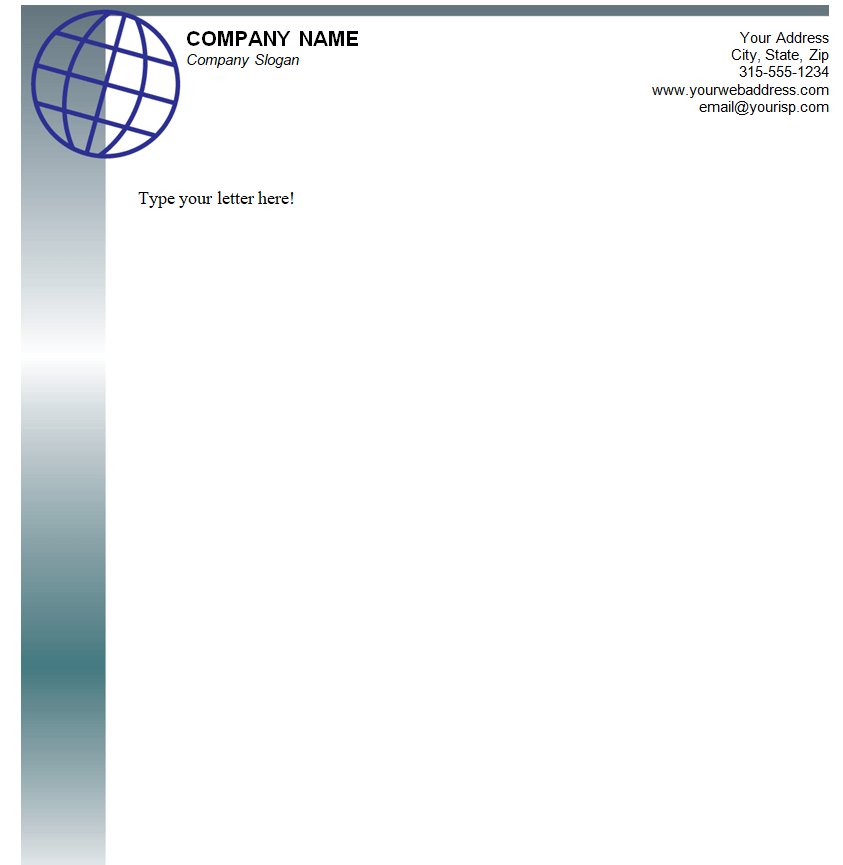
Day Care Centre’s Letterhead Template

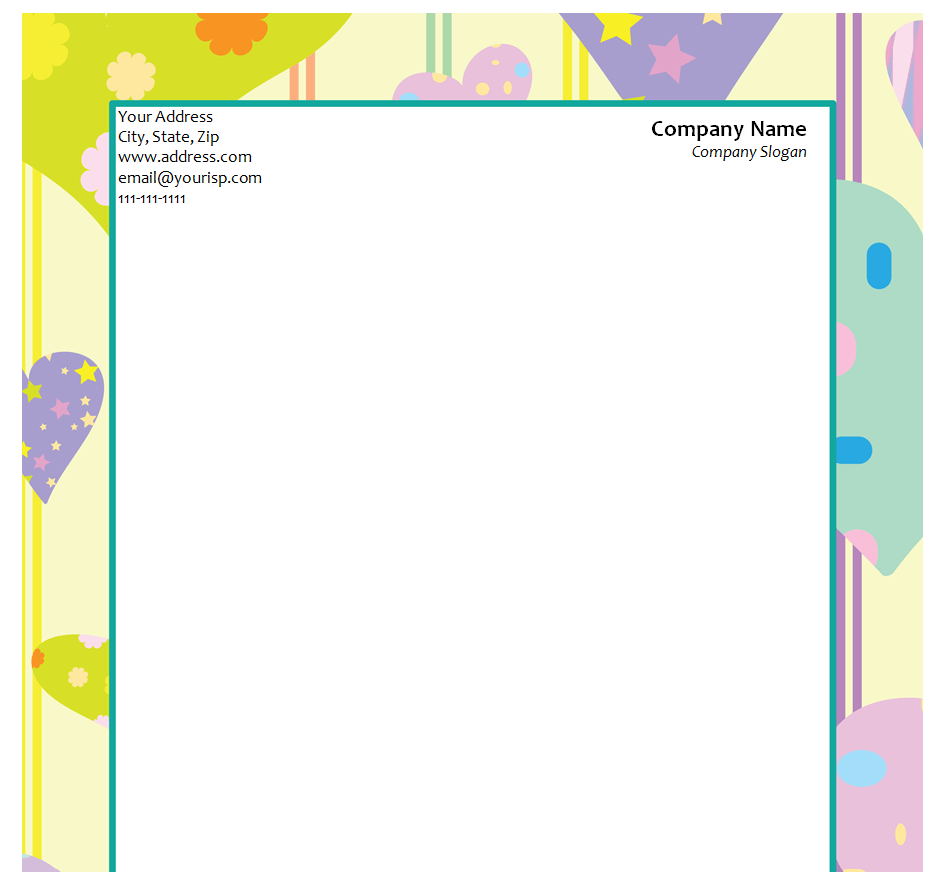
Customizable Letterhead Template


Hospital’s Letterhead Doc Template

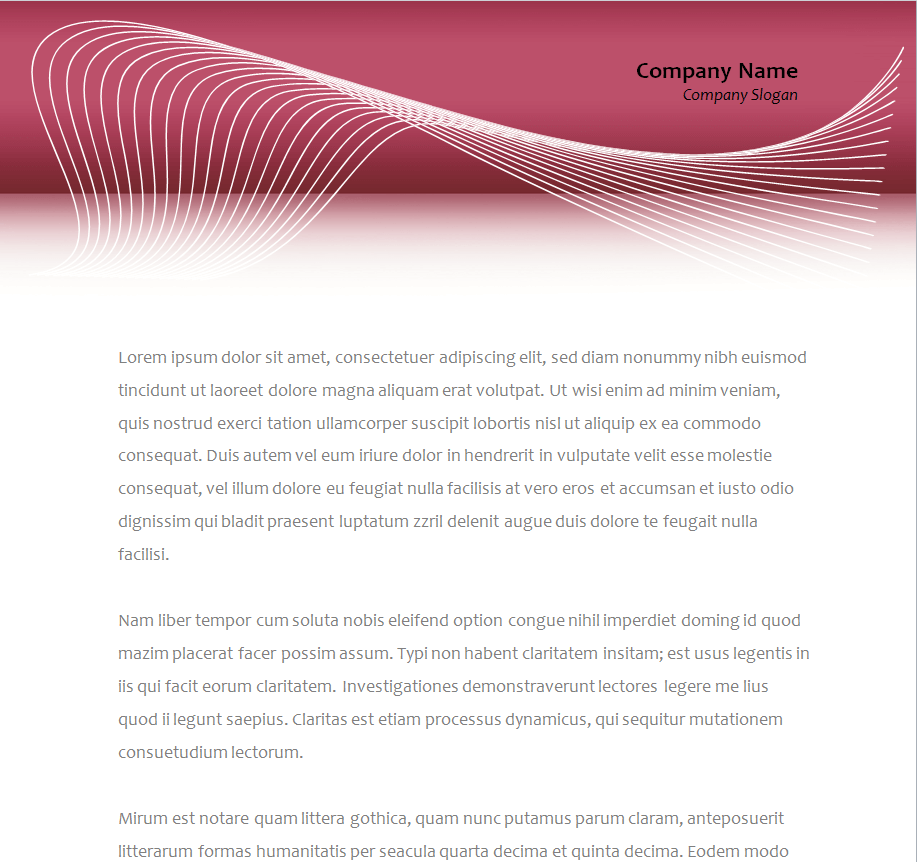
Simple Personal Letterhead Template MS WORD

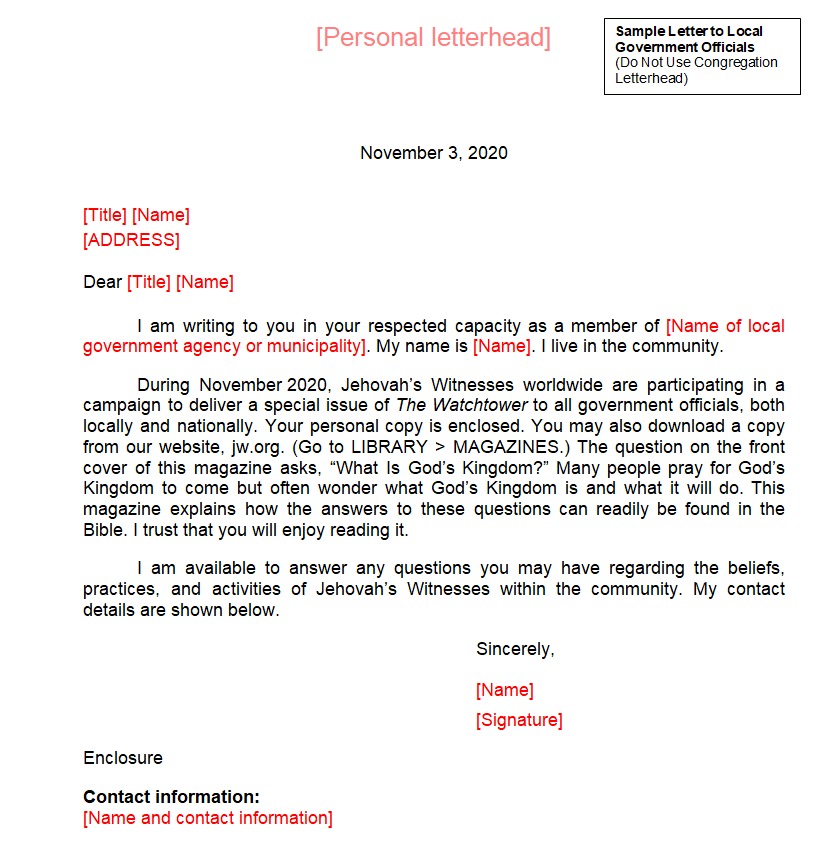
IT Company’s Letterhead Template

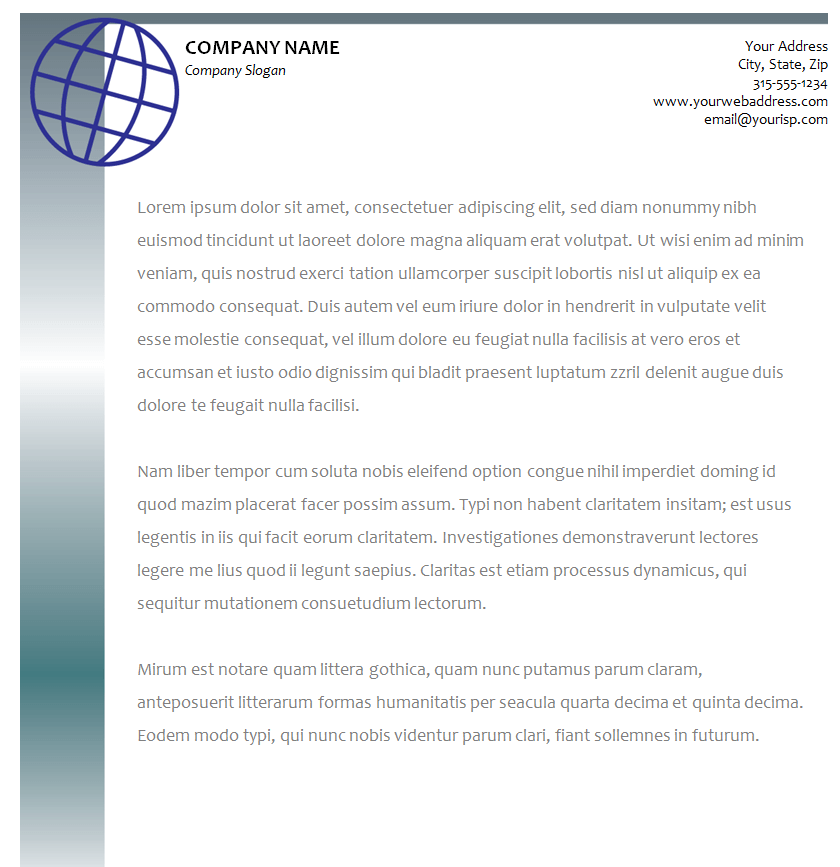
Software Agency Letterhead Template Free Download

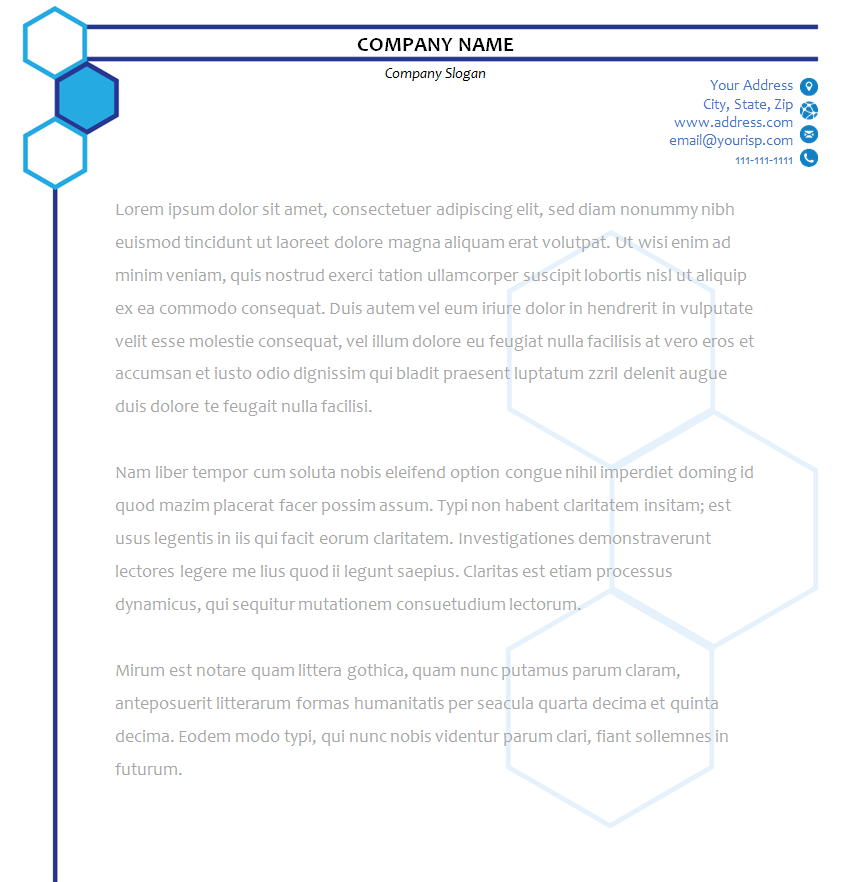
Professional Letterhead Template

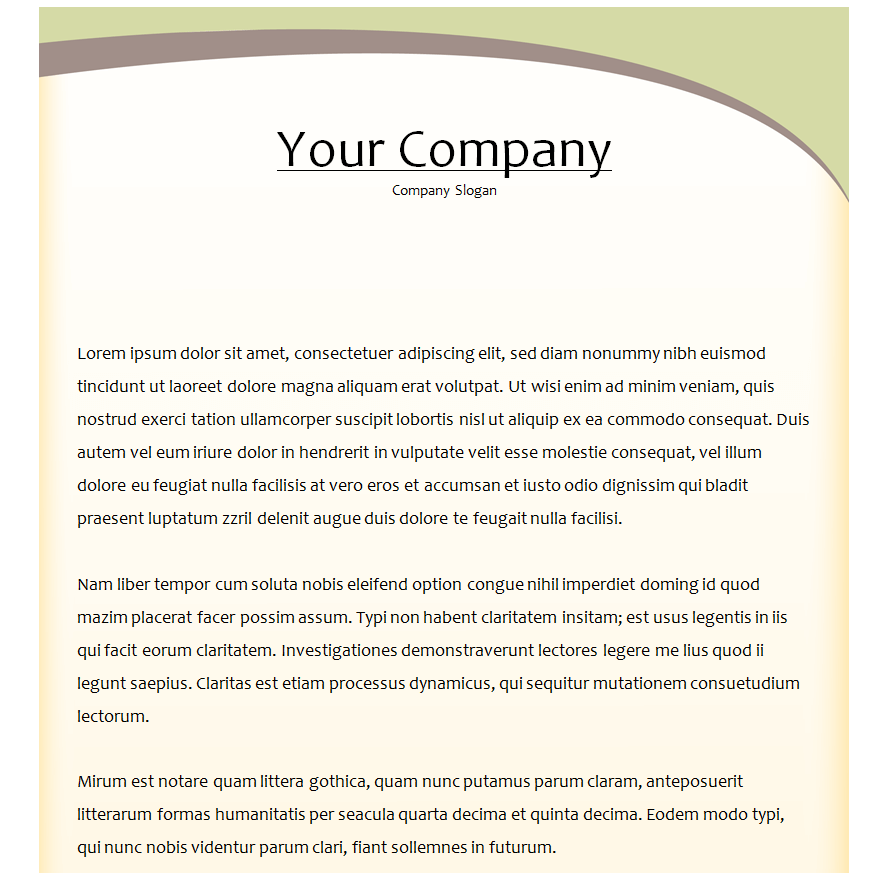
Minimalistic Design Letterhead Template

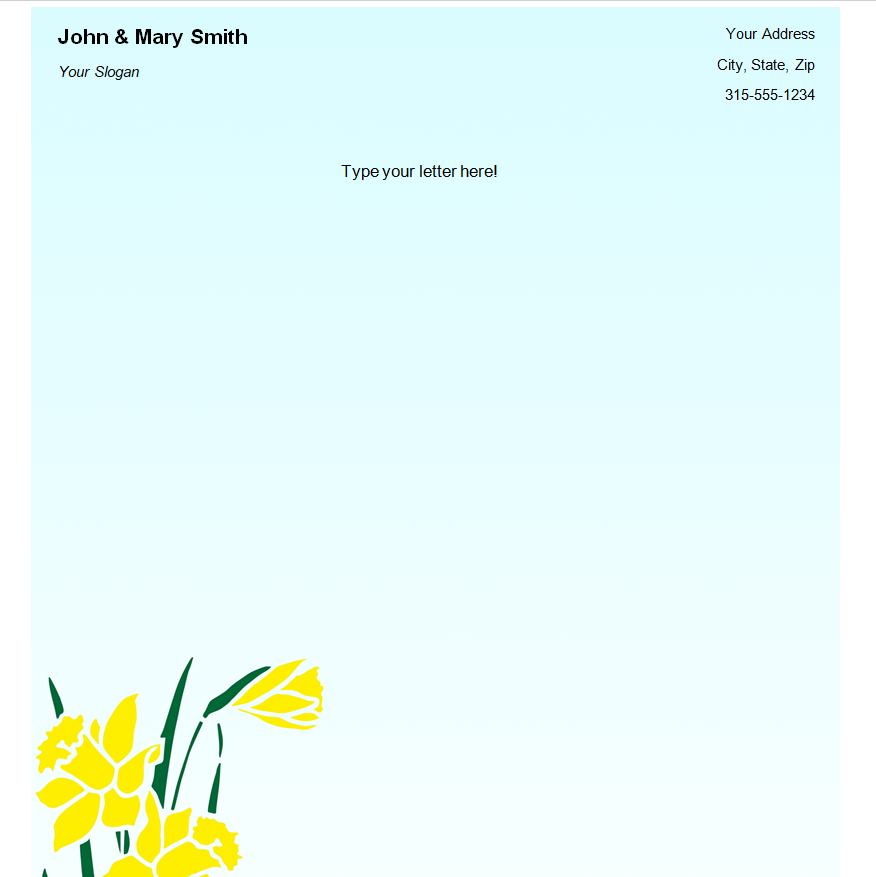
Modern Letterhead Template in MS WORD

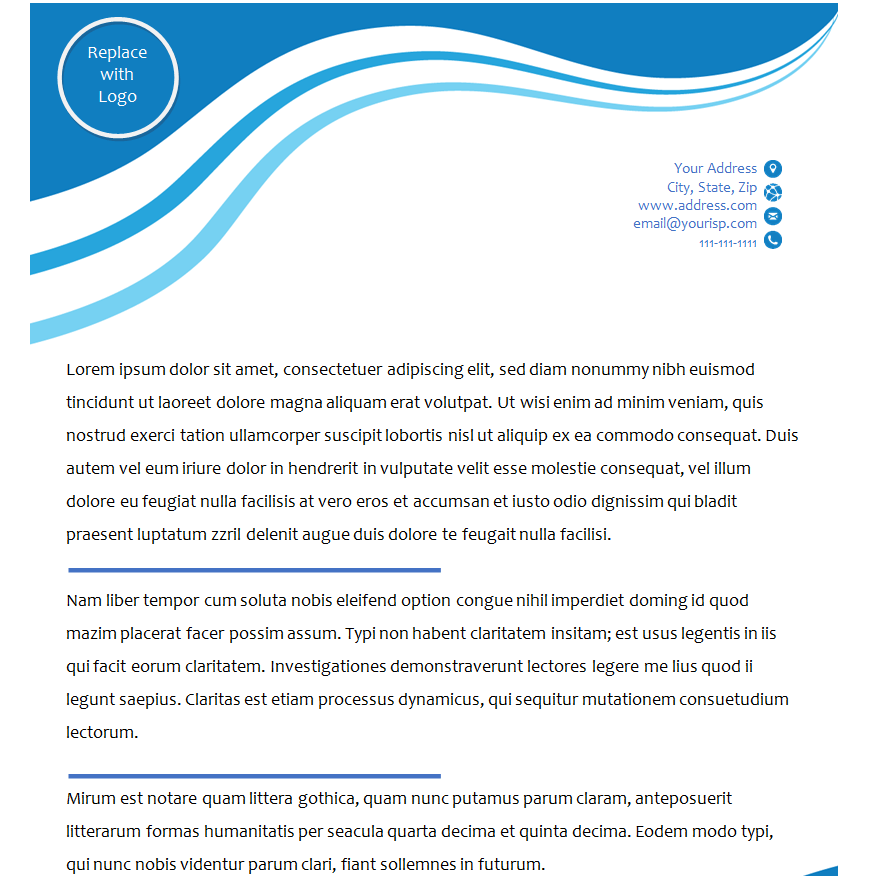
Stationery Shop Letterhead Template

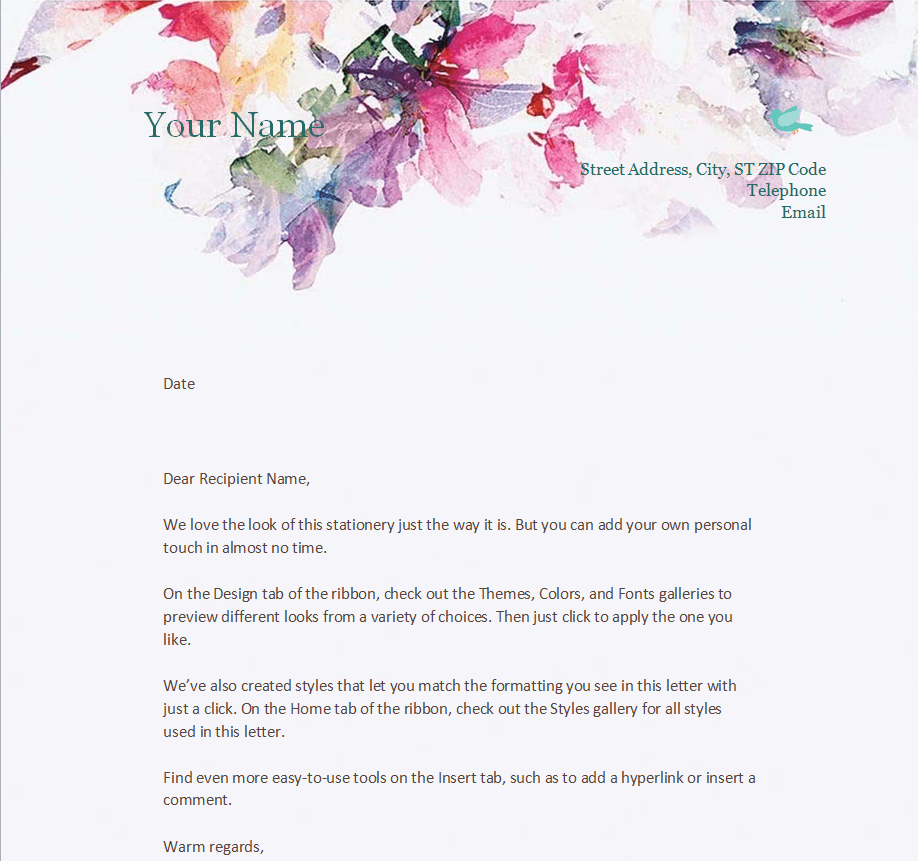
Doctor’s Letterhead Word Template

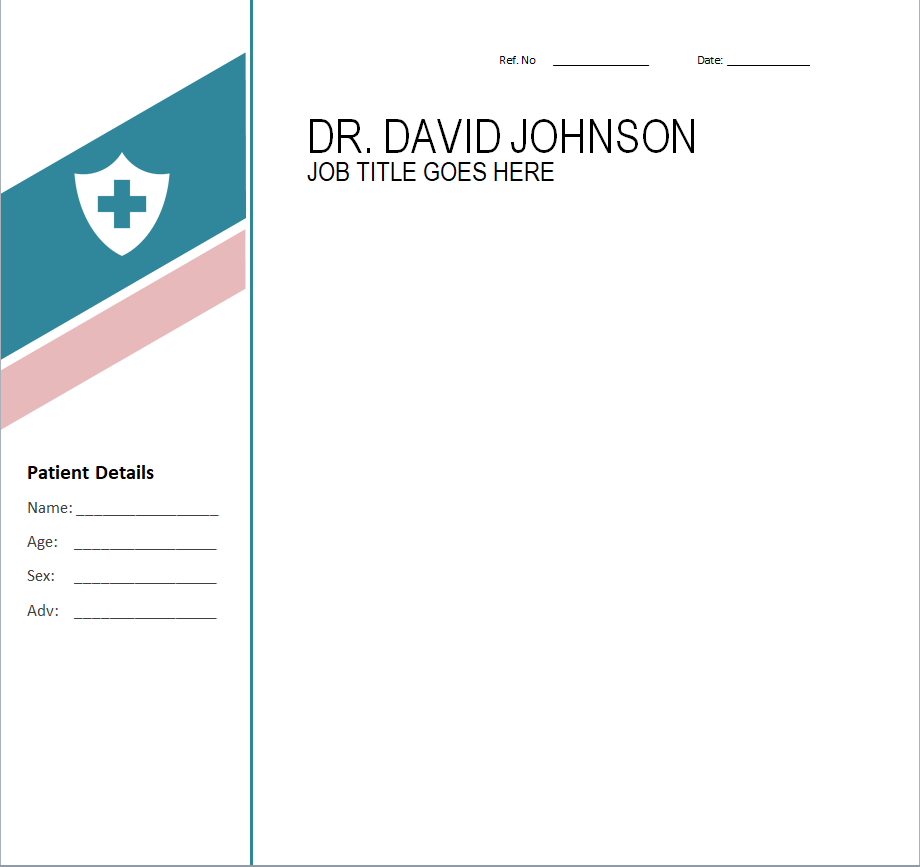
Lawyer’s Letterhead Template

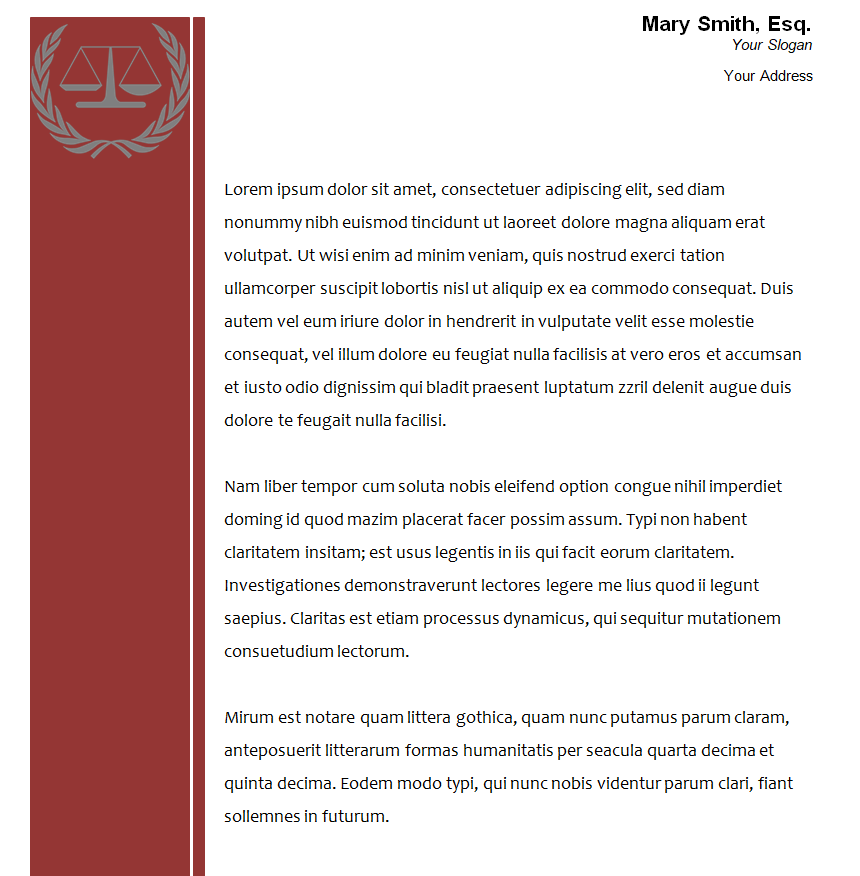
Digital Marketing Company’s Letterhead Sample Doc


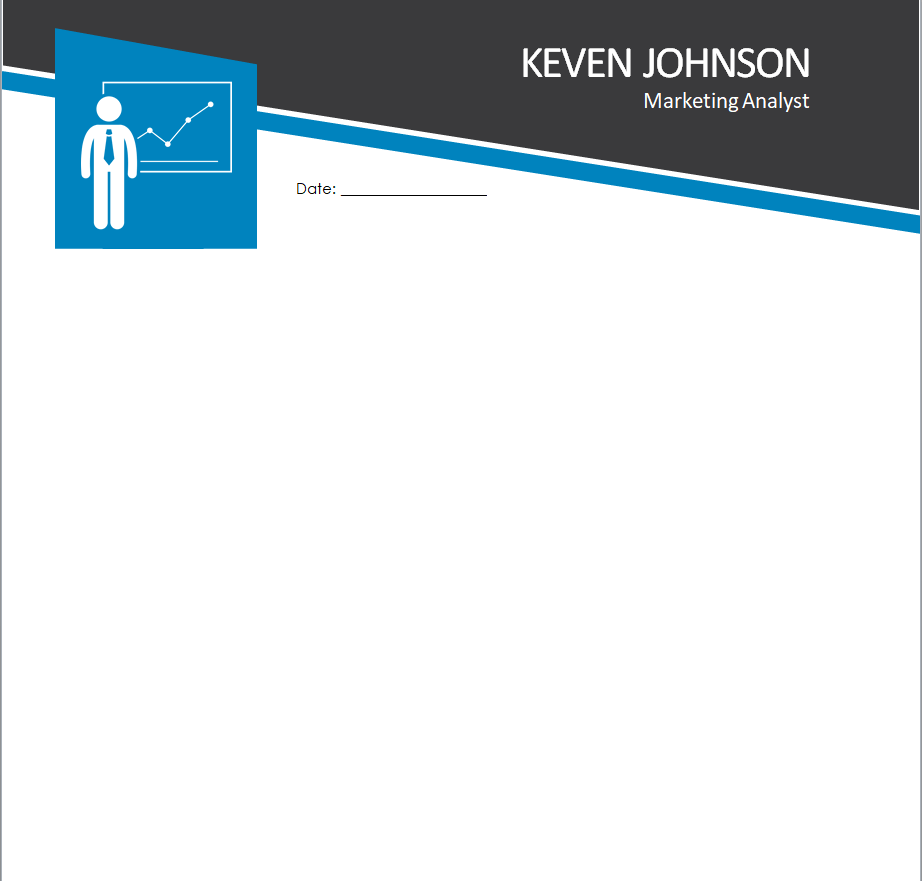
Letterhead Template for a Marketing Analyst

Free Editable Company’s Letterhead Template

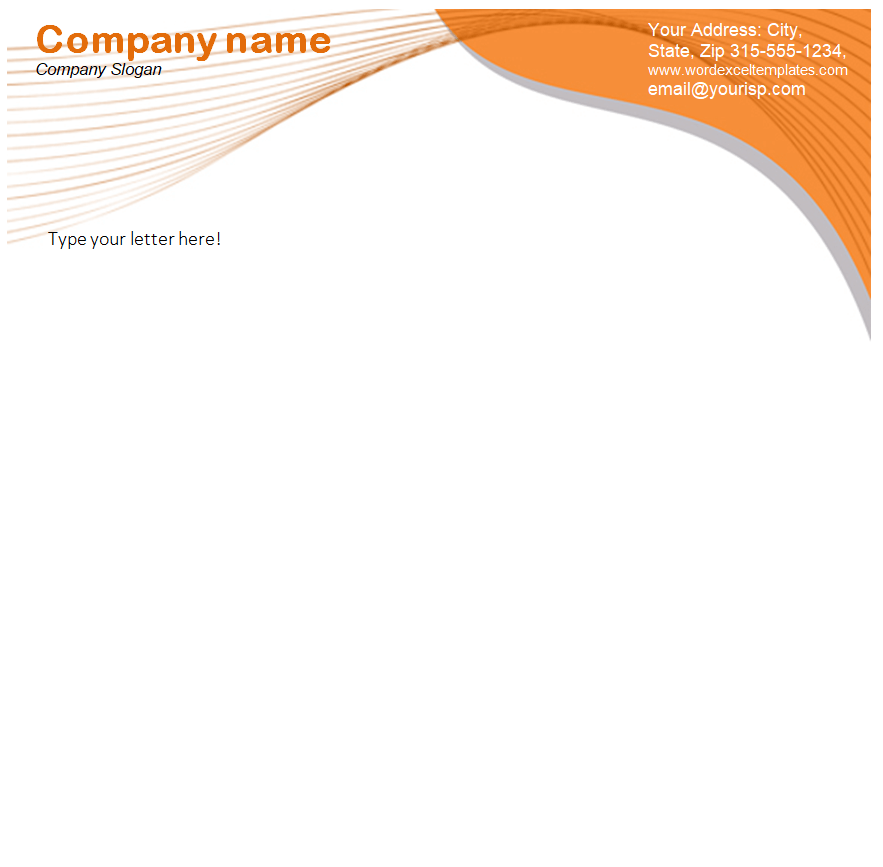
Landscaping Service Provider Letterhead Template in MS WORD


Online Business Letterhead Template


Executive Letterhead Doc Template

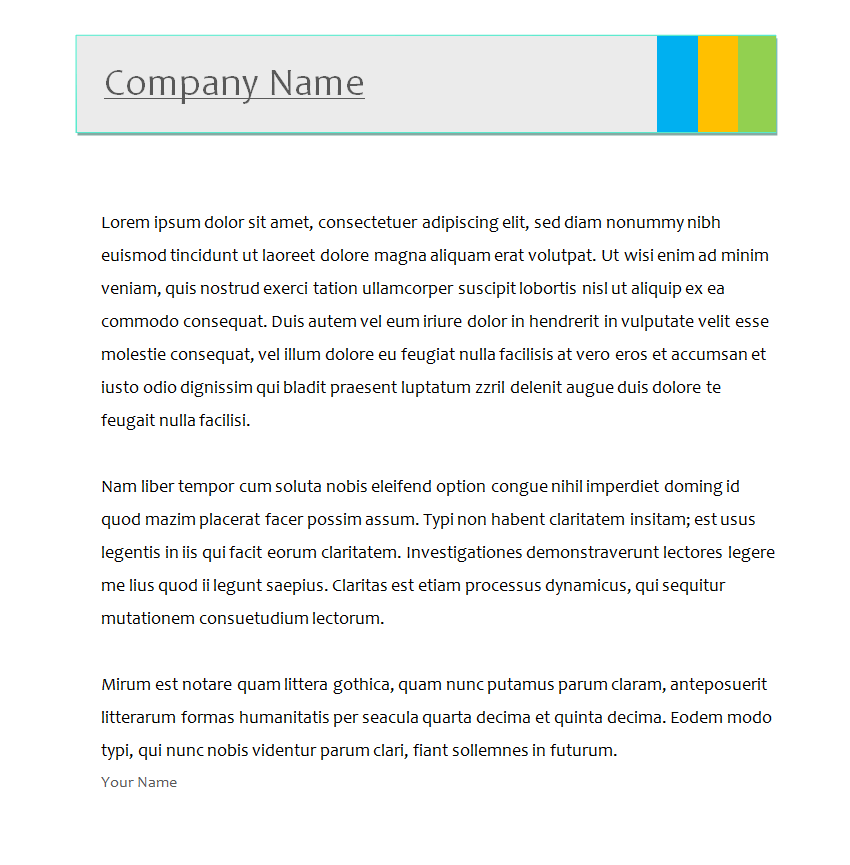
Setting Up Your Letterhead in Word
Open the template, double-click the header area and replace the placeholder logo and text with your own. Match the colors to your brand, then save the file as a Word template (.dotx) so every new letter starts with your letterhead already in place. For emails, export a PDF version.
When printing in-house, use bright white paper of 24 lb or heavier for a premium feel. For large runs, a print shop can match your brand colors exactly.
Put your letterhead to work on an offer letter, an appointment letter, a price quotation or a business proposal. Our company profile templates help you keep the same look across all your documents.
Frequently Asked Questions
What size should a letterhead be?
Use US Letter (8.5 x 11 in) in the United States and A4 in most other countries. Several templates here come in A4.
Can I use a letterhead without a logo?
Yes. A well-set business name in a strong font with your contact details works perfectly well, especially for freelancers and personal use.
Should the letterhead appear on every page?
Usually just the first page. Following pages often carry a smaller header or only the footer.
Can I edit these templates in Google Docs?
Yes, though some header images and shapes may shift slightly. Check the layout before printing.

