Twelve printable monthly planner pages with goals, priorities and notes sections. Great for students, teams and families planning the year ahead.
Use a monthly plan for decisions close at hand
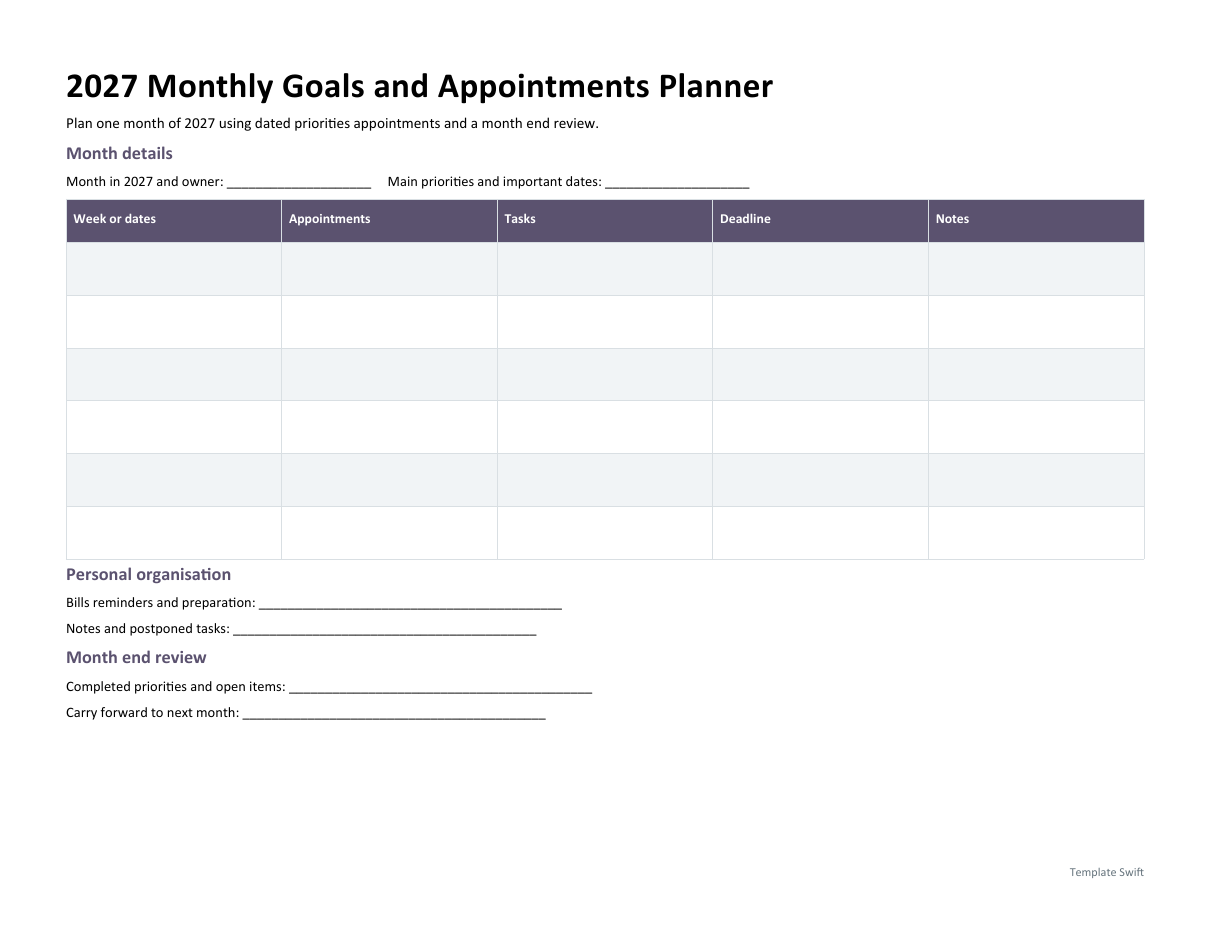
The monthly Word planner is intended for one chosen month of 2027. Enter the month, the main priorities, appointments and preparation tasks, then divide the work into the weeks or date ranges you use. It is a planning sheet rather than a prefilled calendar of holidays. Add dates that apply to your own location and commitments, and check them against the authoritative calendar or invitation before sharing the plan.
Keep the annual view for major commitments
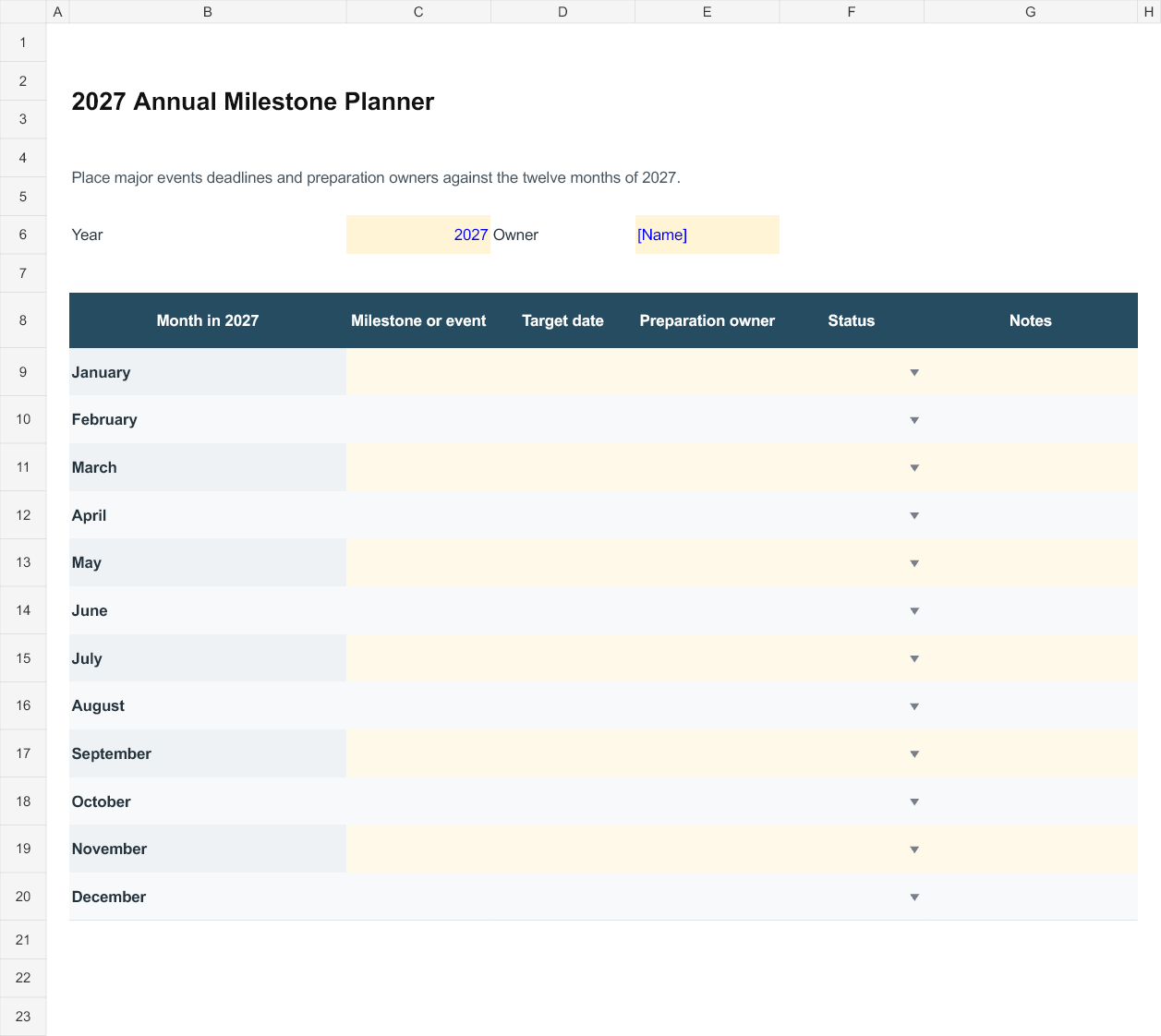
The Excel milestone planner gives January through December a row each, with space for a dated milestone, preparation owner, status and notes. Use it for events that need to remain visible before their month arrives: course dates, project deadlines, renewals or a family event. Enter a real date in the target date column so that the file can be sorted consistently. Where several milestones fall in a month, insert additional rows and extend the print area if needed.
Connect the two views without copying everything
Use the annual file to see what is approaching, then transfer the preparation needed into the relevant monthly plan. A conference in June may need travel arrangements in May; a renewal date may need documents prepared earlier. Record those preparation tasks in the month when the work must happen. Keep the main date in one reliable record and note the source, so a changed invitation does not leave several conflicting versions of the same event.
Review before carrying tasks forward
At the end of the month, separate completed work from tasks that are still needed, tasks waiting on someone else and tasks that can be dropped. Give the remaining work an appropriate new date rather than copying the whole list indefinitely. Save completed monthly plans with the year and month in the file name. For a shared planner, agree who updates dates and how other people will be told about a change.
Working with the editable files
2027 Monthly Goals and Appointments Planner is the Word option for this task. Start by completing month in 2027 and owner and main priorities and important dates. Replace the remaining bracketed prompts with information that applies to your situation, and remove unused fields before sharing a finished copy. Keep an untouched master so you can prepare the next document without carrying over another person's details.
2027 Annual Milestone Planner is an Excel workbook with editable entry areas. Enter the period or project reference first, then complete the rows that apply to your work. Keep figures in the stated units and currency. Where a calculated column is included, change the input cells rather than typing over the formula. Save a separate completed copy and check the print area if you add more rows.
Editable Word and Excel Resources
2027 Monthly Goals and Appointments Planner
Plan one month of 2027 using dated priorities appointments and a month end review. Download the editable Word file below.
2027 Annual Milestone Planner
Place major events deadlines and preparation owners against the twelve months of 2027. Download the editable Excel file below.