

There’s something about a newspaper layout that makes any story feel important: a bold masthead, a big headline, neat columns of text. That’s why teachers use them for class projects, clubs use them for updates and families use them for anniversaries and birthdays. A newspaper template in Word gives you that look without hours of fiddling with columns.
Here are 13 free newspaper templates in MS Word, including school, sports and local news designs, minimalist and professional layouts, and fillable formats.
Anatomy of a Newspaper Front Page
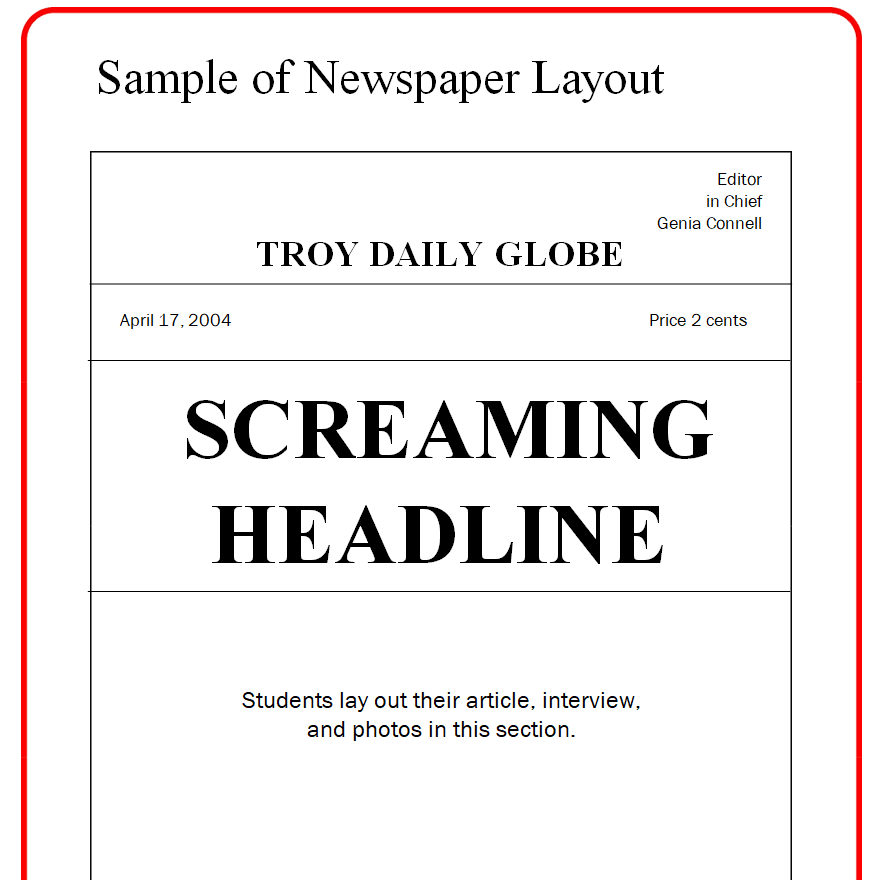
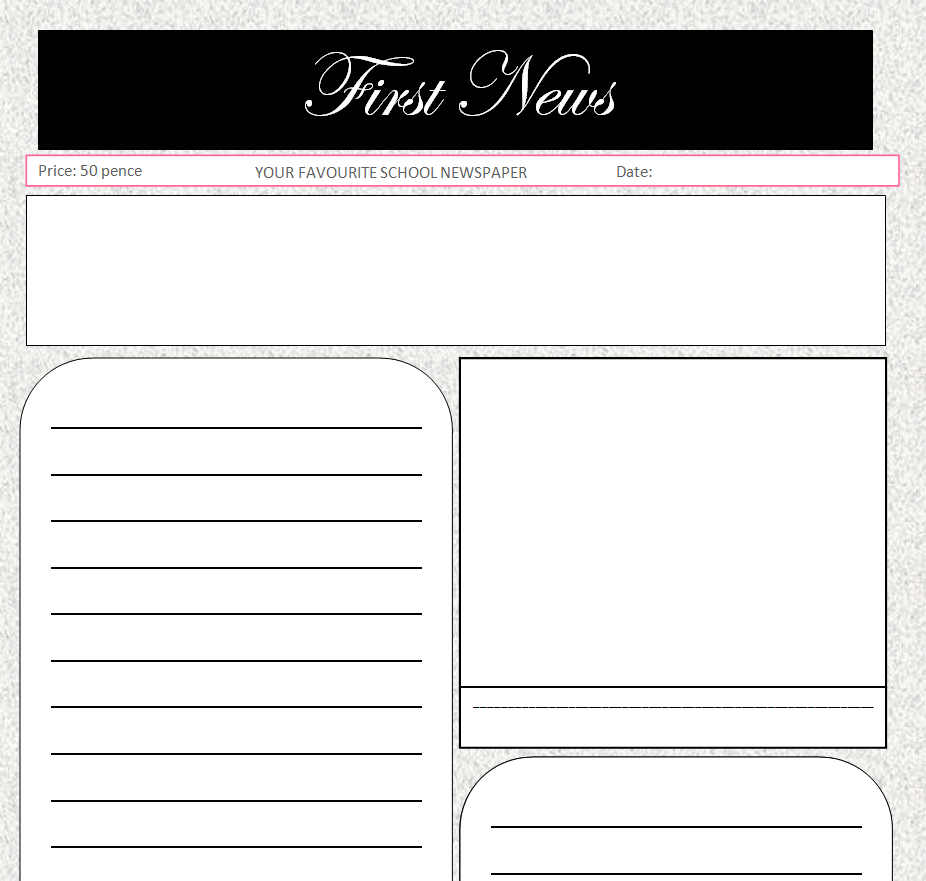
- Masthead: the paper’s name, date and issue number across the top.
- Lead headline: the biggest story, in the largest type.
- Byline: who wrote the article.
- Lead paragraph: who, what, when, where and why in one or two sentences.
- Photos with captions that explain what the reader is looking at.
- Columns and teasers pointing to stories on later pages.
Newspaper Templates in Word
School Newspaper Template

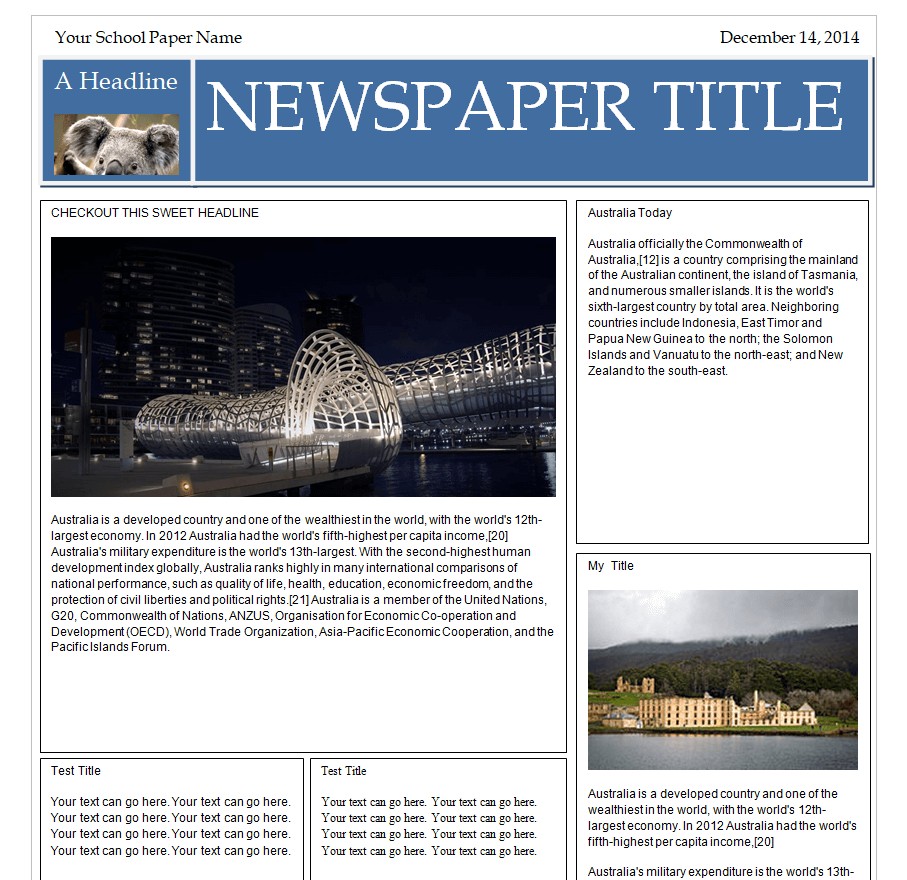
Exclusive Newspaper Format Template

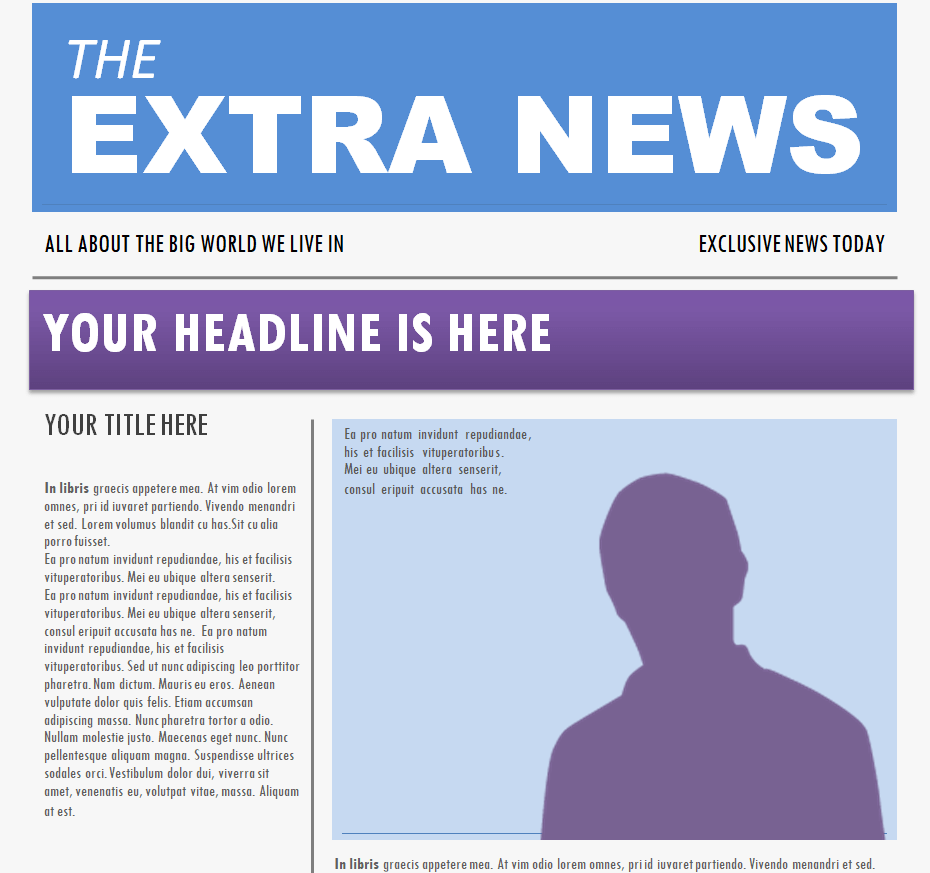
Local Newspaper Design Word Template


Editable Sports Newspaper Template


Standard Newspaper Format Template

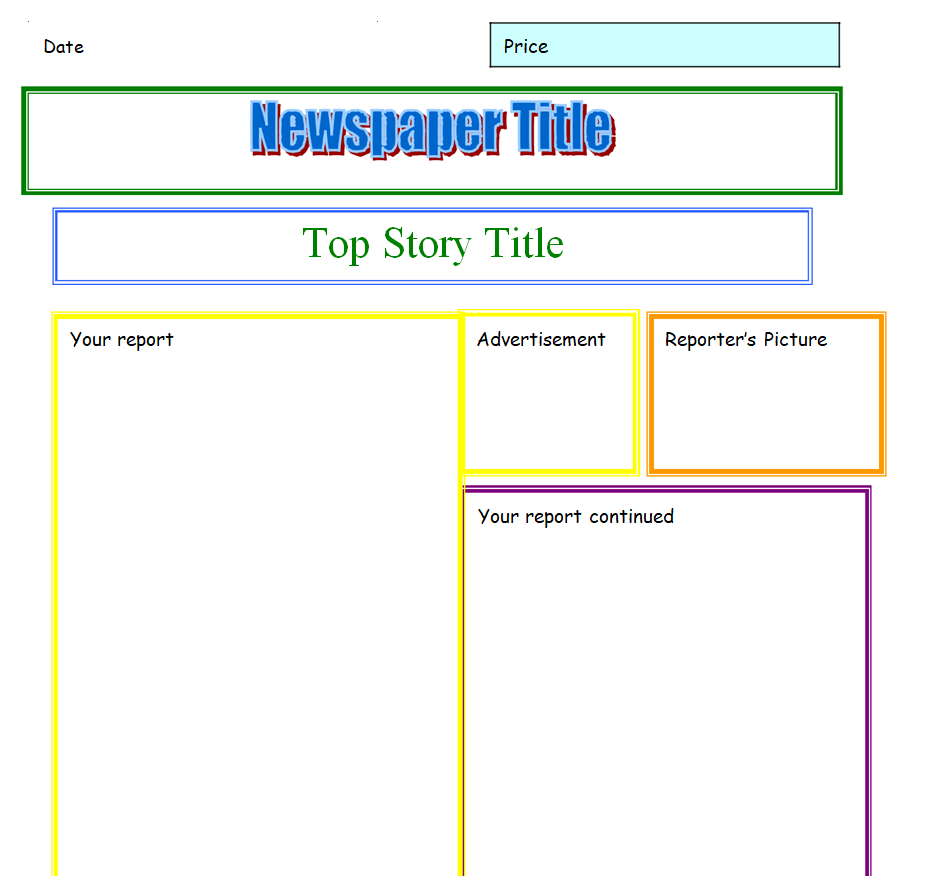
Free Customizable Newspaper Example Doc

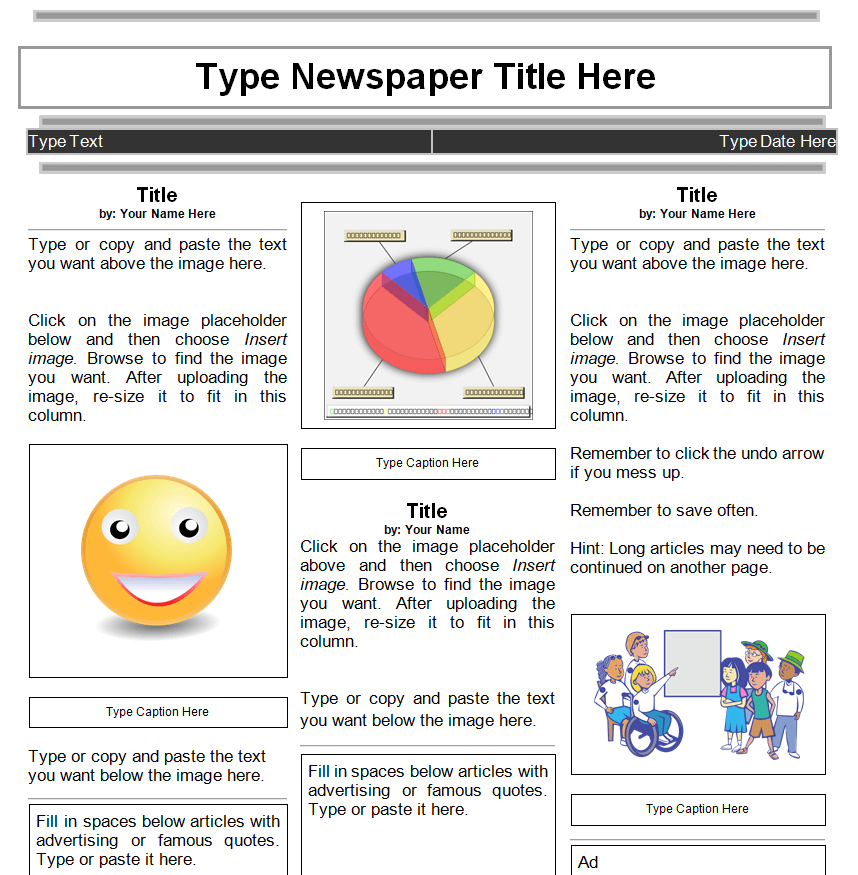
Sample of Newspaper Layout Doc Template

Minimalistic Newspaper Design Template

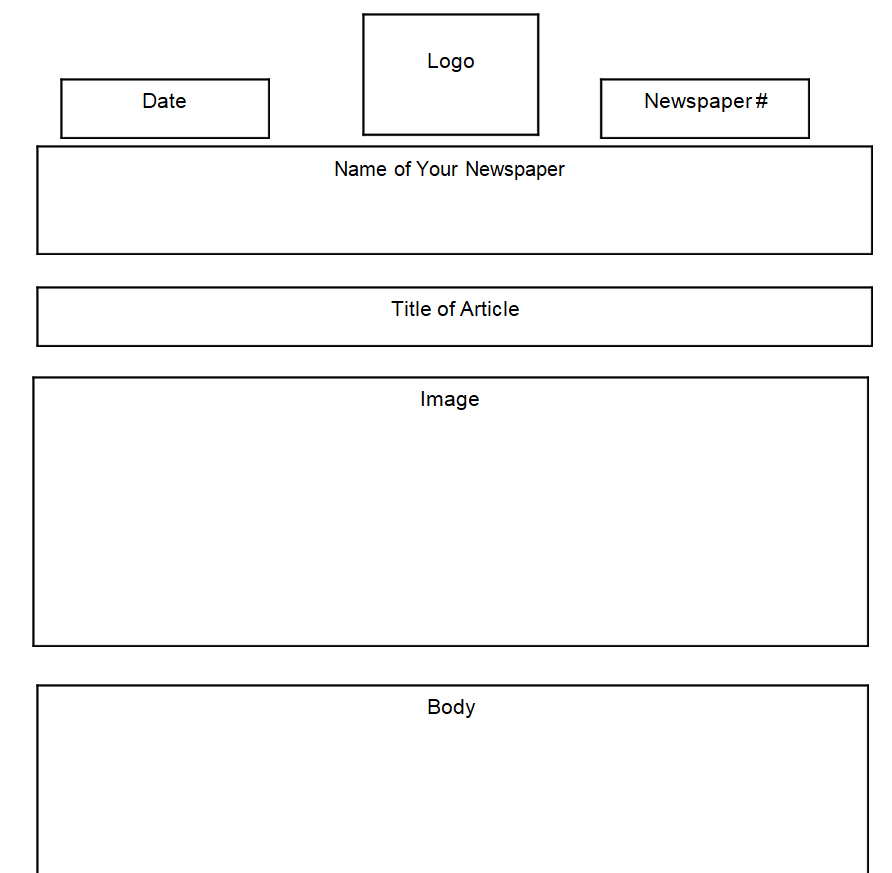
Standard Fillable Newspaper Sample

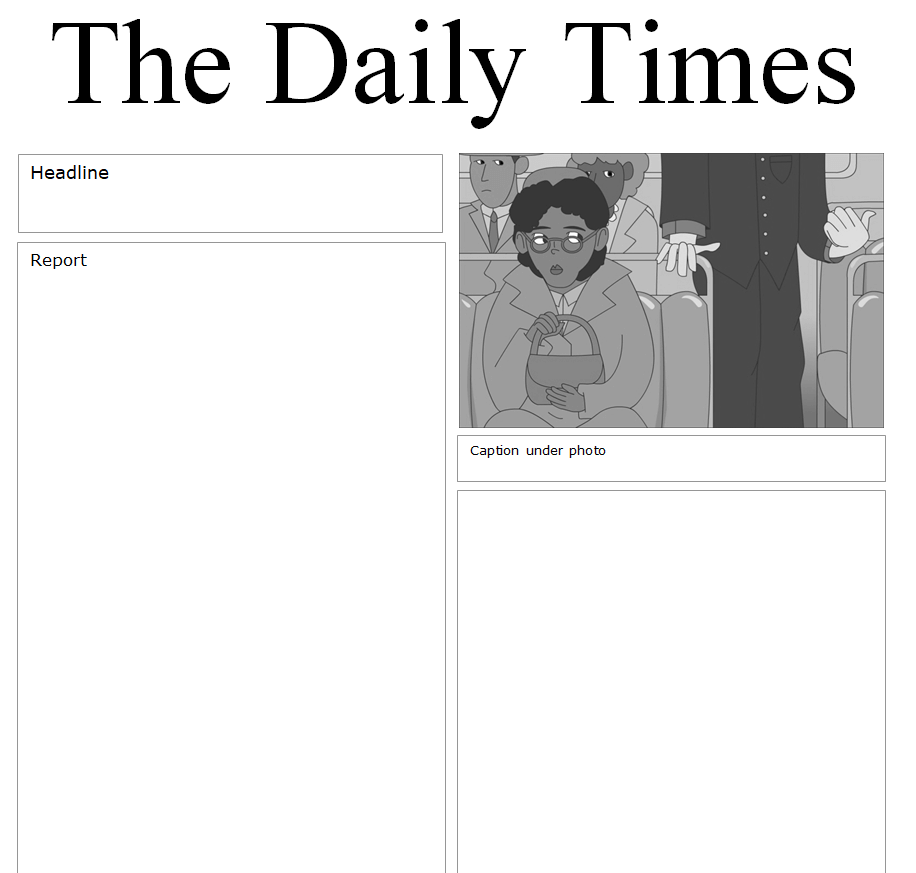
Newspaper Template Word Free Download

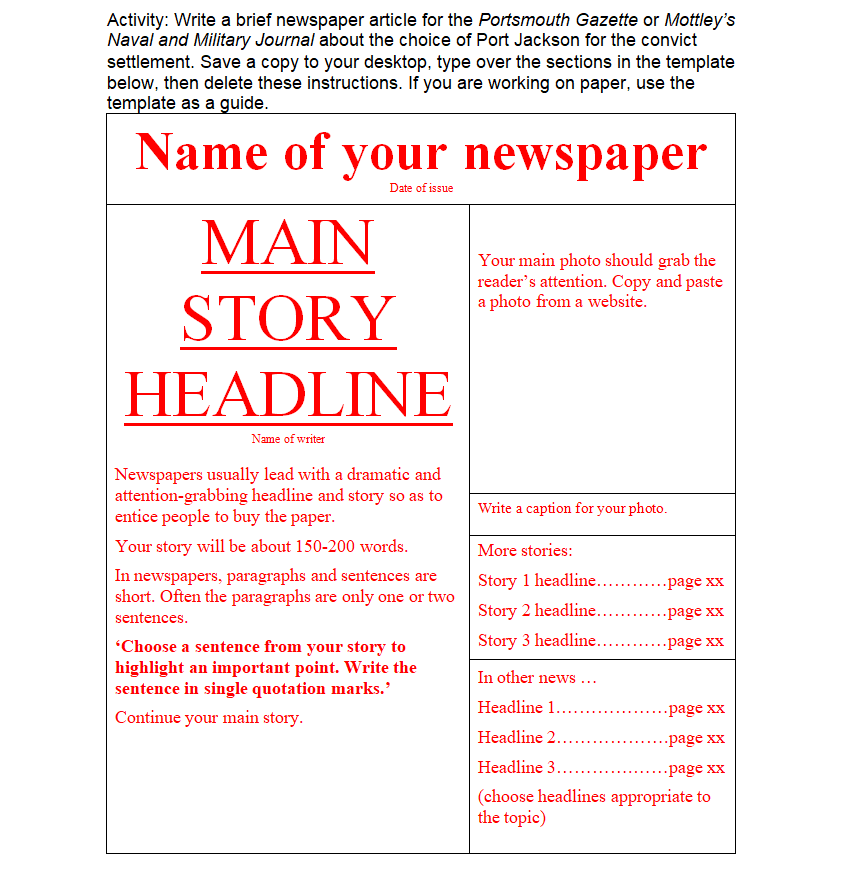
Professional Newspaper Design Template

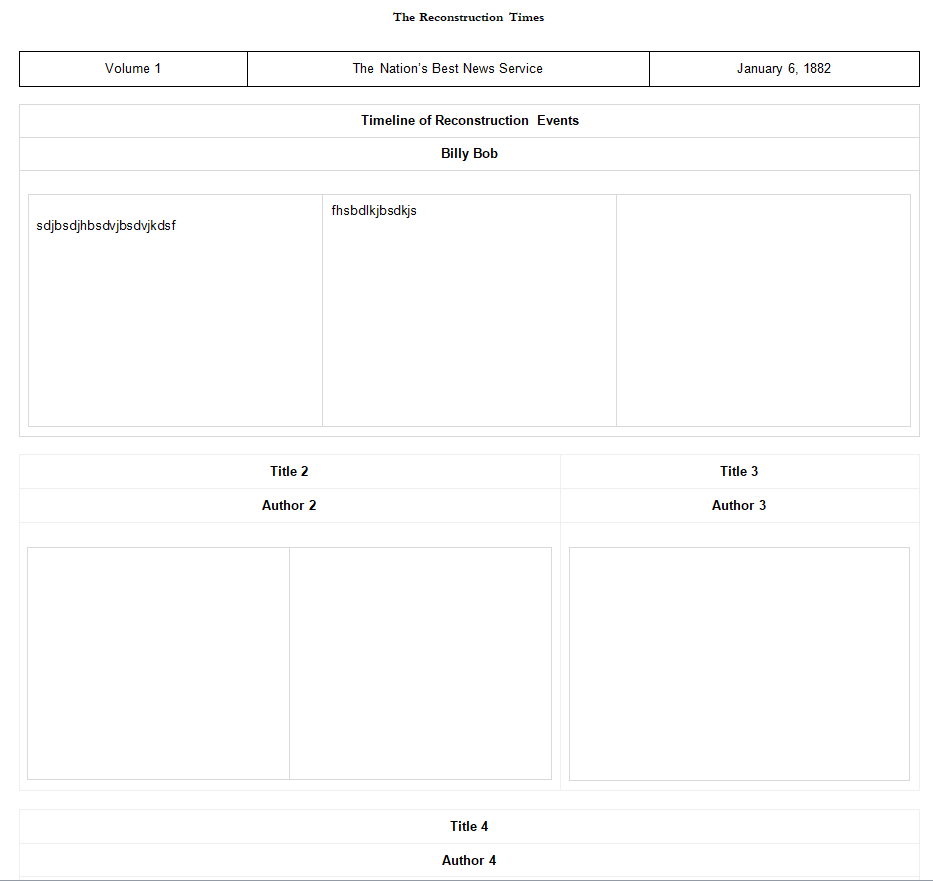
Official Newspaper Doc Template

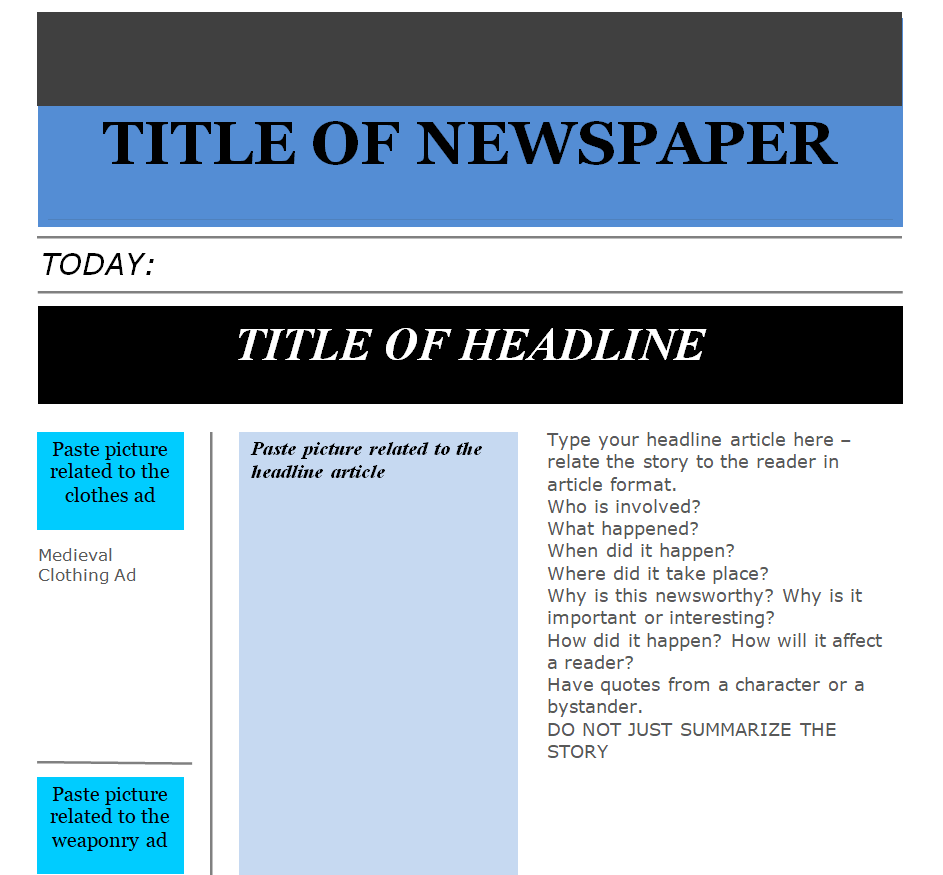
Example Format of a Newspaper

Ideas for Using a Newspaper Template
In the classroom
Students write about a historical event as if it just happened, report on a science experiment or summarize a novel’s plot as breaking news. Pair it with a timeline template for history units.
At work
A monthly company paper is a fun alternative to a standard newsletter, with project wins, new hires and upcoming events.
At home
Celebrate a birthday or anniversary with a “special edition” front page of headlines from the year someone was born, or share a year in review alongside a family newsletter.
For longer publications with features and photo spreads, try our magazine templates instead.
Frequently Asked Questions
How do I make newspaper columns in Word?
Select your text, go to Layout and choose Columns. Newspaper templates usually have columns set up already, so you can simply replace the sample text.
What font do newspapers use?
Serif fonts like Times New Roman or Georgia are classic for body text, with a bold, condensed font for headlines.
Can students use these templates for school projects?
Yes. They’re ideal for class assignments, and the school newspaper template is designed specifically for student reporters.

