

You probably send dozens of emails a week, and every one of them ends the same way. That little block at the bottom is prime real estate. A clean email signature template tells people who you are, how to reach you and what your business does, without a single extra sentence in the message itself.
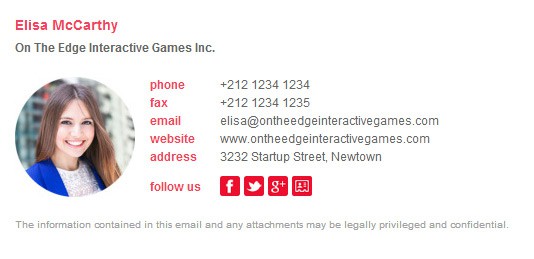
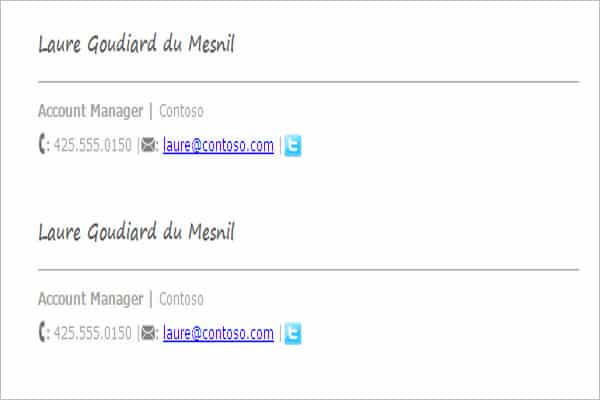
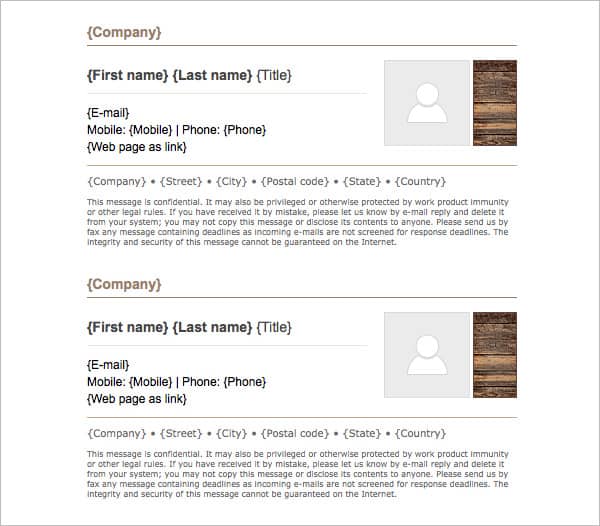
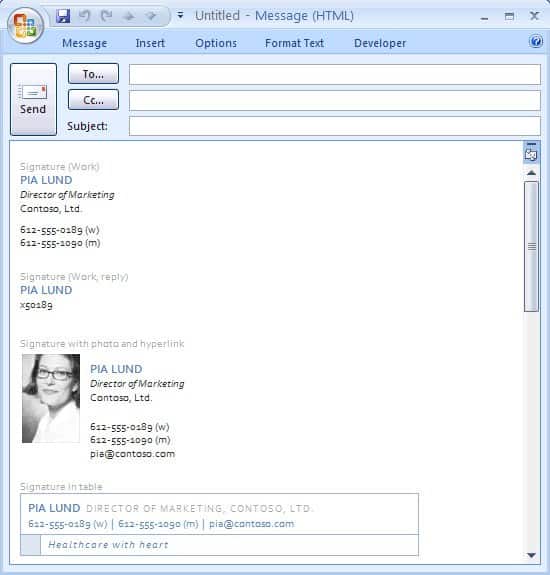
On this page you’ll find ten email signature designs and generator resources, from minimal text-only layouts to branded HTML signatures with logos, photos and social icons. Before the gallery we’ll cover what to include and what to leave out; after it, you’ll learn how to install a signature in popular email apps and test it so it looks right on every device.
Why Your Signature Deserves Five Minutes of Attention
A good signature quietly does several jobs:
- Makes you easy to contact. No one should have to search old threads for your phone number.
- Builds trust. Consistent names, titles and logos across a team look professional and help recipients spot genuine messages.
- Supports your brand. Every email becomes a small business card.
- Points people somewhere useful. A link to your booking page, latest offer or portfolio gets clicks without being pushy.
What to Put in an Email Signature (and What to Skip)
| Include | Usually skip |
|---|---|
| Full name | Inspirational quotes |
| Job title and company | Every social network you’ve ever joined |
| Phone number (one or two) | Multiple fonts and colors |
| Website link | Huge images or animated GIFs |
| Logo or small headshot (optional) | Your full mailing address, unless clients need it |
| One call to action, such as “Book a call” | Long legal text, unless your industry requires it |
Some industries, such as finance, law and healthcare, have specific rules about disclaimers or required information in business emails. These rules vary by country and state, so check your company policy or a compliance professional if you’re unsure.
Personal, student and business signatures
Not every signature needs a logo. A student emailing a professor needs only their name, program and student ID or class section. A freelancer might add a portfolio link. A company team needs consistent formatting so every employee’s signature looks like part of the same brand.
Templates vs. generators
An email signature template is a ready-made layout, often an HTML file or a document you copy from. A generator is an online tool where you type your details into a form and it builds the signature code for you. Generators are faster for beginners; templates give designers more control. The collection below includes both, along with guides that show examples. Some resources are free, others offer paid plans, and one original page is no longer online.
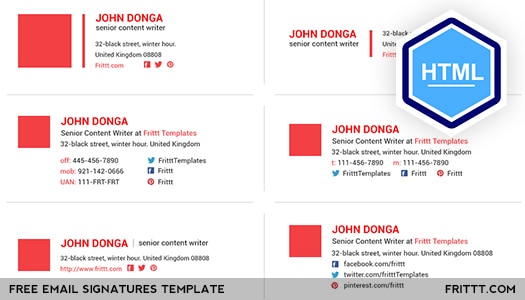
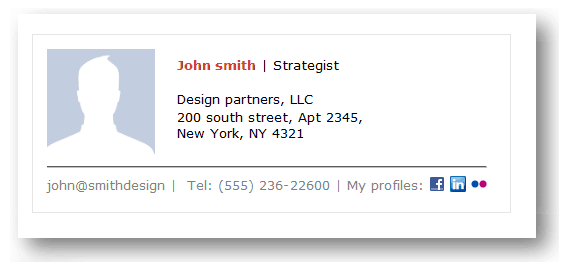
10 Email Signature Templates and Generator Resources
















Setting Up Your Signature in Five Steps
- Collect your details. Name, title, company, phone, website, and the URL of a small logo or headshot hosted online.
- Choose a layout. Pick a template or generator style that suits your role: minimal for lawyers and consultants, more visual for designers and marketers.
- Fill in and preview. Enter your information, then preview on desktop and mobile. Keep the width under about 600 pixels so it doesn’t overflow small screens.
- Copy into your email app. Most web and desktop email clients have a signature section in their settings where you paste the formatted signature. Some apps prefer pasting rendered content rather than raw HTML.
- Send test emails. Email yourself and a colleague on different apps and phones. Check that images load, links work and the text is readable in both light and dark mode.
Tip: Host your logo image on your own website rather than attaching it. Attached images often show up as separate files in the recipient’s inbox, which looks cluttered.
Design Rules That Keep Signatures Clean
- Two fonts at most, ideally the same font in two weights.
- One accent color, taken from your logo.
- Four to six lines of text is plenty for most people.
- Small icons for social links, not big colorful buttons.
- Readable phone numbers written in a standard format so phones recognize and link them.
- Retina-friendly images: export logos at twice the display size, then set the display width in the code, so they look sharp on high-resolution screens.
Mistakes That Make Signatures Look Unprofessional
- Using a single large image for the whole signature. Many email apps block images by default, so recipients see a blank box and no contact details. Keep your name and phone number as real text.
- Outdated information. An old job title or disconnected number does more harm than having no signature at all. Review it whenever something changes.
- Too many links. Five social icons, a booking link, a newsletter link and a promo banner compete for attention. Pick the one or two that matter most.
- Tiny or light gray text. It may look stylish on a big monitor but becomes unreadable on a phone.
- Ignoring dark mode. A black logo on a transparent background can disappear on a dark screen. Test both modes, and consider a logo with a subtle light outline or background.
- Different signatures on every device. Phones often add a default “Sent from my phone” line. Replace it with a short version of your main signature.
Make it accessible
Accessible signatures are easier for everyone to read. Give your logo and headshot meaningful alt text, such as your company name. Keep enough contrast between text and background, use real text instead of images for key details, and make links descriptive so screen readers announce something more helpful than “click here.” If you include social icons, label each link with the network’s name in the alt text.
Replies and forwards
Long threads can repeat your signature dozens of times. Many email apps let you set a shorter signature for replies and forwards: just your name, title and phone number. It keeps conversations tidy while still making you easy to reach.
Three Sample Signatures You Can Adapt
Minimal professional
Jordan Lee
Senior Accountant, Brightline Bookkeeping
(555) 014-2290 | brightlinebooks.example
Freelancer with a call to action
Priya Shah | Brand & Web Designer
priyashah.example
Booking projects for spring. Schedule a quick call on my website.
Student
Marcus Brown
BS Biology, Class of 2028
Lab Section 4 | marcus.brown@university.example
All three use fictional details; swap in your own. Notice how each includes only what the recipient needs.
Rolling Out Signatures Across a Team
For businesses, consistency matters more than creativity. Create one master design, then fill in each employee’s details. Keep a shared document listing everyone’s approved name, title and phone number, and update it when roles change. The same brand colors and logo used on your letterhead templates, staff ID cards and company profile should appear in the signature too, so every touchpoint feels connected.
Marketing teams sometimes rotate a banner below the signature to promote an event or offer. Keep it small, change it regularly, and make sure it links to a page that matches the message. For larger campaigns, our marketing letter templates and newsletter templates are better places for the full story.
Frequently Asked Questions
Should I put my photo in my email signature?
It’s optional. A small, friendly headshot works well for client-facing roles like sales, real estate and consulting. Keep the file small so it loads quickly.
Why do images in my signature show up as attachments?
That usually happens when images are embedded instead of linked. Host the image online and reference it by URL to avoid this.
Do email signature generators cost money?
Many have free versions with basic layouts. Paid plans often add team management, analytics or removal of the generator’s branding.
How long should an email signature be?
Short. Four to six lines is a good target, plus an optional logo and a row of small social icons.

