

People hire interior designers with their eyes first. Before anyone calls you about a kitchen remodel or a full office fit-out, they scroll through your past projects and decide whether your style matches theirs. That’s why choosing among interior design WordPress themes is really about choosing how your portfolio will be seen: big, beautiful images, a calm layout, and a simple path to “book a consultation.”
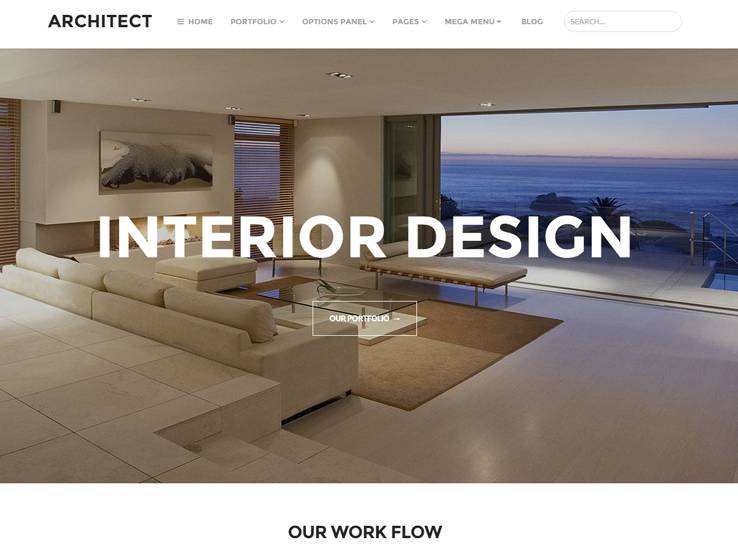
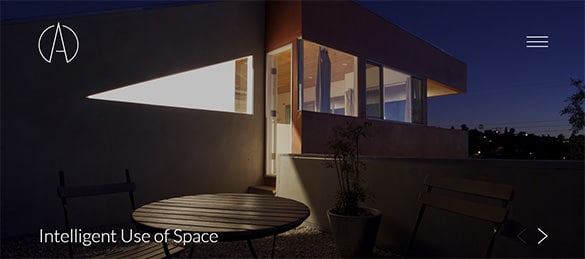
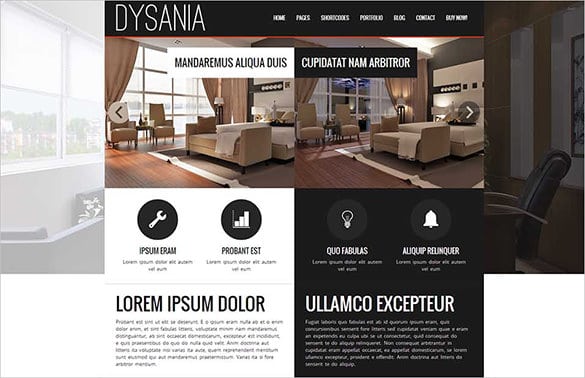
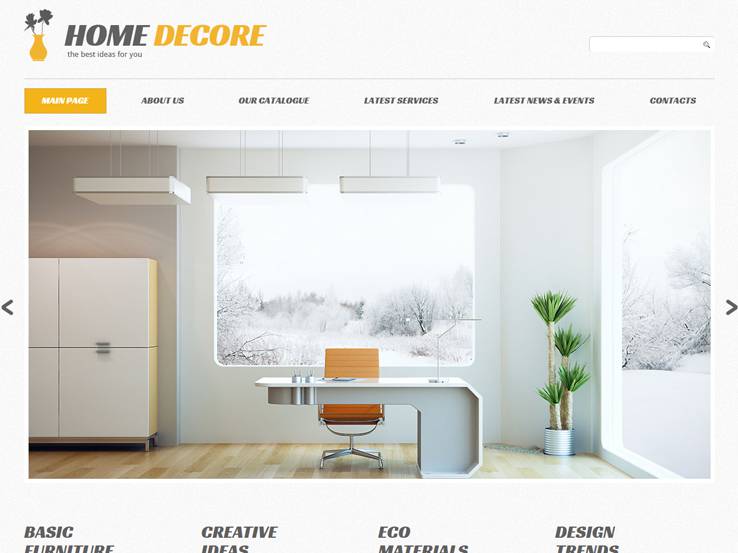
This page shows eight interior design website layouts for studios, decorators, home stagers, architects and furniture showrooms. To be upfront, most of the original download pages have been taken offline over the years, so the majority of these previews now serve as design inspiration; two still link to their source pages. Alongside the gallery, you’ll find a practical guide to what an interior design website needs and how to present your projects so they win clients.
What Clients Look for on a Designer’s Website
Put yourself in a homeowner’s shoes. They want answers to a few simple questions, quickly:
- Do I like your style? A strong portfolio with clear before-and-after photos answers this in seconds.
- Do you work on projects like mine? Residential, commercial, hospitality, single rooms or full homes.
- Where do you work? Your service area should be obvious.
- How does the process work? Consultation, concept, sourcing, installation.
- How do I get started? A visible contact or booking button on every page.
Theme Features Worth Prioritizing
| Feature | Why it matters for designers |
|---|---|
| Full-width image galleries | Rooms need space to breathe. Cramped thumbnails undersell your work. |
| Project or portfolio post type | Lets each project have its own page with photos, scope and a short story. |
| Before-and-after sliders | Show transformation, which is what clients are really buying. |
| Filterable categories | Visitors can jump to kitchens, living rooms, offices or restaurants. |
| Clean typography and white space | Your site’s layout is itself a sample of your design sense. |
| Fast image loading | Large photos must be optimized, or mobile visitors leave before they see anything. |
| Simple contact or booking form | Fewer fields mean more inquiries. |
Free or premium?
A free theme can work well for a new decorator with a handful of projects. Established studios often prefer premium themes for their portfolio features, demo layouts and support. Either way, check that a theme is actively maintained and compatible with the current version of WordPress, and read the license if you’re building sites for clients.
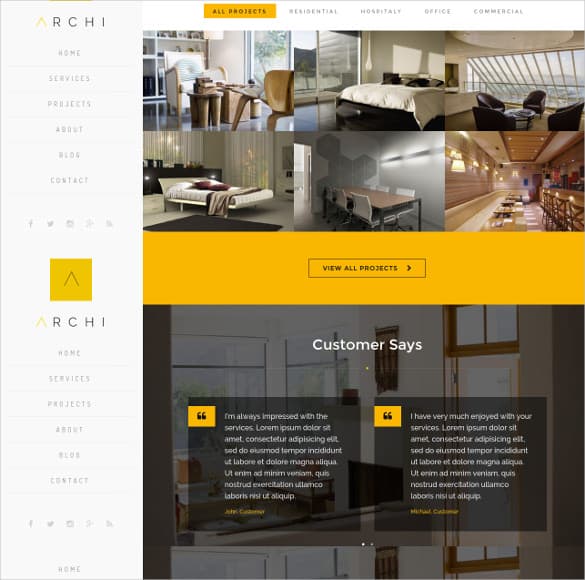
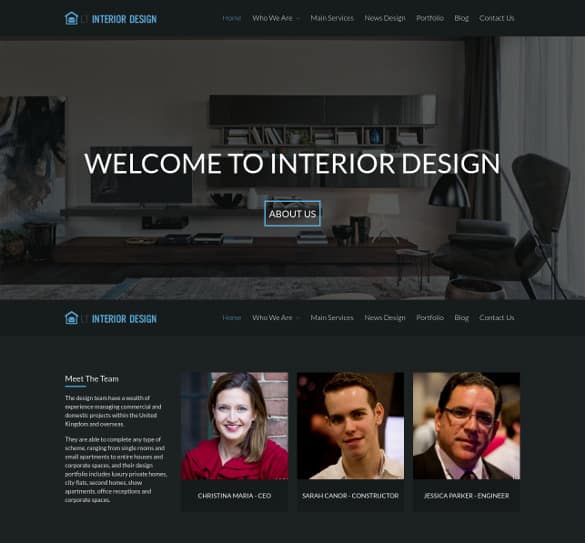
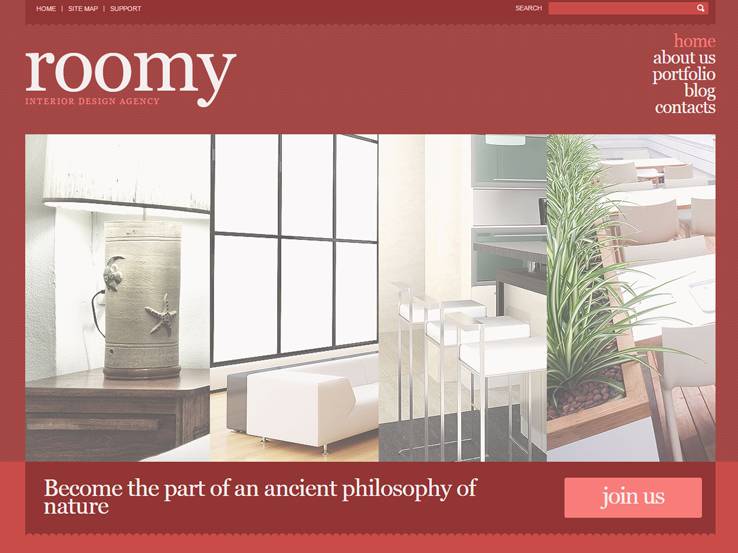
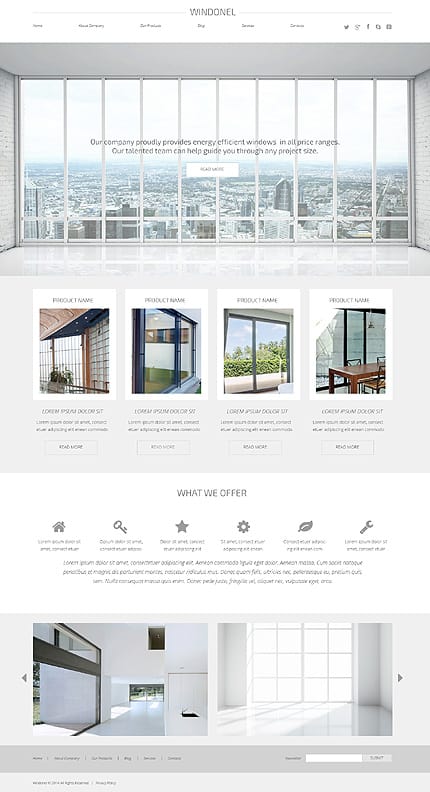
About the previews below: Six of the eight original theme pages are no longer available, so their download buttons are inactive. We’ve kept the previews because the layouts are still useful references for portfolio grids, hero images and service sections. The two working buttons lead to their original marketplace or theme pages, where current prices and terms apply.
8 Interior Design Website Layouts for Inspiration










Building Your Interior Design Website, Page by Page
Whichever theme you choose, a small, focused site usually outperforms a sprawling one. Here’s a structure that works for most studios:
- Home: one stunning hero image, a single sentence about what you do and where, three featured projects and a clear “Book a Consultation” button.
- Portfolio: projects grouped by type, each with 6 to 15 strong photos and a short write-up.
- Services: what you offer, from e-design and color consultations to full-service renovations, with an idea of how each works.
- Process: a simple step-by-step view of how a project unfolds, which reassures first-time clients.
- About: your story, credentials and a professional photo. People hire people.
- Contact: a short form, phone number, service area and office hours.
Writing project case studies that sell
Every portfolio page is a chance to show how you think, not just what you made. Keep each case study short and structured:
- The brief: “A young family wanted a brighter, more practical kitchen for everyday cooking.”
- The challenge: “Low ceilings, a narrow layout and very little natural light.”
- The solution: “Light cabinetry, under-cabinet lighting and an island with hidden storage.”
- The result: a few before-and-after photos and, with permission, a short client quote.
Always get written permission before publishing photos of a client’s home, and avoid showing house numbers, family photos or anything that reveals the exact location.
Scenario: A solo decorator had beautiful projects hidden in a single crowded gallery page. She switched to a theme with a project post type, wrote a four-part case study for her five best jobs, and added a “Kitchens” and “Living Spaces” filter. Visitors could now find work similar to their own home in one click, and inquiries started mentioning specific projects by name.
Let Your Website Reflect Your Signature Style
Clients often choose a designer because of a particular look: warm minimalism, bold color, classic traditional, coastal calm or industrial loft. Your website should feel like it belongs to the same designer who created those rooms.
- Borrow your palette from your work. If your projects favor soft neutrals and natural wood, a stark neon theme sends mixed signals.
- Match the typography to your style. An elegant serif suits classic interiors; a clean geometric sans-serif suits modern spaces.
- Use consistent photo editing. Similar brightness and warmth across all project images makes the portfolio feel curated rather than random.
- Write in your own voice. Short, warm descriptions of how you work make you approachable and memorable.
A blog or journal section is optional, but a few useful articles, such as how to choose paint undertones or plan a small-space layout, show expertise and give people a reason to return. Post when you have something genuinely helpful to share rather than on a rigid schedule.
Photos Make or Break a Design Portfolio
- Shoot in natural daylight whenever possible, with lamps on for warmth.
- Use a tripod and straight verticals. Leaning walls make rooms look smaller and less polished.
- Style before you shoot. Clear countertops, fluff pillows and add a few fresh touches like flowers or books.
- Capture details. Close-ups of hardware, textiles and finishes show craftsmanship.
- Optimize for the web. Resize and compress images before uploading so pages load quickly on phones.
When you need finish samples or backgrounds for mood boards and social posts, a set of Photoshop marble textures can add a polished stone look to your graphics.
The Paperwork Behind a Professional Studio
A great website brings in leads; clear documents turn them into smooth projects. Many designers keep a small toolkit ready:
- A downloadable company profile for commercial clients and builders who want to know more before meeting.
- A business proposal template for larger projects that need a written concept and budget.
- A scope of work that spells out exactly which rooms, services and deliverables are included.
- Quotation formats for furniture, materials and fees, so clients see costs clearly.
- A catalog template if you also sell furniture, lighting or decor pieces.
Contract terms, licensing and permit requirements for interior work vary by state and country, so have your agreements reviewed by a qualified professional.
Frequently Asked Questions
Can I still use themes whose download links no longer work?
Those exact themes may no longer be available, but the previews are useful layout references. Search current theme marketplaces for interior or architecture portfolio themes with similar structures.
Do I need a premium theme for an interior design site?
Not necessarily. A well-made free portfolio theme with large images and a clean layout can work well, especially when you’re starting out.
How many projects should I show?
Quality beats quantity. Five to ten strong, well-photographed projects make a better impression than thirty average ones.
Should I list prices on my website?
Many designers share starting prices or typical ranges to filter inquiries, while keeping detailed quotes for consultations. Choose what fits your business.
Can I show photos of clients’ homes?
Only with the client’s written permission, and avoid details that reveal where they live.

