

The riskiest moment in any job is often the changeover: when one person leaves a task and another picks it up. A handover report template makes sure the new person knows exactly what’s done, what’s pending and what to watch out for.
Below are 7 free handover report templates in Word, covering general job handovers, project handovers and property handovers, plus a couple of sample reports you can use as a model.
When You Need a Handover Report
- Shift changes in hospitals, hotels, security and factories
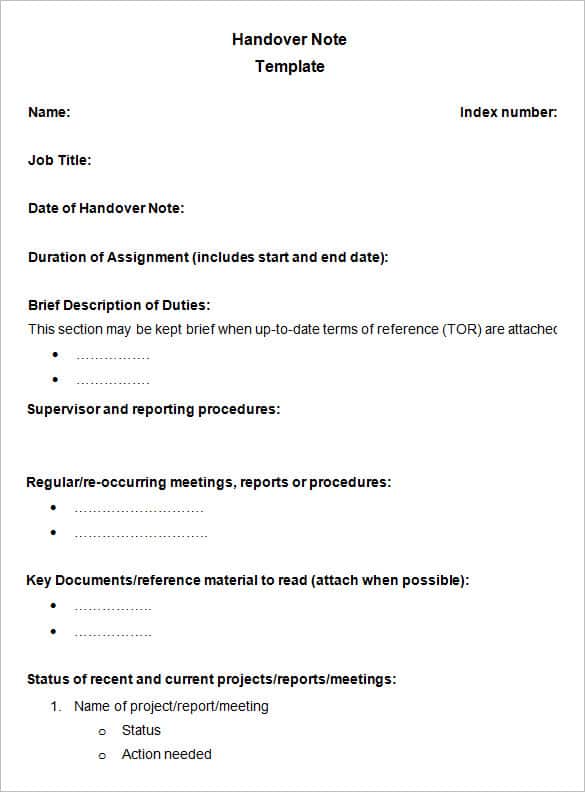
- Job changes, when an employee resigns, transfers or goes on leave
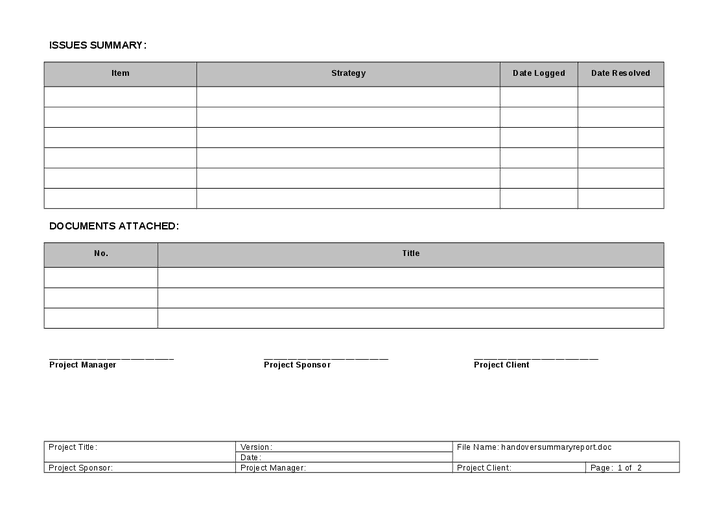
- Project closeouts, when a contractor hands finished work to the client
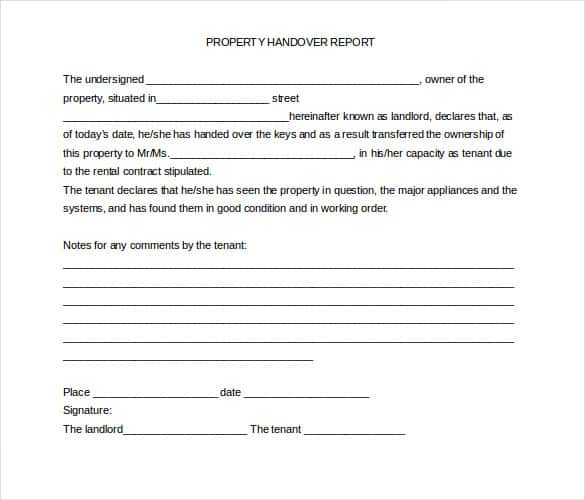
- Property handovers, at the start or end of a lease or after construction
Handover Report Templates
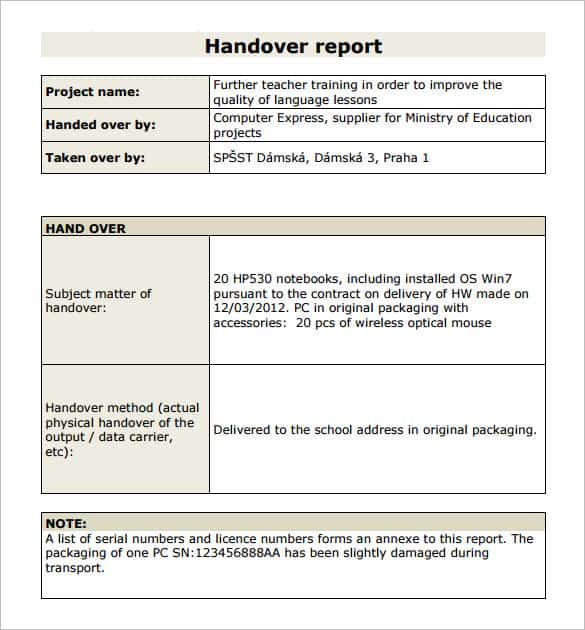



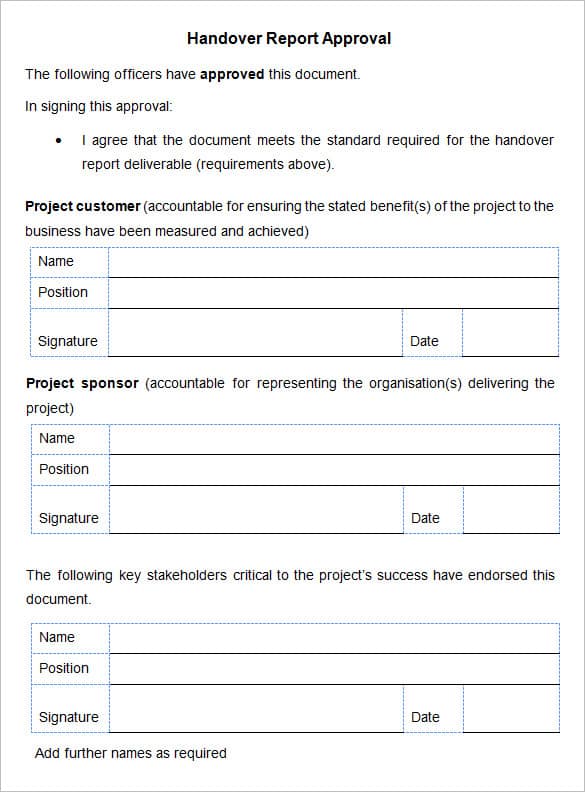

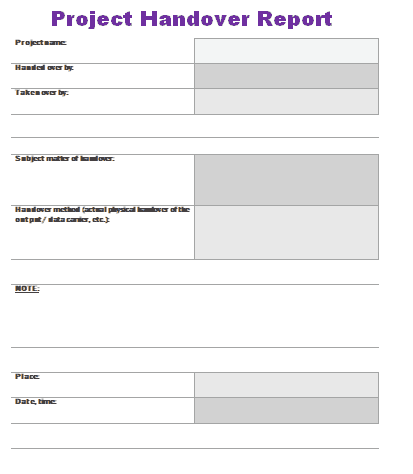

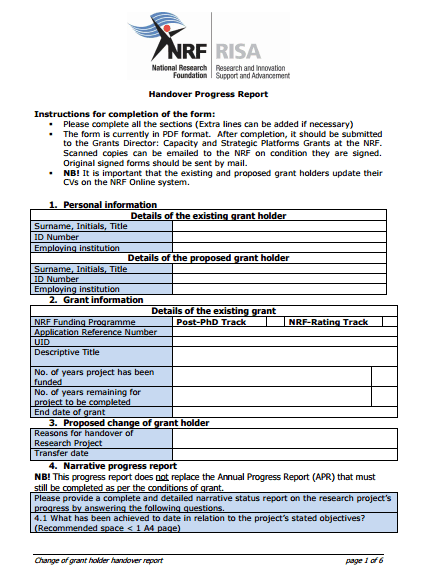




What a Good Handover Covers
- Names of the person handing over and the person taking over, with the date
- Current status of each task or project, and deadlines coming up
- Open issues, risks and anything unusual
- Key contacts: clients, suppliers, colleagues
- Location of files, passwords (shared securely), keys and equipment
- Signatures from both sides
Whenever possible, walk through the report together instead of just emailing it. Five minutes of conversation catches what a document misses.
Related templates: record ongoing tasks with a daily work report, document a finished job with a work completion certificate, and note the condition of vehicles or equipment with a vehicle condition report. For delivered goods, use a delivery note.
Frequently Asked Questions
Who should sign a handover report?
Both the outgoing and incoming person, and often a supervisor or project manager as a witness.
How long should a handover report be?
A shift handover can fit on one page. A job or project handover may run several pages, depending on how many tasks are involved.
What is a property handover report?
A document recording the condition of a property, meter readings and keys handed over, used between landlords, tenants, builders and owners.

