

A phone call saying “the heater’s broken again” is easy to forget. A completed service request form template isn’t. It captures who needs help, what’s wrong, where and how urgent it is, so the right person can fix it the first time.
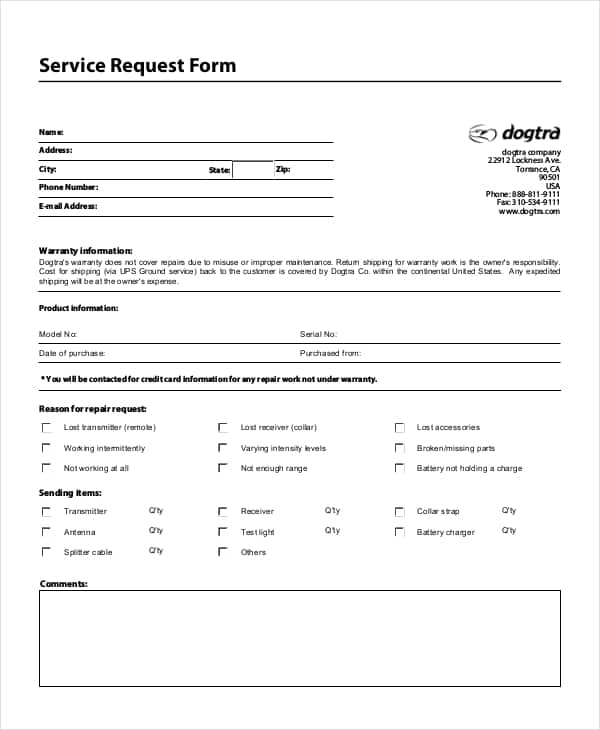
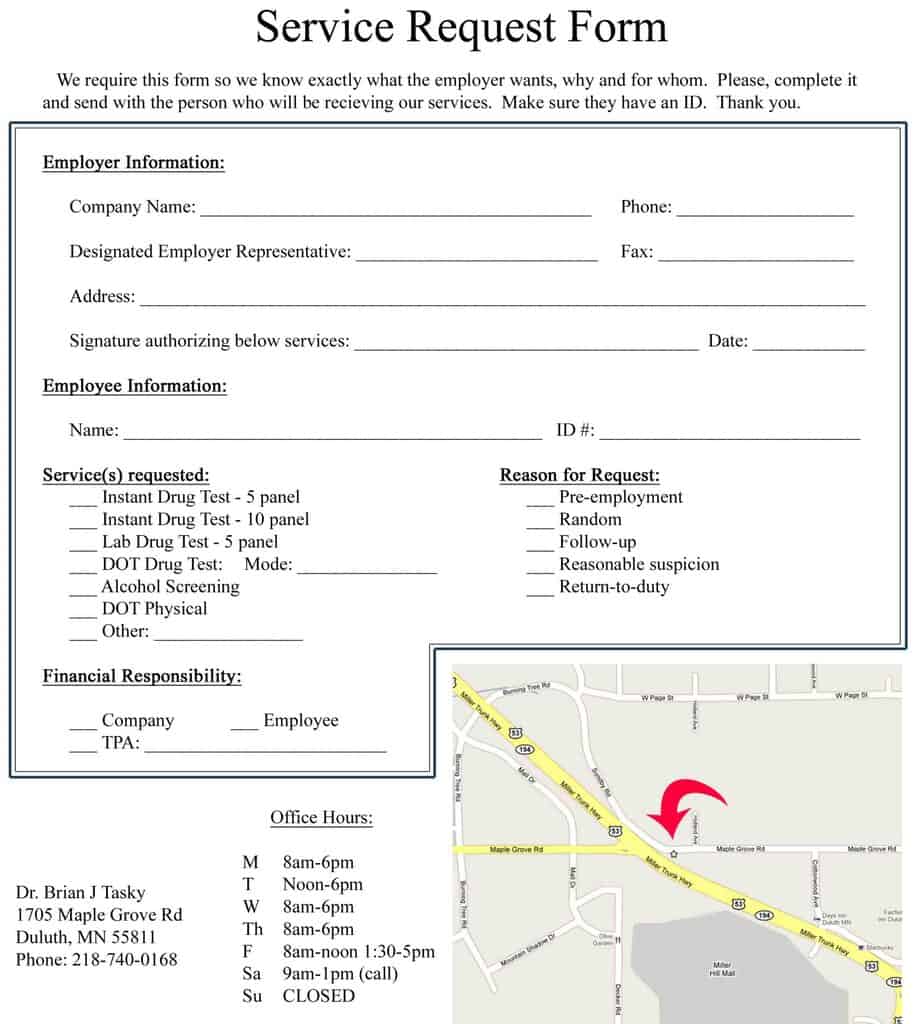
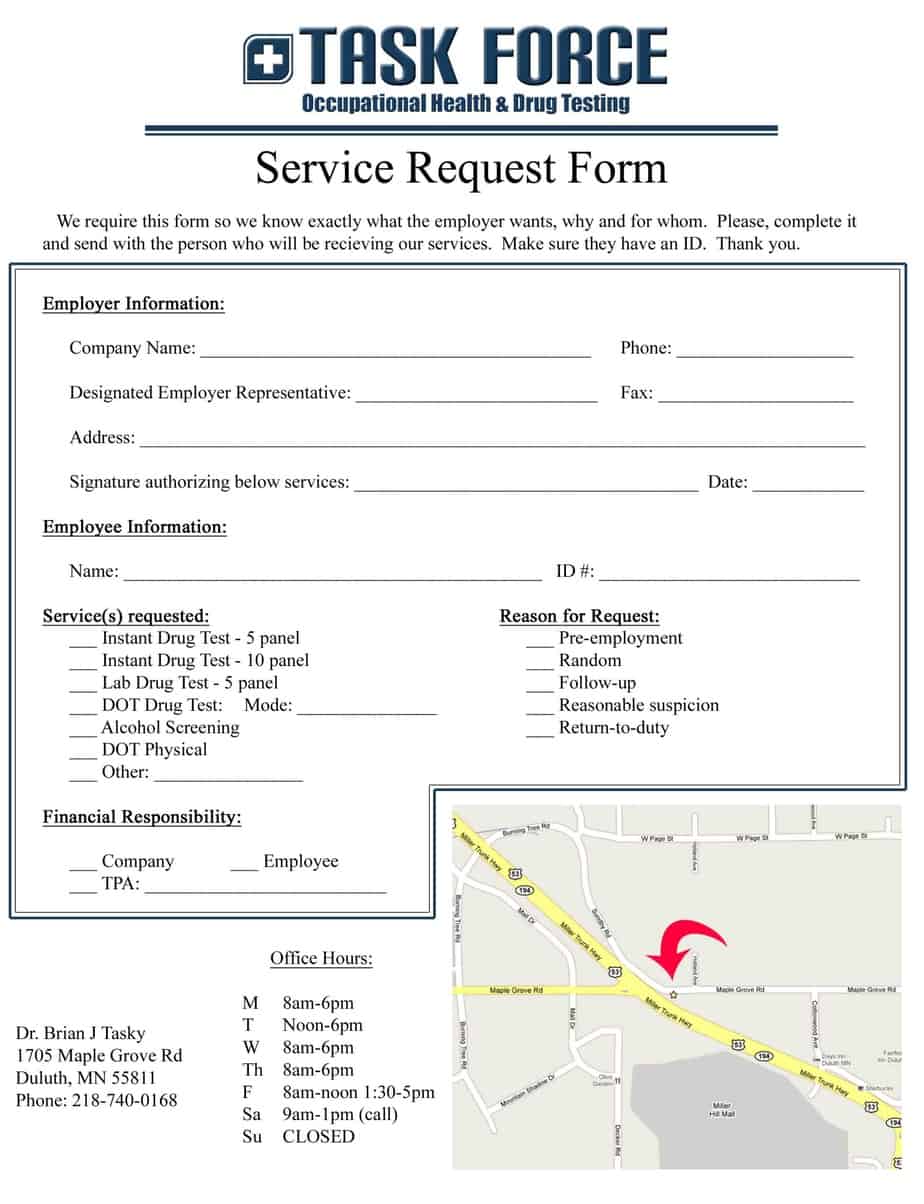
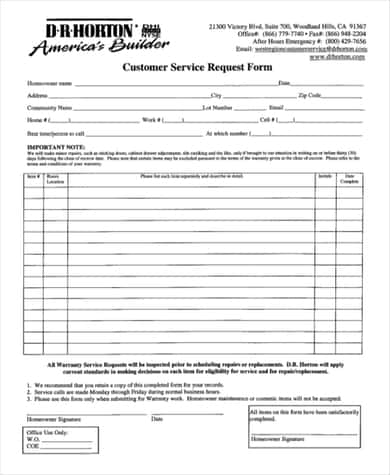
Below are 7 free service request forms: general customer service requests, a home warranty request from a home builder, computer and IT service, goods and services, materials and a medical service request.
Fields Every Service Request Form Needs
| Section | Details |
|---|---|
| Requester | Name, phone, email, address or department |
| Request details | Type of service, description of the problem, location |
| Priority | Urgent, high, normal or low; preferred date and time |
| Office use | Request number, assigned technician, date completed, notes |
| Sign-off | Customer signature confirming work was completed |
Service Request Form Templates




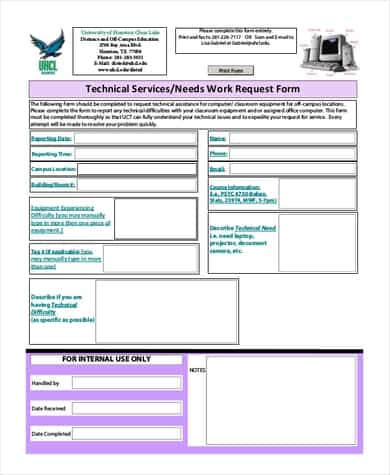
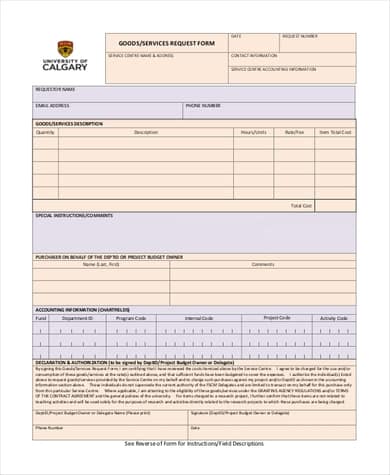
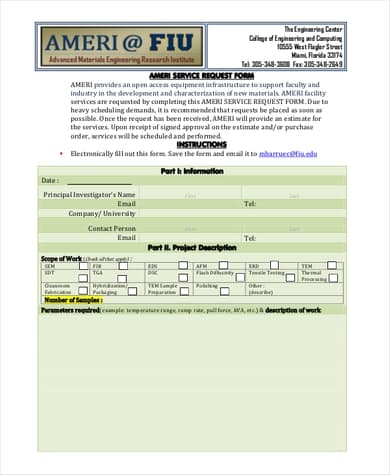
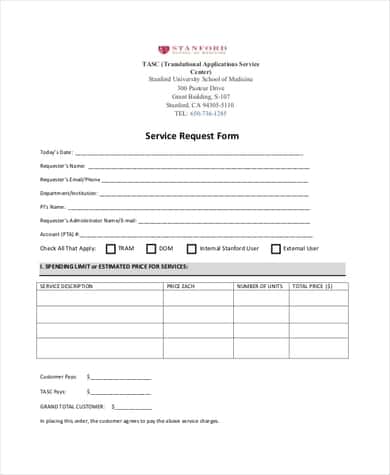
Handling Requests Smoothly
Give every request a number and acknowledge it quickly, even if the fix will take days. Track open requests in one place, update the customer when something changes, and close the loop with a signature or confirmation email once the job is done. Over time, your forms will show which problems keep coming back.
When the job is finished, confirm it with a work completion certificate and bill with an invoice. Hand ongoing work to a colleague using a handover report, and for vehicle repairs start with a vehicle condition report. Pricing a bigger job first? Send a quotation.
Frequently Asked Questions
What is a service request form?
A document customers or employees use to ask for a service, such as a repair, maintenance visit or IT support, with all the details in one place.
Can I use these forms online?
Yes. Copy the fields into an online form builder, or let customers fill in the file and email it back.
How do I prioritize service requests?
Rank them by safety risk and business impact first, then by the order received.

