

A good timeline slide can replace ten minutes of explanation. Stakeholders see at a glance where a project started, where it is now and what’s coming next. These Keynote timeline templates give you ready-made layouts for exactly that: horizontal roadmaps, milestone tracks, 3D timelines and clean minimalist designs you can drop into a Keynote deck and edit in minutes.
Below you’ll find eight timeline slide designs for project plans, product roadmaps, company histories and class presentations. Most link to free downloads or showcase pages, and three original sources are no longer online. We’ll also cover how to plan the content of a timeline, how to customize it in Keynote, and the design habits that keep timelines readable from the back of the room.
When a Timeline Slide Is the Right Tool
- Project kickoffs: show phases, key dates and deliverables so everyone starts with the same picture.
- Status updates: highlight what’s done, what’s in progress and what’s at risk.
- Product roadmaps: map planned features by quarter without overpromising exact dates.
- Company or brand history: tell your story in a few memorable milestones.
- School and history projects: place events in order and show cause and effect.
- Event planning: lay out the countdown from booking the venue to the big day.
Plan the Content Before You Open Keynote
Templates look great with sample text, but real timelines get messy fast. Sort out the content first:
- Pick a time scale. Days, weeks, months, quarters or years. Mixing scales on one slide confuses people.
- Choose 4 to 8 milestones. More than that becomes a wall of text. Put detailed schedules in an appendix or handout.
- Write short labels. Aim for two to five words per milestone, plus a date.
- Decide what to highlight. Today’s position, a launch date or a deadline deserves a different color or marker.
- Know your audience. Executives want outcomes and dates; project teams want dependencies and owners.
Choosing a layout
| Layout | Best for |
|---|---|
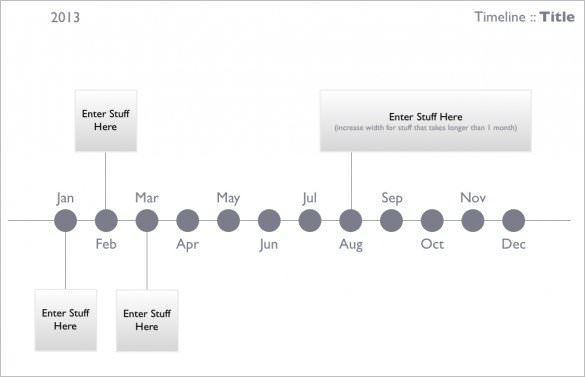
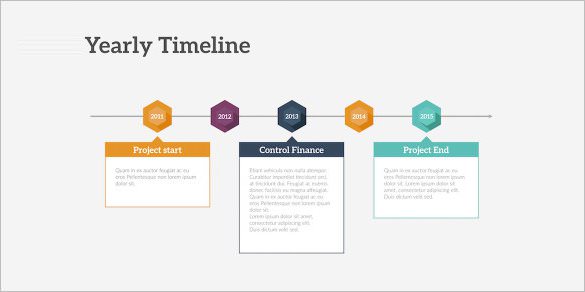
| Horizontal line with markers | Most project and history timelines |
| Vertical timeline | Long lists of events, or slides shared as PDFs and scrolled |
| Swimlane or Gantt-style | Several teams or workstreams running in parallel |
| Roadmap with quarters | Product plans and strategy decks |
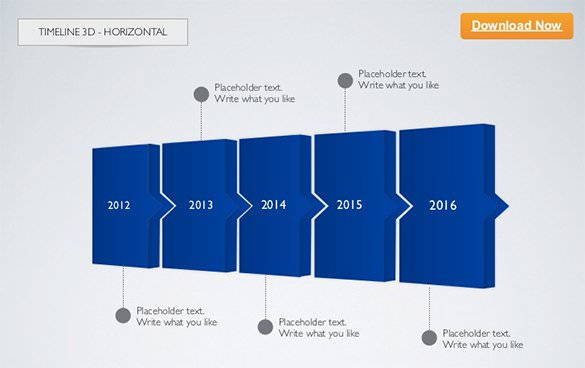
| 3D or illustrated path | Keynotes and pitches where visual impact matters |
Before you download: The buttons link to the original creators’ pages and presentation sites. Some offer a direct .key file, others a showcase page with a download link, and three original sources have been taken offline. Keynote files open on Mac, iPad and iPhone; if you work in PowerPoint, Keynote can export to .pptx, though some effects may change. Check each source’s license before using a template in client work.
8 Keynote Timeline Templates for Roadmaps and Milestones






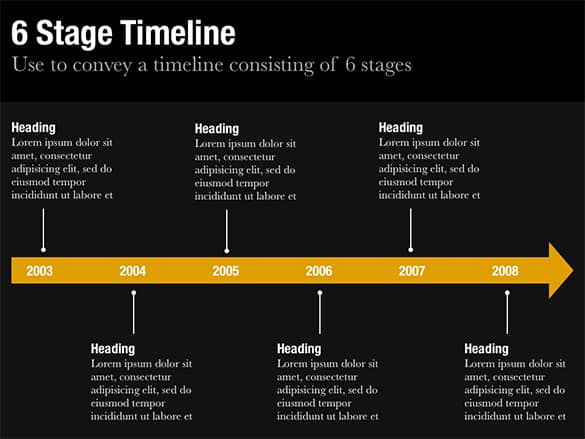

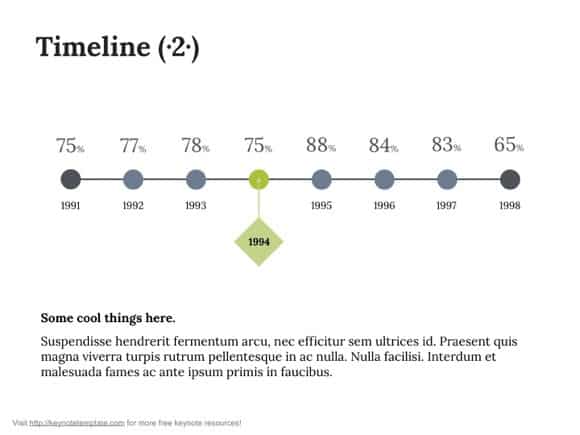

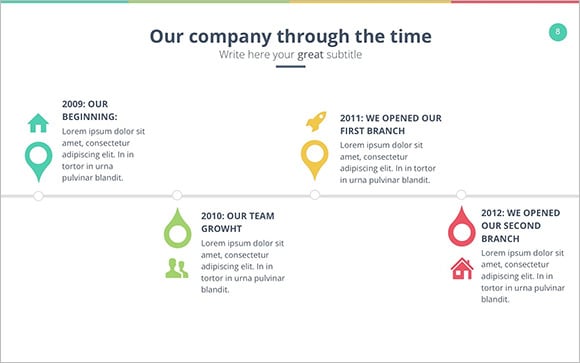

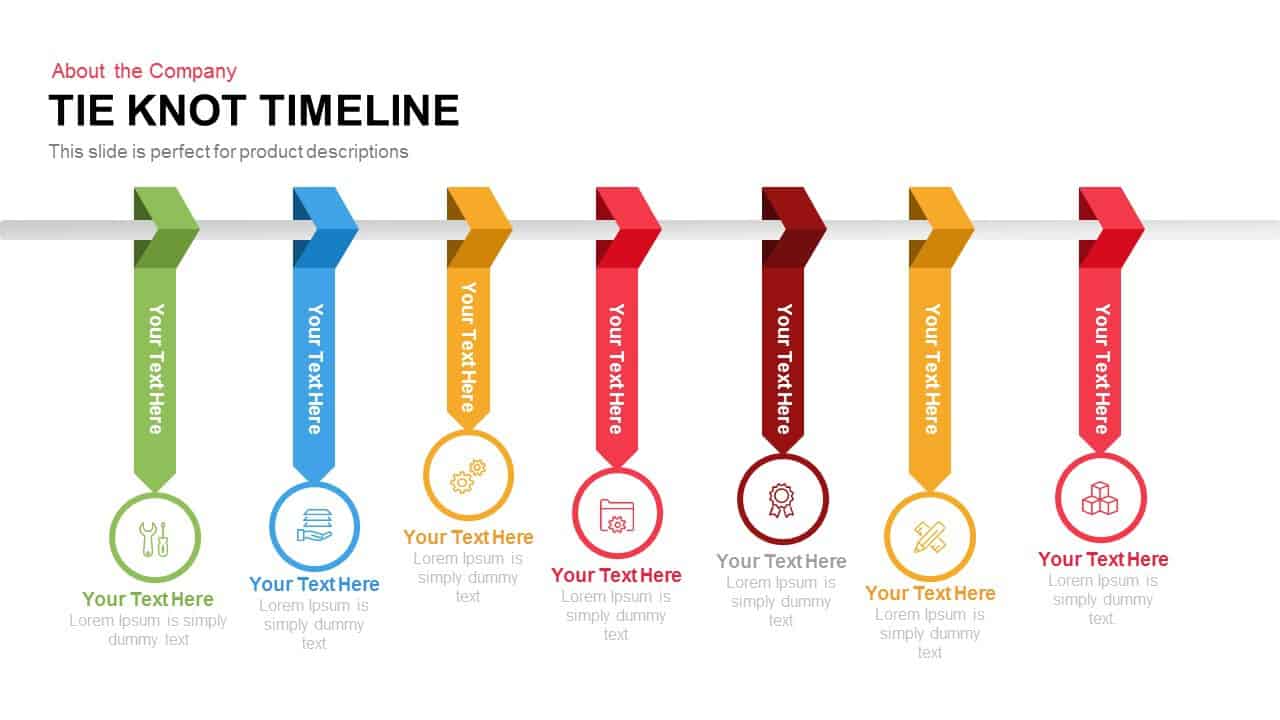

Customizing a Timeline Template in Keynote
- Open the file and duplicate the slide. Keep the original as a backup in case you want to start over.
- Apply your theme colors. Use the Format sidebar to change shape fills and text colors to match your brand or school colors.
- Replace sample labels. Type your milestones and dates into the text boxes. Keep wording short and consistent, for example “Q1: Research” rather than full sentences.
- Add or remove markers. Select a marker group, copy and paste it, then align everything with Keynote’s alignment guides.
- Highlight one key moment. Use a contrasting color, a larger dot or a “Today” label to draw attention where it matters.
- Animate with restraint. A simple build that reveals milestones one by one works well for storytelling; avoid flashy transitions on every point.
- Export if needed. Save as PDF for handouts or export to PowerPoint for colleagues on Windows, then double-check fonts and spacing.
Mini case: a quarterly roadmap that finally made sense
A small software team used to present its roadmap as a long bullet list. After switching to a horizontal four-quarter timeline with one colored lane per team, the monthly review got shorter. Executives could see overlapping work at a glance, and the team used a bright “We are here” marker that moved each month. The same slide, updated regularly, became the most-used page in their deck.
Design Habits That Keep Timelines Readable
- Left to right, oldest to newest. It’s how most audiences in English-speaking countries expect time to flow.
- Even spacing for even time. If milestones are spaced unevenly in time, either space them proportionally or clearly label gaps, so the slide doesn’t imply the wrong pace.
- Big enough text. If you can’t read a label on your laptop from a few steps back, it’s too small for a projector.
- Two or three colors max. Use one neutral for the timeline, one accent for milestones, and maybe a warning color for risks.
- Icons with purpose. A small rocket for launch or flag for a deadline helps; decorative clip art distracts.
- One message per slide. If you need to show both history and the future plan, split them into two slides.
Common mistakes to avoid
- Cramming a full project schedule onto one slide instead of summarizing key milestones.
- Using exact dates for uncertain future work. Quarters or months set more realistic expectations.
- Forgetting to update the timeline between meetings, which quietly erodes trust.
- Inconsistent date formats, such as mixing “Jan 2027” and “03/15/27” on the same slide.
- Low contrast between the timeline line and the background, especially with dark themes on bright projectors.
Timeline Slide Ideas by Situation
For a startup pitch
Show three to five past milestones that prove traction, such as first prototype, first paying customer and a key partnership, then two or three future goals tied to the funding you’re asking for. Investors want to see momentum and a believable plan, not every small task.
For a school history project
Pick a clear time span, such as a decade or a century, and choose events that connect to your main argument. Add a small image or icon for each event and one short sentence explaining why it matters. Teachers appreciate timelines that show cause and effect rather than just dates.
For an event countdown
Work backward from the event date: invitations sent, vendors confirmed, final headcount, rehearsal, event day. Color-code tasks by owner so volunteers or team members can see their responsibilities at a glance.
For a company anniversary
Celebrate a handful of proud moments: founding, first office, major product launches, community projects and team growth. Old photos placed along the line make the story personal and memorable for employees and customers alike.
Keep the Detail Behind the Slide
A timeline slide is a summary. The real work lives in your planning documents. Many teams pair a roadmap slide with a written business action plan that lists owners and tasks, or a marketing plan that explains campaigns month by month. When a project is going to a client, a clear scope of work defines what each milestone actually includes, and a structured meeting agenda keeps timeline reviews focused.
Working in PowerPoint or Excel instead? These personal timeline templates cover both, and teachers will find student-friendly layouts in our timeline templates for students.
Frequently Asked Questions
Can I open Keynote timeline templates on Windows?
Keynote itself runs on Apple devices, but you can use the web version of Keynote through a free Apple account in a browser, or ask a Mac user to export the file to PowerPoint format.
Are these timeline templates free?
Several are free downloads, and some sources show free and paid options side by side. Check each source page for the current license.
How many milestones should a timeline slide have?
Four to eight is a comfortable range for most audiences. If you need more, split the timeline into phases across several slides.
Should I animate my timeline?
A simple build that reveals one milestone at a time can help tell a story. Keep animations consistent and quick.
How do I show progress on a timeline?
Use a filled color or thicker line up to today’s date, add a “We are here” marker, and fade or outline upcoming milestones.

