A matching cover letter makes your application feel complete. These editable Word templates pair with our resume designs and include proven structures: a strong opening hook, two short paragraphs linking your achievements to the role, and a confident close with a call to action. Each template has guidance notes you can delete once you’re done. Use them for corporate, creative, entry-level or career-change applications.
Build the letter around the advertised role
Read the role description and choose the requirements for which you have relevant evidence. The letter should help the reader understand why that evidence matters for this application, rather than repeat every line of the resume. Identify the role and where it was advertised, then explain a specific contribution you could make. Check the organisation name and the hiring contact instead of leaving a previous employer or an old job title in the opening paragraph.
Choose the right structure for your experience
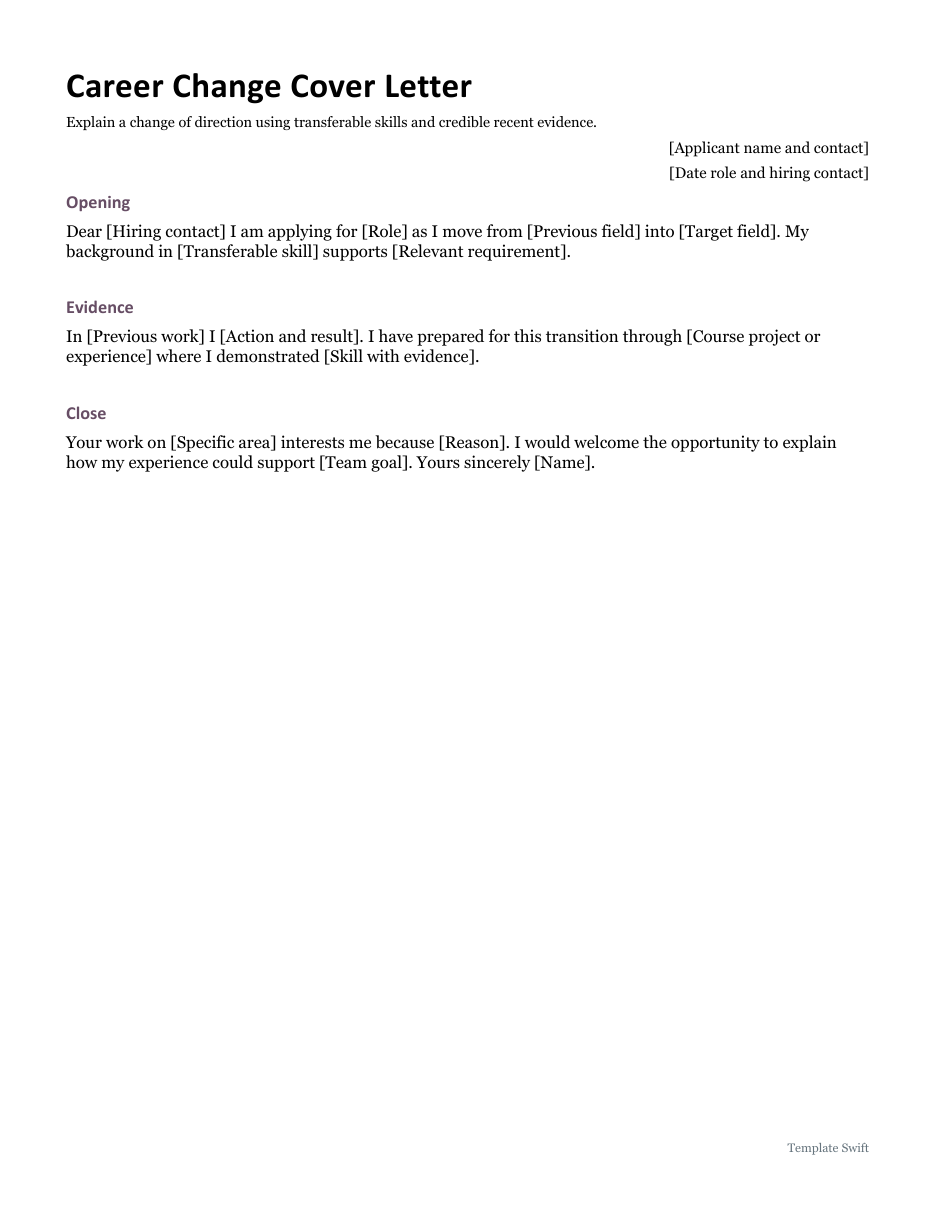
The professional application file starts with directly relevant work and a concrete result. The career change file gives more room to explain a transition and connect previous responsibilities with the new field. A transition does not need an apology. Explain the preparation you have actually completed, such as a project, course or related responsibility, and show what it demonstrates. Keep the explanation short enough that the reader can still find your strongest evidence quickly.
Use examples that you can support
Describe the situation, your own action and the outcome. Include a number only when it is accurate, appropriate to share and understandable without additional context. If you worked as part of a team, distinguish your contribution from the overall team result. A short example about resolving a recurring customer issue is usually more useful than an unsupported claim that you have excellent communication skills. Use the wording that fits your experience rather than copying a sample achievement as if it were your own.
Finish with a careful file check
Replace every bracketed field, check names and dates, and make the closing consistent with the recipient and the tone of the application. Read the letter aloud to find long sentences or repeated phrases. Keep the contact details consistent with the resume and follow the application instructions for file type and naming. If you export a PDF, open it and check the page before sending; the editable Word file should remain your working master for the next tailored application.
Working with the editable files
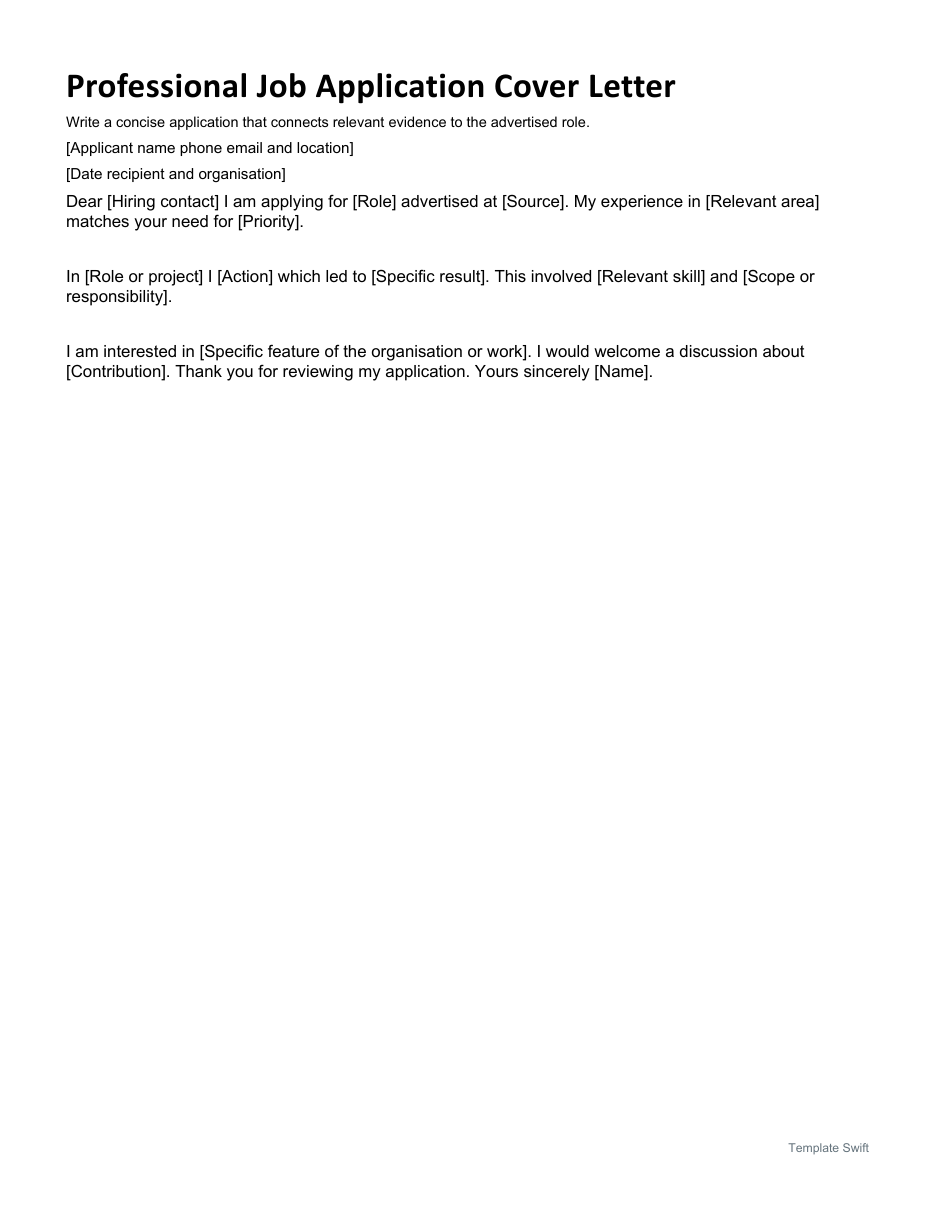
Professional Job Application Cover Letter is the Word option for this task. Start by completing applicant name phone email and location and date recipient and organisation. Replace the remaining bracketed prompts with information that applies to your situation, and remove unused fields before sharing a finished copy. Keep an untouched master so you can prepare the next document without carrying over another person's details.
Career Change Cover Letter is the Word option for this task. Start by completing applicant name and contact and date role and hiring contact. Replace the remaining bracketed prompts with information that applies to your situation, and remove unused fields before sharing a finished copy. Keep an untouched master so you can prepare the next document without carrying over another person's details.
Editable Word and Excel Resources
Professional Job Application Cover Letter
Write a concise application that connects relevant evidence to the advertised role. Download the editable Word file below.
Career Change Cover Letter
Explain a change of direction using transferable skills and credible recent evidence. Download the editable Word file below.