


Picking from a set of ready-made resume formats is the fastest way to turn a messy list of jobs, courses and skills into a document a hiring manager can actually read. The layout does the organizing for you: clear headings, consistent spacing and a structure that puts your strongest points where people look first.
This page includes 17 editable resume formats in Microsoft Word, from simple and basic layouts to classic, formal and professional designs, plus examples written for students, freshers, cashiers, retail supervisors, assistant managers, financial advisors, regulatory assistants and senior marketing managers. First, though, it helps to understand the three main resume structures, because choosing the right one matters more than choosing the prettiest template.
The Three Main Resume Structures
| Format | How it’s organized | Works best for |
|---|---|---|
| Chronological | Work history listed from most recent to oldest, with achievements under each role | Steady career progress in one field |
| Functional (skills-based) | Grouped skills and abilities first, with a brief job list near the end | Career changers, people returning to work, varied freelance histories |
| Combination (hybrid) | A strong skills summary at the top, followed by a full chronological work history | Experienced professionals with transferable skills, senior roles |
Most employers in the US are comfortable with chronological resumes, and many recruiters prefer them because they can follow your career at a glance. Functional resumes can be useful, but some readers see them as hiding gaps, so use them thoughtfully and keep dates visible.
Which Layout Fits Your Situation?
You’re a student or recent graduate
Put education near the top, followed by internships, part-time work, volunteering, projects and relevant coursework. The student and fresher formats below are a natural starting point for this kind of resume.
You’ve been in the same field for years
Go chronological. Lead with a two- or three-line summary, then list roles with measurable results: projects delivered, budgets handled, teams led. The professional, formal and classical formats suit this approach.
You’re moving into a new kind of role
Try a combination layout. Open with a skills section that maps directly to the job ad, then show your work history so employers can see where those skills came from.
You’re applying for a senior or specialist position
Use a clean, uncluttered design with a strong summary, key achievements and a focused work history. The senior marketing manager and financial advisor examples are good starting points for this kind of resume.
Rule of thumb: one page for early-career applicants, up to two pages for experienced professionals. If you go to a second page, make sure the first page can stand on its own.
Design Choices That Keep a Resume Readable
A good template already handles most design decisions, but a few habits keep it clean once you start typing:
- Stick to one or two fonts. Common choices like Calibri, Arial, Georgia or Garamond read well on screen and in print.
- Keep body text between 10 and 12 points and section headings slightly larger.
- Leave margins of roughly half an inch to one inch so the page doesn’t feel cramped.
- Use bold sparingly, for job titles and section headings rather than random phrases.
- Use color as an accent only. A dark heading color or a thin rule line looks professional; bright backgrounds can print poorly.
If you change fonts or sizes, check that the layout still fits the page and that nothing has jumped onto a nearly empty second page.
17 Resume Formats in Word to Download
Official Resume Format Word


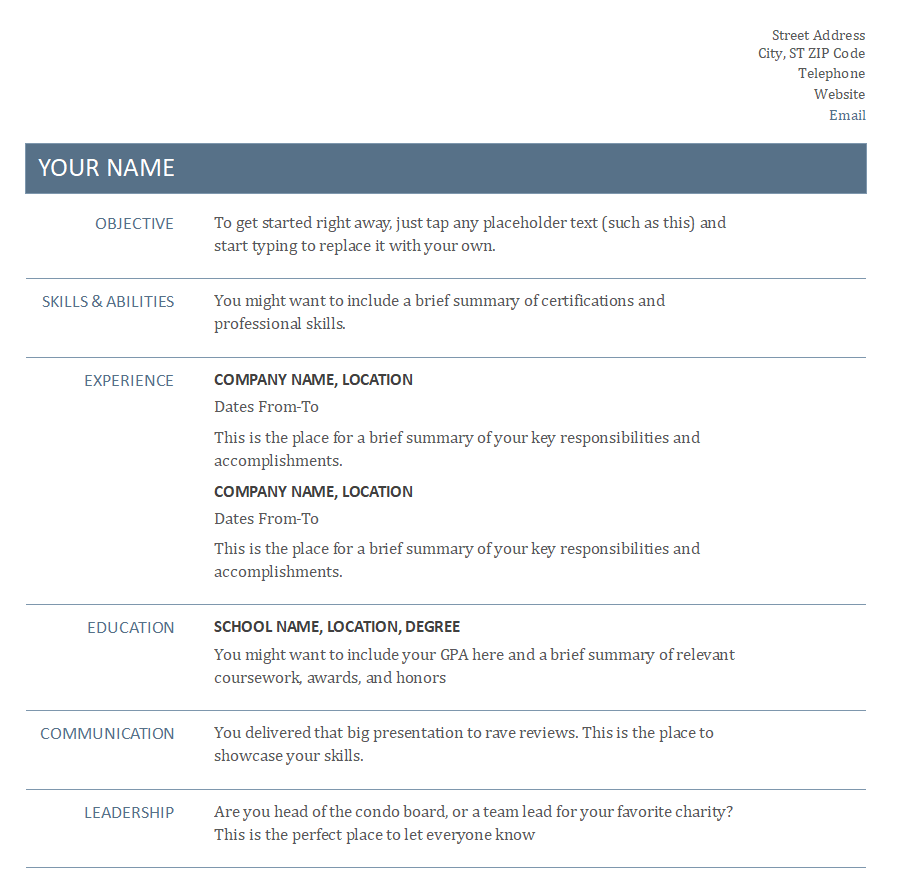
Classical Resume Template in MS Word


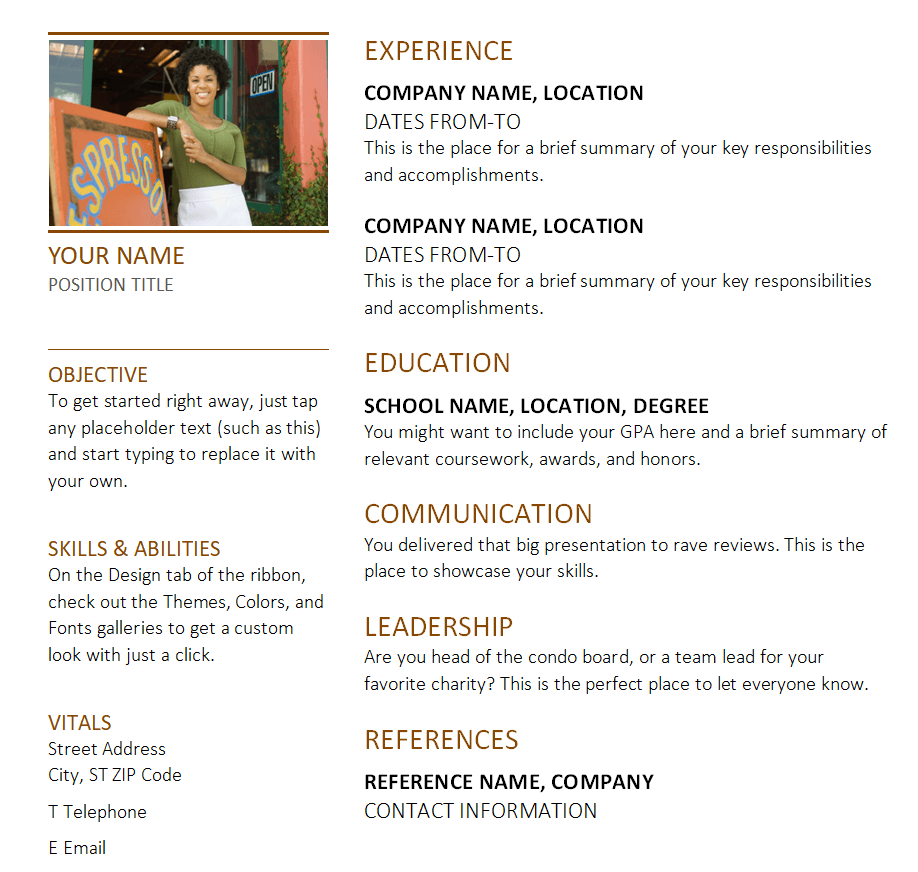
Professional Resume Format Example


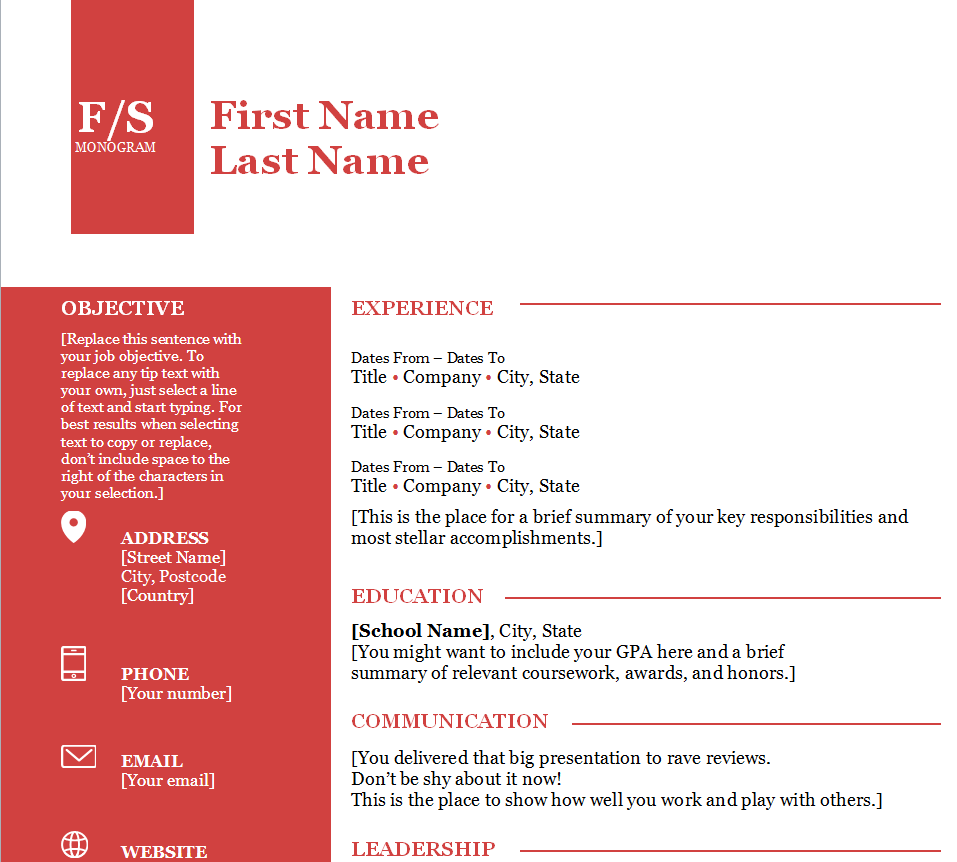
Free Customizable Resume Sample Doc


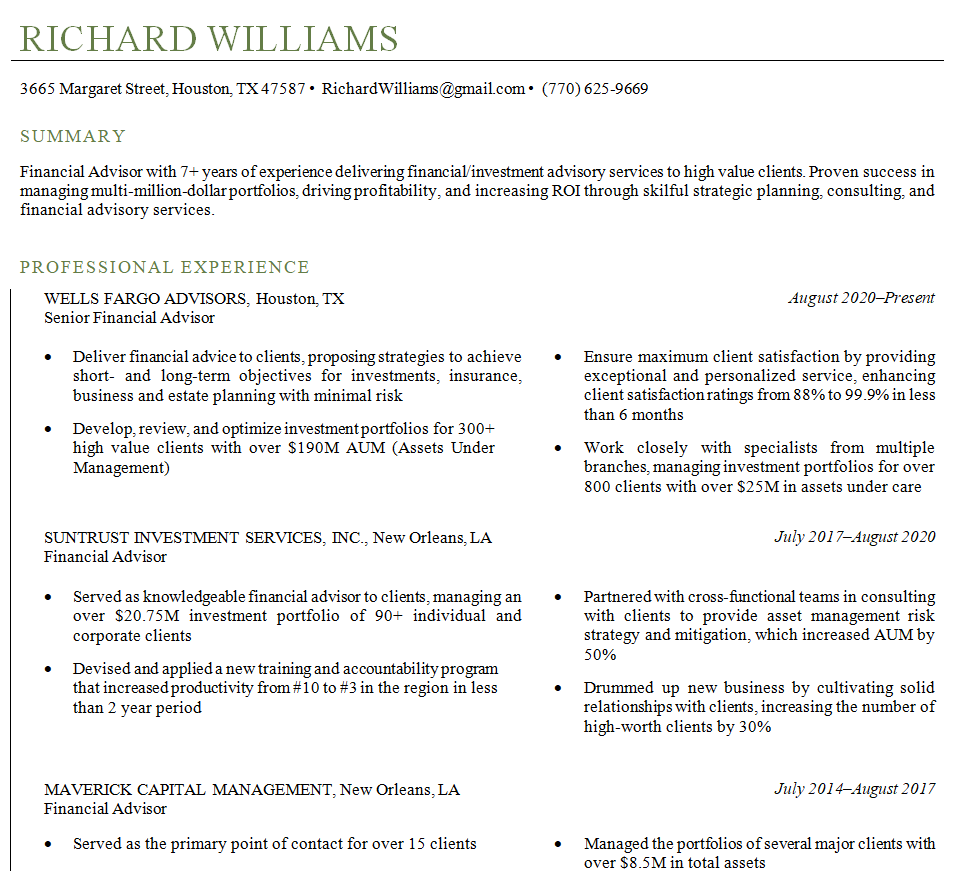
Resume Format for a Senior Marketing Manager


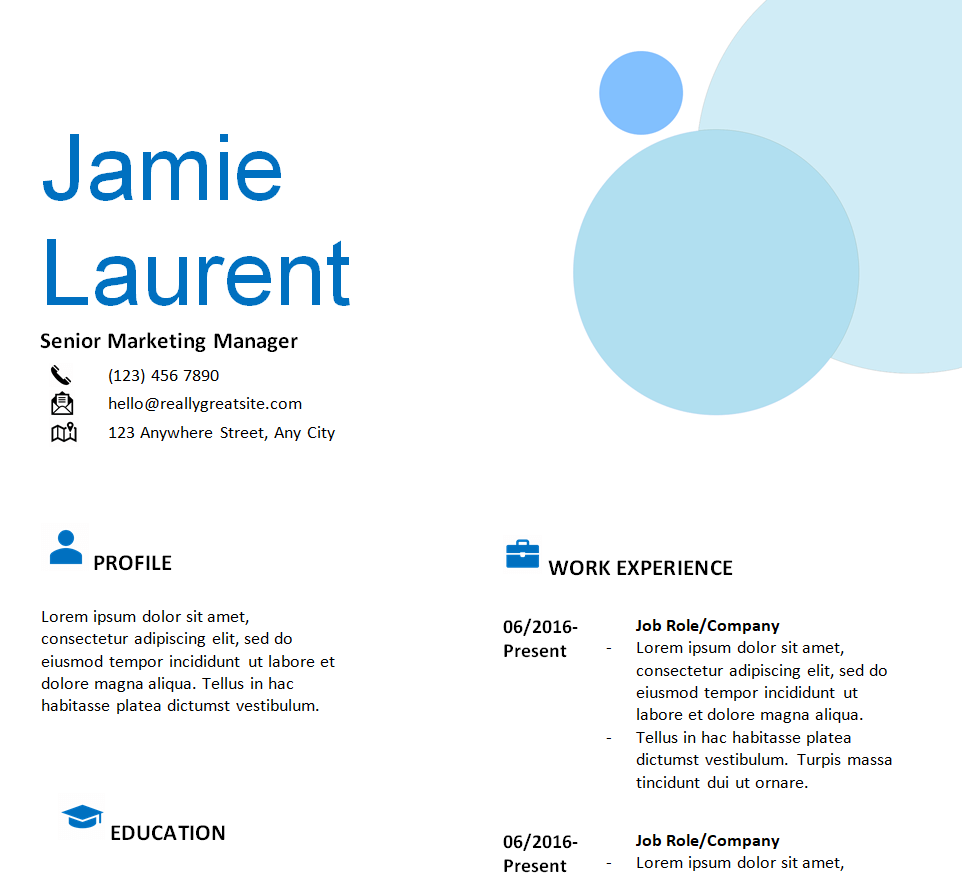
Special Resume Format Template Doc


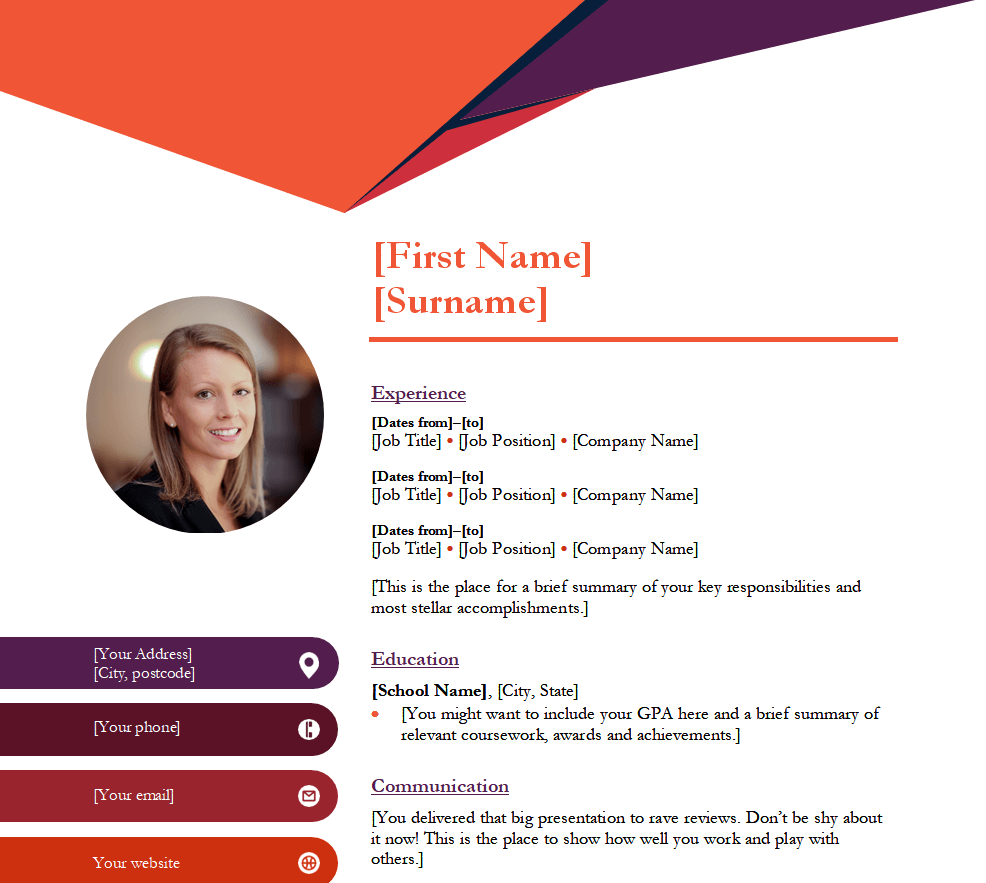
Financial Advisor Resume Format in MS Word


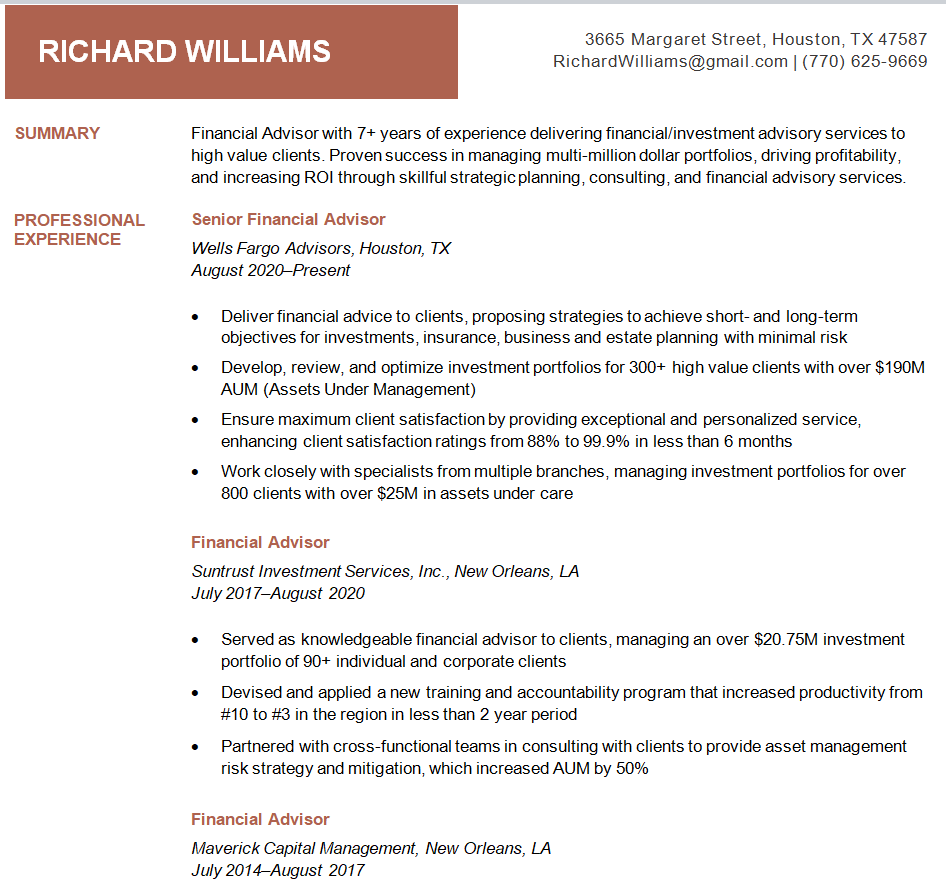
Free Editable Resume Format


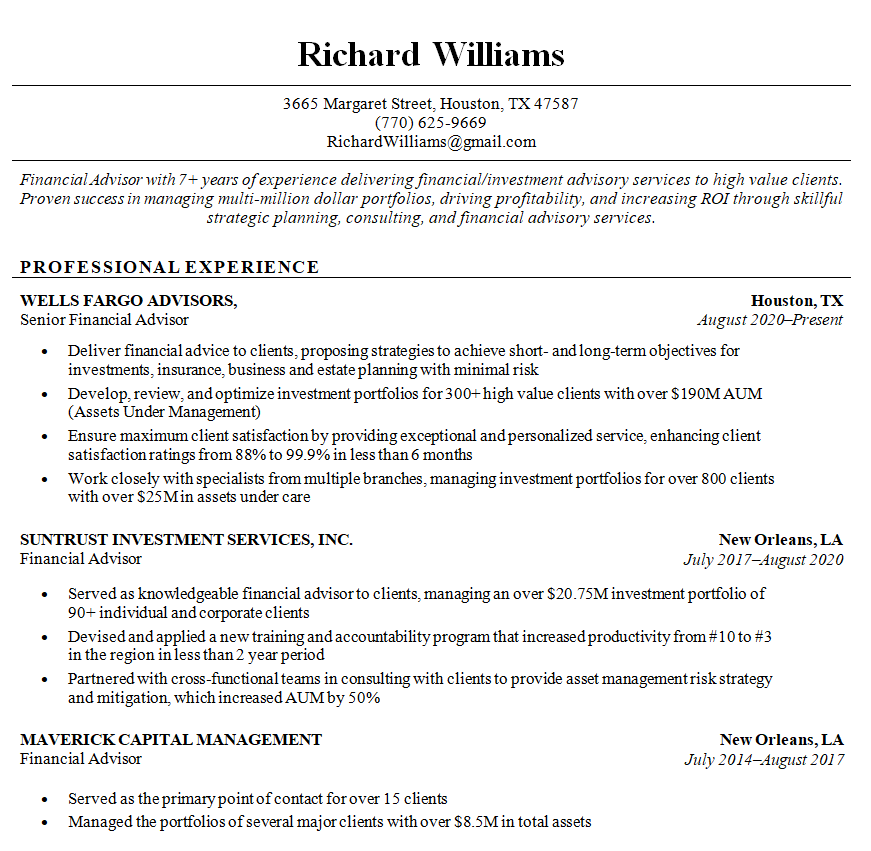
Formal Resume Template Word


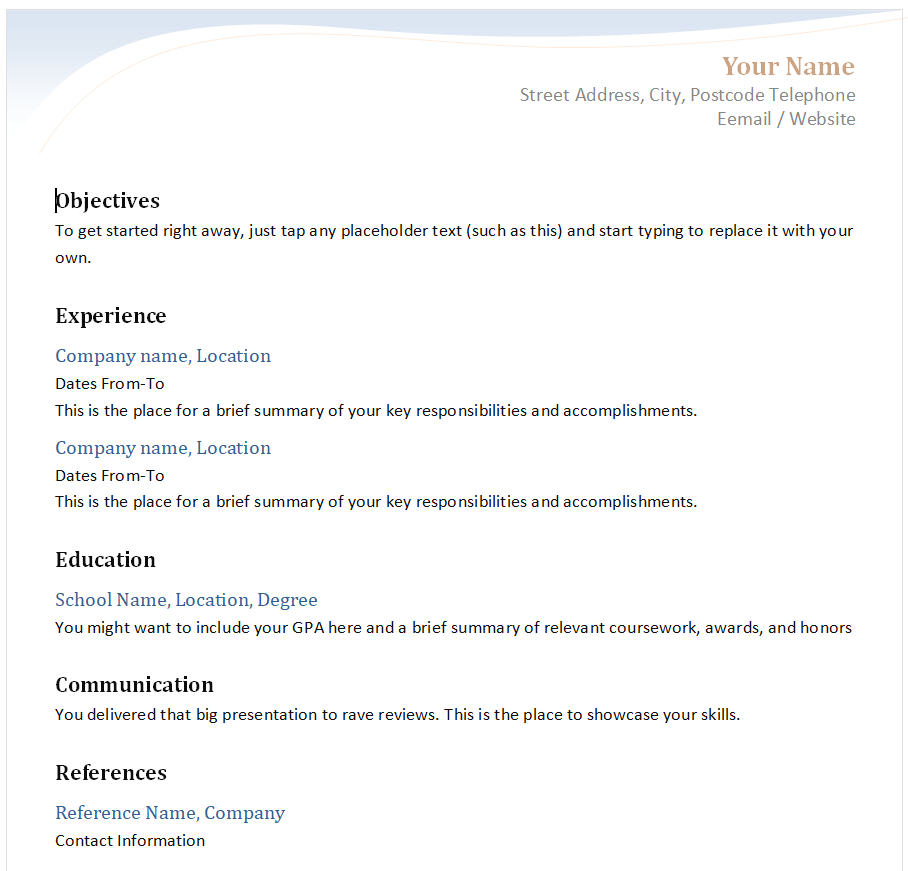
Assistant Manager’s Resume Format


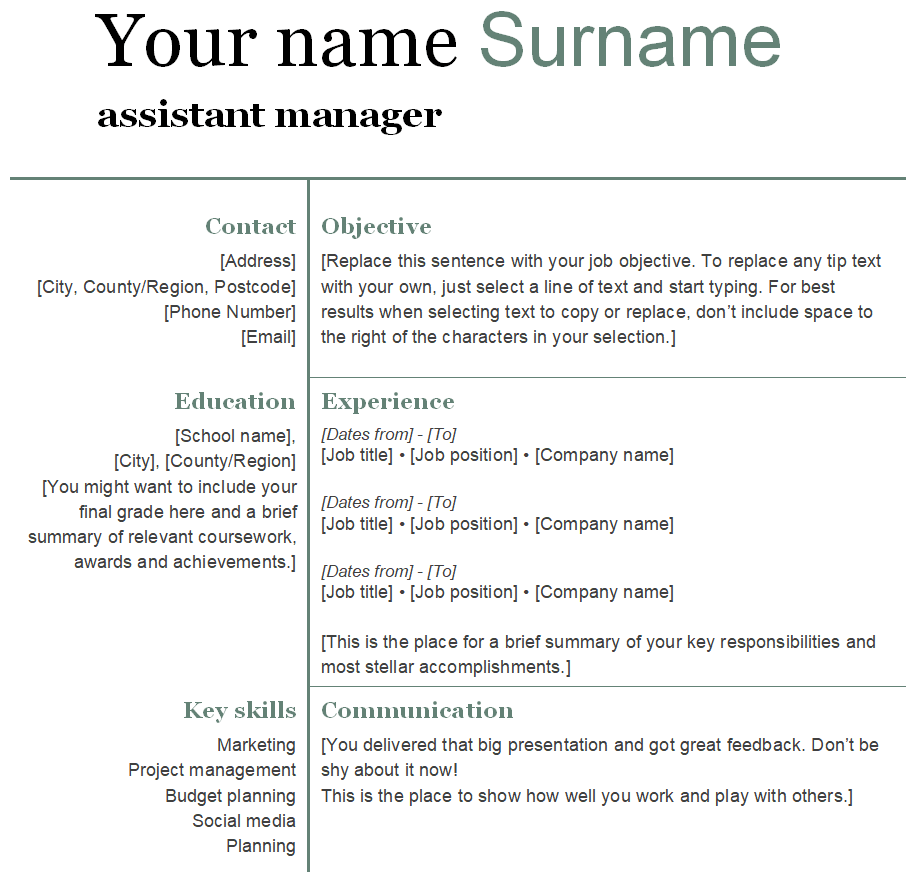
Simple Resume Format Doc Template


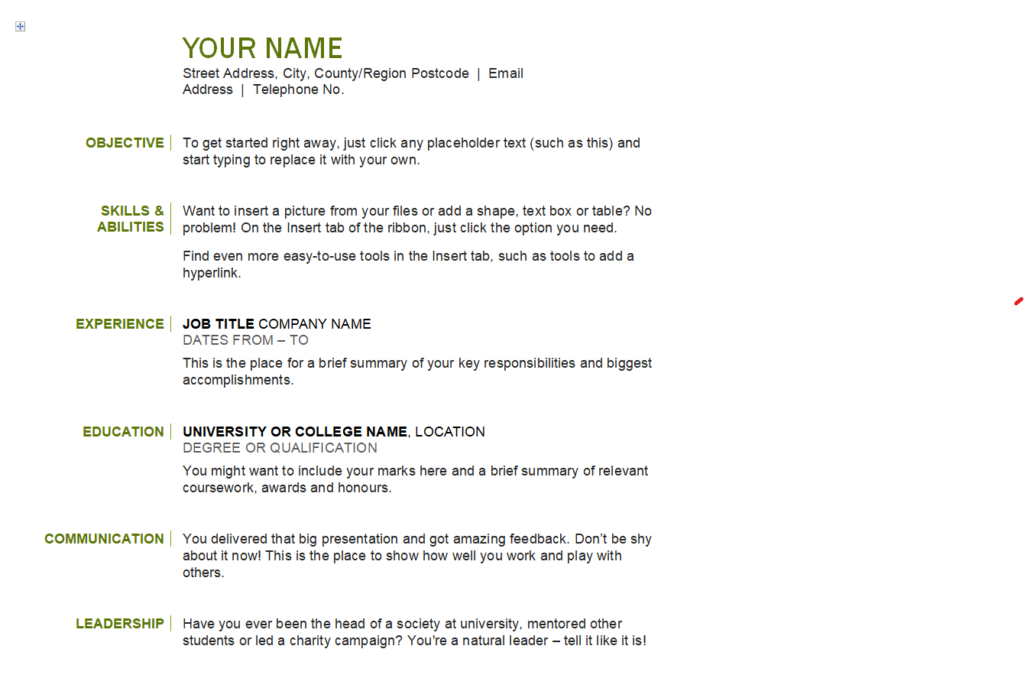
Retail Supervisor Professional Resume Format


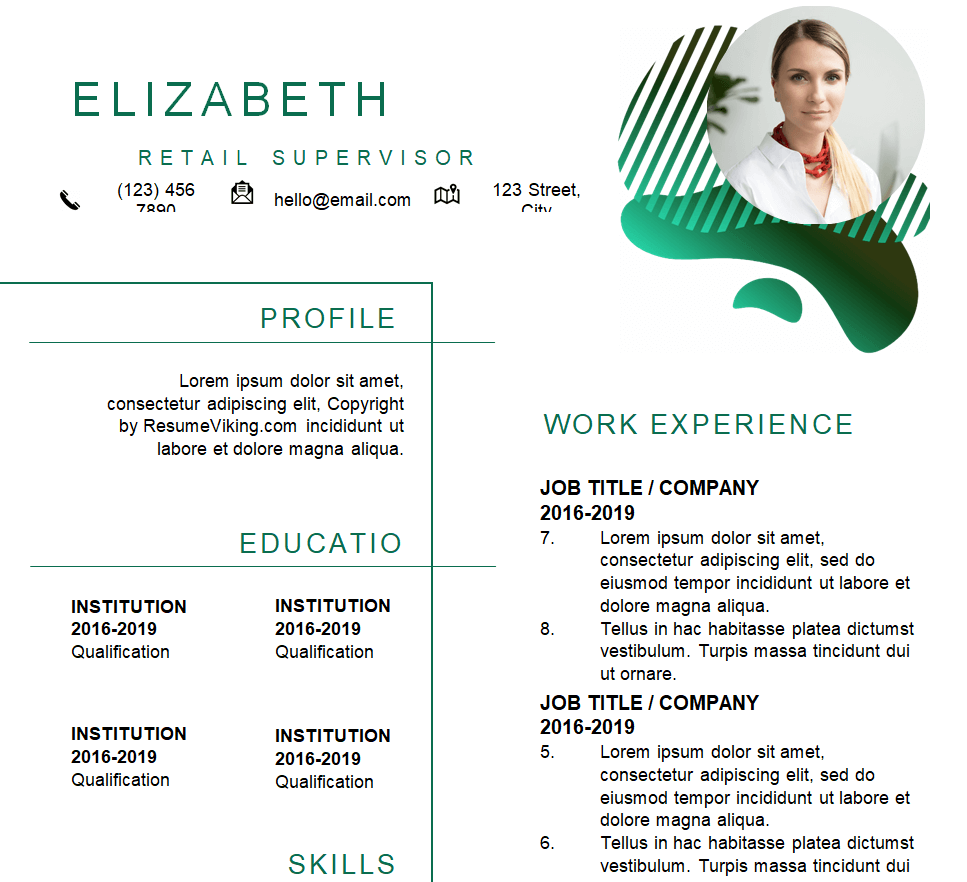
Resume Word Template for Students


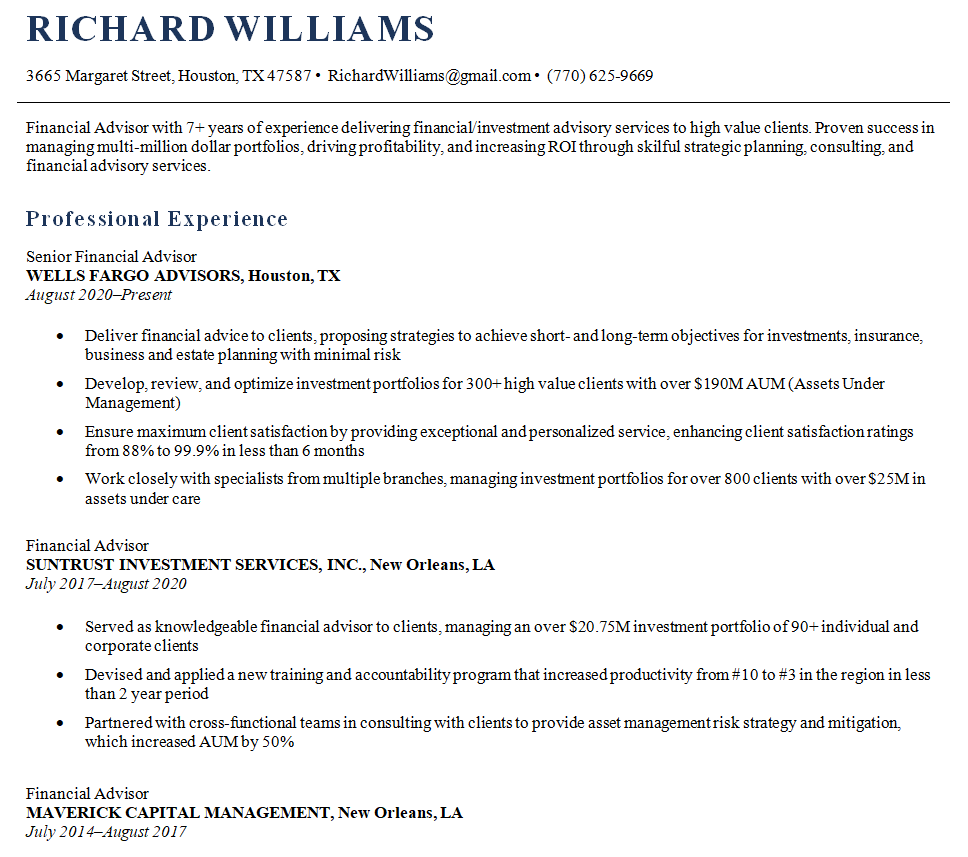
Fresher Resume Format in MS Word


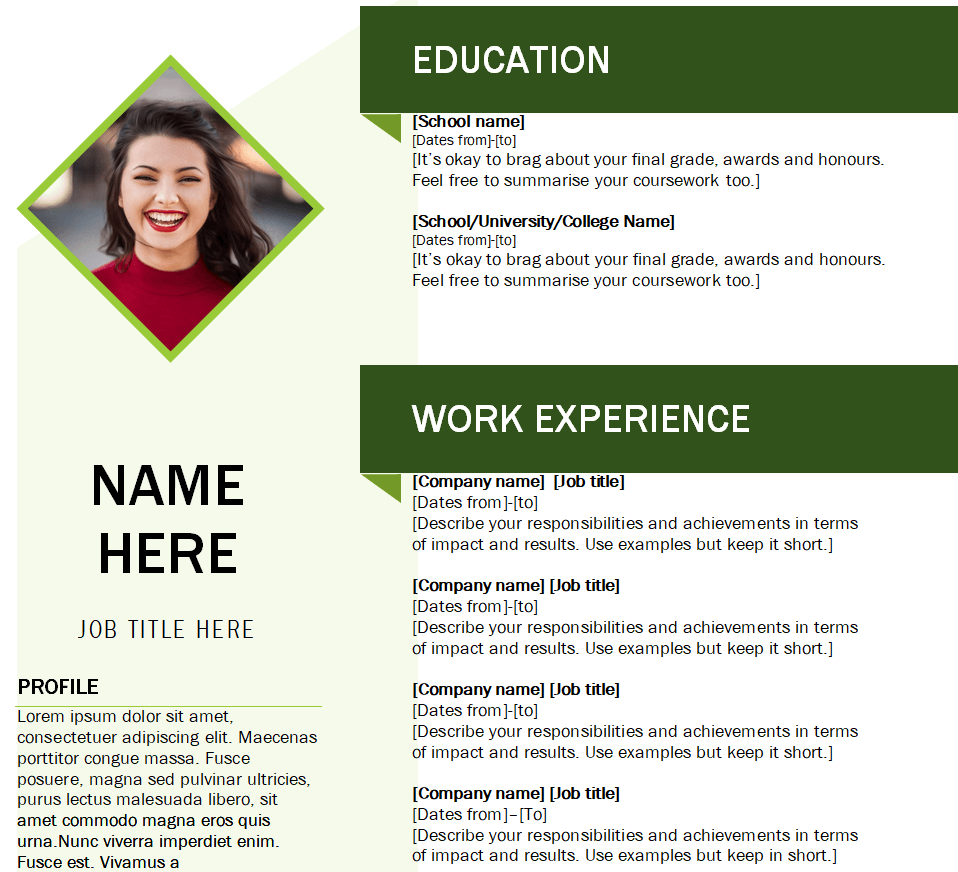
Regulatory Assistant’s Resume Example


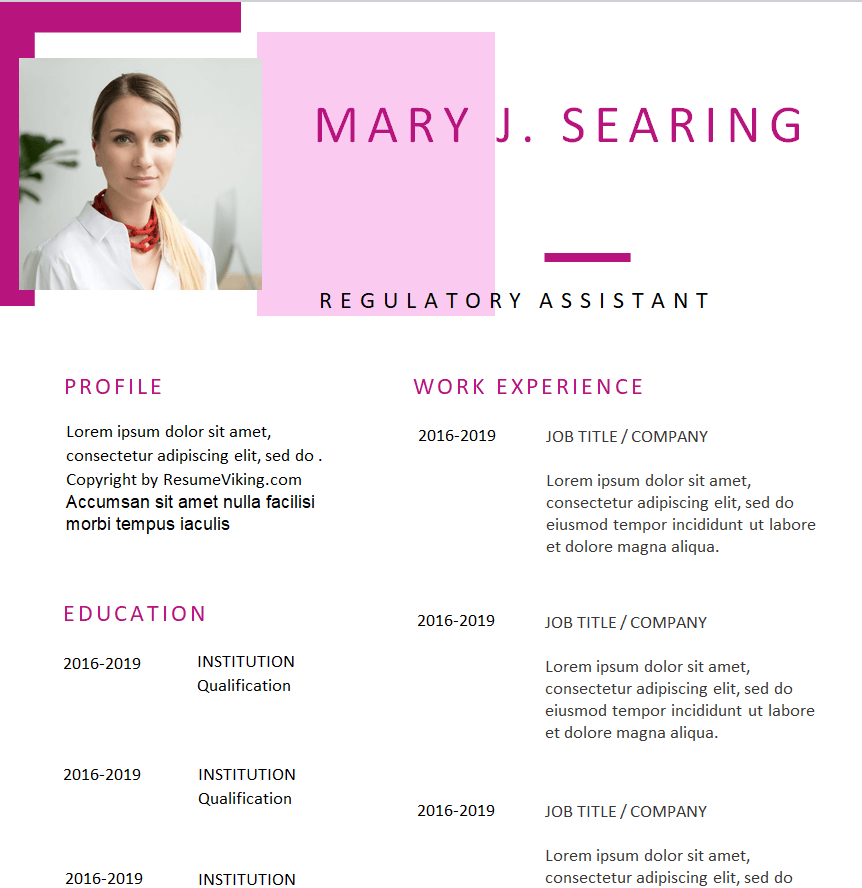
Resume Word Template for Cashier


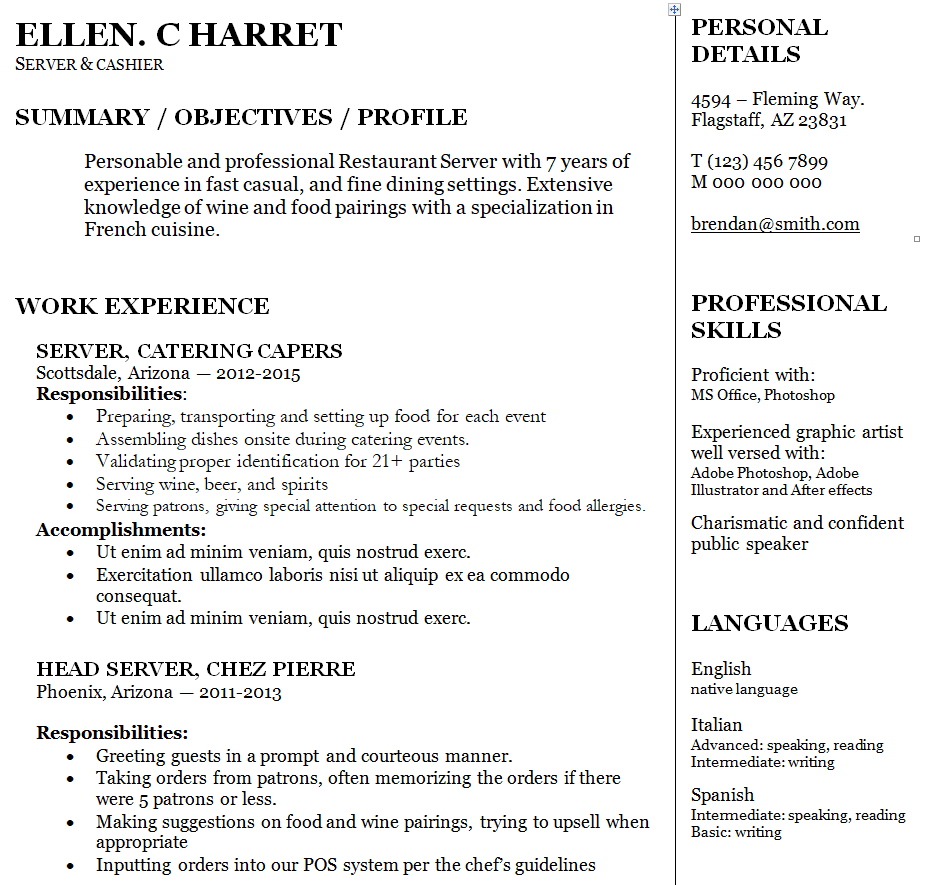
Basic Resume Format Template in MS Word


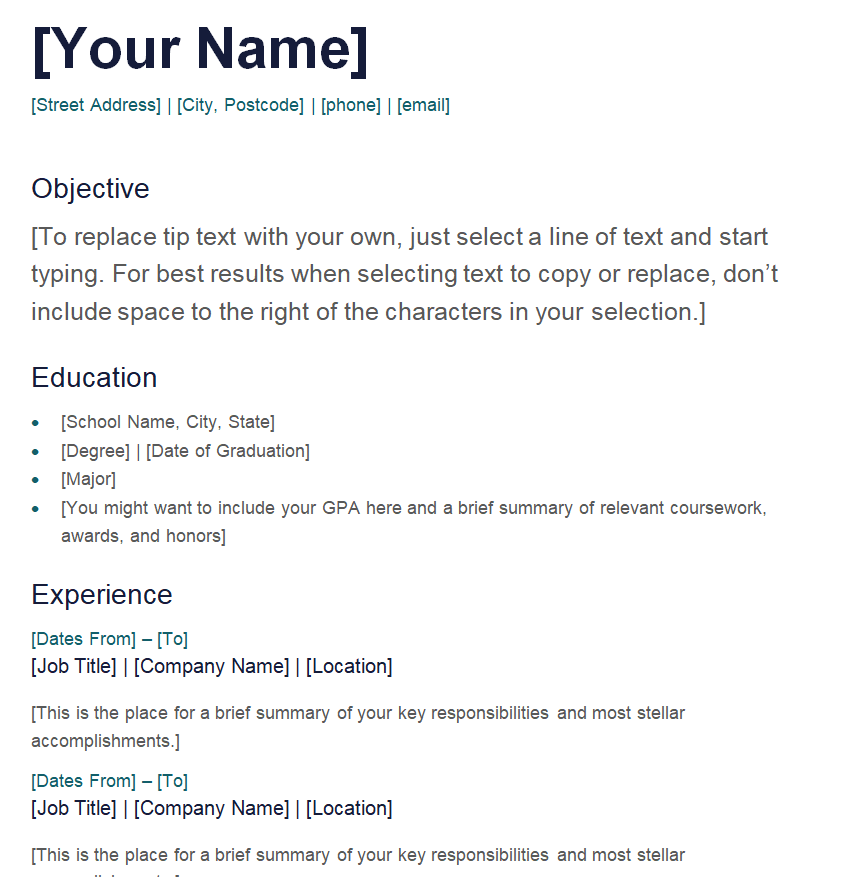
Filling In Your Resume, Section by Section
Contact details
Name, phone, professional email address, city and state, and a LinkedIn or portfolio link if you have one. A full street address is no longer expected on most US resumes.
Summary
Two to four sentences about who you are professionally and what you bring. Tailor it to each job instead of reusing a generic version.
Experience
For each role, list the job title, employer, location and dates, followed by three to six bullet points. Start each bullet with an action verb (managed, built, reduced, trained) and include results where you can: “Trained 12 new cashiers” says more than “responsible for training.”
Education and certifications
Degree, school and graduation year (optional for experienced candidates), plus any licenses or certifications relevant to the role.
Skills
A short list of hard skills that match the job description: software, languages, tools and specialist techniques. Soft skills are better shown through achievements than listed on their own.
Mistakes Recruiters Notice Right Away
- Typos and inconsistent formatting. Mixed fonts, uneven bullets and spelling mistakes suggest a lack of care.
- Duties instead of achievements. Describe what you accomplished, not just what your job description said.
- One resume for every application. Small tweaks to match each job ad can make a big difference.
- Unprofessional email addresses. Create a simple one with your name if needed.
- Exaggeration. Never overstate titles, dates, degrees or results. Employers often check references and records, and inaccurate details can cost you the job later.
- Photos and personal details such as date of birth or marital status. In the US these are generally left off; norms differ in other countries, so follow local expectations.
Worked Example: From Duty to Achievement
Here’s how a few ordinary bullet points can be rewritten to show impact. Use your own real numbers, and if you don’t have exact figures, describe the outcome honestly instead of guessing.
| Before | After |
|---|---|
| Responsible for handling the cash register | Processed customer payments accurately during busy weekend shifts and balanced the till at close |
| Helped with social media | Planned and posted weekly content for the store’s social accounts and answered customer messages |
| Managed a team | Led a team of six sales associates, set weekly targets and coached new hires through their first month |
| Worked on reports | Prepared monthly compliance reports for the regulatory team, meeting every filing deadline in the year |
Before You Hit Send
- File name includes your name, for example “Jane-Smith-Resume.pdf”.
- Contact details are correct and the email address works.
- Dates line up and there are no unexplained overlaps.
- The summary and skills mention the job title or key requirements from the ad.
- Someone else has proofread it.
- You’ve saved a master copy so you can tailor it again for the next application.
A Note on Applicant Tracking Systems
Many larger employers run applications through software that scans resumes for relevant keywords before a person reads them. To keep your resume readable by these systems, use standard section headings (Experience, Education, Skills), avoid putting key information inside images or text boxes, and save in the file type the employer requests, usually .docx or PDF. The simpler formats in this collection are the safest picks for online applications; the more decorative ones are great for networking events, career fairs and email introductions.
A practical approach is to keep two versions: a plain, ATS-friendly resume for online portals and a more designed version to hand over in person or attach when you email a hiring manager directly. The content should be identical; only the presentation changes.
Other Documents You May Need During a Job Search
A resume is often the first of several documents in the hiring process. Some employers, especially outside the US, ask for a biodata form instead of or alongside a resume. When you receive a job offer, reviewing a few sample offer letter formats helps you understand what’s typically included, and an appointment letter usually confirms the final terms once you accept.
You may also be asked to provide proof of previous work. A former employer can issue a certificate of employment, and some roles request a character certificate from a school, employer or community leader. These must always come from the issuing organization; templates simply help that organization prepare them in a clear format.
Frequently Asked Questions
Which resume format is best for a fresher?
A chronological or combination format with education and skills near the top works well. Highlight internships, projects and volunteering to show what you can do.
Can I edit these resume formats in Google Docs?
Word files usually open in Google Docs, but some layouts may shift. Check spacing and fonts after uploading, or edit in Microsoft Word for the most accurate result.
Should I send my resume as Word or PDF?
Follow the employer’s instructions. If none are given, a PDF keeps your formatting intact, while a .docx file is sometimes preferred by recruiters and tracking systems.
How long should a resume be?
One page for most early-career candidates and up to two for experienced professionals. Cut anything that doesn’t support the job you’re applying for.
Do I need a cover letter as well?
If the application allows one, a short, tailored cover letter is a good idea. It explains why you want this particular role, which a resume can’t do on its own.


