
A newsletter is the friendliest way to keep a group in the loop. Parents learn what’s happening in class, employees hear about wins and new faces, members find out what’s coming up. A good newsletter template gives you columns, headings and photo spots that look professional from the first issue.
You’ll find 23 free newsletter templates in MS Word here: corporate and employee newsletters, school, class and preschool designs, IT and software company layouts, a historical society newsletter and a blank e-newsletter.
What to Put in Each Issue
A lead story
The single most important update: a big event, a new policy, a milestone. Give it the top spot and a photo.
Short news items
Three to five quick updates of a paragraph each. Readers skim, so keep them brief.
People
New hires, birthdays, student achievements or volunteer thank-yous. Names and faces get read.
Dates and reminders
A small calendar box with deadlines, events and holidays.
A way to respond
An email address, sign-up link or contact person for questions.
Newsletter Templates in MS Word
Corporate Newsletter Template
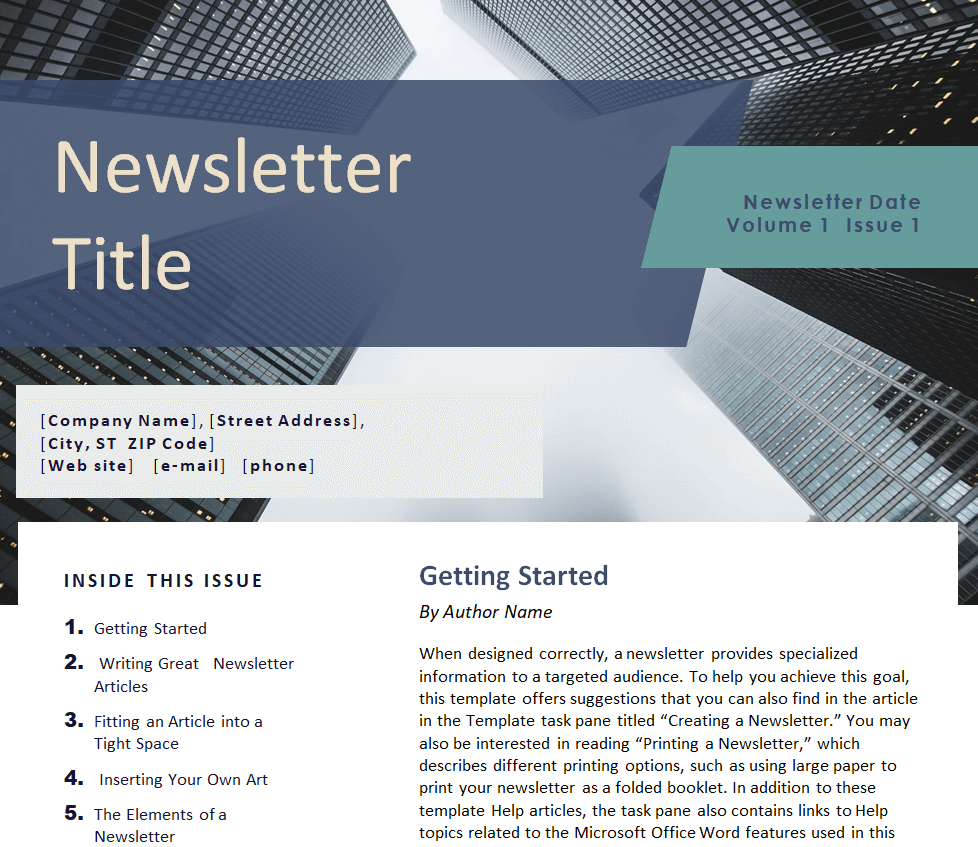
Newsletter Template for Kids Sports

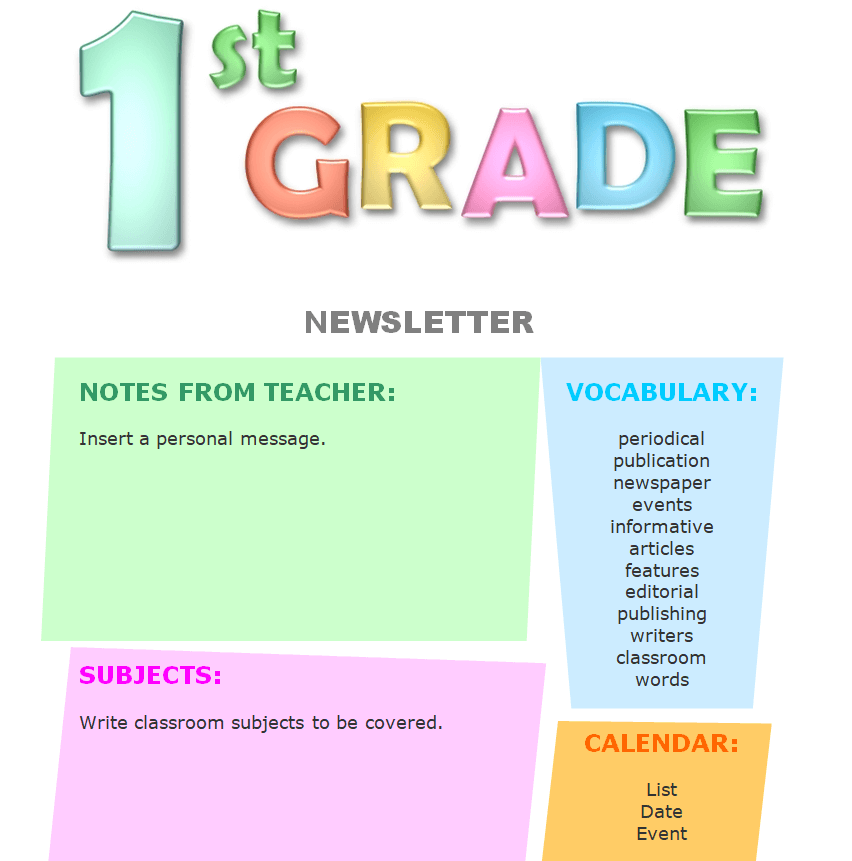
Newsletter Template for 1st-Grade Students
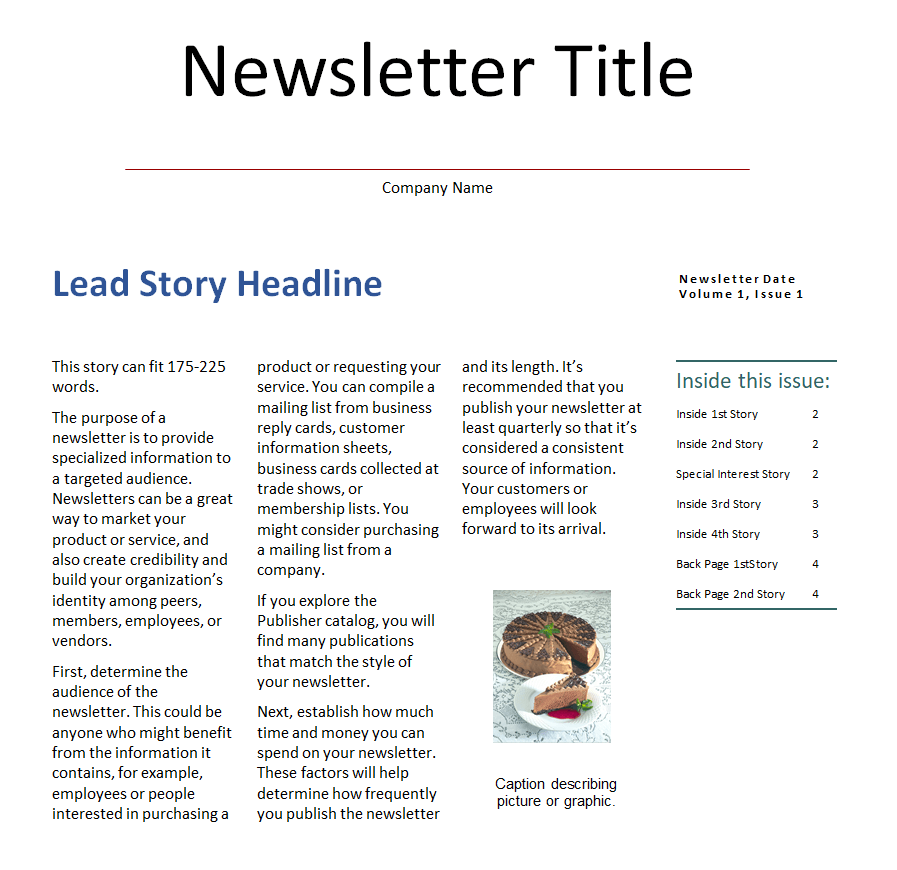
Company’s Newsletter Word Template
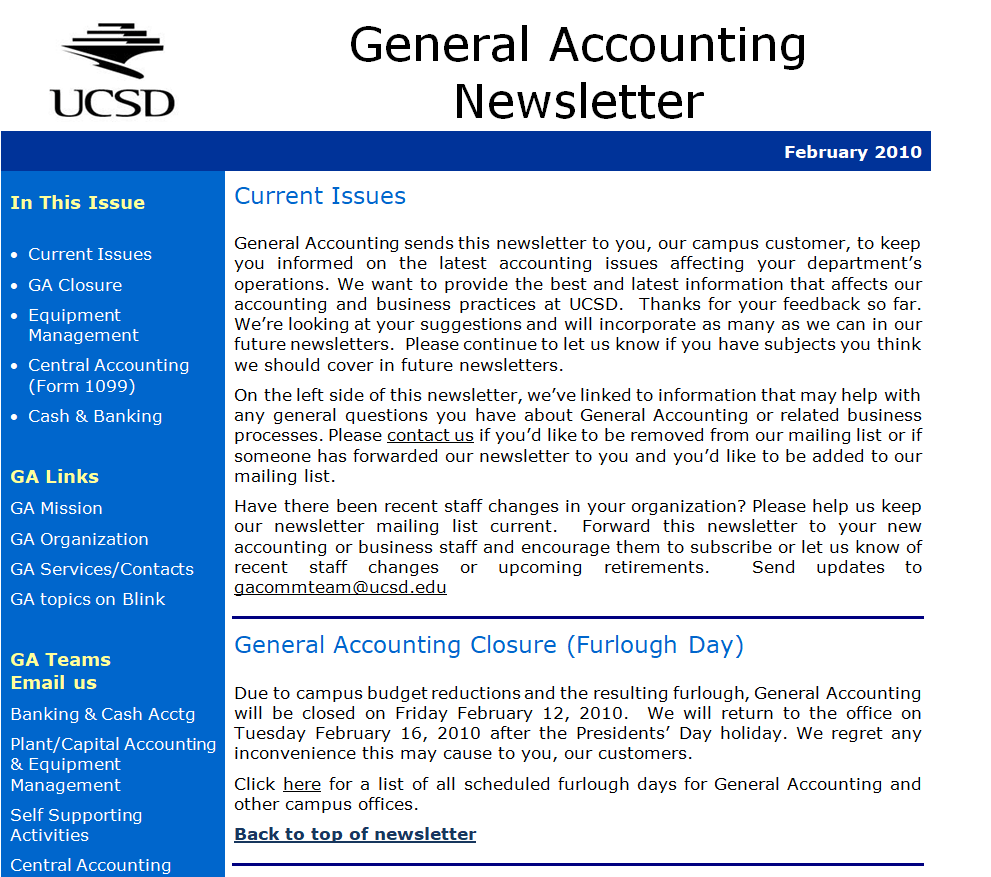
General Accounting Newsletter Sample Doc
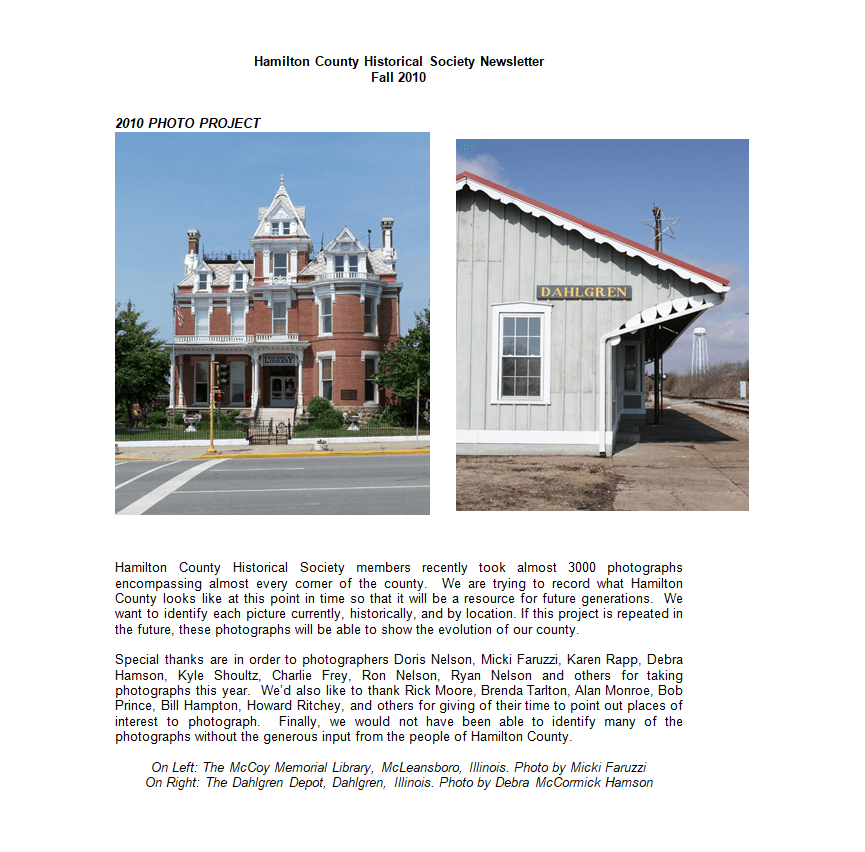
County’s Historical Society Newsletter Template
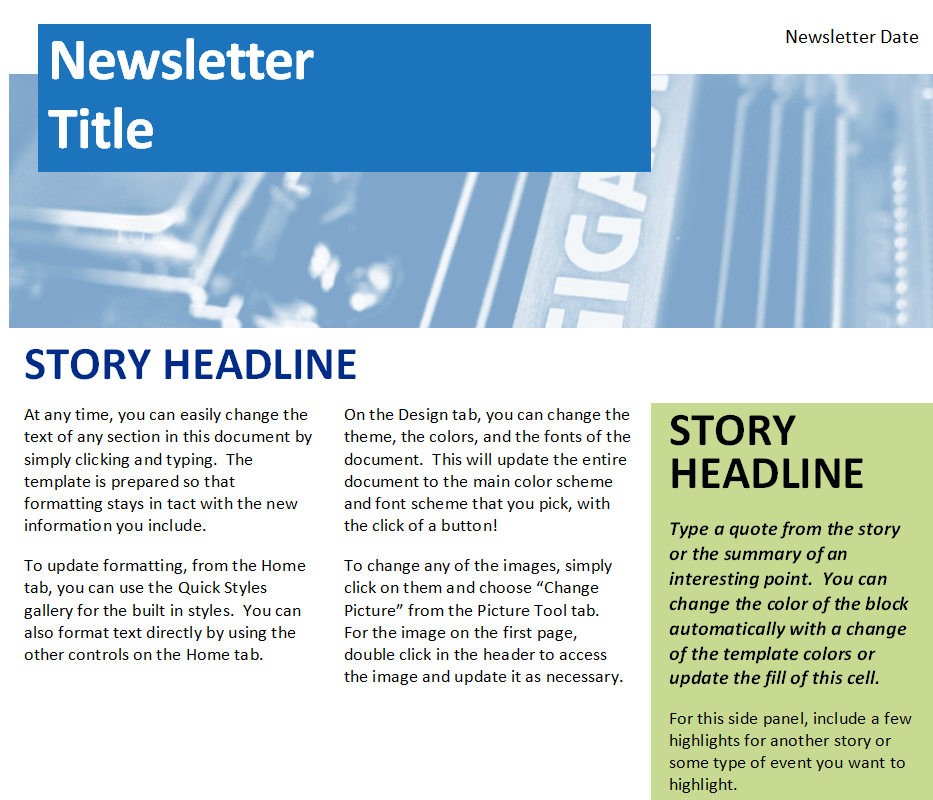
Business Newsletter Template Word
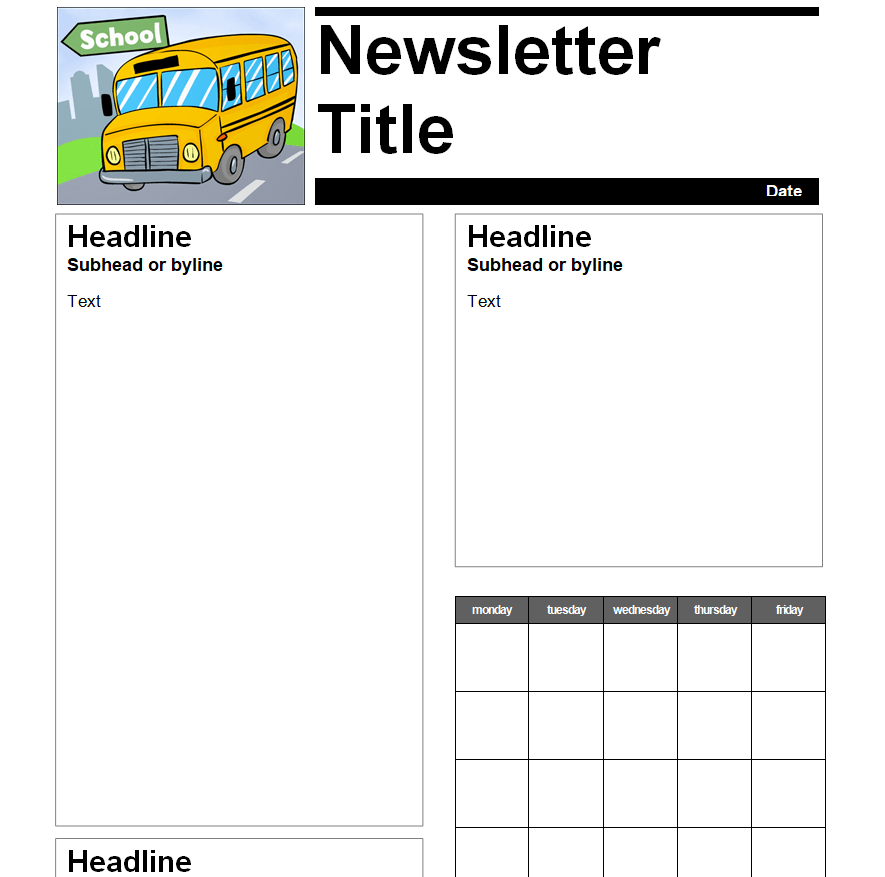
Free Editable School Newsletter Word Template
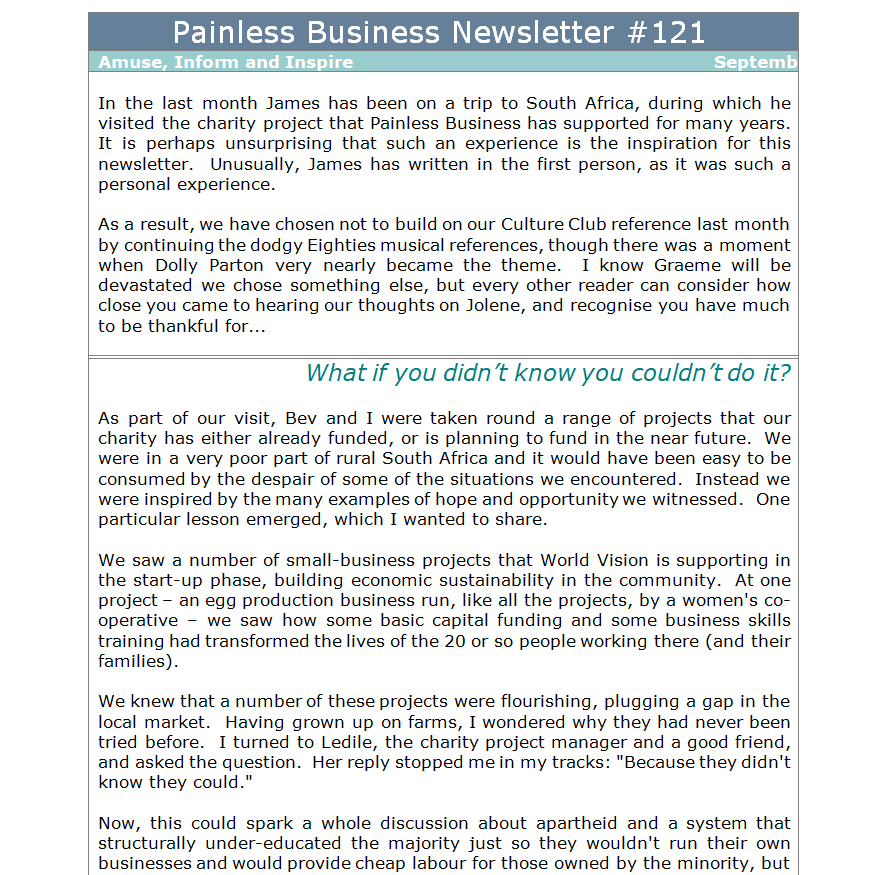
Business Newsletter Article Example Doc
Newsletter Template for School Students
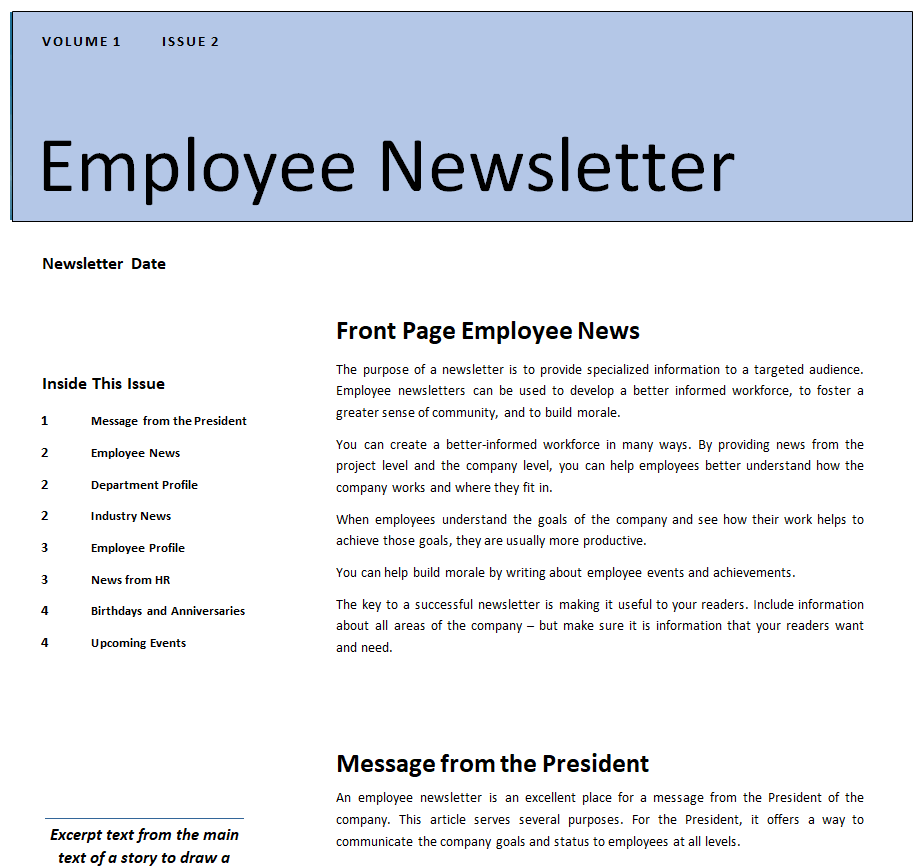
Employee Newsletter Template in Doc Format
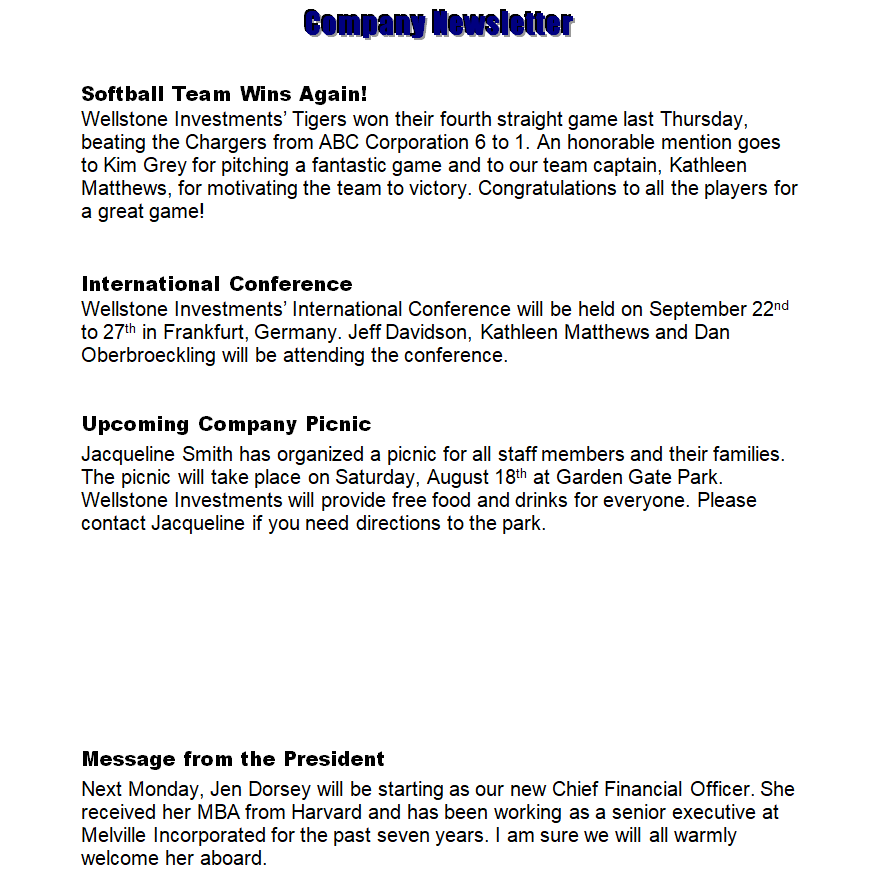
Simple Company Newsletter Template
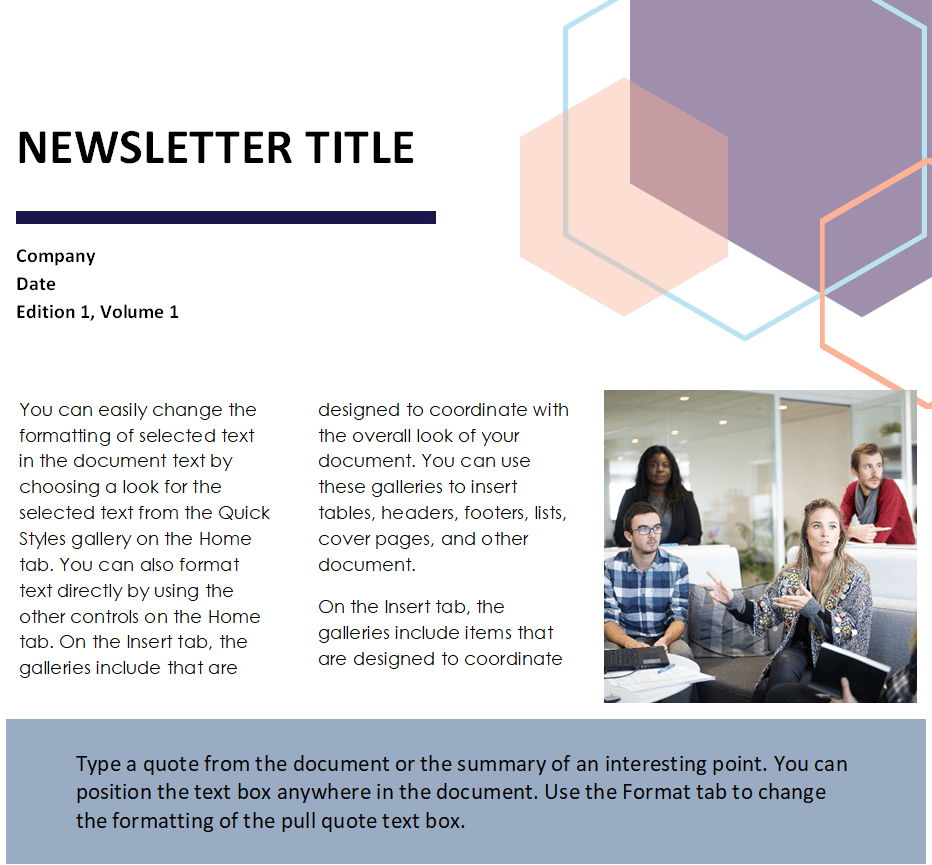
IT Company Newsletter Sample MS WORD
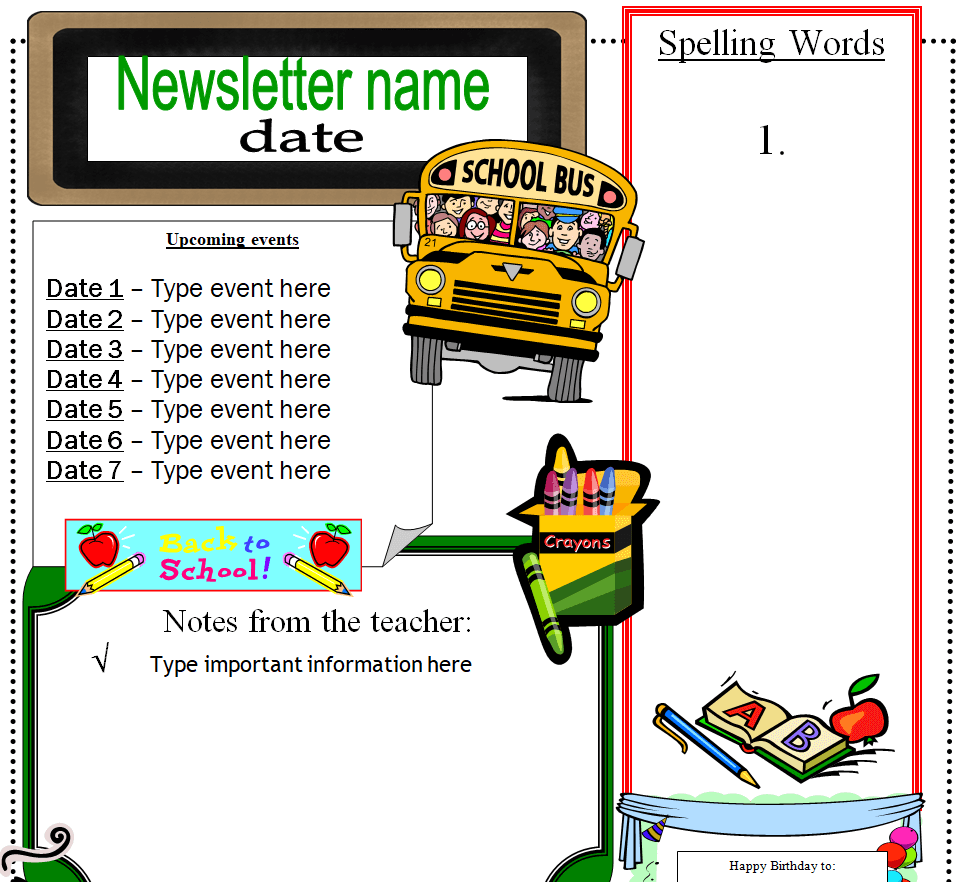
Official School Newsletter Template
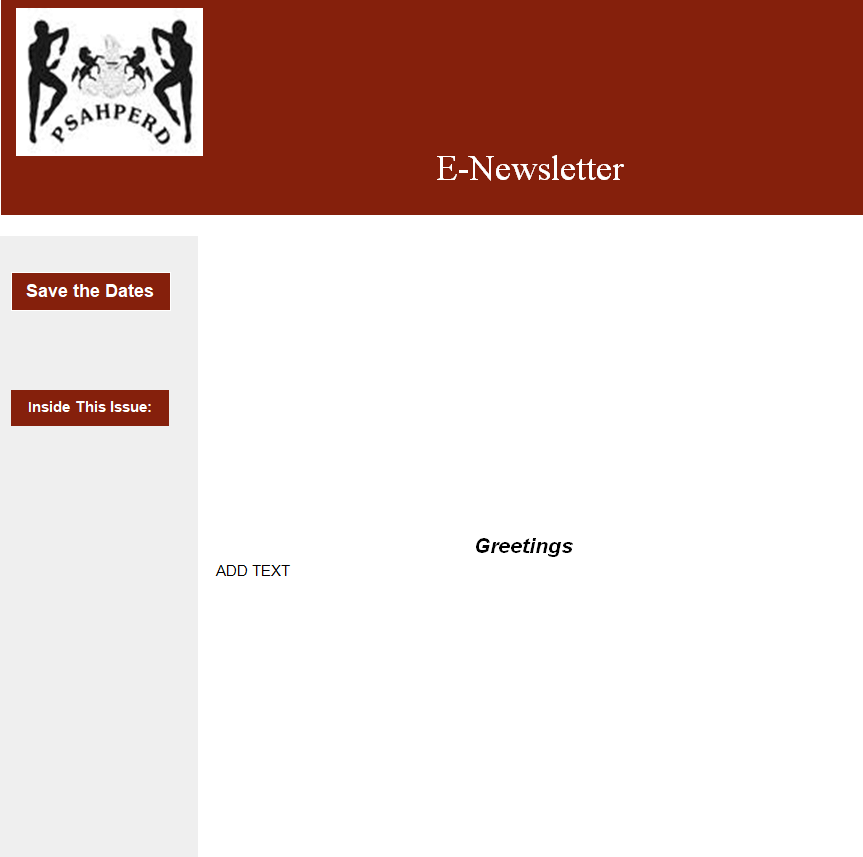
Blank E-Newsletter Template Word
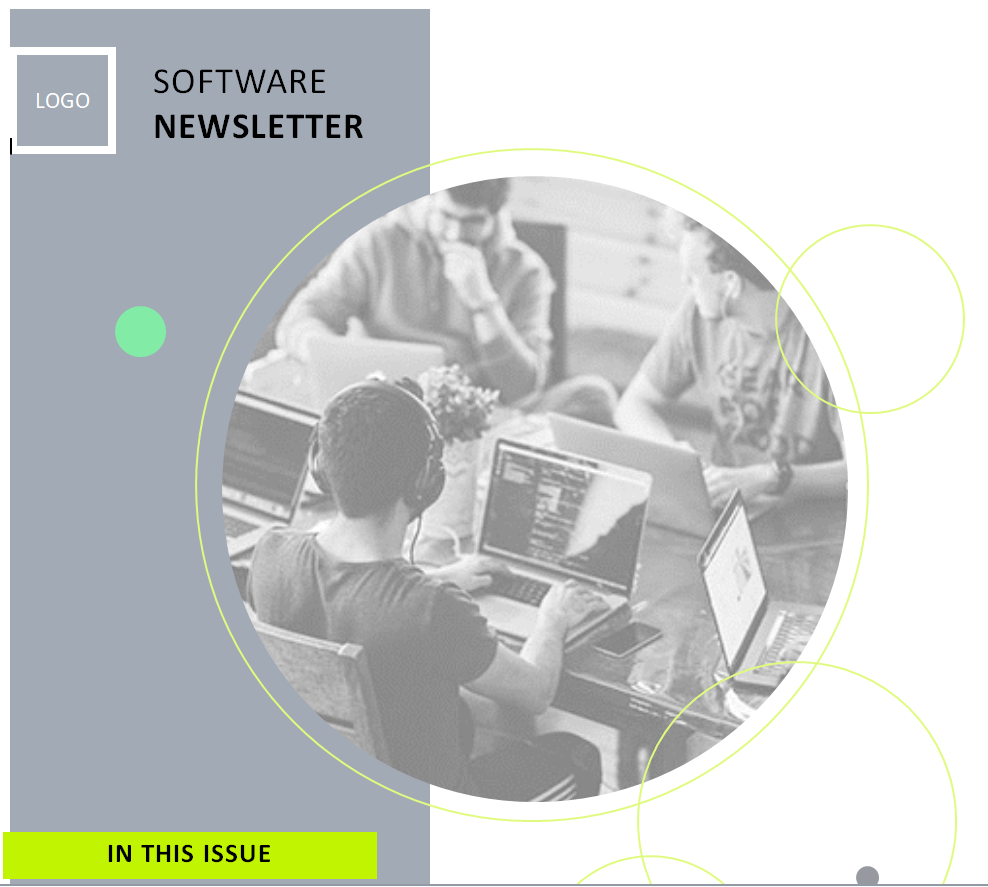
Sample Software Newsletter Word Template
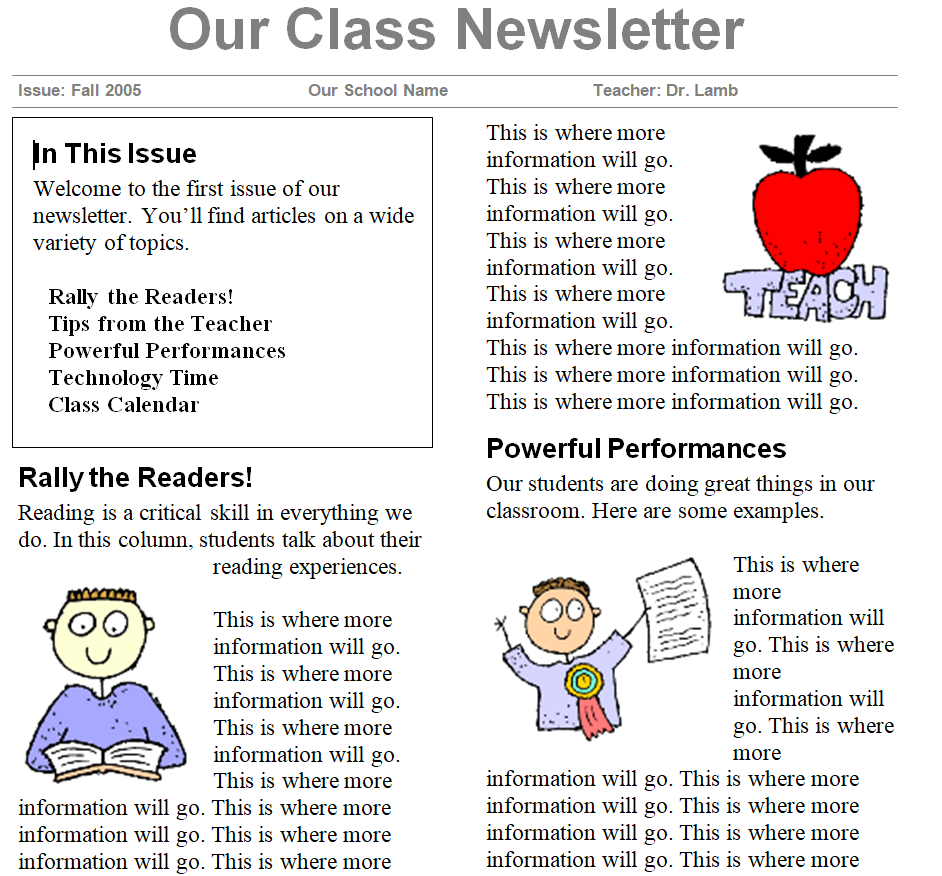
Class Newsletter Template
Preschool Newsletter Template Word
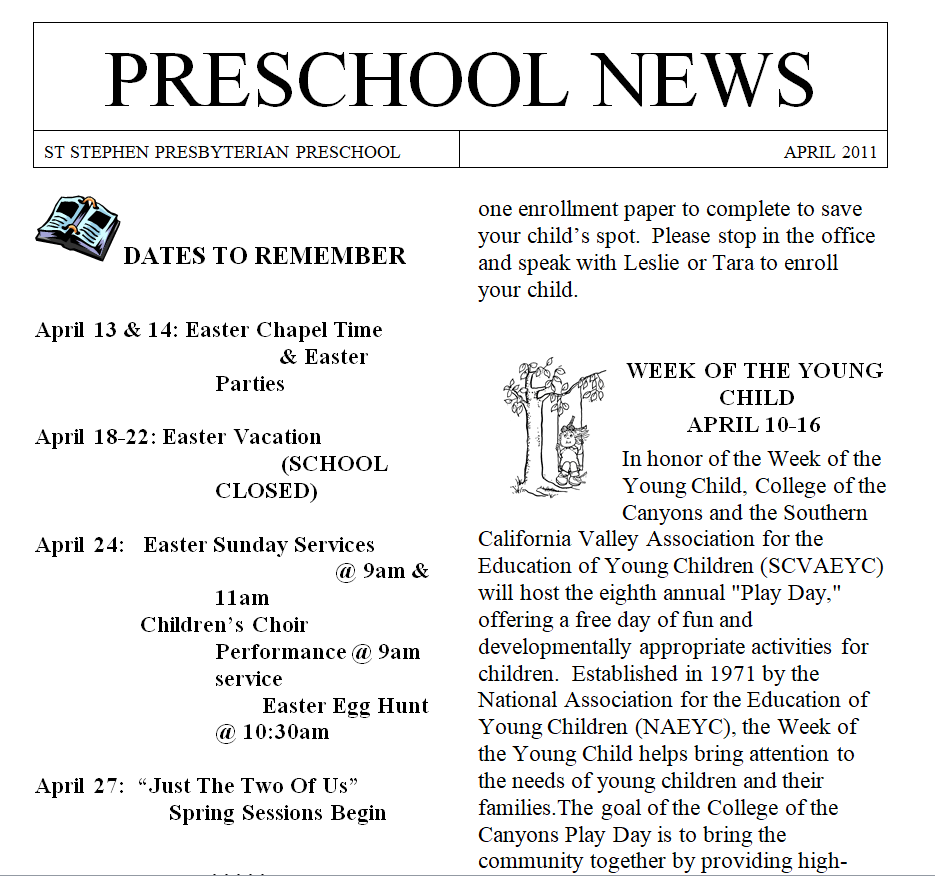
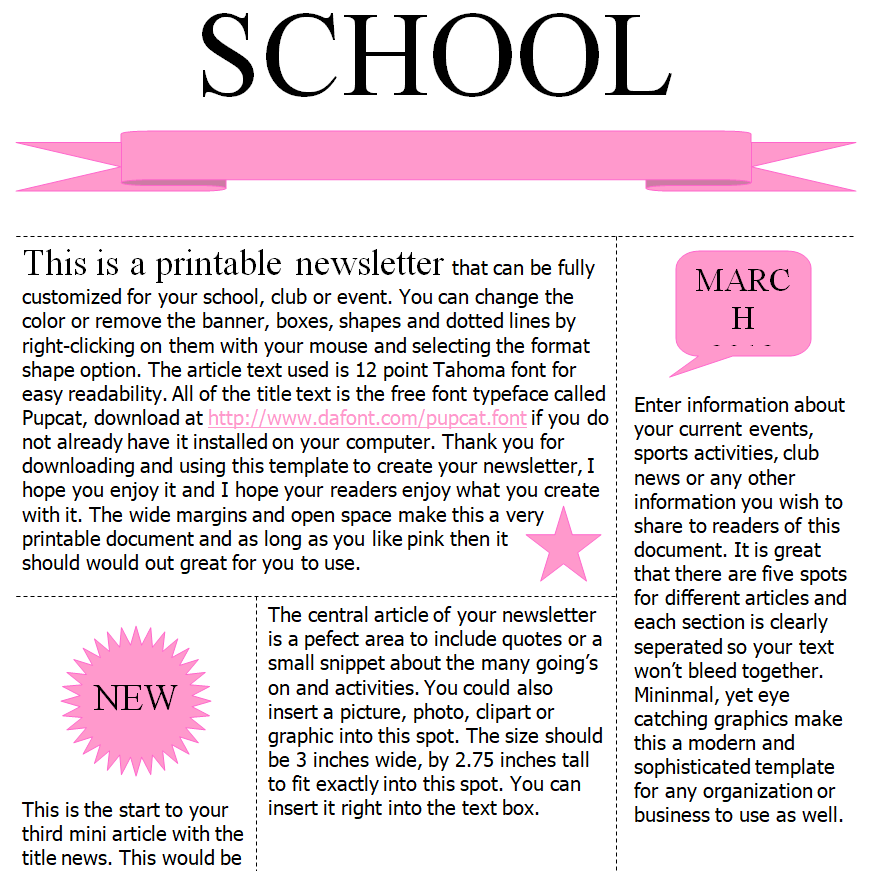
Catchy School Newsletter Template

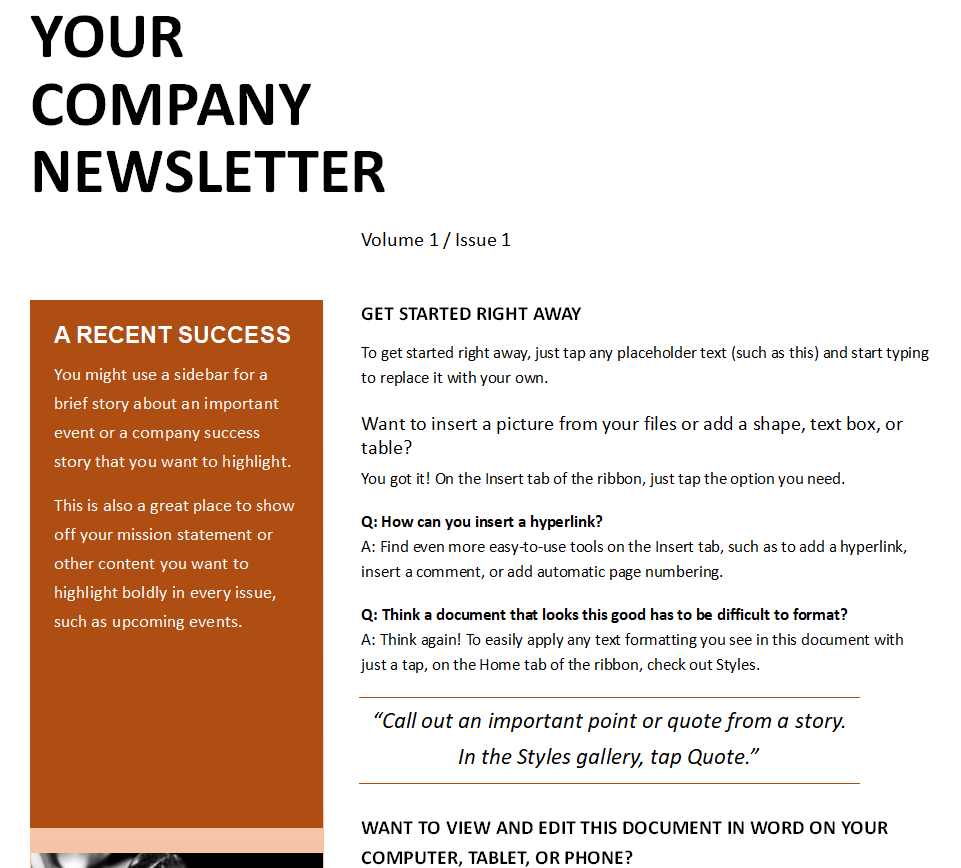
Professional Company’s Newsletter Template Doc
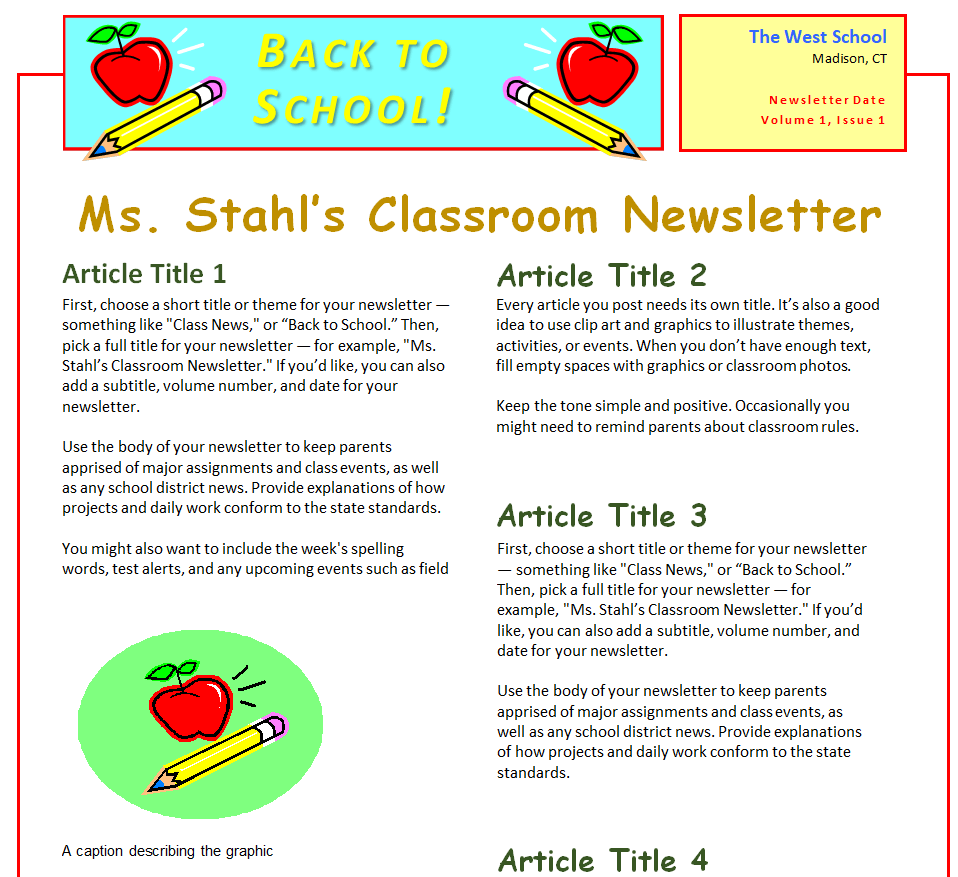
Class Teacher’s School Newsletter Example
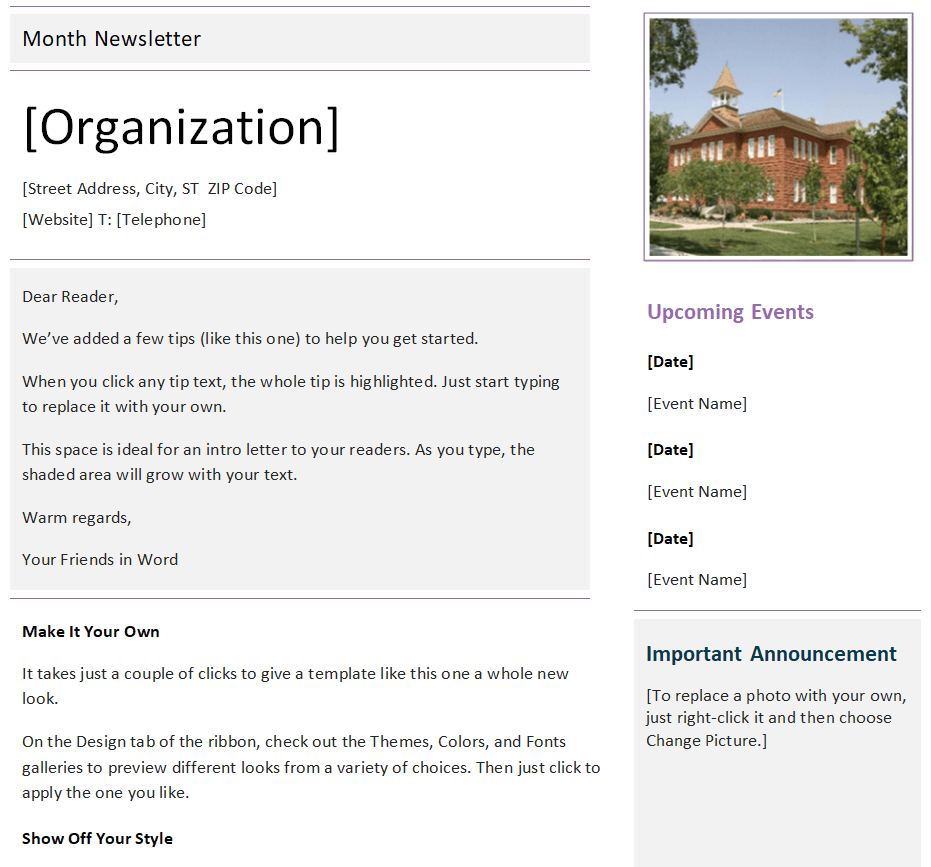
Organization’s Monthly Newsletter Word Template
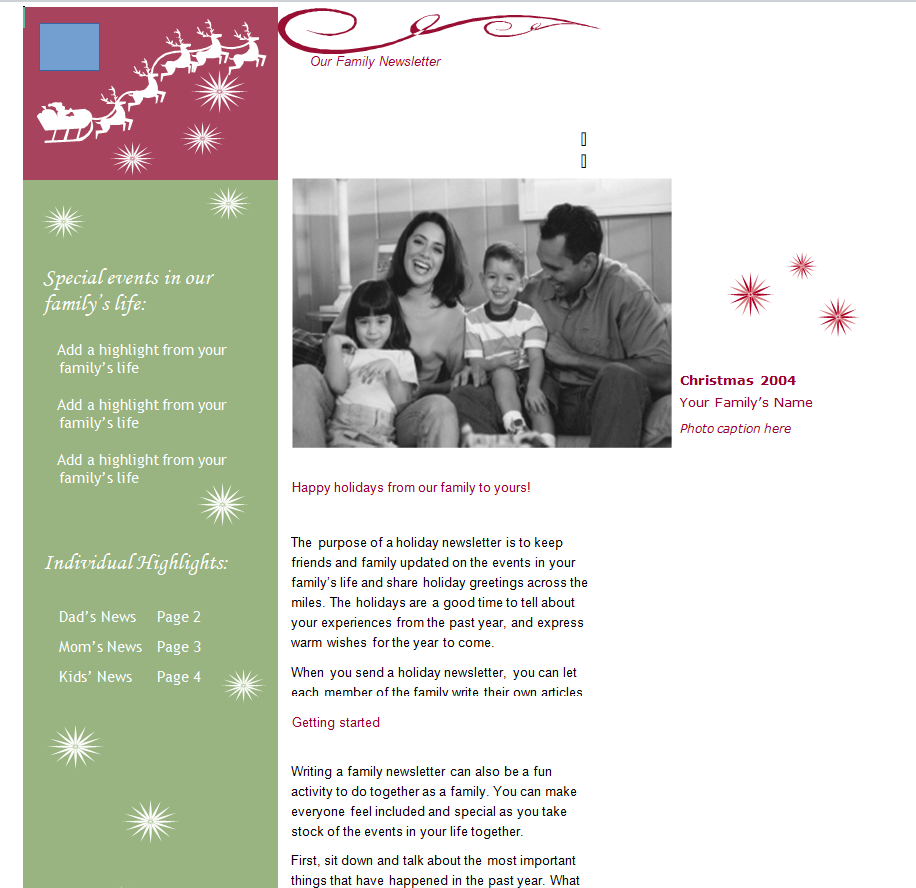
Customizable Family’s Newsletter Template Word
Five Habits of Newsletters People Actually Read
- Stick to a schedule. Monthly or weekly, but consistent.
- Write headlines that say something. “Science Fair Moves to May 12” beats “Science Fair Update.”
- Use real photos of your people and events.
- Keep it to one or two pages. Link to longer details instead of printing them.
- Save it as a PDF before emailing so the layout stays intact on every device.
Want a different style? Our family newsletter templates suit holiday letters, while newspaper templates give a classic front-page look. For one-page summaries of a program or product, try a fact sheet, and for longer publications see the magazine templates.
Frequently Asked Questions
How often should I send a newsletter?
Monthly works for most schools, companies and clubs. Busy classrooms often send a short weekly update instead.
Can I email a Word newsletter?
Yes. Save it as a PDF and attach it, or copy the content into your email platform. PDFs keep the design intact.
How long should a newsletter be?
One to two pages for print, or a few short sections for email. Shorter newsletters get read more often.
Are these templates free for school use?
Yes. All the templates here are free to download and customize for schools, businesses and personal use.

You must be logged in to post a comment.