

Technology readers are a demanding audience. They notice slow pages, cluttered layouts and broken mobile menus, and they rarely stay long on a site that feels dated. If you are launching a blog about gadgets, software, gaming, programming or tech news, the theme you choose shapes first impressions before readers even get to your reviews and tutorials.
This page collects tech blog themes for WordPress, ranging from magazine-style news layouts to clean, minimal designs suited to tutorials and long-form reviews. Below the gallery you will find a practical guide to the features that matter most for technology content, how to keep a theme fast and secure, and what to set up once your new design is live.
Choosing a Layout for Your Kind of Tech Content
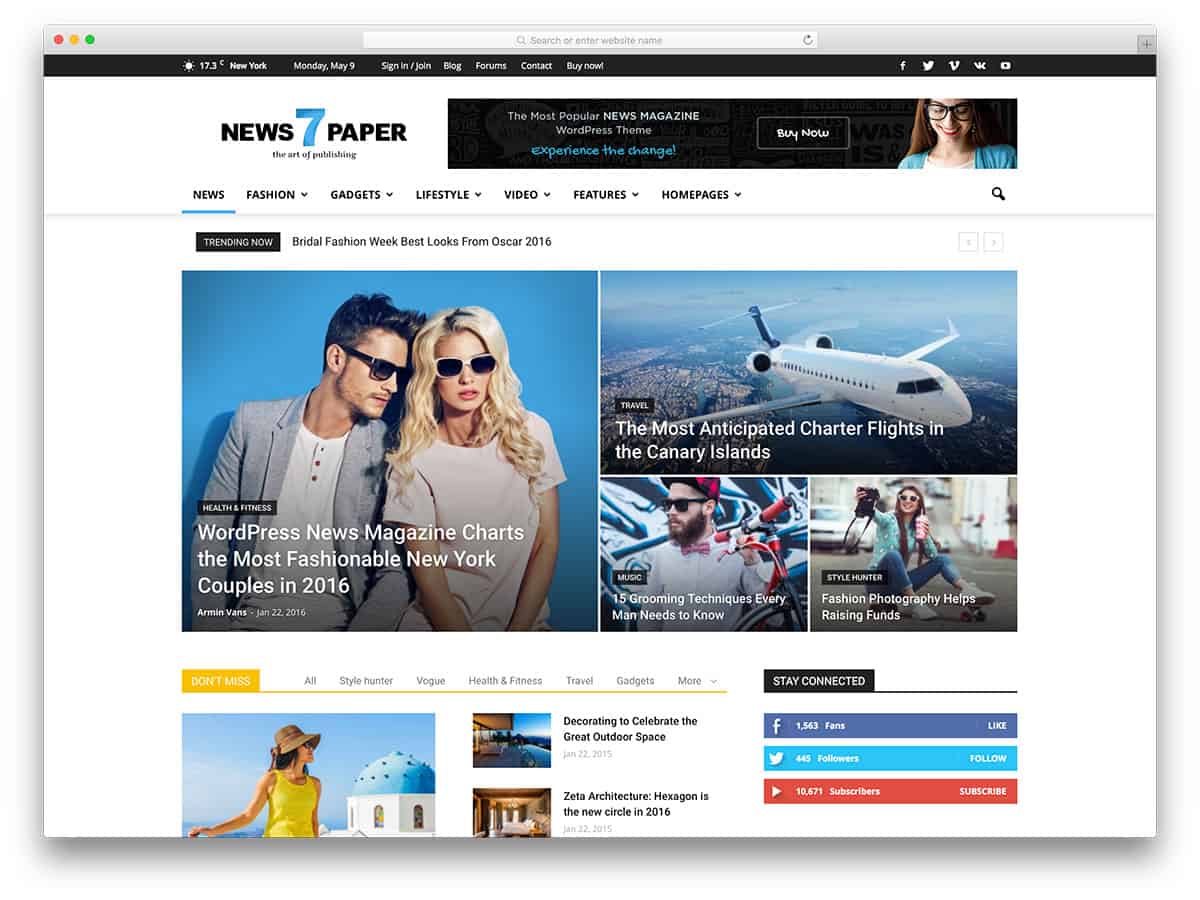
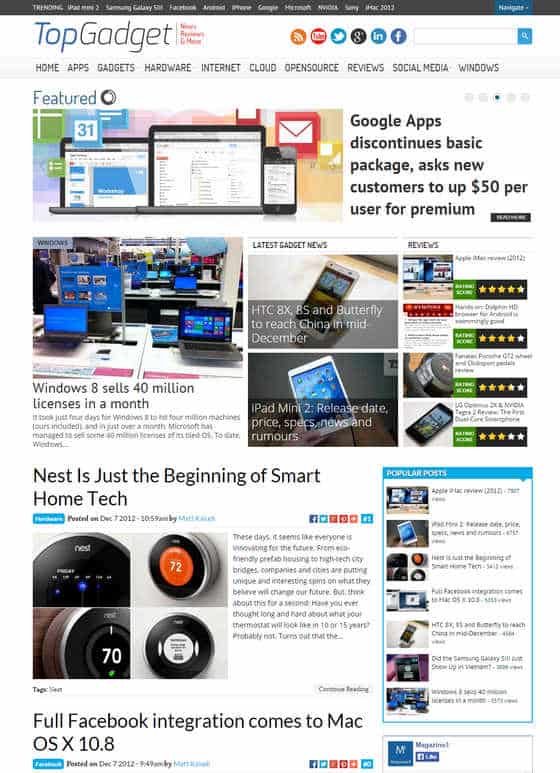
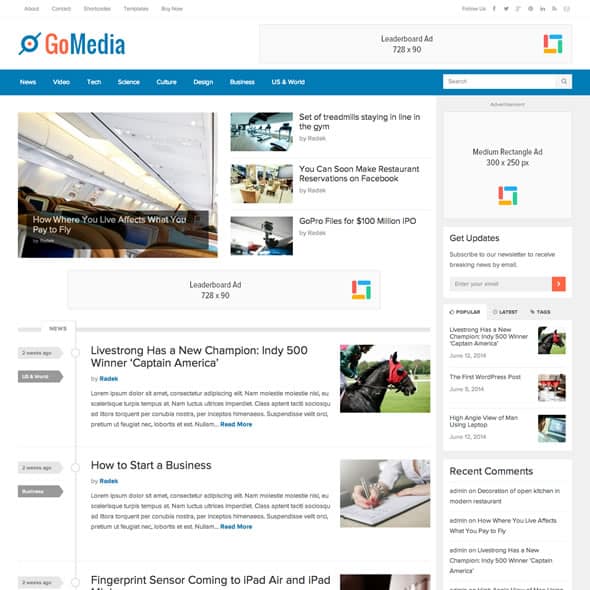
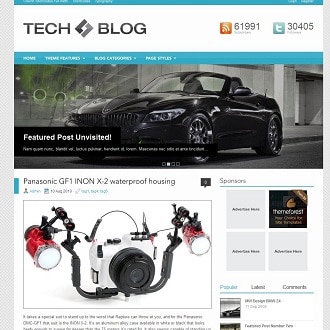
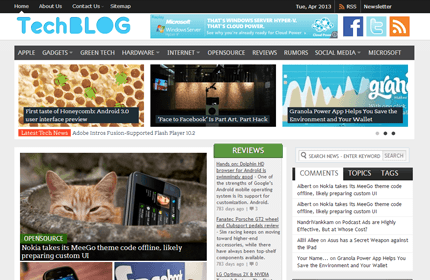
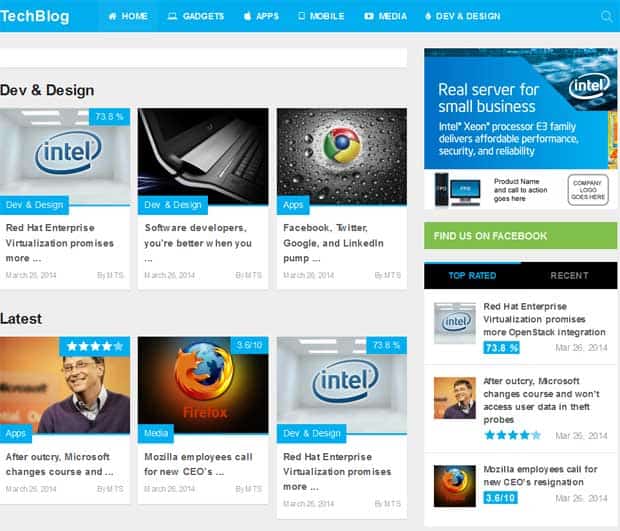
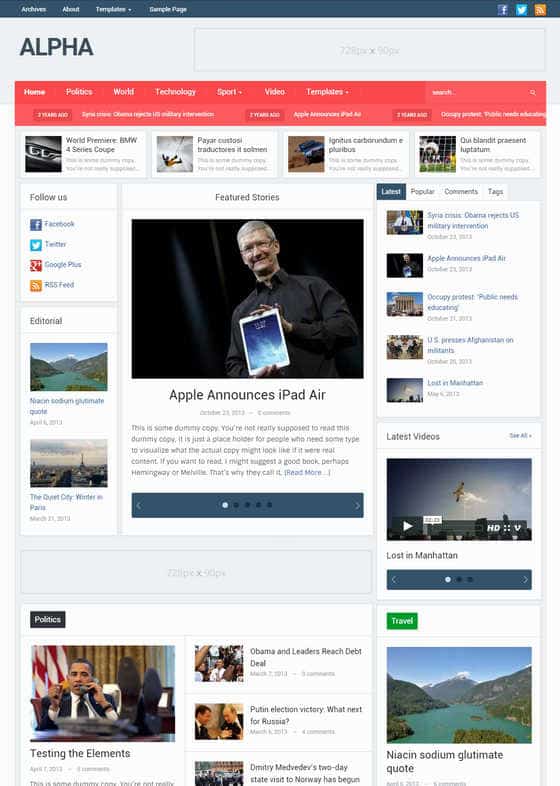
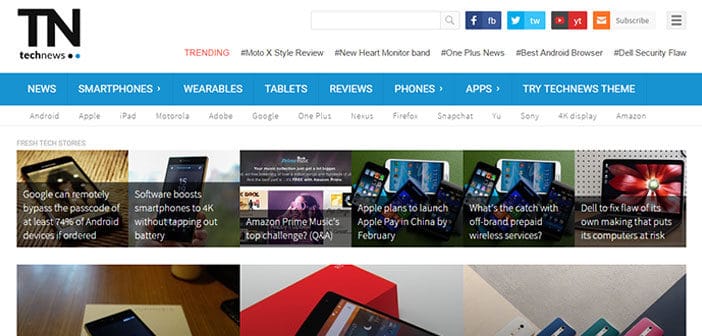
Different tech blogs need different structures. A news site publishing several short posts a day benefits from a magazine layout with a featured story area, category blocks and a “latest” feed so returning readers can scan what is new. A review site needs room for large product images, specification tables, pros and cons boxes and a clear score or verdict. A tutorial or coding blog works best with a wide, uncluttered content column, readable code blocks and a table of contents for longer guides.
Before you browse, write down the three or four types of post you will publish most often and check how each theme demo handles them. A theme that looks spectacular on its home page may be awkward for a 3,000-word tutorial with screenshots and code samples.
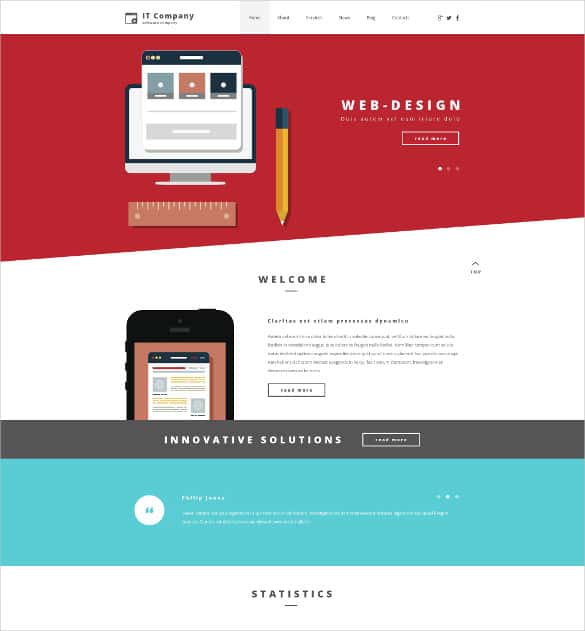
About these themes and links: The designs shown here were created by independent theme developers. Some links go to free themes, others to premium marketplaces (one uses an affiliate link) or to roundup articles listing several themes. One original page is no longer available and its link has been removed. Several of these themes were released years ago, so check that any theme you choose is still maintained, compatible with the current version of WordPress and PHP, and downloaded from the developer or official directory rather than unofficial “free” copies of premium themes, which can contain malicious code.
Tech Blog Themes to Explore













How to Compare Themes Fairly
Theme demos are designed to impress, with perfect photos, carefully written headlines and every feature switched on. Your real site will look different, so compare themes using your own content wherever possible. Most developers offer a free version or a demo import; install two or three candidates on a staging site, add a few of your real posts, and see which one presents them best.
Pay attention to the details that are easy to miss in a demo. How does the theme handle a post with no featured image? What happens to very long titles? Are author boxes, related posts and comment sections laid out clearly? Does the mobile menu remain usable when you have ten or more categories? These everyday situations matter far more than a striking home page slider.
Check the developer’s track record as well. Look at when the theme was last updated, how quickly support questions are answered, and whether the documentation is clear. A theme is a long-term relationship; switching later is possible but takes time, so it pays to choose a developer who is likely to keep the theme compatible with future updates.
Finally, think about monetisation from the start. If you plan to run display ads, affiliate links or sponsored reviews, make sure the theme has sensible places for them and that ads will not push your content below the fold on mobile. Clear disclosure of affiliate links and sponsorships is also expected in many countries, so leave space for a short notice near the top of relevant posts.
Features That Matter for Technology Blogs
- Speed. Tech readers are quick to leave slow pages. Look for themes with lightweight code, few bundled sliders and good results in page speed tests.
- Readable code blocks. If you publish tutorials, check that the theme styles
preandcodeelements clearly, or works well with a syntax highlighting plugin. - Review elements. Score boxes, pros and cons lists and comparison tables can be built in or added with blocks; make sure they look good on mobile.
- Dark mode support. Many tech readers prefer darker interfaces, so a theme with a well-designed dark option or easy colour controls is a plus.
- Clean typography. Comfortable line length and font size matter for long tutorials and in-depth reviews.
- Block editor compatibility. Modern themes should work smoothly with the block editor so you can build layouts without custom code.
- Accessibility. Good contrast, keyboard navigation and proper heading structure help all readers, including those using assistive technology.
Keeping Your Theme Fast and Secure
Install themes only from the official theme directory or directly from the developer. So-called “nulled” or cracked copies of premium themes are a common source of malware and spam links, and they do not receive updates. Once your theme is installed, keep it, your plugins and WordPress itself up to date, and remove any themes you are not using.
For speed, compress images before uploading, use modern formats where supported, and add a caching plugin if your host does not provide caching. Limit the number of plugins to those you actually need. Ad scripts and social widgets are frequent causes of slow pages, so test your site with and without them to see their real impact.
Finally, use a child theme for any code changes. Edits made directly to a parent theme are lost when it updates, while a child theme keeps your customisations safe.
Setting Up After You Install
With your new theme active, spend some time on structure before publishing more posts. Create a small set of clear categories, such as Reviews, Guides, News and Opinion, and add them to your main menu. Set a logo and favicon, choose your accent colour, and configure the home page layout so your best content appears first.
Next, install a reputable SEO plugin and set your title format and meta descriptions. Our guide to SEO friendly blog templates covers many of the same principles, from heading structure to page speed. Track your progress monthly with an SEO report template so you can see which reviews and tutorials bring in readers.
Finally, think about how readers will come back. An email newsletter featuring your best posts each week builds a loyal audience that does not rely on search engines or social media algorithms.
Other Theme Collections Worth a Look
If your tech site leans heavily on video, such as unboxings and walkthroughs, our video WordPress themes are designed around embedded media. For community-driven sites where readers submit links or articles, content sharing themes offer voting, user profiles and submission forms.
Frequently Asked Questions
Are these tech blog themes free?
Some are free and others are premium. A few links lead to roundup articles listing several options. Check the price, licence and support terms on each developer’s page.
Is it safe to download premium themes for free from other sites?
No. Unofficial copies of premium themes often contain malware, hidden links or backdoors. Always get themes from the official directory or the original developer.
Will an older theme still work?
Possibly, but themes that have not been updated for a long time may break with newer software versions or lack modern features. Test in a staging site and prefer actively maintained themes.
What is the best layout for a tech review blog?
A layout with wide content space, large images and support for review elements such as scores and comparison tables. A sidebar is optional; many review sites now use full-width posts.
Do I need a child theme?
Only if you plan to edit theme files or add custom code. For changes made through the customiser or block editor, a child theme is not required.

